SOM-203100Bluetooth wireless headset
VXI Corporation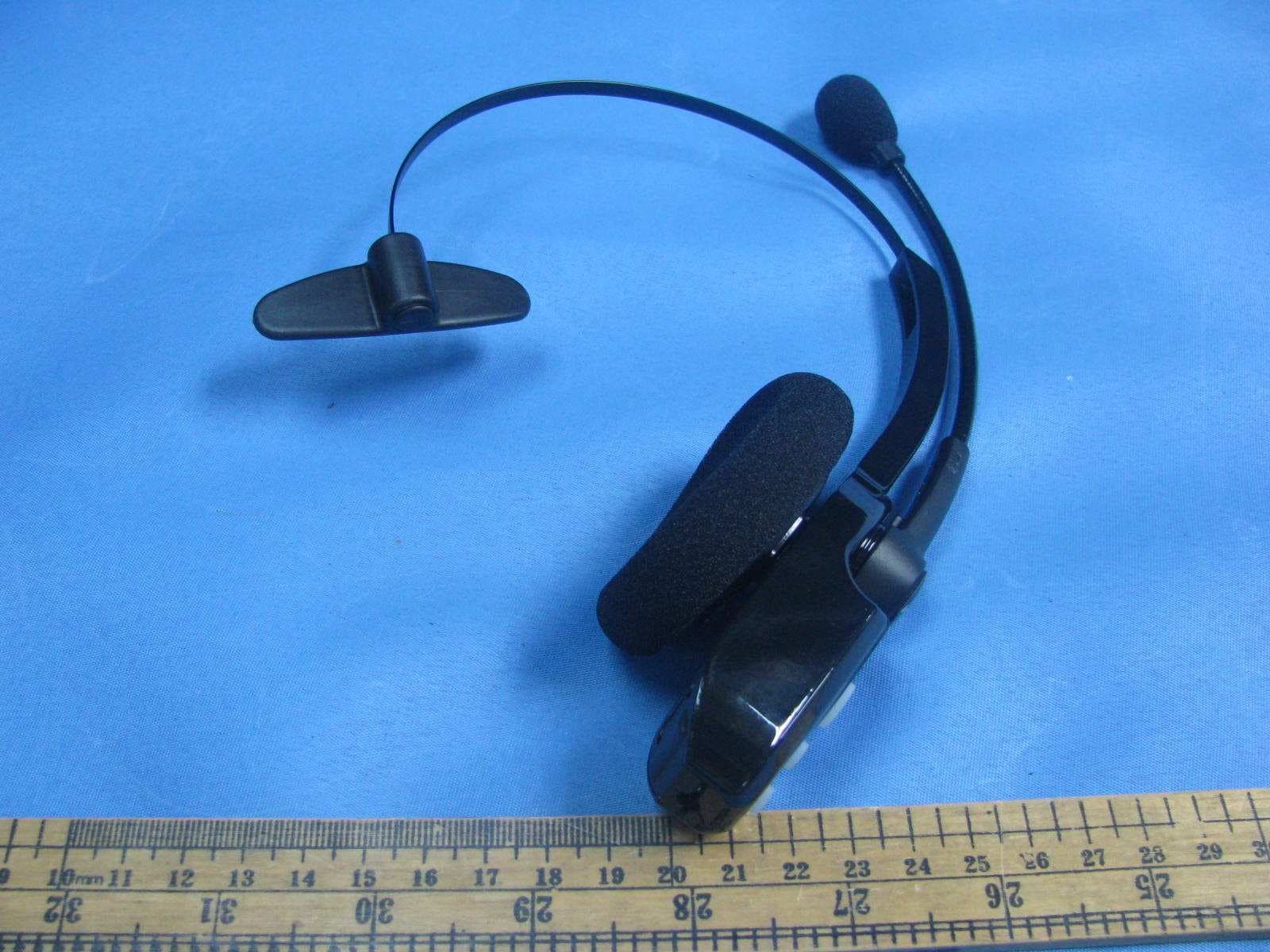
Click to zoom
Application Details
- Equipment Class
- DXX - Part 15 Low Power Communication Device Transmitter
- Date of Grant
- Nov 20, 2011
- Application Purpose
- Original Equipment
- Date of Application
- Nov 20, 2011
- Equipment Note
- Bluetooth wireless headset
- Frequency Range
- 2402.00000000 - 2480.00000000
- Company
- VXI Corporation
- Country
- United States
Documents & Files
Document Text
Text extracted from the exhibit documents filed with the FCC. Open a document above to read the original.
Users Manual
Compatible with most Bluetooth phones & Bluetooth enabled computers (Windows ® or Macintosh ® ) USER GUIDE 203110A_B250-XT+_UserGuide_08-26-11.indd 18/26/2011 4:58:47 PM 203110A_B250-XT+_UserGuide_08-26-11.indd 28/26/2011 4:58:47 PM 3 TABLE OF CONTENTS VXi BlueParrott ® B250-XT+ User Guide 3 4 Package Contents 5 Safety Instructions/ Glossary 6 Charging the Headset 7 Battery Power Indicators 8 Headset Controls 9 On/Off/Standby 10 Pairing with a Phone 11 Pairing with a Computer 12 Multiple Device Pairing 13 Multipoint Mode 15 Proximity Pairing 16 Microphone Positioning 17 Making a Call 18 Answering a Call 19 Operation While Using the Charger/Adapter 20 Additional Functions Last Number Redial Rejecting a Call Voice Dial Transfer Audio Turn Indicator Lights On/Off Automatic Bluetooth Connection 22 Reset Paired Devices List 23 Call Waiting/ Rejecting a Call 24 Specifications 25 Functions & Indicators 29 Warranty 30 FCC Notice to Users 31 IC Notice to Canadian Users 203110A_B250-XT+_UserGuide_08-26-11.indd 38/26/2011 4:58:47 PM VXi BlueParrott ® B250-XT+ User Guide 4 PACKAGE CONTENTS 1 2 45 1. B250-XT+ Wireless Headset with Leatherette Ear Cushion 2. Windscreen 3. Foam Ear Cushion 4. Auto (DC) Charger 5. AC Charger 6. User Guide (not shown) 3 203110A_B250-XT+_UserGuide_08-26-11.indd 48/26/2011 4:58:56 PM 5 VXi BlueParrott ® B250-XT+ User Guide SAFETY INSTRUCTIONS / GLOSSARY SAFETY INSTRUCTIONS • Avoid hearing damage. Set volume at lowest comfortable level. If you experience ringing in your ears or voices sound muffled, stop using the headset. Avoid turning up volume to block noisy surroundings (it’s possible to adapt to volume that is too high). • Check with local and state laws regarding cell phone/headset usage while operating a motor vehicle. • Do not immerse any part of this product in water. • Plastic bags and small parts may cause choking if ingested. Keep them away from small children and pets. • Use only the power cords included with this product. • Avoid temperatures exceeding 140° F (will cause equipment failure). GLOSSARY OF TERMS On: Headset is on, but there is no connection to the phone (red light will flash). MFB: Abbreviation for “Multifunction Button.” Multipoint Mode: Multipoint Mode allows you to pair and switch between two Bluetooth devices. Paired: Two Bluetooth devices agree to communicate with one another. Standby Mode: Headset is on, Bluetooth link is active, and the user is not on a call (blue light will flash). Talk Mode: Headset is in use with the cell phone while the cell phone is on an active call (blue light will flash). 203110A_B250-XT+_UserGuide_08-26-11.indd 58/26/2011 4:58:57 PM VXi BlueParrott ® B250-XT+ User Guide 6 CHARGING THE HEADSET Connect charger cord into the headset’s charging port. The MFB’s indicator light may turn green for several seconds while the headset determines the level of charge the battery is holding. Do not remove the headset from the charger. If the headset is not fully charged, the indicator will turn RED within a short period (less than 3 minutes). When the indicator turns green—and stays green—the unit is fully charged. A fully discharged battery will need approximately 3.5 hours to achieve a complete charge. AC Charger Headset Charging Port Auto (DC) Charger 203110A_B250-XT+_UserGuide_08-26-11.indd 68/26/2011 4:58:58 PM 7 BATTERY POWER INDICATORS While charging, the MFB’s indicator light shows the level of battery power on your B250-XT+ as follows: Green light: Fully charged. Over 20 hours’ talk time. Green & red lights together: Approximately 60 seconds away from full charge. Red light: Less than a full charge. For best performance, keep charging headset when not in use. VXi BlueParrott ® B250-XT+ User Guide Indicator Light 203110A_B250-XT+_UserGuide_08-26-11.indd 78/26/2011 4:58:58 PM 8 VXi BlueParrott ® B250-XT+ User Guide 8 HEADSET CONTROLS Volume Increase: Quickly press and release the Volume Up/Mute button. Repeat until desired volume is attained. Volume Decrease: Quickly press and release the Volume Down button. Repeat until desired volume is attained. Microphone Mute/Un-Mute Hold down the Volume Up/Mute button for 2 seconds until you hear a beep. A mute reminder beep will be heard every 10 seconds. Repeat to un-mute. Multifunction Button (MFB) & Indicator Lights Volume Up / Mute Volume Down 203110A_B250-XT+_UserGuide_08-26-11.indd 88/26/2011 4:58:58 PM 9 ON / STANDBY / OFF VXi BlueParrott ® B250-XT+ User Guide Turn Headset On: Hold down the MFB for approximately 2-3 seconds until you hear a voice prompt, “Power on.” The red light will flash once every second. Standby Mode: Once the headset is turned on (after the initial pairing), it will attempt to connect to the last device that it was paired with, putting itself into standby mode. (The headset can also be put into standby mode with a quick press and release of the MFB). The blue light will flash indi- cating an active Bluetooth link. The headset will have a voice prompt, “Your headset is connected.” Turn Headset Off (conserves battery power): Hold down the MFB for approximately 2-3 seconds until you hear a voice prompt, “Power off.” A red light will flash 4 times and the headset will turn off. 203110A_B250-XT+_UserGuide_08-26-11.indd 98/26/2011 4:58:59 PM VXi BlueParrott ® B250-XT+ User Guide 10 PAIRING WITH A PHONE Keep headset and phone no less than 3 inches and no more than 3 feet apart while pairing. Keep other Bluetooth devices at least 50 feet away, or turn them off. NOTE: The headset can be paired with up to 8 different devices but can only be connected to one at a time. It can only switch back and forth between 2 devices in Multipoint Mode. 1. Turn headset off (page 9). 2. Hold down the headset’s MFB until the lights flash, alternating red and blue, and you hear 2 rising tones, followed by 4 more tones. IMPORTANT: Wait for all tones and for both lights to flash, alternating red and blue. This may take up to 15 seconds. Release the MFB. 3. Put your cellular phone i…
Text truncated - open the document above for the full version.
Cover Letter(s)
FCC ID: SOM-203100 Nov 1, 2011
External Photos
External Photos
Internal Photos
Internal Photos
Test Report
A Att 20 dB * Ref 10 dBm 1 PK MAXH 1 MHz/Center 2.402 GHzSpan 10 MHz * * 3DB RBW 100 kHz VBW 300 kHz SWT 2.5 ms -90 -80 -70 -60 -50 -40 -30 -20 -10 0 10 1 Marker 1 [T1 ] 2.12 dBm 2.401980000 GHz ndB [T1] 20.00 dB BW 1.360000000 MHz T1 Temp 1 [T1 ndB] -16.73 dBm 2.401320000 GHz T2 Temp 2 [T1 ndB] -19.18 dBm 2.402680000 GHz A Att 20 dB * Ref 10 dBm 1 MHz/Center 2.48 GHzSpan 10 MHz * * 3DB RBW 100 kHz VBW 300 kHz SWT 2.5 ms 1 PK MAXH -90 -80 -70 -60 -50 -40 -30 -20 -10 0 10 1 Marker 1 [T1 ] 0.90 dBm 2.479980000 GHz ndB [T1] 20.00 dB BW 1.380000000 MHz T1 Temp 1 [T1 ndB] -20.05 dBm 2.479300000 GHz T2 Temp 2 [T1 ndB] -21.13 dBm 2.480680000 GHz
Test Report
Intertek Testing Services Shenzhen Ltd. Kejiyuan Branch 6F, D Block, Huahan Building, Langshan Road, Nanshan District, Shenzhen, P. R. China Tel: (86 755) 8601 6288 Fax: (86 755) 8601 6751 Website: www.china.intertek-etlsemko.com Oct 31, 2011 VXI Corporation 271 Locust Street, Dover New Hampshire 03820 United States Dear David Geno: Enclosed you will find your file copy of a Part 15 Certification (FCC ID: SOM-203100). For your reference, TCB will normally take another 5 days for reviewing the report. Approval will then be granted when no query is sorted. Please contact me if you have any questions regarding the enclosed material. Sincerely, Shawn Xing Manager Enclosure • The test results reported in this test report shall refer only to the sample actually tested and shall not refer or be deemed to refer to bulk from which such a sample may be said to have been obtained. • This report is for the exclusive use of Intertek's Client and is provided pursuant to the agreement between Intertek and its Client. Intertek's responsibility and liability are limited to the terms and conditions of the agreement. Intertek assumes no liability to any party, other than to the Client in accordance with the agreement, for any loss, expense or damage occasioned by the use of this report. Only the Client is authorized to copy or distribute this report. Any use of the Intertek name or one of its marks for the sale or advertisement of the tested material, product or service must first be approved in writing by Intertek. The observations and test results referenced from this report are relevant only to the sample tested. This report by itself does not imply that the material, product, or service is or has ever been under an Intertek certification program. • For Terms And Conditions of the services, it can be provided upon request. • The evaluation data of the report will be kept for 3 years from the date of issuance. TRF No.: FCC 15C_TXa FCC ID: SOM-203100 Intertek Testing Services Shenzhen Ltd. Kejiyuan Branch 6F, D Block, Huahan Building, Langshan Road, Nanshan District, Shenzhen, P. R. China Tel: (86 755) 8601 6288 Fax: (86 755) 8601 6751 Website: www.china.intertek-etlsemko.com VXI Corporation Application For Certification (FCC ID: SOM-203100) Bluetooth wireless headset Model: B250-XT+ 2.4GHz Transceiver We hereby certify that the sample of the above item is considered to comply with the requirements of FCC Part 15, Subpart C for Intentional Radiator, mention 47 CFR [ 10-1-10] SZ11080526-1 Oct 31, 2011 INTERTEK TESTING SERVICES TRF No.: FCC 15C_TXa FCC ID: SOM-203100 i LIST OF EXHIBITS INTRODUCTION EXHIBIT 1: General Description EXHIBIT 2: System Test Configuration EXHIBIT 3: Emission Results EXHIBIT 4: Equipment Photographs EXHIBIT 5: Product Labelling EXHIBIT 6: Technical Specifications EXHIBIT 7: Instruction Manual EXHIBIT 8: Miscellaneous Information EXHIBIT 9: Test Equipment List INTERTEK TESTING SERVICES TRF No.: FCC 15C_TXa FCC ID: SOM-203100 ii MEASUREMENT/TECHNICAL REPORT VXI Corporation - MODEL: B250-XT+ FCC ID: SOM-203100 Oct 31, 2011 This report concerns (check one:) Original Grant X Class II Change Equipment Type: DXX - Part 15 Low Power Communication Device Transmitter Deferred grant requested per 47 CFR 0.457(d)(1)(ii)? Yes No X If yes, defer until: date Company Name agrees to notify the Commission by: date of the intended date of announcement of the product so that the grant can be issued on that date. Transition Rules Request per 15.37? Yes No X If no, assumed Part 15, Subpart C for intentional radiator − the new 47 CFR [10-1-10 Edition] provision. Report prepared by: Shawn Xing Intertek Testing Services Shenzhen Ltd. Kejiyuan Branch 6F, Block D, Huahan Building, Langshan Road, Nanshan District, Shenzhen, P. R. China Phone: (86 755) 8601 6288 Fax: (86 755) 8601 6751 INTERTEK TESTING SERVICES TRF No.: FCC 15C_TXa FCC ID: SOM-203100 iii Table of Contents 1.0 General Description............................................................................................ 2 1.1 Product Description ............................................................................................ 2 1.2 Related Submittal(s) Grants ............................................................................... 2 1.3 Test Methodology............................................................................................... 3 1.4 Test Facility........................................................................................................ 3 2.0 System Test Configuration ................................................................................. 5 2.1 Justification ........................................................................................................ 5 2.2 EUT Exercising Software.................................................................................... 5 2.3 Special Accessories ........................................................................................... 5 2.4 Equipment Modification ...................................................................................... 5 2.5 Measurement Uncertainty .................................................................................. 6 2.6 Support Equipment List and Description ............................................................. 6 3.0 Emission Results ................................................................................................ 8 3.1Radiated Test Results............................................................................ 9 3.1.1 Field Strength Calculation................................................................................ 9 3.1.2 Radiated Emission Configuration Photograph ................................................ 10 3.1.3 Radiated Emissions....................................................................................... 10 3.1.4 Transmitter Spurious Emissions (Radiated)............................................ 12 3.2 Conducted Emission at Mai…
Text truncated - open the document above for the full version.
Test Setup Photos
Conducted Emission
Test Setup Photos
Radiated Emission
Contact Information
Applicant
David Geno(Electrical Engineer)
Technical Contact
Intertek Testing Services Shenzhen Ltd. Kejiyuan BShawn Xing
[email protected](86-755) 8614 0603
6F, D Block, Huahan Building, Langshan Road · Shenzhen · China
Non-Technical Contact
Intertek Testing Services Shenzhen Ltd. Kejiyuan BShawn Xing
[email protected](86-755) 8614 0603
Test Firm
Intertek Testing Services Shenzhen Ltd.Shawn Xing
Technical Specifications
| # | Rule Parts | Frequency Range | Power Output |
|---|---|---|---|
| 1 | 15C | 2.40 GHz - 2.48 GHz | - |
Other Applications from VXI Corporation
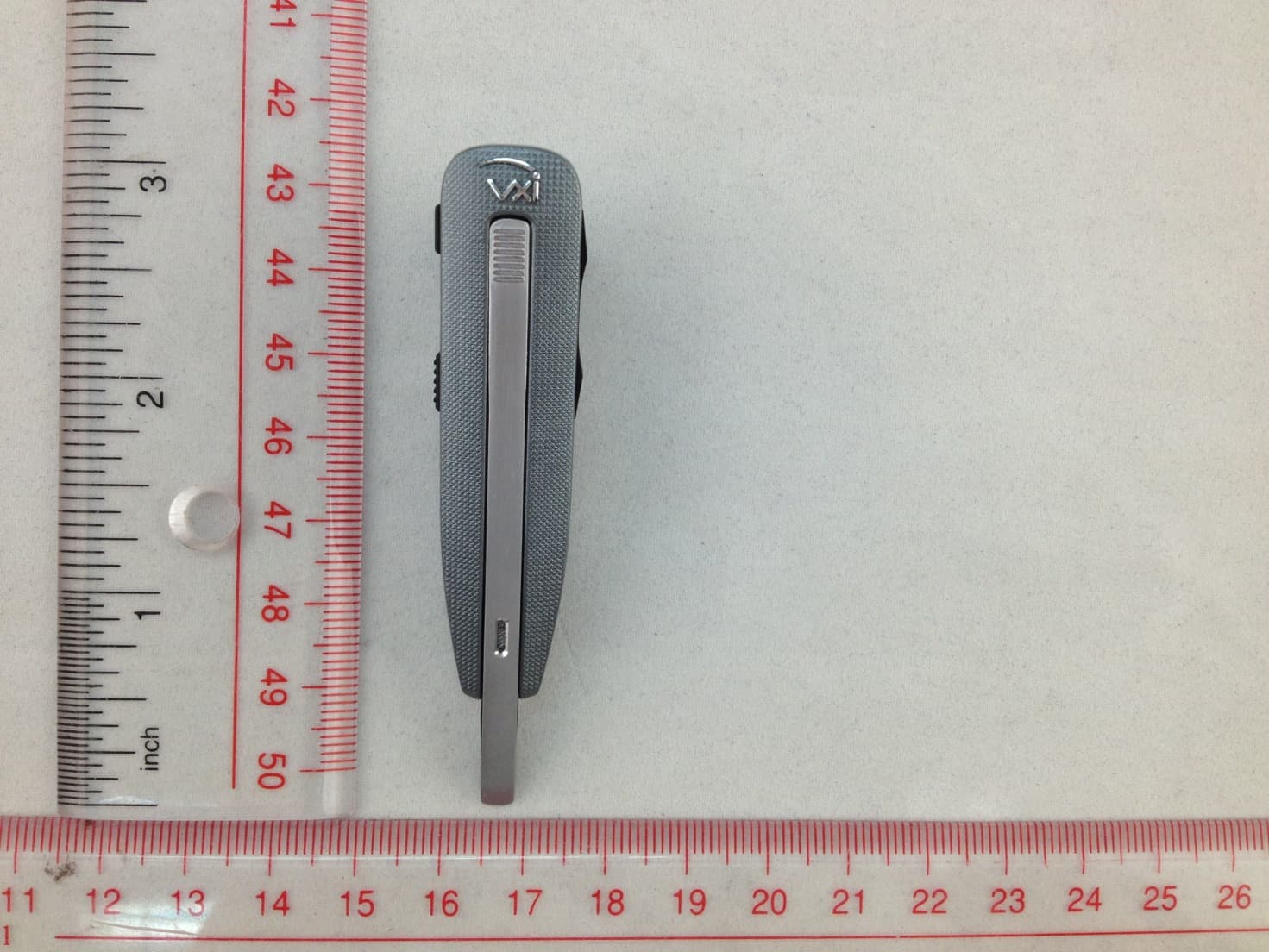
SOM-203535
Aug 11, 2014Bluetooth Headset
Equipment Class
DSS - Part 15 Spread Spectrum TransmitterSOM-203340
Jun 09, 2013Bluetooth Dongle
Equipment Class
DSS - Part 15 Spread Spectrum Transmitter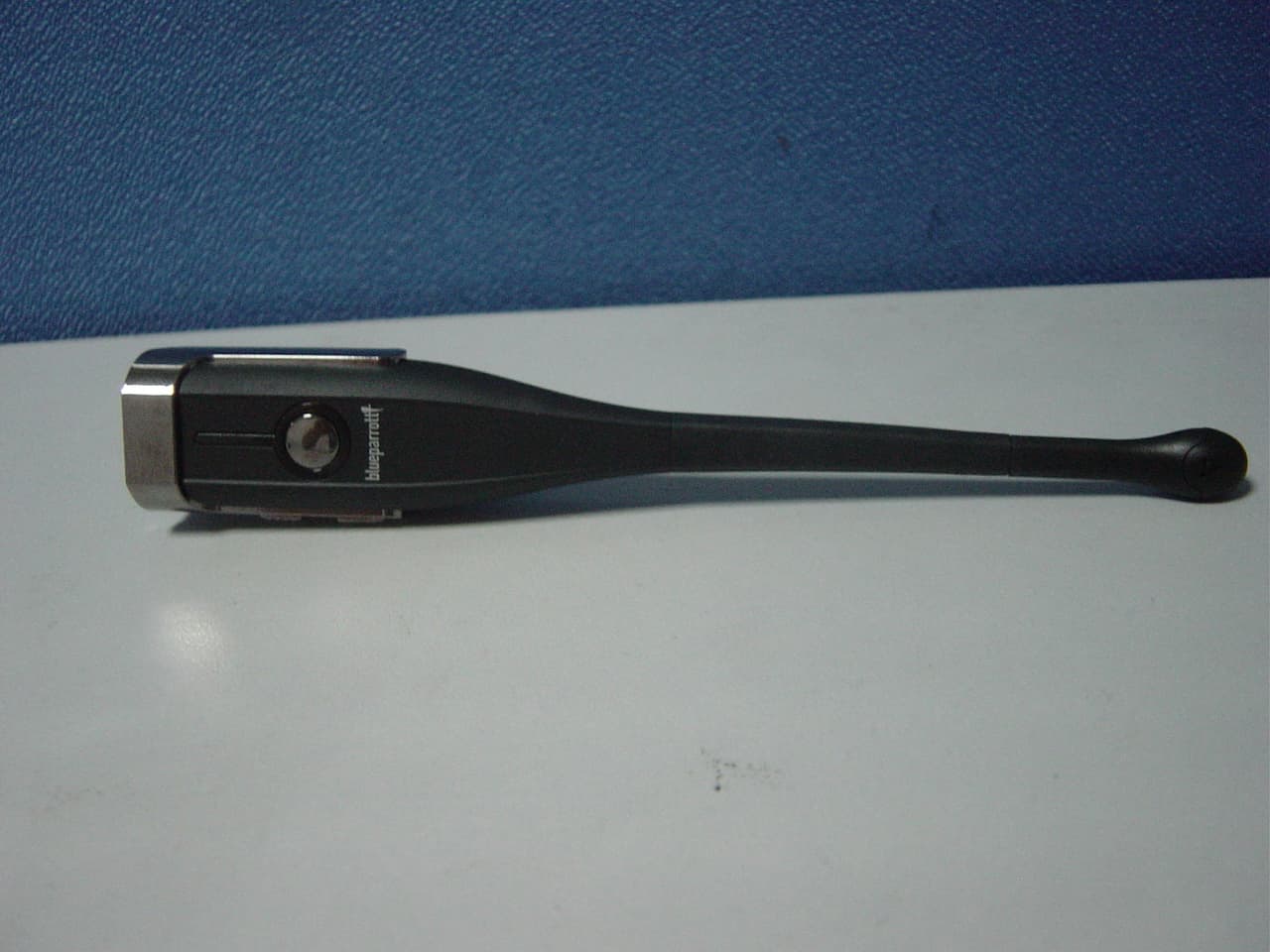
SOM-203099
Aug 31, 2011BLUETOOTH EARPHONE
Equipment Class
DSS - Part 15 Spread Spectrum Transmitter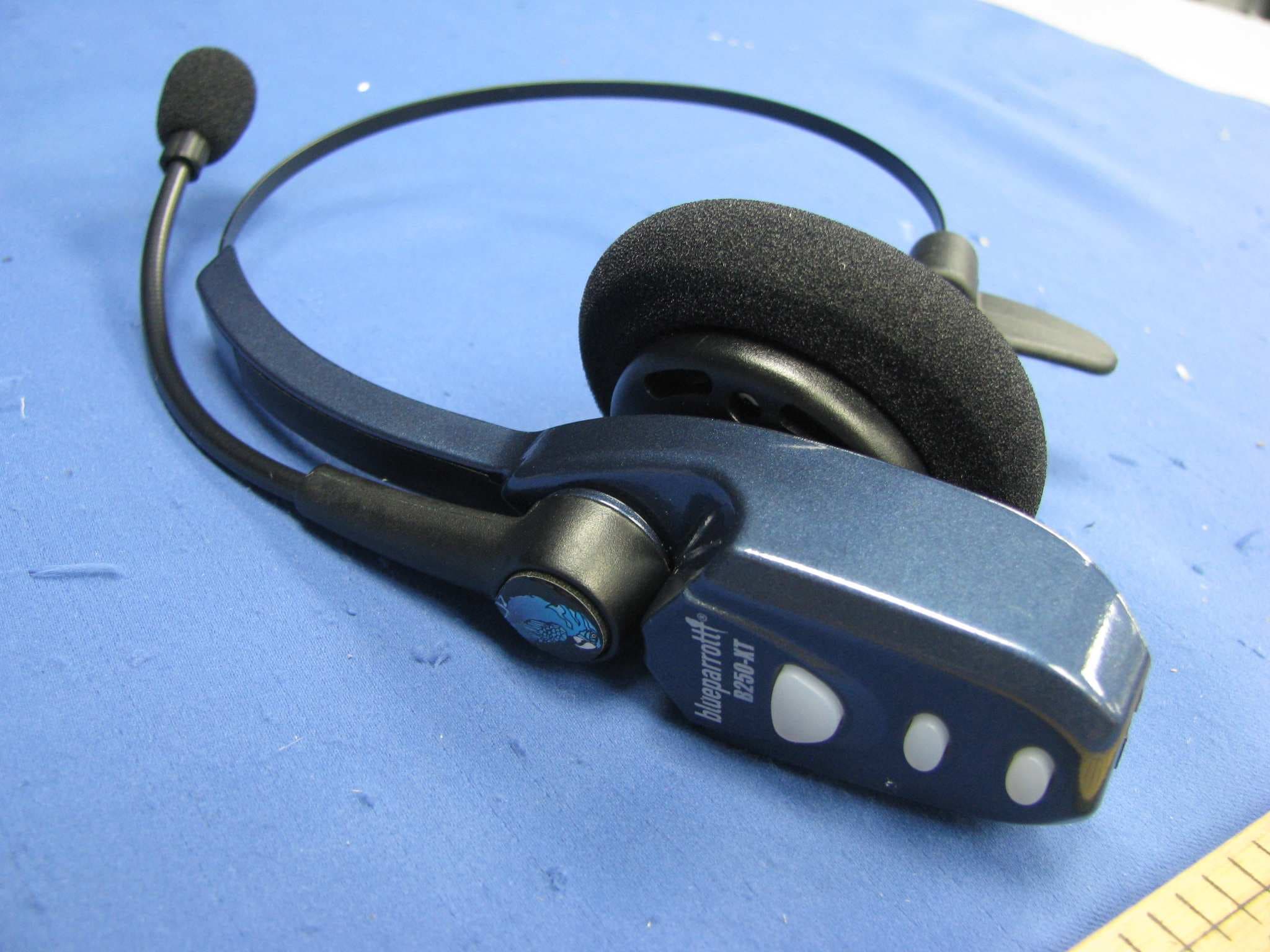
SOM-202720Q
Jul 20, 2011Bluetooth wireless headset
Equipment Class
DXX - Part 15 Low Power Communication Device Transmitter
SOM-201548
Nov 21, 2004BT Base Station for BT Headset
Equipment Class
DSS - Part 15 Spread Spectrum Transmitter