T58DL4311R2150Mbps Wireless N ADSL2+ Modem Router
NETIS SYSTEMS CO., LTD.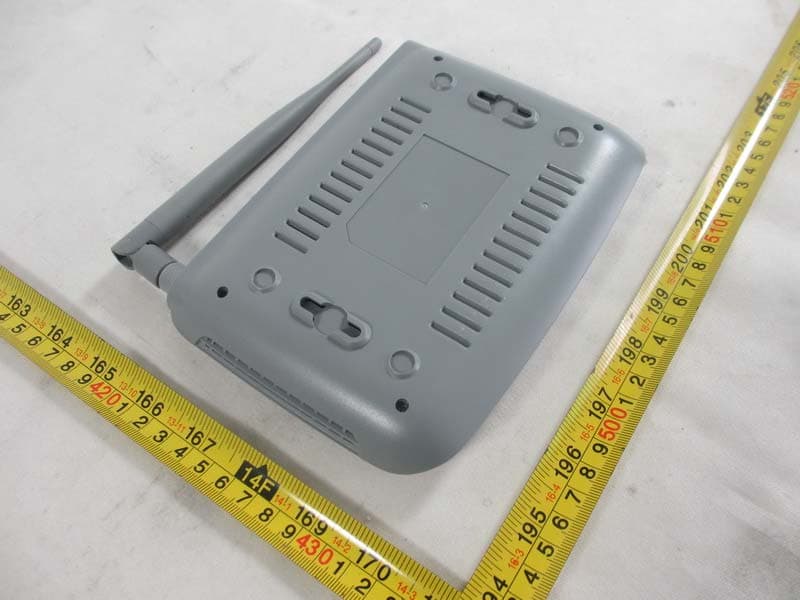
Click to zoom
Application Details
- Equipment Class
- DTS - Digital Transmission System
- Date of Grant
- Jan 20, 2014
- Application Purpose
- Original Equipment
- Date of Application
- Jan 20, 2014
- Equipment Note
- 150Mbps Wireless N ADSL2+ Modem Router
- Frequency Range
- 2422.00000000 - 2452.00000000
- Company
- NETIS SYSTEMS CO., LTD.
- Country
- China
Documents & Files
Document Text
Text extracted from the exhibit documents filed with the FCC. Open a document above to read the original.
Users Manual
150Mbps Wireless N ADSL2+ Modem Router Wireless N ADSL2+ Modem Router Quick Installation Guide 1 1. Hardware Installation Step 1: Connect the ADSL Line. Method one: Plug one end of the twisted-pair ADSL cable into the ADSL LINE port on the rear panel of the modem router, and insert the other end into the wall socket. Method two: You can use a separate splitter. The external splitter has three ports: • Line: Connect to the wall jack • Phone: Connect to the phone sets • Modem: Connect to the ADSL LINE port of the modem router Step 2: Connect the Ethernet cable. Attach one end of a network cable to your computer's Ethernet port or a regular hub/switch port, and the other end to the LAN port on the modem router. Step 3: Power on the computers and modem router. Step 4: Attach the power adapter. Connect the power adapter to the power connector on the rear of the device and plug in the adapter to a wall outlet or power extension. Wireless N ADSL2+ Modem Router Quick Installation Guide 2 Name Status Indication PWR On Power is on. Off Power is off. ADSL Flash The ADSL negotiation is in progress. On The LINE port is linked up. Off The LINE port is linked down. Internet Flashing Data is being transferred over the Internet. On The modem router is initializing in the first 10 seconds when power is up. Or a successful PPP connection has been built. Off There is no successful PPP connection or the modem router works on Bridge mode. WLAN Flash There is wireless data being transmitted. On The wireless function is enabled but no data is being transmitted. Off The wireless function is disabled. WPS Off WPS connection process is not activated. There's no wireless device trying to connect to the network by WPS function. Flash WPS function is activated. The modem router's waiting for the WPS connection from a wireless device. This process will last in the first 2 minutes. Wireless N ADSL2+ Modem Router Quick Installation Guide 3 2. Configure PC For Windows 7 as an example, other OS refer to set up. Step 1: Click , then select the Open Network and Sharing Center. Step 2: Click the Change adapter settings. LAN(1-4) Flash Data is being transferred over the 1-4 (LAN) port. On There is a successful connection on the corresponding 1-4 (LAN) port but no activity. Off There is no connection on the corresponding 1-4 (LAN) port or the connection is abnormal. Wireless N ADSL2+ Modem Router Quick Installation Guide 4 Step 3: Click Local Area Connection with the right button of your mouse. Then select Properties. Step 4: Double click the “Internet Protocol Version 4(TCP/IPv4)”. Wireless N ADSL2+ Modem Router Quick Installation Guide 5 Step 5: Select the “Obtain an IP address automatically” as below. Then click “OK”. 3. Login and Quick Start Step 1:Start your web browser and type the private IP address of the modem router in the URL field: 192.168.1.1. Then,enter the default User Name guest and the default Password guest, then click Login. Wireless N ADSL2+ Modem Router Quick Installation Guide 6 Step 2: And then click OK to access to the Quick Start screen. Click START to start Quick Start guide. Step 3: The Wizard will guide you through these four quick steps. Begin by clicking on NEXT Step 4: Click Cancel if you know the correct PVC(VPI/VCI) from your ISP, you can input the value manually. And if you don’t know the correct value, please click OK , it will take a moment to search for the available PVC. Wireless N ADSL2+ Modem Router Quick Installation Guide 7 Step 5: After the PVC value be input or searched, please click NEXT. Step 6: Select the Internet connection type to connect to your ISP, click NEXT to continue. We will take PPPoE/PPPoA for example throughout this Guide. (For most DSL user) Step 7: Enter the PPPoE/PPPoA information provided to you by your ISP, click NEXT to continue. Wireless N ADSL2+ Modem Router Quick Installation Guide 8 Step 8: You may enable/disable Wireless, change the wireless SSID and authentication type in this page, then click NEXT to continue. Note: The default SSID and Password are “netis” and “password”. Step 9: Click NEXT to save the current settings, then click CLOSE to finish the Quick Start. Wireless N ADSL2+ Modem Router Quick Installation Guide 9 Step 10: Click , then select the SSID you have set on Step 8, and click “Connect” button. Step 11: On the pop-up page, input your password which you have set on Step 8 and click OK. Wireless N ADSL2+ Modem Router Quick Installation Guide 10 Step 12: Click , it will show like below, then you can surf the Internet. Appendix: Configure the parameters for the WAN interface of your modem router Step 1: Connect your upper device with the LAN4 port (as WAN port) on the router by an Ethernet cable. And connect your PC with one of LAN1~LAN3 port by an Ethernet cable. Step 2: Go to Setup->WAN, choose WAN Physical Type as Ethernet WAN Wireless N ADSL2+ Modem Router Quick Installation Guide 11 Step 3: After Reboot, you can continue to configure in the following page. Wireless N ADSL2+ Modem Router Quick Installation Guide 12 Certification FCC CE FCC Statement This equipment has been tested and found to comply with the limits for a Class B digital device, pursuant to part 15 of the FCC Rules. These limits are designed to pro-vide reasonable protection against harmful interference in a residential installation. This equipment generates uses and can radiate radio frequency energy and, if not in-stalled and used in accordance with the instructions, may cause harmful interference to radio communications. However, there is no guarantee that interference will not occur in a particular installation. If this equipment does cause harmful interference to radio or television reception, which can be determined by turning the equipment off and on, the user is encouraged to try to correct the interference by one or more of the following measures: • Reorient or relocate the receiving antenna. • Increase the separation between the equipment and receiver. • Connect th…
Text truncated - open the document above for the full version.
Cover Letter(s)
Declaration of Authorization We Name: NETIS SYSTEMS CO., LTD. Address: 4F&5F R&D Building,Oriental Cyberport High-Tech Industrial Park, Nanshan, Shenzhen, China Declare that: Name Representative of agent: Cathy Wang Agent Company name: Neutron Engineering, Inc. Address: No.3 Jinshagang 1 st Road, Shixia, Dalang Town City: Dong Guan Country: China is authorized to apply for Certification of the following product(s) and signing all the related documents including 731 forms: Product description: 150Mbps Wireless N ADSL2+ Modem Router Type designation: DL4311D; DL4311 Trademark: netis on our behalf. Date: 2014-01-20 City: Shenzhen Name: Selena Bai Function: PD Assistant Signature:
Cover Letter(s)
CERTIFICATE OF COMPLIANCE Authorized under Declaration of Conformity according to 47 CFR, Part 2 and Part 15 of the FCC Rules. The product listed in follows was (were) tested in the Neutron EMC Laboratory to comply with the criteria limits Class B of conducted and radiated emissions of the Technical Standards FCC Part 15, Subpart B, established by the FCC, USA. Equipment 150Mbps Wireless N ADSL2+ Modem Router Model Name DL4311D; DL4311 Brand Name netis Applicant NETIS SYSTEMS CO., LTD Address 4F&5F R&D Building, Oriental Cyberport, High-Tech Industrial Park, Nanshan, Shenzhen, China. Standard(s) FCC Part 15, Subpart B: 2012 ANSI C63.4 -2009 Report(s) NEI-FCCE-1-1310C137 The test data, data evaluation, and equipment configuration contained in our test report(s) above was(were) obtained utilizing the test procedures, test instruments, test sites that has been accredited by the Authority of TAF according to the ISO-17025 quality assessment standard and technical standard(s). The test data contained in the referenced test report relate only to the EUT sample and item(s) tested. Andy Chiu Authorized Signatory Neutron Engineering Inc. B1, No.37, Lane 365, Yang Guang St., NeiHu District 114., Taipei, Taiwan TEL:+886-2-2657-3299 FAX:+886-2-2657-3331
External Photos
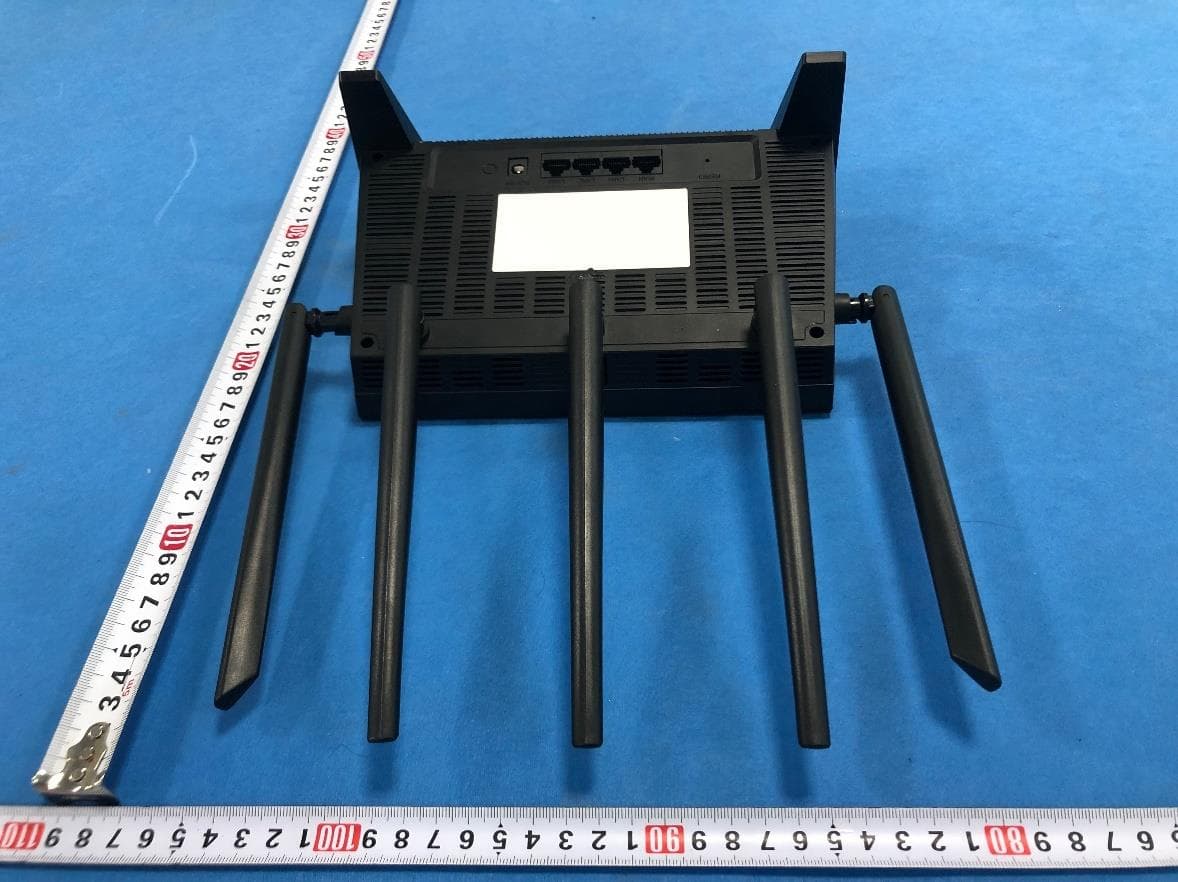
Neutron Engineering Inc. Project No.: 1310C137 Page 2 of 15 DL4311D with detachable antenna Neutron Engineering Inc. Project No.: 1310C137 Page 3 of 15 Neutron Engineering Inc. Project No.: 1310C137 Page 4 of 15 Neutron Engineering Inc. Project No.: 1310C137 Page 5 of 15 DL4311 with non-detachable antenna Neutron Engineering Inc. Project No.: 1310C137 Page 6 of 15 Neutron Engineering Inc. Project No.: 1310C137 Page 7 of 15
Internal Photos
Neutron Engineering Inc. Project No.: 1310C137 Page 8 of 15 DL4311D with detachable antenna Neutron Engineering Inc. Project No.: 1310C137 Page 9 of 15 Neutron Engineering Inc. Project No.: 1310C137 Page 10 of 15 Neutron Engineering Inc. Project No.: 1310C137 Page 11 of 15 Neutron Engineering Inc. Project No.: 1310C137 Page 12 of 15 DL4311 with non-detachable antenna Neutron Engineering Inc. Project No.: 1310C137 Page 13 of 15 Neutron Engineering Inc. Project No.: 1310C137 Page 14 of 15 Neutron Engineering Inc. Project No.: 1310C137 Page 15 of 15
RF Exposure Info
Neutron Engineering Inc. FCC RF EXPOSURE REPORT FCC ID: T58DL4311R2 Project No. : 1310C137 Equipment : 150Mbps Wireless N ADSL2+ Modem Router Model : DL4311D; DL4311 Applicant : NETIS SYSTEMS CO., LTD Address : 4F&5F R&D Building, Oriental Cyberport, High-tech Industrial Park, Nanshan, Shenzhen, China According: : FCC Guidelines for Human Exposure IEEE C95.1 Neutron Engineering Inc. MPE CALCULATION METHOD: Calculation Method of RF Safety Distance: where: S = power density P = power input to the antenna G = power gain of the antenna in the direction of interest relative to an isotropic radiator R = distance to the center of radiation of the antenna Neutron Engineering Inc. TEST RESULTS EUT: 150Mbps Wireless N ADSL2+ Modem Router Model Name : DL4311D Temperature: 24 °C Relative Humidity: 60 % Pressure: 1016 hPa Test Voltage : AC 120V/60Hz Test Mode : TX B MODE /CH01, CH06, CH11 Antenna Gain (dBi) Antenna Gain (numeric) Peak Output Power (dBm) Peak Output Power (mW) Power Density (S) (mW/cm 2 ) Limit of Power Density (S) (mW/cm 2 ) Te s t Result 5.08 3.2211 17.57 57.1479 0.036639571 Complies 5.08 3.2211 17.51 56.3638 0.036136861 Complies 5.08 3.2211 17.49 56.1048 0.035970821 Complies EUT: 150Mbps Wireless N ADSL2+ Modem Router Model Name : DL4311D Temperature: 24 °C Relative Humidity: 60 % Pressure: 1016 hPa Test Voltage : AC 120V/60Hz Test Mode : TX G MODE /CH01, CH06, CH11 Antenna Gain (dBi) Antenna Gain (numeric) Peak Output Power (dBm) Peak Output Power (mW) Power Density (S) (mW/cm 2 ) Limit of Power Density (S) (mW/cm 2 ) Te s t Result 5.08 3.2211 23.43 220.2926 0.141237611 Complies 5.08 3.2211 23.41 219.2805 0.140588691 Complies 5.08 3.2211 23.28 212.8139 0.136442721 Complies Neutron Engineering Inc. EUT: 150Mbps Wireless N ADSL2+ Modem Router Model Name : DL4311D Temperature: 24 °C Relative Humidity: 60 % Pressure: 1016 hPa Test Voltage : AC 120V/60Hz Test Mode : TX N-20M MODE /CH01, CH06, CH11 Antenna Gain (dBi) Antenna Gain (numeric) Peak Output Power (dBm) Peak Output Power (mW) Power Density (S) (mW/cm 2 ) Limit of Power Density (S) (mW/cm 2 ) Te s t Result 5.08 3.2211 22.30 169.8244 0.108880571 Complies 5.08 3.2211 22.50 177.8279 0.114011951 Complies 5.08 3.2211 22.40 173.7801 0.111416721 Complies EUT: 150Mbps Wireless N ADSL2+ Modem Router Model Name : DL4311D Temperature: 24 °C Relative Humidity: 60 % Pressure: 1016 hPa Test Voltage : AC 120V/60Hz Test Mode : TX N-40M MODE /CH03, CH06, CH09 Antenna Gain (dBi) Antenna Gain (numeric) Peak Output Power (dBm) Peak Output Power (mW) Power Density (S) (mW/cm 2 ) Limit of Power Density (S) (mW/cm 2 ) Te s t Result 5.08 3.2211 23.32 214.7830 0.137705211 Complies 5.08 3.2211 23.51 224.3882 0.143863421 Complies 5.08 3.2211 23.43 220.2926 0.141237611 Complies Note: the calculation distance is 20cm.
Test Report
Neutron Engineering Inc. Report No.: NEI-FCCP-1-1310C137 Page 1 of 125 FCC Radio Test Report FCC ID: T58DL4311R2 This report concerns (check one): Original Grant Class II Change Issued Date : Jan. 08, 2014 Project No. : 1310C137 Equipment : 150Mbps Wireless N ADSL2+ Modem Router Model Name : DL4311D; DL4311 Applicant : NETIS SYSTEMS CO., LTD Address : 4F&5F R&D Building, Oriental Cyberport, High-Tech Industrial Park, Nanshan, Shenzhen, China. Tested by: Neutron Engineering Inc. EMC Laboratory Date of Receipt: Oct. 23, 2013 Date of Test: Oct. 23, 2013~ Jan. 07, 2014 Testing Engineer : ( David Mao) Technical Manager : (Leo Hung) Authorized Signatory: (Steven Lu) Neutron Engineering Inc. No.3,Jinshagang 1st Road, ShiXia, Dalang Town, Dong Guan, China. TEL: 0769-8318-3000 FAX: 0769-8319-6000 Neutron Engineering Inc. Report No.: NEI-FCCP-1-1310C137 Page 2 of 125 Declaration Neutron represents to the client that testing is done in accordance with standard procedures as applicable and that test instruments used has been calibrated with the standards traceable to National Measurement Laboratory (NML) of R.O.C, or National Institute of Standards and Technology (NIST) of U.S.A. Neutron's reports apply only to the specific samples tested under conditions. It is manufacture’s responsibility to ensure that additional production units of this model are manufactured with the identical electrical and mechanical components. Neutron shall have no liability for any declarations, inferences o r generalizations drawn by the client or others from Neutron issued reports. Neutron’s reports must not be used by the client to claim product endorsement by the authorities or any agency of the Government. This report is the confidential property of the client. As a mutual protection to the clients, the public and Neutron-self, extracts from the test report shall not be reproduced except in full with Neutron’s authorized written approval. Neutron’s laboratory quality assurance procedures are in compliance with the ISO Guide 17025 requirements, and accredited by the conformity assessment authorities listed in this test report. Limitation For the use of the authority's logo is limited unless the Test Standard(s)/Scope(s)/Item(s) mentioned in this test report is (are) included in the conformity assessment authorities acceptance respective. Neutron Engineering Inc. Report No.: NEI-FCCP-1-1310C137 Page 3 of 125 Table of Contents Page 1 . CERTIFICATION 6 2 . SUMMARY OF TEST RESULTS 7 2.1 TEST FACILITY 8 2.2 MEASUREMENT UNCERTAINTY 8 3 . GENERAL INFORMATION 9 3.1 GENERAL DESCRIPTION OF EUT 9 3.2 DESCRIPTION OF TEST MODES 11 3.3 TABLE OF PARAMETERS OF TEXT SOFTWARE SETTING 12 3.4 BLOCK DIAGRAM SHOWING THE CONFIGURATION OF SYSTEM TESTED 13 3.5 DESCRIPTION OF SUPPORT UNITS 14 4 . EMC EMISSION TEST 15 4.1 CONDUCTED EMISSION MEASUREMENT 15 4.1.1 POWER LINE CONDUCTED EMISSION LIMITS 15 4.1.2 MEASUREMENT INSTRUMENTS LIST AND SETTING 15 4.1.3 TEST PROCEDURE 16 4.1.4 DEVIATION FROM TEST STANDARD 16 4.1.5 TEST SETUP 16 4.1.6 EUT OPERATING CONDITIONS 16 4.1.7 TEST RESULTS 17 4.2 RADIATED EMISSION MEASUREMENT 20 4.2.1 RADIATED EMISSION LIMITS 20 4.2.2 MEASUREMENT INSTRUMENTS LIST ANS SETTING 21 4.2.3 TEST PROCEDURE 21 4.2.4 DEVIATION FROM TEST STANDARD 21 4.2.5 TEST SETUP 22 4.2.6 EUT OPERATING CONDITIONS 23 4.2.7 TEST RESULTS (BELOW 30MHZ) 24 4.2.8 TEST RESULTS (BETWEEN 30 – 1000 MHZ) 25 4.2.9 TEST RESULTS (ABOVE 1000 MHZ) 32 5 . BANDWIDTH TEST 80 5.1 APPLIED PROCEDURES / LIMIT 80 5.1.1 MEASUREMENT INSTRUMENTS LIST 80 5.1.2 TEST PROCEDURE 80 5.1.3 DEVIATION FROM STANDARD 80 5.1.4 TEST SETUP 80 5.1.5 EUT OPERATION CONDITIONS 80 5.1.6 TEST RESULTS 81 Neutron Engineering Inc. Report No.: NEI-FCCP-1-1310C137 Page 4 of 125 Table of Contents Page 6 . MAXIMUM OUTPUT POWER TEST 89 6.1 APPLIED PROCEDURES / LIMIT 89 6.1.1 MEASUREMENT INSTRUMENTS LIST 89 6.1.2 TEST PROCEDURE 89 6.1.3 DEVIATION FROM STANDARD 89 6.1.4 TEST SETUP 89 6.1.5 EUT OPERATION CONDITIONS 89 6.1.6 TEST RESULTS 90 7 . ANTENNA CONDUCTED SPURIOUS EMISSION 92 7.1 APPLIED PROCEDURES / LIMIT 92 7.1.1 MEASUREMENT INSTRUMENTS LIST 92 7.1.2 TEST PROCEDURE 92 7.1.3 DEVIATION FROM STANDARD 92 7.1.4 TEST SETUP 92 7.1.5 EUT OPERATION CONDITIONS 92 7.1.6 TEST RESULTS 93 8 . POWER SPECTRAL DENSITY TEST 113 8.1 APPLIED PROCEDURES / LIMIT 113 8.1.1 MEASUREMENT INSTRUMENTS LIST 113 8.1.2 TEST PROCEDURE 113 8.1.3 DEVIATION FROM STANDARD 113 8.1.4 TEST SETUP 113 8.1.5 EUT OPERATION CONDITIONS 113 8.1.6 TEST RESULTS 114 9 . EUT TEST PHOTO 122 Neutron Engineering Inc. Report No.: NEI-FCCP-1-1310C137 Page 5 of 125 REPORT ISSUED HISTORY Issued No. Description Issued Date NEI-FCCP-1-1310C137 Original Issue. Jan. 08, 2014 Neutron Engineering Inc. Report No.: NEI-FCCP-1-1310C137 Page 6 of 125 1. CERTIFICATION Equipment : 150Mbps Wireless N ADSL2+ Modem Router Brand Name : netis Model Name : DL4311D; DL4311 Applicant : NETIS SYSTEMS CO., LTD Manufacture : Shenzhen Netcore Industrial Ltd. Address : 4F&5F R&D Building, Oriental Cyberport, High-Tech Industrial Park, Nanshan, Shenzhen, China. Factory : Dongguan City Netcore Network Technology Co., Ltd. Address No.10-1,Sankeng Road,Qinghutou,Tangxia Town, Dongguan City Date of Test : Oct. 23, 2013~ Jan. 07, 2014 Test Item : ENGINEERING SAMPLE Standard(s) : FCC Part15(2012), Subpart C(15.247) / ANSI C63.4-2009 The above equipment has been tested and found compliance with the requirement of the relative standards by Neutron Engineering Inc. EMC Laboratory. The test data, data evaluation, and equipment configuration contained in our test report (Ref No. NEI-FCCP-1-1310C137) were obtained utilizing the test procedures, test instruments, test sites that has been accredited by the Authority of TAF according to the ISO-17025 quality assessment standard and technical standard(s). Neutron Engineering Inc. Report No.: NEI-FCCP-1-1310C137 Page 7 of 125 2. SUMMARY OF TEST RESULTS Test procedures according to the technical standard(s): FCC Part15 (15.247) , Subpart C St…
Text truncated - open the document above for the full version.
Test Setup Photos
Neutron Engineering Inc. Report No.: NEI-FCCP-1-1310C137 Page 122 of 125 9. EUT TEST PHOTO Conducted Measurement Photos Neutron Engineering Inc. Report No.: NEI-FCCP-1-1310C137 Page 123 of 125 Radiated Measurement Photos 9KHz~30MHz Neutron Engineering Inc. Report No.: NEI-FCCP-1-1310C137 Page 124 of 125 Radiated Measurement Photos 300MHz~1000MHz Neutron Engineering Inc. Report No.: NEI-FCCP-1-1310C137 Page 125 of 125 Radiated Measurement Photos Above 1000MHz
Contact Information
Applicant
Kinki Wang(Auditor)
Test Firm
BTL Inc.Daisy Dai
Technical Specifications
| # | Rule Parts | Frequency Range | Power Output |
|---|---|---|---|
| 2 | 15C | 2.42 GHz - 2.45 GHz | 220.00 mW |
Other Applications from NETIS SYSTEMS CO., LTD.
T58NX30R
Apr 20, 2023AX3000 Wireless Dual-Band WiFi6 Router
Equipment Class
DTS - Digital Transmission System
T58M6R
Jul 03, 2022AX1800 Whole Home Mesh WiFi 6 System
Equipment Class
NII - Unlicensed National Information Infrastructure TX
T58N6TR
Jun 05, 2022AX1800 Dual-Band Wireless Router
Equipment Class
DTS - Digital Transmission System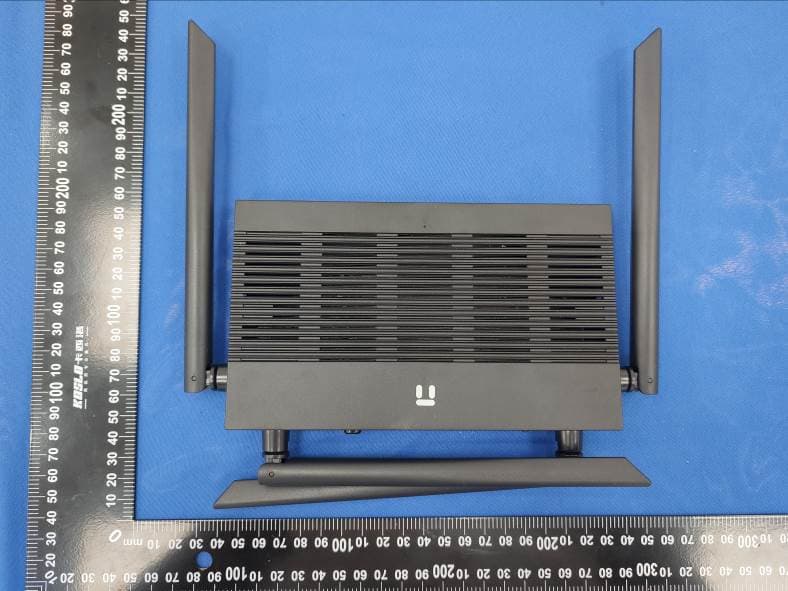
T58N3R
Sep 26, 2021AC1200 Wireless Dual Band Gigabit Router
Equipment Class
NII - Unlicensed National Information Infrastructure TX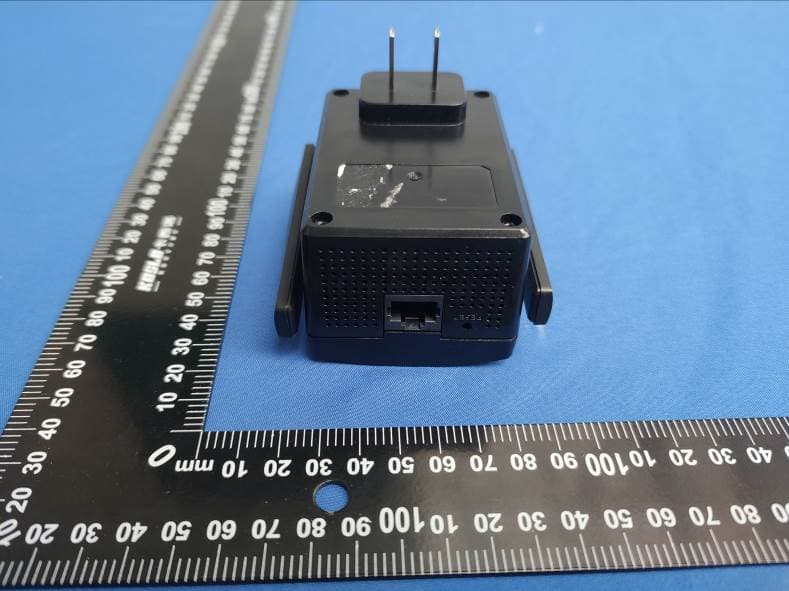
T58E3R
Jul 17, 2021AC1200 Dual Band WiFi Repeater
Equipment Class
DTS - Digital Transmission System