T58DL4422VR300Mbps Wireless N VDSL2 VoIP IAD
NETIS SYSTEMS CO., LTD.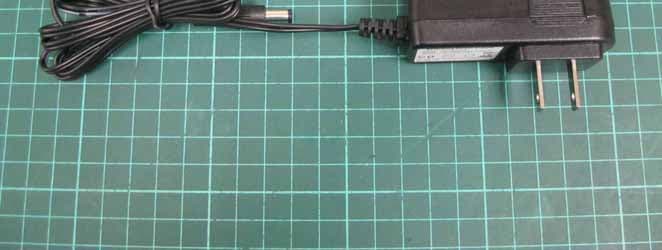
Click to zoom
Application Details
- Equipment Class
- DTS - Digital Transmission System
- Date of Grant
- Jul 14, 2015
- Application Purpose
- Original Equipment
- Date of Application
- Jul 14, 2015
- Equipment Note
- 300Mbps Wireless N VDSL2 VoIP IAD
- Frequency Range
- 2422.00000000 - 2452.00000000
- Company
- NETIS SYSTEMS CO., LTD.
- Country
- China
Documents & Files
Document Text
Text extracted from the exhibit documents filed with the FCC. Open a document above to read the original.
Users Manual
netis Wireless N VDSL2 VoIP IAD Quick Installation Guide R 1.Package Contents netis Wireless N VDSL2 Modem Router Quick Installation Guide 1 2.Hardware Connection Wireless N VDSL2 VoIP IAD Power Adapter VDSL Splitter Ethernet CableTelephone Cable *2 QIG MODEM netis Wireless N ADSL2+ Modem Router Quick Installation Guide 2.1. Connect the DSL line with the attached telephone cable. Connect the LINE port of VDSL Splitter to the wall jack with a telephone cable. Connect the MODEM port of VDSL Splitter to the DSL port on netis Modem Router with the other telephone cable. Connect your telephone to the PHONE port of VDSL Splitter. Tip: If no telephone is needed, please connect the DSL port on netis Modem Router to the wall jack with the phone cable directly. 2.2. Connect your computer to one of the LAN port on netis Modem Router with an Ethernet cable. 2.3. Plug the provided Power Adapter into the DC-IN jack of netis Modem Router and the other end to a standard electrical socket. 2.4 If you need VoIP service, please connect your telephone to the PHONE port on the modem with a telephone cable 2.5 Connect your 3G dongle or USB storage to the USB port on the modem Tip: If the LED indicators display abnormally, please check if all the cables are well connected. If the DSL LED is off or flashing, please contact your ISP (Internet Service Provider) to check the Internet connection. PHONE V 3G dongle (or USB storage device) 3. Configure the Modem Router via Web Management Page 3.1. Necessary Information before the configuration. For a successful setup, you're recommended to contact your ISP first and ask for the following network parameters which will be required during the configuration procedures. a. VPI/VCI; b. Connection Type; c. Encapsulation Type (Optional); d. Username & Password (Optional, according to your Connection Type). 3.2. Set the IP address of the wired network adapter on your computer as “Automatic” or “DHCP”. For Windows 8/ 7/Vista 1) Go to “Settings” (Win 8)/“Start” (Win 7/Vista)> “Control Panel”. 2) Left-click on “Network and Internet”> “Network and Sharing Center”> “Change adapter settings” (Win 8/7)/“Manage network connections” (Win Vista). 3) Right-click on “Local Area Connection” and left-click on “Properties”. 4) Double-click on “Internet Protocol Version 4 (TCP/IPv4)”. 5) Select “Obtain an IP address automatically” and “Obtain DNS server address automatically” then left-click on “OK”. For Windows XP/2000 1) Go to “Start”> “Control Panel”. 2) Left-click on “Network and Internet Connections”> “Network Connections”. 3) Right-click on “Local Area Connection” and left-click on “Properties”. 4) Double-click on “Internet Protocol (TCP/IP)”. 5) Select “Obtain an IP address automatically” and “Obtain DNS server address automatically” then left-click on “OK”. For MAC OS 1) Click on the “Apple” menu> “System Preferences”. 2) Click on the “Network” icon. 3) Click on “Ethernet” in the left side box and click on “Advanced” in the lower right corner. 4) In the top options, select “TCP/IP”. 5) In the pull-down menu next to “Configure IPv4” select “Using DHCP”. 6) Click “OK” then “Apply”. 192.168.1.1 3.3. Open your browser and type 192.168.1.1 in the address field. Then type in the username guest and password guest to login the web management page. 2 netis Wireless N VDSL2 Modem Router Quick Installation Guide 3.4. After you login the web management page, you can go to "Wizard" to do basic configurations step by step 1) Step 1: ISP Connection Type. Select the ISP Connection Type that given by your ISP. After selection, please click NEXT to continue. 3 netis Wireless N VDSL2 Modem Router Quick Installation Guide 2) Step 2, PPPoE/PPPoA. When PPPoE/PPPoA is selected, Enter the PPPoE/PPPoA information provided to you by your ISP. Click NEXT to continue netis Wireless N VDSL2 Modem Router Quick Installation Guide 4 4)Step 4, the Setup Wizard has completed. Click on BACK to modify changes or mistakes. Click NEXT to save the current settings. Tip 1: Default IP address: 192.168.1.1 Default login username: guest Default SSID: netis Default login password: guest Default wireless password: password Tip 2: After the basic Internet settings, you may open some popular websites to check your Internet connection. If you cannot access the Internet, please refer to the instructions in “Troubleshooting”. 3)Step 3, Wireless Settings, You may enable/disable Wireless, change the Wireless SSID and Authentication type in this page. Click NEXT to continue. 5 netis Wireless N VDSL2 Modem Router Quick Installation Guide How do I restore my netis Modem Router's configuration to its default settings? With the router powered on, use a pin to press and hold the Default button on the rear panel for 8 to 10 seconds before releasing it. The router will reboot and all configurations are back to factory default. Q A 4.Troubleshooting What can I do if my Internet cannot be accessed? 1) Check to verify the hardware connections are correct. Please refer to the “Hardware Connection” step. 2) Login to netis Modem Router's web management page and ensure that you input the correct network parameters. You'd better contact your ISP to make sure that the VPI/VCI, Connection Type, Username & Password are correct. 3) If you still cannot access the Internet, please restore your Modem Router to its factory default settings and try the “Wizard” again. 4) Please feel free to contact netis Technical Support if possible. Q A Technical Support: USA/ Canada: Toll Free: +1 866 71 network (+1 866 716 3896) E-mail: [email protected] Other Regions: E-mail: [email protected] 6 Federal Communication Commission Interference Statement This equipment has been tested and found to comply with the limits for a Class B digital device, pursuant to Part 15 of the FCC Rules. These limits are designed to provide reasonable protection against harmful interference in a residential installation. This equipment generates, uses and can radiate radio…
Text truncated - open the document above for the full version.
Cover Letter(s)
Date:July 6, 2015 Subject:DoC declaration To Whom it may concern, We, as the grantee of this project FCC ID: T58DL4422VR , would like to declare that the composite Portion categorized as computer peripheral has been authorized under the Declaration of Conformity procedures. Brand Name & Model Name of the specified radio equipment: netis/ DL4422V FCC ID: T58DL4422VR Product Name: 300Mbps Wireless N VDSL2 VoIP IAD Regards, Your Sincerely, Name/Title: SelenaBai / Director Contact information / Address 4F & 5F, R&D Building, Oriental Cyberport, High-Tech Industrial Park, Nanshan, Shenzhen, China TEL: +86 0755-86186790 FAX: +86 0755-86186779 Email: [email protected]
Cover Letter(s)
Letter of Authorization We Name: NETIS SYSTEMS CO., LTD. Address: 4F&5F R&D Building,Oriental Cyberport High-Tech Industrial Park, Nanshan, Shenzhen, China Declare the following Person: Name: Alex Chen Title:Vice President is authorized to sign all the related doucuments of FCC certification,the signature has the same effectas as SelenaBai: on our behalf. Authorized Person: SelenaBai Signature: City: Shenzhen Date: 2015/06/24
Cover Letter(s)
Date:July 6, 2015 BABT TCB Confidentiality Request FCC ID: T58DL4422VR Pursuant to Sections 0.457(d)(1)(ii) and 0.459 of the Commission’s Rules, NETIS SYSTEMS CO., LTD hereby requests permanent confidential treatment of information accompanying this application as outlined below: Common exhibits for which confidentiality is requested are: Schematics Block Diagrams Theory of Operation The above materials contain trade secrets and proprietary information not customarily released to the public. The public disclosure of these matters might be harmful to the Applicant and provide unjustified benefits to its competitors. The Applicant understands that pursuant to Rule 0.457(d)(1)(ii), disclosure of this Application and all accompanying materials will not be made before the date of the Grant for this Application. Your Sincerely, Name/Title: SelenaBai / Director Contact information / Address 4F & 5F, R&D Building, Oriental Cyberport, High-Tech Industrial Park, Nanshan, Shenzhen, China TEL: +86 0755-86186790 FAX: +86 0755-86186779 Email: [email protected]
External Photos
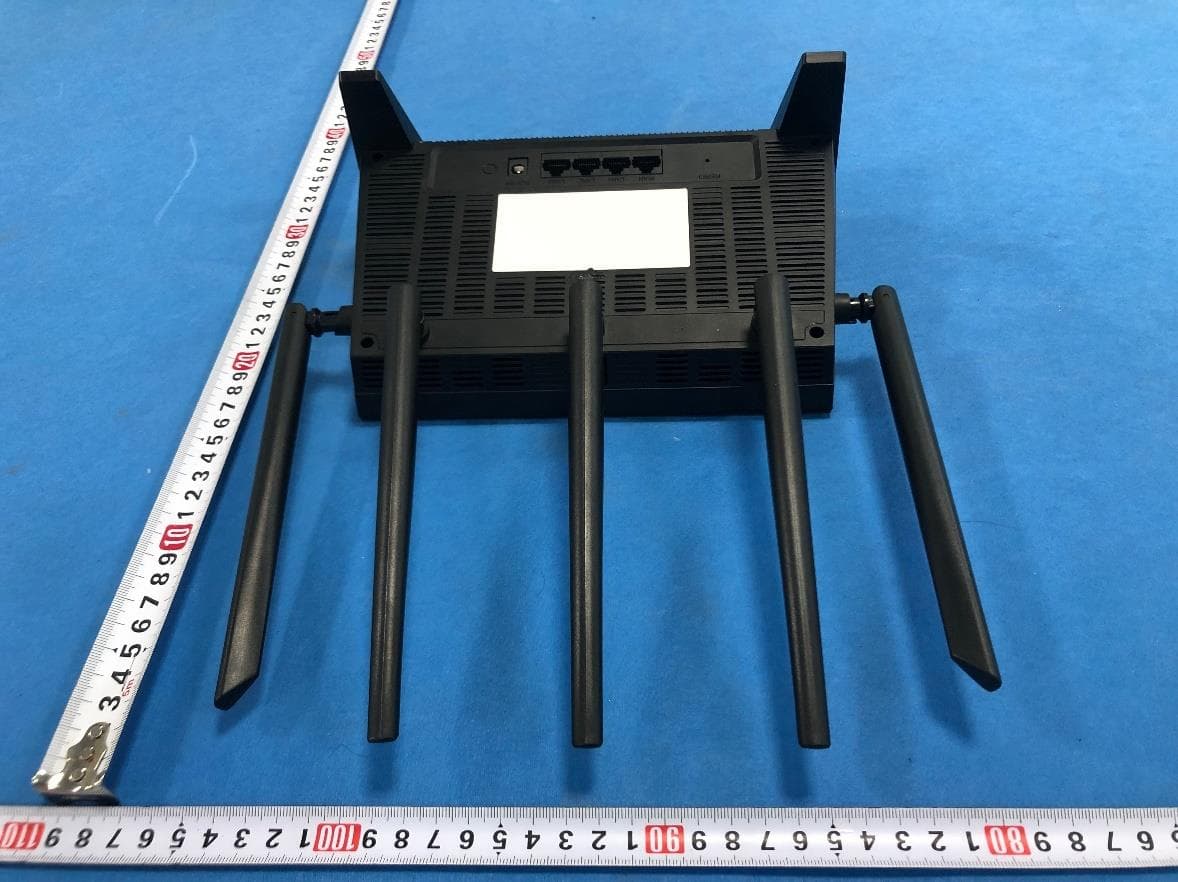
Report No.T150618D05 Page 1 of 7 External Photo Report No.T150618D05 Page 2 of 7 Power Adapter Report No.T150618D05 Page 3 of 7 I/OPort Report No.T150618D05 Page 4 of 7 Report No.T150618D05 Page 5 of 7 Cable Report No.T150618D05 Page 6 of 7 Report No.T150618D05 Page 7 of 7
ID Label/Location Info
Labell Location
Internal Photos
Report No.T150618D05 Page 1 of 6 Internal Photo Report No.T150618D05 Page 2 of 6 Report No.T150618D05 Page 3 of 6 Report No.T150618D05 Page 4 of 6 Report No.T150618D05 Page 5 of 6 Report No.T150618D05 Page 6 of 6 Antenna
RF Exposure Info
Compliance Certification Services Inc. Report No.T150618D05-RP1-1 Page 1 Rev.00 This report shall not be reproduced except in full, without the written approval of Compliance Certification Services. RADIO FREQUENCY EXPOSURE LIMIT According to §15.247(i), systems operating under the provisions of this section shall be operated in a manner that ensures that the public is not exposed to radio frequency energy levels in excess of the Commission's guidelines. See § 1.1307(b)(1) of this chapter. EUT Specification EUT 300Mbps Wireless N VDSL2 VoIP IAD Model DL4422V Frequency band (Operating) 802.11b/g/n HT20: 2.412GHz ~ 2.462GHz 802.11n HT40: 2.422GHz ~ 2.452GHz Others Device category Portable (<20cm separation) Mobile (>20cm separation) Others Exposure classification Occupational/Controlled exposure (S = 5mW/cm 2 ) General Population/Uncontrolled exposure (S=1mW/cm 2 ) Antenna Specification Dipole Antenna × 2, Antenna Gain : 5.26 dBi (Numeric gain: 3.36) Maximum Average output power IEEE 802.11b Mode: 19.11 dBm (81.470 mW) IEEE 802.11g Mode: 20.40 dBm (109.648 mW) IEEE 802.11 gn HT 20 Mode: 23.18 dBm (207.970 mW) IEEE 802.11 gn HT 40 Mode: 22.47 dBm (176.604 mW) Evaluation applied MPE Evaluation* SAR Evaluation N/A Compliance Certification Services Inc. Report No.T150618D05-RP1-1 Page 2 Rev.00 This report shall not be reproduced except in full, without the written approval of Compliance Certification Services. Revision History Rev. Issue Date Revisions Effect Page Revised By 00 06/30/2015 Initial Issue ALL Gloria Chang Compliance Certification Services Inc. Report No.T150618D05-RP1-1 Page 3 Rev.00 This report shall not be reproduced except in full, without the written approval of Compliance Certification Services. TEST RESULTS No non-compliance noted. Calculation Given d GP E ×× = 30 & 3770 2 E S= Where E = Field strength in Volts / meter P = Power in Watts G = Numeric antenna gain d = Distance in meters S = Power density in milliwatts / square centimeter Combining equations and re-arranging the terms to express the distance as a function of the remaining variables yields: 2 3770 30 d GP S ×× = Changing to units of mW and cm, using: P (mW) = P (W) / 1000 and d (cm) = d(m) / 100 Yields () () 22 0796.0 100/3770 1000/30 d GP d GP S × ×= × ×× = Equation 1 Where d = Distance in cm P = Power in mW G = Numeric antenna gain S = Power density in mW / cm 2 Compliance Certification Services Inc. Report No.T150618D05-RP1-1 Page 4 Rev.00 This report shall not be reproduced except in full, without the written approval of Compliance Certification Services. Maximum Permissible Exposure Substituting the MPE safe distance using d = 20 cm into Equation 1: GPS××=000199.0 Where P = Power in mW G = Numeric antenna gain S = Power density in mW / cm 2 IEEE 802.11b mode: Frq.(MHz)P (mW) Gain (num.)D (cm) Power densit y in mW / cm 2 Limit (mW/cm 2 ) 246281.4703.36200.05451 IEEE 802.11g mode: Frq.(MHz)P (mW) Gain (num.)D (cm) Power densit y in mW / cm 2 Limit (mW/cm 2 ) 2437109.6483.36200.07331 IEEE 802.11gn HT20 mode: Frq.(MHz)P (mW) Gain (num.)D (cm) Power densit y in mW / cm 2 Limit (mW/cm 2 ) 2437207.9703.36200.13911 IEEE 802.11gn HT40 mode: Frq.(MHz)P (mW) Gain (num.)D (cm) Power densit y in mW / cm 2 Limit (mW/cm 2 ) 2437176.6043.36200.11811
Test Report
Compliance Certification Services Inc. FCC ID : T58DL4422VR Report No.T150618D05-RP1 Page 1 / 106 This report shall not be reproduced, except in full, without the written approval of Compliance Certification Services Inc. FCC 47 CFR PART 15 SUBPART C AND ANSI C63.10:2013 TEST REPORT For 300Mbps Wireless N VDSL2 VoIP IAD Model : DL4422V Trade Name : netis Issued for NETIS SYSTEMS CO., LTD 4F & 5F, R&D Building, Oriental Cyberport, High-Tech Industrial Park, Nanshan, Shenzhen, China Issued by Compliance Certification Services Inc. Hsinchu Lab. No.989-1, Wenshan Rd., Shangshan Village, Qionglin Township, Hsinchu County 30741, Taiwan (R.O.C.) TEL: +886-3-5921698 FAX: +886-3-5921108 http://www.ccsrf.com E-Mail : [email protected] Issued Date: June 30, 2015 Note: This report shall not be reproduced except in full, without the written approval of Compliance Certification Services Inc. This document may be altered or revised by Compliance Certification Services Inc. personnel only, and shall be noted in the revision section of the document. The client should not use it to claim product endorsement by TAF or any government agencies. The test results of this report relate only to the tested sample identified in this report. Compliance Certification Services Inc. FCC ID : T58DL4422VR Report No.T150618D05-RP1 Page 2 / 106 This report shall not be reproduced, except in full, without the written approval of Compliance Certification Services Inc. Revision History Rev. Issue Date Revisions Effect Page Revised By 00 06/30/2015 Initial Issue All Page 106 Dola Hsieh Compliance Certification Services Inc. FCC ID : T58DL4422VR Report No.T150618D05-RP1 Page 3 / 106 This report shall not be reproduced, except in full, without the written approval of Compliance Certification Services Inc. TABLE OF CONTENTS TITLE PAGE NO. 1. TEST REPORT CERTIFICATION ................................................................................ 4 2. EUT DESCRIPTION ..................................................................................................... 5 3. DESCRIPTION OF TEST MODES ............................................................................... 6 4. TEST METHODOLOGY ............................................................................................... 8 5. FACILITIES AND ACCREDITATION ........................................................................... 8 5.1 FACILITIES ............................................................................................................ 8 5.2 ACCREDITATIONS................................................................................................ 8 5.3 MEASUREMENT UNCERTAINTY ......................................................................... 9 6. SETUP OF EQUIPMENT UNDER TEST...................................................................... 10 7. FCC PART 15.247 REQUIREMENTS.......................................................................... 11 7.1 6dB BANDWIDTH.................................................................................................. 11 7.2 MAXIMUM PEAK OUTPUT POWER ..................................................................... 25 7.3 AVERAGE POWER ............................................................................................... 28 7.4 POWER SPECTRAL DENSITY ............................................................................. 31 7.5 CONDUCTED SPURIOUS EMISSION .................................................................. 46 7.6 RADIATED EMISSION........................................................................................... 65 7.7 CONDUCTED EMISSION ...................................................................................... 98 APPENDIX SETUP PHOTOS .......................................................................................... 103 Compliance Certification Services Inc. FCC ID : T58DL4422VR Report No.T150618D05-RP1 Page 4 / 106 This report shall not be reproduced, except in full, without the written approval of Compliance Certification Services Inc. 1. TEST REPORT CERTIFICATION Applicant NETIS SYSTEMS CO., LTD Address 4F & 5F, R&D Building, Oriental Cyberport, High-Tech Industrial Park, Nanshan, Shenzhen, China Equipment Under Test 300Mbps Wireless N VDSL2 VoIP IAD Model DL4422V Trade Name netis Tested Date June 18 ~ 30, 2015 APPLICABLE STANDARD Standard Test Result FCC Part 15 Subpart C AND ANSI C63.10:2013 PASS WE HEREBY CERTIFY THAT: The above equipment has been tested by Compliance Certification Services Inc., and found compliance with the requirements set forth in the technical standards mentioned above. The results of testing in this report apply only to the product/system, which was tested. Other similar equipment will not necessarily produce the same results due to production tolerance and measurement uncertainties. Approved by: Reviewed by: Jacky Chen Sb. Lu Section Manager Sr. Engineer Compliance Certification Services Inc. FCC ID : T58DL4422VR Report No.T150618D05-RP1 Page 5 / 106 This report shall not be reproduced, except in full, without the written approval of Compliance Certification Services Inc. 2. EUT DESCRIPTION Product Name 300Mbps Wireless N VDSL2 VoIP IAD Model Number DL4422V Identify Number T150618D05 Received Date June 18, 2015 Frequency Range IEEE 802.11b/g, 802.11gn HT20 : 2412MHz ~ 2462MHz IEEE 802.11gn HT40 : 2422MHz ~ 2452MHz IEEE 802.11b : 19.11 dBm (0.0815 W) IEEE 802.11g : 20.40 dBm (0.1096 W) IEEE 802.11gn HT20 : 23.18 dBm (0.2080 W) Transmit Power IEEE 802.11gn HT40 : 22.47 dBm (0.1766 W) Channel Spacing IEEE 802.11b/g, 802.11gn HT20/HT40 : 5MHz IEEE 802.11b/g, 802.11gn HT20 : 11 Channels Channel Number IEEE 802.11gn HT40 : 7 Channels IEEE 802.11b : up to 11 Mbps IEEE 802.11g : up to 54 Mbps IEEE 802.11gn (HT20,800ns Gl) : up to 130.00 Mbps IEEE 802.11gn (HT20,400ns Gl) : up to 144.40 Mbps IEEE 802.11gn (HT40,800ns Gl) : up to 270.00 Mbps Transmit Data Rate IEEE 802.11gn (HT40,400ns Gl) : up to 3…
Text truncated - open the document above for the full version.
Test Setup Photos
Compliance Certification Services Inc. FCC ID : T58DL4422VR Report No.T150618D05-RP1 Page 103 / 106 This report shall not be reproduced, except in full, without the written approval of Compliance Certification Services Inc. APPENDIX SETUP PHOTOS RADIATED EMISSION SETUP Below 1 GHz Compliance Certification Services Inc. FCC ID : T58DL4422VR Report No.T150618D05-RP1 Page 104 / 106 This report shall not be reproduced, except in full, without the written approval of Compliance Certification Services Inc. Above 1 GHz Compliance Certification Services Inc. FCC ID : T58DL4422VR Report No.T150618D05-RP1 Page 105 / 106 This report shall not be reproduced, except in full, without the written approval of Compliance Certification Services Inc. ANTENNA PORT CONDUCTED RF MEASUREMENT SETUP Compliance Certification Services Inc. FCC ID : T58DL4422VR Report No.T150618D05-RP1 Page 106 / 106 This report shall not be reproduced, except in full, without the written approval of Compliance Certification Services Inc. CONDUCTED EMISSION SETUP
Contact Information
Applicant
Kinki Wang(Auditor)
Test Firm
Compliance Certification Services Inc.Hank Lee
Technical Specifications
| # | Rule Parts | Frequency Range | Power Output |
|---|---|---|---|
| 4 | 15C | 2.42 GHz - 2.45 GHz | 176.60 mW |
Other Applications from NETIS SYSTEMS CO., LTD.
T58NX30R
Apr 20, 2023AX3000 Wireless Dual-Band WiFi6 Router
Equipment Class
DTS - Digital Transmission System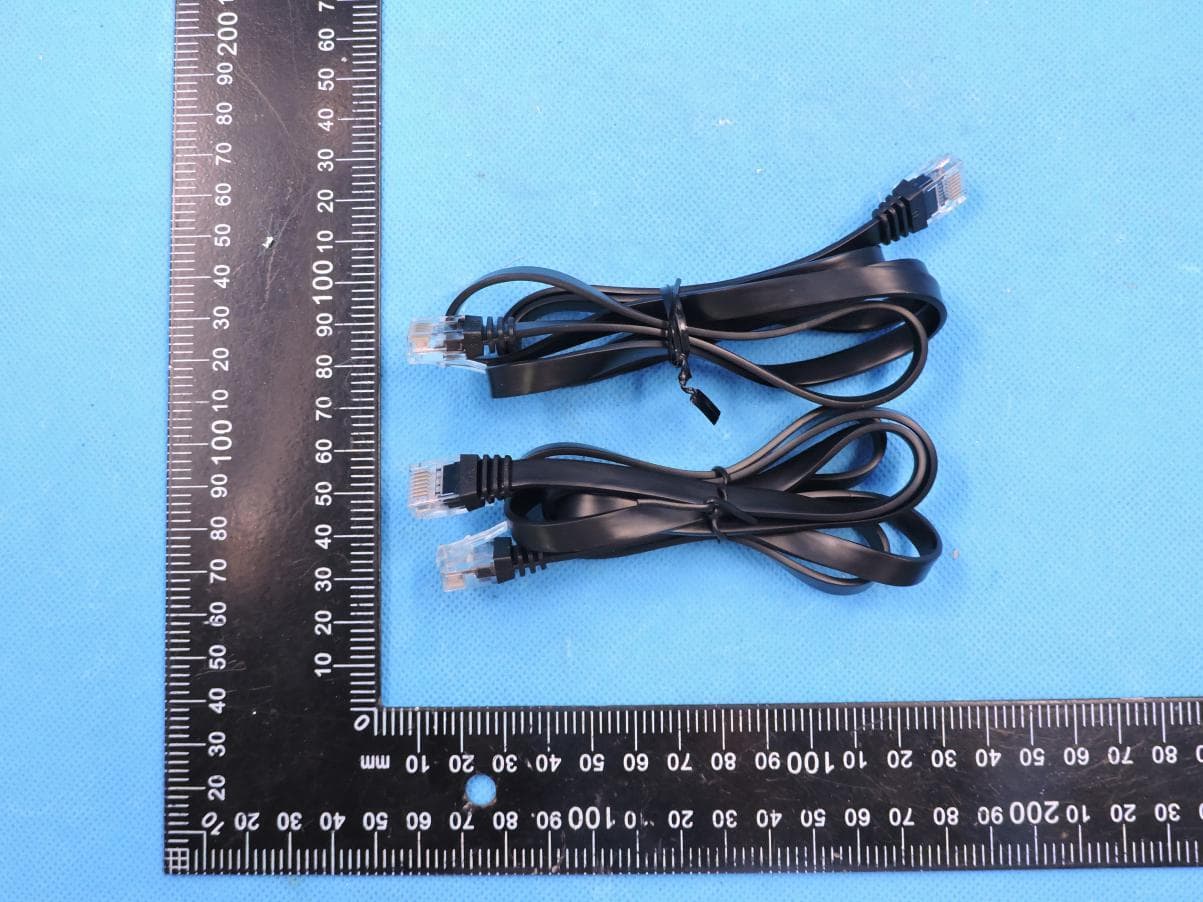
T58M6R
Jul 03, 2022AX1800 Whole Home Mesh WiFi 6 System
Equipment Class
NII - Unlicensed National Information Infrastructure TX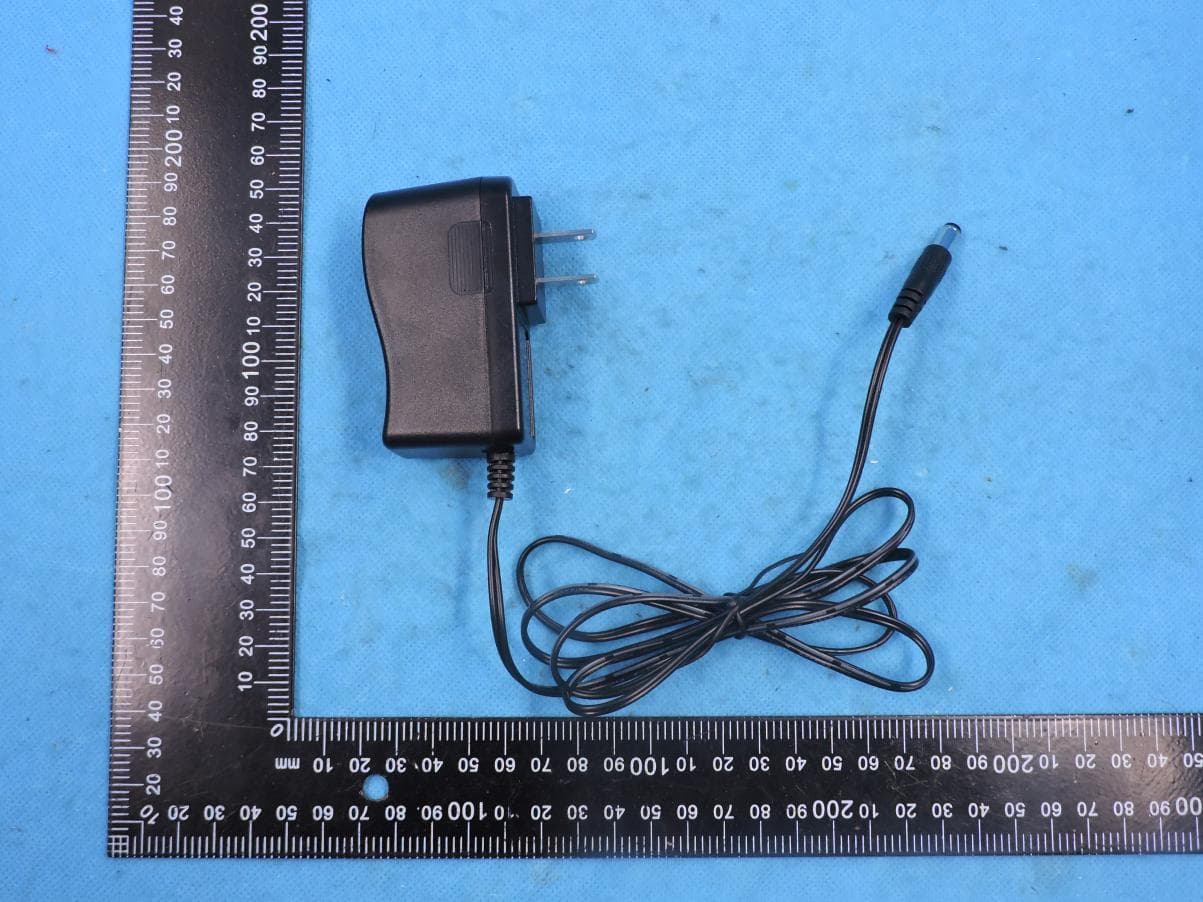
T58N6TR
Jun 05, 2022AX1800 Dual-Band Wireless Router
Equipment Class
DTS - Digital Transmission System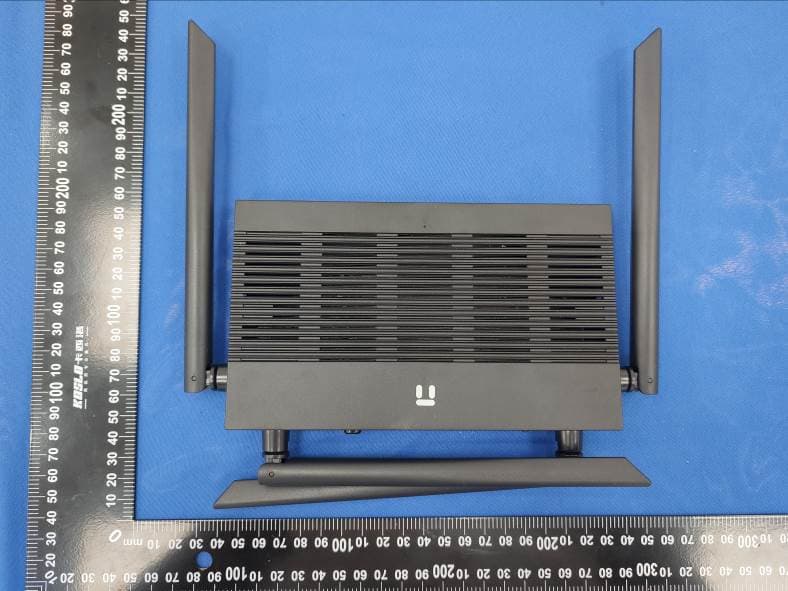
T58N3R
Sep 26, 2021AC1200 Wireless Dual Band Gigabit Router
Equipment Class
NII - Unlicensed National Information Infrastructure TX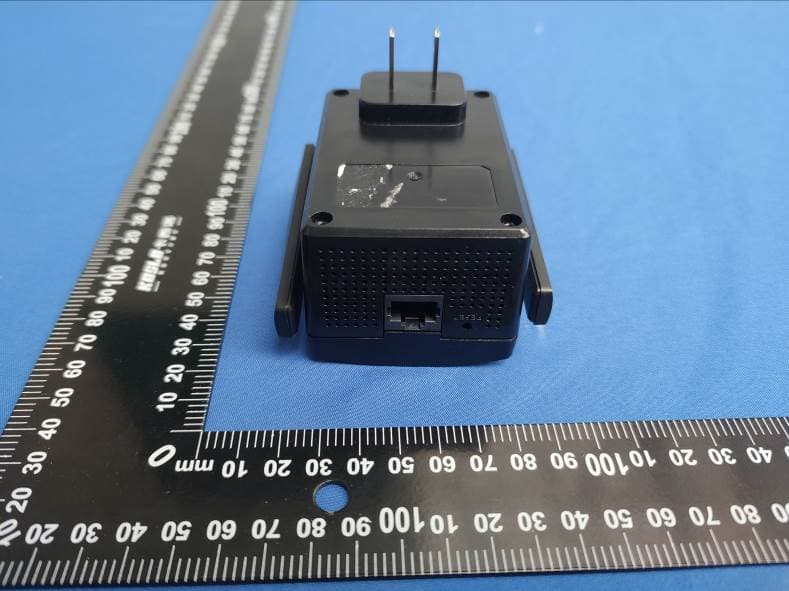
T58E3R
Jul 17, 2021AC1200 Dual Band WiFi Repeater
Equipment Class
DTS - Digital Transmission System