T58WF2404R300Mbps Wireless-N Broadband Router
NETIS SYSTEMS CO., LTD.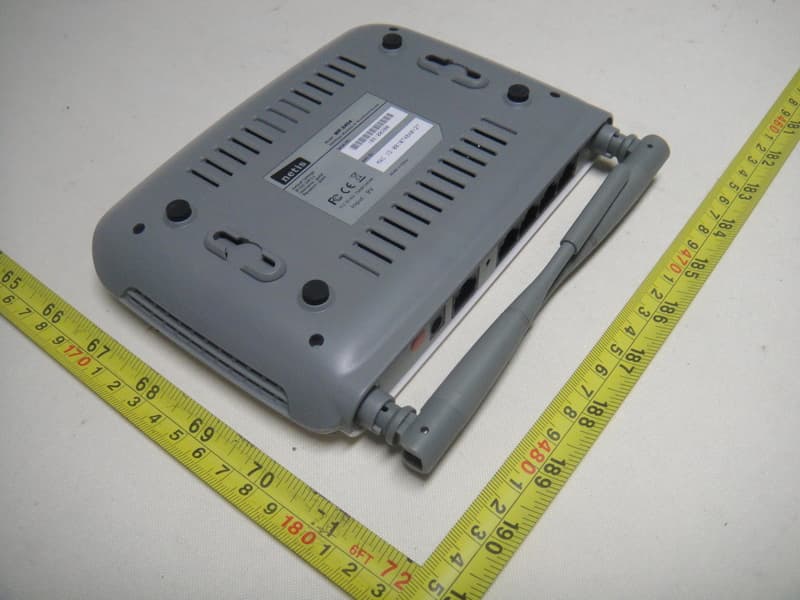
Click to zoom
Application Details
- Equipment Class
- DTS - Digital Transmission System
- Date of Grant
- Nov 16, 2010
- Application Purpose
- Original Equipment
- Date of Application
- Nov 16, 2010
- Equipment Note
- 300Mbps Wireless-N Broadband Router
- Frequency Range
- 2422.00000000 - 2452.00000000
- Company
- NETIS SYSTEMS CO., LTD.
- Country
- China
Documents & Files
Document Text
Text extracted from the exhibit documents filed with the FCC. Open a document above to read the original.
Users Manual
WF-2404 Quick Installation Guide netis 300Mbps Wireless-N Broadband Router V1.1 2010-09-24 300Mbps Wireless-N Broadband Router Quick Installation Guide 1 1. Check Your Package Contents The following items should be found in your package: ¾ 300Mbps Wireless-N Broadband Router ¾ Power adapter ¾ Quick Installation Guide ¾ CD-Rom ¾ Ethernet cable Make sure that the package contains above items. If any of the above items is missing or damaged, please contact the store you bought this product from. 2. Before You Begin Minimum Requirements: ¾ Broadband (DSL/Cable) modem and service with Ethernet port ¾ 802.11n b/g/n wireless adapter or Ethernet adapter and cable for each computer ¾ Internet Explorer® 5.0, Firefox® 2.0 or Safari® 1.4 or higher 300Mbps Wireless-N Broadband Router Quick Installation Guide 2 3. Hardware Installation ¾ Attach one end of an Ethernet cable to your computer’s Ethernet port, and the other end to one of the LAN ports of your router. ¾ Connect another Ethernet cable from your Cable/DSL modem to the WAN port of your router. ¾ Connect the single DC output connector of the power adapter to the power jack on the back of the router and plug the Power Adapter into an AC outlet. 4. LED Indicators Figure 4-1 LED Function PWR ON Power on 300Mbps Wireless-N Broadband Router Quick Installation Guide 3 WPS Flashing slowly WPS is running SYS Flashing Normal WLAN Flashing Wireless data transmitting On WAN Connection normal WAN Flashing Data transmitting On Corresponding LAN port connection normal LAN Flashing Corresponding LAN port data transmitting 5. Configure Your Computer You can manage the 300Mbps Wireless-N Broadband Router through the Web browser- based configuration utility. To configure the device via Web browser, at least one properly configured computer must be connected to the device via Ethernet or wireless network. The Router is configured with the default IP address of 192.168.1.1 and subnet mask of 255.255.255.0 and its DHCP server is enabled by default. Here we use Windows XP for example. If your network settings are not already set and you need to complete this step, the configurations are similar for the other operating systems. ¾ Open My Computer on your desktop or through the Start menu, right click on My Network Places in the Other Places menu to the left and select Properties. Right click on your Local Area Connection in the window that appears and select Properties. In the properties window that appears, under “This connection uses the following items:” select Internet Protocol (TCP/IP) and then click the Properties button below. 300Mbps Wireless-N Broadband Router Quick Installation Guide 4 Figure 5-1 ¾ Select obtain an IP address automatically and obtain DNS server address automatically, click OK Figure 5-2 ¾ Back in the previous window, click OK 300Mbps Wireless-N Broadband Router Quick Installation Guide 5 6. Log In to Router Interface ¾ Open a web browser (Safari, Internet Explorer, etc.) on the computer you have just connected to the router, type http://192.168.1.1 in the address bar, and press enter Figure 6-1 ¾ In the pop-up window, enter the user name guest and password guest and then click OK Figure 6-2 ¾ After you have logged in, the router's user interface will be displayed. The left menu shows the main options to configure the system, and the right screen is the summary information for viewing and adjusting the configurations. 300Mbps Wireless-N Broadband Router Quick Installation Guide 6 7. Router Setup 7.1. Internet Connection Settings ¾ Most connections utilize a dynamic IP (DHCP) and the default is already set to this. If you have another connection type (like static IP), you will need to click on ‘Convenient Setup’ in the menu and input information given you by your service provider and then click save. Figure 7-1 ¾ You may already be connected to the Internet. Click on ‘System Information’- ‘Internet access info’ to see if you have an IP, Gateway, etc (refer to the following picture). If not, your service provider probably requires you clone the MAC address of your computer to the router. To do so, click on ‘Internet Setup’ in the menu, then click on ‘Clone MAC Address’ button to get your computer's MAC address in according to your Internet connection type, and then click the ‘Save’ button below. 300Mbps Wireless-N Broadband Router Quick Installation Guide 7 Figure 7-2 ¾ If you are still not connected, or experience an erratic connection, your modem may have the same IP as the router (192.168.1.1). You will need to change the router's IP. Click on ‘LAN Setup’- ‘LAN IP Address’ and you will see this IP in the main interface. You may edit it to something different (192.168.2.1 for example). After entering the new IP, click on ‘Save’ below, the router will reboot, and you will need to enter the user name and password again. Check your system status for IP again, and test connection. Note: You will need to enter the new IP in the browser to access the user interface for any future setting changes. Figure 7-3 7.2. Advanced Settings 7.2.1. Restore to Factory Default If the router ever freezes in a setting change process or if you can’t access it because you can’t remember the IP you have given it or other problem, you may have to utilize the reset button on the back of the router to put it back to factory settings. You have to press and hold this button 300Mbps Wireless-N Broadband Router Quick Installation Guide 8 for a few seconds (2-6s) with a pencil when it is working, then release and it will restore settings to the factory configuration. The other way to restore factory settings is through the same user interface used in setup. Click on ‘System management’- ‘Restore’, and click on the ‘Restore’ button. 7.2.2. Password Change You may wish to change the router's password. To do so, click on ‘System Management’- ‘Password setup’, enter a new password, confirm it, and click on ‘Save’ 7.2.3. Firmware Upgrade Click on ‘System Management’- ‘Upgrade.’…
Text truncated - open the document above for the full version.
External Photos
Neutron Engineering Inc. Project No.: 1009C189 Page 2 of 9 1009C189 1009C189 Neutron Engineering Inc. Project No.: 1009C189 Page 2 of 9 1009C189 1009C189 Neutron Engineering Inc. Project No.: 1009C189 Page 3 of 9 1009C189 1009C189 Neutron Engineering Inc. Project No.: 1009C189 Page 3 of 9 1009C189 1009C189
Internal Photos
Neutron Engineering Inc. Project No.: 1009C189 Page 4 of 9 1009C189 Neutron Engineering Inc. Project No.: 1009C189 Page 5 of 9 1009C189 Neutron Engineering Inc. Project No.: 1009C189 Page 6 of 9 1009C189 1009C189 Neutron Engineering Inc. Project No.: 1009C189 Page 6 of 9 1009C189 1009C189 Neutron Engineering Inc. Project No.: 1009C189 Page 9 of 9 1009C189 Neutron Engineering Inc. Project No.: 1009C189 Page 7 of 9 1009C189 1009C189 Neutron Engineering Inc. Project No.: 1009C189 Page 7 of 9 1009C189 1009C189 Neutron Engineering Inc. Project No.: 1009C189 Page 8 of 9 1009C189 1009C189 Neutron Engineering Inc. Project No.: 1009C189 Page 8 of 9 1009C189 1009C189
RF Exposure Info
MPE 1 PREDICTION OF MPE LIMIT AT A GIVEN DISTANCE EQUATION FROM PAGE 18 OF OET BULLETIN 65, EDITION 97-01 2 MPE CALCULATION METHOD Calculation Method of RF Safety Distance: where: S = power density P = power input to the antenna G = power gain of the antenna in the direction of interest relative to an isotropic radiator R = distance to the center of radiation of the antenna 3 TEST RESULTS EUT: 300Mbps Wireless-N Broadband Router Model Name : WF-2404 Temperature: 24 °C Relative Humidity: 60 % Pressure: 1016 hPa Test Voltage : AC 120V/60Hz Test Mode : TX B MODE ANT 1 Antenna Gain (dBi) Antenna Gain (numeric) Peak Output Power (dBm) Peak Output Power (mW) Power Density (S) (mW/cm 2 ) Limit of Power Density (S) (mW/cm 2 ) Test Result 3.00 1.9553 17.01 50.2343 0.019950341 Complies 3.00 1.9553 16.84 48.3059 0.019184491 Complies 3.00 1.9553 16.93 49.3174 0.019586211 Complies EUT: 300Mbps Wireless-N Broadband Router Model Name : WF-2404 Temperature: 24 °C Relative Humidity: 60 % Pressure: 1016 hPa Test Voltage : AC 120V/60Hz Test Mode : TX G MODE ANT 1 Antenna Gain (dBi) Antenna Gain (numeric) Peak Output Power (dBm) Peak Output Power (mW) Power Density (S) (mW/cm 2 ) Limit of Power Density (S) (mW/cm 2 ) Test Result 3.00 1.9553 20.10 102.3293 0.040639691 Complies 3.00 1.9553 20.36 108.6426 0.043146981 Complies 3.00 1.9553 20.47 111.4295 0.044253781 Complies EUT: 300Mbps Wireless-N Broadband Router Model Name : WF-2404 Temperature: 24 °C Relative Humidity: 60 % Pressure: 1016 hPa Test Voltage : AC 120V/60Hz Test Mode : TX N MODE -20MHz ANT 1 Antenna Gain (dBi) Antenna Gain (numeric) Peak Output Power (dBm) Peak Output Power (mW) Power Density (S) (mW/cm 2 ) Limit of Power Density (S) (mW/cm 2 ) Test Result 3.00 1.9553 16.35 43.1519 0.017137611 Complies 3.00 1.9553 16.85 48.4172 0.019228721 Complies 3.00 1.9553 16.89 48.8652 0.019406641 Complies EUT: 300Mbps Wireless-N Broadband Router Model Name : WF-2404 Temperature: 24 °C Relative Humidity: 60 % Pressure: 1016 hPa Test Voltage : AC 120V/60Hz Test Mode : TX N MODE -20MHz ANT 2 Antenna Gain (dBi) Antenna Gain (numeric) Peak Output Power (dBm) Peak Output Power (mW) Power Density (S) (mW/cm 2 ) Limit of Power Density (S) (mW/cm 2 ) Test Result 3.00 1.9553 16.03 40.0867 0.015920271 Complies 3.00 1.9553 15.71 37.2392 0.014789391 Complies 3.00 1.9553 15.48 35.3183 0.014026531 Complies EUT: 300Mbps Wireless-N Broadband Router Model Name : WF-2404 Temperature: 24 °C Relative Humidity: 60 % Pressure: 1016 hPa Test Voltage : AC 120V/60Hz Test Mode : TX N MODE -20MHz ANT 1+ANT 2 Antenna Gain (dBi) Antenna Gain (numeric) Peak Output Power (dBm) Peak Output Power (mW) Power Density (S) (mW/cm 2 ) Limit of Power Density (S) (mW/cm 2 ) Test Result 6.00 3.9811 19.35 86.0994 0.068226071 Complies 6.00 3.9811 19.85 96.6051 0.076550911 Complies 6.00 3.9811 19.89 97.4990 0.077259231 Complies EUT: 300Mbps Wireless-N Broadband Router Model Name : WF-2404 Temperature: 24 °C Relative Humidity: 60 % Pressure: 1016 hPa Test Voltage : AC 120V/60Hz Test Mode : TX N MODE -40MHz ANT 1 Antenna Gain (dBi) Antenna Gain (numeric) Peak Output Power (dBm) Peak Output Power (mW) Power Density (S) (mW/cm 2 ) Limit of Power Density (S) (mW/cm 2 ) Test Result 3.00 1.9553 15.46 35.1560 0.013962091 Complies 3.00 1.9553 15.72 37.3250 0.014823491 Complies 3.00 1.9553 15.62 36.4754 0.014486061 Complies EUT: 300Mbps Wireless-N Broadband Router Model Name : WF-2404 Temperature: 24 °C Relative Humidity: 60 % Pressure: 1016 hPa Test Voltage : AC 120V/60Hz Test Mode : TX N MODE -40MHz ANT 2 Antenna Gain (dBi) Antenna Gain (numeric) Peak Output Power (dBm) Peak Output Power (mW) Power Density (S) (mW/cm 2 ) Limit of Power Density (S) (mW/cm 2 ) Test Result 3.00 1.9553 15.78 37.8443 0.015029701 Complies 3.00 1.9553 15.35 34.2768 0.013612891 Complies 3.00 1.9553 15.5 35.4813 0.014091281 Complies EUT: 300Mbps Wireless-N Broadband Router Model Name : WF-2404 Temperature: 24 °C Relative Humidity: 60 % Pressure: 1016 hPa Test Voltage : AC 120V/60Hz Test Mode : TX N MODE -40MHz ANT 1 +ANT 2 Antenna Gain (dBi) Antenna Gain (numeric) Peak Output Power (dBm) Peak Output Power (mW) Power Density (S) (mW/cm 2 ) Limit of Power Density (S) (mW/cm 2 ) Test Result 6.00 3.9811 18.78 75.5092 0.059834321 Complies 6.00 3.9811 18.72 74.4732 0.059013361 Complies 6.00 3.9811 18.62 72.7780 0.057670061 Complies
Test Report
Neutron Engineering Inc. Report No.: NEI-FCCP-1-1009C189 Page 2 of 144 Declaration Neutron represents to the client that testing is done in accordance with standard procedu res as applicable and that test instruments used has been calibrated with the standards traceable to National Measurement Laboratory (NML) of R.O.C, or National Institute of Standards and Technology (NIST) of U.S.A. Neutron's reports apply only to the specific samples tested under conditions. It is manufacture’s responsibility to ensure that additional production units of this model are manufactured with the identical electrical and mechanical components. Neutron shall have no liability for any declarations, inferences or generalizations drawn by the client or others from Neutron issued reports. Neutron’s reports must not be used by the client to claim product endorsement by the authorities or any agency of the Government. This report is the confidential property of the client. As a mutual protection to the clients, the public and Neutron-self, extracts from the test report shall not be reproduced except in full with Neutron’s authorized written approval. Neutron’s laboratory quality assurance procedures are in compliance with the ISO Guide 17025 requirements, and accredited by the conformity assessment authorities listed in this test report. Limitation For the use of the authority's logo is limited unless the Test Standard(s)/Scope(s)/Item(s) mentioned in this test report is (are) included in the conformity assessment authorities acceptance respective. Neutron Engineering Inc. Report No.: NEI-FCCP-1-1009C189 Page 3 of 144 Table of Contents Page 1 . CERTIFICATION 5 2 . SUMMARY OF TEST RESULTS 6 2.1 TEST FACILITY 7 2.2 MEASUREMENT UNCERTAINTY 7 3 . GENERAL INFORMATION 8 3.1 GENERAL DESCRIPTION OF EUT 8 3.2 DESCRIPTION OF TEST MODES 10 3.3 TABLE OF PARAMETERS OF TEXT SOFTWARE SETTING 11 3.4 BLOCK DIGRAM SHOWING THE CONFIGURATION OF SYSTEM TESTED 12 3.5 DESCRIPTION OF SUPPORT UNITS (RADIATED MODE) 13 3.6 DESCRIPTION OF SUPPORT UNITS (CONDUCTED MODE) 14 4 . EMC EMISSION TEST 15 4.1 CONDUCTED EMISSION MEASUREMENT 15 4.1.1 POWER LINE CONDUCTED EMISSION LIMITS 15 4.1.2 MEASUREMENT INSTRUMENTS LIST AND SETTING 15 4.1.3 TEST PROCEDURE 16 4.1.4 DEVIATION FROM TEST STANDARD 16 4.1.5 TEST SETUP 16 4.1.6 EUT OPERATING CONDITIONS 16 4.1.7 TEST RESULTS 17 4.2 RADIATED EMISSION MEASUREMENT 19 4.2.1 RADIATED EMISSION LIMITS 19 4.2.2 MEASUREMENT INSTRUMENTS LIST ANS SETTING 20 4.2.3 TEST PROCEDURE 21 4.2.4 DEVIATION FROM TEST STANDARD 21 4.2.5 TEST SETUP 22 4.2.6 EUT OPERATING CONDITIONS 22 4.2.7 TEST RESULTS (BETWEEN 30 – 1000 MHZ) 23 4.2.8 TEST RESULTS (ABOVE 1000 MHZ) 25 5 . BANDWIDTH TEST 73 5.1 APPLIED PROCEDURES / LIMIT 73 5.1.1 MEASUREMENT INSTRUMENTS LIST 73 5.1.2 TEST PROCEDURE 73 5.1.3 DEVIATION FROM STANDARD 73 5.1.4 TEST SETUP 74 Neutron Engineering Inc. Report No.: NEI-FCCP-1-1009C189 Page 4 of 144 Table of Contents Page 5.1.5 EUT OPERATION CONDITIONS 74 5.1.6 TEST RESULTS 75 6 . PEAK OUTPUT POWER TEST 85 6.1 APPLIED PROCEDURES / LIMIT 85 6.1.1 MEASUREMENT INSTRUMENTS LIST 85 6.1.2 TEST PROCEDURE 85 6.1.3 DEVIATION FROM STANDARD 85 6.1.4 TEST SETUP 85 6.1.5 EUT OPERATION CONDITIONS 85 6.1.6 TEST RESULTS 86 7 . ANTENNA CONDUCTED SPURIOUS EMISSION 89 7.1 APPLIED PROCEDURES / LIMIT 89 7.1.1 MEASUREMENT INSTRUMENTS LIST 89 7.1.2 TEST PROCEDURE 89 7.1.3 DEVIATION FROM STANDARD 89 7.1.4 TEST SETUP 89 7.1.5 EUT OPERATION CONDITIONS 89 7.1.6 TEST RESULTS 90 8 . POWER SPECTRAL DENSITY TEST 130 8.1 APPLIED PROCEDURES / LIMIT 130 8.1.1 MEASUREMENT INSTRUMENTS LIST 130 8.1.2 TEST PROCEDURE 130 8.1.3 DEVIATION FROM STANDARD 130 8.1.4 TEST SETUP 130 8.1.5 EUT OPERATION CONDITIONS 130 8.1.6 TEST RESULTS 131 9 . EUT TEST PHOTO 143 Neutron Engineering Inc. Report No.: NEI-FCCP-1-1009C189 Page 5 of 144 1. CERTIFICATION Equipment : 300Mbps Wireless-N Broadband Router Brand Name : netis Model Name : WF-2404 Applicant : NETIS SYSTEMS CO., LTD. Factory : Dongguan City Netcore Network Technology Co.,Ltd. Address : No.10-1,Sankeng Road,Qinghutou,Tangxia Town,Dongguan City Date of Test : Sep. 28, 2010 ~ Nov. 02, 2010 Test Item : ENGINEERING SAMPLE Standards : FCC Part15, Subpart C(15.247) / ANSI C63.4 : 2003 The above equipment has been tested and found compliance with the requirement of the relative standards by Neutron Engineering Inc. EMC Laboratory. The test data, data evaluation, and equipment configuration contained in our test report (Ref No. NEI-FCCP-1-1009C189) were obtained utilizing the test procedures, test instruments, test sites that has been accredited by the Authority of NVLAP and TAF according to the ISO-17025 quality assessment standard and technical standard(s). Neutron Engineering Inc. Report No.: NEI-FCCP-1-1009C189 Page 6 of 144 2. SUMMARY OF TEST RESULTS Test procedures according to the technical standards: FCC Part15 (15.247) , Subpart C Standard Section Test Item Judgment Remark 15.207 Conducted Emission PASS 15.247(d) Antenna conducted Spurious Emission PASS 15.247(a)(2) 6dB Bandwidth PASS 15.247(b)(3) Peak Output Power PASS 15.209/15.205 Radiated Spurious Emission PASS 15.247(e) Power Spectral Density PASS 15.203 Antenna Requirement PASS NOTE: (1)” N/A” denotes test is not applicable in this Test Report Neutron Engineering Inc. Report No.: NEI-FCCP-1-1009C189 Page 7 of 144 2.1 TEST FACILITY The test facilities used to collect the test data in this report is DG-CB03/DG-C03 at the location of No.3,Jinshagang 1st Road, ShiXia, Dalang Town, Dong Guan, China.523792 Neutron's test firm number is 319330 2.2 MEASUREMENT UNCERTAINTY Where relevant, the following measurement uncertainty levels have been estimated for tests performed on the EUT as specified in CISPR 16-4-2: The reported uncertainty of measurement y ± U,where expended uncertainty U is based on a standard uncertainty multiplied by a coverage factor of k=2,providing a level of confidence of approximately 95 %。 A. Conducted Measurement : Test Site Method Measurement Fr…
Text truncated - open the document above for the full version.
Test Setup Photos
Neutron Engineering Inc. Report No.: NEI-FCCP-1-1009C189 Page 144 of 144 Radiated Measurement Photos Neutron Engineering Inc. Report No.: NEI-FCCP-1-1009C189 Page 144 of 144 Radiated Measurement Photos Neutron Engineering Inc. Project No.: 1009C189 Page 2 of 9 1009C189 1009C189 Neutron Engineering Inc. Project No.: 1009C189 Page 2 of 9 1009C189 1009C189
Contact Information
Applicant
Kinki Wang(Auditor)
Technical Contact
Neutron Engineering Inc.Cathy Wang
[email protected]+886-769-83183000
No.3,Jinshagang 1st Rd, ShiXia,Dalang Town · Dongguan · China
Non-Technical Contact
Neutron Engineering Inc.Cathy Wang
[email protected]+886-769-83183000
Test Firm
BTL Inc.Daisy Dai
Technical Specifications
| # | Rule Parts | Frequency Range | Power Output |
|---|---|---|---|
| 3 | 15C | 2.42 GHz - 2.45 GHz | 73.00 mW |
Other Applications from NETIS SYSTEMS CO., LTD.
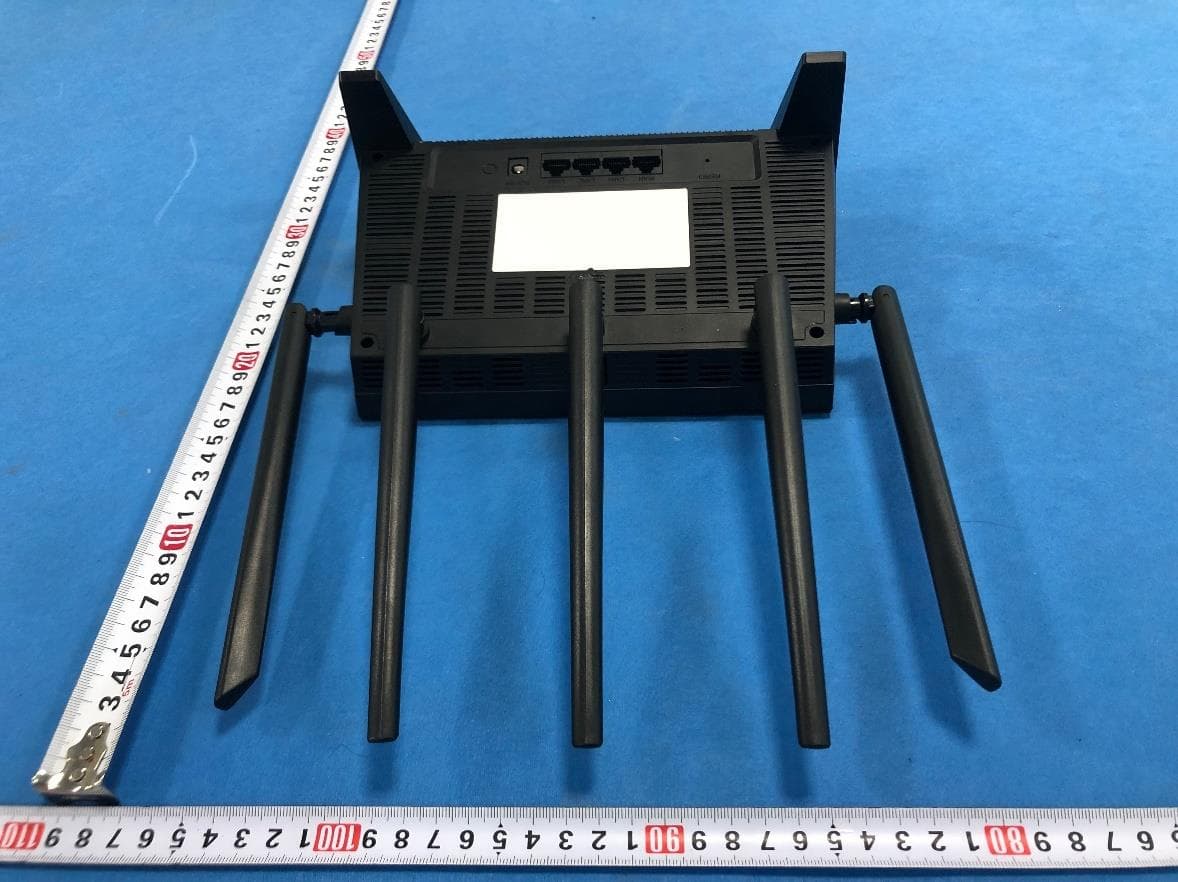
T58NX30R
Apr 20, 2023AX3000 Wireless Dual-Band WiFi6 Router
Equipment Class
DTS - Digital Transmission System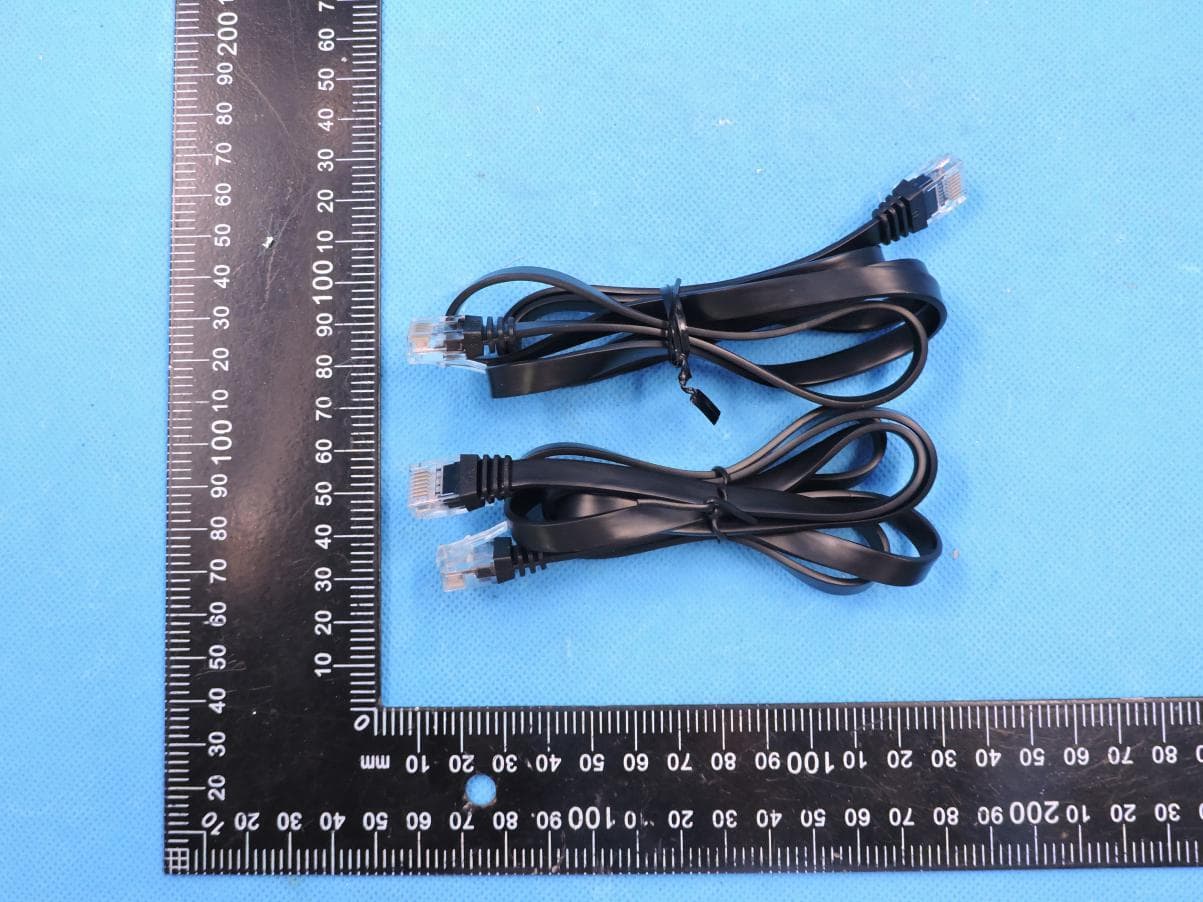
T58M6R
Jul 03, 2022AX1800 Whole Home Mesh WiFi 6 System
Equipment Class
NII - Unlicensed National Information Infrastructure TX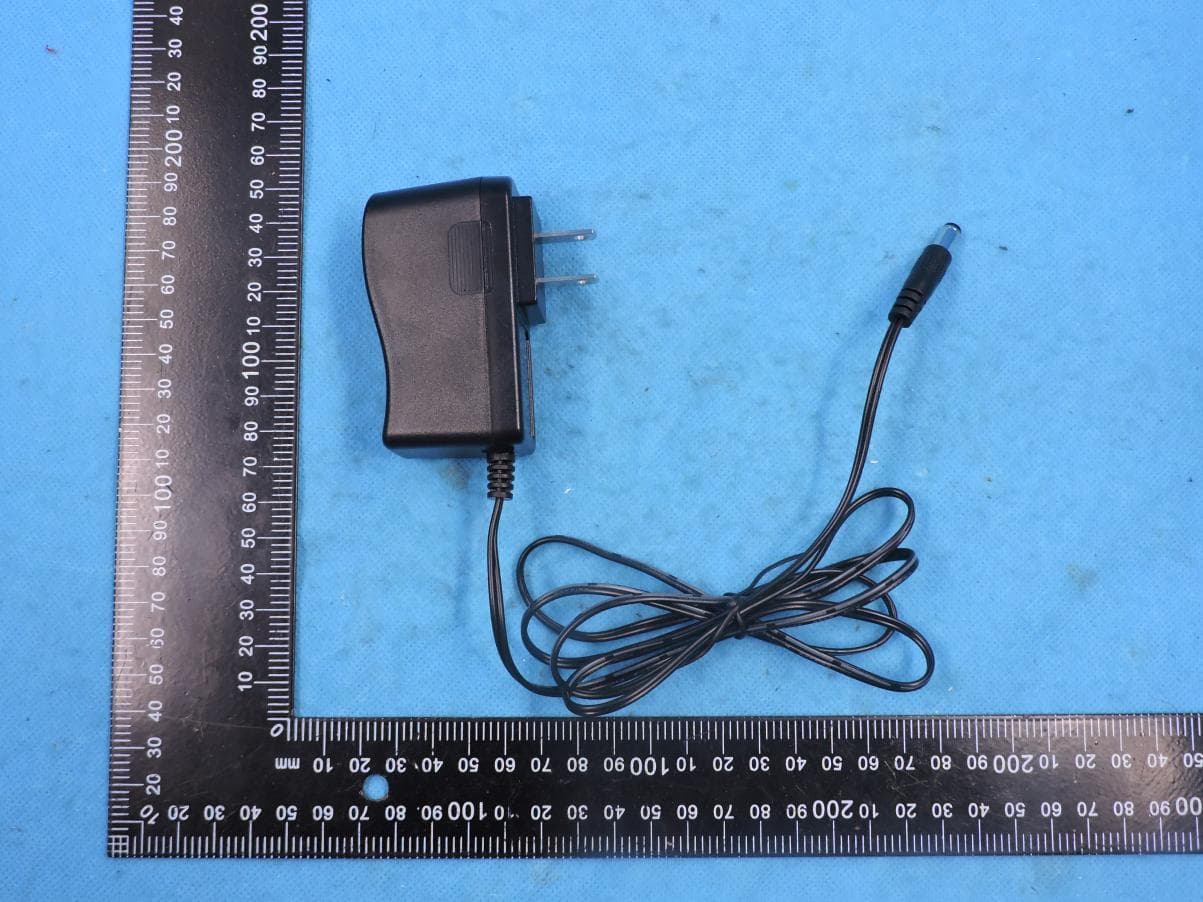
T58N6TR
Jun 05, 2022AX1800 Dual-Band Wireless Router
Equipment Class
DTS - Digital Transmission System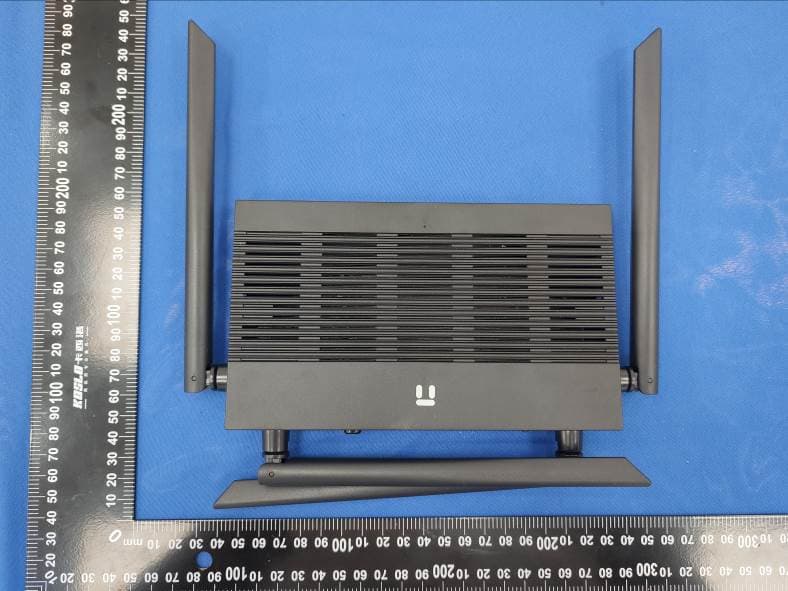
T58N3R
Sep 26, 2021AC1200 Wireless Dual Band Gigabit Router
Equipment Class
NII - Unlicensed National Information Infrastructure TX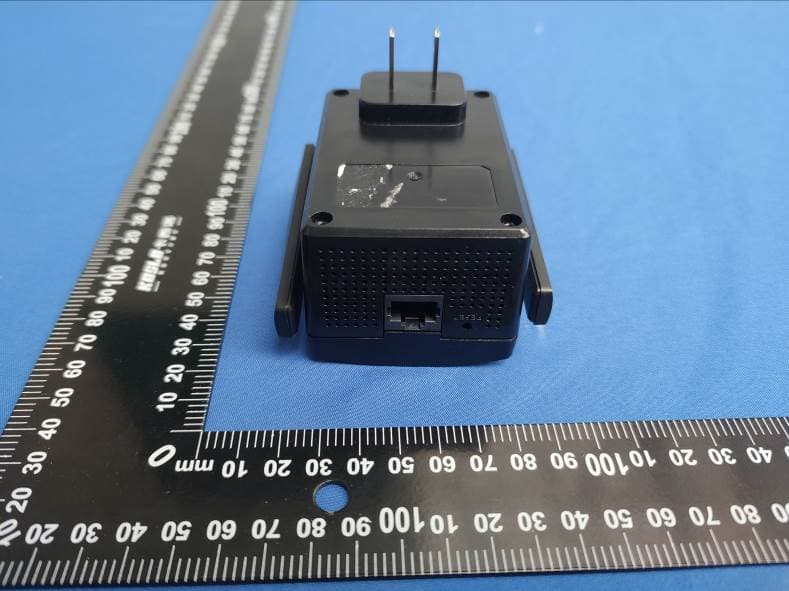
T58E3R
Jul 17, 2021AC1200 Dual Band WiFi Repeater
Equipment Class
DTS - Digital Transmission System