T58WF2419D300Mbps Wireless N Router
NETIS SYSTEMS CO., LTD.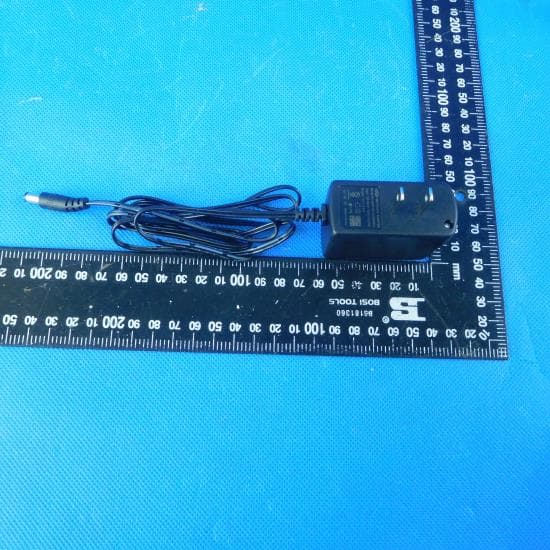
Click to zoom
Application Details
- Equipment Class
- DTS - Digital Transmission System
- Date of Grant
- Jan 07, 2020
- Application Purpose
- Original Equipment
- Date of Application
- Jan 07, 2020
- Equipment Note
- 300Mbps Wireless N Router
- Frequency Range
- 2412.00000000 - 2462.00000000
- Company
- NETIS SYSTEMS CO., LTD.
- Country
- China
Documents & Files
Document Text
Text extracted from the exhibit documents filed with the FCC. Open a document above to read the original.
Users Manual
netis Wireless N Router Quick Installation Guide R FCC Caution: Any Changes or modifications not expressly approved by the party responsible for compliance could void the user's authority to operate the equipment. This device complies with part 15 of the FCC Rules. Operation is subject to the following two conditions: (1) This device may not cause harmful interference, and (2) this device must accept any interference received, including interference that may cause undesired operation. FCC RF Radiation Exposure Statement: 1.This Transmitter must not be co-located or operating in conjunction with any other antenna or transmitter. 2.This equipment complies with RF radiation exposure limits set forth for an uncontrolled environment. 3. This equipment should be installed and operated with minimum distance 20cm between the radiator& your body. 1.Package Contents *This QIG is for all netis 300Mbps Wireless N Router, including models- WF2419/3001473 * The product model shown in this QIG is WF2419, as an example. Power Adapter Ethernet Cable Wireless N Router QIG netis Wireless N Router Quick Installation Guide netis Wireless N Router Quick Installation Guide 1 2.Hardware Connection 2.1. Power off your Modem. 2.2. Connect the WAN port on netis Router to the Modem's LAN port with an Ethernet cable. 2.3. Connect your computer to one of the LAN ports on netis Router with an Ethernet cable. 2.4. Power on your Modem. 2.5. Plug the provided Power Adapter into the PWR jack of netis Router and the other end to a standard electrical socket. Then wait for one minute. CABLE CABLE LINE IN POWER xDSL/Cable Modem Notebook with wireless network adapter Computer with wired network adapter 5 POWER netis Wireless N Router Quick Installation Guide 2 3.Configure the Router via Web Management Page 3.1. Set the IP address of the wired network adapter on your computer as“Automatic” or “DHCP”. For Windows 8/ 7/Vista 1) Go to “Settings” (Win 8)/ “Start” (Win 7/Vista)> “Control Panel”. 2) Left-click on “Network and Internet”> “Network and Sharing Center”> “Change adapter settings” (Win 8/7)/ “Manage network connections” (Win Vista). 3) Right-click on “Local Area Connection” and left-click on “Properties”. 4) Double-click on “Internet Protocol Version 4 (TCP/IPv4)”. 5) Select “Obtain an IP address automatically” and “Obtain DNS server address automatically” then left-click on “OK”. For Windows XP/2000 1) Go to “Start”> “Control Panel”. 2) Left-click on “Network and Internet Connections”> “Network Connections”. 3) Right-click on “Local Area Connection” and left-click on “Properties”. 4) Double-click on “Internet Protocol (TCP/IP)”. 5) Select “Obtain an IP address automatically” and “Obtain DNS server address automatically” then left-click on “OK”. For MAC OS 1) Click on the “Apple” menu> “System Preferences”. 2) Click on the “Network” icon. 3) Click on “Ethernet” in the left side box and click on “Advanced” in the lower right corner. 4) In the top options, select “TCP/IP”. 5) In the pull-down menu next to “Configure IPv4”, select “Using DHCP”. 6) Click “OK” then “Apply”. 3.2. Open your browser and type in the address field to visit router's http://netis.cc web management page. http://netis.cc netis Wireless N Router Quick Installation Guide 3 1) In “Quick Setup” page, select your Internet Connection Type. If “DHCP (Cable Modem)” is selected, the router will automatically receive the IP parameters from your ISP (Internet Service Provider). If “Static IP” is selected, please enter the IP Address/Subnet Mask/Default Gateway/DNS Servers given by your ISP. If “PPPoE” is selected, please enter the Username and Password given by your ISP. 2) Under Wireless Setup, configure your wireless network name (SSID) and password. 3) Left-click on “Save” to make your settings take effect. 3. 3. Select the language as you need on the top box,default is in English. Tip 1: Default address: http://netis.cc Default SSID: netis_XXXXXX Default wireless password: password (XXXXXX: Last 6 digits of LAN MAC Address) Tip 2: You can click on button on the top for other Internet connection types and further settings. netis Wireless N Router Quick Installation Guide 4 How do I restore my netis Router's configuration to its default settings? With the router powered on, use a pin to press and hold the Default button on the rear panel for 8 to 10 seconds before releasing it. The router will reboot and all configurations are back to factory default. Q A 4.Troubleshooting What can I do if my Internet cannot be accessed? 1) Check to verify the hardware connections are correct. Please refer to the “Hardware Connection” step. 2) Login to netis Router's web management page and ensure that you set the correct Internet Connection Type. For cable modem users, please configure “MAC Clone” additionally. Q A On the left-side menu, left-click on > “Network”> “WAN”. And in the middle page, left-click on “Advanced”> “MAC Clone” and then “Save” it. 3) Reboot the modem first and then netis Router. Wait for one minute before you check the Internet again. 4) If Internet access is not available, please connect your computer directly to your modem and try the Internet again. If the Internet is still not working, please contact your ISP for further help. NETIS SYSTEMS CO., LTD. www.netis-systems.com MADE IN CHINA Technical Support:[email protected] 4
Cover Letter(s)
Differences Declaration To whom concern, We company NETIS SYSTEMS CO., LTD.Here by declares: The product model(s) WF2419 are the same PCB layout, electronic schematic and Antenna with 3001473, which tested in Shenzhen Huatongwei International Inspection Co., Ltd. They are the same model that has 2 names. Sincerely yours, Name (in print): Company name: NETIS SYSTEMS CO., LTD. Company address: Floor 8, Building B, TongFang Information Harbor, No.11 Langshan Road, Nanshan District, Shenzhen, China Tel: +86 0755-86186777 E-Mail: [email protected]
Cover Letter(s)
NETIS SYSTEMS CO., LTD. Office of Engineering Technology Federal Communications Commission 7435 Oakland Mills Road Columbia, MD 21046 Date: 2020-01-06 Subject; Request for Long Term Confidentiality FCC ID: T58WF2419D To Whom It May Concern, Pursuant to the provisions of the Commission’s rules Title 47 Sections §0.457 and §0.459, we are requesting the Commission to withhold the following attachment(s) as confidential documents from public disclosure indefinitely. These documents contain detailed system and equipment descriptions and are considered as proprietary information in operation of the equipment. The public disclosure of these documents might be harmful to our company and would give competitors an unfair advantage in the market. Schematic Diagram Block Diagram Operational Description It is our understanding that all measurement test reports, FCC ID label format and correspondence during the certification review process cannot be granted as confidential documents and this information will be available for public review once the grant of equipment authorization is issued. Sincerely, Signature: Name: Kinki Wang Title: Manager
Cover Letter(s)
NETIS SYSTEMS CO., LTD. Letter of Authorization Company: NETIS SYSTEMS CO., LTD. Address: Floor 8, Building B, TongFang Information Harbor, No.11 Langshan Road, Nanshan District, Shenzhen, China Product Name: 300Mbps Wireless N Router Model Number: WF2419, 3001473 FCC Identifier: T58WF2419D We authorize MiCOM Labs Inc, 575 Boulder Court, Pleasanton, California 94566, USA, to act on our behalf on all matters concerning the above named equipment. Any individual within MiCOM Labs is authorized to act on our behalf and take action on the application. We declare that MiCOM Labs Inc, 575 Boulder Court, Pleasanton, California 94566, USA, is allowed to forward all information related to the approval project to the Federal Communication Commission and to discuss any issues concerning the approval application. Any and all acts carried out by MiCOM Labs on our behalf shall have the same effect as acts of our own. Name: Kinki Wang Date: 2020-01-06 Title: Manager Signature:
External Photos
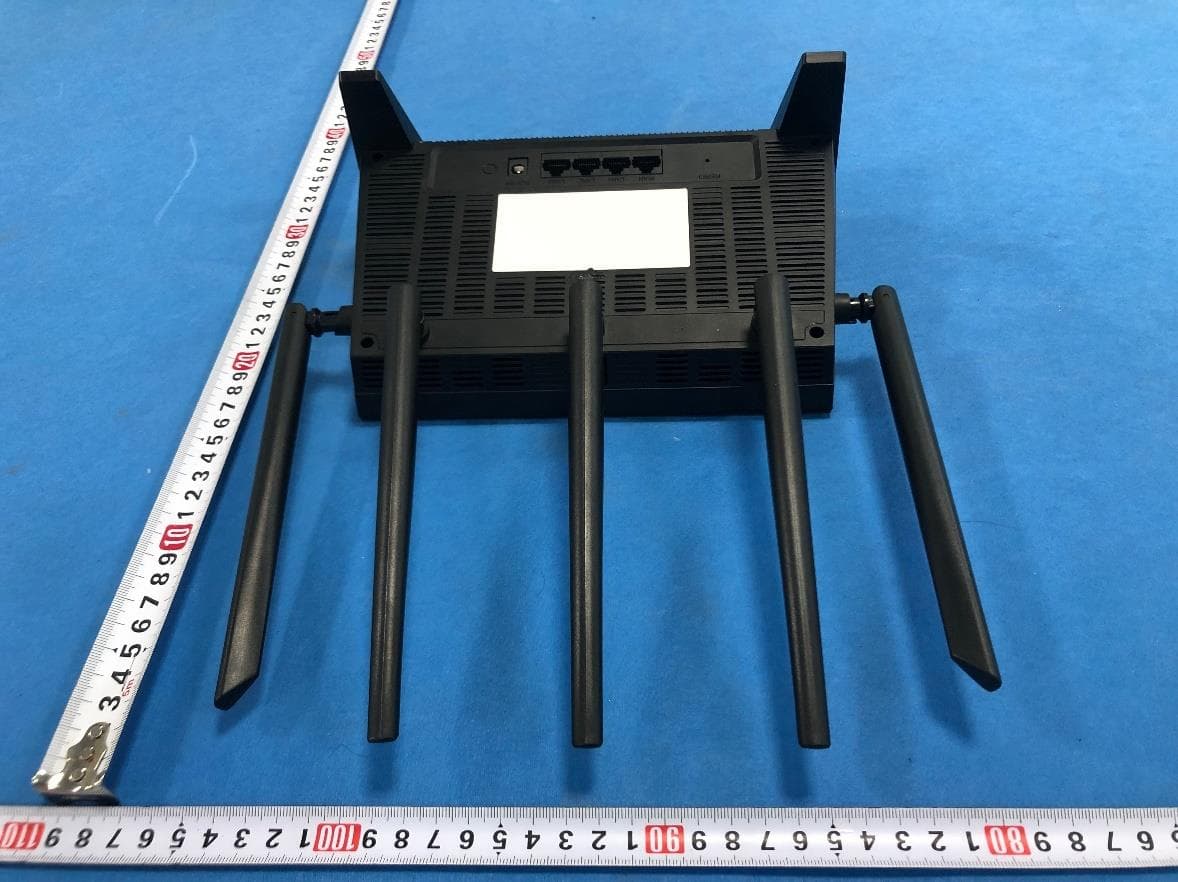
External Photo
Internal Photos
Internal Photo
RF Exposure Info
FCC ID: T58WF2419D RF Exposure Evaluation LIMIT The criteria listed in the following table shall be used to evaluate the environment impact of human exposure to radio frequency (RF) radiation as specified in 1.1307(b) Limits for Maximum Permissible Exposure (MPE) Frequency range (MHz) Electric field strength (V/m) Magnetic field strength (A/m) Power density (mW/cm 2 ) Averaging time (minutes) (A) Limits for Occupational/Controlled Exposures 0.3–3.0 614 1.63 *(100) 6 3.0–30 1842/f 4.89/f *(900/f 2 ) 6 30–300 61.4 0.163 1.0 6 300–1500 - - f/300 6 1500–100,000 - - 5 6 (B) Limits for General Population/Uncontrolled Exposure 0.3–1.34 614 1.63 *(100) 30 1.34–30 824/f 2.19/f *(180/f 2 ) 30 30–300 27.5 0.073 0.2 30 300–1500 - - f/1500 30 1500–100,000 - - 1.0 30 Note: f = frequency in MHz EVALUATION METHOD Transmission formula: Pd = (Pout*G)/(4*pi*r 2 ) Where Pd = power density in mW/cm 2 , Pout = output power to antenna in mW, G = gain of antenna in linear scale; Pi = 3.1416, R = distance between observation point and center of the radiator in cm TEST RESULT Passed Not Applicable FCC ID: T58WF2419D Type Antenna Conducted Power (dBm) Maximum Tune-up (dBm) Power Density (mW/cm2) Limit (mW/cm2) Result 802.11b Antenna 1 21.32 22.00 0.0997 1.0000 Pass 802.11g Antenna 0 19.81 20.00 0.0629 1.0000 Pass Type Antenna Conducted Power (dBm) Maximum Tune-up (dBm) Power Density (mW/cm2) Total Power Density (mW/cm2) Limit (mW/cm2) Result 802.11n(H20) Antenna 0 20.03 21.00 0.0792 0.1421 1.0000 Pass Antenna 1 19.66 20.00 0.0629 802.11n(H40) Antenna 0 18.88 19.00 0.0500 0.1129 1.0000 Pass Antenna 1 19.85 20.00 0.0629 Note: 1) The maximum antenna gain is 5dBi 2) The exposure evaluation safety distance is 20mm. 3) Total Power Density = (Antenna 0 Power Density + Antenna 1 Power Density)/ Limit
Test Report
Page: 1 of 41 TEST REPORT Report No. ...................................... : CHTEW19120211 Report Verification: Project No.................................: SHT1912060301EW FCC ID ............................................. : T58WF2419D Applicant’s name ........................... : NETIS SYSTEMS CO., LTD. Address ............................................. : Floor 8, Building B, TongFang Information Harbor, No.11 Langshan Road, Nanshan District, Shenzhen, China Manufacturer.....................................: NETIS SYSTEMS CO., LTD. Address..............................................: Floor 8, Building B, TongFang Information Harbor, No.11 Langshan Road, Nanshan District, Shenzhen, China Test item description .................... : 300Mbps Wireless N Router Trade Mark ....................................... : netis Model/Type reference ....................... : WF2419 Listed Model(s) ................................. : 3001473 Standard ......................................... : FCC CFR Title 47 Part 15 Subpart C Section 15.247 Date of receipt of test sample..........: Dec.20,2019 Date of testing.............................: Dec.20,2019 ~ Dec.26,2019 Date of issue...............................: Dec.27,2019 Result .................. ........................: PASS Compiled by ( Position+Printed name+Signature): File administrator Yueming Li Supervised by (Position+Printed name+Signature): Project Engineer Kiki Kong Approved by (Position+Printed name+Signature): RF Manager Hans Hu Testing Laboratory Name ............. : Shenzhen Huatongwei International Inspection Co., Ltd. Address ............................................. : 1/F, Bldg 3, Hongfa Hi-tech Industrial Park, Genyu Road, Tianliao, Gongming, Shenzhen, China Shenzhen Huatongwei International Inspection Co., Ltd. All rights reserved. This publication may be reproduced in whole or in part for non-commercial purposes as long as the Shenzhen Huatongwei International Inspection Co., Ltd. is acknowledged as copyright owner and source of the material. Shenzhen Huatongwei International Inspection Co., Ltd. takes no responsibility for and will not assume liability for damages resulting from the reader's interpretation of the reproduced material due to its placement and context. The test report merely correspond to the test sample. Report No.: CHTEW19120211 Page: 2 of 41 Issued:2019-12-27 Shenzhen Huatongwei International Inspection Co., Ltd. Report Template Version: V02 (2019-10) Contents 1. TEST STANDARDS AND REPORT VERSION 3 1.1. Test Standards 3 1.2. Report version 3 2. TEST DESCRIPTION 4 3. SUMMARY 5 3.1. Client Information 5 3.2. Product Description 5 3.3. Radio Specification Description 5 3.4. Testing Laboratory Information 6 4. TEST CONFIGURATION 7 4.1. Test frequency list 7 4.2. Descriptions of Test mode 7 4.3. Test mode 7 4.4. Support unit used in test configuration and system 8 4.5. Testing environmental condition 8 4.6. Measurement uncertainty 8 4.7. Equipment Used during the Test 9 5. TEST CONDITIONS AND RESULTS 11 5.1. Antenna Requirement 11 5.2. AC Conducted Emission 12 5.3. Peak Output Power 15 5.4. Power Spectral Density 16 5.5. 6dB bandwidth 17 5.6. 99% Occupied Bandwidth 18 5.7. Duty Cycle 19 5.8. Conducted Band edge and Spurious Emission 20 5.9. Radiated Band edge Emission 22 5.10. Radiated Spurious Emission 27 6. TEST SETUP PHOTOS 35 7. EXTERANAL AND INTERNAL PHOTOS 37 8. APPENDIX REPORT 41 Report No.: CHTEW19120211 Page: 3 of 41 Issued:2019-12-27 Shenzhen Huatongwei International Inspection Co., Ltd. Report Template Version: V02 (2019-10) 1. TEST STANDARDS AND REPORT VERSION 1.1. Test Standards The tests were performed according to following standards: ‒ FCC Rules Part 15.247: Frequency Hopping, Direct Spread Spectrum and Hybrid Systems that are in operation within the bands of 902-928 MHz, 2400-2483.5 MHz, and 5725-5850 MHz ‒ ANSI C63.10:2013: American National Standard for Testing Unlicensed Wireless Devices ‒ KDB 558074 D01 15.247 Meas Guidance v05r02: Guidance for Compliance Measurements on Digital Transmission System, Frequency Hopping Spread Spectrum System, and Hybrid System Devices Operating under Section 15.247 of T he FCC Rules ‒ KDB662911 D01 Multiple Transmitter Output v02r01: Emissions Testing of Transmitters with Multiple Outputs in the Same Band (e.g., MIMO, Smart Antenna, etc) ‒ KDB662911 D02 MIMO with Cross-Polarized Antennas v01: MIMO with Cross-Polarized Antenna 1.2. Report version Revision No. Date of issue Description N/A 2019-12-27 Original Report No.: CHTEW19120211 Page: 4 of 41 Issued:2019-12-27 Shenzhen Huatongwei International Inspection Co., Ltd. Report Template Version: V02 (2019-10) 2. TEST DESCRIPTION Report clause Test Items Standard Requirement Result 5.1 Antenna Requirement 15.203/15.247(c) PASS 5.2 AC Conducted Emission 15.207 PASS 5.3 Peak Output Power 15.247(b)(3) PASS 5.4 Power Spectral Density 15.247(e) PASS 5.5 6dB Bandwidth 15.247(a)(2) PASS 5.6 99% Occupied Bandwidth - PASS *1 5.7 Duty cycle - PASS *1 5.8 Conducted Band Edge and Spurious Emission 15.247(d)/15.205 PASS 5.9 Radiated Band Edge Emission 15.205/15.209 PASS 5.10 Radiated Spurious Emission 15.247(d)/15.205/15.209 PASS Note: ‒ The measurement uncertainty is not included in the test result. ‒ *1: No requirement on standard, only report these test data. Report No.: CHTEW19120211 Page: 5 of 41 Issued:2019-12-27 Shenzhen Huatongwei International Inspection Co., Ltd. Report Template Version: V02 (2019-10) 3. SUMMARY 3.1. Client Information Applicant: NETIS SYSTEMS CO., LTD. Address: Floor 8, Building B, TongFang Information Harbor, No.11 Langshan Road, Nanshan District, Shenzhen, China Manufacturer: NETIS SYSTEMS CO., LTD. Address: Floor 8, Building B, TongFang Information Harbor, No.11 Langshan Road, Nanshan District, Shenzhen, China 3.2. Product Description Name of EUT: 300Mbps Wireless N Router Trade Mark: netis Model No.: WF2419 Listed Model(s): 3001473 Power supply: AC 120V Adapter information: Mode:AMS195…
Text truncated - open the document above for the full version.
Test Setup Photos
Radiated Emission AC Conducted Emission
Contact Information
Applicant
Kinki Wang(Auditor)
Technical Contact
Test Firm
Shenzhen Huatongwei International Inspection Co.,Tony Jiang
[email protected]+86-755-26748078
Technical Specifications
| # | Rule Parts | Frequency Range | Power Output |
|---|---|---|---|
| 1 | 15C | 2.41 GHz - 2.46 GHz | 193.20 mW |
Other Applications from NETIS SYSTEMS CO., LTD.
T58NX30R
Apr 20, 2023AX3000 Wireless Dual-Band WiFi6 Router
Equipment Class
DTS - Digital Transmission System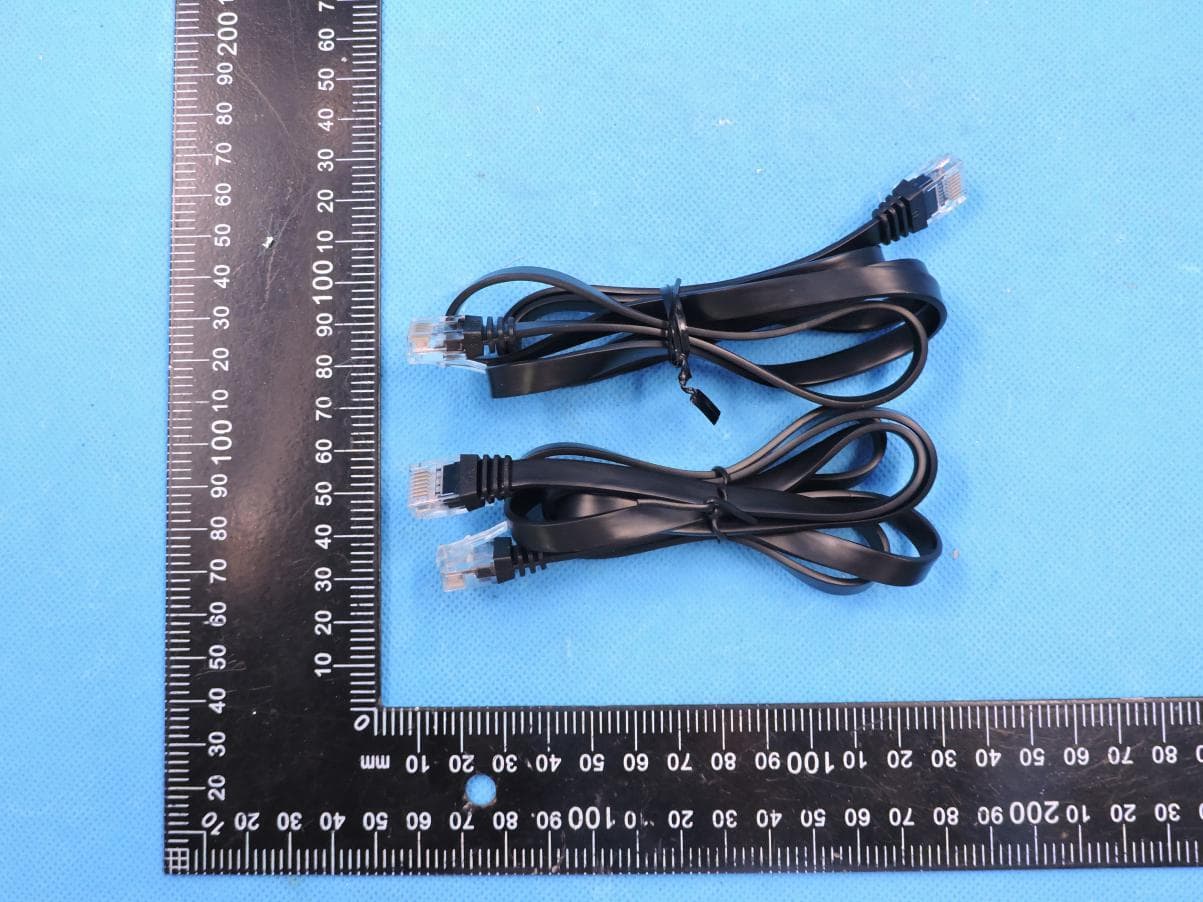
T58M6R
Jul 03, 2022AX1800 Whole Home Mesh WiFi 6 System
Equipment Class
NII - Unlicensed National Information Infrastructure TX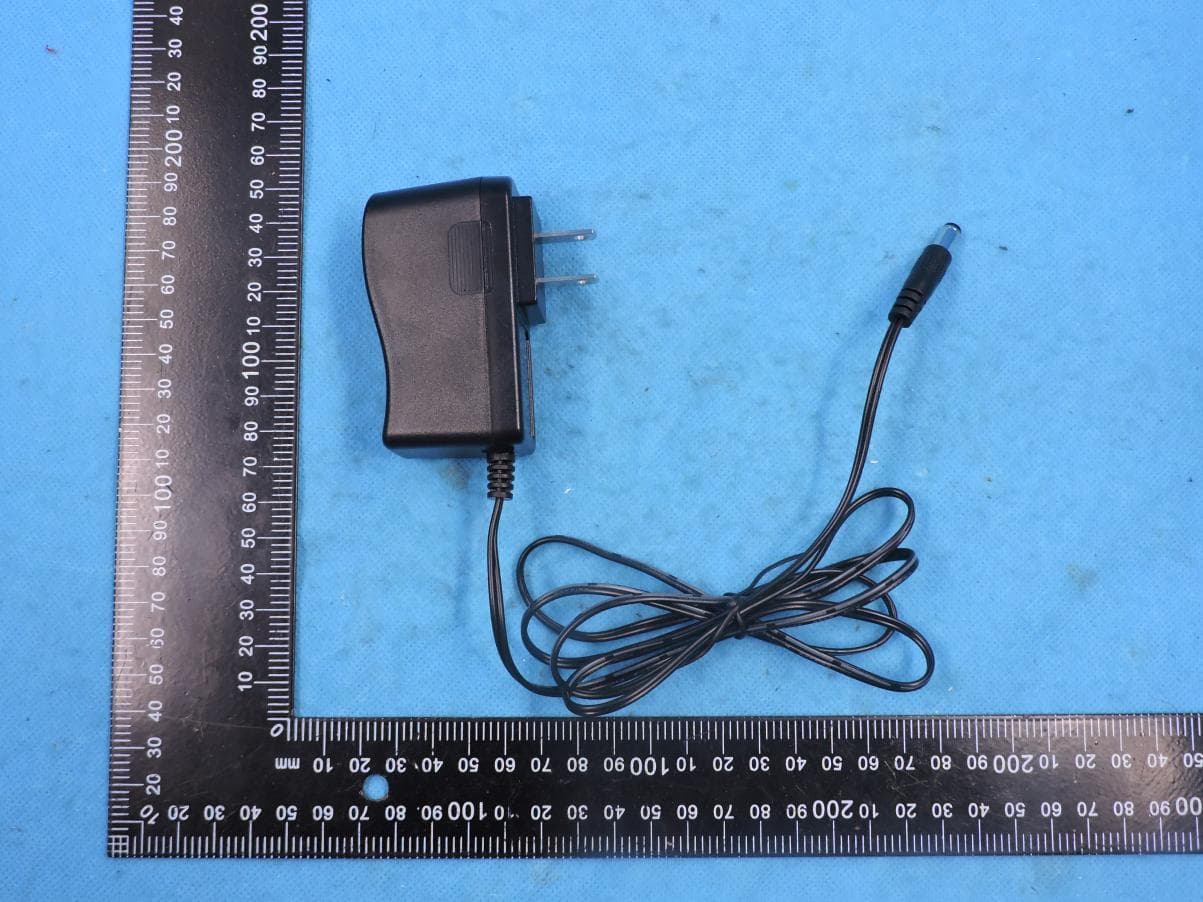
T58N6TR
Jun 05, 2022AX1800 Dual-Band Wireless Router
Equipment Class
DTS - Digital Transmission System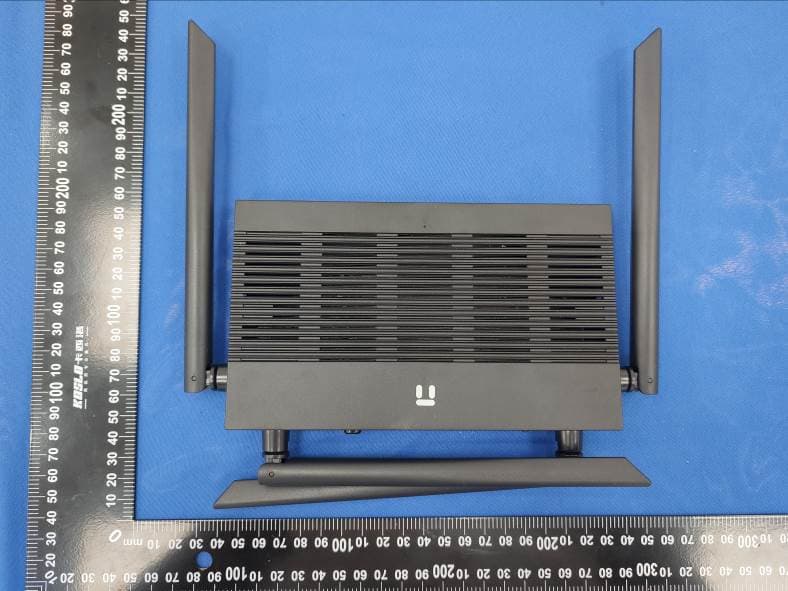
T58N3R
Sep 26, 2021AC1200 Wireless Dual Band Gigabit Router
Equipment Class
NII - Unlicensed National Information Infrastructure TX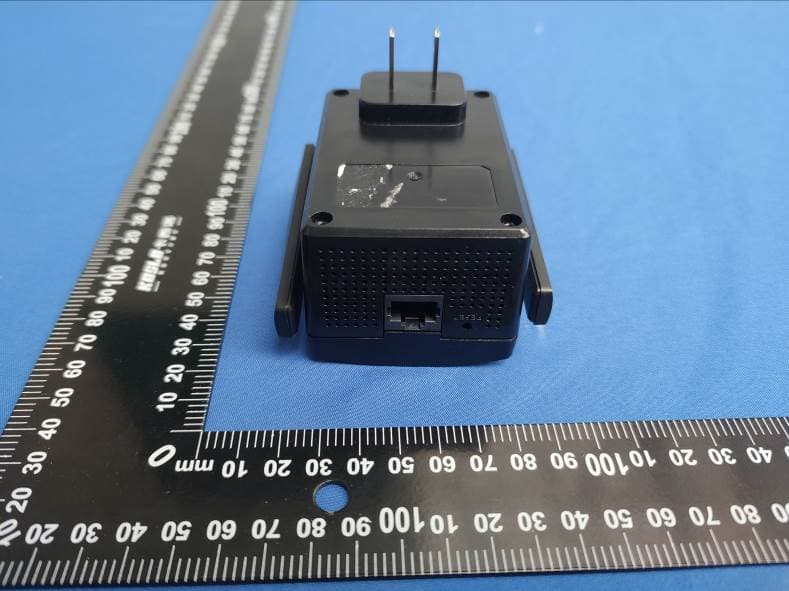
T58E3R
Jul 17, 2021AC1200 Dual Band WiFi Repeater
Equipment Class
DTS - Digital Transmission System