TCLMAGICCUBEPROJECTION KEYBOARD
CELLUON, INC.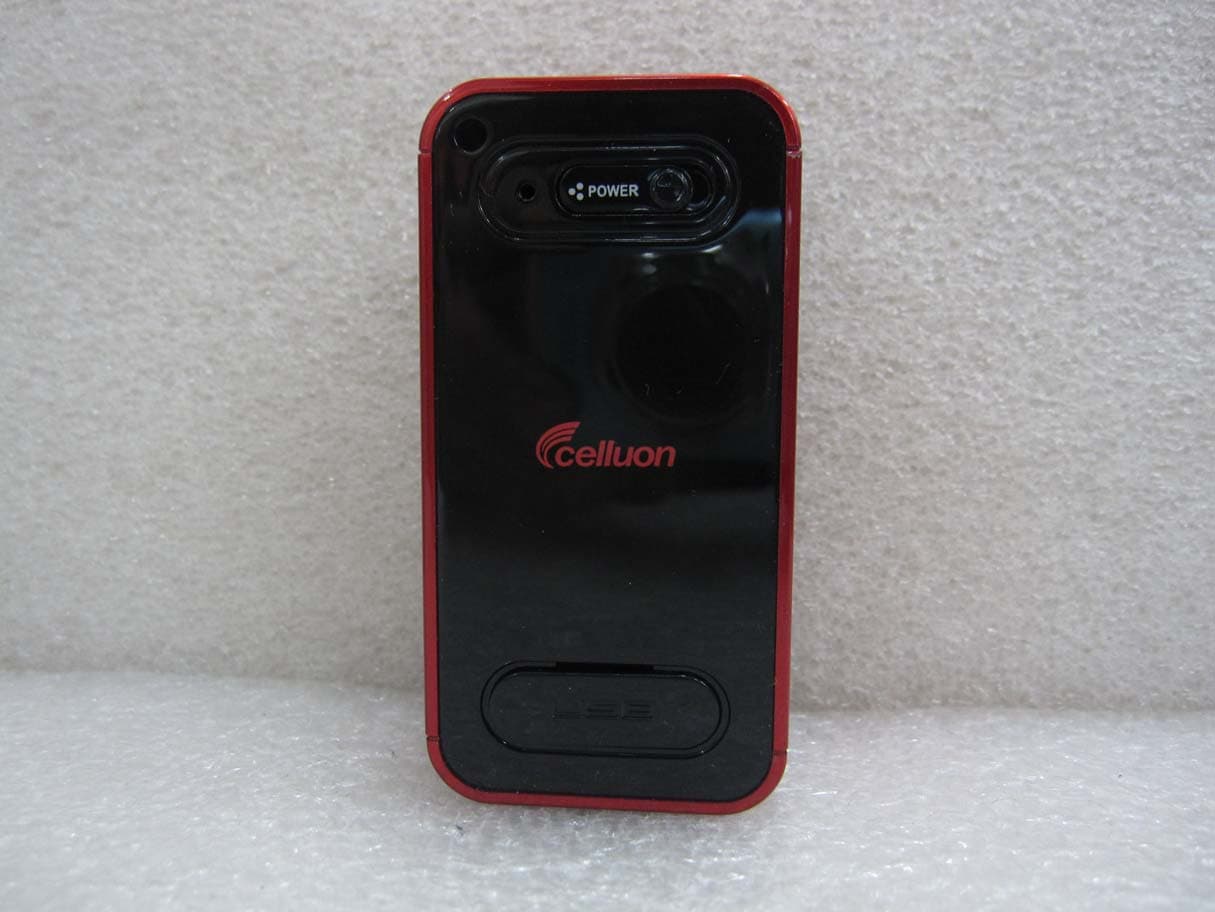
Click to zoom
Application Details
- Equipment Class
- DSS - Part 15 Spread Spectrum Transmitter
- Date of Grant
- Apr 04, 2011
- Application Purpose
- Original Equipment
- Date of Application
- Apr 03, 2011
- Equipment Note
- PROJECTION KEYBOARD
- Frequency Range
- 2402.00000000 - 2480.00000000
- Company
- CELLUON, INC.
- Country
- South Korea
Documents & Files
Document Text
Text extracted from the exhibit documents filed with the FCC. Open a document above to read the original.
Users Manual
Magic Cube User`s Guide ■ Copyright Copyrightⓒ 2011 All rights reserved by CELLUON, INC. All page contents are properties of CELLUON, INC. ■ CELLUON, INC. & evoMouse®, Magic Cube are registered trademark of CELLUON, INC. All other products are trademarks or registered of their respective companies. ■ Please refer to host device instruction manual for Bluetooth pairing information. Safety Precautions 1. Avoid exposing this product to direct sunlight for extended periods of time, and keep it away from heat sources. 2. There is a risk of malfunction if product is used in places where sudden or extreme temperature changes occur. 3. Applying excessive force or impact to this product may result in product damage, and will void warranty. 4. To ensure safety and prevent damage, use only the dedicated mini-USB to USB cable supplied with this product. 5. Never attempt to disassemble or service this product yourself. Doing so can result in electrical shock and will void the warranty. 6. This Class 1 laser product is certified by FDA safety regulation. For your safety, please do not stare directly into the laser source. Doing so could damage your eyes. 7. Avoid placing any object within the space between the main unit and the laser projection keyboard layout. 8. Please do not use this product on uneven or irregular surfaces. Place the product on a flat surface. Avoid table or surface that is as transparent or reflective as glass or mirror. . This symbol indicates a risk of personal injury or harm by electrical shock. Always consult the user manual before touching the area of the CELLUON, INC that displays this symbol. Rechargeable Li-ion Battery: ■ Battery Operating Time: Approx. 150 minutes (with continuous use) Capacity: 700mAh (Max)@3.7V ■ Charging the Battery: Use supplied USB cable to begin charging the battery. When the charging is complete, battery status LED turns green. ■ Charging Time: Approx.180 minutes Note: Charging time increases if product is used while charging. . Cautions 1. For safety reasons, be sure to use only the mini USB to USB cable specified for this product. 2. Make sure to fully charge the battery before using the product for the first time. 3. Battery charging times may vary slightly depending on the ambient temperature. 4. The battery may not be charge to 100 percent of its rated cell capacity even when the battery status LED indicates green light. 5. Using or storing the battery in high temperature, humidity and pressure environments may cause the battery to explode. 6. Since the battery is a consumable item, its storage capacity decreases gradually as time passes. 1. Product Features - English QWERTY keyboard layout. - Compact size for portability – perfect for on-the -go - Function icons and shortcut keys for ease of operation - Non- mechanical optical mechanism for superior durability - Built -in Lithium-ion rechargeable battery for mobility and convenience - Compatible with latest devices: Window XP/Vista/7, Windows Phone 7, iOS4 (iPhone3GS/4, iPad), and Android 2.2 or higher 2. Package Contents - Projection Keyboard - USB Cable - User’s guide 3. How this Product Works This product emits infrared light from the lower end of the product to detect objects such as fingers. When an object passes through the area illuminated by the infrared light source, any infrared light reflecting off the object is detected by the sensor. Information on the position and movement of the object is then analyzed to perform the product’s role as a keyboard. Sensitivity: difference in thickness, shape, and color of the user’s fingers or operating environment result in differences in the amount of reflected infrared light. If the amount of reflected infrared light is appropriate, the sensor will have no problem detecting objects such as fingers. However, if the amount of reflected infrared light becomes low because of the causes mentioned above or some other cause, the keystroke recognition rate may decrease or your keystrokes may not be recognized at all. On the other hand, if the amount of reflected infrared light is too high, the keystroke recognition may become too sensitive or a “hovering” effect may occur. (Hovering: keystroke is recognized before your finger touches the projection surface.) Therefore, it is necessary to compensate for differences in finger characteristics or operating environment, and this can be accomplished by adjusting the sensitivity of your projection keyboard. Given the same amount of reflected infrared light, increasing the sensitivity will produce the effect of a higher amount of reflection, whereas decreasing the sensitivity will produce the effect of a lower amount of reflection. With the sensitivity set to its minimum value, repeatedly press a key that is relatively far from the sensor (Spacebar, CTRL, etc.) to increase the sensitivity. As soon as your keystroke is recognized, stop adjusting the sensitivity and set the final setting value to one or two notches above original setting. ■ Conditions to Avoid: 1. Avoid direct sunlight 2. Avoid low color temperature light source, such as tungsten, halogen, or incandescent lamp is used. 3. Avoid uneven or irregular surfaces. Place the product on flat surfaces. 4. Avoid a table or surface that is as transparent or reflective as glass or mirror. 5. Avoid placing any objects within the space between the main unit and the laser projected keyboard layout. Note: Because this product uses infrared rays, strong infrared radiation from direct or reflected sunlight or from tungsten (halogen or incandescent) lighting may cause operating error. Caution: Although this equipment is classified as Class 1 laser product, for your safety, do not directly expose your eyes to pattern projection beams or infrared rays. 4. Identifying Parts and their Functions. (1) Projector: Uses a red laser to project the image of a keyboard onto a flat surface in front of the typist. (2) Sensor: Picks up the infrared light reflected off the typist…
Text truncated - open the document above for the full version.
Cover Letter(s)
CELLUON, INC. ______________________________________________________________________________ Federal Communications Commission Authorization and Evaluation Division Confidentiality Request regarding application for certification of FCC ID: TCLMAGICCUBE Pursuant to Sections 0.457 and 0.459 of the Commission’s Rules, we hereby request confidential treatment of information accompanying this application as outlined below: Exhibit Type File Name 1. Circuit Diagram. 2. Part List. 3. Block Diagram. 4. Operating Description. 1. Circuit Diagram_Magic Cube.pdf 2. Part List_Magic Cube.pdf 3. Block Diagram_Magic Cube.pdf 4. Operating Description_Magic Cube.pdf The above materials contain trade secrets and proprietary information not customarily released to the public. The public disclosure of these materials may be harmful to the applicant and provide unjustified benefits to its competitors. The applicant understands that pursuant to Section 0.457 of the Rules, disclosure of this application and all accompanying documentation will not be made before the date of the Grant for this application. Pursuant to DA04-1705 June 15, 2004 of the Commission’s public notice, we also request temporary confidential treatment of information accompanying this application as outlined below: Exhibit Type File Name 1. Circuit Diagram. 2. Part List. 3. Block Diagram. 4. Operating Description. 1. Circuit Diagram_Magic Cube.pdf 2. Part List_Magic Cube.pdf 3. Block Diagram_Magic Cube.pdf 4. Operating Description_Magic Cube.pdf Sincerely, _____________________ CHUN BAE PARK Deputy General Manager
External Photos
Magic Cube_Front Magic Cube_Rear Magic Cube_Left Magic Cube_Right Magic Cube_Top Magic Cube_Bottom
ID Label/Location Info
ID LABEL LOCATION INFORMATION Magic Cube
Internal Photos
Magic Cube_Inside Magic Cube_Inside #2 Magic Cube_Main Board Front Magic Cube_Main Board Rear Magic Cube_RF Module Magic Cube_Camera Module Front Magic Cube_Camera Module Rear Magic Cube_IR Light Source Module Front Magic Cube_IR Light Source Module Rear Magic Cube_IR Light Source Module PCB Magic Cube_Pattern Projector Module Front Magic Cube_Pattern Projector Module Rear Magic Cube_Pattern Projector Module PCB Magic Cube_Lithium Polymer Battery Front Magic Cube_Lithium Polymer Battery Rear
Operational Description
Antenna Data Information PCB Printed Antenna Antenna peak gain is – 2 dBi
Test Report
Certification Service Technology Inc. Report No. : CSTS-A11-FCC013 Page: 1 of 62 This report shall not be reproduced, in whole or in part without the written approval of Certification Service Technology Inc. C.S.Tech., Ltd: 1055, Singil-dong ,Danwon-gu ,Ansan-si, Gyeonggi-do, Korea 425-839 Tel: +82 31 493 2001 Fax: +82 31 493 2055 www.cstlab.co.kr Certification of Compliance CFR 47 Part 15 Subpart B, Subpart C Order No. : CSTS-C1103-046 Test Report No. : CSTS-A11-FCC013 Applicant : CELLUON, INC. Address of Applicant : Age High-End Tower 918 235-2, Guro-dong, Guro-gu, Seoul, Korea, 152-740 Equipment Under Test (EUT) Kind of Product : Projection Keyboard Model Name : Magic Cube FCC ID : TCLMAGICCUBE Standards : FCC CFR Part 15 Subpart B,C : 2008 ANSI C63.4:2003 Date of Receipt : 16 March, 2011 Date of Test : 18 March, 2011 Date of Issue : 24 March, 2011 Test Result : ■ Positive □ Negative Jae Yeon, Choi / Testing By Engineer Chang Woo, Kim / General Manager In the configuration tested, the EUT complied with the standards specified above. Remarks : This report details the results of the testing carried out on one sample, the results contained in this test report do not relate to other samples of the same product. The manufacturer should ensure that all products in series production are in conformity with the product sample detailed in this report. This report may only be reproduced and distributed in full. If the product in this report is used in any configuration other than that detailed in the report, the manufacturer must ensure the new system complies with all relevant standards. Certification Service Technology Inc. Report No. : CSTS-A11-FCC013 Page: 2 of 62 This report shall not be reproduced, in whole or in part without the written approval of Certification Service Technology Inc. C.S.Tech., Ltd: 1055, Singil-dong ,Danwon-gu ,Ansan-si, Gyeonggi-do, Korea 425-839 Tel: +82 31 493 2001 Fax: +82 31 493 2055 www.cstlab.co.kr Contents 1. GENERAL INFORMATION ................................................................................................. 4 1.1 INFORMATION OF TEST LABORATORY. .................................................................................. 4 1.2 DESCRIPTION OF TEST ........................................................................................................... 5 1.3 MEASUREMENT UNCERTAINTY CALCULATIONS .................................................................... 8 1.4 MANUFACTURER INFORMATION ............................................................................................ 9 1.5 GENERAL DESCRIPTION OF EUT ........................................................................................... 9 1.6 DETAILS OF EUT ................................................................................................................... 9 1.7 DESCRIPTION OF SUPPORT UNITS ........................................................................................ 10 1.8 CABLE LIST ......................................................................................................................... 10 1.9 SYSTEM CONFIGURATION .................................................................................................... 10 1.10 TEST SET-UP CONFIGURATION .......................................................................................... 11 1.11 TEST METHODOLOGY AND CONFIGURATION .................................................................... 11 1.12 STANDARDS APPLICABLE FOR TESTING ............................................................................. 11 2. SUMMARY ............................................................................................................................. 12 3. EQUIPMENT UNDER TEST ............................................................................................... 13 3.1 CONDUCTED EMISSION ................................................................................................. 13 3.1.1 TEST INSTRUMENTS .......................................................................................................... 13 3.1.2 TEST AREA ....................................................................................................................... 13 3.1.3 OPERATION OF EUT ......................................................................................................... 13 3.1.4 TEST DATE ....................................................................................................................... 13 3.1.5 CONDUCTED EMISSIONS RESULT ...................................................................................... 14 3.2 RADIETED EMISSION ...................................................................................................... 16 3.2.1 TEST INSTRUMENTS .......................................................................................................... 16 3.2.2 TEST AREA ....................................................................................................................... 16 3.2.3 OPERATION OF EUT ......................................................................................................... 16 3.2.4 TEST DATE ....................................................................................................................... 16 3.2.5 RADIATED EMISSION RESULT (9 KHZ ~ 30 MHZ) ............................................................ 17 3.2.6 RADIATED EMISSION RESULT (30 MHZ ~ 1000 MHZ) ..................................................... 21 3.2.6 FUNDAMENTAL & HAMONICS RADIATED EMISSION RESULT (1 GHZ ~ 12.75 GHZ) ........ 28 3.3 NUMBER OF HOPPING FREQUENCY USED .............................................................. 34 3.3.1 TEST INSTRUMENTS .......................................................................................................... 34 3.3.2 LIMIT ................................................................................................................................ …
Text truncated - open the document above for the full version.
Test Setup Photos
Magic Cube_Coducted Emission Front Magic Cube_Coducted Emission Rear Magic Cube_Radiated Emission 9 kHz to 30 MHz (Portable) Magic Cube_Radiated Emission 9 kHz to 30 MHz (PC) Magic Cube_Radiated Emission 30 MHz to 1 GHz (Portable) Front Magic Cube_Radiated Emission 30 MHz to 1 GHz (Portable) Rear Magic Cube_Radiated Emission 30 MHz to 1 GHz (PC) Front Magic Cube_Radiated Emission 30 MHz to 1 GHz (PC) Rear Magic Cube_Radiated Emission 1 GHz to 12.75 GHz Front Magic Cube_Radiated Emission 1 GHz to 12.75 GHz Rear
Contact Information
Applicant
chun bae park
Test Firm
Certification Service Technology Inc.Won WOOK
Technical Specifications
| # | Rule Parts | Frequency Range | Power Output |
|---|---|---|---|
| 1 | 15C | 2.40 GHz - 2.48 GHz | 1.00 mW |
Other Applications from CELLUON, INC.
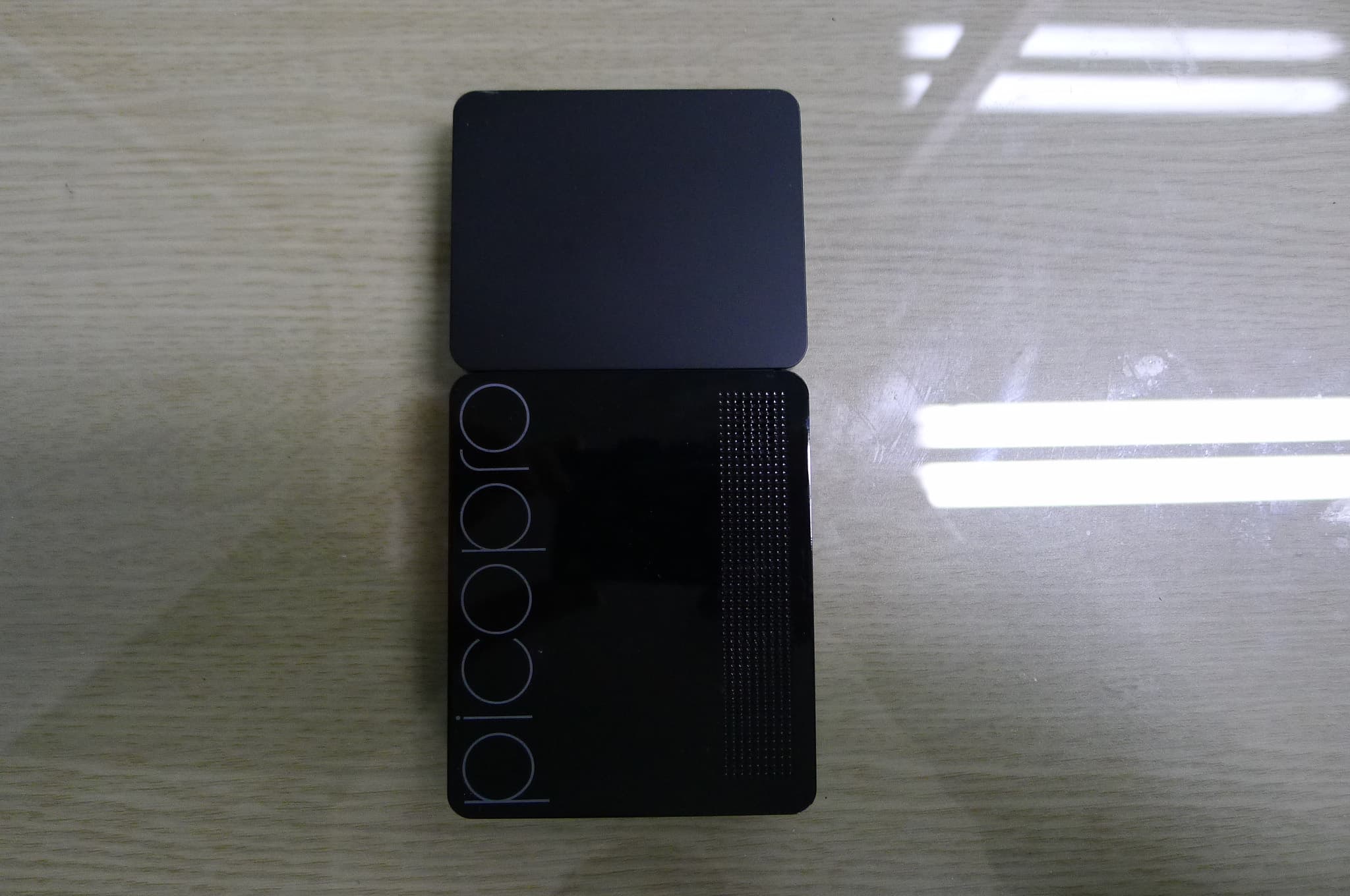
TCLPICOPRO
Feb 11, 2015Pico projector
Equipment Class
DTS - Digital Transmission System
TCLPICOAIR
Jan 22, 2015Pico projector
Equipment Class
DTS - Digital Transmission System
TCLEPIC
Apr 29, 2013PROJECTION KEYBOARD
Equipment Class
DSS - Part 15 Spread Spectrum Transmitter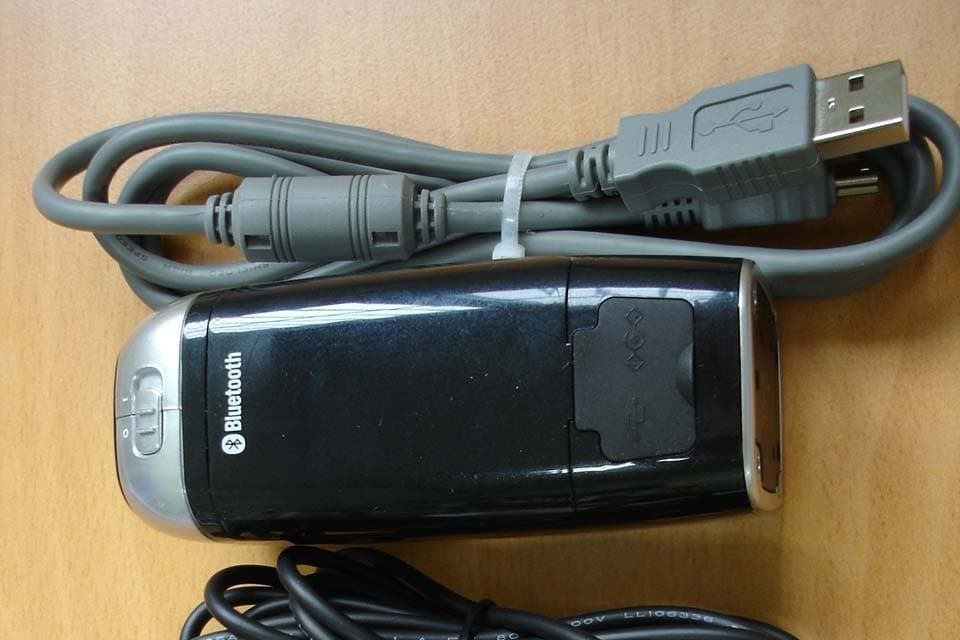
TCLCL850
Jun 07, 2006PROJECTION KEYBOARD
Equipment Class
JBP - Part 15 Class B Computing Device Peripheral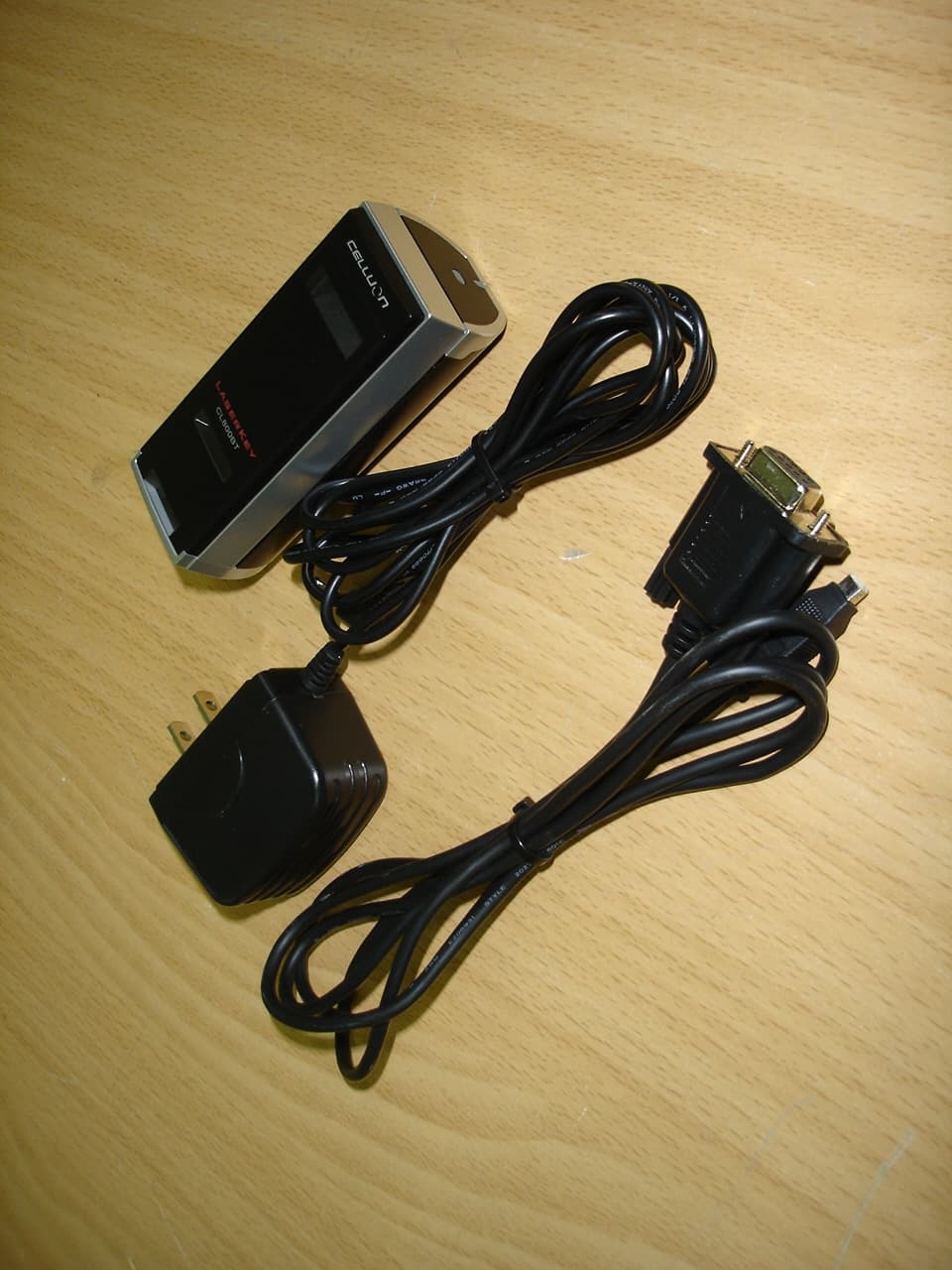
TCLCL800BT
Dec 19, 2005Projection Keyboard
Equipment Class
JBP - Part 15 Class B Computing Device Peripheral