TE7WA7110ND2.4GHz 150Mbps High Power Wireless Access Point
TP-Link Technologies Co., Ltd.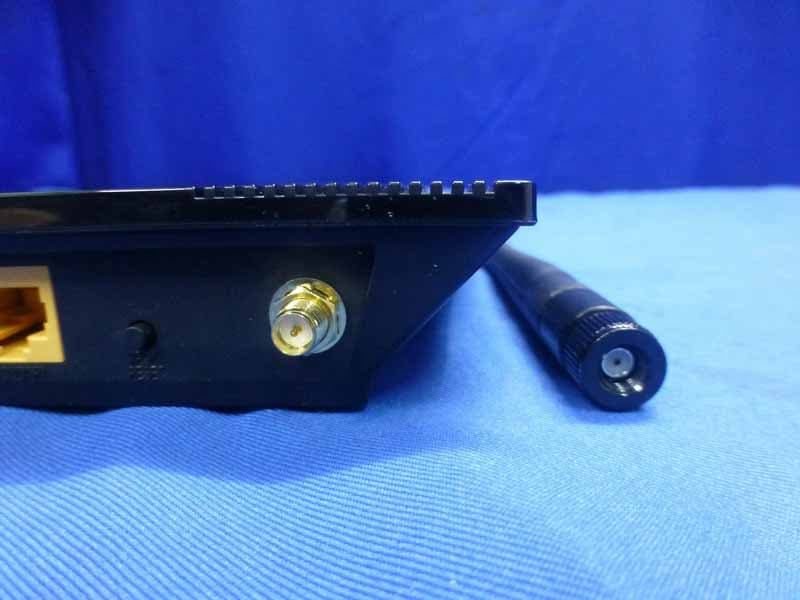
Click to zoom
Application Details
- Equipment Class
- DTS - Digital Transmission System
- Date of Grant
- Jun 02, 2014
- Application Purpose
- Original Equipment
- Date of Application
- May 29, 2014
- Equipment Note
- 2.4GHz 150Mbps High Power Wireless Access Point
- Frequency Range
- 2412.00000000 - 2462.00000000
- Country
- China
Documents & Files
Document Text
Text extracted from the exhibit documents filed with the FCC. Open a document above to read the original.
Users Manual
TL-WA7110ND 150MbpsHighPowerWirelessAccessPoint REV1.0.0 1910011047 COPYRIGHT&TRADEMARKS Specificationsaresubjecttochangewithoutnotice.isaregisteredtrademark ofTP-LINKTECHNOLOGIESCO.,LTD.Otherbrandsandproductnamesare trademarksorregisteredtrademarksoftheirrespectiveholders. Nopartofthespecificationsmaybereproducedinanyformorbyanymeansorusedtomakeany derivativesuchastranslation,transformation,oradaptationwithoutpermissionfrom TP-LINKTECHNOLOGIESCO.,LTD.Copyright©2014TP-LINKTECHNOLOGIESCO.,LTD. Allrightsreserved. http://www.tp-link.com FCCSTATEMENT ThisequipmenthasbeentestedandfoundtocomplywiththelimitsforaClassBdigitaldevice, pursuanttopart15oftheFCCRules.Theselimitsaredesignedtoprovidereasonableprotection againstharmfulinterferenceinaresidentialinstallation.Thisequipmentgenerates,usesandcan radiateradiofrequencyenergyand,ifnotinstalledandusedinaccordancewiththeinstructions, maycauseharmfulinterferencetoradiocommunications.However,thereisnoguaranteethat interferencewillnotoccurinaparticularinstallation.Ifthisequipmentdoes causeharmfulinterferencetoradioortelevisionreception,whichcanbedeterminedbyturning theequipmentoffandon,theuserisencouragedtotrytocorrecttheinterferencebyoneor moreofthefollowingmeasures: Reorientorrelocatethereceivingantenna. Increasetheseparationbetweentheequipmentandreceiver. Connecttheequipmentintoanoutletonacircuitdifferentfromthattowhichthereceiver isconnected. Consultthedealeroranexperiencedradio/TVtechnicianforhelp. Thisdevicecomplieswithpart15oftheFCCRules.Operationissubjecttothefollowingtwo conditions: 1)Thisdevicemaynotcauseharmfulinterference. 2)Thisdevicemustacceptanyinterferencereceived,includinginterferencethatmay causeundesiredoperation. Anychangesormodificationsnotexpresslyapprovedbythepartyresponsiblefor compliancecouldvoidtheuser’sauthoritytooperatetheequipment. Note:ThemanufacturerisnotresponsibleforanyradioorTVinterference causedbyunauthorizedmodificationstothisequipment.Suchmodificationscouldvoidthe user’sauthority tooperatetheequipment. FCCRFRadiationExposureStatement: ThisequipmentcomplieswithFCCRFradiationexposurelimitssetforthforan uncontrolledenvironment.Thisdeviceanditsantennamustnotbeco-locatedoroperatingin conjunctionwithanyotherantennaortransmitter. “TocomplywithFCCRFexposurecompliancerequirements,thisgrantis applicabletoonlyMobileConfigurations.Theantennasusedforthistransmitter mustbeinstalledtoprovideaseparationdistanceofatleast20cmfromallpersonsand mustnotbeco-locatedoroperatinginconjunctionwithanyotherantennaortransmitter.” CEMarkWarning ThisisaclassBproduct.Inadomesticenvironment,thisproductmaycauseradiointerference,in whichcasetheusermayberequiredtotakeadequatemeasures. CanadianComplianceStatement ThisdevicecomplieswithIndustryCanadalicense-exemptRSSstandard(s).Operationissubject tothefollowingtwoconditions: (1)Thisdevicemaynotcauseinterference,and (2)Thisdevicemustacceptanyinterference,includinginterferencethatmaycause undesiredoperationofthedevice. CetappareilestconformeauxnormsCNRexemptesdelicenced’Industrie Canada.Lefonctionnementestsoumisauxdeuxconditionssuivantes: (1)cetappareilnedoitpasprovoquerd’interférenceset (2)cetappareildoitacceptertouteinterférence,ycompriscellessusceptiblesdeprovoquerun fonctionnementnonsouhaitédel’appareil. Thisdevicehasbeendesignedtooperatewiththeantennaslistedbelow,andhavingamaximum gainof5dBi.Antennasnotincludedinthislistorhavingagaingreaterthan5dBiarestrictly prohibitedforusewiththisdevice.Therequiredantennaimpedanceis50ohms. Toreducepotentialradiointerferencetootherusers,theantennatypeanditsgainshouldbeso chosenthattheequivalentisotropicallyradiatedpower(e.i.r.p.)isnotmorethanthatpermittedfor successfulcommunication. IndustryCanadaStatement ComplieswiththeCanadianICES-003ClassBspecifications. CetappareilnumériquedelaclasseBestconformeàlanormeNMB-003duCanada. ThisdevicecomplieswithRSS210ofIndustryCanada.ThisClassBdevice meetsalltherequirementsoftheCanadianinterference-causingequipmentregulations. CetappareilnumériquedelaClasseBrespectetouteslesexigencesdu RèglementsurlematérielbrouilleurduCanada. KoreaWarningStatements 당해무선설비는운용중전파혼신가능성이있음. NCCNotice&BSMINotice 注意! 依據低功率電波輻射性電機管理辦法 第十二條 經型式認證合格之低功率射頻電機,非經許可,公司、商號或使用者均不得擅自變更頻率、加大 功率或變更原設計之特性或功能。 第十四條低功率射頻電機之使用不得影響飛航安全及干擾合法通行;經發現有干擾現象時,應立 即停用,並改善至無干擾時方得繼續使用。前項合法通信,指依電信規定作業之無線電信。低功 率射頻電機需忍受合法通信或工業、科學以及醫療用電波輻射性電機設備之干擾。減少電磁波影 響,請妥適使用。 安全諮詢及注意事項 ●請使用原裝電源供應器或只能按照本 產 品注明的電源類型使用本 產 品。 ● 清 潔本 產 品之前請先拔掉電源線。請勿使用液體、噴霧 清 潔劑或濕布進行 清 潔。 ●注意防潮,請勿將水或其他液體潑灑到本 產 品上。 ● 插 槽與開口供通風使用,以確保本 產 品的操作可靠並防止過熱,請勿堵塞或覆蓋開口。 ●請勿將本 產 品置放於靠近熱源的地方。除非有正常的通風,否則不可放在密閉位置中。 ●請不要私自打開機殼,不要嘗試自行維修本 產 品,請由授權的專業人士進行此項工作。 ПродуктсертифікованозгідносправиламисистемиУкрСЕПРОнавідповідністьвимогам нормативнихдокументівтавимогам,щопередбаченічиннимизаконодавчимиактами України. SafetyInformation Whenproducthaspowerbutton,thepowerbuttonisoneofthewaytoshutofftheproduct; whenthereisnopowerbutton,theonlywaytocompletelyshutoffpoweristodisconnectthe productorthepoweradapterfromthepowersource. Don’tdisassembletheproduct,ormakerepairsyourself.Youruntheriskofelectricshock andvoidingthelimitedwarranty.Ifyouneedservice,pleasecontactus. Avoidwaterandwetlocations. Thisproductcanbeusedinthefollowingcountries: ATBGBYCACZDEDKEE ESFIFRGBGRHUIEIT LTLVMTNLNOPLPTRO RUSESKTRUAUS TP-LINKTECHNOLOGIESCO.,LTD DECLARATIONOFCONFORMITY Forthefollowingequipment: ProductDescription:150MbpsHighPowerWirelessAccessPoint ModelNo.:TL-WA7110ND Trademark:TP-LINK Wedeclareunderourownresponsibilitythattheaboveproductssatisfyall thetechnicalregulationsapplicabletotheproductwithinthescopeofCouncilDirectives: Directives1999/5/EC,Directives2004/108/EC,Directives2006/95/EC,Directives1999/519/EC, Directives2011/65/EU Theaboveproductisinconformitywiththefollowingstandardsorothernormativedocuments EN300328V1.7.1:2006 EN301489-1V1.9.2:2011&EN301489-17V2.2.1:2012 EN55022:2010+AC:2011 EN55024:2010 EN61000-3-2:2006+A1:2009+A2:2009 EN61000-3-3:2008 EN60950-1:2006+A11:2009+A1:2010+A12:2011 EN62311:2008 TheproductcarriestheCEMark: Personresponsiblef…
Text truncated - open the document above for the full version.
Users Manual
TL-WA7110ND150MbpsHighPowerWirelessAccessPointUserGuide Note: Figure3-40Finishpage Ifthewirelessconnectionispoorafterbasicconfigurationofoperationmode, pleaseselectWireless>DistanceSetting,andsettheoutdoordistancevalueat110%ofthe realdistanceasshowninFigure3-41.Itwillhelpyoustabilizeoutdoorlinks. Figure3-41DistanceSetting 38 TL-WA7110ND150MbpsHighPowerWirelessAccessPointUserGuide Chapter4.AP&Multi-SSID&Repeater(RangeExtender) &BridgewithAP&ClientOperationMode ThisChapterdescribeshowtoconfiguresomeadvancedsettingsforyourAccessPointthrough theweb-basedmanagementpageinstandardAPoperationmodeincludingAP, Multi-SSID,Repeater(RangeExtender),BridgewithAPandClientmode.Inthefollowing explanations,wewilltakethedeviceinAccessPointoperationmodeforexample. 4.1Login Afteryoursuccessfullogin,youcanconfigureandmanagetheAccessPoint.There areeightmainmenusontheleftoftheWeb-basedmanagementpage.Submenuswillbe availableafteryouclickoneofthemainmenus.Theeightmainmenusare:Status,Quick Setup,OperationMode,WPS,Network,Wireless,DHCPandSystemTools.On therightoftheWeb-basedmanagementpage,therearethedetailedexplanations andinstructionsforthecorrespondingpage.Toapplyanysettingsyouhavealteredonthe page,pleaseclickSave. ThedetailedexplanationsforeachWebpagekey’sfunctionarelistedbelow. 4.2Status SelectingStatuswillenableyoutoviewtheAP’scurrentstatusandconfiguration,allofwhichis read-only. Figure4-1Status 39 1.Wired TL-WA7110ND150MbpsHighPowerWirelessAccessPointUserGuide ThisfielddisplaysthecurrentsettingsorinformationfortheLAN,includingtheMACaddress,IP addressandSubnetMask. 2.Wireless Thisfielddisplaysbasicinformationorstatusforwirelessfunction,includingOperationMode, Name(SSID),Channel,Mode,ChannelWidthandMACaddress. 3.WAN TheseparametersapplytotheWANportoftherouter,includingMACaddress,IP address,SubnetMask,DefaultGatewayandDNSserver.IfPPPoEischosenastheWAN connectiontype,theDisconnectbuttonwillbeshownherewhileyouareaccessingthe Internet.Youcanalsocuttheconnectionbyclickingthebutton.Ifyouhavenotconnectedtothe Internet,justclickConnecttoestablishtheconnection. 4.TrafficStatistics Thisfielddisplaystherouter'strafficstatistics. 5.SystemUpTime Thetotaluptimeoftheroutersinceitwaspoweredonorreset. 4.3QuickSetup PleaserefertoSection3.2:"QuickSetup". 4.4OperationMode SelectingOperationModewillallowyoutochoosetheoperationmodeforthe AP.TheAPsupportssevenoperationmodetypes,APClientRouter,APRouter,Access Point,Multi-SSID,Repeater(RangeExtender),BridgewithAPandClient.Pleaseselect theoneyourwantasshowninFigure4-2.ClickSavetosaveyourchoice. Figure4-2OperationMode APClientRouter-Inthismode,thedeviceenablesmulti-userstoshareInternetfromWISP. TheLANportdevicessharethesameIPfromWISPthroughWirelessport.Whileconnecting toWISP,theWirelessportworksasaWANportatAPClientRoutermode.TheEthernet portactsasaLANport. 40 TL-WA7110ND150MbpsHighPowerWirelessAccessPointUserGuide APRouter-Inthismode,thedeviceenablesmulti-userstoshareInternetviaADSL/Cable Modem.ThewirelessportsharethesameIPtoISPthroughEthernet WANport.TheWirelessportactsthesameasaLANportwhileatAPRoutermode. AccessPoint-Inthismode,thedevicecanbeconnectedtoawirednetworkandtransform thewiredaccessintowirelessthatmultipledevicescansharetogether, especiallyforahome,officeorhotelwhereonlywirednetworkisavailable. Multi-SSID-Inthismode,thedevicecancreateupto4wirelessnetworks labeledwithdifferentSSIDsandassigneachSSIDwithdifferentsecurityor VLAN,especiallyforthesituationwhenthevariousaccesspoliciesandfunctionsare required. Repeater(RangeExtender)-Inthismode,thedevicecancopyandreinforcetheexisting wirelesssignaltoextendthecoverageofthesignal,especiallyforalargespacetoeliminate signal-blindcorners. BridgewithAP-Inthismode,thedevicecanbeusedtocombinemultiplelocalnetworks togethertothesameoneviawirelessconnections,especiallyforahomeorofficewhere separatednetworkscan'tbeconnectedeasilytogetherwithacable. Client-Inthismode,thedevicecanbeconnectedtoanotherdeviceviaEthernetportand actasanadaptortograntyourwireddevicesaccesstoawirelessnetwork,especiallyfora SmartTV,MediaPlayer,orgameconsoleonlywithanEthernetport. Note: WhenyouchangetheoperationmodetoClient/Repeater,WPSfunctionwillstaydisabled.Please manuallyenablethisfunctionifneededwhenyouswitchbacktoAccessPoint/Multi-SSID/Bridge mode. 4.5WPS ChooseWPSinthemainmenu,youwillseethepageasshowninFigure4-3.TheWPSfunction isdisabledandcannotbeconfiguredinthestandardAPmode. Figure4-3WPS SelectedSSID-IfMulti-SSIDisenabled,youcanchooseoneoftheSSIDs fromthepull-downlist. 41 TL-WA7110ND150MbpsHighPowerWirelessAccessPointUserGuide WPSStatus-EnableordisabletheWPSfunctionhere. CurrentPIN-Thecurrentvalueofthedevice'sPINdisplayedhere.ThedefaultPINofthe devicecanbefoundinthelabelorUserGuide. RestorePIN-RestorethePINofthedevicetoitsdefault. GenNewPIN-Clickthisbutton,andthenyoucangetanewrandomvalueforthedevice's PIN.YoucanensurethenetworksecuritybygeneratinganewPIN. DisablePINofthisDevice-WPSexternalregistrarofenteringthedevice'sPINcanbe disabledorenabledmanually.Ifthedevicereceivesmultiplefailedattemptstoauthenticate anexternalRegistrar,thisfunctionwillbedisabledautomatically. AddDevice-Youcanaddthenewdevicetotheexistingnetworkmanuallybyclickingthis button. 4.6Network TheNetworkoptionallowsyoutocustomizeyourlocalnetworkmanuallybychangingthedefault settingsoftheAP. 4.6.1 LAN Figure4-4theNetworkmenu SelectingNetwork>LANwillenableyoutoconfiguretheIPparametersofLANportonthispage. Figure4-5LAN 42 TL-WA7110ND150MbpsHighPowerWirelessAccessPointUserGuide MACAddress-Thephysicaladdressoftherouter,asseenfromtheLAN.Thevaluecan't bechanged. Type-ChoosingdynamicIPtogetIPaddressfromDHCPserver,orchoosingstaticIPto configureIPaddressmanually. IPAddress-EntertheIPaddressofyourrouterindotted-decimalnotation(factorydefault: 192.168.0.254). SubnetMask-Anaddresscodethatdeterminesthesizeofthenetwork. Normallyuse 255.255.255.0asthesubnetmask. Gateway-ThegatewayshouldbeinthesamesubnetasyourIPaddress. IGMPProxy–IGMP(InternetGroupManagementProtocol)worksforIPTVmultic…
Text truncated - open the document above for the full version.
Users Manual
TL-WA7110ND150MbpsHighPowerWirelessAccessPointUserGuide Note: NoteDialog Ensureyouselectacorrectcountrytocomplywithlocallaws.Incorrectsettingsmaycause interference.LimitedtolocallawoftheUnitedStates,selectingcountrycodeandchannel functionwasdisabled. TransmissionPower-Theavailableoptionsoftransmissionpoweraredeterminedbythe regionselected. EnableWirelessRadio-ThewirelessradiooftheDevicecanbeenabledordisabledto allowwirelessstationsaccess.Ifenabled,thewirelessstationswillbeabletoaccessthe Device;otherwise,wirelessstationswillnotbeabletoaccesstheDevice. EnableSSIDBroadcast-IfyouselecttheEnableSSIDBroadcastcheckbox, theAPRouterwillbroadcastitsname(SSID)ontheair. DisableLocalWirelessAccess-IfyouselecttheDisableLocal WirelessAccesscheckbox,thewirelessDevicewilldisablelocalwirelessaccess;other stationswillnotbeabletoaccesstheDevicebywireless. ClickSurveybuttonontheWirelesspageshownasFigure5-17,andthenAPList pagewillappear,asshowninFigure5-18.FindtheSSIDoftheAccessPointyouwantto access,andclickConnectinthecorrespondingrow.Forexample,thedesired itemisselected.Thetargetnetwork’sSSIDwillbeautomaticallyfilledintothe correspondingboxwhichisshownastheFigure 5-19. Figure5-18APList 85 TL-WA7110ND150MbpsHighPowerWirelessAccessPointUserGuide Note: Figure5-19 IfyouknowtheSSIDofthedesiredAP,youcanalsoinputittothefield"WirelessNameofWISP Station"manually. BesuretoclicktheSavebuttontosaveyoursettingsonthispage. Note: Theoperatingdistanceorrangeofyourwirelessconnectionvariessignificantlybased onthephysicalplacementoftheDevice.Forbestresults,placeyourDevice: Nearthecenteroftheareainwhichyourwirelessstationswilloperate; Inanelevatedlocationsuchasahighshelf; Awayfromthepotentialsourcesofinterference,suchasPCs,microwaves,and cordlessphones; WiththeAntennaintheuprightposition; Awayfromlargemetalsurfaces. Note: Failuretofollowtheseguidelinescanresultinsignificantperformancedegradationorinabilityto wirelesslyconnecttotheDevice. 5.7.2WirelessSecurity SelectingWireless>WirelessSecuritywillenableyoutoconfigurethesecurityofthewireless networkforyourdeviceonthepageasshowninFigure4-8. 86 TL-WA7110ND150MbpsHighPowerWirelessAccessPointUserGuide Figure5-20WirelessSecurity DisableSecurity-Thewirelesssecurityfunctioncanbeenabledordisabled.Ifdisabled,the wirelessstationswillbeabletoconnectthedevicewithoutencryption.Itisrecommended stronglythatyouchooseoneoffollowingoptionstoenablesecurity. WPA/WPA2-Personal-SelectWPAbasedonRadiusServer. WPA/WPA2-Enterprise-SelectWPAbasedonpre-sharedpassphrase. WEP-Select802.11WEPsecurity. Eachsecurityoptionhasitsownsettingsasdescribedbelow: WPA/WPA2–Personal(Recommended) WEP-Select802.11WEPsecurity. Version-Youcanselectoneoffollowingversions: Automatic-SelectWPA-PersonalorWPA2-Personalautomaticallybased onthewirelessstation'scapabilityandrequest. WPA-Personal-Pre-sharedkeyofWPA. WPA2-Personal-Pre-sharedkeyofWPA2. Encryption-YoucanselecteitherAutomatic,orTKIPorAES. Password-YoucanenterASCIIorHexadecimalcharacters.ForHexadecimal,thelength shouldbebetween8and64characters;forASCII,thelengthshouldbebetween8and63 characters. 87 TL-WA7110ND150MbpsHighPowerWirelessAccessPointUserGuide GroupKeyUpdatePeriod-Specifythegroupkeyupdateintervalinseconds.Thevalue canbeeither0oratleast30.Enter0todisabletheupdate. WPA/WPA2-Enterprise WEP-Select802.11WEPsecurity. Version-Youcanselectoneoffollowingversions: Automatic-SelectWPAorWPA2automaticallybasedonthewireless station'scapabilityandrequest. WPA-Wi-FiProtectedAccess. WPA2-WPAversion2. Encryption-YoucanselecteitherAutomatic,orTKIPorAES. RadiusServerIP-EntertheIPaddressoftheRadiusServer. RadiusPort-Entertheportthatradiusserviceuses. RadiusPassword-EnterthepasswordfortheRadiusServer. GroupKeyUpdatePeriod-Specifythegroupkeyupdateintervalinseconds.Thevalue canbeeither0oratleast30.Enter0todisabletheupdate. WEP Type-Youcanselectoneoffollowingtypes: Automatic-SelectSharedKeyorOpenSystemauthenticationtype automaticallybasedonthewirelessstation'scapabilityandrequest. OpenSystem-Select802.11OpenSystemauthentication. SharedKey-Select802.11SharedKeyauthentication. WEPKeyFormat-YoucanselectASCIIorHexadecimalformat.ASCIIFormatstandsfor anycombinationofkeyboardcharactersinthespecifiedlength.Hexadecimalformatstands foranycombinationofhexadecimaldigits(0-9,a-f,A-F)inthespecifiedlength. WEPKeysettings-SelectwhichofthefourkeyswillbeusedandenterthematchingWEP keyinformationforyournetworkintheselectedkeyradiobutton.Thesevalues mustbeidenticalonallwirelessstationsinyournetwork. KeyType-YoucanselecttheWEPkeylength(64-bit,or128-bit,or152-bit.)forencryption. "Disabled"meansthisWEPkeyentryisinvalid. For64-bitencryption-Youcanenter10hexadecimaldigits(anycombinationof0-9,a-f, A-F,andnullkeyisnotpermitted)or5ASCIIcharacters. For128-bitencryption-Youcanenter26hexadecimaldigits(anycombinationof0-9,a-f, A-F,andnullkeyisnotpermitted)or13ASCIIcharacters. For152-bitencryption-Youcanenter32hexadecimaldigits(anycombinationof0-9,a-f, A-F,andnullkeyisnotpermitted)or16ASCIIcharacters. Note: Ifyoudonotsetthekey,thewirelesssecurityfunctionisstilldisabledevenifyouhaveselected SharedKeyasAuthenticationType. BesuretoclicktheSavebuttontosaveyoursettingsonthispage. 5.7.3MACFiltering SelectingWireless>WirelessMACFilteringwillallowyoutosetupsome filteringrulestocontrolwirelessstationsaccessingthedevice,whichdependonthestation’s MACaddressonthefollowingscreenasshownFigure4-9. 88 TL-WA7110ND150MbpsHighPowerWirelessAccessPointUserGuide Figure5-21WirelessMACaddressFiltering TheWirelessMACAddressFilteringfeatureallowsyoutocontrolwirelessstationsaccessingthe AP,whichdependonthestation'sMACaddresses. MACAddress-Thewirelessstation'sMACaddressthatyouwanttoaccess. Status-ThestatusofthisentryeitherEnabledorDisabled. Description-Asimpledescriptionofthewirelessstation. Modify-Hereyoucanmodifyordeleteanexistingrule. TodisabletheWirelessMACAddressFiltersfeature,keepthedefaultsetting,Disable. Tosetupanentry,clickEnable,andfollowtheseinstructions: First,youmu…
Text truncated - open the document above for the full version.
Cover Letter(s)
Date:2014-5-21 FederalCommunicationsCommission AuthorizationandEvaluationDivision FCCID:TE7WA7110ND ConfidentialityRequest PursuanttoSections0.457and0.459oftheCommission’sRules,theApplicanthereby requestsconfidentialtreatmentofinformationaccompanyingthisapplicationasoutlined below: 1.Blockdiagram 2.Schematics 3.OperationDescription Theabovematerialscontaintradesecretsandproprietaryinformationnotcustomarily releasedtothepublic.Thepublicdisclosureofthesemattersmighttoharmfultothe applicantandprovideunjustifiedbenefitstoitscompetitors. TheapplicantunderstandsthatpursuanttoRule0.457,disclosureofthisapplicationandall accompanyingdocumentationwillnotbemadebeforethedateofthegrantforthis application. Sincerely, Nameofauthorizedsigner:YongquanWang Titleofauthorizedsigner:ProductDept.Manager CompanyName:TP-LINKTechnologiesCo.,Ltd. Tel:86-755-26525554 Fax:86-755-26508930 Website:WWW.TP-LINK.COM E-mail:[email protected]
Cover Letter(s)
AGENCYAUTHORIZATIONLETTER FCCID : TE7WA7110ND Date:2014-5-21 Towhomitmayconcern: We,theundersigned,herebyauthorizeAudixTechnology(Shenzhen)Co.,Ltd ( No.6,Ke FengRd.,52Block , ShenzhenScience&IndustrialPark,Nantou,Shenzhen,Guangdong, China)toactonourbehalf,asouragent,inthefollowingmattersrelatedtotheFCCapproval ofourproducts:reportsubmittal,relatedcorrespondence,thesigningofalldocuments relatingtothesematters,andanyotherlawfulactivitynecessarytoobtainsuchcertification. AnyactcarriedoutbyAudixwithinthescopeofthisauthorizationshallhavethesameeffects asourown. Thisauthorizationshallexpire6monthsformoriginaldate.Ifyouhaveany Questionsregardingtheauthorization,pleasedon’thesitatetocontactus. Thankyou. Sincerely, Nameofauthorizedsigner:YongquanWang Titleofauthorizedsigner:ProductDept.Manager CompanyName:TP-LINKTechnologiesCo.,Ltd. Tel:86-755-26525554 Fax:86-755-26508930 Website:WWW.TP-LINK.COM E-mail:[email protected]
Cover Letter(s)
AttestationforFCCDeclarationofConformity FCCID:TE7WA7110NDDate:2014-5-21 Pleasebenotifiedthatwe,theundersigned,TP-LINKTECHNOLOGIESCO.,LTDdeclare thattheproductbearstheaboveFCCIDisalsocomplyingwiththerequirementsofFCC DoC.ThetestreportnumberforFCCDoCisEM-F140265,withisissuedbyanaccredited lab,AudixTechnologyCorporation,EMCDepartmentlocatedatNo.53-11,Tin-FuTsun, Lin-Kou,TaipeiHsien,Taiwan.Whichhasbeenaccreditedinaccordancetoallofthe requirementsof47CFR2.948(d)and(e)oftheFCCrulesandKDB349827. Sincerely, Nameofauthorizedsigner:YongquanWang Titleofauthorizedsigner:ProductDept.Manager CompanyName:TP-LINKTechnologiesCo.,Ltd. Tel:86-755-26525554 Fax:86-755-26508930 Website:WWW.TP-LINK.COM E-mail:[email protected]
External Photos
R AUDIX Technology (Shenzhen) Co., Ltd. FCC ID:TE7WA7110ND page Audix Technology (Shenzhen) Co., Ltd. Report No. ACS-F14150 15-1 15. PHOTOS OF THE EUT Figure 1 General Appearance of the EUT Figure 2 General Appearance of the EUT R AUDIX Technology (Shenzhen) Co., Ltd. FCC ID:TE7WA7110ND page Audix Technology (Shenzhen) Co., Ltd. Report No. ACS-F14150 15-2 Figure 3 General Appearance of the EUT Figure 4 General Appearance of the EUT R AUDIX Technology (Shenzhen) Co., Ltd. FCC ID:TE7WA7110ND page Audix Technology (Shenzhen) Co., Ltd. Report No. ACS-F14150 15-3 Figure 5 General Appearance of the EUT Figure 6 General Appearance of the EUT R AUDIX Technology (Shenzhen) Co., Ltd. FCC ID:TE7WA7110ND page Audix Technology (Shenzhen) Co., Ltd. Report No. ACS-F14150 15-4 Figure 7 General Appearance of the EUT Figure 8 General Appearance of the EUT
ID Label/Location Info
150Mbps High Power Wireless Access Point C B A 12 C 345678 B E D D A 9 料号: 12345 与上一版的区别 E 6789 颜 色 名 称 版 本 材 质 模 具 机型版本号 logo 底色 文字 其它 结构工程师 硬件工程师 产品工程师 平面负责人 记 录 审 核 完成日期 设 计 FCC ID:TE7WA7110ND IC:8853A - WA7110ND This device complies with part 15 of the FCC Rules. Operation is subject to the following two conditions: (1) This device may not cause harmful interference, and (2) this device must accept any interference received, including interference that may cause undesired operation. Model: Power:
Internal Photos
R AUDIX Technology (Shenzhen) Co., Ltd. FCC ID:TE7WA7110ND page Audix Technology (Shenzhen) Co., Ltd. Report No. ACS-F14150 15-5 Figure 9 Inside of the EUT Figure 10 Inside of the EUT R AUDIX Technology (Shenzhen) Co., Ltd. FCC ID:TE7WA7110ND page Audix Technology (Shenzhen) Co., Ltd. Report No. ACS-F14150 15-6 Figure 11 Inside of the EUT Figure 12 Components Side of the PCB R AUDIX Technology (Shenzhen) Co., Ltd. FCC ID:TE7WA7110ND page Audix Technology (Shenzhen) Co., Ltd. Report No. ACS-F14150 15-7 Figure 13 Components Side of the PCB Figure 14 Components Side of the PCB R AUDIX Technology (Shenzhen) Co., Ltd. FCC ID:TE7WA7110ND page Audix Technology (Shenzhen) Co., Ltd. Report No. ACS-F14150 15-8 Figure 15 Components Side of the PCB Figure 16 Adapter R AUDIX Technology (Shenzhen) Co., Ltd. FCC ID:TE7WA7110ND page Audix Technology (Shenzhen) Co., Ltd. Report No. ACS-F14150 15-9 Figure 17 Adapter Figure 18 Adapter
RF Exposure Info
R AUDIX Technology (Shenzhen) Co., Ltd. FCC ID:TE7WA7110ND page Audix Technology (Shenzhen) Co., Ltd. Report No. ACS-F14150 11-1 11. MPE ESTIMATION 11.1.Limit for General Population/ Uncontrolled Exposures Frequency Power density (mW/ cm 2 ) Averaging time(minutes) 300MHz----1.5GHz F/1500 30 1.5GHz---100GHz 1.0 30 Frequency(MHz) Power density (mW/ cm 2 ) Averaging time(minutes) 2412 1 30 2437 1 30 2462 1 30 Note: F= Frequency in MHz Estimation Result EUT: 2.4GHz 150Mbps High Power Wireless Access Point M/N: TL-WA7110ND Test date: 2014-05-01 Pressure: 101.1±1.0 kpa Humidity: 52.5±3.0% Tested by: Leo-Li Test site: RF site Temperature:22.5±0.6 °C Cable loss: 1 dB Attenuator loss: 20 dB Antenna Gain: 5dBi Test Mode CH Frequency (MHz) Peak Output Power (dBm) Output Power (mW) Antenna Gain (dBi) Antenna Gain (Linear) MPE 11b CH1 2412 21.32 135.52 5 3.16 0.0853 CH6 2437 23.95 248.31 5 3.16 0.1563 CH11 2462 23.65 231.74 5 3.16 0.1459 11g CH1 2412 21.76 149.97 5 3.16 0.0944 CH6 2437 24.32 270.40 5 3.16 0.1702 CH11 2462 22.34 171.40 5 3.16 0.1079 11n HT20 CH1 2412 20.90 123.03 5 3.16 0.0774 CH6 2437 22.80 190.55 5 3.16 0.1199 CH11 2462 20.12 102.80 5 3.16 0.0647 11n HT40 CH1 2422 19.76 94.62 5 3.16 0.0596 CH4 2437 26.72 469.89 5 3.16 0.2958 CH7 2452 19.76 94.62 5 3.16 0.0596 Note: MPE=PG/4πR 2 (R:20cm)
Test Report
R AUDIX Technology (Shenzhen) Co., Ltd. FCC ID:TE7WA7110ND Audix Technology (Shenzhen) Co., Ltd. Report No. ACS-F14150 FCC PART 15C TEST REPORT FOR CERTIFICATION On Behalf of TP-LINK TECHNOLOGIES CO., LTD. 2.4GHz 150Mbps High Power Wireless Access Point Model No.: TL-WA7110ND FCC ID: TE7WA7110ND Prepared for : TP-LINK TECHNOLOGIES CO., LTD. Building 24(floors 1,3,4,5) and 28 (floors1-4) Central Science and Technology Park, Shennan Rd, Nanshan, Shenzhen, China Prepared By : Audix Technology (Shenzhen) Co., Ltd. No. 6, Ke Feng Rd., 52 Block, Shenzhen Science & Industrial Park, Nantou, Shenzhen, Guangdong, China Tel: (0755) 26639496 Report Number : ACS-F14150 Date of Test : Apr.19~May.01, 2014 Date of Report : May. 06, 2014 R AUDIX Technology (Shenzhen) Co., Ltd. FCC ID:TE7WA7110ND Audix Technology (Shenzhen) Co., Ltd. Report No. ACS-F14150 TABLE OF CONTENTS Description Page 1. SUMMARY OF STANDARDS AND RESULTS ......................................................... 1-1 1.1. Description of Standards and Results ................................................................................... 1-1 2. GENERAL INFORMATION ......................................................................................... 2-1 2.1. Description of Device (EUT) ............................................................................................... 2-1 2.2. Test Information ................................................................................................................... 2-2 2.3. Tested Supporting System Details ........................................................................................ 2-2 2.4. Block Diagram of Test Setup ............................................................................................... 2-2 2.5. Test Facility .......................................................................................................................... 2-3 2.6. Measurement Uncertainty (95% confidence levels, k=2) ..................................................... 2-3 3. POWER LINE CONDUCTED EMISSION TEST ....................................................... 3-1 3.1. Test Equipments ................................................................................................................... 3-1 3.2. Block Diagram of Test Setup ............................................................................................... 3-1 3.3. Power Line Conducted Emission Test Limits ...................................................................... 3-1 3.4. Configuration of EUT on Test .............................................................................................. 3-2 3.5. Operating Condition of EUT ................................................................................................ 3-2 3.6. Test Procedure ...................................................................................................................... 3-2 3.7. Power Line Conducted Emission Test Results ..................................................................... 3-2 4. RADIATED EMISSION TEST ...................................................................................... 4-1 4.1. Test Equipment ..................................................................................................................... 4-1 4.2. Block Diagram of Test Setup ............................................................................................... 4-2 4.3. Radiated Emission Limit ...................................................................................................... 4-3 4.4. EUT Configuration on Test .................................................................................................. 4-3 4.5. Operating Condition of EUT ................................................................................................ 4-3 4.6. Test Procedure ...................................................................................................................... 4-4 4.7. Radiated Emission Test Results ........................................................................................... 4-4 5. CONDUCTED SPURIOUS EMISSIONS ..................................................................... 5-1 5.1. Test Equipment ..................................................................................................................... 5-1 5.2. Limit ..................................................................................................................................... 5-1 5.3. Test Procedure ...................................................................................................................... 5-1 5.4. Test result ............................................................................................................................. 5-1 6. BAND EDGE COMPLIANCE TEST ............................................................................ 6-1 6.1. Test Equipment ..................................................................................................................... 6-1 6.2. Limit ..................................................................................................................................... 6-1 6.3. Test Produce ......................................................................................................................... 6-1 6.4. Test Results .......................................................................................................................... 6-1 7. 6dB Bandwidth Test ........................................................................................................ 7-1 7.1. Test Equipment ..................................................................................................................... 7-1 8.1. Limit ..............................................…
Text truncated - open the document above for the full version.
Contact Information
Applicant
Jing Huang(Regulatory Compliance Manager)
Technical Contact
AUDIX Technology (Shenzhen) Co., Ltd.Sunny Lu
[email protected]6-755-26639497
52 Block Shenzhen Science&Industry · Shenzhen, Guang Dong · China
Non-Technical Contact
AUDIX Technology (Shenzhen) Co., Ltd.Kris Zhen
[email protected]86-755-26639497
Test Firm
Audix Technology (Shenzhen) Co., Ltd.Smart Tsai
Technical Specifications
| # | Rule Parts | Frequency Range | Power Output |
|---|---|---|---|
| 1 | 15C | 2.41 GHz - 2.46 GHz | 469.90 mW |
Other Applications from TP-Link Technologies Co., Ltd.
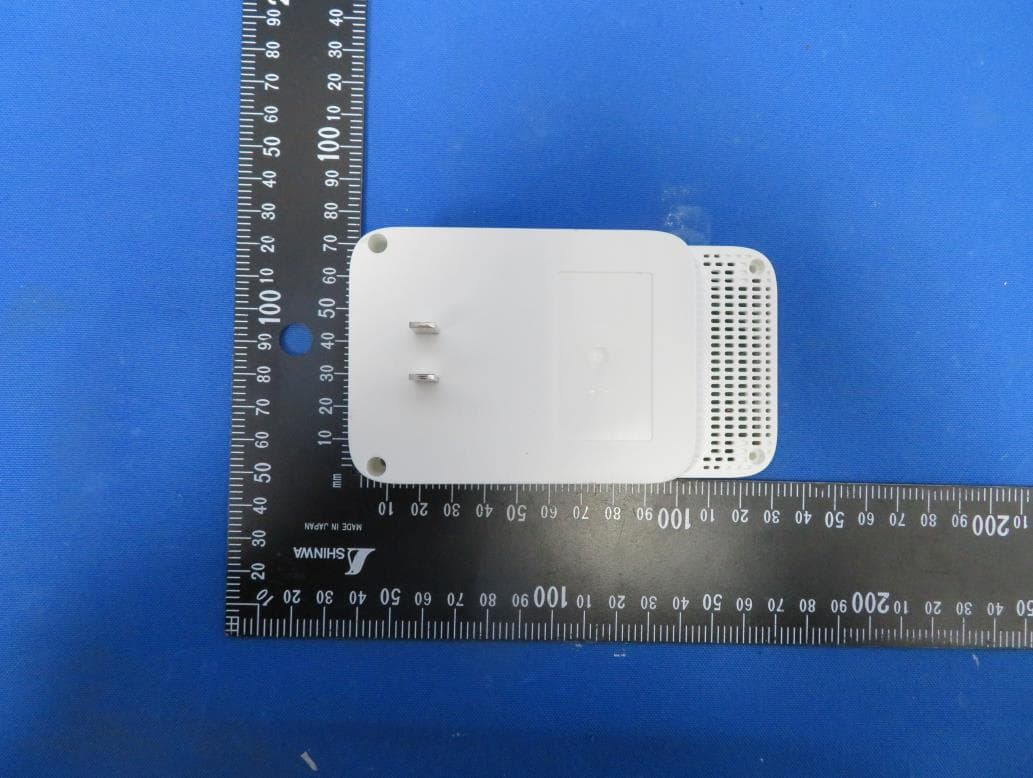
TE7RE230V2
Jan 13, 2021AC750 Wi-Fi Range Extender, AC1200 Wi-Fi Range Extender
Equipment Class
DTS - Digital Transmission System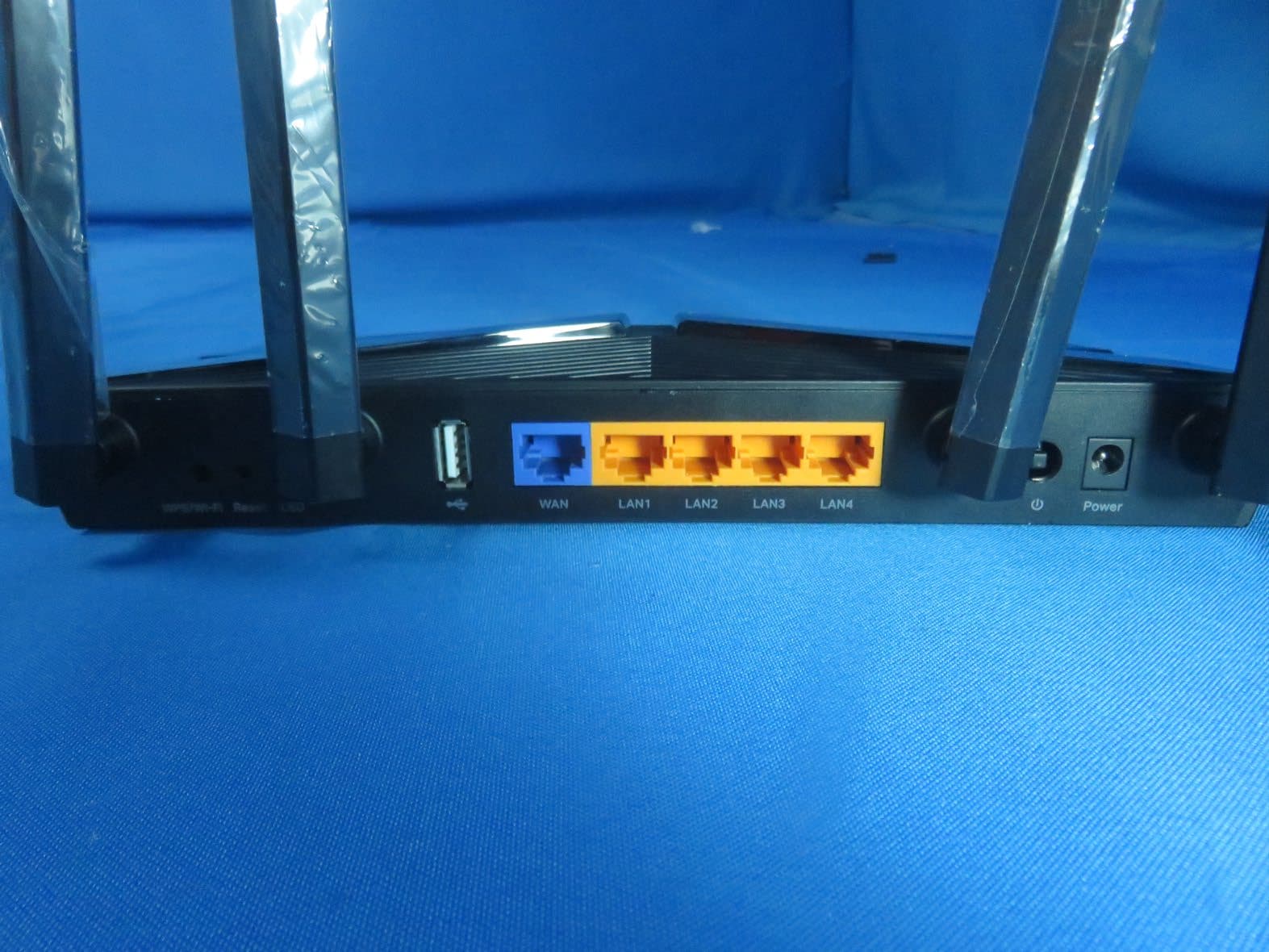
TE7AX20V2
Dec 22, 2020AX1800 Dual-Band Wi-Fi 6 Router
Equipment Class
DTS - Digital Transmission System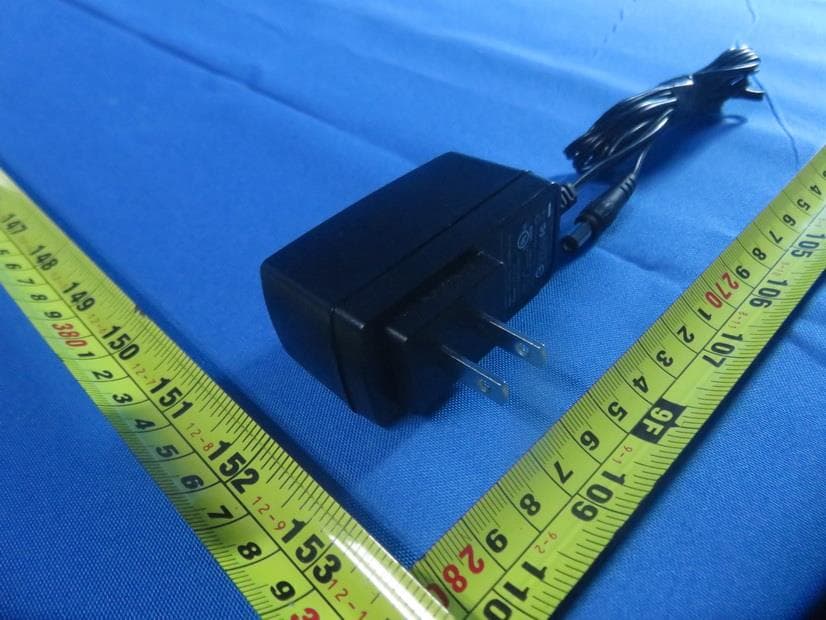
TE7EAP620HD
Dec 17, 2020AX1800 Wireless Dual-Band Gigabit Ceiling Mount Access Point
Equipment Class
NII - Unlicensed National Information Infrastructure TX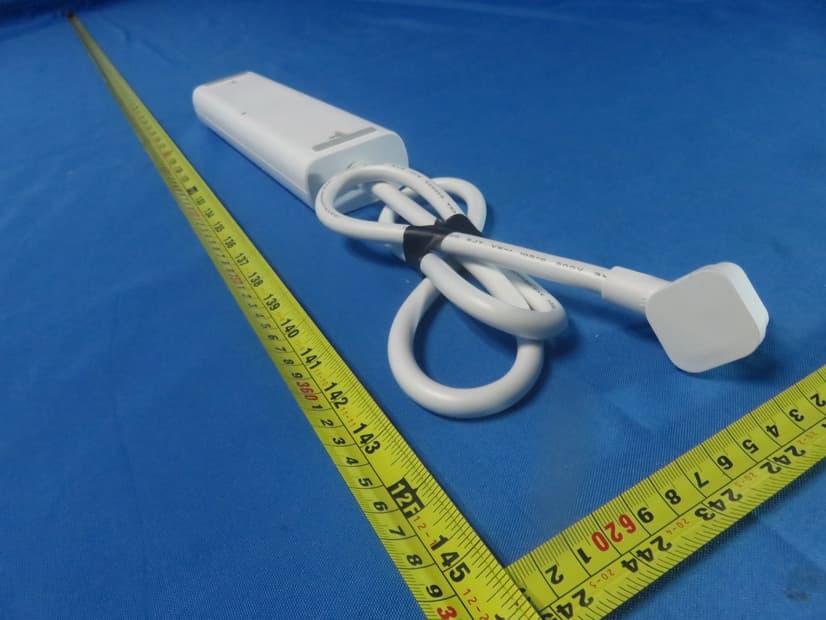
TE7KP303V2
Dec 15, 2020Kasa Smart Wi-Fi Power Strip, 3-Outlet
Equipment Class
DTS - Digital Transmission System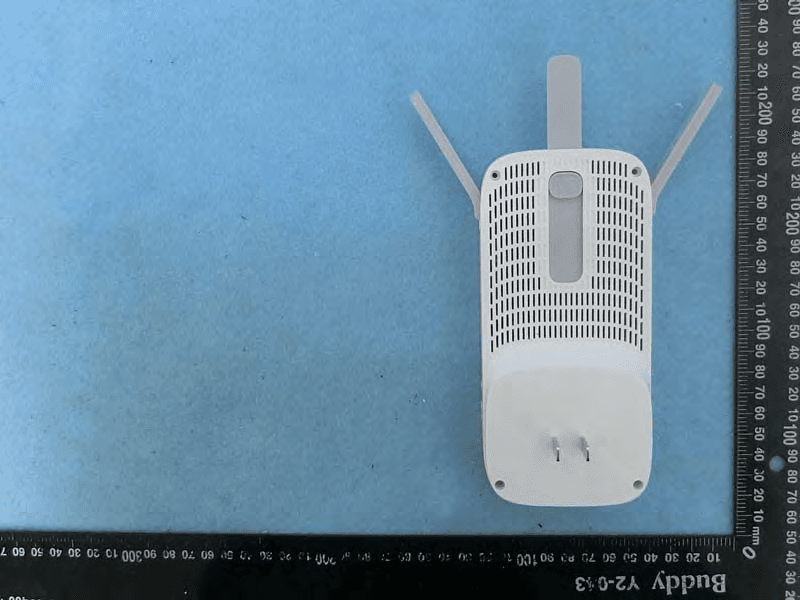
TE7RE550
Dec 03, 2020AC1750 Wi-Fi Range Extender, AC1900 MU-MIMO Wi-Fi Range Extender
Equipment Class
DTS - Digital Transmission System