TT2EUSBDHSN0005BLUETOOTH DONGLE
ENUSTECH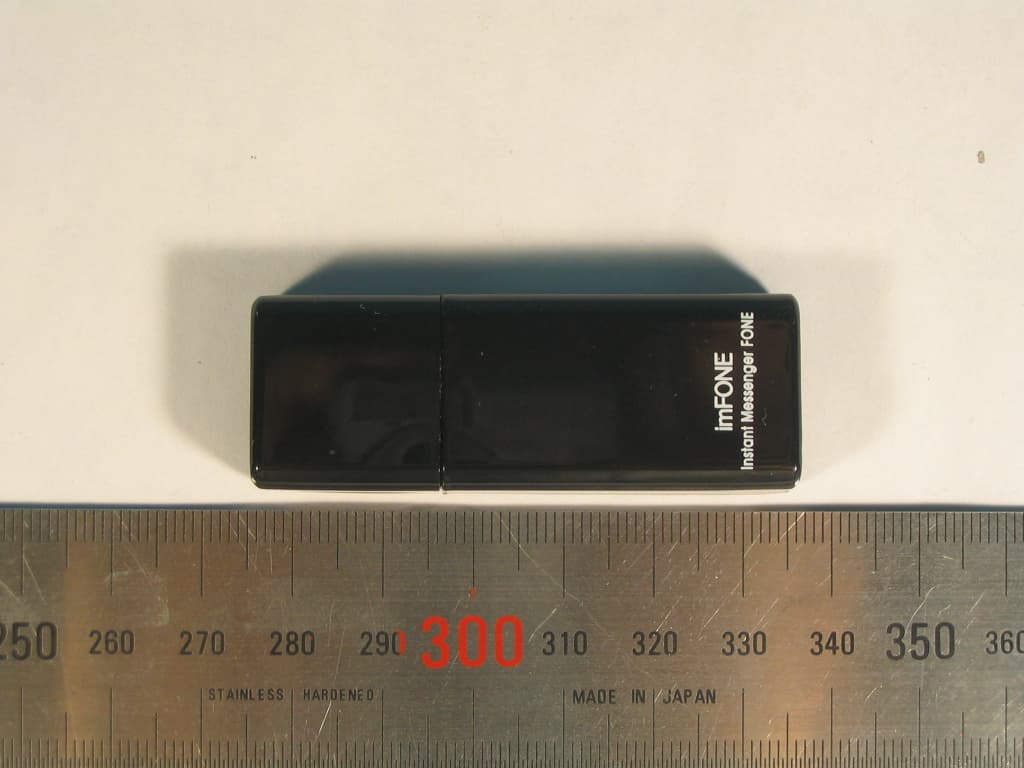
Click to zoom
Application Details
- Equipment Class
- DSS - Part 15 Spread Spectrum Transmitter
- Date of Grant
- Dec 22, 2005
- Application Purpose
- Original Equipment
- Date of Application
- Dec 22, 2005
- Equipment Note
- BLUETOOTH DONGLE
- Frequency Range
- 2402.00000000 - 2480.00000000
- Company
- ENUSTECH
- Country
- South Korea
Documents & Files
Document Text
Text extracted from the exhibit documents filed with the FCC. Open a document above to read the original.
Users Manual
USER GUIDE HS CONTENTS 1. PAIRING 2. USING “IMFONE HS” WITHOUT SUPPLEMENTARY SOFTWARE 3. USING “IMFONE HS” WITH SUPPLEMENTARY SOFTWARE 3-1.Mode Menu 3-2.Pairing Menu 3-3. Device Menu SAFETY AND GENERAL INFORMATION TECHNICAL SUPPORT 3 4 4 5 5 6 6 7 Thank you for purchasing imFONE HS. The product provides easiest and ingenious way to use your headset with PC. We hope that you enjoy using it. This Guide provides instructions on the setup and usage of your imFONE HS. 1. Plug imFONE HS into the USB port of a PC 2. Run the supplementary program, “imFONE_Manager”, provided in the CD. 3. Place the headset in pairing mode. Please refer to your headset manual. 4. Click “Pairing” menu. 5. Enter Headset PIN(or Passkey) of the headset. For PIN, refer to the headset user guide. Generally, most headsets have Headset PIN of 0000. 6. Click “Set Pairing ” button. - 3 - WELCOME APPEARANCE Before using your imFONE HS for the first time, you must pair it with a Bluetooth headset or hands-free. Follow the steps for most headsets. For manipulating headsets, please refer to the headset user guide. 1. PAIRING STEP 6 STEP 4 STEP 5 - 4 - Once pairing is made, you need not repeat the process to use your imFONE HS on another PC. Follow these steps: 1. Plug imFONE HS into the USB port of a PC. 2. Turn on the headset. The headset automatically detects the imFONE HS and makes connection to it. If you do not want to wait for automatic detection, or if automatic detection does not work, press the call-control button of the headset to make the connection. You can also make the connection by clicking “Quick Connect” button of “Pairing” menu. 3. Press the call control button to hear the sound from the headset. 4. Press the button one more time to turn the sound off. If you do not hear any sound from your headset, please check if imFONE HS is set as a default audio device of the PC (Most PCs automatically recognize imFONE HS as a default audio device.). In the Window’s “Start” menu, select: Control Panel > Sounds & Audio Devices > Audio. If you find that “imFONE USB Audio” is not set as a default SOUND PLAYBACK device and as a default SOUND RECORDING device, set as default. In the CD, you can find supplementary program, imFONE_Manager. Please install the program to your PC. To use SKYPE Mode or internet phone mode, you also need to install SKYPE to your PC. Please visit www.skype.com for more information. After plugging imFONE HS into the USB port of the PC, please run the supplementary program. The supplementary software provided in CD has 3 main menus, namely, “Mode”, “Device”, and “Pairing”. 2. USING “IMFONE HS” WITHOUT SUPPLEMENTARY SOFTWARE 3. USING “IMFONE HS” WITH SUPPLEMENTARY SOFTWARE 7. When the pairing is successfully made, you can find the headset information on the “Device” page. Click the “Device” menu to check it. 3 Main Menus - 5 - 3-1. Mode menu 3-2. Pairing Menu If you click “Mode” menu, you will find 3 different modes in which imFONE HS works, namely, Audio, SKYPE, Presentation. -Audio Mode: this is the default mode. Select this mode to use your headset as a normal PC headset. To activate/deactivate the headset, use the call-control button of the headset. -SKYPE Mode: Select this mode when using headset with SKYPE, an internet phone program. When you receive or make SKYPE calls, the headset beeps. Press the call- control button of the headset to start conversation. To end the call, simply press the button one more time. In this mode, sound from SKYPE application is directed to imFONE HS and the sounds from other applications are directed to other audio device if any. -Presentation Mode: In this mode, the volume up/down key of the headset function as page up/page down key of the keyboard. First, press the call control key to activate volume up/down key, and use them to navigate through your Power-Point presentation pages. At the end of the presentation, press call-control key to deactivate volume up/down key (deactivation sets the headset into power saving mode). - 6 - In this menu, you can find “Set Paring”, and “Quick Connect” button. - Set pairing: Please refer to the “Pairing:” section of the manual on Page 3. - Quick Connect: Click “Quick Connect” button to connect imFONE HS to the headset. You can do the same thing by pressing the call-control button of the headset. In the device menu, you can find information on the devices that are actively connected to the PC(and thus, to the program). You can find the firmware version of imFONE HS, and the name and PIN of the headset. If you can not find the headset information, it means the headset is not actively connected to imFONE HS. In this case, go to “Pairing” menu and click “Quick Connect” button. IMPORTANT INFORMATION ON SAFE AND EFFICIENT OPERATION. READ THIS INFORMATIONBEFORE USING imFONE HS. Users are not permitted to make changes or modify the device in anyway. Changes or modifications not expressly approved by the party responsible for compliance could void the user’s authority to operate the equipment. 3-3. Device Menu SAFETY AND GENERAL INFORMATION imFONE HS Information Headset Information <<NOTICE>> * Section 15.19 Labelling requirements This device complies with part 15 of the FCC rules. Operation is subject to the following two conditions: (1) This device may not cause harmful interference and (2) This device must accept any interference received, including interference that may cause undesired operation. Electromagnetic Interference/Compatibility Nearly every electronic device is susceptible to electromagnetic interference (EMI) if inadequately shielded, designed, or otherwise configured for electromagnetic compatibility. - 7 - This is not a condition of your warranty, but will assist us in providing the best possible service and technical support for your product. CONTACT: Website: www.enus.co.kr Email: [email protected] / [email protected] Tel.: +82.2.565.0782 / Fax.: +82.2.3471.2450 Address: JnJ B/D 4th, 785-12, Yeoksam-dong, Kangnam-gu, Seoul…
Text truncated - open the document above for the full version.
Cover Letter(s)
JnJ Bldg.,5 th Yeoksam 2-dong,785-12, Gangnam-gu,Seoul 135-514,R.O.K 1 - 1 Enustech Inc. Federal Communications Commission Authorization and Evaluation Division 7435 Oakland Mills Road Columbia, MD 21046 Seoul, December 9, 2005 REQUEST FOR CONFIDENTIALITY, FCC ID: TT2EUSBDHSN0005 Pursuant to Sections 0.457(d)(1)(ii) and 0.459 of the Commission's Rules, the Applicant hereby requests confidential treatment of information accompanying as outlined below: • Schematic drawing • Bill of Materials • Block Diagram The above materials contain trade secrets and proprietary information not customarily released to the public. Public disclosure of these matters might be harmful to the Applicant and provide unjustified benefits to its competitors. The Applicant understands that pursuant to Rule 0.457(d)(1)(ii), disclosure of this Application and accompanying documentation will not be made before the date of the Grant for this application. Sincerely, Signature : Printed Name: Hyo-tae,Kim Title : Bluetooth Manager Company Stamp:
Cover Letter(s)
JnJ Bldg.,5 th Yeoksam 2-dong,785-12, Gangnam-gu,Seoul 135-514,R.O.K 1 - 1 Enustech Inc. Chief, Equipment Approval Services Federal Communications Commission PO Box 358315 Pittsburg, PA 15251-5315 Seoul, December 9, 2005 Authorization Letter Dear Sir or Madam: We, Enustech.,Inc., hereby authorize O.N.R Tech Inc. 463-49, Sillim-dong, Gwanak-gu, Seoul,151-010, Republic of Korea. To act as our agent and to process and sign on our behalf for equipment authorization under FCC Part 15, Subpart C. This authorization is applicable for the product: USB Dongle (Imfone-HS) with FCC ID: TT2EUSBDHSN0005 Sincerely, Signature : Printed Name: Hyo-tae,Kim Title : Bluetooth Manager Company Stamp:
External Photos
External Photos Enustech Inc. Revision No : 1.0 Page: 1 of 1 1. Bottom View 2. Right side view External Photos Enustech Inc. Revision No : 1.0 Page: 2 of 2 3. TOP View 4. Left side view External Photos Enustech Inc. Revision No : 1.0 Page: 3 of 3 5. BOTTOM View without CAP 6. TOP View without CAP
ID Label/Location Info
FCC Label and Location *Label (printed on the Case) Label Location (printed on the Case) 30mm 15mm imFONE HS Made in Korea Rediscover your Bluetooth headset with imFONE ENUSTECH http://www.enus.co.kr imFONE-HS FCC ID TT2EUSBDHSN0005 R-LARN8-05-0013
Internal Photos
Internal Photos Enustech Inc. Revision No : 1.0 Page: 1 of 1 1. Internal View Internal Photos Enustech Inc. Revision No : 1.0 Page: 2 of 2 2. Top PCB View 3. Bottom PCB View Bluetooth RF Chipset Bluetooth Antenna X-tal Bluetooth Base Band Chipset
Operational Description
1. Description ImFONE-HS enables you to make/receive a call through your Bluetooth wired headset or USB phone when you access to Instant Messenger in the PC. imFONE-HS is connected to USB port of your PC or Laptop, it just works without any driver installation or software and you can move within 50 m ~100m. Before using your imFONE-HS, it is necessary to pair with Bluetooth Headset. and the User don't have to pair again. imFONE-HS is very comfortable, user can making a call or receiving a call easily if there is a connection with Instant Messenger and Bluetooth Headset. It enables you to call anyone anywhere at competitive rates using Instant Messenger. The charge is free or cheaper than mobile phone for calling and audio quality is good and so it is difficult to find between imFONE-HS and mobile phone. 2. Feature 1. Bluetooth spec: class1, Max +20dBm Tx output Power 2. Frequency : 2402~ 2480MHz 3. Full Duplex DSP 4. Voltage : DC 3.3V regulated 5. Sensitivity (RF) : -85 dBm 6. Interface Type : USB connector, USB 1.1 compatible 7. Operating Range : Max.50M (150 feet) 8. Bluetooth v1.2 9. Speed : 723kbps 10. System Requirement : Windows XP, 2000, ME 11. Dimenstion : 20 mm x 60 mm x 6 mm Bluetooth USB Dongle(imFONE - HS) EUT Operation Description Enustech HardWare Team 3. Functional Description Basic Functions 1. Making a call 2. Last number redial 3. Answering a call 4. Ending a call 5. Speed dialing 6. Mulltiple line capability 4. General EUT Information Bluetooth USB Dongle imFONE-HS Information CharacteristicSpecification Bluetooth Spec Bluetooth v1.2 Class Class1 FCC Classification FHSS Sequence Spread Spectrum Modulation GFSK Frequency Range 2402~ 2480MHz Channels 79 Channel Separation 1MHz Output Power 10 ~ 100mW(Max.) Sensitivity -85dBm Antenna Ceramic Chip Antenna Operating Range Max 50meters(150feets) Power 5.0V Power Input From USB host Enustech HardWare Team
Test Report
REPORT NO : NF-TA-R050027 NEX1 Future Co., Ltd Revision No : 1.1 Page: 1 of 1 FCC TEST REPORT December 21, 2005 NEX 1 Future Co., Ltd. REPORT NO : NF-TA-R050027 NEX1 Future Co., Ltd Revision No : 1.1 Page: 2 of 2 TEST REPORT CERTIFICATION Applicant : Enustech Inc. Adderss : JnJ Bldg,5 th Yeoksam 2-dong,785-12, Gangnam_gu, Seoul, Republic of Korea EUT Name : Bluetooth USB Dongle Model No. : ImFONE-HS Serial No. : Engineering Sample FCCID : TT2EUSBDHSN0005 Testing location : LG-Nortel Co. Ltd. 299, Gongdan-Dong, Gumi-City , Gyeongsangbuk-Do, 730-030, R.O.K Applied specification : FCC Part 15 Test result : The above mentioned test item passed. Test Date December 21, 2005 Review Date December 21, 2005 Tested by Hyo-Jeung, Cho Reviewed by Jeong-Hi, Jin Title Engineer Title EMC Manager Signature Signature I HEREBY CERTIFY THAT the data shown in this report were made in accordance with the procedures given in the applied specification and I assume full responsibility for accuracy and completeness of these data. Note : This test report relates to the a. m. test item. Without permission of the test center this test report is not permitted to be duplicated in extracts. This test report does not entitle to carry any test mark on this or similar products. REPORT NO : NF-TA-R050027 NEX1 Future Co., Ltd Revision No : 1.1 Page: 3 of 3 Contents 1. GENERAL INFORMATION................................................................................................. 5 1.1 PRODUCT DESCRIPTION............................................................................................... 5 1.2 PROJECT DATA............................................................................................................ 5 1.3 APPLICANT................................................................................................................. 5 1.4 MANUFACTURER......................................................................................................... 5 2. EUT INFORMATION........................................................................................................ 6 2.1 GENERAL EUT INFORMATION....................................................................................... 6 2.2 CENTER FREQUENCY OF TESTED CHANNEL................................................................... 6 2.3 T EST ENVIRONMENT.................................................................................................... 6 2.4 ACCESSORIES AND ANCILLARY EQUIPMENT.................................................................. 6 3. TESTING FACILITIES....................................................................................................... 7 4. EUT DESCRIPTION AND OPERATIONAL DESCRIPTION....................................................... 7 5. TEST SET-UP................................................................................................................. 8 5.1 PRINCIPLE OF CONFIGURATION..................................................................................... 8 5.2 OPERATIONAL MODES................................................................................................. 8 5.3 A PPLIED SPECIFICATION.............................................................................................. 8 6. TEST REPORT SUMMARY............................................................................................... 9 7. TEST RESULTS............................................................................................................ 10 7.1 A NTENNA CONNECTOR REQUIREMENTS...................................................................... 10 7.2 AC C ONNECTED EMISSION........................................................................................ 11 7.3 CARRIER FREQUENCY SEPARATION............................................................................ 16 7.4 TIME OF OCCUPANCY(DWELL TIME) ............................................................................ 18 7.5 20 DB BANDWIDTH..................................................................................................... 20 7.6 NUMBER OF HOPPING FREQUENCIES REQUIREMENTS.................................................. 24 7.7 PSEUDORANDOM FHS AND EQUAL HOPPING FREQUENCY USE REQUIREMENTS............. 26 7.8 RECEIVER INPUT BANDWIDTH REQUIREMENTS............................................................. 27 REPORT NO : NF-TA-R050027 NEX1 Future Co., Ltd Revision No : 1.1 Page: 4 of 4 7.9 PEAK OUTPUT POWER............................................................................................... 28 7.10 BAND-EDGE COMPLIANCE........................................................................................ 32 7.11 SPURIOUS CONDUCTED EMISSIONS........................................................................... 36 7.12 SPURIOUS RADIATED EMISSIONS.............................................................................. 47 8. LIST OF TEST AND MEASUREMENT INSTRUMENTS.......................................................... 50 9. NOTES........................................................................................................................ 52 REPORT NO : NF-TA-R050027 NEX1 Future Co., Ltd Revision No : 1.1 Page: 5 of 5 1. General Information 1.1 Product Description Product Name : Bluetooth USB Dongle Product ID : ImFONE-HS Serial No. : Prototype FCC ID : TT2EUSBDHSN0005 1.2 Project data Receipt of EUT : December 15, 2005 Date of Test : December 21, 2005 Data of report : December 21, 2005 1.3 Applicant Company Name : Enustech,.Inc Address : JnJ Bldg,5 th Yeoksam 2-dong,785-12,Gangnam_gu,Seoul, Republic of Korea Contact Person : Mr. Hyo-Tae, Kim 1.4 Manufacturer Company Name : Enustech,.Inc Address : JnJ Bldg,5 th Yeoksam 2-dong,785-12,Gangnam_gu,Seoul, Republic of Korea Contact Person : Mr. Hyo-Tae, Kim REPORT NO : NF-TA-R050027 NEX1 Future Co., Ltd Revision No : 1.1 Page: 6 of 6 2. EUT Information 2.1 General EUT Information Type Transmitter Receiver FCC Cla…
Text truncated - open the document above for the full version.
Test Setup Photos
Test setup photos NEX1 Future Revision No : 1.0 Page: 1 of 1 * Test set-up 1. Radiated Set up Test setup photos NEX1 Future Revision No : 1.0 Page: 2 of 2 2 Spurious Radiated Emissions 2.1 Radiated test ( 30 MHz ~ 1GHz ) Test setup photos NEX1 Future Revision No : 1.0 Page: 3 of 3 2.2 Radiated test ( 1 GHz ~ 13GHz ) Test setup photos NEX1 Future Revision No : 1.0 Page: 4 of 4 2.3 Radiated test ( 13 GHz ~ 18GHz ) Test setup photos NEX1 Future Revision No : 1.0 Page: 5 of 5 2.4 Radiated test ( 18 GHz ~ 25GHz )
Contact Information
Applicant
Seung Min An(General Manager)
Test Firm
LG-Ericsson Co., Ltd.Chan Moon
Technical Specifications
| # | Rule Parts | Frequency Range | Power Output |
|---|---|---|---|
| 1 | 15C | 2.40 GHz - 2.48 GHz | 1.30 mW |
Other Applications from ENUSTECH
TT2CODAWHEEL
Jun 24, 2014Smartphone remote Controller
Equipment Class
DTS - Digital Transmission System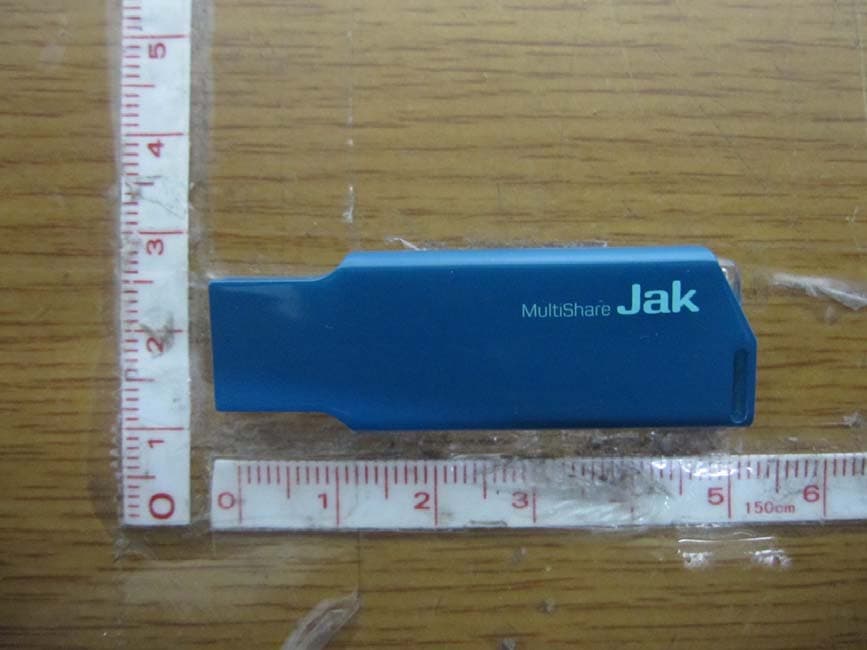
TT2JAK
Oct 31, 2012WLAN USB DONGLE
Equipment Class
DTS - Digital Transmission System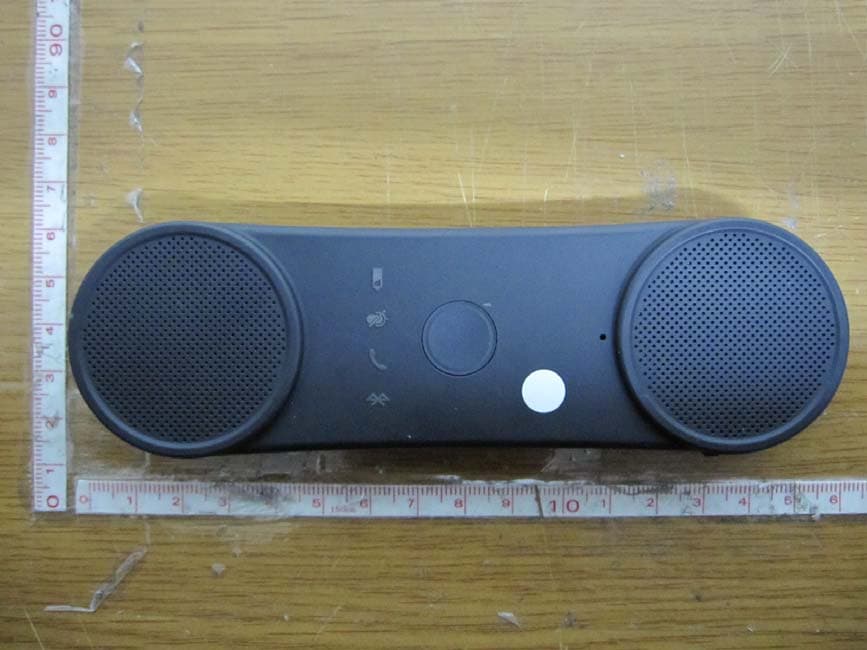
TT2BHF5000
Oct 29, 2012BLUETOOTH SPEAKERPHONE
Equipment Class
DSS - Part 15 Spread Spectrum Transmitter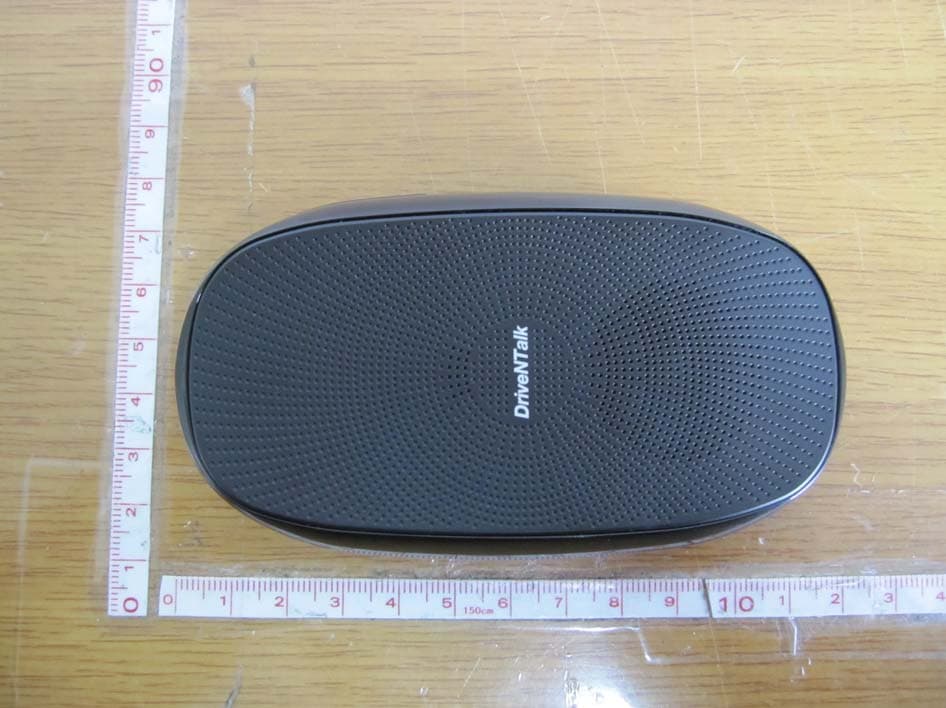
TT2BHF1800
Apr 26, 2011BLUETOOTH HANDS-FREE KIT
Equipment Class
DSS - Part 15 Spread Spectrum Transmitter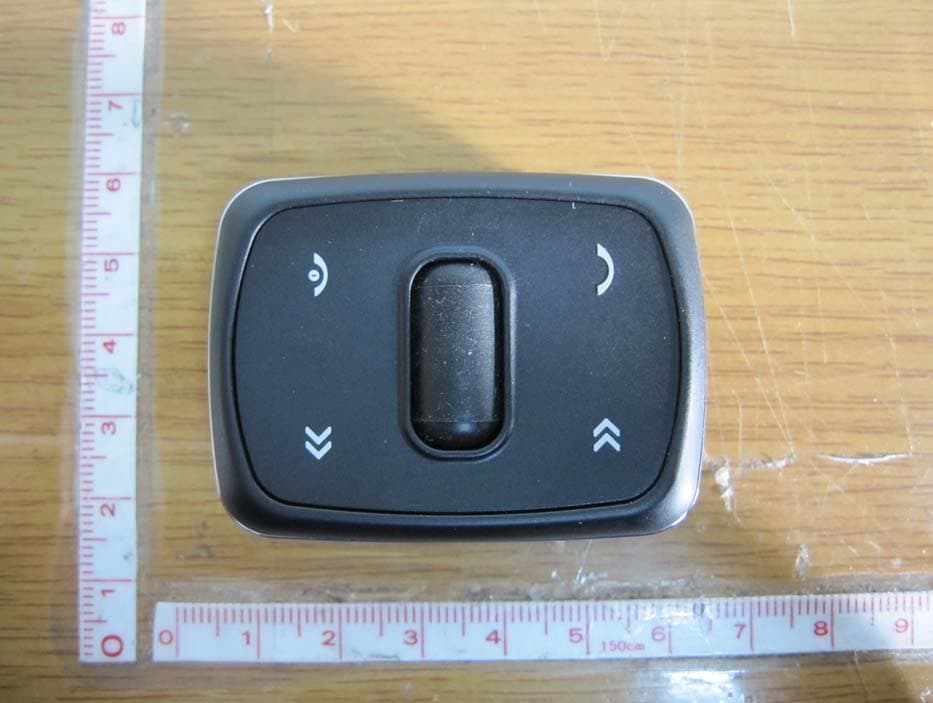
TT2KLAT8-RC
Apr 26, 2011WIRELESS REMOTE CONTROLLER
Equipment Class
DSR - Part 15 Remote Control/Security Device Transceiver