VWZT1000IEFTPOS
SPECTRA Technologies Holdings Co. Ltd.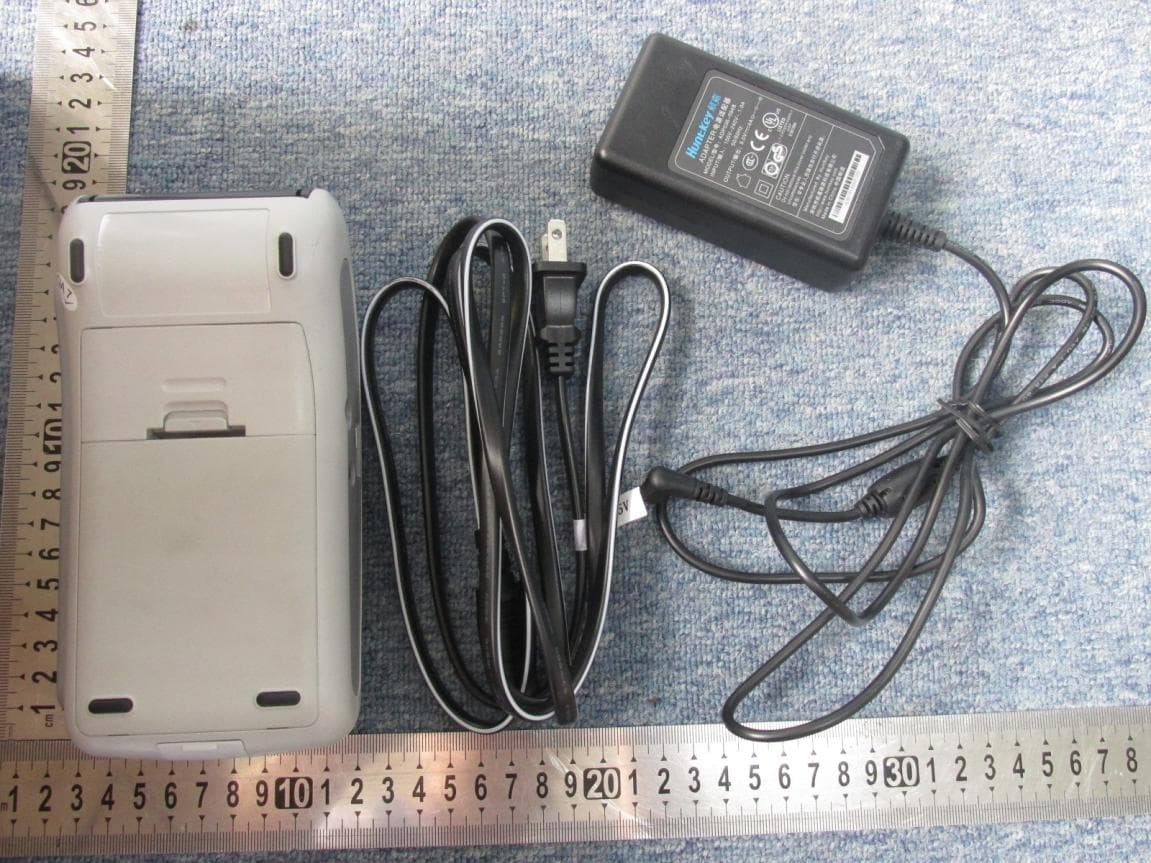
Click to zoom
Application Details
- Equipment Class
- DXX - Part 15 Low Power Communication Device Transmitter
- Date of Grant
- May 13, 2015
- Application Purpose
- Original Equipment
- Date of Application
- May 13, 2015
- Equipment Note
- EFTPOS
- Frequency Range
- 13.56000000 - 13.56000000
- Country
- Hong Kong
Documents & Files
Document Text
Text extracted from the exhibit documents filed with the FCC. Open a document above to read the original.
Users Manual
T1000E F T-P O S Installation Guide Version 1.0 SPECTRA Technologies ISO14001 : 2004 20002812 UM SPECTRA Technologies ISO9001 : 2008 20002812 QM08 T1000 Table of Content 1. T1000 .......................................................................................................... 2 Layout & Function Descriptions of T1000 1.1 Main Unit & Accessories........................................................................... 2 1.2 Features at a Glance..................................................................................3 1.3 Installation of SIM, SAM & Micro-SD Card................................................4 1.4 Battery Installation.................................................................................... 4 1.5 Paper Feeding Procedure...........................................................................5 2. How to Operate.............................................................................................6 2.1 Turn On/ Off Procedure...........................................................................6 2.2 Swipe Card & Insert Card........................................................................6 3. Rechargeable Battery Safety Guideline...........................................................7 3.1 Prohibition................................................................................................. 7 3.2 Battery Operation & Charging Guideline................................................... 8 3.3 Terminal and Battery StorageGuideline....................................................8 3.4 Accident Handling......................................................................................8 3.5 Battery Disposal......................................................................................... 8 4. Safety & Maintenance.....................................................................................9 4.1 Basic SafetyPractice..................................................................................9 4.2 Safety Warning...........................................................................................9 4.3 Location for Installation.............................................................................9 4.4 Maintenance............................................................................................10 4.5 Trouble Shooting......................................................................................11 5. Other Information.........................................................................................13 Installation Guide 1 T1000 1 Layout& Function Descriptions of T1000 1.1 Main Unit & Accessories Installation Guide 2 Terminal - for transaction processing, PIN entry, printing, communication and other peripheral interfaces such as ECR integration 7.4V Rechargeable Battery (Optional) Power Adaptor (Optional) - provides 9V DC for terminal operation LAN Port Cable (Optional) T1000 1.2 Features at a Glance Installation Guide 3 Paper Outlet Magnetic Card Reader Slot for Contactless Card Reader option only Status Displaying LED Card Reading Area LCD Display Keys IC Card Reader Slot Paper Outlet Paper TrayCover USB Port (Slave) Reset Button Jack for Handfree Earpiece Power Port LAN/ Modem or RS232 communication port Battery Compartment Charging Contact - for charging by cradle T1000 1.3 Installation of SIM, SAM & Micro-SD Card 1.4 Battery Installation for version equipped with battery pack only Installation Guide 4 4 SAM Card SIM Card (Optional) Micro-SD Card (Optional) T1000 1.5 Paper Feeding Procedure Installation Guide 5 1. Lift up the Paper Tray Lever 2. Pull the Paper Tray Lever backward 3. Place the paper roll into the tray as shown 4. Close the Paper Tray Cover Paper roll size 57mm (2 “) Ø40mm MAX 1 4 T1000 2.1 Turn On/ Off Procedure . If the terminal is equipped with charging battery during first time use, please connect the power adaptor and charge the battery for3 hours. . On - Power is on whenever plugged. If theterminal is unplugged, press thekey forseveral seconds to turn on the terminal.When the terminal displays the application idle screen, it is ready for operation. . Off - Disconnect the power adaptor. Keepon pressing thekey for several secondsto turn off the terminal. 2.2Swipe Card & Insert Card Installation Guide 6 Magnetic Card IC Card T1000 3 Rechargeable Battery Safety Guideline 3.1 Prohibition: Improper handling of the Li-Polymer battery ishazardous, the following forbidden activities must be avoided: . DO NOT use NON-SPECTRA provided batteryin SPECTRA POS Terminal . DO NOT use a charger that is not specificallydesigned to charge Lithium Polymer Battery . DO NOT operate the terminal, charge up orstore the battery under high .temperature (underdirect sunlight or inside a roasting vehicle) orclose to heat source (fire, heater) . DO NOT store the battery in the externalcharger. After charging up, the battery shouldbe removed, even though power isdisconnected . DO NOT use damaged battery, e.g. Swelledcase broken, strange odor and chemical leakage . DO NOT knock, crash or press the battery . DO NOT submerge the battery into water . DO NOT heat the battery or dispose in fire . DO NOT solder the battery . DO NOT disassemble the battery . DO NOT short or puncture the battery 3.2 Battery Operation & Charging Guideline . The best temperature for battery operation is0°C ~ 45°C. DO NOT place the terminal in hotspace or poor ventilated space. Ensure goodventilation for cooling . DO NOT leave battery un-attended whencharging. You should closely monitor thecharging process & react to potential problemshould they occur . Do always check that batteries are physicallyand electrically undamaged before charge ordischarge . Battery charging must be kept away frominflammable material and on a non conductiveand nonflammable stable surface by: > Terminal built-in charger: install battery to theterminal, then apply power. > SPECTRA supplied external charger . When new terminal is rec…
Text truncated - open the document above for the full version.
Cover Letter(s)
\\192.168.6.100\无线射频业务\任务\14-16841 施贝德(SPECTRA T1000)-FCC\签字表格\POA_Letter_140225.docx SPECTRA Technologies Holdings Co., Ltd. Federal Communications Commission Authorization and Evaluation Division 1435 Oakland Mills Road Columbia, MD 21046 Date: 2015-04-01 SUBJECT: FCC Application for (VWZT1000I) To Whom It May Concern: We, the undersigned, hereby authorize Mr. Zhang Shangwen from CCIC-SET on our behalf, to apply to the Federal Communications Commission on our equipment. Any and all acts carried out by CCIC-SET on our behalf shall have the same effect as acts of our own. This is to advise that we are in full compliance with the Anti- Drug Abuse Act. We, the applicant, are not subject to a denial of federal benefits pursuant to Section 5301 of the Anti-Drug Act of 1988, 21 USC853a, and no party to the application is subject to a denial of federal benefits pursuant to that section. Regards, Patrick Ang
Cover Letter(s)
Rev 11/20/07 SPECTRA Technologies Holdings Co., Ltd. Federal Communications Commission Authorization and Evaluation Division Confidentiality Request regarding application for certification of FCC ID: VWZT1000I. Pursuant to Sections 0.457 and 0.459 of the Commission’s Rules, we hereby request confidential treatment of information accompanying this application as outlined below: Exhibit Type File Name Schematic VWZT1000I _Block Diagram.pdf Block Diagram VWZT1000I _Block Diagram Operational Description VWZT1000I _Operational Description BOM List VWZT1000I _ BOM List Tune up procedure VWZT1000I _ Tune up procedure The above materials contain trade secrets and proprietary information not customarily released to the public. The public disclosure of these materials may be harmful to the applicant and provide unjustified benefits to its competitors. The applicant understands that pursuant to Section 0.457 of the Rules, disclosure of this application and all accompanying documentation will not be made before the date of the Grant for this application. Pursuant to DA04-1705 June 15, 2004 of the Commission’s public notice, we also request temporary confidential treatment of information accompanying this application as outlined below: Exhibit Type File Name External Photos VWZT1000I _External Photos Internal Photos VWZT1000I _Internal Photos Setup Photos VWZT1000I _Setup Photos User Manual VWZT1000I _User Manual Sincerely, Patrick Ang
External Photos
External Photo
Internal Photos
Internal Photos WIFI Antenna NFC Antenna
Test Report
Report No.: SET2015-05327 CCIC-SET/T(00) Page 1 of 22 RF TEST REPORT Report No.: SET2015-05327 Product Name: EFTPOS FCC ID: VWZT1000I Model No. : SPECTRA T1000 Applicant: SPECTRA Technologies Holdings Co., Ltd. Applicant Address: Unit 1301-09, 19-20, Tower II, Grand Century Place, 193 Prince Edward Road West, Kowloon, Hong Kong Issued by: CCIC-SET Lab Location: Electronic Testing Building, Shahe Road, Xili, Nanshan District, Shenzhen, 518055, P. R. China Tel: 86 755 26627338 Fax: 86 755 26627238 This test report consists of 22 pages in total. It may be duplicated completely for legal use with the approval of the applicant. It should not be reproduced except in full, without the written approval of our laboratory. The client should not use it to claim product endorsement by CCIC-SET. The test results in the report only apply to the tested sample. The test report shall be invalid without all the signatures of testing engineers, reviewer and approver. Any objections must be raised to CCIC-SET within 20 days since the date when the report is received. It will not be taken into consideration beyond this limit. Report No.: SET2015-05327 CCIC-SET/T(00) Page 2 of 22 Test Report Product Name ...................... : EFTPOS Brand Name ......................... : N/A Trade Name.......................: SPECTRA Applicant .............................. : SPECTRA Technologies Holdings Co., Ltd. Applicant Address ............... : Unit 1301-09, 19-20, Tower II, Grand Century Place, 193 Prince Edward Road West, Kowloon, Hong Kong Manufacturer ........................ : SPECTRA Technologies Holdings Co., Ltd. Manufacturer Address ......... : Unit 1301-09, 19-20, Tower II, Grand Century Place, 193 Prince Edward Road West, Kowloon, Hong Kong Test Standards ..................... : 47 CFR Part 15 Subpart C:Radio Frequency Devices ANSI C63.10:2009:American National Standard for Testing Unlicensed Wireless Devices Test Result ........................... : PASS Tested by ............................ : 2015.04.15 Haigang He,Test Engineer Reviewed by ......................... : 2015.04.15 Zhu Qi, Senior Engineer Approved by ......................... : 2015.04.15 Wu Li’an,Manager Report No.: SET2015-05327 CCIC-SET/T(00) Page 3 of 22 TABLE OF CONTENTS 1. GENERAL INFORMATION .................................................................................................... 5 1.1 EUT Description ......................................................................................................................... 5 1.2 Test Standards and Results ........................................................................................................ 5 1.3 Test Modes ................................................................................................................................... 6 1.4 Description of the test setup ....................................................................................................... 6 1.4.1 Conducted measurements.......................................................................................................... 6 1.4.2 Radiated measurements ............................................................................................................. 8 1.5 Facilities and Accreditations ...................................................................................................... 8 1.5.1 Facilities .................................................................................................................................... 8 1.5.2 Test Environment Conditions .................................................................................................... 9 2. 47 CFR PART 15C REQUIREMENTS .................................................................................. 10 2.1 Antenna requirement ............................................................................................................... 10 2.1.1 Applicable Standard ................................................................................................................ 10 2.1.2 Antenna Information ............................................................................................................... 10 2.1.3 Result: comply ........................................................................................................................ 10 2.2 20dB Spectrum Bandwidth ...................................................................................................... 11 2.2.1 Limit ........................................................................................................................................ 11 2.2.2 Test Procedures ....................................................................................................................... 11 2.2.3 Test result ................................................................................................................................ 11 2.3 Frequency Stability ................................................................................................................... 12 2.3.1 Limit ........................................................................................................................................ 12 2.3.2 Test Procedures ....................................................................................................................... 12 2.3.3 Test result ................................................................................................................................ 12 2.4 Field Strength of the fundamental Emissions ........................................................................ 13 2.4.1 Limit ........................................................................................................................................ 13 2.4.2 Test Procedures ....................................................................................................................... 13 2.4.3 Test Result ........................................…
Text truncated - open the document above for the full version.
Test Setup Photos
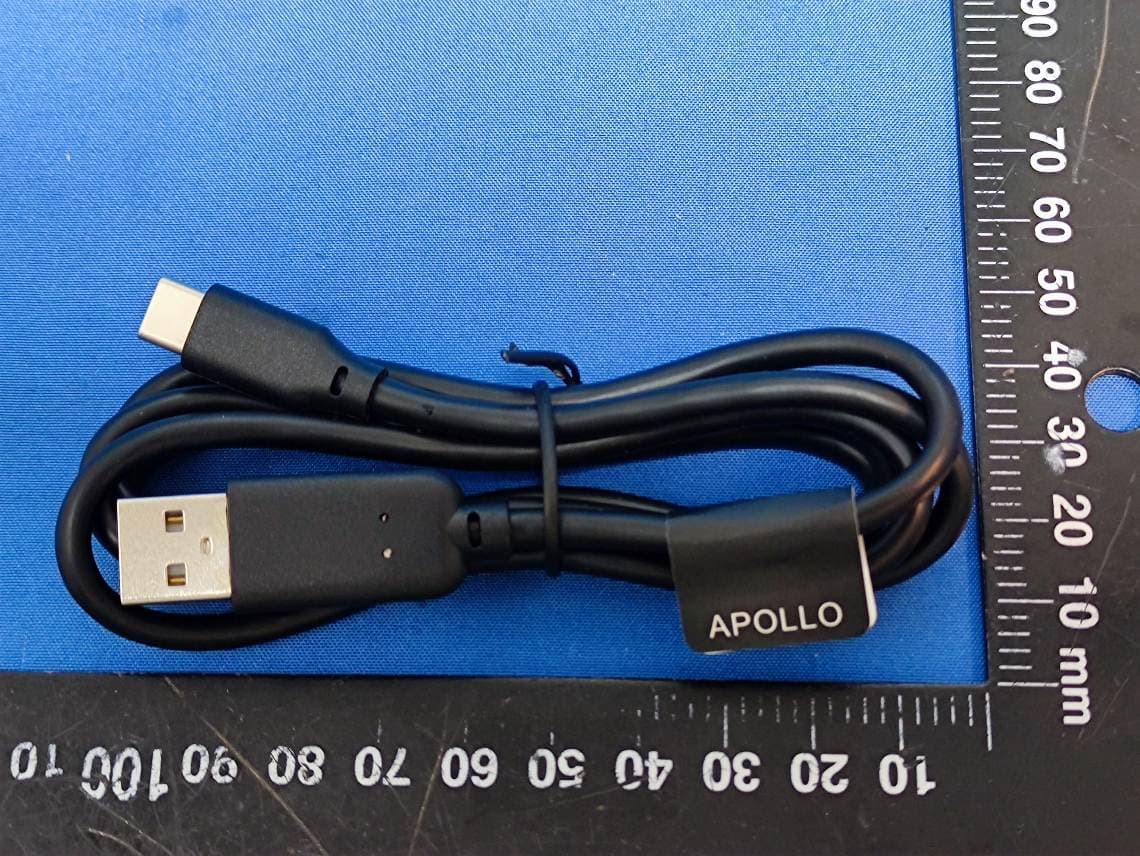
Conducted Emission Test setup photos Radiated Emission Test setup photos 9KHz~30MHz 30MHz~1GHz
Contact Information
Applicant
Terry TAM(Manager, Product Development)
Test Firm
CCIC-SETQi Zhu
Technical Specifications
| # | Rule Parts | Frequency Range | Power Output |
|---|---|---|---|
| 1 | 15C | 13.56 MHz - 13.56 MHz | - |
Other Applications from SPECTRA Technologies Holdings Co. Ltd.
VWZS1
Sep 04, 2024Android POS
Equipment Class
PCB - PCS Licensed Transmitter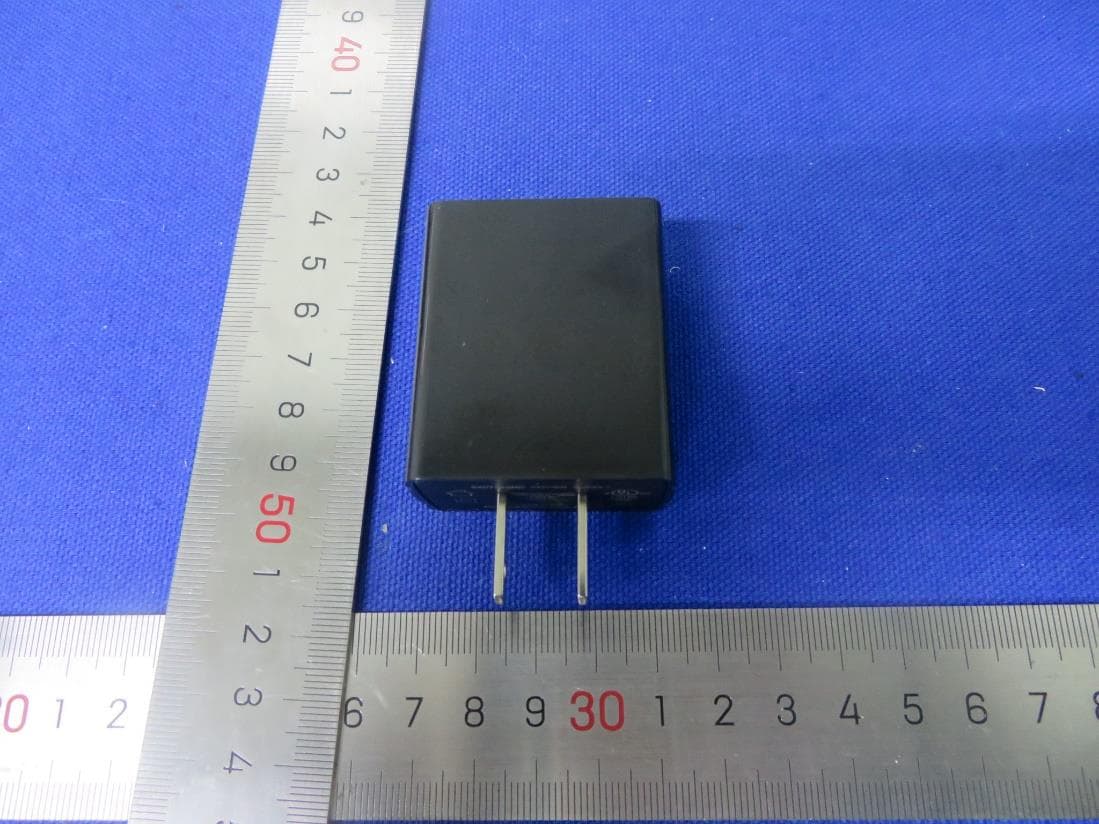
VWZTA10Q
Jan 14, 2021Android POS
Equipment Class
DSS - Part 15 Spread Spectrum Transmitter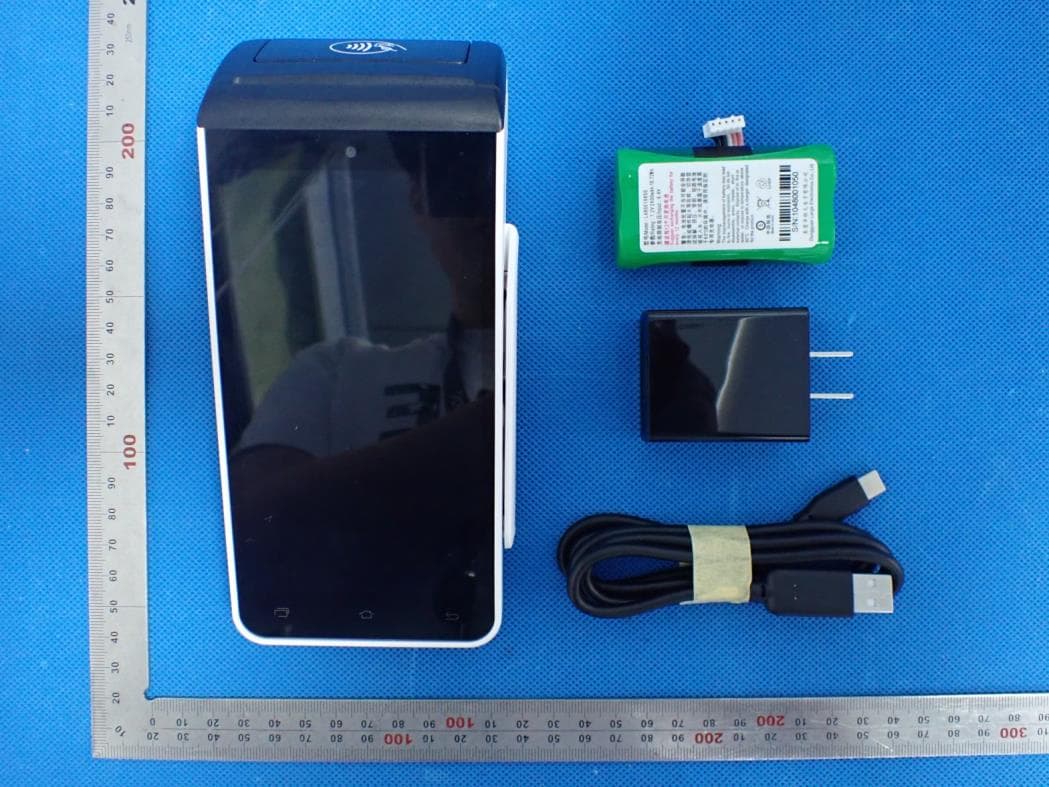
VWZTA10V
Nov 03, 2020Android POS
Equipment Class
NII - Unlicensed National Information Infrastructure TX
VWZSR300
Jul 09, 2013Contactless Reader
Equipment Class
DXX - Part 15 Low Power Communication Device Transmitter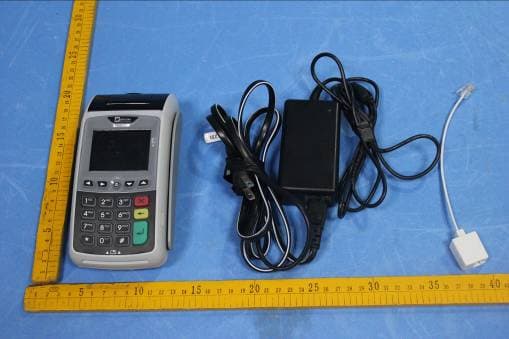
VWZT1000
Jul 17, 2012EFTPOS
Equipment Class
PCT - PCS Licensed Transmitter worn on body