X9PKB6012IBLUETOOTH KEYBOARD
Shenzhen Paoluy Silicone Technology Co., Ltd.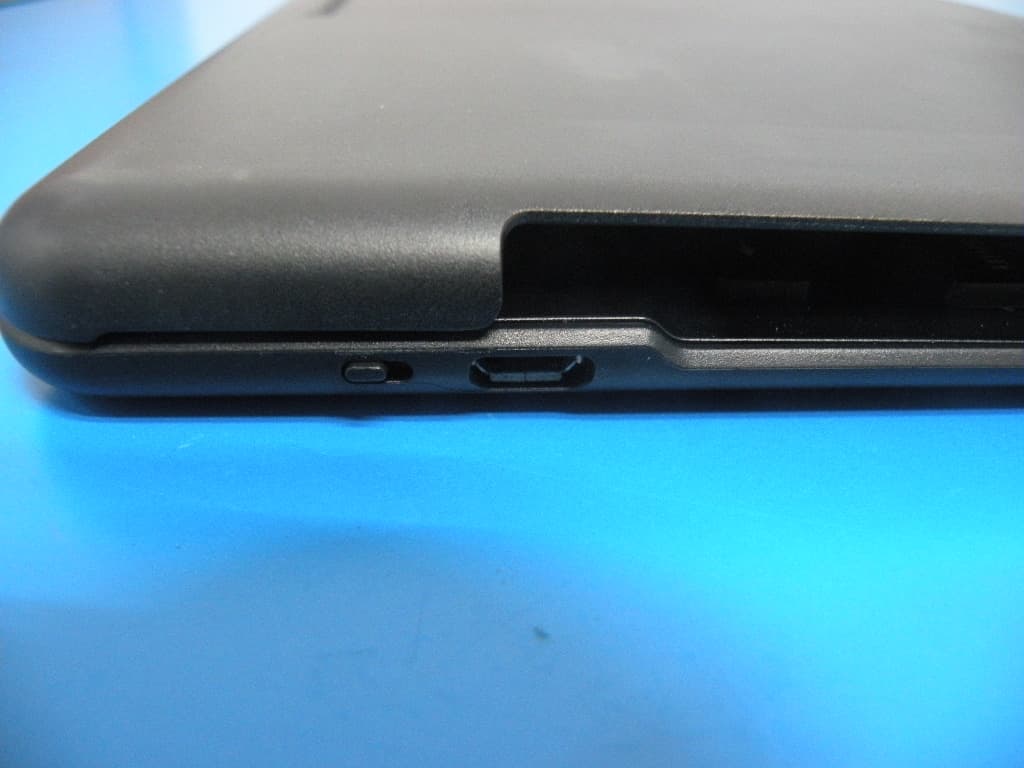
Click to zoom
Application Details
- Equipment Class
- DSS - Part 15 Spread Spectrum Transmitter
- Date of Grant
- Aug 04, 2013
- Application Purpose
- Original Equipment
- Date of Application
- Aug 04, 2013
- Equipment Note
- BLUETOOTH KEYBOARD
- Frequency Range
- 2402.00000000 - 2480.00000000
- Country
- China
Documents & Files
Document Text
Text extracted from the exhibit documents filed with the FCC. Open a document above to read the original.
Users Manual
KB6012I User manual 1、Contents 1.1、Bluetooth keyboard 1PCS 1.2、Instruction manual 1PCS 1.3、USB Charging cable 1PCS 2、Product Features 2.1、use Broadcom20730 main control chip, have Bluetooth3.0 interface。 2.2、industry leading bluetooth solutions, WIDCOMM BTW (Microsoft officially designated software) bluetooth software。 2.3、built-in power management software, can be in Microsoft's Windows system automatically usable capacity。 2.4、Ipad mini keyboard with case, just design for mini Ipad. 2.5、Mute design: effectively avoid other person sleeping(especially for one room with several person). 2.6、Architecture design, provides comfortable handling feel. 2.7、Caps lock signal helps in capital letters writing 2.8、Support Iphone,Mac,Windows and Android system etc.It’s more convenient for you. 3、Specifications 3.01、Executive standard: Bluetooth V3.0 3.02、Maximum operating distance: 10 meters 3.03、Modulation mode: 2.4 G straight sequence fh (FHSS) 3.04、Transmit power: Class 2 levels 3.05、Working voltage: 3.7V 3.06、working current: 2.0 MA 3.07、standby current: 1.0 MA 3.08、sleep current55uA 3.09、charging current: 110mA 3.10、standby time: 90days 3.11、theoretical use time: 10days 3.12、continuous uninterrupted use time: 40hours 3.13 、theoretical charging time: 1.0-1.5 hours 3.14、lithium battery capacity: 230mAh 3.15、lithium battery life span: three years 3.16、the lithium battery type: 301160 3.17、the key dynamics: 60 + 10g 3.18、buttons life: 5 million times 3.19、operation temperature: 0-55 °C 3.20、storage temperature: - 20-70 °C 4、Keyboard and IPAD or Iphone setting 4.1、Built in lithium battery with bluetooth and connect with IPAD,mobilephone or PC. 4.1.1、Below information will show you how to using, setting and charging. 4.2、POWER ON/OFF 4.2.1:Power on: Switch to ON, power LED and bluetooth LED flash at the same time about 2 seconds. 4.2.2、Power off: Switch to OFF, power LED shut off, keyboard is turned off. 4.3、Indicator 4.3.1、The LED indicator on the keyboard show battery, state and charge. If you turn on the keyboard first time, the power indicator constant light and the bluetooth indicator light 3 seconds. The battery is good. After 3 seconds, if keyboard didn’t match the IPAD, mobilephone and PC, the indicator will twinkle. The keyboard is seraching and ready to match IPAD, mobilephone and PC etc.(Match means wireless connect with IPAD, mobilephoe and PC, and ready to correspondence.) 4.3.2、If you don’t put the keyboard match the IPAD, mobilphone and PC etc within 10 minutes. The light of power and bluetooth will colsed. The keyboard be turned off. 4.3.3、The keyboard and IPAD, mobilephone and PC matched success, the light of bluetooth off, the power constant light. 4.3.4、When the keyboard and IPAD, mobilephone and PC match success and can use. If you don’t use the keyboard over 15minutes, the light of power will off, the keyboard sleeping. When you want to use the keyboard again, you just press any button softly. The power will light again, you can use the keyboard. 4.3.5、When you use the keyboard in the process, if the power light, advise you the battary is less than 5%, you need charing. 4.3.6、Plug the charger into the charing interface. The charge light. If the battary is full enough, the charge will cut off automatically. 4.3.7、When you use the keyboard in the process, you lock the upper and lowercase letters, the Caps light, when you unlocked, the Caps will off. 4.4、the keyboard with new IPAD and IPHONE connection: 4.4.1、Switch to ON button, Power LED and Bluetooth LED light up at the same time, Bluetooth LED flash about 3 seconds ,then it enters the status of match code. 4.4.2、Click the setting button of IPAD and IPHONE, Then choose the General and bluetooth. The IPAD is searching bluetooth device. 4.4.3、After the IPAD and IPHNE find out the bluetooth device and connect the bluetooth keyboard(see blow picture),IPAD will advise you input the password. 4.4.4connected:iPad state into the search for bluetooth devices and find the bluetooth keyboard, then directly click to establish the connection 4.4.5、If IPAD and keyboard connect success. he power constant light. ower constant light advise you turn off the keyboard while you don’t use it. 4.5、keyboard with other IPAD or IPHONE connection: 4.5.1 After your keyboard connect with 1PCS of IPAD or IPHONE, ou can connect with other IPAD or IPHONE .If your keyboard connected with IPAD or IPHONE over 10 meters(33 feet).Please according to item4.4. 4.5.2 If your keyboard connected with IPAD or IPHONE within 10 meters(33 feet).You must cut off the current connect first, hen try to connect with other IPAD and Iphone. 4.5.3、Cut off the connection: 4.5.3.1、Please touch the setting button on the connected IPAD and IPHONE. hoose the General and bluetooth. 4.5.3.2、Please find out the keyboard you want to remove in the bluetooth, hen click(>)button, ou will log into the bluetooth settings . 4.5.3.3、Choose Forget this device in the bluetooth settings, hen click OK button. 4.5.4、If you want to the keyboard match with other IPAD or IPHONE. lease according to item4.4 4.6、The keyboard with new PC,MAC or mobilephone Connection. 4.6.1、The new PC, AC or mobilephone setting procedure same as PC, AC and mobilephone. 4.6.2、Please according to item4.4 to set the keyboard. 5、Charging When you use the keyboard in the process, the keyboard of POWER (POWER) instructions parade into rapid flashes state, right now you keyboard's electricity shortage, you should give your keyboard charging, charging steps as follows: 5.1、Please take charge line attached to the USB male seat end insert computer USB interface or USB interface of the IPAD charger, the other side is inserted into the USB charging interface, MINI5PIN keyboard. 5.2、When charging, he indicator will light, when the batteries full, he indicator will cut off automatically. (theory charging time for 3.5 hours) 6、Keyboard and iPad hotkeys specifies Press this button can fulfill the digital function of “`” on the computer, hold …
Text truncated - open the document above for the full version.
Cover Letter(s)
Shenzhen Paoluy Silicone Technology Co., Ltd. Federal Communications Commission Equipment Authorization Branch 7435 Oakland Mills Road Columbia, MD 21046 Request for Confidentiality Company name: Shenzhen Paoluy Silicone Technology Co., Ltd. FCC ID : X9PKB6012I FCC Part 15 Certification Gentlemen, Pursuant to 47 CFR 0.457(d)(1)(ii) and 0.459 we hereby requests permanent confidentiality of the following documents for the subject application: Exhibit Type Description ☒ Schematics All circuitry of devices and component values ☒ Block Diagrams Details of device showing the frequency of all oscillators ☒ Operational Description Description of the circuit functions Note: Exhibit types that are commonly held confidential are: (1) Schematics, (2) Block Diagrams, (3) Bill Of Materials, (4) Operational Descriptions. Any exhibit NOT granted confidentiality is viewable on the FCC website as soon as a grant is issued. These documents contain detailed system and equipment description and related information about the product which we considers to be proprietary, confidential and a custom design and otherwise would not release to the general public. Since the design is a basis from which future technological products will evolve, we consider that this information would be of benefit to its competitors and that the disclosure of the information in these documents would give competitors an unfair advantage in the market. Yours sincerely, Signatory Name Xiaogang Yang Position Quality Director Company Name Shenzhen Paoluy Silicone Technology Co., Ltd. Address No.31, Furong Road, Gushu Village Xixiang Town, Baoan District, Shenzhen, China Tel (86) 755-33819221 Fax (86) 755-33676866 Email [email protected]
Cover Letter(s)
Shenzhen Paoluy Silicone Technology Co., Ltd. Date: 25.07.2013 Authority to Act as an Agent We declare that the following representative (agent) Name Mark Zhu Position Manager Company Name Shenzhen Certification Technology Service Co., Ltd. Address 2F, Building B, East Area of Nanchang Second Industrial Zone, Gushu 2 nd Road, Bao’an District, Shenzhen 518126, P.R. China Tel / Fax 0755-86375541/0755-26736857 Email [email protected] to act on our behalf on all matters concerning the application and documents submitted to PHOENIX TEST-LAB for product certification below Product Name BLUETOOTH KEYBOARD Model Name KB6012I Brand Name N/A . Yours sincerely, Signatory Name Xiaogang Yang Position Quality Director Company Name Shenzhen Paoluy Silicone Technology Co., Ltd. Address No.31, Furong Road, Gushu Village Xixiang Town, Baoan District, Shenzhen, China Tel (86) 755-33819221 Fax (86) 755-33676866 Email [email protected] In case of FCC, we certify that we are not subject to a denial of Federal benefits, that include FCC benefits, pursuant to Section 5301 of the Anti-Drug Abuse Act of 1988, 21 U.S.C. §862 because of a conviction for possession or distribution of a controlled substance.
External Photos
USB interface
ID Label/Location Info
X9PKB6012I
ID Label/Location Info
Label Location
Internal Photos
ANTENNA
Test Report
Shenzhen Certification Technology Service Co., Ltd. 2F, Building B, East Area of Nanchang Second Industrial Zone, Gushu 2 nd Road, Bao'an District, Shenzhen 518126, P.R. China FCC ID: X9PKB6012I Page 1 of 70 TEST REPORT FCC ID: X9PKB6012I Applicant : Shenzhen Paoluy Silicone Technology Co., Ltd. Address : Ath Building 5th floor, Forzen Industrial park, Fuyuan 2nd Road, Heping Village Fuyong Town, Baoan District, Shenzhen, China Equipment Under Test (EUT): Name : BLUETOOTH KEYBOARD Model : KB6012I In Accordance with: FCC PART 15, SUBPART C : 2012 (Section 15.247) Report No : STI130710111 Date of Test : July 12-25, 2013 Date of Issue : July 26, 2013 Test Result: PASS In the configuration tested, the EUT complied with the standards specified above Authorized Signature ___________________________ (Mark Zhu) General Manager The manufacture should ensure that all the products in series production are in conformity with the product sample detailed in this report. If the product in this report is used in any configuration other than that detailed in the report, the manufacturer must ensure the new system complies with all relevant standards. Any mention of Shenzhen Certification Technology Service Co., Ltd. Or test done by Shenzhen Certification Technology Service Co., Ltd. Approvals in connection with, distribution or use of the product described in this report must be approved by Shenzhen Certification Technology Service Co., Ltd. Approvals in writing. Report No.: STI130710111 FCC ID: X9PKB6012I Page 2 of 70 Contents 1. General Information ...................................................................................................4 1.1. Description of Device (EUT) ...............................................................................4 1.2. Accessories of device (EUT) ...............................................................................4 1.3. Test Lab information ............................................................................................4 2. Summary of test ..........................................................................................................5 2.1. Summary of test result .........................................................................................5 2.2. Assistant equipment used for test.........................................................................5 2.3. Block Diagram .....................................................................................................5 2.4. Test mode .............................................................................................................6 2.5. Test Conditions.....................................................................................................6 2.6. Measurement Uncertainty (95% confidence levels, k=2) ....................................6 2.7. Test Equipment.....................................................................................................7 3. Maximum Peak Output power ..................................................................................8 3.1. Limit .....................................................................................................................8 3.2. Test Procedure ......................................................................................................8 3.3. Test Setup ...............................................................................................................8 3.4. Test Result ............................................................................................................8 4. 20dB Bandwidth ...........................................................................................................9 4.1. Limit .....................................................................................................................9 4.2. Test Procedure ......................................................................................................9 4.3. Test Result ............................................................................................................9 5. Carrier Frequency Separation.................................................................................13 5.1. Limit ...................................................................................................................13 5.2. Test Procedure ....................................................................................................13 5.3. Test Result ..........................................................................................................13 6. Number Of Hopping Channel..................................................................................15 6.1. Limit ...................................................................................................................15 6.2. Test Procedure ....................................................................................................15 6.3. Test Result ..........................................................................................................15 7. Dwell Time .................................................................................................................18 7.1. Test limit ............................................................................................................18 7.2. Test Procedure....................................................................................................18 7.3. Test Results ........................................................................................................18 8. Radiated emissions....................................................................................................29 8.1. Limit ...................................................................................................................29 8.2. Block Diagram of Test setup ..............................................................................30 8.3. Test Procedure .....................................…
Text truncated - open the document above for the full version.
Test Setup Photos
Conducted Emission Test Setup Radiated Emission Test Setup in Chamber
Contact Information
Applicant
Xiaogang Yang(Quality Director)
Test Firm
Shenzhen Certification Technology Service Co., LtdMark Zhu
Technical Specifications
| # | Rule Parts | Frequency Range | Power Output |
|---|---|---|---|
| 1 | 15C | 2.40 GHz - 2.48 GHz | 1.80 mW |
Other Applications from Shenzhen Paoluy Silicone Technology Co., Ltd.

X9PKB6031
Sep 16, 2015Bluetooth Keyboard
Equipment Class
DSS - Part 15 Spread Spectrum Transmitter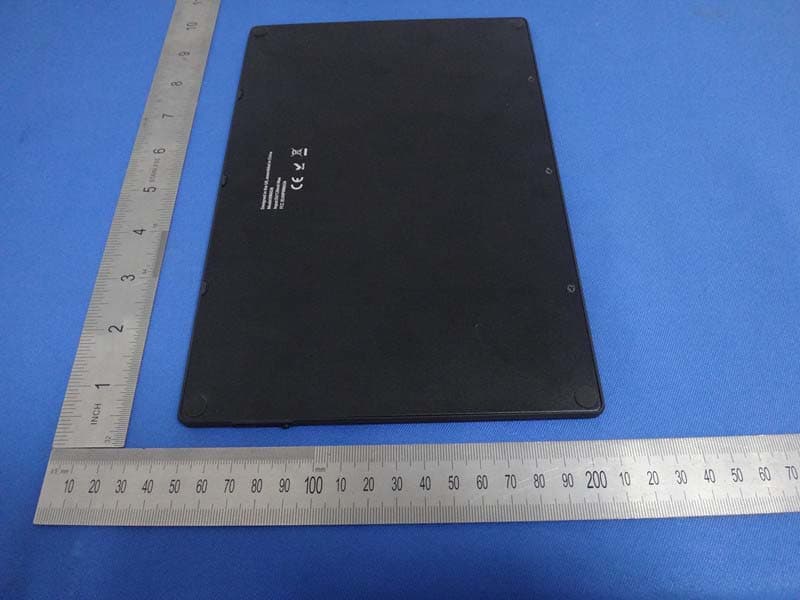
X9PKB6026
Oct 26, 2014Solar Bluetooth Keyboard
Equipment Class
DSS - Part 15 Spread Spectrum Transmitter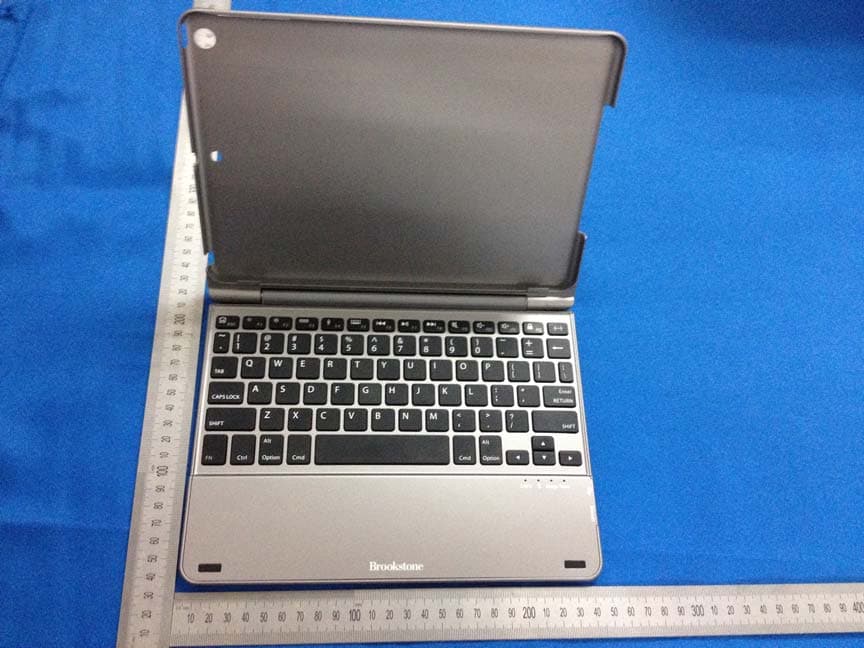
X9PKB6013I
May 27, 2014Bluetooth Keyboard
Equipment Class
DSS - Part 15 Spread Spectrum Transmitter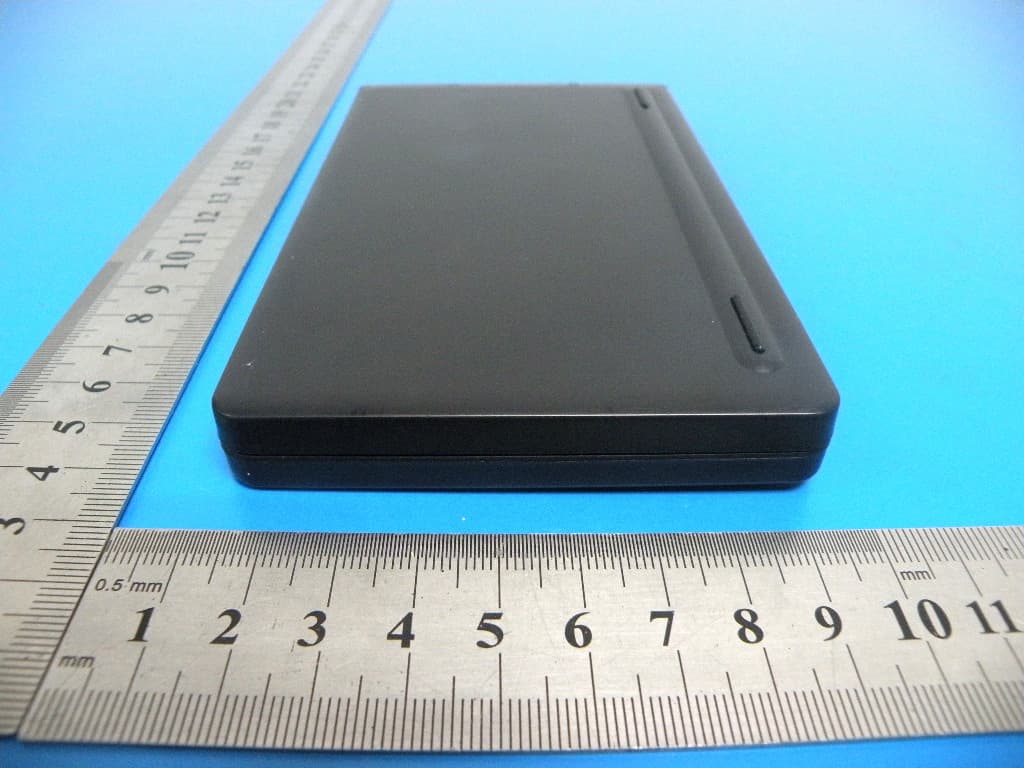
X9PKB6007I
Aug 04, 2013BLUETOOTH KEYBOARD
Equipment Class
DSS - Part 15 Spread Spectrum Transmitter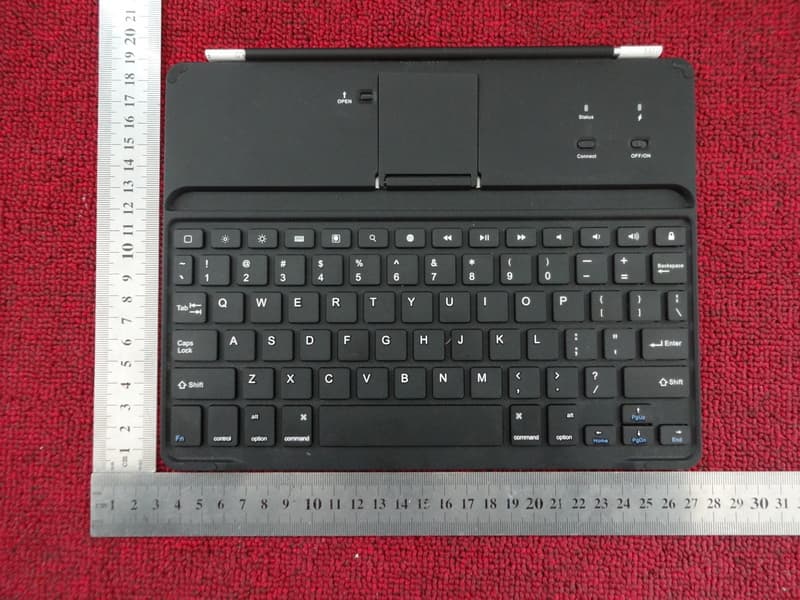
X9PBKB78HB
Dec 26, 2012Tablet Case with Bluetooth� Keyboard
Equipment Class
DSS - Part 15 Spread Spectrum Transmitter