X9PKB6026Solar Bluetooth Keyboard
Shenzhen Paoluy Silicone Technology Co., Ltd.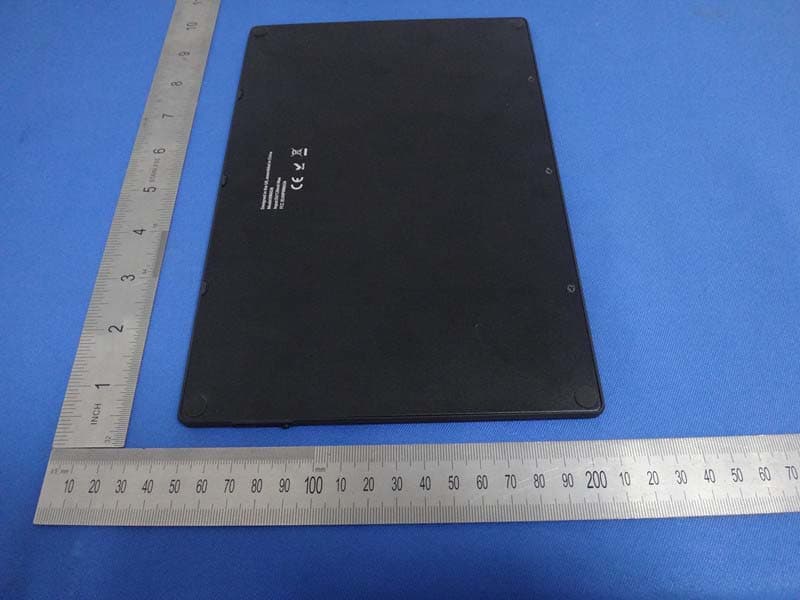
Click to zoom
Application Details
- Equipment Class
- DSS - Part 15 Spread Spectrum Transmitter
- Date of Grant
- Oct 26, 2014
- Application Purpose
- Original Equipment
- Date of Application
- Oct 13, 2014
- Equipment Note
- Solar Bluetooth Keyboard
- Frequency Range
- 2402.00000000 - 2480.00000000
- Country
- China
Documents & Files
Document Text
Text extracted from the exhibit documents filed with the FCC. Open a document above to read the original.
Users Manual
Solar Bluetooth Keyboard Manual Model: KB6026 --What’s in the box? 1、Solar Bluetooth Keyboard 1x pc 2、Operating Guide 1x pc --Features 1、 Built in Broadcom20730 chipset, with Bluetooth3.0 interfaces.; 2、 Built-in unique power management software, can automatically display the available capacity in Microsoft windows system; 3、Mute design: Effectively avoid the interference of others (especially for rest room with many people living crowd); 4、Compatible with dual system of IOS and Android, only switch between with the FN+ keys before the keyboard turned on, then you can use dual-system tablet functions with the same keyboard; 5、Using the industry leading Bluetooth solution, WIDCOMM BTW (Microsoft official software) Bluetooth software; 6、Can support the personal computer and mobile phones, bring more convenience to your work and life. --Specification 1、Bluetooth version: V3.0 2、Maximum operating distance: 10 meters 3、Modulation mode:2.4G direct sequence frequency hopping (FHSS) 4、Transmit Power: Class 2 level 5、Working Voltage: 3.7V 6、Working Current: <1.2mA 7、Standby current: <0.12mA 8、Sleep Current: <12uA 9、Charging Current: >40mA 10、Solar Charging: Recharge the battery in the sunlight environment 11、Theoretical Using Time: 12months without charging 12、Continuous Working Time: 500 hours 13、USB Charging Time: 15 hours 14、Lithium Battery Capacity: 600mAH 15、Battery Life: 3 years 16、Battery Type: 254595 17、Key-Pressing Force 60±10g 18、Key Strokes: 3million times 19、Operation Temperature: 0-+55°C 20、Storage Temperature: 10-40°C 21、Storage Humidity: 20%-80% --System Requirement Compatible for OS: iOS4.0 and above / Android3.1 and above --Pairing steps (Note: Please find out what system for your tablet before using the keyboard. The keyboard on the default is paired with IOS system.) 1、Paring With iPad 1.1、 Open the keyboard Power Switch, press the Connect button, the keyboard Bluetooth indicator light starts to flash, the keyboard enters pairing mode, and then it gets ready to be paired with iPad. 1.2、Click the Settings button on the iPad, to enter the settings area,choose General Options and then select the Bluetooth , switch ON the Bluetooth, the iPad enters searching status, to search for surrounding Bluetooth devices; 1.3、Waiting for a short while, the solar Bluetooth keyboard will be found on the devices list, please touch the Bluetooth Wireless Keyboard, then a dialogue box will be prompted on the iPad to ask you to input the pairing code, you can get the random pairing code from the dialogue box and type it on the keyboard to complete the pairing and then press the Enter key. (Note: Type the password on the keyboard without any prompting response on the iPad, so please make sure to input correctly) 1.4、When the keyboard is connected to the iPad, the blue indicator light is extinguished to prove the pairing process is successfully completed. 2、Paring With Android Tablets 2.1、Press the keys and ,and then open the keyboard power switch, the keyboard Bluetooth indicator light starts to flash, the keyboard enters pairing mode, and then it gets ready to be paired with the Android Tablets. 2.2、Click the Application Icon on the Android Tablet, to enter the application area, choose the Setting option, to enter setting area; 2.3、In the setting area, open the Bluetooth function, and then click Scan for devices, the tablet enters into searching status, to search for surrounding Bluetooth devices; 2.4、Waiting for a short while, the solar Bluetooth keyboard will be found on the devices list, please touch the Bluetooth Wireless Keyboard, then a dialogue box will be prompted on the tablet to ask you to input the pairing code, you can get the random pairing code from the dialogue box and type it on the keyboard to complete the pairing and press the Enter key. (Note: Type the password on the keyboard without any prompting response on the iPad, so please make sure to input correctly) 2.5、When the keyboard is connected to the Android Tablet, the blue indicator light is extinguished to prove the pairing process is successfully completed. 2.6、The keyboard self keeps the connection with the Android tablet as default option with its power being switched on next time. --Keyboard hotkeys definition for iPad Press the key to achieve the” ` ” function; Press "Fn" and the key to return to iPad Home Screen. Press the key to achieve the number of “1” function; Press "Fn" and the key to achieve the “Search” function. Press the key to achieve the number of “2” function; Press "Fn" and the key to pop up/hide out the virtual keyboard while editing document files. Press the key to achieve the number of “3” function; Press "Fn" and the key to select the system language. Press the key to achieve the number of “4” function; Press "Fn" and the key to activate the Siri or Voice assistant. Press the key to achieve the number of “5” function; Press "Fn" and the key to control the music to the previous one while playing. Press the key to achieve the number of “6” function; Press "Fn" and the key to play or pause the music while playing. Press the key to achieve the number of “7” function; Press "Fn" and the key to skip the music to the next one while playing. Press the key to achieve the number of “8” function; Press "Fn" and the key to achieve the functions of mute or cancel mute. Press the key to achieve the number of “9” function; Press "Fn" and the key to lower the sound volume. Press the key to achieve the number of “0” function; Press "Fn" and the key to raise the sound volume. Press the key to achieve the “-” function; Press "Fn" and the key to execute the background programs. Press the key to achieve the “=” function; Press “Fn” and the key to lock the iPad screen. Press “Fn” and the key to detect the battery capacity, when the battery capacity keep at 80% and above, the keyboard indicator light turns green color, when keep between 20%-80%,the indicator light turns yellow color. --Keyboard Charging In the middle of using …
Text truncated - open the document above for the full version.
External Photos
External photo
ID Label/Location Info
LABEL ARTWORK AND LOCATION FCC ID Location
Internal Photos
1 Internal photo 2 3 4 5
Test Report
FCC ID TEST REPORT for Solar Bluetooth Keyboard Model: KB6026 FCC ID: X9PKB6026 Prepared for: Shenzhen Paoluy Silicone Technology Co., Ltd. No.31, Furong Road, Gushu Village, Xixiang Town, Baoan District, Shenzhen, China Prepared by: Shenzhen TCT Testing Technology Co.,Ltd 1F, Building 1, Yibaolai Industrial Park, Qiaotou Village, Fuyong Town, Baoan District, Shenzhen, Guangdong, China TEL: +86-0755-27673339 FAX: +86-0755-27673332 Report Number:TCT140814E001 Date of Test: Sept. 28-Oct. 11, 2014 Date of Report: Oct. 13, 2014 The results detailed in this test report relate only to the specific sample(s) tested. It is the Application’s responsibility to ensure that all production units are manufactured with equivalent EMC characteristics. This report is not to be reproduced except in full, without written approval from TCT Testing Technology. FCC ID: X9PKB6026 Report Number: TCT140814E001 Page 2 of 49 Table of Contents 1.0 General Details................................................................................................................................................... 3 1.1 Test Lab Details ........................................................................................................................................... 3 1.2 Applicant Details ......................................................................................................................................... 3 1.3 Description of EUT...................................................................................................................................... 4 1.4 Statement ..................................................................................................................................................... 4 1.5 Test Engineer ............................................................................................................................................... 4 2.0 Test equipments and Associated Equipment used during the test................................................................. 5 2.1 Test Equipments........................................................................................................................................... 5 2.2 AE used during the test ................................................................................................................................ 5 3.0 Technical Details................................................................................................................................................ 6 3.1 Summary of test results ............................................................................................................................... 6 3.2 Test Standards .............................................................................................................................................. 6 4.0 EUT Modification.............................................................................................................................................. 6 5.0 Measurement Uncertainty(95% confidence levels, k=2)............................................................................. 6 6.0 Power Line Conducted Emission Test.............................................................................................................. 7 7.0 20dB Bandwidth Measurement...................................................................................................................... 11 8.0 Maximum Peak Output Power....................................................................................................................... 14 9.0 Carrier Frequency Separation........................................................................................................................ 17 10.0 Number of Hopping Channels...................................................................................................................... 20 11.0 Time of Occupancy (Dwell Time)................................................................................................................. 22 12.0 Band edge Measurement...............................................................................................................................25 13.0 Spurious Emission Test.................................................................................................................................. 30 14.0 Antenna Requirement................................................................................................................................... 39 15.0 Photos of Testing............................................................................................................................................ 40 15.1 Conducted Emission Test View ............................................................................................................... 40 15.2 Radiated Emission Test View .................................................................................................................. 41 16.0 Photos for EUT.............................................................................................................................................. 42 FCC ID: X9PKB6026 Report Number: TCT140814E001 Page 3 of 49 1.0 General Details 1.1 Test Lab Details Name : Shenzhen Tongce Testing Lab Address: 1F, Leinuo Watch Building, Fuyong Town, Baoan Dist, Shenzhen, China Telephone: 13410377511 Fax: -- The test facility is recognized, certified, or accredited by the following organizations: FCC Registration Number: 572331 Shenzhen TCT Testing Technology Co., Ltd., Shenzhen EMC Laboratory: Shenzhen Tongce Testing Lab The 3m Semi-anechoic chamber has been registered and fully described in a report with the (FCC) Federal Communications Commission. The acceptance letter from the FCC is maintained in our files. Registration Number: 572331 Industry Canada (IC) The 3m Semi-anechoic chamber of Shenzhen TCT Testing Technology Co., Ltd. has been registered by Certification and E…
Text truncated - open the document above for the full version.
Test Setup Photos
Setup photo Radiated Emission Test Conducted Emission Test
Contact Information
Applicant
Xiaogang Yang(Quality Director)
Technical Contact
Shenzhen Tongce Testing LabAlan Gang
[email protected](86)13410377511
1F, Leinuo Watch Building, Fuyong Town · Shenzhen · China
Test Firm
Shenzhen Tongce Testing LabJoe Zhou
[email protected]860755-36638142
Technical Specifications
| # | Rule Parts | Frequency Range | Power Output |
|---|---|---|---|
| 1 | 15C | 2.40 GHz - 2.48 GHz | 1.20 mW |
Other Applications from Shenzhen Paoluy Silicone Technology Co., Ltd.

X9PKB6031
Sep 16, 2015Bluetooth Keyboard
Equipment Class
DSS - Part 15 Spread Spectrum Transmitter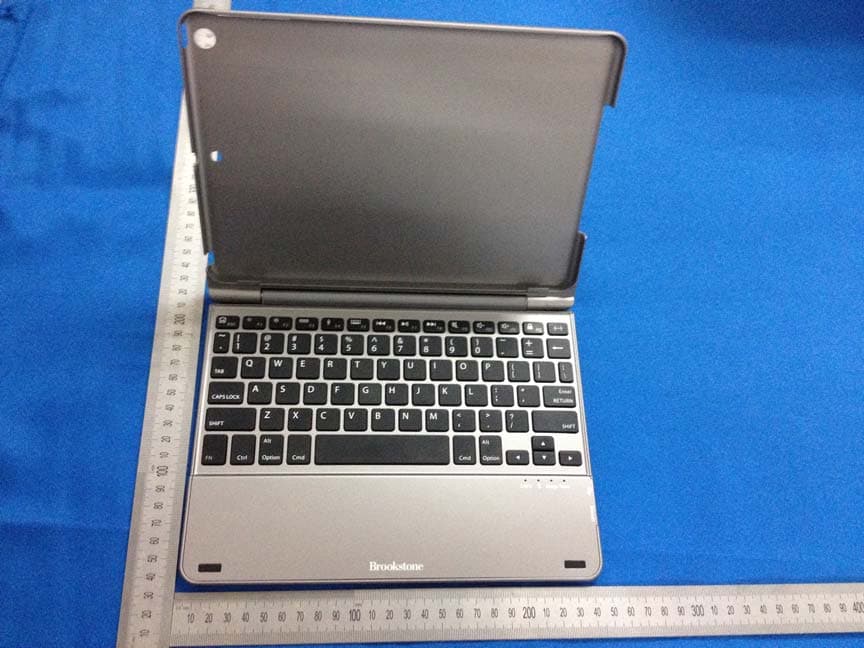
X9PKB6013I
May 27, 2014Bluetooth Keyboard
Equipment Class
DSS - Part 15 Spread Spectrum Transmitter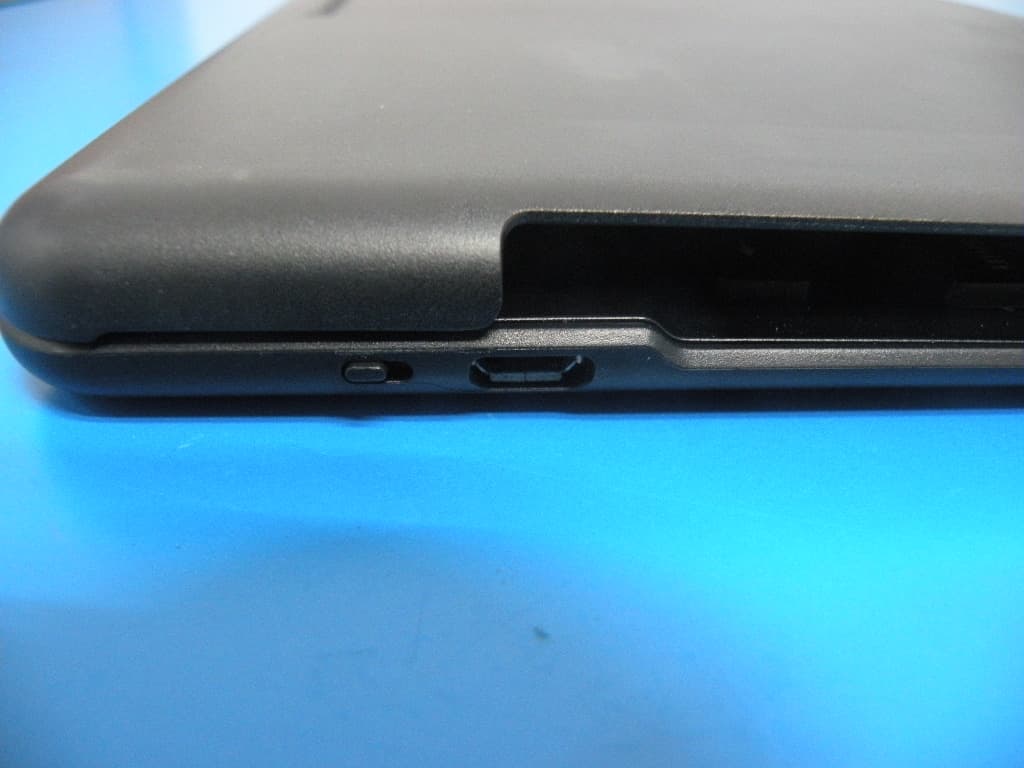
X9PKB6012I
Aug 04, 2013BLUETOOTH KEYBOARD
Equipment Class
DSS - Part 15 Spread Spectrum Transmitter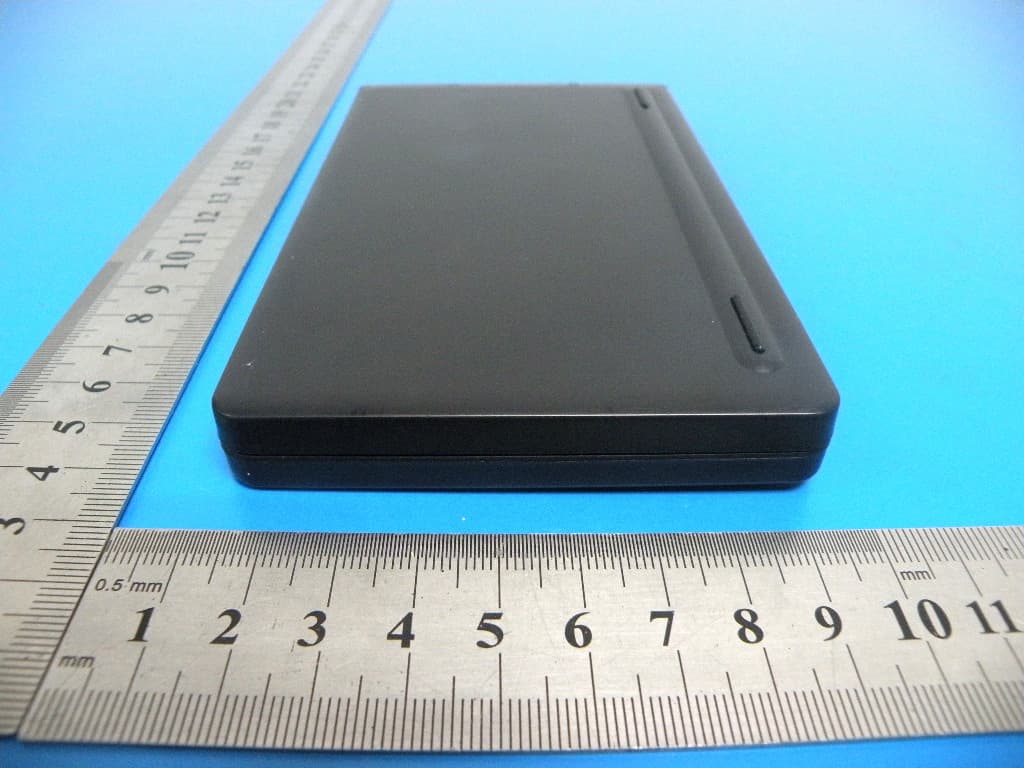
X9PKB6007I
Aug 04, 2013BLUETOOTH KEYBOARD
Equipment Class
DSS - Part 15 Spread Spectrum Transmitter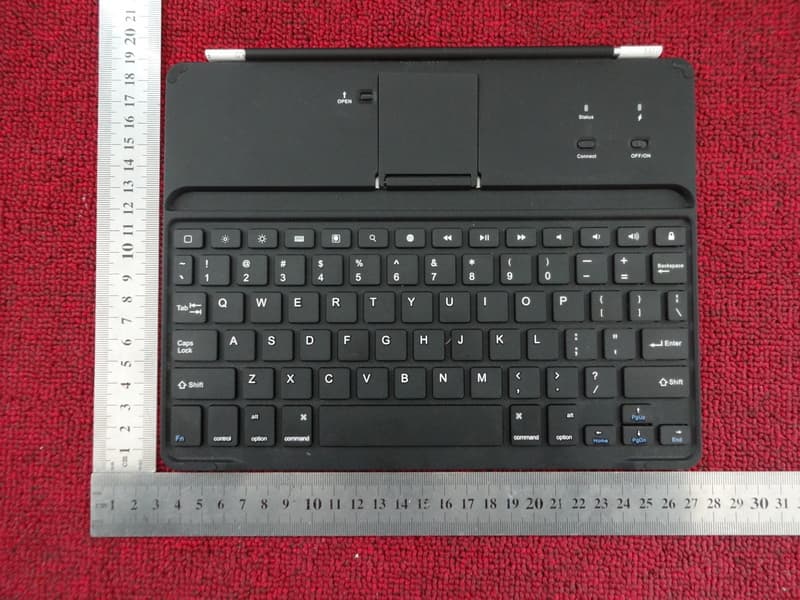
X9PBKB78HB
Dec 26, 2012Tablet Case with Bluetooth� Keyboard
Equipment Class
DSS - Part 15 Spread Spectrum Transmitter