XBADSA22Key Fob Nanomote Panic Button
Aeon Labs LLC.Application Details
- Equipment Class
- DXX - Part 15 Low Power Communication Device Transmitter
- Date of Grant
- Jul 06, 2012
- Application Purpose
- Original Equipment
- Date of Application
- Jul 06, 2012
- Equipment Note
- Key Fob Nanomote Panic Button
- Frequency Range
- 908.40000000 - 908.42000000
- Company
- Aeon Labs LLC.
- Country
- United States
Documents & Files
Document Text
Text extracted from the exhibit documents filed with the FCC. Open a document above to read the original.
Users Manual
Key Fob Nanomote Panic Button Aeotec Key Fob remote control Remote controls revolutionized the way we could do things. They changed the way we watch TV. They changed we listen to music. They even changed the way we park our cars. And then they stopped revolutionizing and instead evolved to become more and more complex. They became bigger. They became weighed down with too many buttons, too many confusing things that you could do. The Aeotec Key Fob Remote Control takes the remote back to where it began. It’s easy to use. It’s simple. It’s small. It’s there for when you need it and it’s out of sight for when you don’t. It’s been designed to further the Z-Wave revolution. Quick Start Your Aeotec Key Fob Remote Control comes with its batteries installed and uses wireless technology to talk to your Z-Wave network. For an existing Z-Wave network Your Key Fob Remote Control can be set up as an additional Z-Wave controller. This is perfect for including it as a remote control in an existing Z-Wave network. You’ll need to be near your existing primary Z-Wave controller and have the Key Fob Remote Control with you. 1. Using something such as a pin or a paper clip, press the Learn button on the Key Fob Remote Control. Its light will begin to pulse. 2. Press the Include button on your primary Z-Wave controller. If you’re unsure of how to do this, refer to its user manual. 3. Once the two devices have exchanged information, the light on the Key Fob Remote Control will stay lit for 2 seconds. Your Key Fob Remote Control will now work as a remote control within your Z-Wave network, allowing it to both control associated devices and act as a tool for adding and removing devices to your Z-Wave network. For a new Z-Wave network Your Key Fob Remote Control can be set up as the primary controller of a Z-Wave network. This is ideal for a situation where you don’t already have a Z-Wave network set up, and you’re either starting out or intending to set up only a small system. In this case you need to associate your Z-Wave devices with the Key Fob Remote Control - this will, by default, set up a new Z-Wave network for you. To do this, refer to ‘Adding devices to your Z-Wave network’ in the Advanced Functions part of this manual, and follow the instructions. Selecting which devices to control With your Key Fob Remote Control now working within your Z-Wave network, it’s time to tell it which other Z-Wave devices within the same network you want it to control. It can activate / turn on any device within the network. During the following set up process, you’ll need to move near any of the devices that you wish to control. 1. Press, hold and do not release the action button that you want to use control a Z-Wave device. Your remote’s light will blink quickly when it’s ready to add devices to an action button. 2. Press the Z-Wave network button on the device that you wish to control. If you’re unsure of how to do this, refer to its user manual. 3. Your remote’s light will stop blinking and stay on to let you know that the device can now be controlled by the action button. 4. You can now turn devices on and off with a short press of the relevant action button. Should you have devices that have degrees of functionality, such as lighting that can be dimmed or blinds that can be half opened, there is an additional functionality that you may choose to use - dimming. When held down, the action button will send up and down instructions to any compatible Z-Wave devices associated with it. With a dimmable light, holding down an action button would see it brighten or dim depending on its current level of brightness. 5. If you are adding a light that can be dimmed or a device that can have a level, such as a window shade or a garage door, you can set your remote to open it to a particular level. To do this, after performing step 4, adjust the level of the Z-Wave device to your desired setting. 6. Release the action button you held down in step 1. 7. Repeat the above steps to add other Z-Wave devices. Multiple devices can be controlled all at once by a single Z-Wave button. To do this, repeat the previous steps using the desired action button in step 1. Advanced Functions Changing the buttons’ mode Using something such as a pin or a paper clip, press the Mode button on the Key Fob Remote Control. Its light will begin to pulse. Then the 4 buttons which are on top change to scence mode from network setup mode. Adding devices to your Z-Wave network In the case that you’re creating a new Z-Wave network or that an existing network’s controller has been designed to allow it, your Key Fob Remote Control is able to add Z- Wave devices to the network. 1. Press the Include button. 2. Press the Z-Wave network button on the device that you wish to add. If you’re unsure of how to do this, refer to its user manual. 3. Once the device has been included, the green light on the Key Fob Remote Control will stay lit for 2 seconds. If include unsuccess, the red light on the Portable Panic Button will stay lit for 2 seconds, then repeat from start step 1 again 4. Repeat step 2 for any other devices you wish to add to your network. 5. Once you’re finished, press any button on the Key Fob Remote Control to exit this mode. Removing devices from your Z-Wave network In the case that your Key Fob Remote Control is in charge of your Z-Wave network or that an existing network’s controller allows it, your remote control is able to permanently remove Z-Wave devices from the same network. 4. Press the Remove button. 5. Press the Z-Wave network button on the device that you wish to remove. If you’re unsure of how to do this, refer to its user manual. 6. Once the device has been removed from the network, the green light on your Key Fob Remote Control will stay lit for 2 seconds. If include unsuccess, the red light on the Portable Panic Button will stay lit for 2 seconds, then repeat from start step 1 again 7. Repeat step 2 for any other devices you w…
Text truncated - open the document above for the full version.
Cover Letter(s)
Aeon Labs LLC. 121 Buckingham drive, unit36 santa claras CA95051, USA Authorization Letter Number: CF101 Version: V01 Date: 01-02-2010 We, (the approval holder) Company name Aeon Labs LLC. Addresss 121 Buckingham drive, unit36 santa claras City CA95051 Country USA declare that the following representative (agent): Name (person) Daniel Zhu Company name Anbotek Compliance Laboratory Limited Addresss 1/F, 1 /Build, SEC Industrial Park, No. 4 Qianhai Road, Nanshan District City Shenzhen Country China is hereby authorized to apply the following equipment for certification on our behalf: Product Description Key Fob Nanomote Panic Button Type or Model(s) DSA22-ZWUS, DSA38-ZWUS Tradename or Brand(s) N.A. We also authorize Teleconformity to process this application. Attestation: City and Country: Date: Name: (this must be a person) Function: Signature: (or official company stamp) CA USA 2012-07-03 William Li Director of Business Development
Cover Letter(s)
Aeon Labs LLC. 121 Buckingham drive, unit36 santa claras CA95051, USA FCC Confidentiality Request Number: CF303 Version: V01 Date: 01-02-2010 To the FCC and FCC TCB handling this application for certification Pursuant to 47 CFR Section 0.459(a) & (b), we, (the applicant / grantee) Company name Aeon Labs LLC. Addresss 121 Buckingham drive, unit36 santa claras City CA95051 Country USA request non-disclosure and confidential treatment for our certification under: Grantee Code Product Number FCC ID: XBA DSA22 of the following materials submitted within this certification application: (please cross what is applicable, or add other documents) √ Schematics Diagrams √ Block Diagrams √ Circuit Description User Manual Above materials contain secrets, proprietary and technical information, which would customarily be guarded from competitors under 47 CFR, section 0.457(d)(2). Disclosure or publication or any portion of this company confidential material to other parties could cause substantial competitive harm and provide unjustified benefits for competitors. We understand that pursuant to 47 CFR section 0.457(d)(1)(ii) disclosure of the applicant and all accompanying documentation will not be made before the date of the grant. Attestation: City and Country: Date: Name: (this must be a person) Function: Signature: (or official company stamp) CA USA 2012-07-03 William Li Director of Business Development
External Photos
Page 16 of 20 FCC ID: XBADSA22 Anbotek Compliance Laboratory Limited Report No.201205782F Figure 1 The EUT-Series View Figure 2 The EUT-Front View Page 17 of 20 FCC ID: XBADSA22 Anbotek Compliance Laboratory Limited Report No.201205782F Figure 3 The EUT-Front View Figure 4 The EUT-Back View Page 18 of 20 FCC ID: XBADSA22 Anbotek Compliance Laboratory Limited Report No.201205782F Figure 5 The EUT-Upload View
ID Label/Location Info
FCC ID Label Sample for FCC ID: XBADSA22 FCC ID: XBADSA22
ID Label/Location Info
The proposed Label Location on EUT Proposed FCC ID Label Location Proposed Label Location on EUT The EUT-Front View/Proposed FCC ID Label Location
Internal Photos
Page 19 of 20 FCC ID: XBADSA22 Anbotek Compliance Laboratory Limited Report No.201205782F Figure 6 The EUT-Inside View Figure 7 The EUT-Inside View Page 20 of 20 FCC ID: XBADSA22 Anbotek Compliance Laboratory Limited Report No.201205782F Figure 8 PCB of the EUT-Front View Figure 9 PCB of the EUT-Back View
Test Report
Page 1 of 20 FCC ID: XBADSA22 Anbotek Compliance Laboratory Limited Report No.201205782F FCC TEST REPORT for Aeon Labs LLC. Key Fob Nanomote Panic Button Model No.: DSA22-ZWUS, DSA38-ZWUS Report Number : 201205782F Date of Test : May 15~Jun. 05, 2012 Date of Report : Jun. 06, 2012 Prepared for : Aeon Labs LLC. Address : 121 Buckingham drive, unit36 santa claras CA95051 USA Prepared By : Anbotek Compliance Laboratory Limited Address : 1/F, 1 /Building, SEC Industrial Park, No. 4 Qianhai Road, Nanshan District, Shenzhen, 518054, China Tel: (86) 755-26066544 Fax: (86) 755-26014772 Page 2 of 20 FCC ID: XBADSA22 Anbotek Compliance Laboratory Limited Report No.201205782F TABLE OF CONTENT Description Page Test Report 1.GENERAL INFORMATION ..........................................................................................................4 1.1.Description of Device (EUT).....................................................................................................................4 1.2.Description of Test Facility .......................................................................................................................5 1.3.Measurement Uncertainty..........................................................................................................................5 2. MEASURING DEVICE AND TEST EQUIPMENT.................................................................... 6 3. TEST PROCEDURE ....................................................................................................................... 7 4. RADIATION INTERFERENCE.................................................................................................... 8 4.1. Requirements (15.249, 15.209): ...............................................................................................................8 4.2 Test Procedure ...........................................................................................................................................8 4.3 Test Results................................................................................................................................................8 5. OCCUPIED BANDWIDTH..........................................................................................................11 5.1. Requirements (15.249): ..........................................................................................................................11 5.2 Test Results..............................................................................................................................................11 6. PHOTOGRAPH............................................................................................................................. 14 6.1. Photo of Radiation Emission Test ..........................................................................................................14 APPENDIX I (Photos of EUT) (5 Pages) Page 3 of 20 FCC ID: XBADSA22 Anbotek Compliance Laboratory Limited Report No.201205782F TEST REPORT Applicant : Aeon Labs LLC. Manufacturer : Aeon Labs LLC. EUT : Key Fob Nanomote Panic Button Model No. : DSA22-ZWUS, DSA38-ZWUS Serial No. : N/A Rating : DC 3V, 35mA Trade Mark : N/A Measurement Procedure Used: FCC Part15 Subpart C, Paragraph 15.207, 15.209&15.249 The device described above is tested by Anbotek Compliance Laboratory Limited to determine the maximum emission levels emanating from the device and the severe levels of the device can endure and its performance criterion. The measurement results are contained in this test report and Anbotek Compliance Laboratory Limited is assumed full of responsibility for the accuracy and completeness of these measurements. Also, this report shows that the EUT (Equipment Under Test) is technically compliant with the FCC Part 15 Subpart C requirements. This report applies to above tested sample only and shall not be reproduced in part without written approval of Anbotek Compliance Laboratory Limited Date of Test : May 15~Jun. 05, 2012 Prepared by : (Engineer / Andy Chen) Reviewer : (Project Manager / Jerry Du) Approved & Authorized Signer : (Manager /Tom Chen) Page 4 of 20 FCC ID: XBADSA22 Anbotek Compliance Laboratory Limited Report No.201205782F 1. GENERAL INFORMATION 1.1. Description of Device (EUT) EUT : Key Fob Nanomote Panic Button Model Number : DSA22-ZWUS, DSA38-ZWUS (Note: Bouth the samples are the same except the model number & Shape of appliances, so we prepare “DSA22-ZWUS” for EMC test only.) Test Power Supply : DC 3V, 35mA Frequency : 908.42MHz / 908.40MHz Antenna : Gain is 3dBi (The antenna used in this product is Monopole antenna) Applicant : Aeon Labs LLC. Address : 121 Buckingham drive, unit36 santa claras CA95051 USA Manufacturer : Aeon Labs LLC. Address : 121 Buckingham drive, unit36 santa claras CA95051 USA Date of receiver : May 15, 2012 Date of Test : May 15~Jun. 05, 2012 Page 5 of 20 FCC ID: XBADSA22 Anbotek Compliance Laboratory Limited Report No.201205782F 1.2. Description of Test Facility The test facility is recognized, certified, or accredited by the following organizations: CNAS - LAB Code: L3503 Anbotek Compliance Laboratory Limited., Laboratory has been assessed and in compliance with CNAS/CL01: 2006 accreditation criteria for testing laboratories (identical to ISO/IEC 17025:2005 General Requirements) for the Competence of Testing Laboratories. FCC-Registration No.: 752021 Anbotek Compliance Laboratory Limited, EMC Laboratory has been registed and fully described in a report filed with the (FCC) Federal Communications Commission. The acceptance letter from the FCC is maintained in our files. Registration 752021, August 20, 2010. IC-Registration No.: 8058A-1 Anbotek Compliance Laboratory Limited., EMC Laboratory has been registered and fully described in a report filed with the (IC) Industry Canada. The acceptance letter from the IC is maintained in our files. Registration 8058A-1, August 30, 2010. Test Location All Emissions tests were performed a…
Text truncated - open the document above for the full version.
Test Setup Photos
Page 14 of 20 FCC ID: XBADSA22 Anbotek Compliance Laboratory Limited Report No.201205782F 6. PHOTOGRAPH 6.1. Photo of Radiation Emission Test
Contact Information
Applicant
William Li(Director of Business Development)
Technical Contact
TeleconformityMark Koop
[email protected]+31 84 839 5876
Rietven 31 · Enschede, Overyssel · Netherlands
Test Firm
Shenzhen Anbotek Compliance Laboratory LimitedDaniel zhu
[email protected]86-755-26014771
Technical Specifications
| # | Rule Parts | Frequency Range | Power Output |
|---|---|---|---|
| 1 | 15C | 908.4 MHz - 908.42 MHz | - |
Other Applications from Aeon Labs LLC.
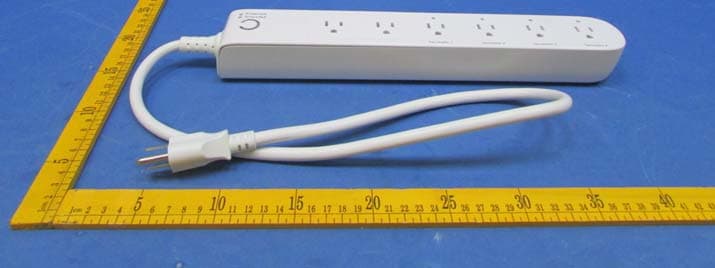
XBAZW069
Jan 25, 2016Smart Strip Gen5,Strip Gen5
Equipment Class
DXT - Part 15 Low Power Transceiver, Rx Verified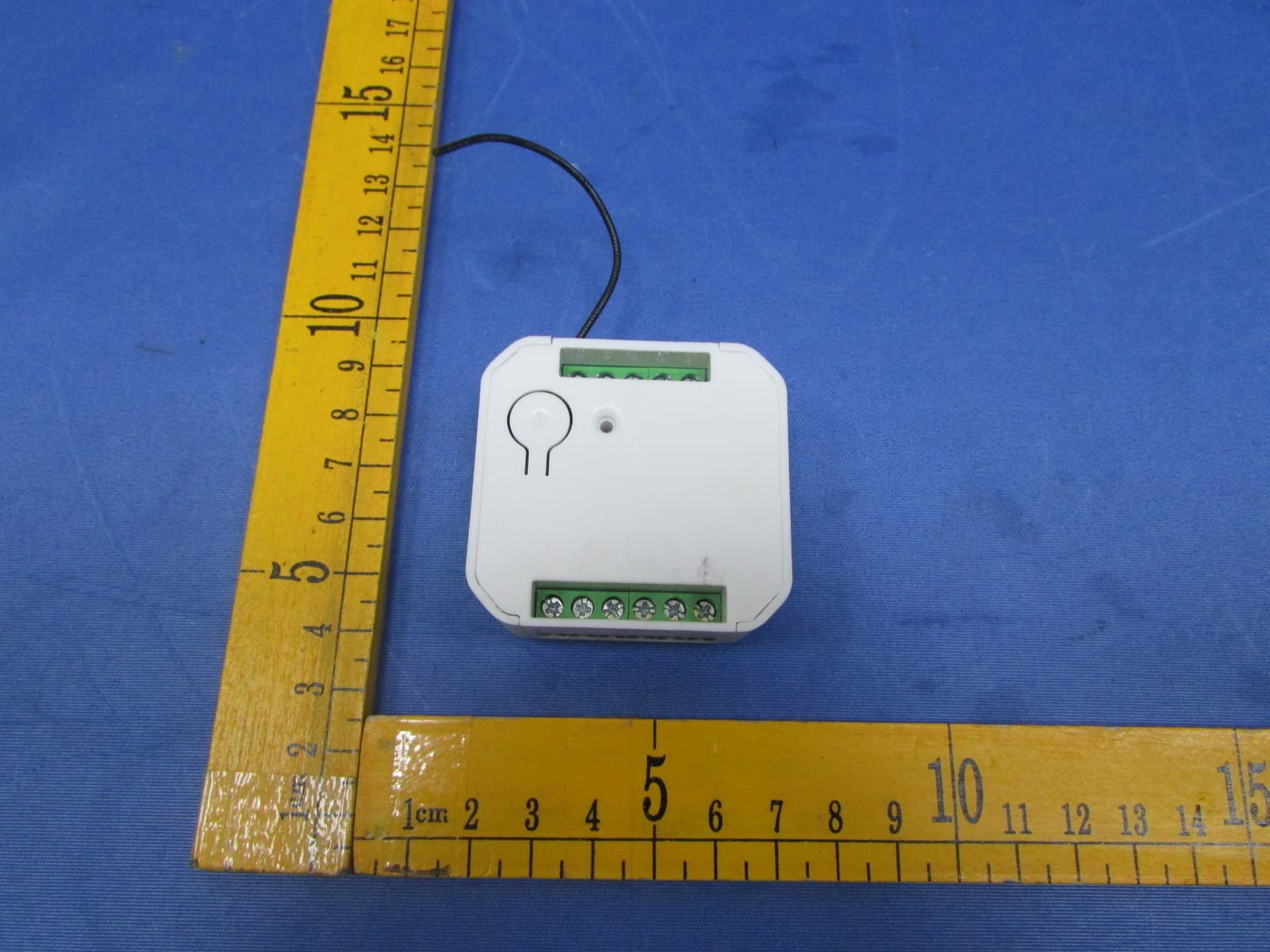
XBADSC14104
Dec 28, 2015DSC17103-ZWUS,DSC14104-ZWUS
Equipment Class
DXT - Part 15 Low Power Transceiver, Rx Verified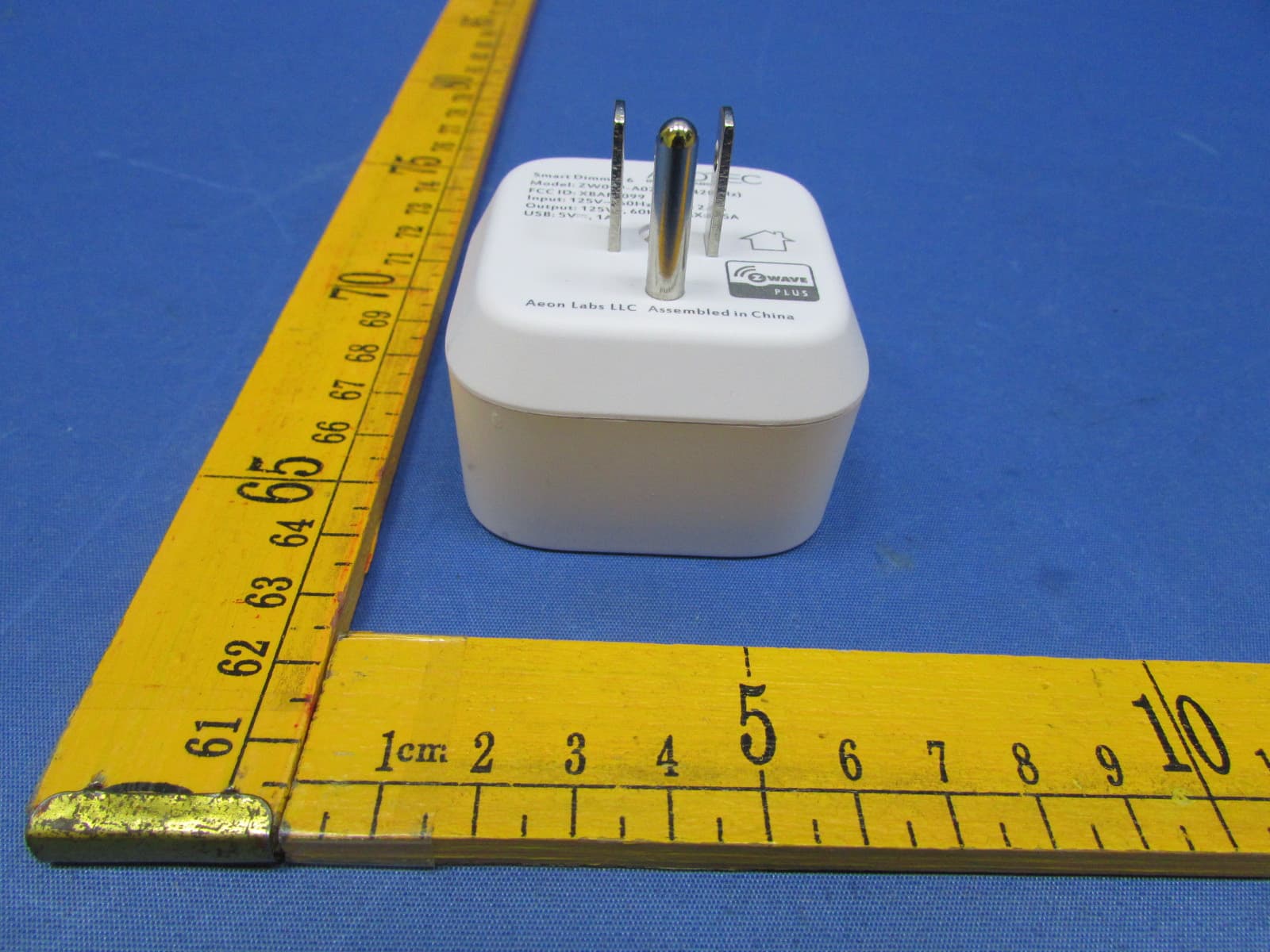
XBAFT099
Dec 23, 2015Smart Dimmer 6,Dimmer,Dimmer 6
Equipment Class
DXT - Part 15 Low Power Transceiver, Rx Verified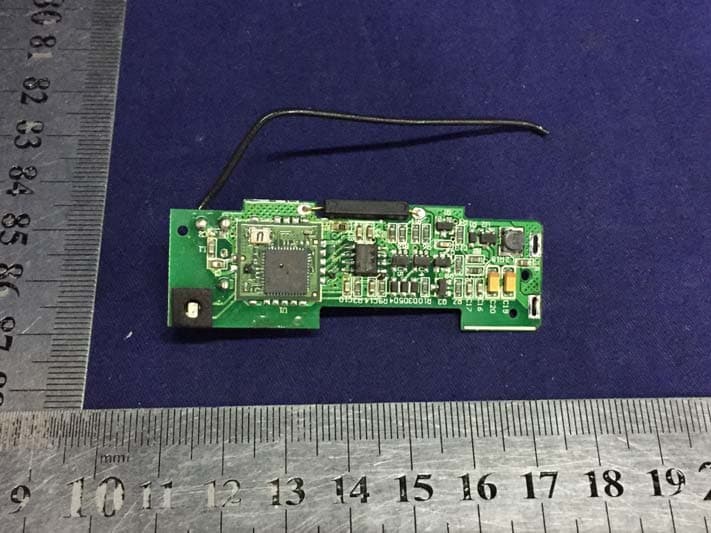
XBAZW120
Nov 30, 2015Door/Window Sensor Gen5
Equipment Class
DXT - Part 15 Low Power Transceiver, Rx Verified
XBAZW056
May 21, 2015Doorbell Gen5
Equipment Class
DXT - Part 15 Low Power Transceiver, Rx Verified