YW2-BK012Bluetooth Keyboard
Wagons Digital Co., Ltd.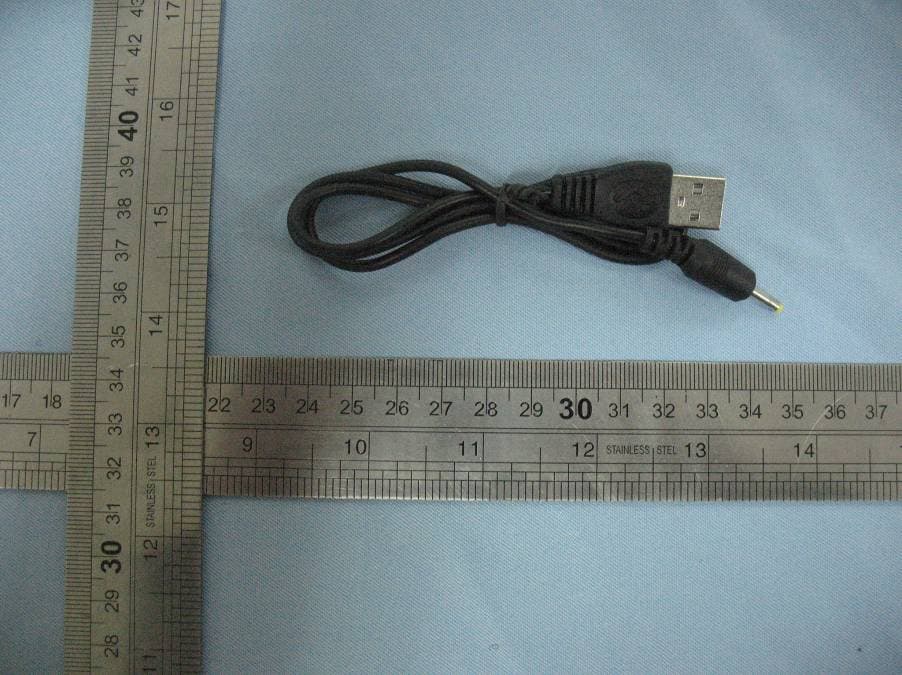
Click to zoom
Application Details
- Equipment Class
- DSS - Part 15 Spread Spectrum Transmitter
- Date of Grant
- Dec 20, 2010
- Application Purpose
- Original Equipment
- Date of Application
- Dec 20, 2010
- Equipment Note
- Bluetooth Keyboard
- Frequency Range
- 2402.00000000 - 2480.00000000
- Company
- Wagons Digital Co., Ltd.
- Country
- Hong Kong
Documents & Files
Document Text
Text extracted from the exhibit documents filed with the FCC. Open a document above to read the original.
Users Manual
Ultra-Flat Bluetooth Keyboard For iPhone / iPad User’s Guide CAUTION: To use this product properly, please read the user's guide before installation Welcome Congratulations on selecting the Ultra-Flat Bluetooth Keyboard, it’s super slim size with 78 keys. Advanced patent on less noise and adopt latex spring circle and scissor structure,This creative and easy-to-use Bluetooth Keyboard will bring you the novel feeling of wireless transmitting. Overview Red LED Blinking: Pairing or Low in Battery Green LED on: Charging Blue LED on: Power On System Requirement z iPhone 2.0 or later z iPad 4.0 or later z Bluetooth version 2.0 or later Upgraded your iPhone Please updated firmware to ver 4.0 or later if your iPhone is ver 2 or 3GS Installation Guide Step 1. Charging the battery When to charge 1 First-Time Use: Please charge at least 6 hours for the first time usage and charge at least 2 hours when battery runs low 2 Red LED Blinking: When the red LED starts blinking, it means the battery is nearly empty How to charge Plug the USB cable into your keyboard and computer by USB port respectively and it starts charging. Keyboard can work uninterruptedly during charging. Step 2. Pairing your Bluetooth Keyboard with your iPad 1 Enter “ Setting” ---“General”, turn on the bluetooth: 2 After turning on the bluetooth, it will search bluetooth devices automatically: 3 After finding “Bluetooth Keyboard”, press the device, it will start connecting, and there will be a password displayed: 4 Press the password in your Bluetooth Keyboard, and “Enter”, it will connect with your iPad/iPhone, now you can use your Bluetooth Keyboard to input words for your iPad / iPhone Product Specifications z Bluetooth Specification: Version 2.0 Class 2 z Range of Frequency: 2.4GHz Spectrum z Operating Voltage: 3.7Vdc ( powered by Li-ion ) z Operation Current: < 5mA z Standby Current: 1.2mA z Sleep Current: < 0.2 mA z Transmit Range: up to 10 meters z Storage Temperature: -40 ~ +125 degree z Dimensions: 284.34mm x 119.80mm x 5.8 mm z Weight: 310g+/-2g Troubleshooting If you are unable to connect your Bluetooth Keyboard to the device, or the keyboard work unconventionally, please try the following : z Before you install your Bluetooth Keyboard, please make sure bluetooth is turned on z Ensure the Bluetooth Keyboard is within a 10 meters range of your device z Ensure the passkey, is same (the keyboard should repeat the passkey and press return) FCC ID: YW2-BK012 IMPORTANT REGULATORY INFORMATION This device complies with Part 15 of the FCC Rules: Operation is subject to the following two conditions: 1. This device may not cause harmful interference and 2. This device must accept any interference that is received, including any interference that may cause undesired operation. WARNING: Changes or modifications to this unit not expressly approved by the party responsible for compliance could void the user’s authority to operate the equipments.
Cover Letter(s)
Dec.20, 2010 Federal Communication Commission Authorization and Evaluation Division FCC ID: YW2-BK012 Re: Confidentiality Request Pursuant to Sections 0.457 and 0.459 of the Commission’s Rules, the applicant hereby requests confidential treatment of information applied this application as outlined below: 1: Block Diagram 2: Circuit Diagram 3: Operational Description The above materials contain trade secrets and proprietary information not customarily released to the public. The public disclosure of these matters might be harmful to the applicant and provide unjustified benefits to its competitors. The Applicant understands that pursuant to Rules 0.457, disclosure of this Application and all accompanying documentation will not be made before the date of the Grant for this application. Sincerely, Signature________ ___________ FCC grantee contact person information. Name/Title: Kei Yau Lam (Marketing Manager) Company Name: Wagons Digital Co., Ltd. Address: Flat/Rm.1701, 17/F., Henan Building. 90 Jaffe Road, Wanchai, Hongkong TEL: +86-0755-61354399 FAX: +86-0755-61354303
External Photos
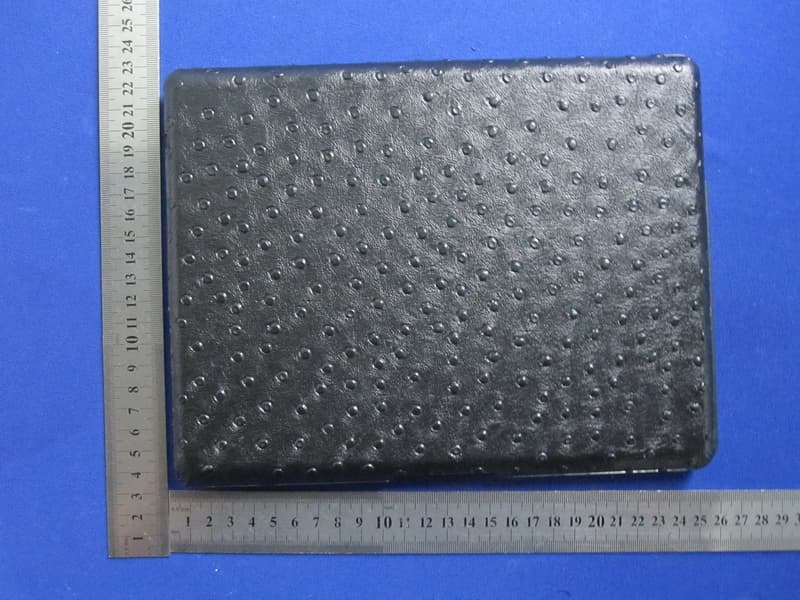
PHOTOGRAPHS OF THE EUT TOP VIEW OF EUT BOTTOM VIEW OF EUT FRONT VIEW OF EUT CABLE VIEW OF EUT
ID Label/Location Info
FCC ID Label FCC ID: YW2-BK012 This device complies with Part 15 of the FCC Rules: Operation is subject to the following two conditions: 1. This device may not cause harmful interference and 2. This device must accept any interference that is received, including any interference that may cause undesired operation. FCC ID Label Location
Internal Photos
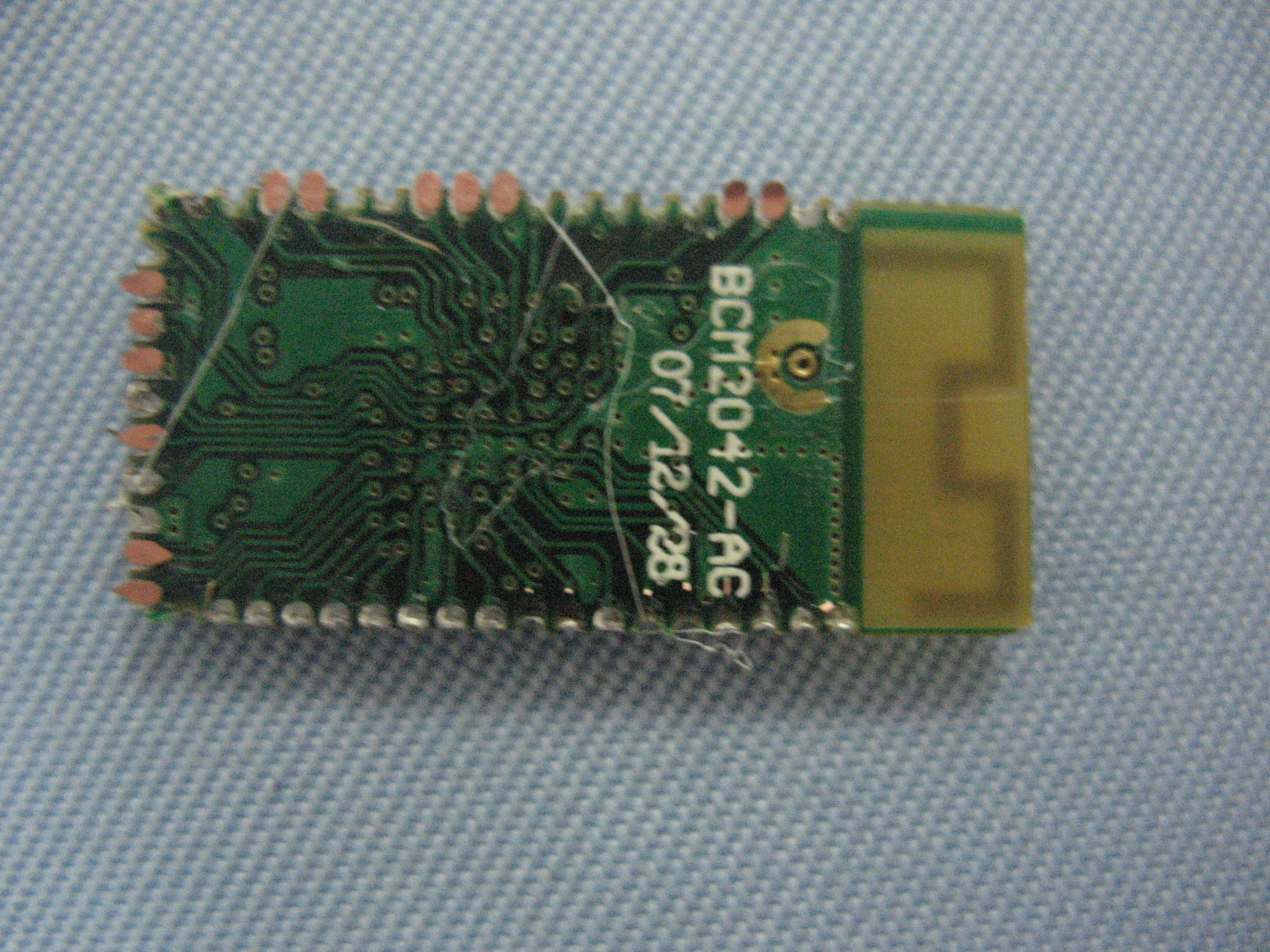
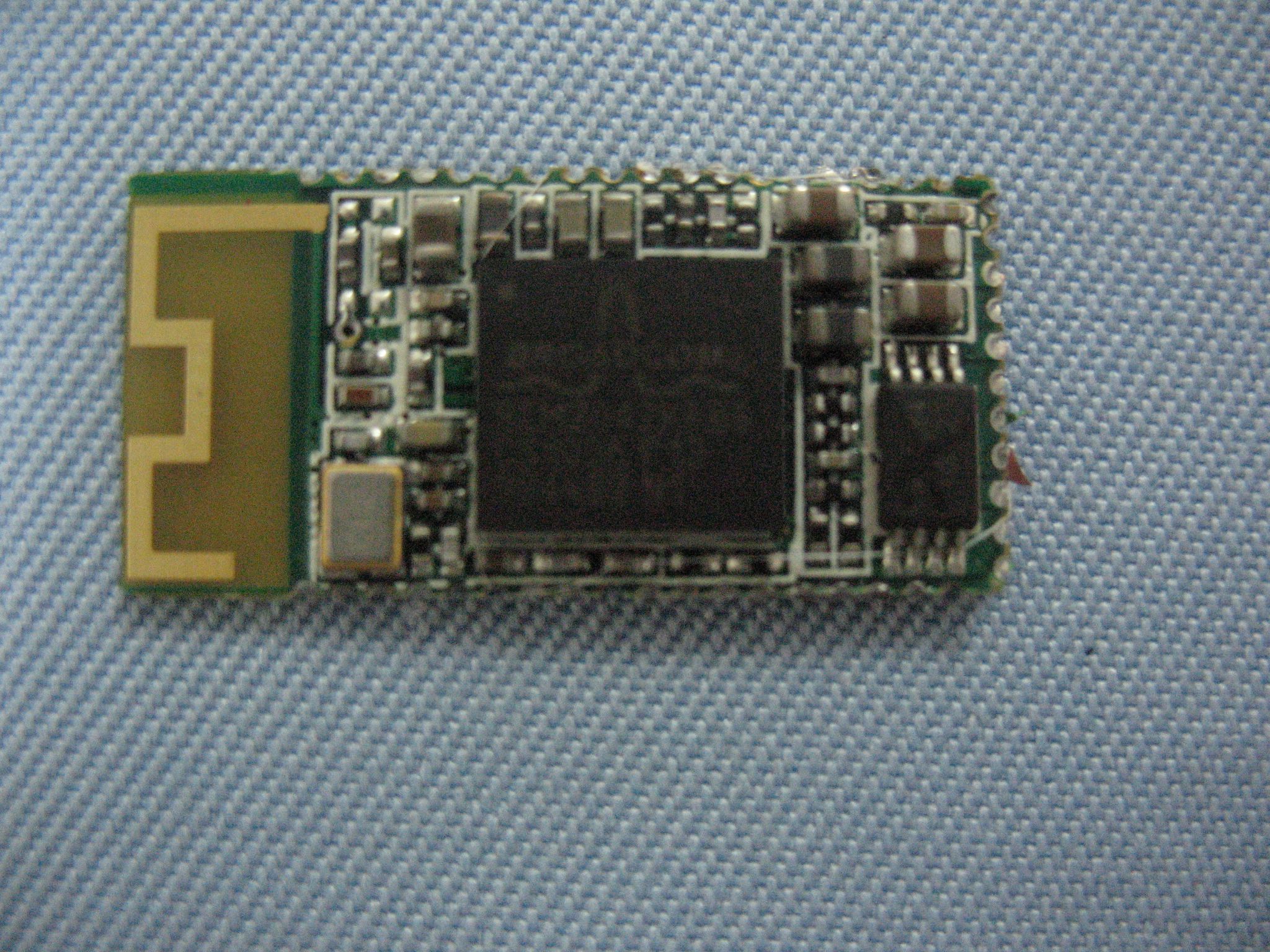
INTERNAL VIEW OF EUT-1 INTERNAL VIEW OF EUT-2 INTERNAL VIEW OF EUT-3
Test Report
FCC Test Report Report No.: AGC12111012SZ08F2 FCC ID : YW2-BK012 PRODUCT DESIGNATION : BLUETOOTH KEYBOARD BRAND NAME : Wagons TEST MODEL : Wagons BK012 CLIENT : Wagons Digital Co.,Ltd DATE OF ISSUE : Dec.17, 2010 STANDARD(S) : FCC Part 15 Rules Attestation of Global Compliance Co., Ltd. CAUTION: This report shall not be reproduced except in full without the written permission of the test laboratory and shall not be quoted out of context. Report No.: AGC12111012SZ08F2 Page 1 of 36 VERIFICATION OF COMPLIANCE Wagons Digital Co.,Ltd Applicant Flat/Rm 1701 17/F Henan Building 90 Jaffe Road Wanchai Hong Kong Wagons Digital Co.,Ltd Manufacturer Building B,1st Street FuZhu,Yin Yang Industry,Zhangyang,Zhang mudou Town Guangdong,China Product Designation BLUETOOTH KEYBOARD Brand Name Wagons Test Model Wagons BK012 FCC ID YW2-BK012 Report Number AGC12111012SZ08F2 Date of Test Dec.10, 2010 to Dec.16, 2010 WE HEREBY CERTIFY THAT: The above equipment was tested by Attestation of Global Compliance Co., Ltd. The test data, data evaluation, test procedures, and equipment configurations shown in this report were made in accordance with the procedures given in ANSI C63.4 (2003) and the energy emitted by the sample EUT tested as described in this report is in compliance with radiated emission limits of FCC Rules Part 15.247. Checked By: Forrest Lei Dec.17, 2010 Authorized By King Zhang Dec.17, 2010 Report No.: AGC12111012SZ08F2 Page 2 of 36 TABLE OF CONTENTS 1. GENERAL INFORMATION....................................................................................................................................................4 1.1 PRODUCT DESCRIPTION.............................................................................................................................................. 4 1.2 TABLE OF CARRIER FREQUENCYS........................................................................................................................... 4 1.3 RECEIVER INPUT BANDWIDTH.................................................................................................................................... 4 1.4 EXAMPLE OF A HOPPING SEQUENCY IN DATA MODE.......................................................................................... 5 1.5 EQUALLY AVERAGE USE OF FREQUENCIES AND BEHAVIOUR......................................................................... 5 1.6 RELATED SUBMITTAL(S) / GRANT (S)........................................................................................................................ 5 1.7 TEST METHODOLOGY................................................................................................................................................... 5 1.8 TEST FACILITY................................................................................................................................................................. 6 1.9 SPECIAL ACCESSORIES................................................................................................................................................ 6 1.10 EQUIPMENT MODIFICATIONS.................................................................................................................................... 6 2.SYSTEM TEST CONFIGURATION.......................................................................................................................................7 2.1 CONFIGURATION OF TESTED SYSTEM.................................................................................................................... 7 2.2 EQUIPMENT USED IN TESTED SYSTEM................................................................................................................... 7 3.SUMMARY OF TEST RESULTS............................................................................................................................................8 4.DESCRIPTION OF TEST MODES........................................................................................................................................8 5MAXIMUM OUTPUT POWER.................................................................................................................................................9 5.1 MEASUREMENT PROCEDURE.................................................................................................................................... 9 5.2 TEST SET-UP (BLOCK DIAGRAM OF CONFIGURATION)....................................................................................... 9 5.3 MEASUREMENT EQUIPMENT USED........................................................................................................................ 12 5.4 LIMITS AND MEASUREMENT RESULT..................................................................................................................... 13 6 20 DB BANDWIDTH.............................................................................................................................................................14 6.1 MEASUREMENT PROCEDURE.................................................................................................................................. 14 6.2 TEST SET-UP (BLOCK DIAGRAM OF CONFIGURATION)..................................................................................... 14 6.3 MEASUREMENT EQUIPMENT USED........................................................................................................................ 14 6.4 LIMITS AND MEASUREMENT RESULTS................................................................................................................... 14 7. MAXIMUM CONDUCTED OUTPUT POWER SPECTRAL DENSITY (N/A)................................................................15 7.1 MEASUREMENT PROCEDURE.................................................................................................................................. 15 7.2 TEST SET-UP (BLOCK DIAGRAM OF CONFIGURATION).................................................................................…
Text truncated - open the document above for the full version.
Test Setup Photos
PHOTOGRAPHS OF THE TEST SETUP 9KHZ~30MHZ RADIATED EMISSION TEST SETUP ABOVE 1MHZ RADIATED EMISSION TEST SETUP
Contact Information
Applicant
Kei Yau Lam(Marketing Manager)
Test Firm
Attestation of Global Compliance Shenzhen Co. Ltd.Forrest Lei
Technical Specifications
| # | Rule Parts | Frequency Range | Power Output |
|---|---|---|---|
| 1 | 15C | 2.40 GHz - 2.48 GHz | 1.00 mW |
Other Applications from Wagons Digital Co., Ltd.
YW2-ZKPRO102
Aug 26, 2012Bluetooth Keyboard
Equipment Class
DSS - Part 15 Spread Spectrum Transmitter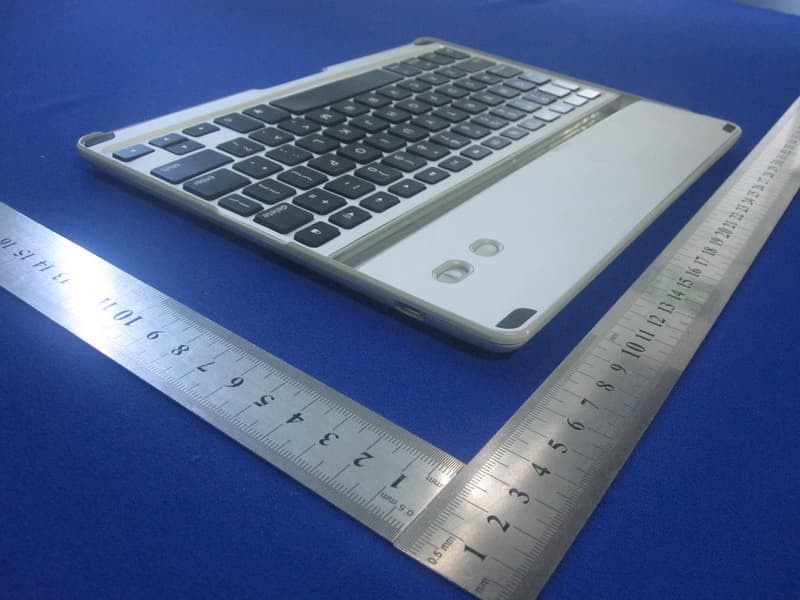
YW2-ZKPRO
Jul 06, 2012Bluetooth Keyboard
Equipment Class
DSS - Part 15 Spread Spectrum Transmitter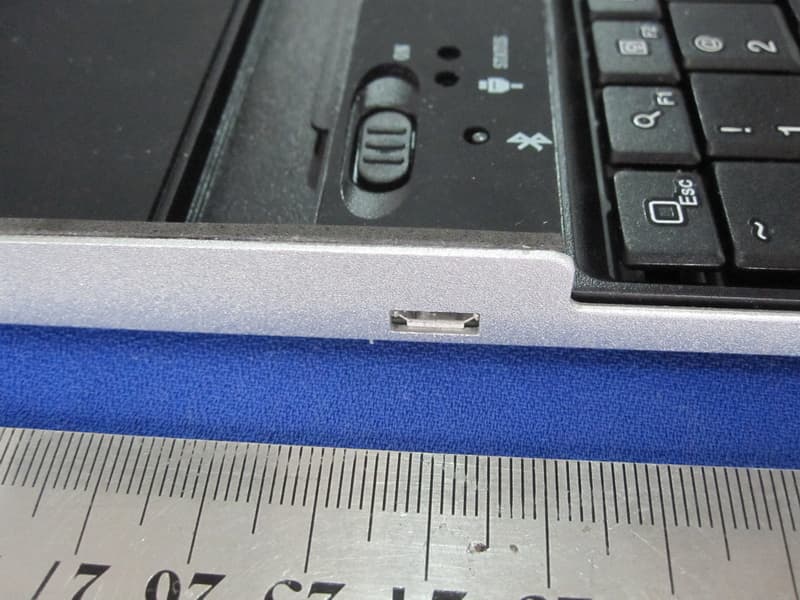
YW2-9701KB
Dec 18, 2011ZAGGmate with keyboard
Equipment Class
DSS - Part 15 Spread Spectrum Transmitter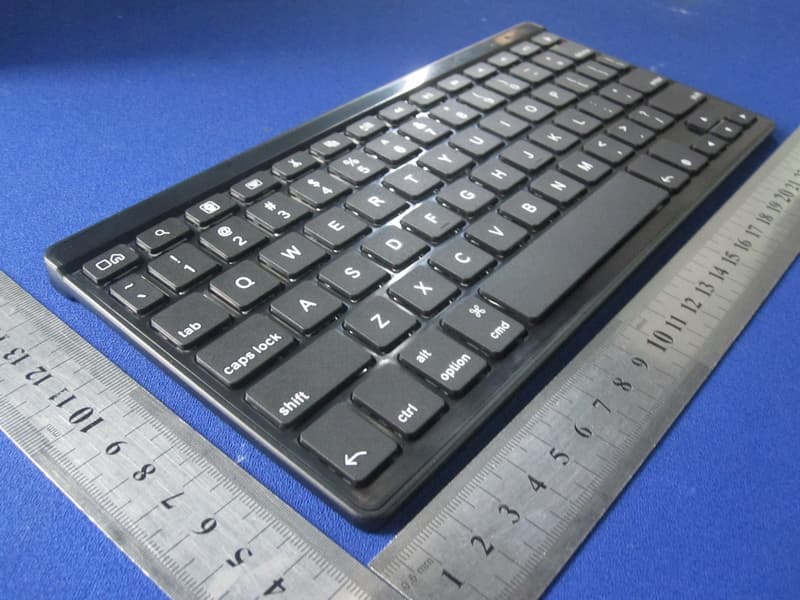
YW2-FOLZKFLEX
Sep 22, 2011ZAGGkeys FLEX
Equipment Class
DSS - Part 15 Spread Spectrum Transmitter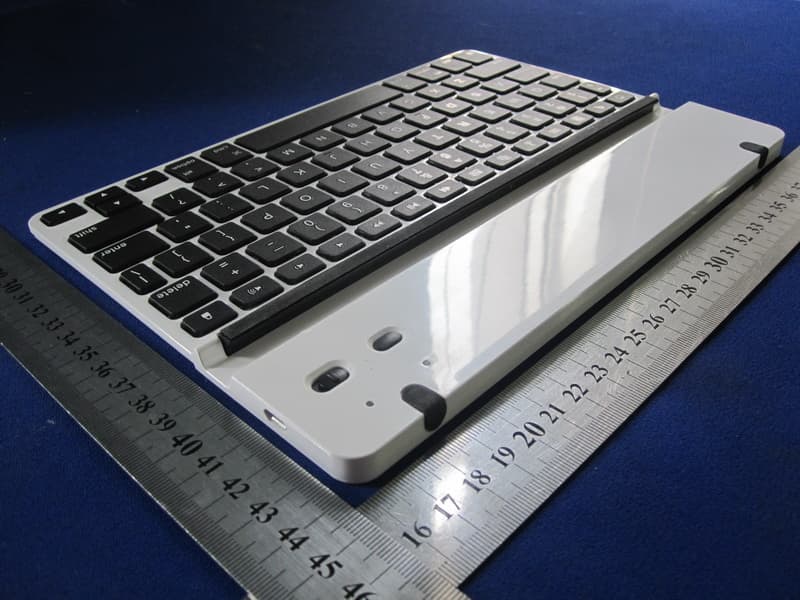
YW2-LEACSIPAD
Sep 11, 2011ZAGGfolio with Keyboard
Equipment Class
DSS - Part 15 Spread Spectrum Transmitter