ZRQ-R5Penclic mouse
Penclic AB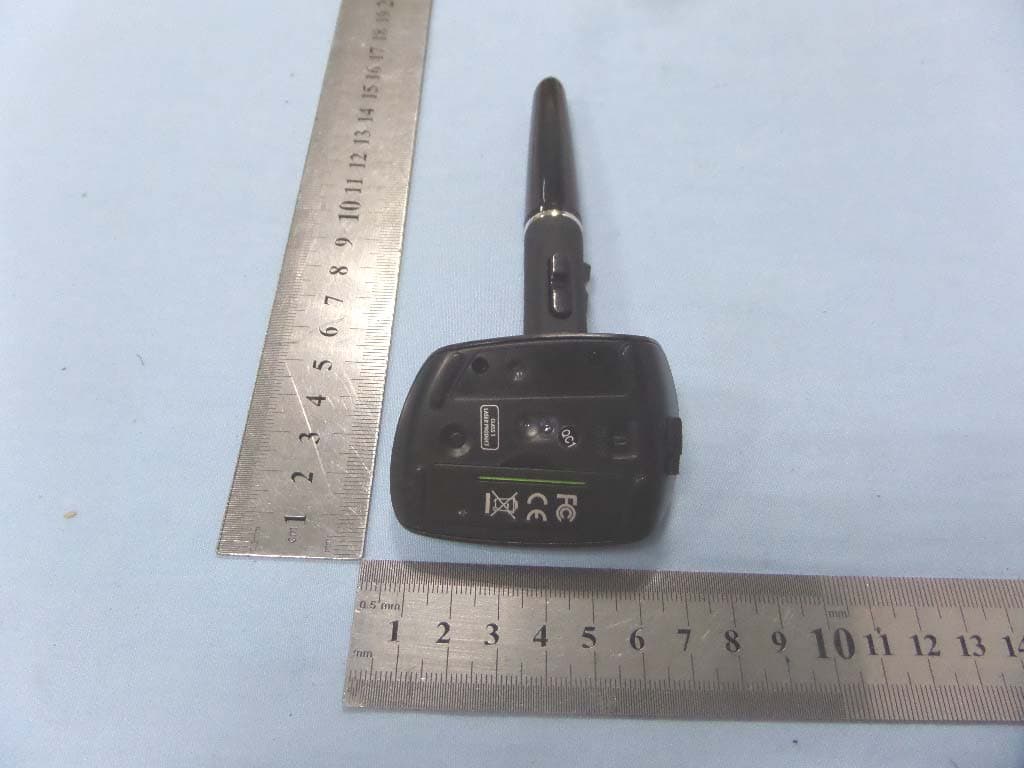
Click to zoom
Application Details
- Equipment Class
- DXX - Part 15 Low Power Communication Device Transmitter
- Date of Grant
- Jun 24, 2014
- Application Purpose
- Original Equipment
- Date of Application
- Jun 24, 2014
- Equipment Note
- Penclic mouse
- Frequency Range
- 2407.00000000 - 2477.00000000
- Company
- Penclic AB
- Country
- Sweden
Documents & Files
Document Text
Text extracted from the exhibit documents filed with the FCC. Open a document above to read the original.
Users Manual
approved by: date: Technical info non print. Client: Penclic Item: quickguide wireless Technical info: dyecut marks found in cyan layer. corners must match those found in QG-wirelss-cover.pdf Bind: stapled Product name: Penclic Mouse R2 Printing: 70g writing paper filnamn: QG-wireless.pdf Colours Contact: Planeta Design grev magnigatan 6, 3tr Contact person: pantone warm red C Sandra planeta tel: 0046 (0)8 666 00 52 email: [email protected] 100%black = dicect (do not print) qg-wl-notes.indd 1 2011-06-27 21.27 Penclic Mouse R2™ Quickguide EN Quickguide 2 EN Welcome to the quick guide. Penclic Mouse™ combines ergonomically sound design with modern mouse technology to bring you unparalleled precision, comfort and efficiency. Mouse setup Remove plastic film from the installed battery., then set the mouse power switch on the bottom of the mouse to ON. The wireless connection activates automatically. How to use your Penclic Mouse™ 1. Hold Penclic Mouse™ like a pen, the bottom part acts like a traditional mouse. 1 2 3 4 5 6 7 Left click Right click Middle click Backward click Forward click Scroll wheel On-off switch Troubleshooting www.Penclic.se/troubleshooting · Connect to another computer. · Cursor movement may be effected by very glossy surfaces. · Check the battery. 2. Let your forearm and your hand rest on a surface, while keeping your shoulders relaxed. 3. The pen par can be adjusted to suit specific grips. Fixate the bottom part with one hand and rotate the pen to the preferred angle with the other. · · When the battery needs charging the LED on the mouse will show red. When the battery is fully charged a green light will be displayed. 3 QG-Wireless.indd 2-3 2011-06-27 21.27 Technical specifications Technical support The supported platforms for Penclic Mouse™ are all operating systems that support HID 1.1. These include Windows XP or later, Mac OSX version 10.1 or later and most Linux/BSD flavors. No extra software/driver installation is needed. · Operates on almost any surface without any pad or tablet. · Implements a 5-button and scroll wheel. · · Charging via USB. · LR 03/AAA/1.5V Alkaline None rechargeable battery can be used. NOTE: do not recharge. · Energy saving mode starts after 10 min, press a button to start. · Wireless reach, minimum 5 metres. · Dpi setting 800-1200-1600-2400. NOTE: the dpi setting can be changed by holding in the left and right button at the same time for 3 sec, the cursor will move faster for each setting. It will rotate around from 800-2400 and then go back to low 800. Once the power is shut of the dpi setting will return to its default setting, 1200 dpi. Measurements: Height: 140 mm, Base: 44.1 x 20 mm. Weight: 41 g Should you require additional technical support with your Penclic Mouse™ , please use our Web site for further information or contact our support group through e-mail. Call Technical Support during business hours, central European time plus one hour. Contact: 0046 8 544 98 995 email: [email protected] · AAA 1.2V NiMH Recharging battery (Everyday use last approximately 3 months before charging is needed). 4 QG-Wireless.indd 4-5 5 2011-06-27 21.27 QG-Wireless.indd 50-5 2011-06-27 21.27 PenClic Technology AB Vendevägen. 90 / 182 32 DANDERYD [email protected] / www.penclic.se tel: 0046 8 544 98 995 QG-Wireless.indd 54 2011-06-27 21.27 FCC WARNING This device complies with Part 15 of the FCC Rules. Operation is subject to the following two conditions: (1) This device may not cause harmful interference, and (2) this device must accept any interference received, including interference that may cause undesired operation. NOTE: Any changes or modifications to this unit not expressly approved by the party responsible for compliance could void the user's authority to operate the equipment.
External Photos
Penclic AB Model: R2.1 REPORT NO.: STR14058161I FCC PART 15.249 EXHIBIT 2 - EUT EXTERNAL PHOTOGRAPHS EUT View 1 EUT View 2 Penclic AB Model: R2.1 REPORT NO.: STR14058161I FCC PART 15.249 EUT View 3
ID Label/Location Info
Penclic AB Model: R2.1 REPORT NO.: STR14058161I FCC PART 15.249 EXHIBIT 1 - PRODUCT LABELING Proposed FCC ID Label Format FCC ID: ZRQ-R5 Specifications: Text is Black in color and justified. Labels are printed in indelible ink on permanent adhesive silk-screened onto the EUT or shall be affixed at a conspicuous location on the EUT. Proposed Label Location on EUT FCC ID Label Location
ID Label/Location Info
Penclic AB Model: R2.1 REPORT NO.: STR14058161I FCC PART 15.249 EXHIBIT 1 - PRODUCT LABELING Proposed FCC ID Label Format FCC ID: ZRQ-R5 Specifications: Text is Black in color and justified. Labels are printed in indelible ink on permanent adhesive silk-screened onto the EUT or shall be affixed at a conspicuous location on the EUT. Proposed Label Location on EUT FCC ID Label Location
Internal Photos
Penclic AB Model: R2.1 REPORT NO.: STR14058161I FCC PART 15.249 EXHIBIT 3 - EUT INTERNAL PHOTOGRAPHS EUT Housing and Board View Solder Board-Component View 1 2.4G Antenna Penclic AB Model: R2.1 REPORT NO.: STR14058161I FCC PART 15.249 Solder Board-Component View 2 Solder Board-Component View 3 Penclic AB Model: R2.1 REPORT NO.: STR14058161I FCC PART 15.249 Solder Board-Component View 4
Test Report
Penclic AB Model: R2.1 REPORT NO.: STR14058161I PAGE 1 OF 30 FCC PART 15.249 FCC Part 15C Measurement and Test Report For Penclic AB Vendev. 90, 7tr182 32 Danderyd, Sweden FCC ID: ZRQ-R5 FCC Rule(s): FCC Part 15.249 Product Description: Penclic mouse Tested Model: R2.1 Report No.: STR14058161I Tested Date: 2014-05-13 to 2014-05-19 Issued Date: 2014-05-21 Tested By: Susan Su / Engineer Reviewed By: Lahm Peng / EMC Manager Approved & Authorized By: Jandy so / PSQ Manager Prepared By: Shenzhen SEM.Test Technology Co., Ltd. 1/F, Building A, Hongwei Industrial Park, Liuxian 2nd Road, Bao'an District, Shenzhen, P.R.C.(518101) Tel.: +86-755-33663308 Fax.: +86-755-33663309 Website: www.semtest.com.cn Note: This test report is limited to the above client company and the product model only. It may not be duplicated without prior permitted by Shenzhen SEM.Test Technology Co., Ltd. Penclic AB Model: R2.1 REPORT NO.: STR14058161I PAGE 2 OF 30 FCC PART 15.249 TABLE OF CONTENTS 1. GENERAL INFORMATION ................................................................................................................................... 3 1.1 PRODUCT DESCRIPTION FOR EQUIPMENT UNDER TEST (EUT) ............................................................................... 3 1.2 TEST STANDARDS ................................................................................................................................................... 4 1.3 TEST METHODOLOGY ............................................................................................................................................. 4 1.4 TEST FACILITY ....................................................................................................................................................... 4 1.5 EUT SETUP AND TEST MODE ................................................................................................................................. 5 2. SUMMARY OF TEST RESULTS ........................................................................................................................... 6 3. ANTENNA REQUIREMENTS ................................................................................................................................ 7 3.1 STANDARD APPLICABLE ......................................................................................................................................... 7 3.2 TEST RESULT.......................................................................................................................................................... 7 4. RADIATED EMISSIONS ......................................................................................................................................... 8 4.1 MEASUREMENT UNCERTAINTY .............................................................................................................................. 8 4.2 STANDARD APPLICABLE ......................................................................................................................................... 8 4.3 TEST EQUIPMENT LIST AND DETAILS ..................................................................................................................... 8 4.4 TEST PROCEDURE ................................................................................................................................................... 9 4.5 CORRECTED AMPLITUDE & MARGIN CALCULATION .............................................................................................. 9 4.6 ENVIRONMENTAL CONDITIONS ............................................................................................................................ 10 4.7 SUMMARY OF TEST RESULTS/PLOTS .................................................................................................................... 10 5. OUT OF BAND EMISSIONS ................................................................................................................................. 21 5.1 STANDARD APPLICABLE ....................................................................................................................................... 21 5.2 TEST EQUIPMENT LIST AND DETAILS ................................................................................................................... 21 5.3 TEST PROCEDURE ................................................................................................................................................. 21 5.4 ENVIRONMENTAL CONDITIONS ............................................................................................................................ 21 5.5 SUMMARY OF TEST RESULTS/PLOTS .................................................................................................................... 21 6. EMISSION BANDWIDTH ..................................................................................................................................... 24 6.1 STANDARD APPLICABLE ....................................................................................................................................... 24 6.2 TEST EQUIPMENT LIST AND DETAILS ................................................................................................................... 24 6.3 TEST PROCEDURE ................................................................................................................................................. 24 6.4 ENVIRONMENTAL CONDITIONS ............................................................................................................................ 24 6.5 SUMMARY OF TEST RESULTS/PLOTS .................................................................................................................... 24 7. CONDUCTED EMISSIONS .................................................................................................................................. 27 7.1 MEASUREMENT UNCERTAINTY .............................................................…
Text truncated - open the document above for the full version.
Test Setup Photos
Penclic AB Model: R2.1 REPORT NO.: STR14058161I FCC PART 15.249 EXHIBIT 4 - TEST SETUP PHOTOGRAPHS Conducted Emission Test Setup Radiation Emission Test Setup Penclic AB Model: R2.1 REPORT NO.: STR14058161I FCC PART 15.249 Radiation Emission Test Setup (Below 30MHz) Radiation Emission Test Setup (30MHz to 1GHz) Penclic AB Model: R2.1 REPORT NO.: STR14058161I FCC PART 15.249 Radiation Emission Test Setup (Above 1GHz)
Contact Information
Applicant
Olle Wahlqvist(CTO)
Test Firm
Shenzhen SEM.Test Technology Co., Ltd.Jandy So
Technical Specifications
| # | Rule Parts | Frequency Range | Power Output |
|---|---|---|---|
| 1 | 15C | 2.41 GHz - 2.48 GHz | - |
Other Applications from Penclic AB
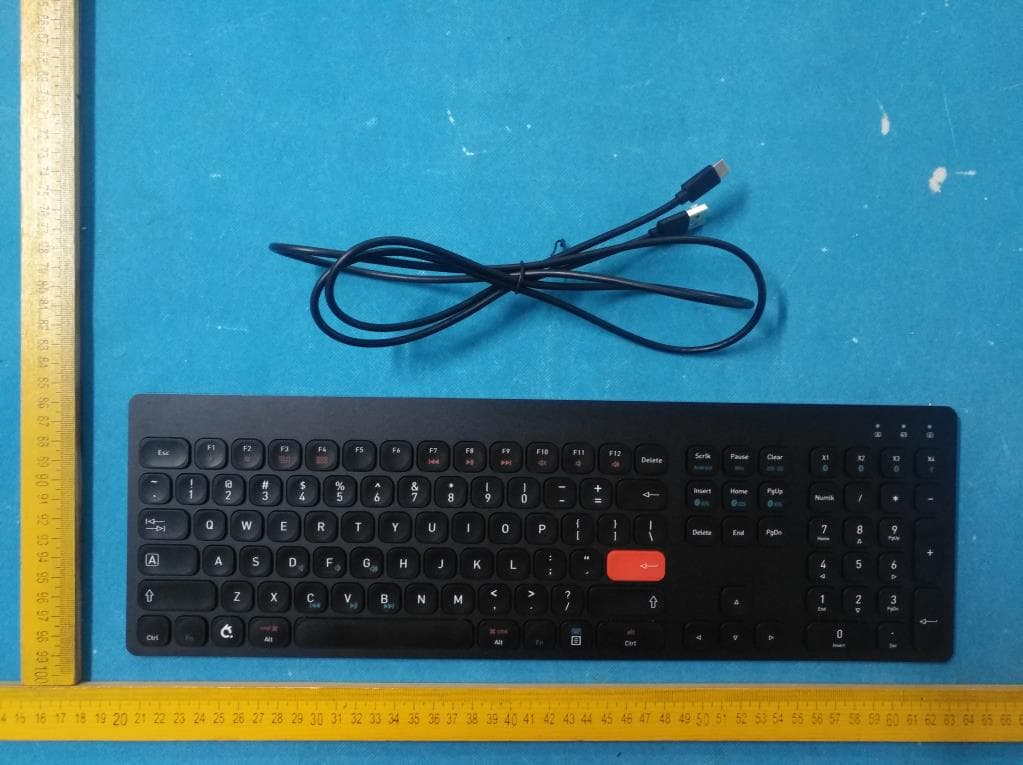
ZRQKB4
Oct 08, 2020Penclic Keyboard KB4
Equipment Class
DTS - Digital Transmission System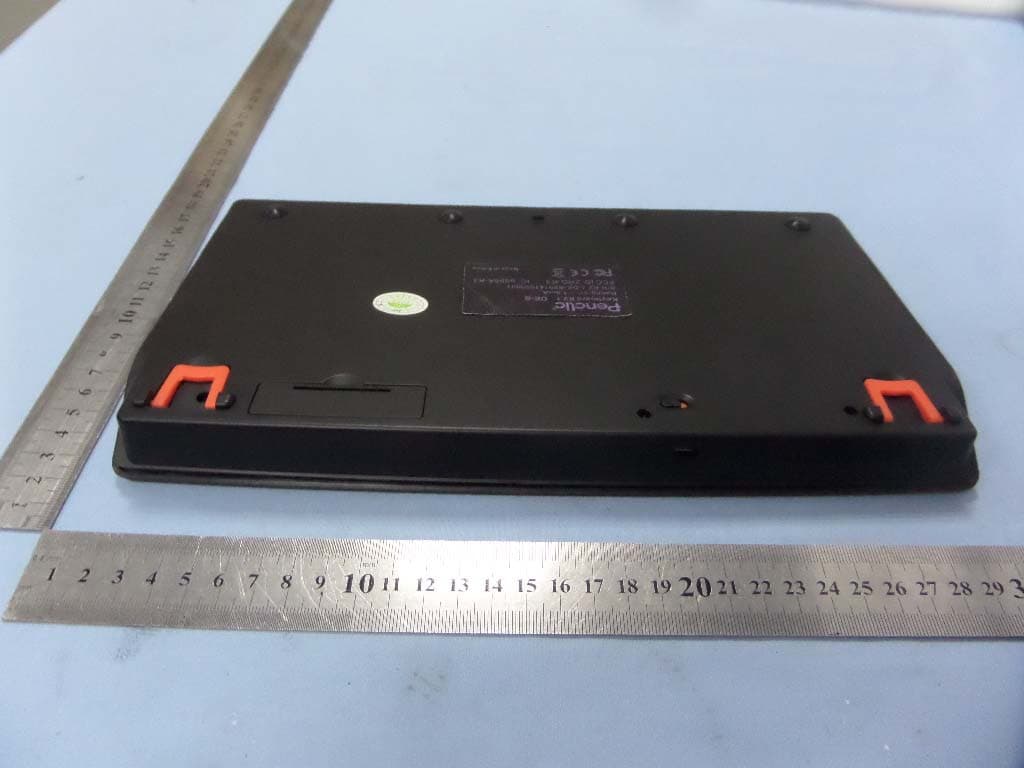
ZRQ-K3
Dec 01, 2014Penclic wireless keyboard
Equipment Class
DXX - Part 15 Low Power Communication Device Transmitter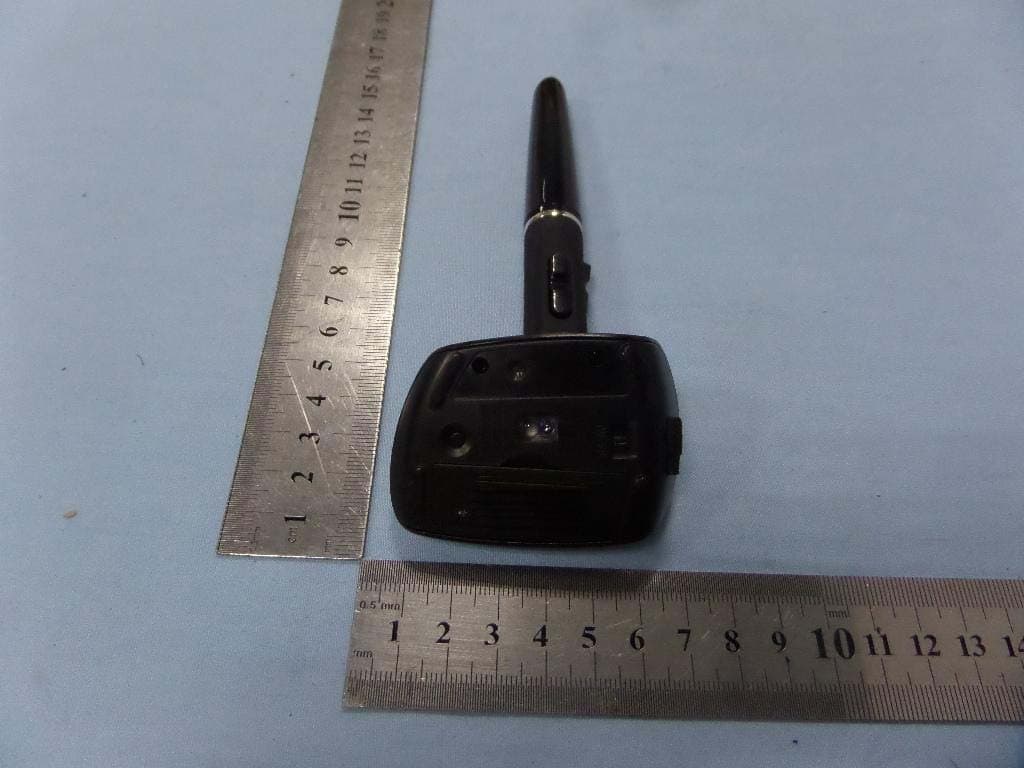
ZRQ-B4
Aug 13, 2014Penclic mouse
Equipment Class
DSS - Part 15 Spread Spectrum Transmitter
ZRQ-R4
Mar 06, 2014PENCLIC MOUSE
Equipment Class
DXX - Part 15 Low Power Communication Device Transmitter
ZRQ-B3
Dec 03, 2013PENCLIC MOUSE
Equipment Class
DSS - Part 15 Spread Spectrum Transmitter