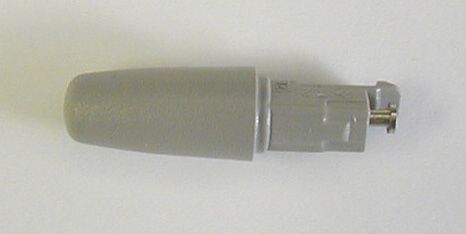
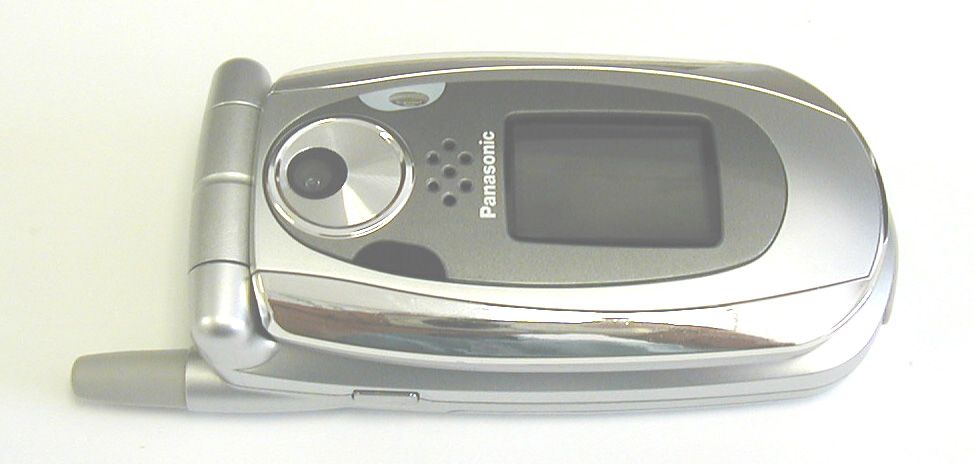
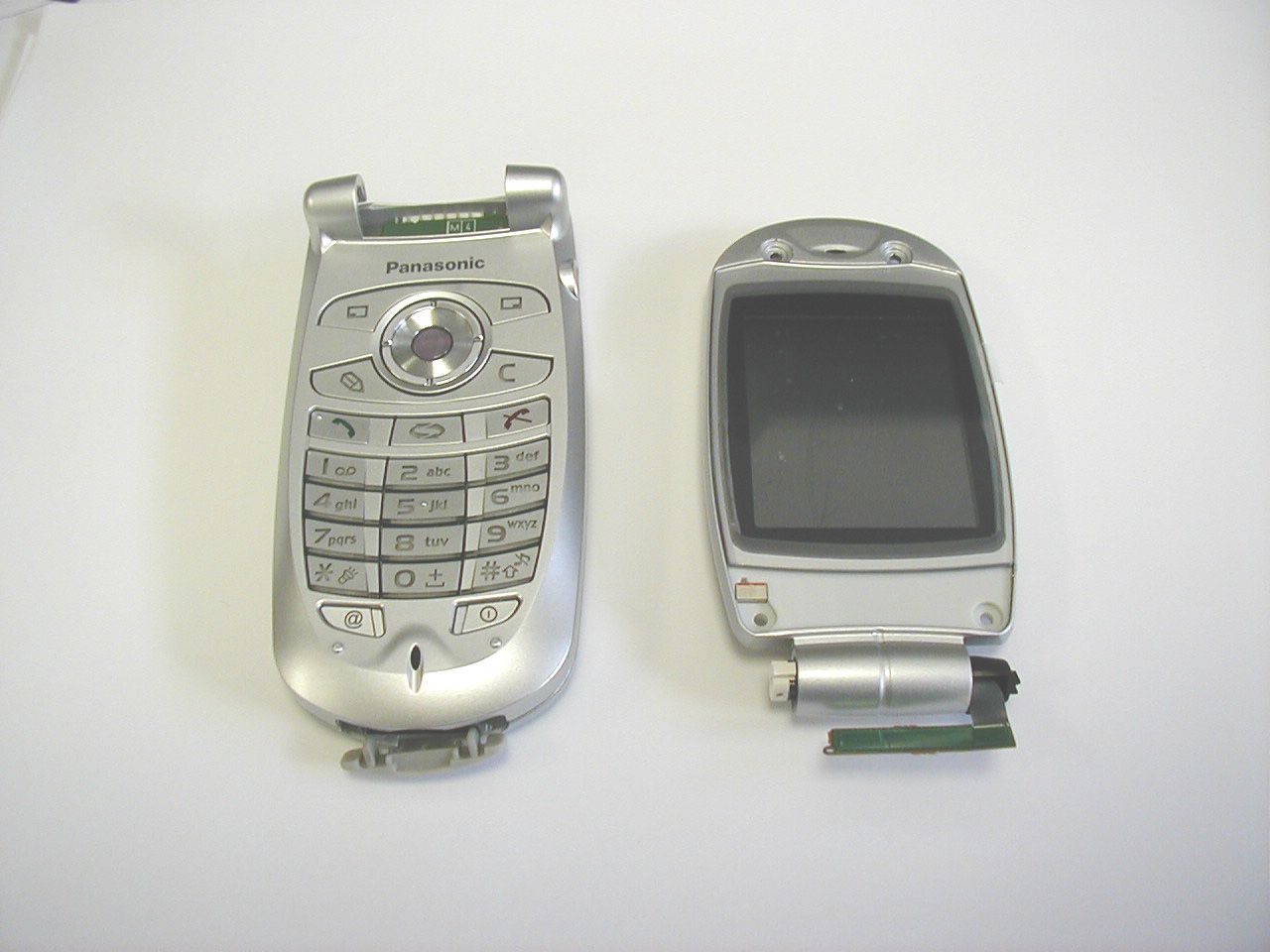
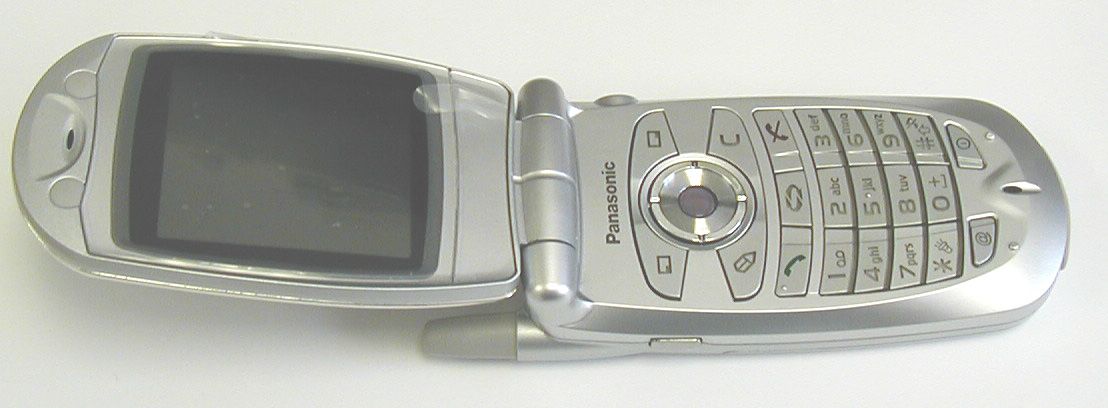
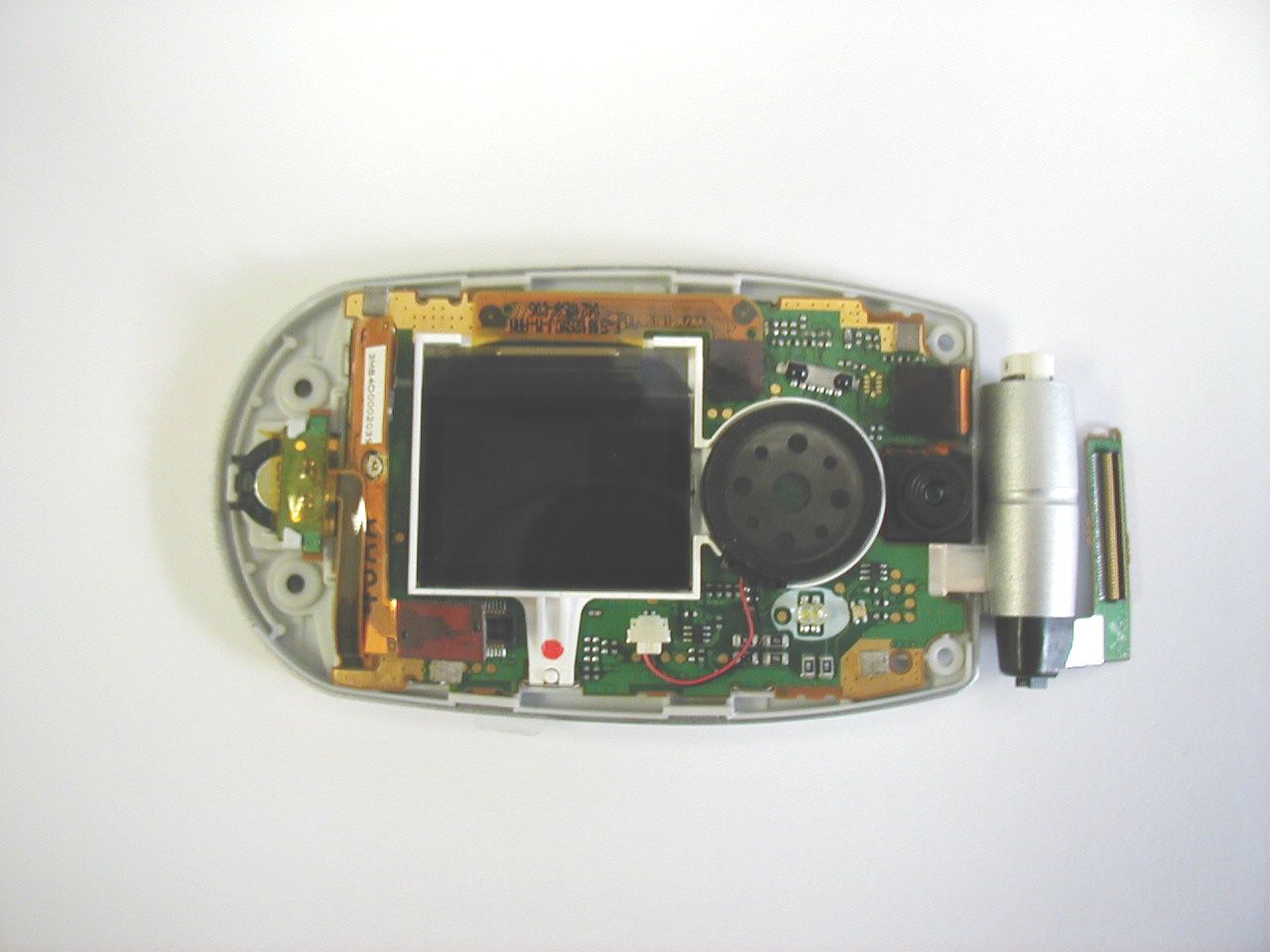
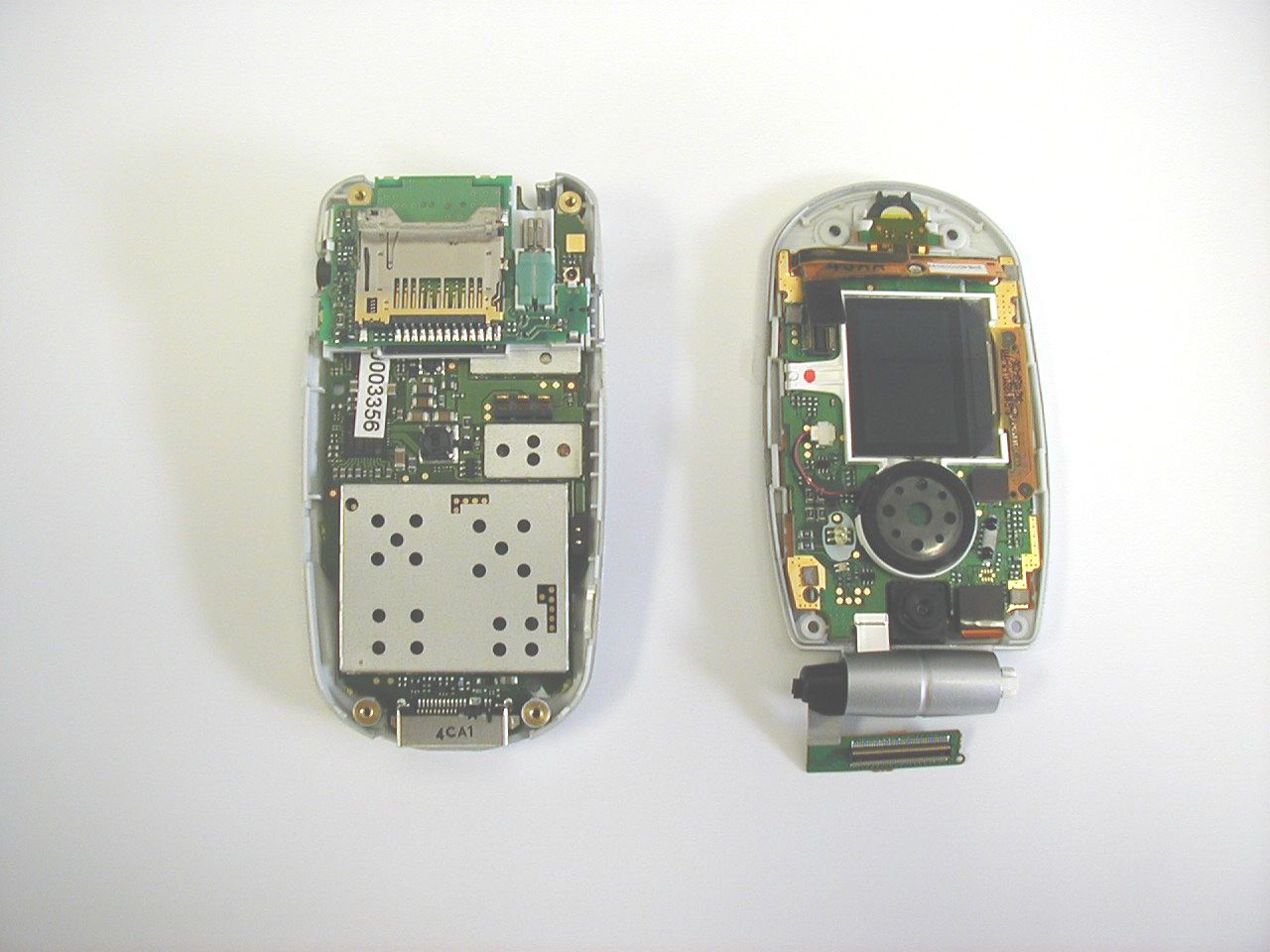
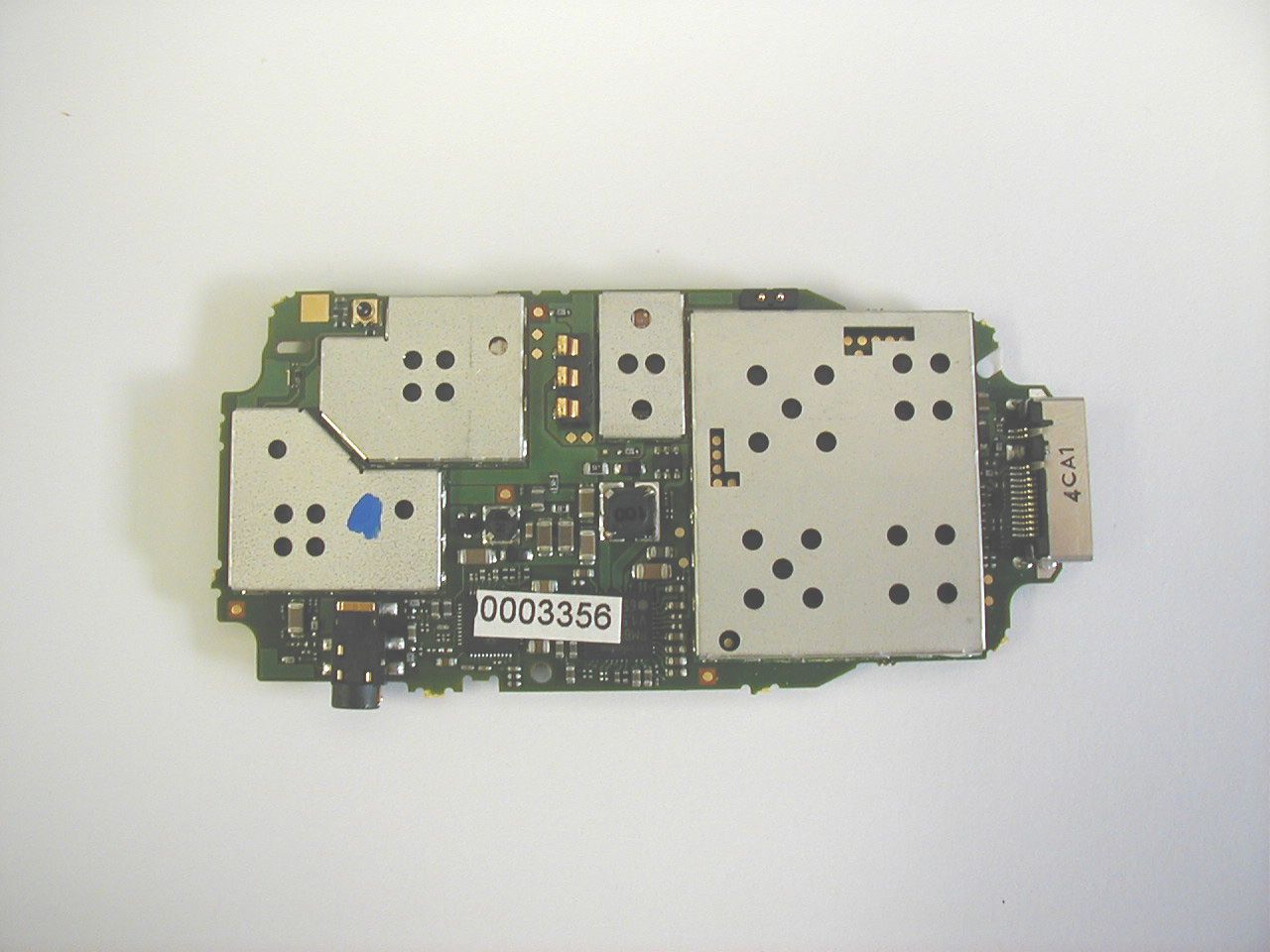
NWJ22A001AGSM PCS Handset w/Bluetooth
Panasonic Mobile Communications Development Corporation of USA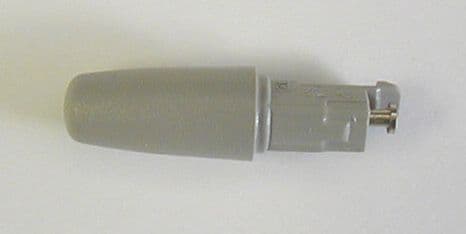
Click to zoom
Application Details
- Equipment Class
- DSS - Part 15 Spread Spectrum Transmitter
- Date of Grant
- Nov 04, 2004
- Application Purpose
- Original Equipment
- Date of Application
- Nov 04, 2004
- Equipment Note
- GSM PCS Handset w/Bluetooth
- Frequency Range
- 2402.00000000 - 2480.00000000
- Country
- United States
Documents & Files
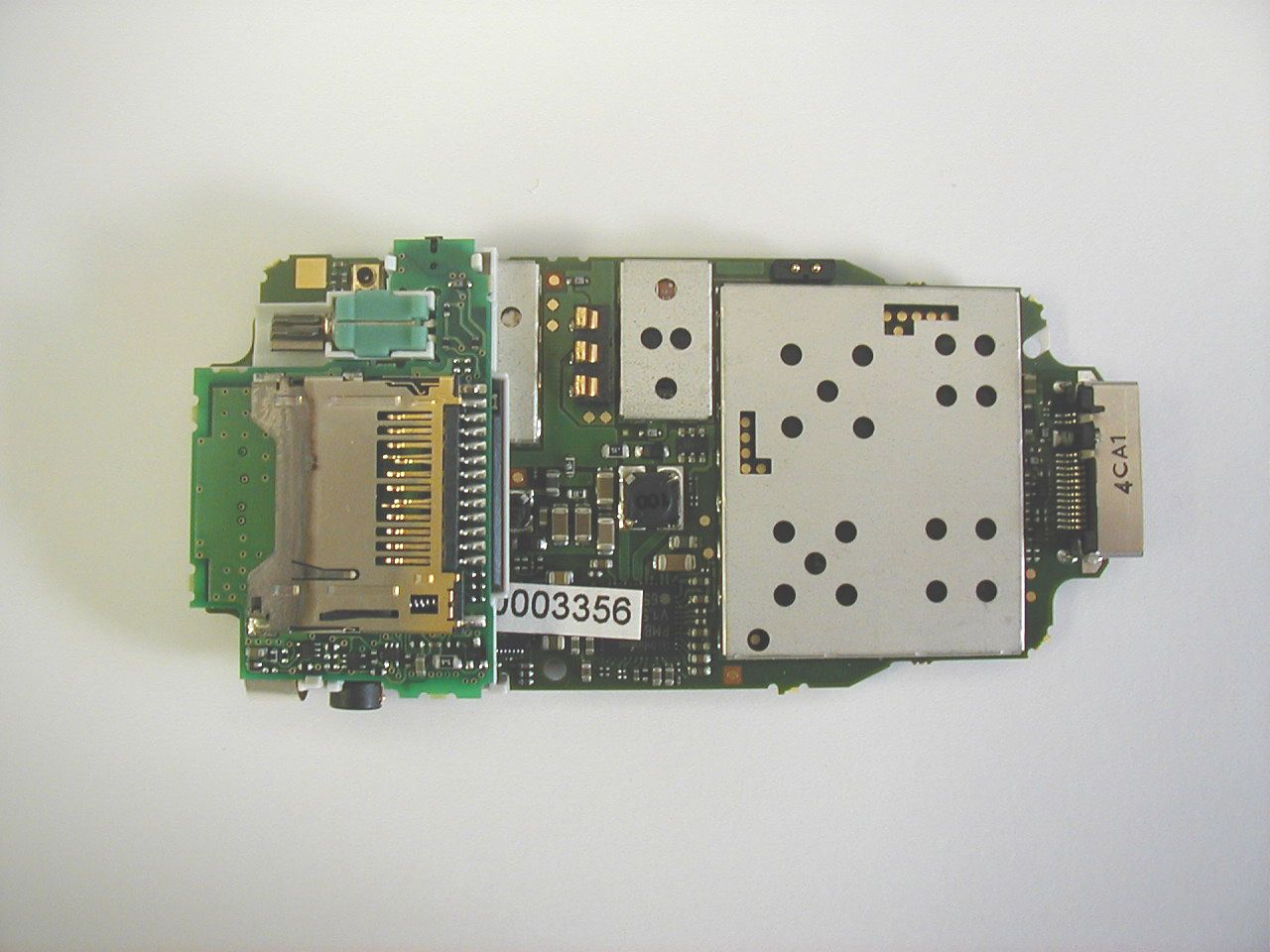
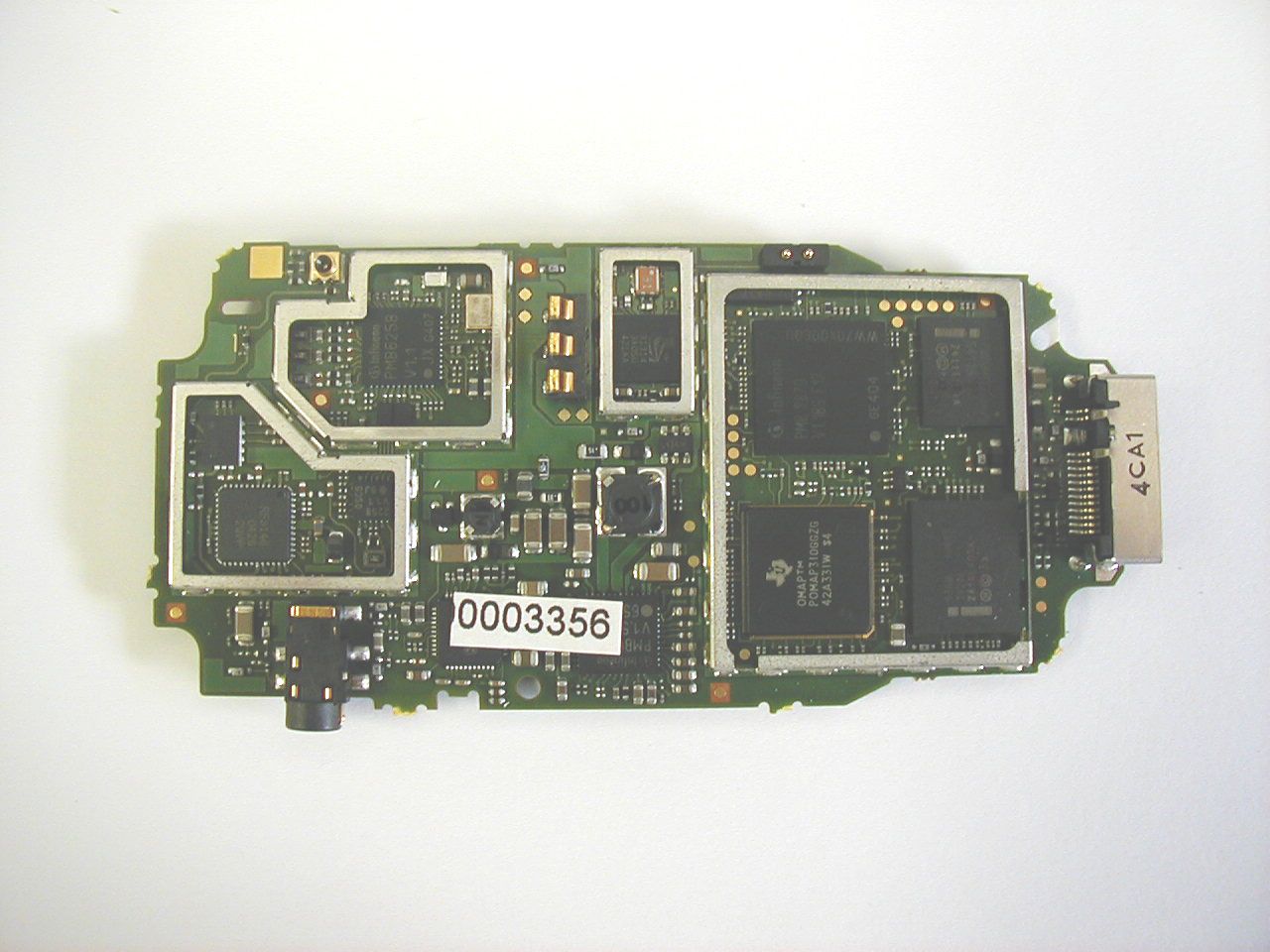
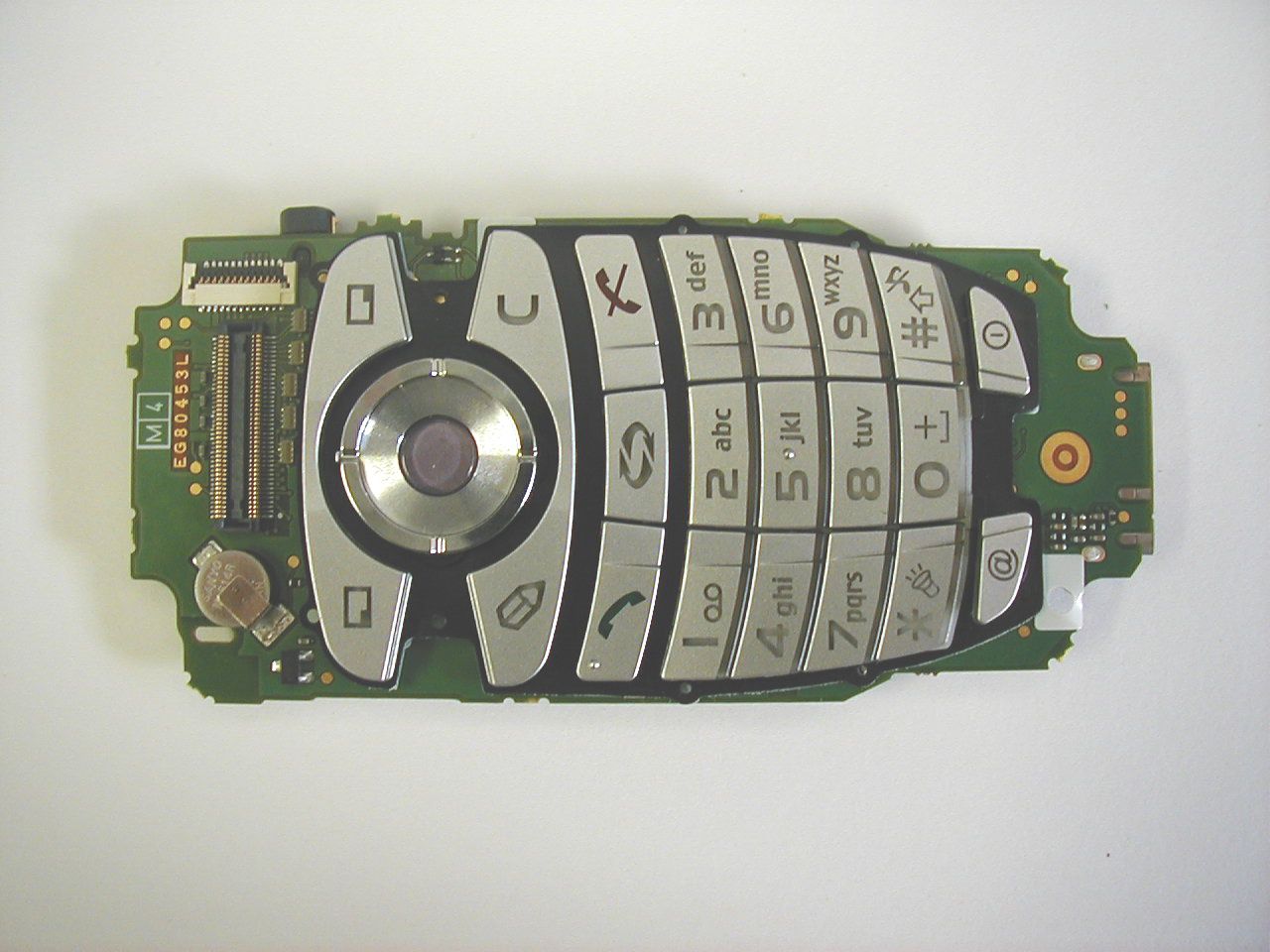
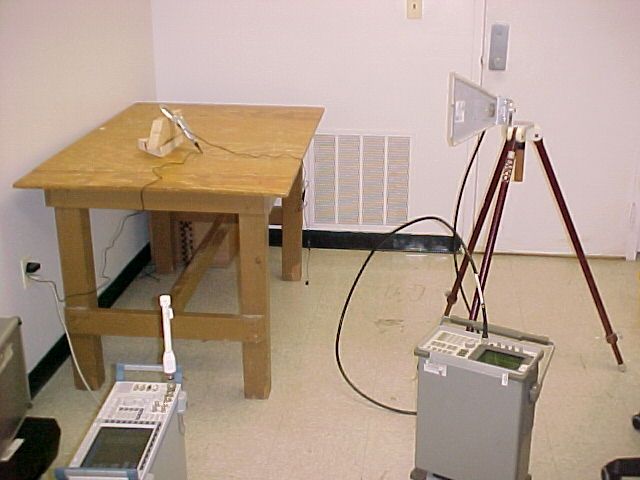
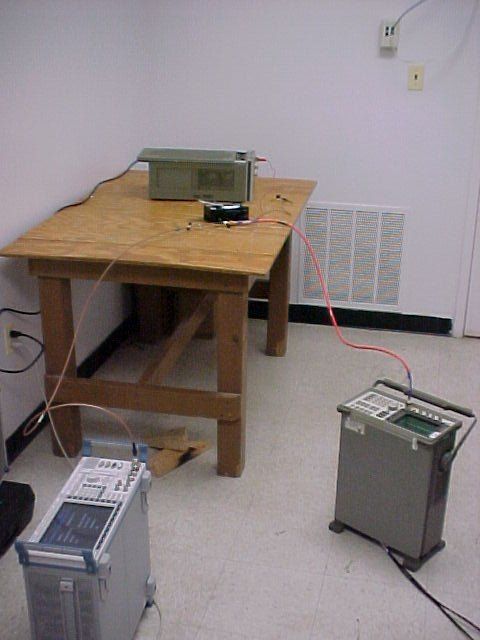
Document Text
Text extracted from the exhibit documents filed with the FCC. Open a document above to read the original.
Users Manual
Panasonic Matsushita Mobile Communications Development Corporation of U.S.A. FCC ID: NWJ22A001A COVER LETTERS Page 1 of 1 1225 Northbrook Parkway • Suite 2-420 • Suwanee, GA 30024 • Phone (770) 338-6000 • Fax (770) 338-6253 Date: 9.13.2004 Authorization & Evaluation Division. Federal Communications Commission Laboratory. 7435 Oakland Mills Road. Columbia, MD 21045. Subject: User’s Manual (Operational Instructions, OI) FCC ID: NWJ22A001A Gentlemen: This mobile is not intended for retail sales distribution in the United States. The manual that has been submitted is a preliminary copy of the English language version that is intended for use in Europe. Panasonic now separates their OI from the safety section (which is included in the retail packaging as a additional leaflet) of the target market. We have included a draft copy of the OI (NWJ22A001A_OI.pdf) and a draft copy of the European safety leaflet (NWJ22A001A_OI_Safety_Europe.pdf) as intended for release of this product. If sold in the United States, this manual would be written in “American” English and would include a safety leaflet formatted similar to the European version, but using all of the information contained in the submitted US preliminary draft version (NWJ22A001A_OI_Safety_US.pdf). In addition, Panasonic would update this filing to include the finalized versions of both of these documents. Best Regards, Pieter C. Seidel Manager Regulatory and Approvals Phone: 770-338-6270 Fax: 770-338-6253
Users Manual
Safety First 1 SAFETY FIRST Your new phone is a convenient and effective communications tool, but it can be hazardous when used improperly. To avoid harming yourself or anyone else, please review the following information before using your phone. BATTERIES Batteries can cause property damage, injury, or burns if the terminals are touched with a conductive material (for example, metal jewelry, keys, and so on). Therefore, use caution when handling a charged battery. Additional precautions and notes are listed below: • Never throw a battery into a fire; it may explode. • Fully recharge the battery if the battery is low or as soon as the low-battery alert beeps. • Do not drop the battery. • Do not allow bridging of battery contacts with metallic objects. • Do not remove the battery from the phone while the phone is powered on. Settings you have changed may revert to their previous settings. A recyclable lithium ion/polymer battery powers your phone. Please call 1-800-8-BATTERY for information on how to recycle the battery. CHARGING DEVICES Use only Genuine Panasonic charging accessories. Use of attachments not recommended by Panasonic or your wireless service provider may result in fire, electrical shock, or injury. Panasonic is not responsible for damage caused by using non-Panasonic accessories. • Do not expose charging adapters to moisture, water, or the weather. • Do not use an adapter with a damaged cord. • When using a DC adapter in an automobile, a small amount of electricity flows through the adapter, even if the phone is turned off. Remove the plug from the cigarette lighter whenever the phone will be left in the vehicle for long periods of time. • Always charge the battery in a well ventilated area, not in direct sunlight, between 41°F (5°C) and 95°F (35°C). It is not possible to recharge the battery if it is outside this temperature range. • Do not incinerate or dispose of the battery as ordinary trash. The battery must be disposed of in accordance with local legislation and may be recycled. Caution: The cigarette lighter must have a 12V negative ground socket. Do not use the adapter in a vehicle that has a positive ground system. GENERAL • Do not use the phone in extreme temperature or humidity. The specified operating temperature range is -22°F to +140°F (-30°C to +60°C). • Extreme temperatures may have a temporary effect on the operation of your phone. This is normal and does not indicate a fault. • Do not expose the phone (particularly the display) to direct sunlight for extended periods of time or to a humid, dusty or hot area. • Do not attempt to disassemble the phone. There are no user-serviceable parts inside. • Do not subject the equipment to excessive vibration or shock. • Do not expose the phone to rain or spill liquids on it. If the equipment becomes wet immediately remove the battery and charging device and contact your dealer. • Do not carry the phone by holding the antenna. 2 Safety First • Do not use any accessories other than those designed for use with your phone. • Use of attachments not recommended or sold by Panasonic or your wireless service provider may result in fire, electrical shock, or injury. • Panasonic is not responsible for damages caused by using non-Panasonic accessories. • Pressing any of the keys may produce a loud tone. Avoid holding the phone close to the ear while pressing the keys. • Keep metallic items that may accidentally touch the battery terminals away from the equipment. Battery damage may occur. • When disposing of any packing materials or old equipment check with your local authorities for information on recycling. • If connecting the phone to an external source, read the operating instructions of the equipment for the correct connection and safety precautions. • If connecting the phone to an external source, verify that the phone is compatible with the product to which you are connecting it. AVAILABILITY OF SERVICE This phone, like any wireless phone, operates using radio signals, wireless and landline networks, and user-programmed functions. Because of this, connection in all conditions cannot be guaranteed. Therefore, you should never rely solely on any wireless phone for essential communications (for example, medical emergencies). EMERGENCY (911) SERVICE If you need to make an emergency (911) call, power the phone on, dial 911, and press . Emergency calls can be made regardless of lock setting and with or without a SIM card. Remember, to make or receive any call, the phone must be switched on and in a service area that has adequate signal strength. Even if you are within the coverage area of your wireless service provider, you may be in an area with insufficient signal strength to place a 911 call. Emergency calls might not be possible on all wireless phone networks or when certain network service and/or phone features are in use. SAFETY TIPS Following the suggestions in this section will help ensure safe and efficient operation of your Panasonic phone. This Model Phone Meets The Government’s Requirements For Exposure To Radio Waves. Your wireless phone is a radio transmitter and receiver. It is designed and manufactured not to exceed the emission limits for exposure to radiofrequency (RF) energy set by the Federal Communications Commission of the U.S. Government. These limits are part of comprehensive guidelines and establish permitted levels of RF energy for the general population. The guidelines are based on standards that were developed by independent scientific organizations through periodic and thorough evaluation of scientific studies. The standards include a substantial safety margin designed to assure the safety of all persons, regardless of age and health. Safety First 3 The exposure standard for wireless mobile phones employs a unit of measurement known as the Specific Absorption Rate, or SAR. The SAR limit set by the FCC is 1.6W/kg. Tests for SAR are conducted using standard operating positions specified by the FCC wi…
Text truncated - open the document above for the full version.
Users Manual
1 HIGHLIGHTS Here are just some of the things you can do with the X700 mobile phone. •Send colour pictures and video clips to friends and family via Multimedia messaging and e-mail messaging. •Send pictures, video, electronic business cards, and more using Bluetooth ® , Infrared, or USB connections to other phones or devices. •Swap content between appropriate devices with the included miniSD Card and adapter. •Surf the Internet using your XHTML configured wireless Internet browser. •Add frames, text, and pop art to VGA size images. •Capture video clips. •Play 40 tone polyphonic ringtones. •No more wired headset! Use a Bluetooth ® wireless headset. •Synchronise your Contacts and Calendar with your other networked devices. •See who is calling with picture Caller Line ID on the X700 external display. •Download games, images, themes, sounds, videos, and Java ™ and Series 60 applications. •View all your media files in one place, the Media Gallery. •Search for your files; including games, images, install packages, and video and sound clips. •Receive, edit, and view Microsoft ® Word, Excel, and PowerPoint ® files. Beam documents to printers and projectors (with appropriate accessory). •Speak a name or number to dial the number using Voice Commands. •Say “open Messages” or “open Camera” and your phone will go directly to the application using Voice Commands. X700_OI.book Page 1 Wednesday, September 1, 2004 6:47 PM 2 IMPORTANT INFORMATION Thank you for purchasing this Panasonic digital cellular phone. This phone is designed to operate on GSM networks - GSM900, GSM1800 and GSM1900. It also supports GPRS for packet data connections. Please ensure the battery is fully charged before use. Safety Considerations Please read and understand the following information as it provides details for operating your phone in a manner which is both safe to you and your environment, and conforms to any legal requirements regarding the use of cellular phones. This equipment should only be charged with approved charging equipment to ensure optimum performance and avoid damage to your phone. Other usage will invalidate any approval given to this equipment and may be dangerous. Ensure the voltage rating of the Travel Charger is compatible with the area of use when travelling abroad. A Travel Charger (EB-CAX70xx)* is supplied with the main kit. Car Charger (EB-CDX70) is also recommended for charging. *Note: xx identifies the charger region, e.g. AU, CN, EU, UK, US. Use of a battery pack other than that recommended by the manufacturer may result in a safety hazard. Never expose the battery to extreme temperatures (over 60º C or 140º F). It is normal for your battery to become warm to the touch when charging. Camera use, keeping Bluetooth switched on, Internet browsing, extended gaming, and downloading data reduces battery life. Cellular phones can cause interference in an aircraft. Switch off your cellular phone when in an aircraft. The use of cellular phones in an aircraft may be dangerous to the operation of the aircraft, disrupt the cellular network and may be illegal. Failure to observe this instruction may lead to the suspension or denial of cellular phone services to the offender, or legal action or both. Alarms should not be set to switch on the phone when you are in an aircraft, near sensitive medical equipment, at a refuelling point or when it may cause interference or danger. Do not incinerate or dispose of the battery as ordinary rubbish. The battery must be disposed of in accordance with local legislation and may be recycled. It is advised not to use the equipment at a refuelling point. You are reminded to observe restrictions on the use of radio equipment in fuel depots, chemical plants or where blasting operations are in progress. Never expose the battery to extreme temperatures (over 60º C or 140º F). Power Battery Aircraft Alarm the Battery Disposing of Do not use X700_OI.book Page 2 Wednesday, September 1, 2004 6:47 PM 3 It is imperative that the driver exercises proper control of the vehicle at all times. Do not hold a phone while you are driving; find a safe place to stop first. Do not speak into a handsfree microphone if it will take your mind off the road. Always acquaint yourself thoroughly with restrictions concerning the use of cellular phones within the area your are driving and observe them at all times. Care must be taken when using the phone in close proximity to personal medical devices, such as pacemakers and hearing aids. For most efficient use hold the phone as you would any normal phone. To avoid deterioration of signal quality or antenna performance, do not touch or cup the antenna area while the phone is switched on. Unauthorised modifications or attachments may damage the phone and violate applicable regulations. The use of an unapproved modification or attachment may result in the invalidation of your guarantee – this does not affect your statutory rights. When your handset, the accompanying battery, or charging accessories are wet, do not put those in any type of heating equipment, such as a microwave oven, a high pressure container, or a drier or similar. It may cause the battery, handset and/or charging equipment to leak, heat up, expand, explode and/or catch fire. Moreover, the product or accessories may emit smoke and their electrical circuits may become damaged and cause the products to malfunction. Panasonic is not responsible for any and all damages, whether direct or indirect, howsoever caused by any misuse. It is recommended that you create a copy or backup, as appropriate, of any important information and data which you store in your phone’s memory. In order to avoid accidental loss of data, please follow all instructions relating to the care and maintenance of your phone and its battery. Panasonic accepts no liability for any and all losses howsoever arising from any loss of data, including but not limited to direct and indirect losses (to include, but not limited to conse…
Text truncated - open the document above for the full version.
Users Manual
101 From Settings application: 1.Open Settings. 2.Scroll to Security and open. 3.Scroll to Certif. management and open. 4.Scroll to an authority certificate, press Options and select Trust settings. 5.For each application, select Yes to enable the certificate to verify software, servers, or browser sites. Select No to disable the certificate from verifying software, servers, or browser sites. CALL DIVERT Divert incoming calls (voice, data) to another number. Network dependent service. Check status of Call Divert From Settings application: 1.Open Settings. 2.Scroll to Call divert and open. 3.Press Options and select Check status. Network will send current status message. Activate Call Divert From Settings application: 1.Open Settings. 2.Scroll to Call divert and open. 3.Select one or more: All voice calls, If busy, If not answered, If out of reach, If not available, All fax calls or All data calls. 4.Press Options and select Activate. 5.Select whether calls shall be diverted To voice mailbox or To other number. 6.Enter the phone number and press OK. • Press Find to go to your Contacts to select a number. 7.Network will send confirmation message. To cancel call diverts, press Options and select Cancel or Cancel all diverts. Note: Before you change any trust settings, be sure that you trust the certificate owner and have verified that the certificate belongs to the listed owner. Note: If either If not answered or If not available is selected in step 3, then after step 6, select a Delay time from the list before calls will be diverted. X700_OI.book Page 101 Wednesday, September 1, 2004 6:47 PM 102 CALL BARRING Call barring restricts certain types of incoming and/or outgoing calls, using a password furnished by your wireless service provider. Network dependent service. Check Status of Call Barring From Settings application: 1.Open Settings. 2.Scroll to Call barring and open. 3.Press Options and select Check status. Network will send current status message. Activate Call Barring From Settings application: 1.Open Settings. 2.Scroll to Call barring and open. 3.Select Outgoing calls, International calls, International calls except to home ctry., Incoming calls, or Incoming calls when abroad. 4.Press Options and select Activate. 5.Enter Barring password and press OK. 6.Network will send confirmation message. To cancel call barrings, press Options and select Cancel or Cancel all barrings. To change the call barrings password, press Options and select Edit barrings passw.. Enter the password furnished by your wireless service provider. Enter, then verify the new password. NETWORK SETTINGS When you are not in your home country or region, you may be able to use a network which you are not directly subscribed to. This is called roaming. Select a Network From Settings application: 1.Open Settings. 2.Scroll to Network and open. 3.Set Operator selection to Automatic to have the phone automatically select a network when roaming. Set Operator selection to Manual to select a network yourself from the list, which are networks available in your current area that have a roaming agreement with your home network. Note: Local laws may not permit roaming in your home region. X700_OI.book Page 102 Wednesday, September 1, 2004 6:47 PM 103 • Using a Micro Cellular Network When the phone is using a micro cellular network (MCN), it can display a MCN indicator in standby mode. Set Cell info display to On to switch on this indicator if you enter an MCN. ENHANCEMENT SETTINGS When you attach a headset or Bluetooth headset enhancement to the phone, you can set the ringtone (General, Silent, Meeting, Outdoor, Pager) that the phone will use when the enhancement is attached. See Ringtones on page 90 to learn about ringtones. From Settings application: 1.Open Settings. 2.Scroll to Enhancement and open. 3.Scroll to Headset or BT Accessory and open. 4.Select the Default profile settings (Active profile, General, Silent, Meeting, Outdoor, or Pager). 5.Set Automatic answer to On if you want the phone to automatically answer calls when the enhancement is attached. • Enhancement in use Select which enhancement is attached to the phone. From Settings application: 1.Open Settings. 2.Scroll to Enhancement and open. 3.Open Enhancement in use and select Headset or BT Accessory. BT Accessory will display when it is detected by the phone. CLOCK Choose a digital or analogue clock to appear in standby mode. Set alarm clock and alarm tone to remind you of events. If the phone is off when alarm time is reached, the phone switches on and the alarm tone sounds. SET TIME AND DATE From Settings application: 1.Open Clock. 2.Press Options and select Settings. 3.Scroll to the desired setting and open; or press Options and select Change: TimeEither type in numbers or scroll to enter time. Scroll to move among fields. X700_OI.book Page 103 Wednesday, September 1, 2004 6:47 PM 104 SET ALARMS From Settings application: 1.Open Clock. 2.Press Options and select Set alarm. 3.Enter alarm time by either typing in numbers or scroll . Scroll to move among fields. Press OK. If an alarm is already set, you can reset or remove the alarm by pressing Options and selecting Reset alarm or Remove alarm. When the Alarm Rings When alarm time occurs; the alarm tone rings, the backlight flashes, and a message displays. To turn off alarm, press Stop. To quiet the alarm indicators for 5 minutes, press Snooze or any key. • If the phone is switched off, the phone temporarily switches on and the other alarm indicators take place. • If you press Snooze, the phone automatically switches off for 5 minutes, then the alarm rings again (maximum 5 times). DateEnter date using same method as time entry Date formatSelect format where mm = month, dd = date, yyyy = year Date separatorChoose from symbols [ . : / - ] Time formatChoose 12-hour or 24-hour Time separatorChoose symbols : or . Clock typeChoose Analogue or Digital Clock alarm toneTo choose a tone, scroll through list of ringing ton…
Text truncated - open the document above for the full version.
Cover Letter(s)
Panasonic Matsushita Mobile Communications Development Corporation of U.S.A. FCC ID: NWJ22A001A COVER LETTERS Page 1 of 1 1225 Northbrook Parkway • Suite 2-420 • Suwanee, GA 30024 • Phone (770) 338-6000 • Fax (770) 338-6253 Date: 9.13.2004 Authorization & Evaluation Division. Federal Communications Commission Laboratory. 7435 Oakland Mills Road. Columbia, MD 21045. Subject: Letter of Agent Authorization with FCC ID: NWJ22A001A Gentlemen: We, the undersigned, hereby authorize MET Laboratories, Inc. to act on our behalf in all matters relating to the application for equipment authorization for FCC ID: NWJ22A001A, including the signing of all documents relating to these matters. We also hereby certify that no party to the application authorized hereunder is subject to the denial of benefits, including FCC benefits, pursuant to Section 5301 of the Anti-Drug Abuse Act of 1988, 21 U.S.C.853(a). This agreement expires one year from the current date or upon surrender of the FCC ID: NWJ22A001A whichever transpires first. Best Regards, Pieter C. Seidel Manager Regulatory and Approvals Phone: 770-338-6270 Fax: 770-338-6253
Cover Letter(s)
15.247 (h) Declaration – Bluetooth Bluetooth devices which want to communicate with other devices must be organized in a structure called the piconet. The piconet consists of maximum of eight Bluetooth devices. One device is called the master and the other seven are the slaves. The function of the master is to co-ordinate frequency occupation in the piconet for all the other slaves’ devices. The master determines the hopping sequence and the slave follows this sequence. Both devices shift between RX and TX time slot according to the clock of the master. As the master hop sequence is derived from its Bluetooth address which is unique for the Bluetooth device, additional masters intending to establish new piconets will always use different hop sequence. Dated: Oct/21/2004
Cover Letter(s)
Bluetooth Declaration Per FCC 15.247 Requirements 1 Co-ordination of the hopping sequence in data mode to avoid simultaneous occupancy by multiple transmitters: Bluetooth units which want to communicate with other units must be organized in a structure called piconet. This piconet consist of max. 8 Bluetooth units. One unit is the master the other seven are the slaves. The master co-ordinates frequency occupation in this piconet for all units. As the master hop sequence is derived from it’s BD address which is unique for every Bluetooth device, additional masters intending to establish new piconets will always use different hop sequences. 2 Example of a hopping sequence in data mode: Example of a 79 hopping sequence in data mode: 40, 21, 44, 23, 42, 53, 46, 55, 48, 33, 52, 35, 50, 65, 54, 67, 56, 37, 60, 39, 58, 69, 62, 71, 64, 25, 68, 27, 66, 57, 70, 59, 72, 29, 76, 31, 74, 61, 78, 63, 01, 41, 05, 43, 03, 73, 07, 75, 09, 45, 13, 47, 11, 77, 15, 00, 64, 49, 66, 53, 68, 02, 70, 06, 01, 51, 03, 55, 05, 04 3 Equally average use of frequencies in data mode and behavior for short transmissions: The generation of the hopping sequence in connection mode depends essentially on two input values: 1. LAP/UAP of the master of the connection 2. Internal master clock The LAP (lower address part) are the 24 LSB’s of the 48 BD_ADDRESS. The BD_ADDRESS is an unambiguous number of every Bluetooth unit. The UAP (upper address part) are the 24 MSB’s of the 48 BD_ADDRESS. The internal clock of a Bluetooth unit is derived from a free running clock which is never adjusted and is never turned off. For synchronization with other units only offset are used. It has no relation to the time of the day. Its resolution is at least half the RX/TX slot length of 312.5 μs. The clock has a cycle of about one day (23h30). In most case it is implemented as 28 bit counter. For the deriving of the hopping sequence the entire LAP (24 bits), 4 LSB’s (4 bits) (Input 1) and the 27 MSB’s of the clock (Input 2) are used. With this input values different mathematical procedures (permutations, additions, XOR-operations) are performed to generate the sequence. This will be done at the beginning of every new transmission. Regarding short transmissions the Bluetooth system has the following behaviors: The first connection between the two devices is established, a hopping sequence was generated. For transmitting the wanted data the complete hopping sequence was not used. The connection ended. The second connection will be established. A new hopping sequence is generated. Due to the fact that the Bluetooth clock has a different value, because the period between the two transmission is longer (and it cannot be shorter) than the minimum resolution of the clock (312.5 μs). The hopping sequence will always differ from the first one. 4 Receiver input bandwidth and behaviors for repeated single or multiple packets: The input bandwidth of the receiver is 1 MHz. In every connection one Bluetooth device is the master and the other one is the slave. The master determines the hopping sequence (see chapter 5). The slave follows this sequence. Both devices shift between RX and TX time slot according to the clock of the master. Additionally the type of connection (e.g. single or multislot packet) is set up at the beginning of the connection. The master adapts its hopping frequency and its TX/RX timing according to the packet type of the connection. Also the slave of the connection will use these settings. Repeating of a packet has no influence on the hopping sequence. The hopping sequence generated by the master of the connection will be followed in any case. That means, a repeated packet will not be send on the same frequency, it is send on the next frequency of the hopping sequence. 5 Dwell time in data mode The dwell time of 0.3797s within a 30 second period in data mode is independent from the packet type (packet length). The calculation for a 30 second period is a follows: Dwell time = time slot length * hop rate / number of hopping channels *30s Example for a DH1 packet (with a maximum length of one time slot) Dwell time = 625 μs * 1600 1/s / 79 * 30s = 0.3797s (in a 30s period) For multislot packet the hopping is reduced according to the length of the packet. Example for a DH5 packet (with a maximum length of five time slots) Dwell time = 5 * 625 μs * 1600 * 1/5 *1/s / 79 * 30s = 0.3797s (in a 30s period) This is according the Bluetooth Core Specification V 1.0B (+ critical errata) for all Bluetooth devices. There for all Bluetooth devices comply with the FCC dwell time requirement in data mode. This was checked during the Bluetooth Qualification tests. The Dwell time in hybrid mode is measured and stated in the test report.
Cover Letter(s)
Chris Harvey From: Hoosamuddin Bandukwala [[email protected]] Sent: Thursday, October 21, 2004 3:34 PM To: 'Chris Harvey' Cc: Hoosamuddin Bandukwala; Marianne Bosley Subject: RE: 15920 Panasonic RT Page 1 of 1 11/3/2004 Chris, This email is to answer your question from 1 to 11. Questions 13-18 are related to SAR and most of them were I believe answered by Cheryl in Union City. I believe for SAR you are only waiting of conducted power measurements b/w the SAR and the part 24 report For questions 1,3,4,5,6,7,8,10 please review the attached updated part 15.247 & 24 report. For # 2 - Yes # 9 - Additional photos has already been submitted to you for internal & external photos Hoosamuddin S. Bandukwala Senior EMC Engineer MET Laboratories, Inc. Phone: (410)-354-3300 x313 email: mailto:[email protected] -----Original Message----- From: Chris Harvey [mailto:[email protected]] Sent: Tuesday, October 19, 2004 12:57 PM To: 'Marianne Bosley' Cc: 'Hoosamuddin Bandukwala' Subject: RE: 15920 Panasonic RT -----Original Message----- From: Marianne Bosley [mailto:[email protected]] Sent: Tuesday, October 19, 2004 12:51 PM To: '[email protected]' Cc: Hoosamuddin Bandukwala Subject: 15920 Panasonic RT Importance: High Chris This was obliterated on the one of two days we crashed. Please r4esend Marianne
Cover Letter(s)
Panasonic Matsushita Mobile Communications Development Corporation of U.S.A. FCC ID: NWJ22A001A COVER LETTERS Page 1 of 1 1225 Northbrook Parkway • Suite 2-420 • Suwanee, GA 30024 • Phone (770) 338-6000 • Fax (770) 338-6253 Date: 11.22.2004 Authorization & Evaluation Division. Federal Communications Commission Laboratory. 7435 Oakland Mills Road. Columbia, MD 21045. Subject: REQUEST FOR CONFIDENTIALITY Pursuant to sections 0.457 (d) (1) (ii) and 0.459 of the commission’s rules, the applicant hereby requests confidential treatment of some of the information accompanying this application for FCC ID: NWJ22A001A as outlined below: • Block Diagram • Schematics • Theory of operation and circuit descriptions • Tune procedure/parts list This information contains trade secrets and proprietary information not customarily released to the public. The public disclosure of this information might be harmful to the applicant and provide unjust benefits to its competitors. In the case of the user manual, the manual contained is preliminary and a final version will be available to the TCB. The applicant understands that pursuant to rule 0.457d, disclosure of this application and all accompanying documentation will not be made before the date of the grant for this application. Additionally, the applicant requests temporary confidentiality according to the provisions of DA 04-1705 (June 15, 2004) for some of the information accompanying this application for FCC ID: NWJ22A001A as outlined below: • User’s manual • Internal Photographs PMCDU Panasonic Best Regards,
ID Label/Location Info
Panasonic Matsushita Mobile Communications Development Corporation of U.S.A. FCC ID: NWJ22A001A IDENTIFICATION LABEL Page 1 of 2 IDENTIFICATION LABEL -- Pursuant 2.983 (f) The label is a paper polyester film laminate with a pressure sensitive adhesive backing. The adhesive is a permanent type. Location of label on the back of the housing can be seen in the exhibit of External Photographs. Label Print is attached on the following page. 1225 Northbrook Parkway • Suite 2-420 • Suwanee, GA 30024 • Phone (770) 338-6000 • Fax (770) 338-6253 0.37 1.35 1.52 1.52 1.52 1.52 3.20 3.20 DETAIL ASCALE 5:1 0 2.40 3 POS *NOTES:1. MATERIAL: POLYESTER 38 TO 50 MICRON2. WITH ADHESIVE 3M #200 OR NITTO #5003. GENERAL TOLERANCE ± 0.14. THIS DRAWING IS THE PRINTING SPEC OF THE NAMEPLATE FOR "EB-X700"5. PRINT TEXT BLACK ON PRE-CUT LABEL STOCK PART NUMBER 7HM007A6. LETTER TYPE & SIZE: COMPANY NAME: HELVETICA REGULAR 1.2MM TALLCOUNTRY OF ORIGIN: HELVETICA REGULAR 1.22M…
Text truncated - open the document above for the full version.
Contact Information
Applicant
Pieter C. Seidel(Manager of Hardware Verification)
Test Firm
MET Laboratories, Inc.Robert Frier
Technical Specifications
| # | Rule Parts | Frequency Range | Power Output |
|---|---|---|---|
| 1 | 15C | 2.40 GHz - 2.48 GHz | 1.70 mW |
Other Applications from Panasonic Mobile Communications Development Corporation of USA
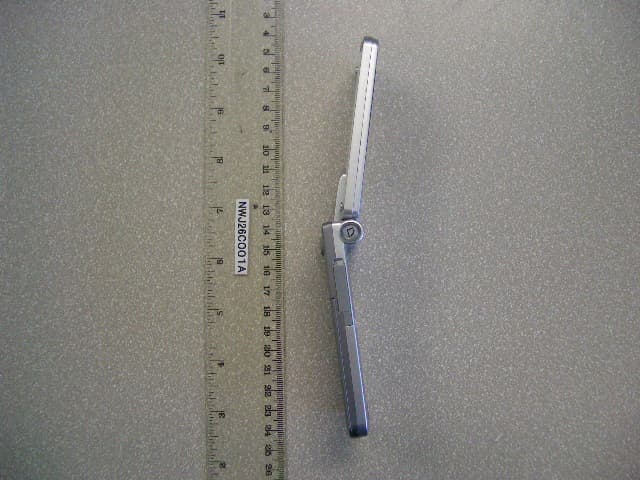
NWJ26C001A
Jun 14, 2005GSM Cellular Mobile Radio
Equipment Class
PCE - PCS Licensed Transmitter held to ear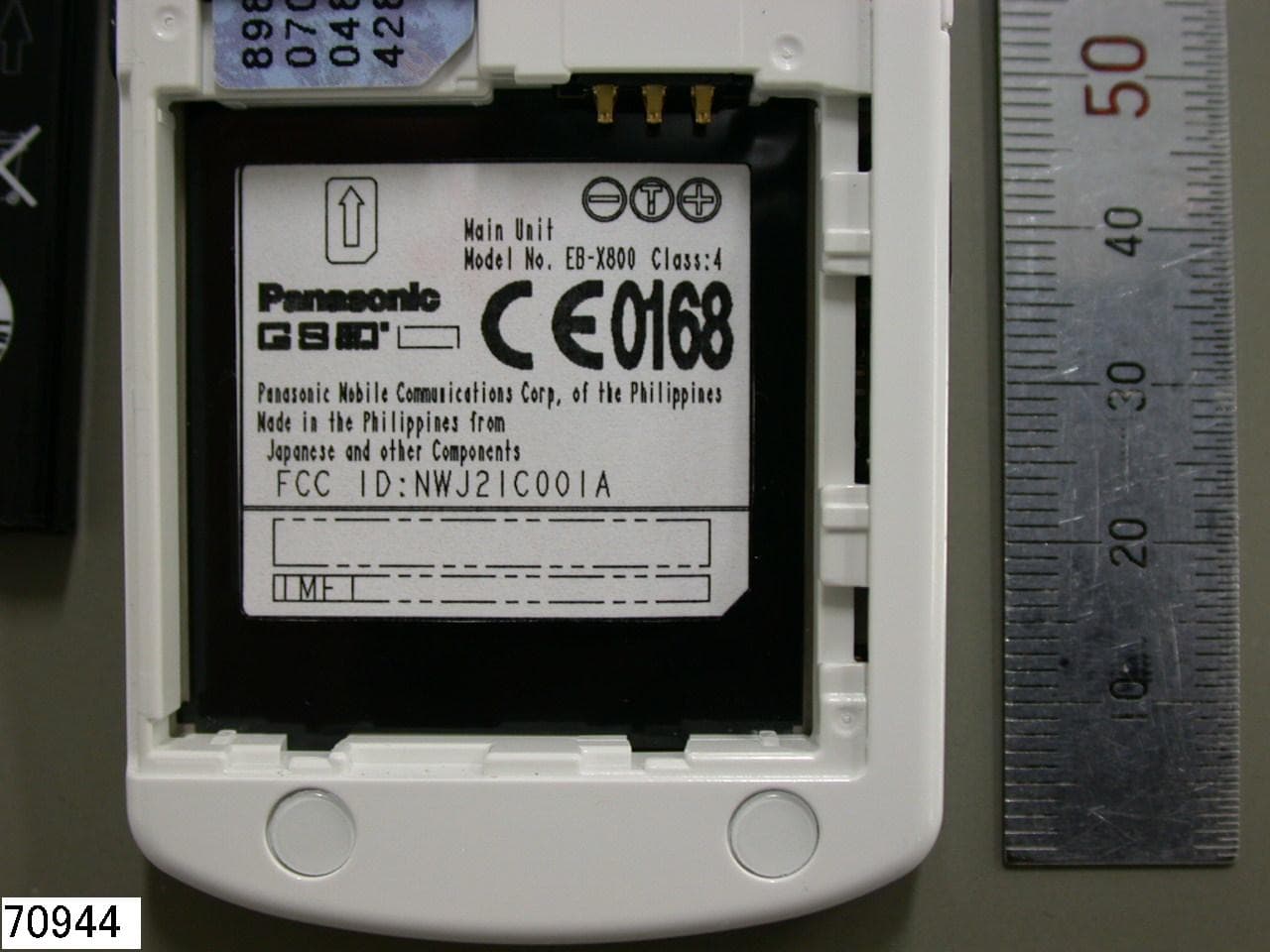
NWJ21C001A
Feb 01, 2005GSM Cellular Mobile Radio
Equipment Class
PCE - PCS Licensed Transmitter held to ear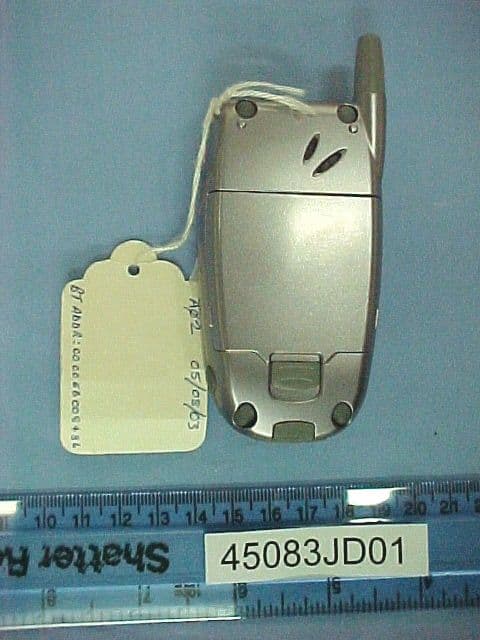
NWJ22B002A
Feb 26, 2004GSM Cellular Mobile Radio
Equipment Class
PCE - PCS Licensed Transmitter held to ear
NWJ22B001A
Oct 26, 2003GSM Cellular Mobile Radio
Equipment Class
PCE - PCS Licensed Transmitter held to ear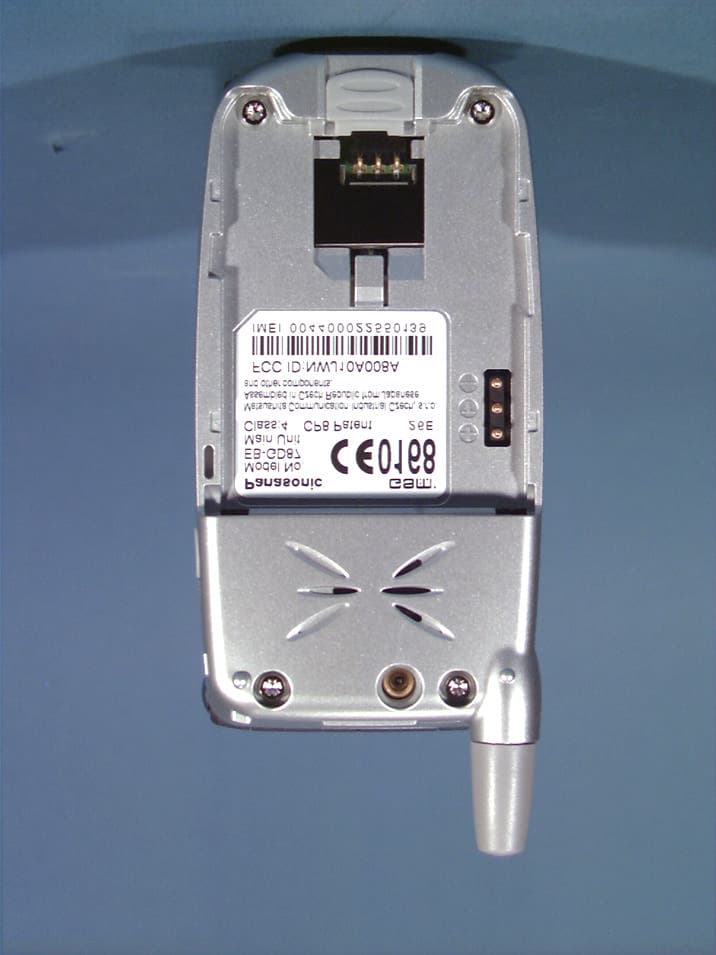
NWJ10A008A
Aug 11, 2002Single-Band PCS GSM Phone
Equipment Class
PCE - PCS Licensed Transmitter held to ear