OK6X62512
I-Data International A/S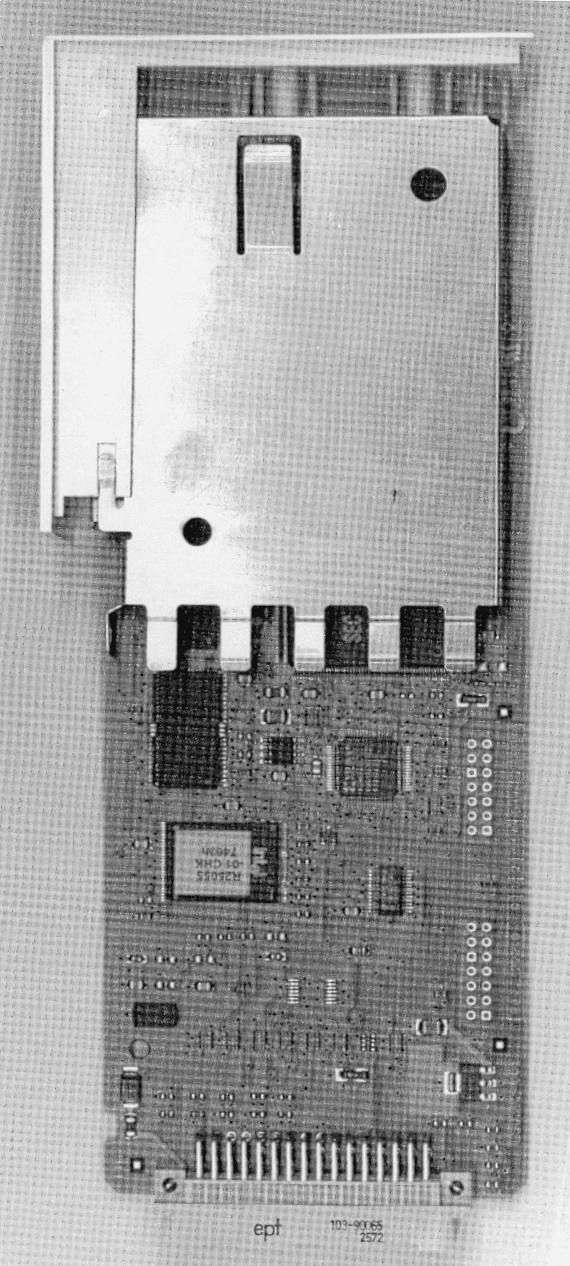
Click to zoom
Application Details
- Equipment Class
- JBP - Part 15 Class B Computing Device Peripheral
- Date of Grant
- Feb 14, 2000
- Application Purpose
- Original Equipment
- Date of Application
- Oct 12, 1999
- Company
- I-Data International A/S
- Country
- Denmark
Documents & Files
Document Text
Text extracted from the exhibit documents filed with the FCC. Open a document above to read the original.
Users Manual
T ally Representatives. G reat Britain. T ally Ltd. M olly Millars Lane W okingha m B erks. RG11 2QT U nited Kingdo m h one: +44 118 978 89711 ax: +44 118 979 1491 h ttp://www.tally.co.u k United States.Tally Printer Corporation8301 S 180th StreetKent WA 98064-9718United States of AmericaPhone: +1 (425) 251-5500Fax : +1 (425) 251-5520http://www.tally.com G erman y . T ally GmbH ostfach 2969 D -89019 Ulm D eutschland h one: +49 7308 80 0 ax: +49 7308 5903 h ttp://www.tally.de Italy.Tally S.R.L.Via Borsini 6I-20094 Corsico (MI)ItaliaPhone: +39 02 48608 1Fax: +39 02 48601 141http://www.tally.it A ustria. T ally Ges.m.b.H. E duard Kittenberger Gasse 95 B A -1232 Wien A ustria h one: +43 1 86340 0 ax: +43 1 86340 240 h ttp://www.tally.co.at F rance. T ally S.A. L es Champs Philippe - 8, Avenue de Verdun -92257 La Garenne - Colombes Cedexh one: +33 1 413011 00 ax: +33 1 41 30 11 10 h ttp://www.tally.f r 379701a NOTE:This equipment has been tested and found to comply with the limits fora Class B digital device, pursuant to part 15 of the FCC Rules. Theselimits are designed to provide reasonable protection against harmfulinterference in a residential installation.This equipment generates, uses and can radiate radio frequency energyand, if not installed and used in accordance with the instructions, maycause harmful interference to radio Communications. However, thereis no guarantee that interference will not occur in a particularinstallation. If this equipment does cause harmful interference to radioor television reception, which can be determined by turning theequipment off and on, the user is encouraged to try to correct theinterference by one or more of the following measures:—Reorient or relocate the receiving antenna.—Increase the separation between the equipment and receiver.—Connect the equipment into an outlet on a circuit different from thatto which the receiver is connected.—Consult the dealer or an experienced radio/TV technician for help.CAUTION:Changes or modifications not expressly approved by i-data could voidthe user’s authority to operate this equipment according to part 15 ofthe FCC rules.CE conformanceThis product has been developed and produced in accordance with theEMC directive and the Low Voltage directive and therefore carries theCE mark.Company and product names mentioned in this guide are trademarksor registered trademarks of their respective owners. plug & print solutions Tally Com+ IIF-4 PrintServer Quick Installation Guide Document no. 10414-00 ENGLISH | SPANISH E NGLISH = === T his Quick Installation Guide explains how to install o ur PrintServer. C AUTION tatic electricity can damage the interface. You should i ther wear an antistatic wrist wrap, or frequently touch h e metal surface of the printer. nstall Interface in Printer 1. Make sure no power cord is connected to theprinter. 2. Locate the printer's interface slot by way of theprinter's manual. 3. Remove the plate covering the printer’sinterface slot. 4. Insert the interface in the slot as described in theprinter's manual. N etwork Installation 1. Make sure no power cord is connected to theprinter. 2. Connect network cable to the RJ45 port on the rear panel of the interface. Power on the printer. 3. The complete Installation Guide will be printed.Note: If nothing is printed, please check that the printer is online and not in an error condition. G enerate Settings Printout P ress the TEST button on the back of the PrintServer. = ESPAÑOL = === Explica la manera de instalar el servidor de impresión.PRECAUCIÓNLa electricidad estática puede producir daños en lainterfaz. Deberá llevar puesta una muñequera antiestáti c o tocar con frecuencia la superficie metálica de laimpresora.Instalar la interfaz en la impresora 1. Asegúrese de que el cable de alimentación noesté conectado a la impresora. 2. Localice la ranura de la interfaz de la impresor a utilizando el manual de la misma. 3. Quite la placa que cubre la ranura de la interfa z de la impresora. 4. Introduzca la interfaz en la ranura tal como sedescribe en el manual de la impresora. Instalación de la red 1. Asegúrese de que el cable de alimentación noesté conectado a la impresora. 2. Conecte el cable de la red al puerto RJ45situado en el panel posterior de la interfaz.Encienda la impresora. 3. Se imprimirá la Guía de instalación completa.Nota: si no se imprime nada, compruebe si la impresora está en línea y no se encuentra enningún estado de error y que el servidor deimpresión está perfectamente conectado alpuerto paralelo. Generar el impreso de los ajustesPulse el botón TEST situado en el lado derecho del servidor de impresión.
Block Diagram
OK6X62512 CPU 10MHz NETARM Samsung KC32C50100 (internal 50MHz) PS2 RS232 RAM FLASH Internal Tally interface and Power 10/100 BASE Ethernet 2 5MHz
External Photos
OK6X62512 OK6X62512
ID Label/Location Info
OK6X62512 Drawing Approx. scale 1:1 Drawing approx OK6X62512
ID Label/Location Info
OK6X62512 Drawing Approx. scale 1:1 Drawing approx OK6X62512
Internal Photos
OK6X62512 OK6X62512
Contact Information
Applicant
Kim Boll Jensen(Manager, Approvals & Safety)
Test Firm
DELTA Electronic TestingJorgen Christensen
Technical Specifications
| # | Rule Parts | Frequency Range | Power Output |
|---|---|---|---|
| 1 | 15B | - | - |
Other Applications from I-Data International A/S
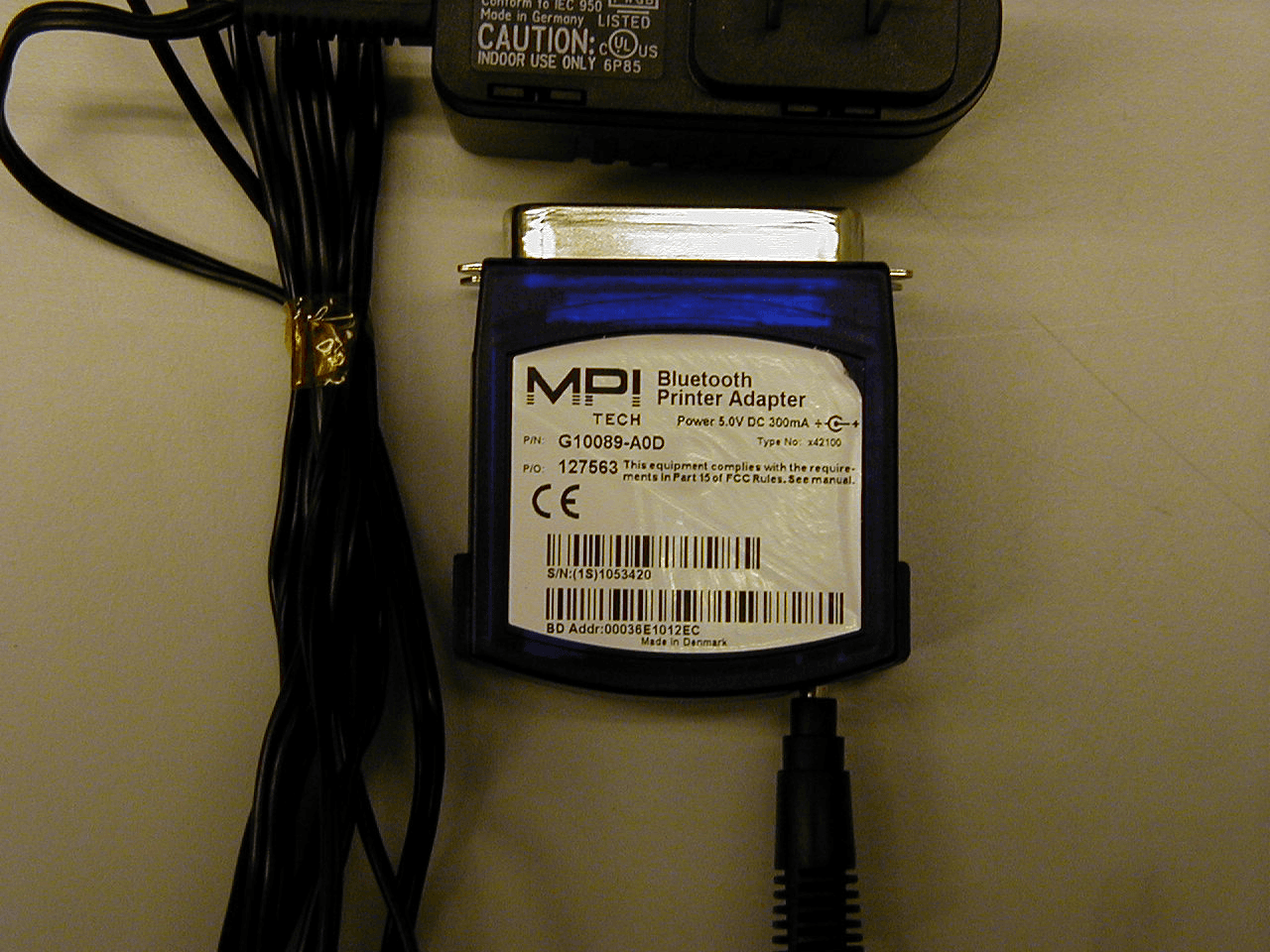
OK6X42100
Jun 25, 2001Bluetooth Printer Adapter
Equipment Class
DSS - Part 15 Spread Spectrum Transmitter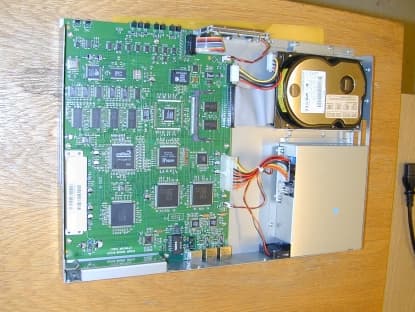
OK6X83106
Nov 21, 2000VPN router
Equipment Class
JBP - Part 15 Class B Computing Device Peripheral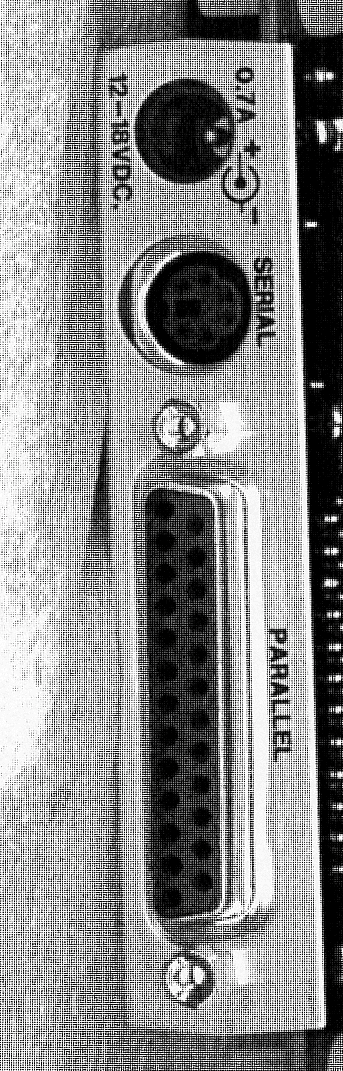
OK6X34150
Nov 03, 1999Printer Server Terminal (SafeCom)
Equipment Class
JBP - Part 15 Class B Computing Device Peripheral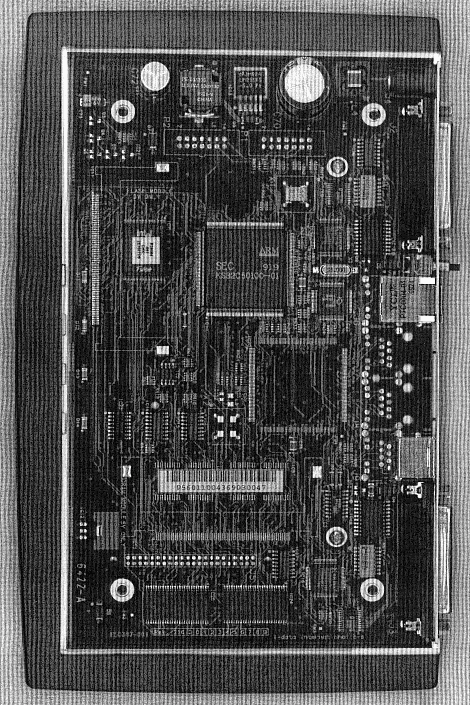
OK6X62410
Oct 25, 1999Printer Server
Equipment Class
JBP - Part 15 Class B Computing Device Peripheral
OK6X62411
Oct 17, 1999Printer Server
Equipment Class
JBP - Part 15 Class B Computing Device Peripheral