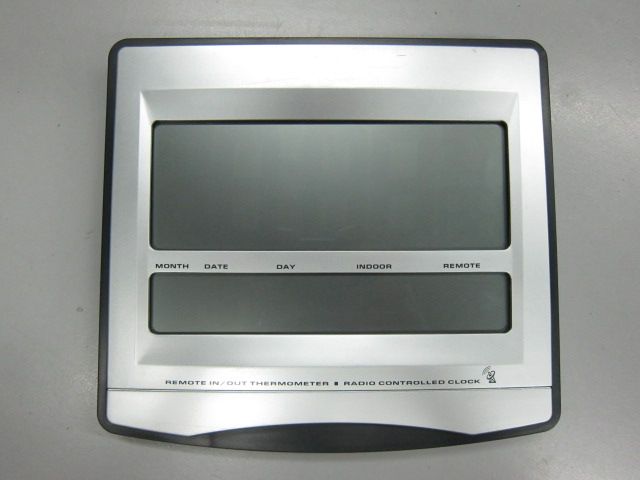
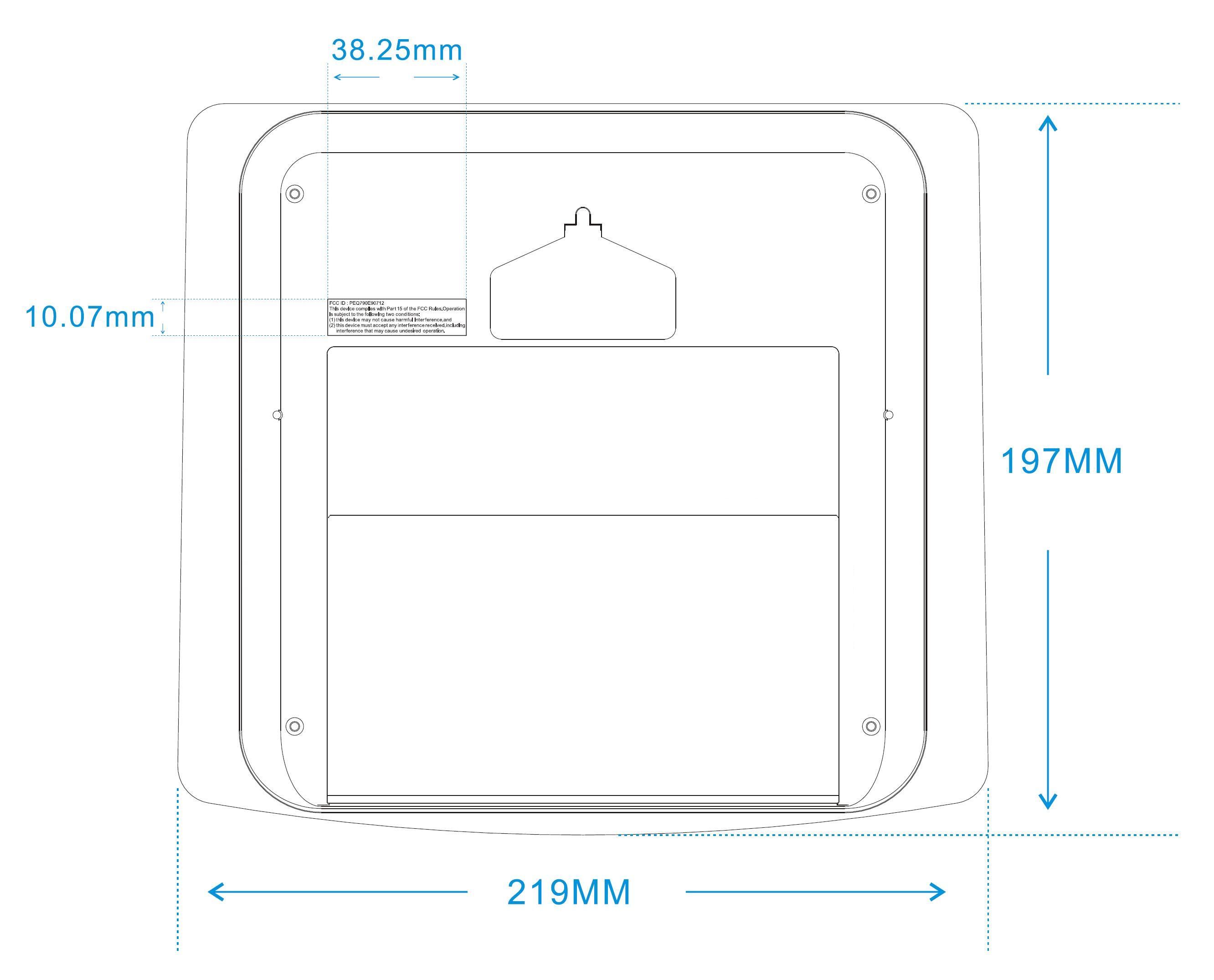
PEQ790E90712WWVB RC and RF wall clock
Electronics Tomorrow Ltd.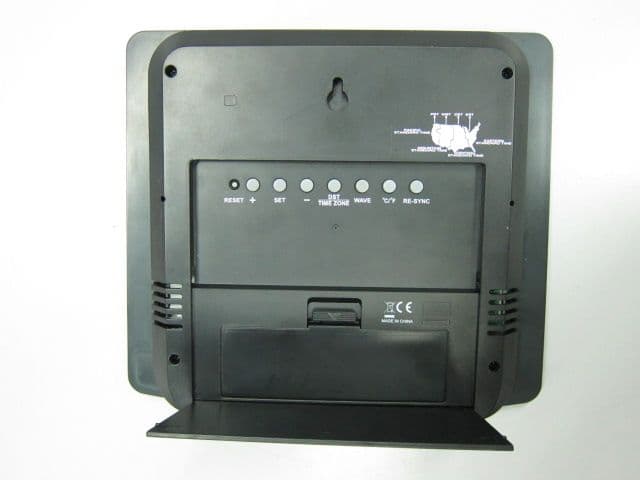
Click to zoom
Application Details
- Equipment Class
- CYY - Communications Receiver used w/Pt 15 Transmitter
- Date of Grant
- Sep 02, 2012
- Application Purpose
- Original Equipment
- Date of Application
- Sep 02, 2012
- Equipment Note
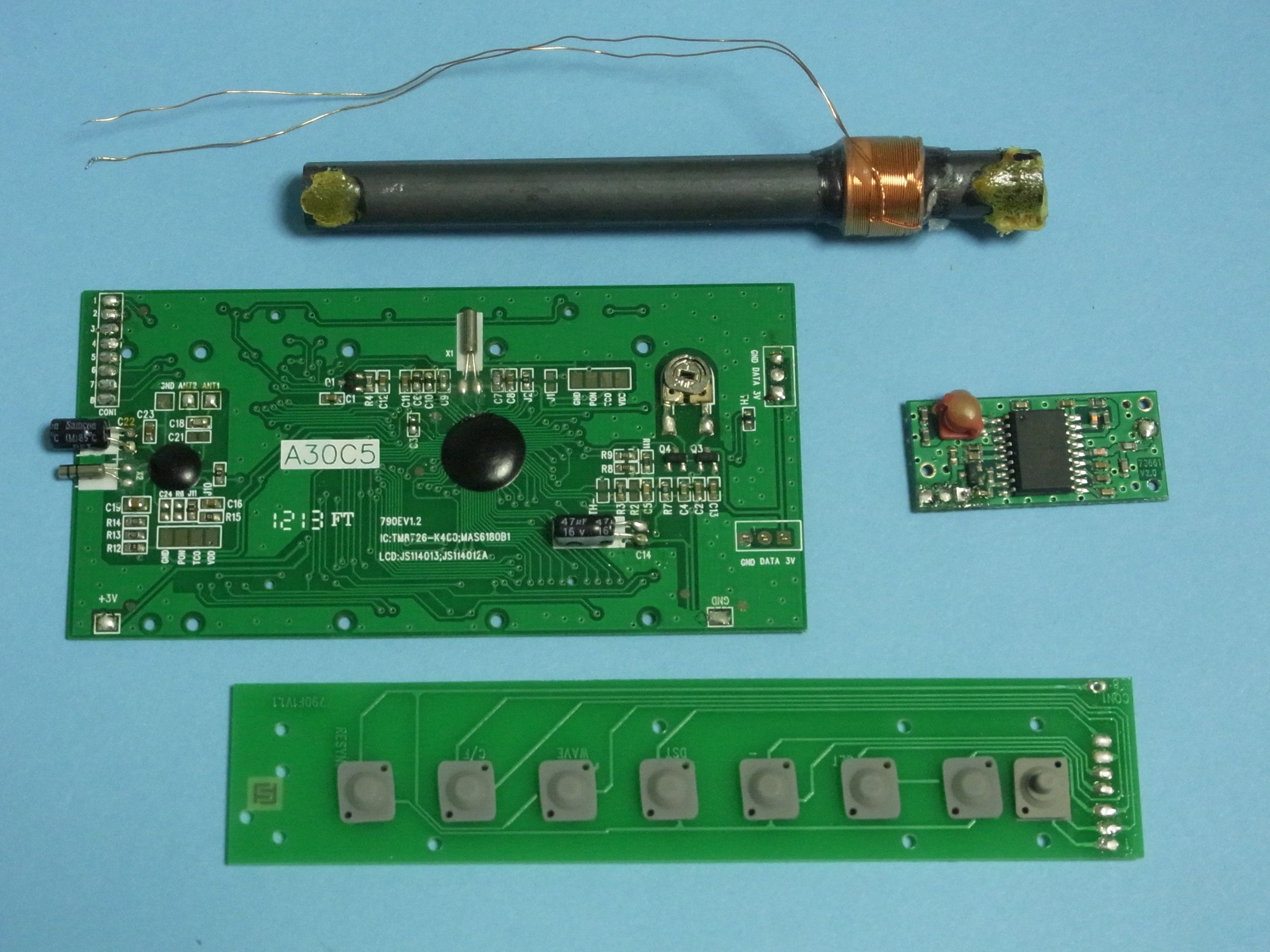
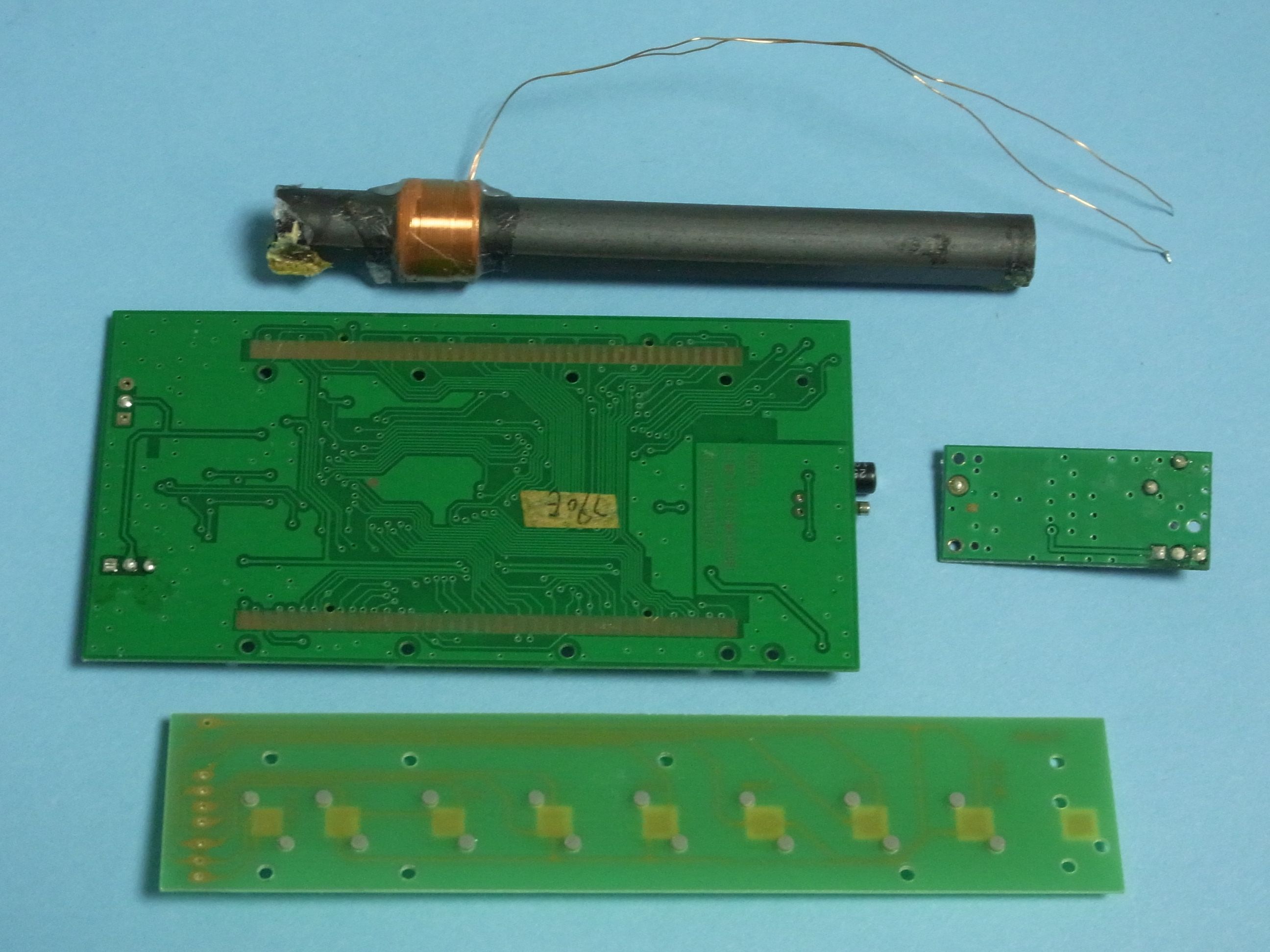
- WWVB RC and RF wall clock
- Frequency Range
- 433.90000000 - 433.90000000
- Company
- Electronics Tomorrow Ltd.
- Country
- Hong Kong
Documents & Files
Document Text
Text extracted from the exhibit documents filed with the FCC. Open a document above to read the original.
Users Manual
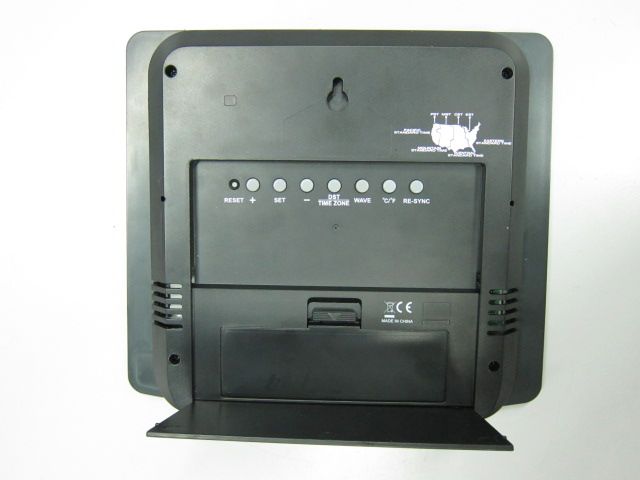
INSTRUCTION MANUAL • The configuration of your product may differ somewhat from that shown in the illustration. • "AA" or "AAA" size battery. This product may use more than one piece of battery. Please refer to the engraved battery marks inside the battery compartment for the correct battery type. Locations of Control Main Unit (Receiver) WAVE BUTTON - BUTTON + BUTTON SET BUTTON RE-SYNC BUTTON DST / TIME ZONE BUTTON RESET BUTTON °C/°F BUTTON A B C D E F G H CGD B AHFE Remote Unit (Transmitter) RESET BUTTON °C/°F BUTTON A B B A REMOTE What is Radio Controlled Clock With the Radio-Controlled Clock, you have the most accurate timepiece within the continent. It can receive the time signal transmitted by the National Institute of Standards and Technology ( NIST ), which is regulated by 3 atomic clocks and deviate less than 1 second within 3,000 years. The NIST broadcasts the time signal ( WWVB, 60kHz ) continuously from Fort Collins, Colorado. This signal can be received anywhere in the continental USA that long wave (AM) radio reception is possible with a portable radio. It is expected that the signal can reach a distance of 2,000 miles from the transmitter. Therefore, your clock will receive the signal within the broadcast range anywhere an AM signal can be received; generally the signal cannot be picked up in massive metal and concrete structures unless near a window. In addition, some environmental effect ( see below ) may affect the transmitting distance. For more information, please study the WWVB WEB page of NIST at : http://www.boulder.nist.gov/timefreq/ Environmental Reception Effects The Radio-Controlled Clock obtains the accurate time with wireless technology. Same as all wireless devices, the receiving ability may be affected by, but not limited to, the following conditions: • Long transmitting distance. • Nearby mountains and valleys. • Among tall buildings. • Near railway, high voltage cable, etc. • Near freeway, airport, etc. • Near construction site. • Inside concrete buildings. • Near electrical appliances. • Bad weather. • Inside moving vehicles. • Nearby metallic structures. P. 2 Feature • Receive 60kHz WWVB signal transmitted by NIST at Fort Collins Colorado • Automatic time adjustment after signal reception • Calendar with day of the week display • Hour, minute and second display • Indoor temperature and remote temperature • Centigrade or Fahrenheit readout • Indoor temperature measurement range from -20°C ~ 70°C ( -4°F ~ 158°F ) • Outdoor temperature measurement range from -50°C ~ 70°C ( -58°F ~ 158°F ) • Temperature resolution 0.1°C ( 0.2°F ) • Clock operation temperature from 0°C ~ 50°C ( 32°F ~ 122°F ) • Time accuracy ( Atomic clock ) : better than 1 second in 2 million years • Time accuracy ( free run ) : within +/-60second per month Location Precautions This clock receives a radio wave much like a TV or radio. Be sure to locate it near a window or some other locations where reception is good. Avoid the following locations, which can interfere with proper reception. Before You Begin To ensure proper functioning of the unit, please follow this set up procedure. • Insert batteries for the main unit ( Refer to section of Battery Installation ) • Place the main unit as close as possible next to the remote unit and insert batteries for the remote unit. • Position the remote unit and main unit within effective transmission range, which in usual circumstances is 30 to 45 meters. Note that the effective range is affected by the building materials and where the main and remote unit are positioned, try various setup for the best results. Inside or near concrete/ steel bulidings or structures, unless the clock is close/ next to a window (with curtain open). Too close to household appliances (Computer, TV, video/audios, fax machines, speakers). Near construction sites, traffic lights, roadside, neon lights etc. Inside moving vehicles (automobile, train, airplanes etc) which radio transmission or electronics will interfere the reception of radio-controlled clock. Close to or on top of metal surfaces / plates. Next or close to power station. Battery Installation Battery Installation of the Main Unit • Open the battery door. • Load full set (2pcs AA size battery) of new batteries in polarity (+) and (-) as indicated. • Close the battery door. Battery Installation of the Remote Unit • Open the battery door. • Load full set (2pcs AA size battery) of new batteries in polarity (+) and (-) as indicated. • Close the battery door. Warning : Do not mix old and new batteries. Do not mix alkaline, standard (carbon-zinc) or rechargeable (nickel cadmium) batteries. Do not touch any other button or setting on your main unit. It will automatically receive the remote temperature and time signal after batteries inserted. Getting Started Thermometer Upon power up of the remote unit ( or pressing the RESET button ), the temperature RF signal is immediately sent to the main unit. The main unit attempts to search the RF tempera- ture signal for 5 minutes after power up ( or pressing the RESET button ). If the RF signal is received within the first 5 minutes after power up of the main unit, the temperature will show on the remote temperature display, otherwise it will show blank “--.-ºC”. After the remote unit temperature is shown on the remote temperature display, the synchroni- zation of main unit and remote unit is established. Afterward place the remote units outside in a shaded, dry area to protect it as if under an umbrella. If the RF temperature signal is not received within the first 5 minutes, press the RE-SYNC button on the main unit, the main unit will attempt remote temperature for another 6 minutes. Radio Controlled Clock As long as batteries are supplying power to the main unit, it receives the time signal and adjust time automatically. No manual adjustment is required after power up. Accurate adjust- ment of the clock based on the time signal is supported in the continental USA. You are …
Text truncated - open the document above for the full version.
Contact Information
Applicant
Steve Lam(Senior Engineering Manager)
Test Firm
CMA Industrial Development Foundations LimitedAndrew Wong
Technical Specifications
| # | Rule Parts | Frequency Range | Power Output |
|---|---|---|---|
| 1 | 15B | 433.9 MHz - 433.9 MHz | - |
Other Applications from Electronics Tomorrow Ltd.
PEQA55000515
Jul 11, 2015Bluetooth Cooking Thermometer
Equipment Class
DTS - Digital Transmission System
PEQ964F110813
Sep 16, 2014BLE Alarm Clock
Equipment Class
DTS - Digital Transmission System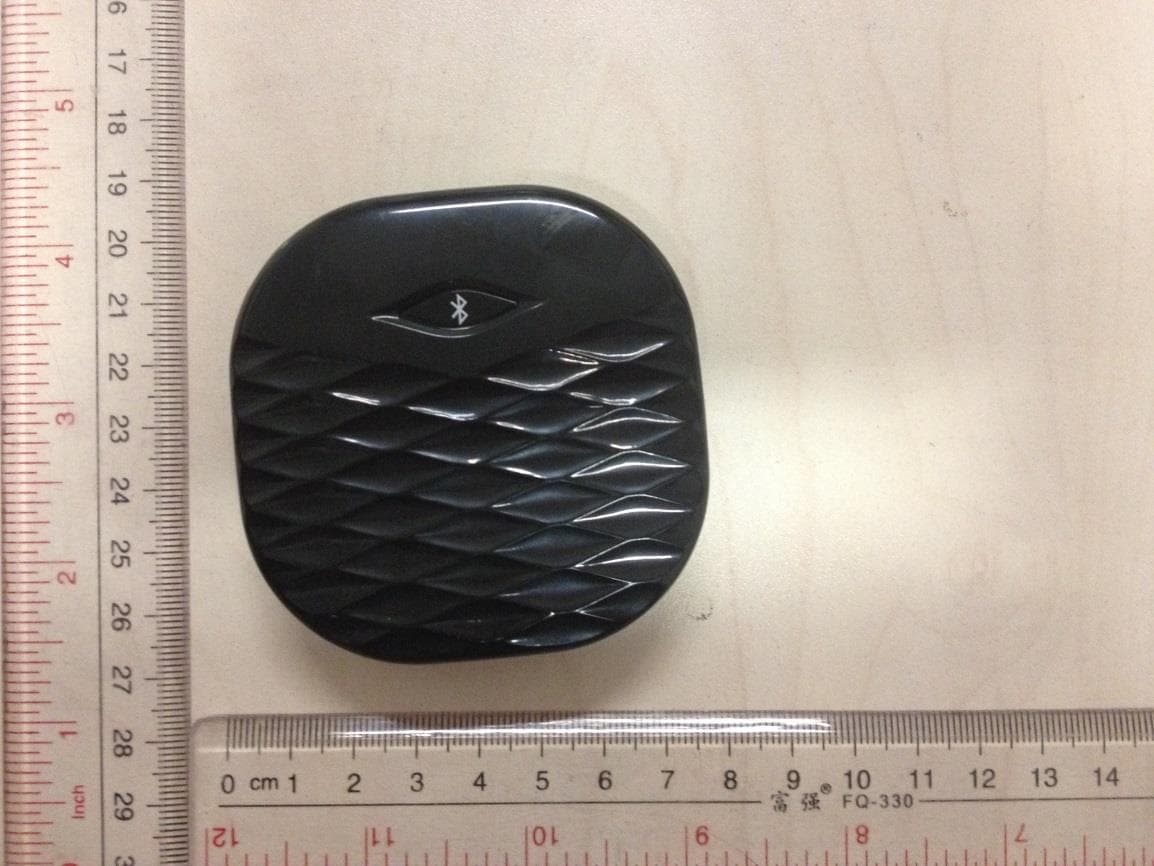
PEQA480110813
Sep 15, 2014BLE Vibration Alarm
Equipment Class
DTS - Digital Transmission System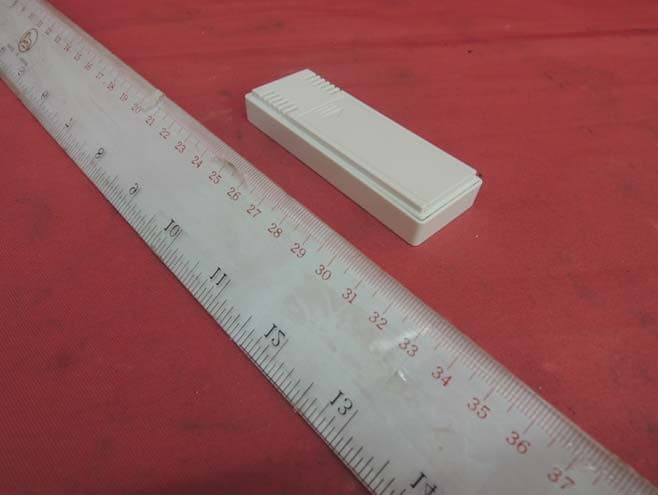
PEQA43071013
Oct 22, 2013Remote Thermo-Hygrometer
Equipment Class
DXX - Part 15 Low Power Communication Device Transmitter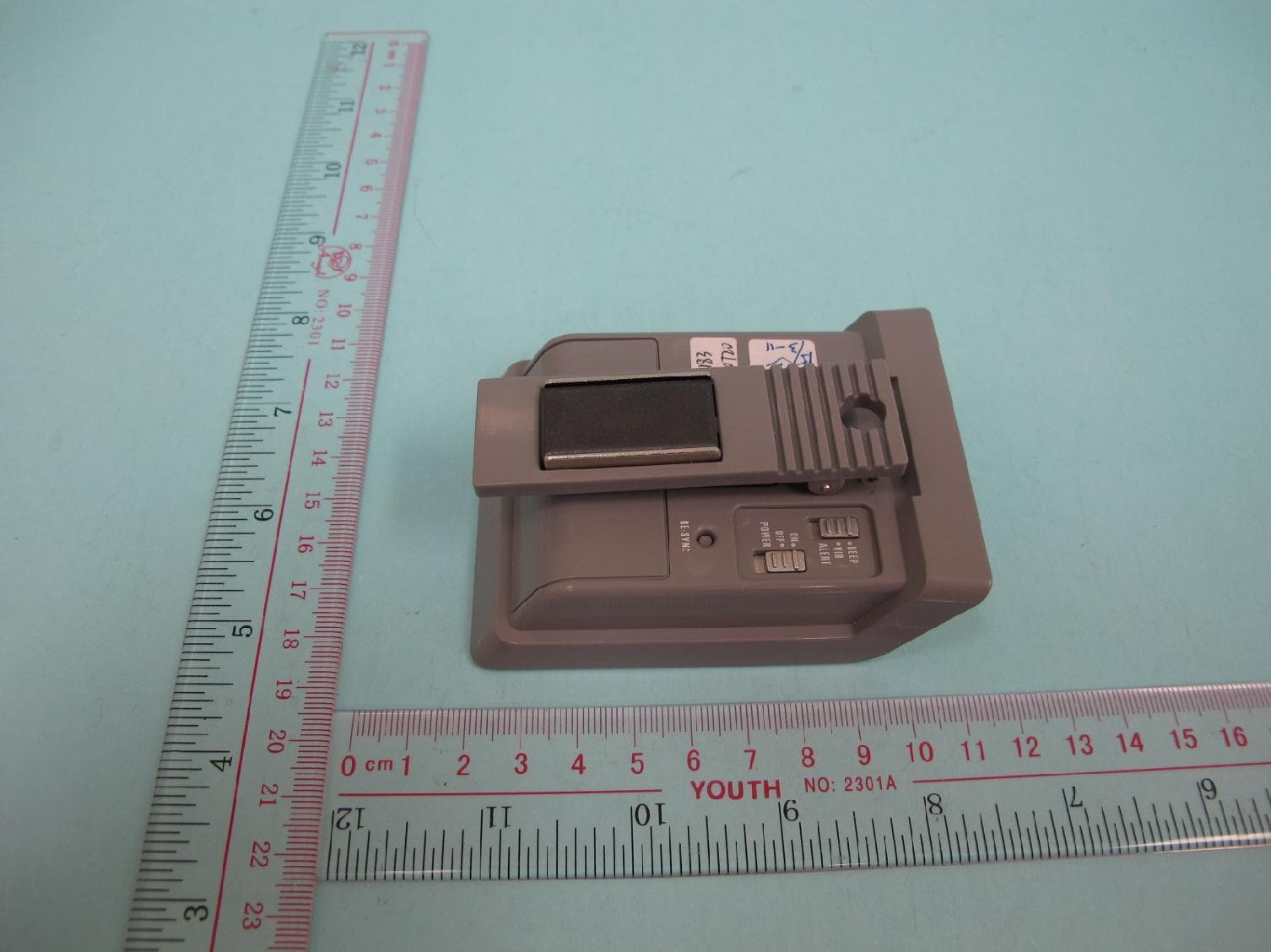
PEQA240900411
May 08, 2011433MHz RF Cooking Thermometer - Receiver
Equipment Class
CYY - Communications Receiver used w/Pt 15 Transmitter