PEQA55000515Bluetooth Cooking Thermometer
Electronics Tomorrow Ltd.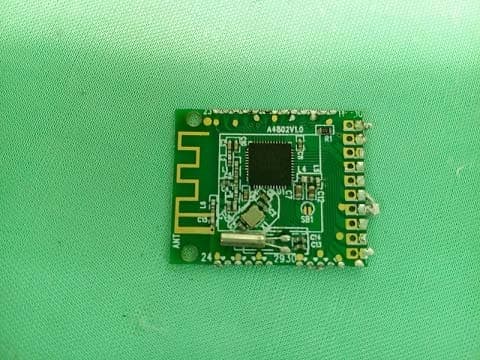
Click to zoom
Application Details
- Equipment Class
- DTS - Digital Transmission System
- Date of Grant
- Jul 11, 2015
- Application Purpose
- Original Equipment
- Date of Application
- Jul 11, 2015
- Equipment Note
- Bluetooth Cooking Thermometer
- Frequency Range
- 2402.00000000 - 2480.00000000
- Company
- Electronics Tomorrow Ltd.
- Country
- Hong Kong
Documents & Files
Document Text
Text extracted from the exhibit documents filed with the FCC. Open a document above to read the original.
Users Manual
Grill Smart Instruction Manual Main Unit Location of Control 1. Alert button 2. Pair 3. Reset 4. Power On/Off 5. Magnets 6. Battery Compartment 7. Battery Door 8. Probe 1 9. Probe 2 10. Jack 1 11. Jack 2 12. Probe cover 3 2 4 6 7 5 10 8 9 11 55 1 12 Features Thanks you for purchasing Grill Smart. This product is designed as a bluetooth cooking thermometer by working with ipad, iphone , iPod or other iOS devices. • Support IOS version 7.1 or above • Support Bluetooth version 4.0 • Grill Smart monitoring by mobile App • Dual probes allow measuring simultaneously • Pre-programmed doneness temperature or user own setting • Timer function • Record of cooking history with graphical chart and personal notes • Social sharing of cooking record and finished food photo • Selectable alert sound • Anticipation • Operating temperature from 0 °C to 50°C • Temperature measuring range from -40°C to 250°C • Fahrenheit / Celsius reading • Simple connection procedures • Low battery notification • App multi - language: English, French, German, Spanish, swedish, Italian, Portuguese. Getting started Getting started 1. Install battery: 1.1 Open the battery door. 1.2 Insert AAA x 2 batteries in polarity (+) and (-) as indicated. 1.3 Close the battery Door. 2. Install Grill Smart App on your device. 2.1 Access App Store and search for “Grill Smart” . 2.2 Select and install Grill Smart App on your device. Pairing 3. Pair the cooking thermometer with the Grill Smart app. 3.1 Before running the Grill Smart app, make sure the Bluetooth is turned ON at your mobile device. 3.2 After you tap the App icon , the ‘Nearby Devices’ screen appears. You need to pair the cooking thermometer device before you enter the main app screen. 3.3 Press the “Pair” button of the cooking thermometer. The LCD will show the device ID under the P1 Temperature reading e.g. 6802. 3.4 The new BTC_6802 will be displayed on the App “Pair New Device’, it is ready for Pairing. Tap the BTC_6802 will start the pairing and connection process. The cooking thermometer will sound BI-BI once when it is paired. Then the BTC_6802 will show on Paired Device on the App. BTC_6802 BTC_DB09 PAIR Pairing 3.5 Tap the BTC_6802 at Paired device to go inside the App main page. 3.6 If your unit connects one probe the App will show Probe 1 only. If your unit connects two probes the App will show Probe 1 and Probe 2. You can tap Probe 1 or 2 on screen to go in details and setting of individual Probe. BTC_6802 Edit probe name Press ok to save. Edit probe name: Tap the probe 1 / 2, it will pop up change probe name. User can change the probe name. Setting Cooking Parameter Press Settings on the App to enter cooking parameter menu. PRESET Mode Roll the meat column to select meat type. Roll the taste column to select desired doneness level. Press Done to start cooking and the screen will return to main page showing the selected meat type and taste,with graphical chart showing target temperature and real time temperature trend. MANUAL Mode Roll the temperature column to set the target alert temperature. Press Done to confirm and start cooking. Change the Temperature Unit Go to Settings to press either Fahrenheit / Celsius icon to select temperature unit. Press “ ” icon to listen the sound. Press “ ” to stop the sound. Press Done to confirm selection. Alert Sound Selection Go to Settings to press the icon to select you desired alert sound. Roll the sound type column to select the sound. You can record your personal alert sound. Roll the sound type column to Customize 1-5 to record maximum 5 personal alert sounds. Press the “ ” Icon to start recording and press “ ” icon to complete the recording. Press the “ ” icon to listen the sound. Press Done to confirm selection. Setting the Timer You can add 10 timers in the App. Go to Settings. Press the “ ” icon to enter the timer page. Press “ ” and roll the hours and min column to set your desired time. Press Done to confirm. Press “ ” icon to start timer. Press “ ” icon to pause the timer. Setting the Pre-Alert Go to settings. Press “ ”icon to enter Pre - Alert setting page. You can set pre-alert by time or temperature. Press the Time. Roll the hours and min column to select your desired time. Press Done to confirm. Press the Temp. Roll the digit column to select your desired temperature. Press Done to confirm. Photo Shooting You can take photo of you food. Press the “ ” icon to take photo and it will place at the app screen automatically. Information Sharing You can share the cooking information as Image, PDF or CSV through the Social App which installed at your mobile device or by e-mail. Press the “ ” icon to select the type of information you want to share. History Your cooking history will record and store inside the App. You can recall the information by pressing the “ ” icon. Press individual history to browse the details. Notes Writing You can write notes on your cooking record by pressing the “ ” icon. The notes will attach to your cooking history and can share through the Information Sharing function. APP Sleep ON / OFF You can change the APP Sleep ON/OFF. Select App Sleep on , the App screen will auto off if your mobile device set as auto lock. Select App sleep off the App screen will always on. Battery status indicator Battery status indicator It indicates the battery level of your GST device. While the battery level drops below 20%, the battery icon is in red status and a low battery warning will pop up for to remind battery replacement. Meanwhile, low battery indicator icon will shown on the alarm clock LCD. Above 60% Between 20% ~ 60% Below 20% Grill Smart unit space buzzer Manufacturer reserves the right to update the contents of this manual and App. Disposal of Your Old Product Your product is designed and manufactured with high quality materials and components, which can be recycled and reused. When this crossed-out wheeled bin symbol is attached to a product it means the product is covered by the European Directive…
Text truncated - open the document above for the full version.
Internal Photos
1 Internal Photo FCC ID: PEQA55000515 Inside View of The Product Inner Circuit Top View 2 Inner Circuit Bottom View Inner Circuit Top View 3 Inner Circuit Bottom View Inner Circuit Top View 4 Inner Circuit Bottom View
RF Exposure Info
A Test Lab Techno Corp. Page 1 of 8 Antenna Test Report Applicant : Electronics Tomorrow Limited Address : Unit903-7, 9/F., Tower 1, Harbour Center, 1 Hok Cheung Street, Hung Hom, Kowloon, HK Product Type : PCB Antenna Trade Name : NA Model Number : A480 Test Specification : ANSI/IEEE Std 149-1979 Receive Date : 04 May, 2015 Test Period : 06 May, 2015 Issue Date : 08 May, 2015 Prepared By A Test Lab Techno Corp. No. 140-1, Changan Street, Bade City, Taoyuan County 334, Taiwan R.O.C. Te l:+886-3-2710188 / Fax:+886-3-2710190 Reviewed By: A Test Lab Techno Corp. Page 2 of 8 TABLE OF CONTENTS 1 OPERATIONAL AND TEST PROCEDURE OF THE AUT................................................3 2 RESULT SUMMARY..........................................................................................................3 3 Test Result ........................................................................................................................4 3.1. Antenna Pattern...................................................................................................................... 4 3.2. Power Gain............................................................................................................................. 5 3.3. Efficiency ............................................................................................................................... 6 4 SET-UP Photograph .........................................................................................................7 5 AUT Photograph ...............................................................................................................8 A Test Lab Techno Corp. Page 3 of 8 1 OPERATIONAL AND TEST PROCEDURE OF THE AUT The AUT is is feed by a coaxial cable inserted with an attenuator and positioned along , the required MAPS centerlineThen the AUT is stepped between 0 and 180 degrees along the theta axis in 15- , degree incrementsAt each theta position, the phi xis is stepped from 0-360 degrees or from 360- 。 0 degrees During measurements and tests, the AUT is in passive mode and feed by CW signals at , specified frequency pointsData is recorded using the test system software for both theta 。 and phi polarizations at each position 2 RESULT SUMMARY Description of Test Item Site NO.Standard Results Remark Antenna Pattern OTA ChamberANSI/IEEE Std 149-1979- - Power Gain OTA ChamberANSI/IEEE Std 149-1979- - Efficiency OTA ChamberANSI/IEEE Std 149-1979- - Directivity OTA ChamberANSI/IEEE Std 149-1979- - A Test Lab Techno Corp. Page 4 of 8 3 Test Result 3.1. Antenna Pattern Theta Axis (Phi=0) Theta Axis (Phi=90) Theta 90° A Test Lab Techno Corp. Page 5 of 8 3.2. Power Gain Power Gain at Different Frequency Points Power Gain (dBi) Results Frequency(MHz):2400 Peak Gain:-2.1dB A Test Lab Techno Corp. Page 6 of 8 3.3. Efficiency Efficiency Power Gain at Different Frequency Points Efficiency Results Frequency(MHz):2400 Efficiency: 0.09 Efficiency . dB: -10.42 A Test Lab Techno Corp. Page 7 of 8 4 SET-UP Photograph A Test Lab Techno Corp. Page 8 of 8 5 AUT Photograph -End of Report-
Test Report
STC Test Report STC (Dongguan) Company Limited 68 Fumin Nan Road, Dalang, Dongguan, China. (Zip Code : 523 770) Tel : (86 769) 8111 9888 Fax : (86 769) 8111 6222 E-mail : [email protected] Homepage : www.dgstc.org This report shall not be reproduced unless with prior written approval from STC (Dongguan) Company Limited. For Conditions of Issuance of this test report, please refer to the overleaf or Homepage. Date: 2015-05-07 Page 1 of 35 No.: DM119137 Applicant: Electronics Tomorrow Ltd. Unit 903-7, 9/F., Tower 1, Harbour Center, 1 Hok Cheung Street, Hung Hom, Kowloon, HK Manufacturer: Gaojin Electronics (Shenzhen) Co., Ltd. 11 Fang Keng Road, Pinghu Zhen, Longgang, Shenzhen, Guangdong Province, The People’s Republic of China Description of Sample(s): Submitted sample(s) said to be Product: Bluetooth Cooking Thermometer Brand Name: N/A Model Number: A550 FCC ID: PEQA55000515 Date Sample(s) Received: 2015-04-20 Date Tested: 2015-04-29 Investigation Requested: Perform ElectroMagnetic Interference measurement in accordance with FCC 47CFR [Codes of Federal Regulations] Part 15: 2012. FCC KDB Publication 558074 D01 DTS Meas Guidance v02and ANSI C63.4:2009 for FCC Certification. Conclusion(s): The submitted product COMPLIED with the requirements of Federal Communications Commission [FCC] Rules and Regulations Part 15. The tests were performed in accordance with the standards described above and on Section 2.2 in this Test Report. Remark(s): For additional model(s) details, please page 3. LONG Yun Jian, Along Authorized Signatory ElectroMagnetic Compatibility Department For and on behalf of STC (Dongguan) Company Limited STC Test Report STC (Dongguan) Company Limited 68 Fumin Nan Road, Dalang, Dongguan, China. (Zip Code : 523 770) Tel : (86 769) 8111 9888 Fax : (86 769) 8111 6222 E-mail : [email protected] Homepage : www.dgstc.org This report shall not be reproduced unless with prior written approval from STC (Dongguan) Company Limited. For Conditions of Issuance of this test report, please refer to the overleaf or Homepage. Date: 2015-05-07 Page 2 of 35 No.: DM119137 CONTENT: Cover Page 1 of 35 Content Page 2 of 35 1.0 General Details 1.1 Test Laboratory Page 3 of 35 1.2 Equipment Under Test [EUT] Page 3 of 35 Description of EUT operation 1.3 Date of Order Page 3 of 35 1.4 Submitted Sample(s) Page 3 of 35 1.5 Test Duration Page 3 of 35 1.6 Country of Origin Page 3 of 35 1.7 RF Module Details Page 4 of 35 1.8 Antenna Details Page 4 of 35 1.9 Channel List Page 4 of 35 2.0 Technical Details 2.1 Investigations Requested Page 5 of 35 2.2 Test Standards and Results Summary Page 5 of 35 3.0 Test Results 3.1 Emission Page 6-30 of 35 Appendix A List of Measurement Equipment Page 31 of 35 Appendix B Photographs of EUT Page 32-35 of 35 STC Test Report STC (Dongguan) Company Limited 68 Fumin Nan Road, Dalang, Dongguan, China. (Zip Code : 523 770) Tel : (86 769) 8111 9888 Fax : (86 769) 8111 6222 E-mail : [email protected] Homepage : www.dgstc.org This report shall not be reproduced unless with prior written approval from STC (Dongguan) Company Limited. For Conditions of Issuance of this test report, please refer to the overleaf or Homepage. Date: 2015-05-07 Page 3 of 35 No.: DM119137 1.0 General Details 1.1 Test Laboratory STC (Dongguan) Company Limited EMC Laboratory 68 Fumin Nan Road, Dalang, Dongguan, Guangdong, China Telephone: (86 769) 81119888 Fax: (86 769) 81116222 1.2 Equipment Under Test [EUT] Description of Sample(s) Product: Bluetooth Cooking Thermometer Manufacturer: Gaojin Electronics (Shenzhen) Co., Ltd. 11 Fang Keng Road, Pinghu Zhen, Longgang, Shenzhen, Guangdong Province, The People’s Republic of China Brand Name: N/A Model Number: A550 Additional Model Number: A551 Rating: 3.0Vd.c. (AAA x 2) 1.2.1 Description of EUT Operation The Equipment Under Test (EUT) is a Bluetooth Cooking Thermometer of Electronics Tomorrow Ltd., it is modulation by IC; and type is frequency hopping spread spectrum Modulation. 1.3 Date of Order 2015-04-20 1.4 Submitted Sample(s): 1 Sample 1.5 Test Duration 2015-04-29 1.6 Country of Origin China STC Test Report STC (Dongguan) Company Limited 68 Fumin Nan Road, Dalang, Dongguan, China. (Zip Code : 523 770) Tel : (86 769) 8111 9888 Fax : (86 769) 8111 6222 E-mail : [email protected] Homepage : www.dgstc.org This report shall not be reproduced unless with prior written approval from STC (Dongguan) Company Limited. For Conditions of Issuance of this test report, please refer to the overleaf or Homepage. Date: 2015-05-07 Page 4 of 35 No.: DM119137 1.7 RF Module Details Module Model Number: BAC Module FCC ID: Module Transmission Type: Bluetooth 4.0 Modulation: GFSK Data Rates: 1Mbps Frequency Range: 2400-2483.5MHz Carrier Frequencies: 2402MHz – 2480MHz Module Specification (specification provided by manufacturer) 1.8 Antenna Details Antenna Type: Meander line PCB antenna Antenna Gain: -2.1dBi 1.9 Channel List Channel Frequency (MHz) Channel Frequency (MHz) 0 2402 20 2442 1 2404 21 2444 2 2406 22 2446 3 2408 23 2448 4 2410 24 2450 5 2412 25 2452 6 2414 26 2454 7 2416 27 2456 8 2418 28 2458 9 2420 29 2460 10 2422 30 2462 11 2424 31 2464 12 2426 32 2466 13 2428 33 2468 14 2430 34 2470 15 2432 35 2472 16 2434 36 2474 17 2436 37 2476 18 2438 38 2478 19 2440 39 2480 STC Test Report STC (Dongguan) Company Limited 68 Fumin Nan Road, Dalang, Dongguan, China. (Zip Code : 523 770) Tel : (86 769) 8111 9888 Fax : (86 769) 8111 6222 E-mail : [email protected] Homepage : www.dgstc.org This report shall not be reproduced unless with prior written approval from STC (Dongguan) Company Limited. For Conditions of Issuance of this test report, please refer to the overleaf or Homepage. Date: 2015-05-07 Page 5 of 35 No.: DM119137 2.0 Technical Details 2.1 Investigations Requested Perform Electromagnetic Interference measurements in accordance with FCC 47CFR [Codes of Federal Regulations] Part 15: 2014 Regulations. FCC KDB Publication 558074 D01 DTS Meas Guidance v03r02 and ANSI C63.4:2009 for FCC Certif…
Text truncated - open the document above for the full version.
Test Setup Photos
1 Test Photo FCC ID: PEQA55000515 Measurement of Radiated Emission Test Set Up Measurement of Radiated Emission Test Set Up 2 Measurement of Radiated Emission Test Set Up
Contact Information
Applicant
Steve Lam(Senior Engineering Manager)
Technical Contact
STC(Dongguan) Company LimitedLong Yun Jian
[email protected]0769-81119888
68 Fumin Nan Road, Dalang · Dongguan, Guangdong · China
Test Firm
STC (Dongguan) Company Ltd.Wilson Wong
Technical Specifications
| # | Rule Parts | Frequency Range | Power Output |
|---|---|---|---|
| 1 | 15C | 2.40 GHz - 2.48 GHz | 1.10 mW |
Other Applications from Electronics Tomorrow Ltd.
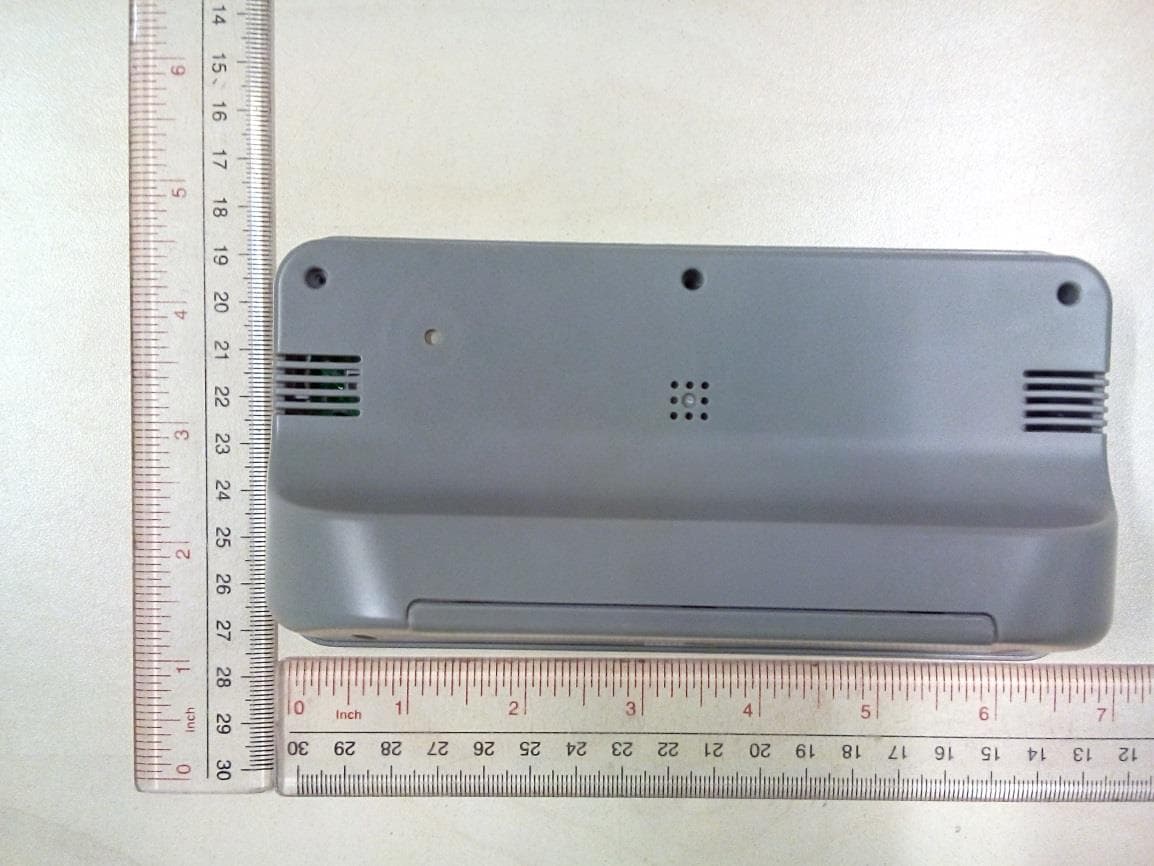
PEQ964F110813
Sep 16, 2014BLE Alarm Clock
Equipment Class
DTS - Digital Transmission System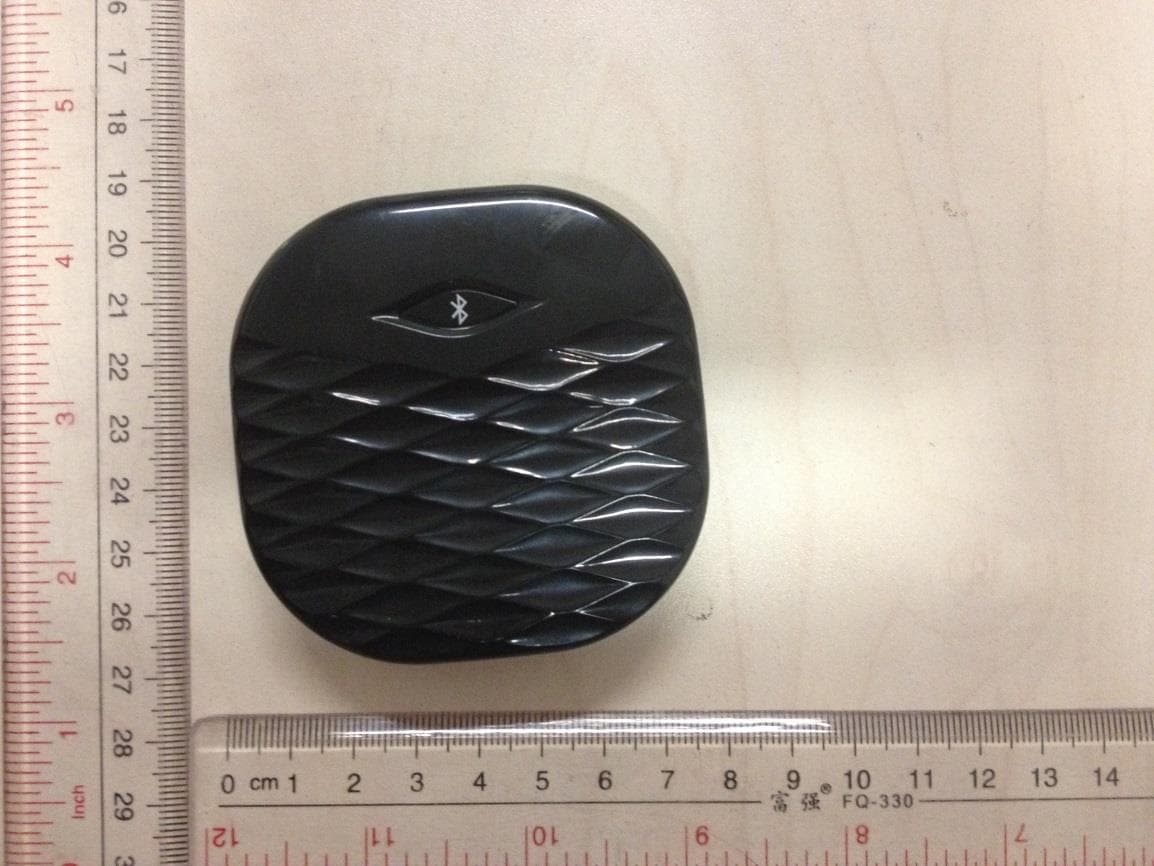
PEQA480110813
Sep 15, 2014BLE Vibration Alarm
Equipment Class
DTS - Digital Transmission System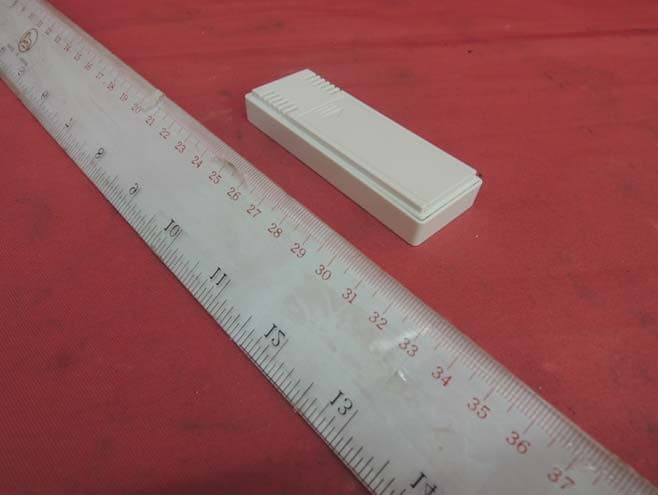
PEQA43071013
Oct 22, 2013Remote Thermo-Hygrometer
Equipment Class
DXX - Part 15 Low Power Communication Device Transmitter
PEQ790E90712
Sep 02, 2012WWVB RC and RF wall clock
Equipment Class
CYY - Communications Receiver used w/Pt 15 Transmitter
PEQA240900411
May 08, 2011433MHz RF Cooking Thermometer - Receiver
Equipment Class
CYY - Communications Receiver used w/Pt 15 Transmitter