R33TSE38C11MiniTouch Screen TSE-3.8C1-x
Snap One, LLC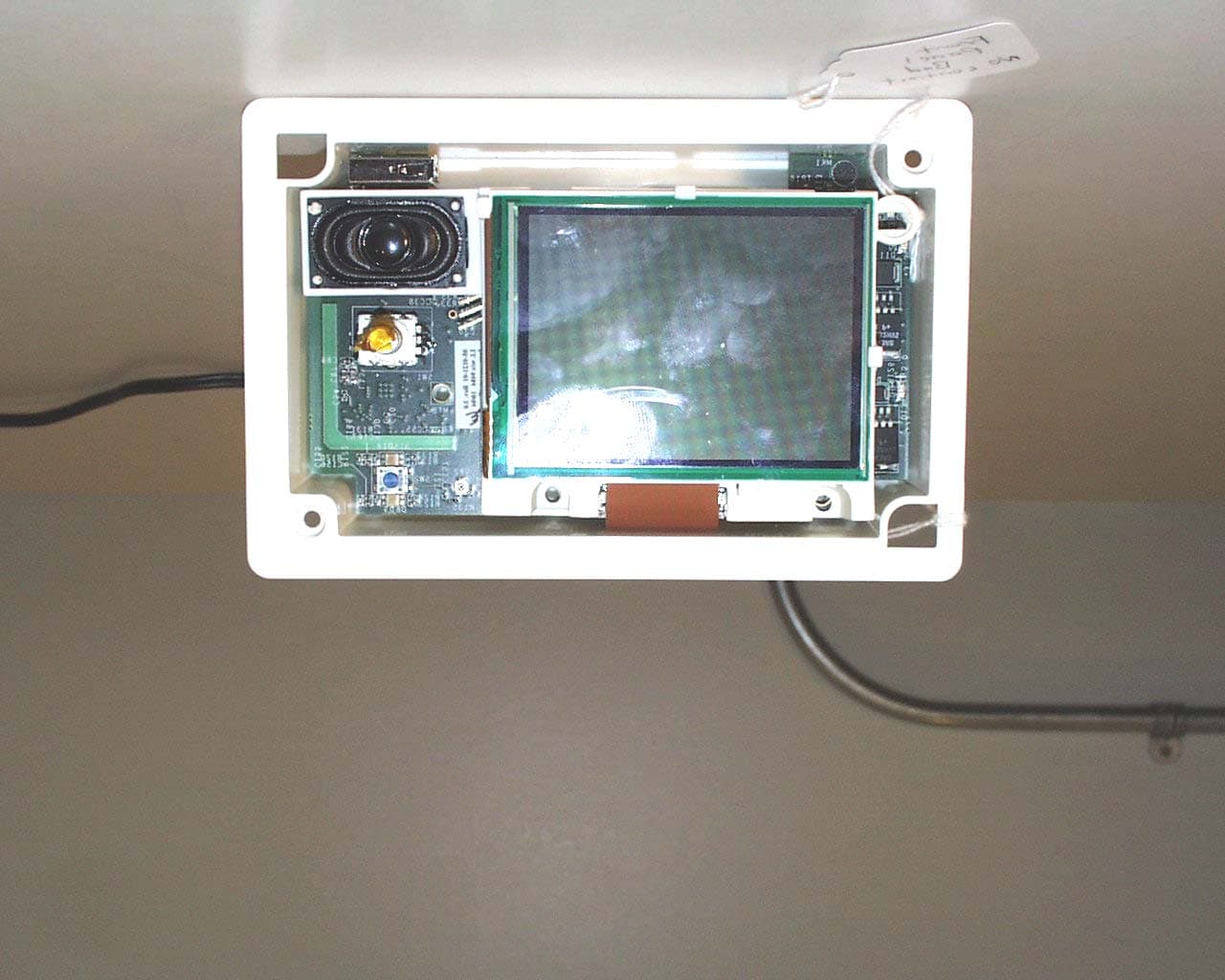
Click to zoom
Application Details
- Equipment Class
- DTS - Digital Transmission System
- Date of Grant
- Mar 23, 2005
- Application Purpose
- Original Equipment
- Date of Application
- Mar 23, 2005
- Equipment Note
- MiniTouch Screen TSE-3.8C1-x
- Frequency Range
- 2400.00000000 - 2483.50000000
- Company
- Snap One, LLC
- Country
- United States
Documents & Files
Document Text
Text extracted from the exhibit documents filed with the FCC. Open a document above to read the original.
Users Manual
Disclaimer, Trademarks, and Copyright Information Disclaimer Control4 ® makes no representations or warranties with respect to the contents or use of this manual, and specifically disclaims any express or implied warranties of merchantability or fitness for any particular purpose. Control4 reserves the right to revise this publication and to make changes to its content, at any time, without obligation to notify any person or entity of such revisions or changes. Control4 makes no representations or warranties with respect to any Control4 software, and specifically disclaims any express or implied warranties of merchantability or fitness for any particular purpose. Control4 reserves the right to make changes to any and all parts of Control4 software, at any time, without any obligation to notify any person or entity of such changes. Trademarks Control4 and the Control4 logo are registered trademarks of Control4 Corporation. Other product and company names mentioned in this document may be the trademarks or registered trademarks of their respective owners. Legal Notice Gracenote. Music recognition technology and related data are provided by Gracenote. Gracenote is the industry standard in music recognition technology and related content delivery. For more information visit www.gracenote.com. Copyright Copyright © 2004-2005 Control4 Corporation. All rights reserved. No part of this publication may be reproduced, photocopied, stored on a retrieval system, or transmitted without the express written consent of the publisher. Contact Information Control4 Corporation 11734 S. Election Road, Suite 200 Salt Lake City, UT 84020 USA http://www.control4.com Mini Touch Screen User Guide Part Number: 21-0124 Rev A Draft 7 iii Contents PrefaceAbout This Guide........................................... 1 Notes, Tips, Cautions, and Warnings .... 1 Safety Instructions ................................. 2 Additional Resources ............................. 2 Chapter 1Getting Started .............................................. 3 What You Can Do .................................. 3 Become Familiar with the Device .......... 4 Start Mini Touch Screen ........................ 5 About the Home Page ........................... 6 Header Contents............................... 7 Display Area ..................................... 8 Quick-Control Tabs......................... 10 Subsystem Buttons......................... 11 Control Devices with Touch-Screen Controls ............................................... 12 Chapter 2Play the Radio ............................................. 15 Access the Radio Page ....................... 15 About the Radio Page.......................... 15 Play a Radio Station ............................ 16 Control the Radio ................................. 16 Chapter 3Play Music ................................................... 17 Access the Music Page ....................... 17 About the Music Page.......................... 17 Browse............................................ 18 Device Controls .............................. 19 Play Music Stored in the System ......... 19 Choose from the Entire Database .. 20 Sort or Filter the Database.............. 20 Create or Manage Playlists............. 20 Play Music Loaded in a Device............ 21 iv Chapter 4Watch TV..................................................... 23 Access the TV Page ............................ 23 About the TV Page .............................. 23 Broadcast Channels Page .............. 23 Video Device Pages ....................... 24 Choose a Channel (TV or other Video Broadcast) ........................................... 25 Choose a Channel List Filter and Sort Option .................................................. 25 Chapter 5Watch a Video ............................................. 27 Access the Video Page........................ 27 About the Video Page .......................... 27 Browse............................................ 28 Cover Art......................................... 29 Device Controls .............................. 29 Play a Video Stored in the System ...... 30 Choose from the Entire Database .. 30 Sort or Filter the Database.............. 30 Play a Video Loaded in an Attached Device .................................................. 30 Chapter 6Control Comfort ........................................... 31 Access the Comfort Page .................... 31 About the Comfort Page ...................... 31 Change a Thermostat Setting .............. 32 Change Other Comfort Settings .......... 32 Set Wakeup Options ............................ 33 Chapter 7Control Lights .............................................. 35 Access the Lights Page ....................... 35 About the Lights Page ......................... 35 Change a Light Setting ........................ 36 Create a Lighting Scene ...................... 36 Change a Lighting Scene .................... 37 Activate a Lighting Scene .................... 38 Delete a Lighting Scene....................... 38 v Chapter 8View or Change Information ........................ 39 Access the Info Page ........................... 39 About the Info Page ............................. 39 View Information “About” Mini Touch Screen ................................................. 40 Connect to a Director ........................... 41 View or Change Network Information .. 41 Set Screen Saver Options ................... 41 Change Skins ...................................... 42 Chapter 9Warranty and FCC Information.................... 43 Warranty .............................................. 43 One-Year Limited Hardware Warranty ......................................... 43 Software License Agreement and Limited Warranty............................. 44 FCC Statement .................................... 49 Federal Communication Commission Interference Statement ................... 49 FCC Caution ................................... 50 Appendix APriority…
Text truncated - open the document above for the full version.
Cover Letter(s)
11734 South Election Drive Suite 200 Draper, Utah 84020 (801) 523-3100 To: Federal Communications Commission Date: 3/21/05 445 12 th Street, SW Washington, DC 20554 Re: Non disclosure Request for FCC ID: R33TSE38C11 We are requesting that the following documents be held and treated as confidential and proprietary information. These materials contain technical trade secret information and should be guarded from competitors as stated under the Code of Federal Regulations Title 47 Section 0.459 (3), (4) and (5). 1) Schematic 2) Block Diagrams 3) Operational Description Joseph S. Collier Hardware Engineer Control4 Technologies
External Photos
Exhibit 3 Front View of the EUT
Internal Photos
Exhibit 9 Internal Photos View of the Display and the Main Card Top View of the Main Card View of the Component Side of the Daughter Card View of the Trace Side of the Daughter Card
RF Exposure Info
1 MPE Calculations R33TSE38C11 2 1.0 SCOPE_________________________________________________________3 2.0 REVISION LEVEL_______________________________________________4 3.0 REFERENCE DOCUMENTS______________________________________4 4.0 CALCULATIONS________________________________________________5 5.0 CONCLUSION___________________________________________________6 3 1.0 SCOPE: This Report Demonstrates Evaluation and Compliance for Human Exposure to Electromagnetic Fields as Outlined by the Federal Communications Commission Office of Engineering and Technology Bulletin 65. 2.0 REVISION LEVEL: DATE COMMENTS REVISION 3/21/2005 Created. 1.0 3.0 REFERANCE DOCUMENTS: (A) Limits for Maximum Permissible Exposure (MPE). Code of Federal Regulations Title 47, Volume 1, Sections 1.1310 (B) Limits for Maximum Permissible Exposure (MPE). Code of Federal Regulations Title 47, Volume 1, Sections 2.1093 (C) Evaluating Compliance with FCC Guidelines for Human Exposure to Radiofrequency Electromagnetic Fields. OET Bulletin 67 Edition 97-01. 4.0 CALCULATIONS: The following worst case emissions are based on a PPt (Peak Power Total) measurement of 10.40 dBm into the antenna. And the worst case antenna gain on axis is found to be 0.0 dBi. Total power into antenna: A) Pt = 10.40 dBm = 10^(10.40 dBm/10) = 10.96 mW Total effective isotropic radiated power at the Transmitter: B) EIRP = 10.40 dBm + 0.0dBi = 10.4 dBm 10.4 dBm = 11.0 mW Power density at a distance of 20 centimeters is: 4 C) 2 Rπ4 EIRP =S = 2.2 μW/cm 2 Where S = Power density (mW/cm^2), EIRP = Equivalent isotropic radiated power (mW), R = Distance to the center of radiation of the antenna (cm) 5.0 CONCLUSION: Based on the FCC Limits for Maximum Permissible Exposure (MPE) given in Table 1 of reference document (A) as 1 mW/cm 2 this device falls under the required limits.
Test Report
Communication Certification Laboratory Exhibit 6 TEST REPORT FROM: COMMUNICATION CERTIFICATION LABORATORY 1940 W. Alexander Street Salt Lake City, Utah 84119-2039 Type of Report: Certification TEST OF: TSE-3.8C1-x FCC ID: R33TSE38C11 To FCC PART 15, Subpart C (15.203, 15.207, 15.247) Test Report Serial No: 73-8043 Applicant: Control4 11734 S. Election Drive, Suite 200 Draper, UT 84020 Date of Test: December 15 and 29, 2004 Issue Date: January 10, 2005 Equipment Receipt Date: December 15, 2004 Corporate Office and Laboratory EMC Open Area Test Site 1940 West Alexander Street Salt Lake City, Utah 84119-2039 www.cclab.com 500 West Wanship Road Wanship, Utah 84017-9760 Tel (801) 972-6146 Fax (801) 972-8432 Tel (435) 336-5868 Fax (435) 336-2785 COMMUNICATION CERTIFICATION LABORATORY TEST REPORT: 73-8043 FCC ID#: R33TSE38C11 Page 2 of 49 CERTIFICATION OF ENGINEERING REPORT This report has been prepared by Communication Certification Laboratory to document compliance of the device described below with the requirements of Federal Communications Commission (FCC) Part 15, Subpart C, Sections 15.203, 15.207, and 15.247. This report may be reproduced in full, partial reproduction may only be made with the written consent of the laboratory. The results in this report apply only to the sample tested. - Applicant: Control4 - Manufacturer: Control4 - Brand Name: Control4 - Model Number: TSE-3.8C1-x - FCC ID Number: R33TSE38C11 On this 10 th day of January 2005, I, individually, and for Communication Certification Laboratory, certify that the statements made in this engineering report are true, complete, and correct to the best of my knowledge, and are made in good faith. Although NVLAP has recognized that the Communication Certification Laboratory EMC testing facilities are in good standing, this report must not be used to claim product certification, approval, or endorsement by NVLAP, NIST, or any agency of the federal government. COMMUNICATION CERTIFICATION LABORATORY Tested by: Norman P. Hansen EMC Technician COMMUNICATION CERTIFICATION LABORATORY TEST REPORT: 73-8043 FCC ID#: R33TSE38C11 Page 3 of 49 TABLE OF CONTENTS PAGE SECTION 1.0 CLIENT INFORMATION .................................4 SECTION 2.0 EQUIPMENT UNDER TEST (EUT) ..........................5 SECTION 3.0 TEST SPECIFICATION, METHODS & PROCEDURES ...........9 SECTION 4.0 OPERATION OF EUT DURING TESTING ...................15 SECTION 5.0 SUMMARY OF TEST RESULTS ...........................17 SECTION 6.0 MEASUREMENTS, EXAMINATIONS AND DERIVED RESULTS .....18 APPENDIX 1 TEST PROCEDURES AND TEST EQUIPMENT ..................34 APPENDIX 2 PHOTOGRAPHS .........................................43 COMMUNICATION CERTIFICATION LABORATORY TEST REPORT: 73-8043 FCC ID#: R33TSE38C11 Page 4 of 49 SECTION 1.0 CLIENT INFORMATION 1.1 Applicant: Company Name: Control4 11734 S. Election Drive, Suite 200 Draper, UT 84020 Contact Name: Joseph Collier Title: Hardware Engineer 1.2 Manufacturer: Company Name: Control4 11734 S. Election Drive, Suite 200 Draper, UT 84020 Contact Name: Joseph Collier Title: Hardware Engineer COMMUNICATION CERTIFICATION LABORATORY TEST REPORT: 73-8043 FCC ID#: R33TSE38C11 Page 5 of 49 SECTION 2.0 EQUIPMENT UNDER TEST (EUT) 2.1 Identification of EUT: Brand Name: Control4 Model Name or Number: TSE-3.8C1-x Serial Number: None Options Fitted: N/A Country of Manufacture: U.S.A. 2.2 Description of EUT: The TSE-3.8C1-x is a color touch panel and a remote audio server packed into a four-inch touch screen. The processor operates at 200 MHz. An 802.15.4 Zigbee radio is used for remote programming and control. Power is provided from a Power-Over- Ethernet adapter that supplies 48 VDC to the Ethernet port of the TSE-3.8C1-x. For this testing, an I.T.E. PW130 power supply was used to power the EUT. The 802.15.4 transceiver uses 15 channels in the 2400 to 2483.5 MHz band. The individual channels are shown in the following plots. dBm 11 1 -9 -19 -29 -39 -49 -59 -69 -79 -89 Control4 73-8019 Trace A Start: 2.402500 GHzStop: 2.427500 GHz Res BW: 100 kHzVid BW: 300 kHzSweep: 20 ms 12/29/2004 3:57:50 PMHP8566B Trace ALower 5 channels 1 1 2.405075 GHz 3.0000 dBm 2 2 2.410175 GHz 1.3000 dBm 3 3 2.415200 GHz 1.3000 dBm 4 4 2.420200 GHz 1.3000 dBm 5 5 2.425300 GHz 1.6000 dBm COMMUNICATION CERTIFICATION LABORATORY TEST REPORT: 73-8043 FCC ID#: R33TSE38C11 Page 6 of 49 dBm 11 1 -9 -19 -29 -39 -49 -59 -69 -79 -89 Control4 73-8019 Trace A Start: 2.427500 GHzStop: 2.452500 GHz Res BW: 100 kHzVid BW: 300 kHzSweep: 20 ms 12/29/2004 3:56:10 PMHP8566B Trace AMiddle 5 channels 1 1 2.430075 GHz 2.8000 dBm 2 2 2.435225 GHz 2.0000 dBm 3 3 2.440325 GHz 1.6000 dBm 4 4 2.445350 GHz 2.6000 dBm 5 5 2.450525 GHz 1.7000 dBm dBm 11 1 -9 -19 -29 -39 -49 -59 -69 -79 -89 Control4 73-8019 Trace A Start: 2.452500 GHzStop: 2.477500 GHz Res BW: 100 kHzVid BW: 300 kHzSweep: 20 ms 12/29/2004 3:54:04 PMHP8566B Trace AUpper 5 channels 1 1 2.455150 GHz 2.5000 dBm 2 2 2.460300 GHz 2.3000 dBm 3 3 2.465400 GHz 1.3000 dBm 4 4 2.470550 GHz 2.6000 dBm 5 5 2.475675 GHz 2.1000 dBm COMMUNICATION CERTIFICATION LABORATORY TEST REPORT: 73-8043 FCC ID#: R33TSE38C11 Page 7 of 49 2.3 EUT and Support Equipment: The FCC ID numbers for all the EUT and support equipment used during the test (including inserted cards) are listed below: Brand Name Model Number Serial No. FCC ID Number Description Name of Interface Ports / Interface Cables BN: Control4 MN:TSE-3.8C1-x (Note 1) R33TSE38C11 Touch screen panel See Section 2.4 BN: ITE MN: PW130 None Power-Over- Ethernet Supply Ethernet/Cat 5 cable Ethernet w/Power/Cat 5 cable (Note 2) BN: TRENDnet MN: TE100-S8P SN: 0243C3A16540 Verification 8 port LAN hub Ethernet 1-8/Cat 5 cable w/RJ45 connectors (Note 2) BN: HP MN: Pavillion DoC Laptop Computer Ethernet/Cat 5 cable Note: (1) EUT (2) Interface port connected to EUT (See Section 2.4) The support equipment listed above was not modified in order to chieve compliance with this standard. a 2.4 Interface Ports on EUT: Name of …
Text truncated - open the document above for the full version.
Test Setup Photos
Exhibit 7 – Test Set-up Photographs Front View Radiated Disturbance Worst Case Configuration Front View Conducted Disturbance Worst Case Configuration
Contact Information
Applicant
Roger J Midgley(Principle Compliance Engineer)
Test Firm
Nemko-CCL, IncThomas Jackson
Technical Specifications
| # | Rule Parts | Frequency Range | Power Output |
|---|---|---|---|
| 1 | 15C | 2.40 GHz - 2.48 GHz | 2.63 mW |
Other Applications from Snap One, LLC
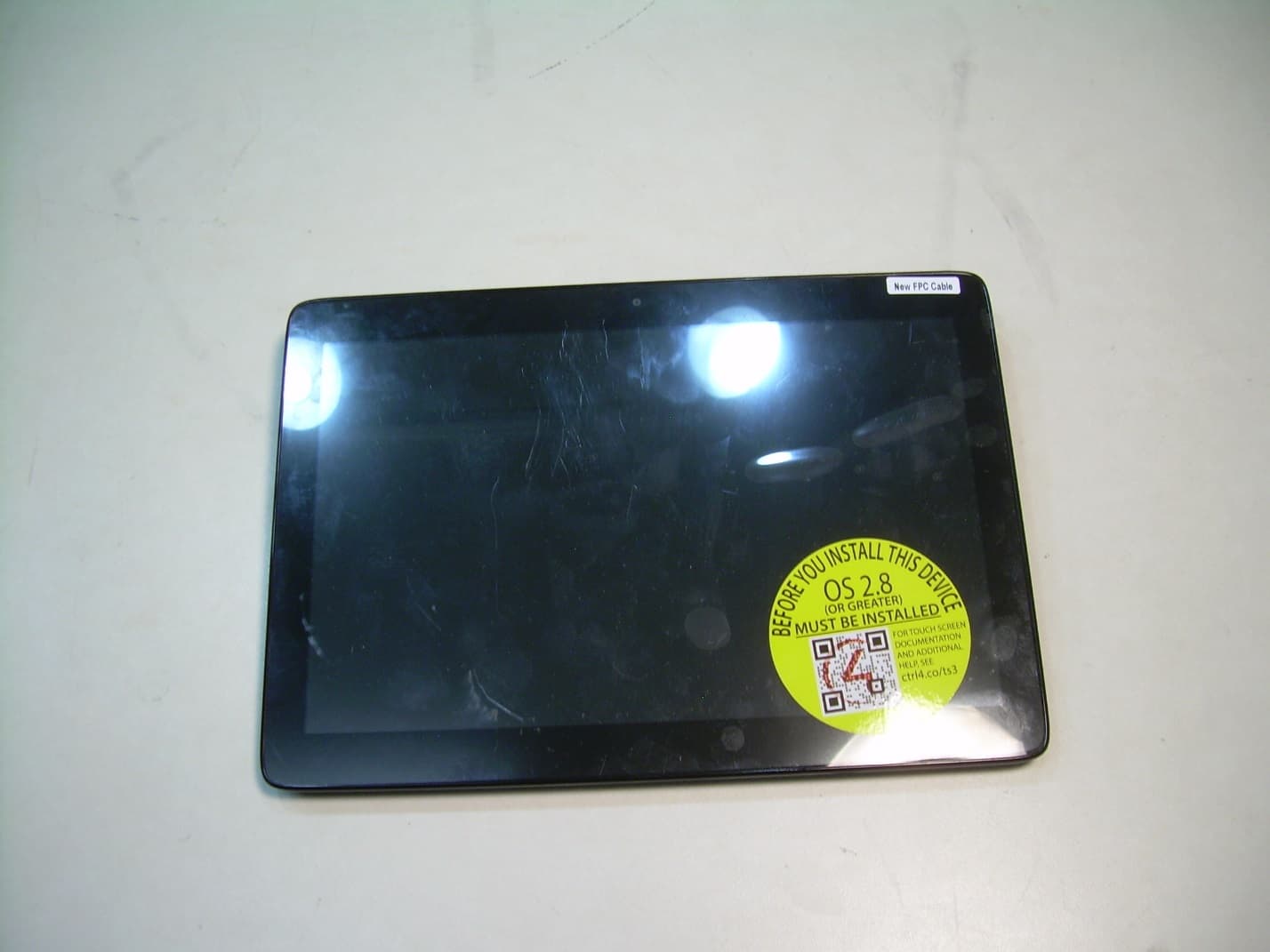
R33C4TT10
Jan 26, 2016Touchscreen Display for home automation system
Equipment Class
DTS - Digital Transmission System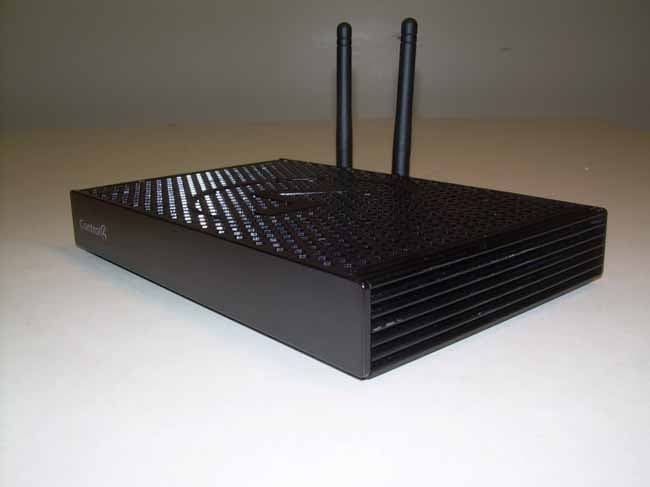
R33C4EA1
Jan 25, 2016Controller for home automation system
Equipment Class
DTS - Digital Transmission System
R33C4LGWM
Mar 24, 2015WIFI MODULE
Equipment Class
DTS - Digital Transmission System
R33C4SR260
Mar 18, 2015Remote control
Equipment Class
DTS - Digital Transmission System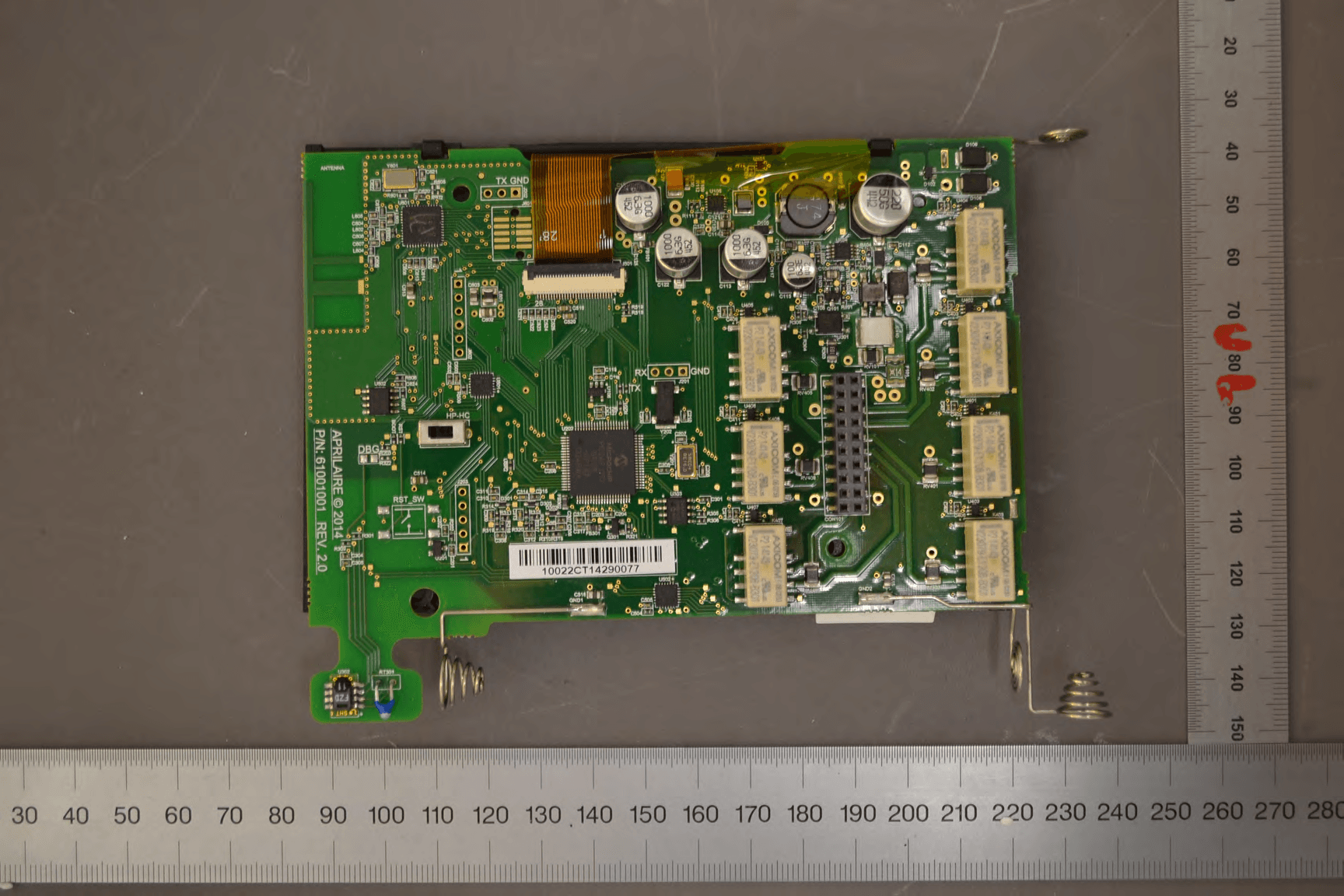
R33C4THERM
Feb 09, 2015THERMOMETER
Equipment Class
DTS - Digital Transmission System