SW8WA2200Wireless Audio Box
Good Way Technology Co., Ltd.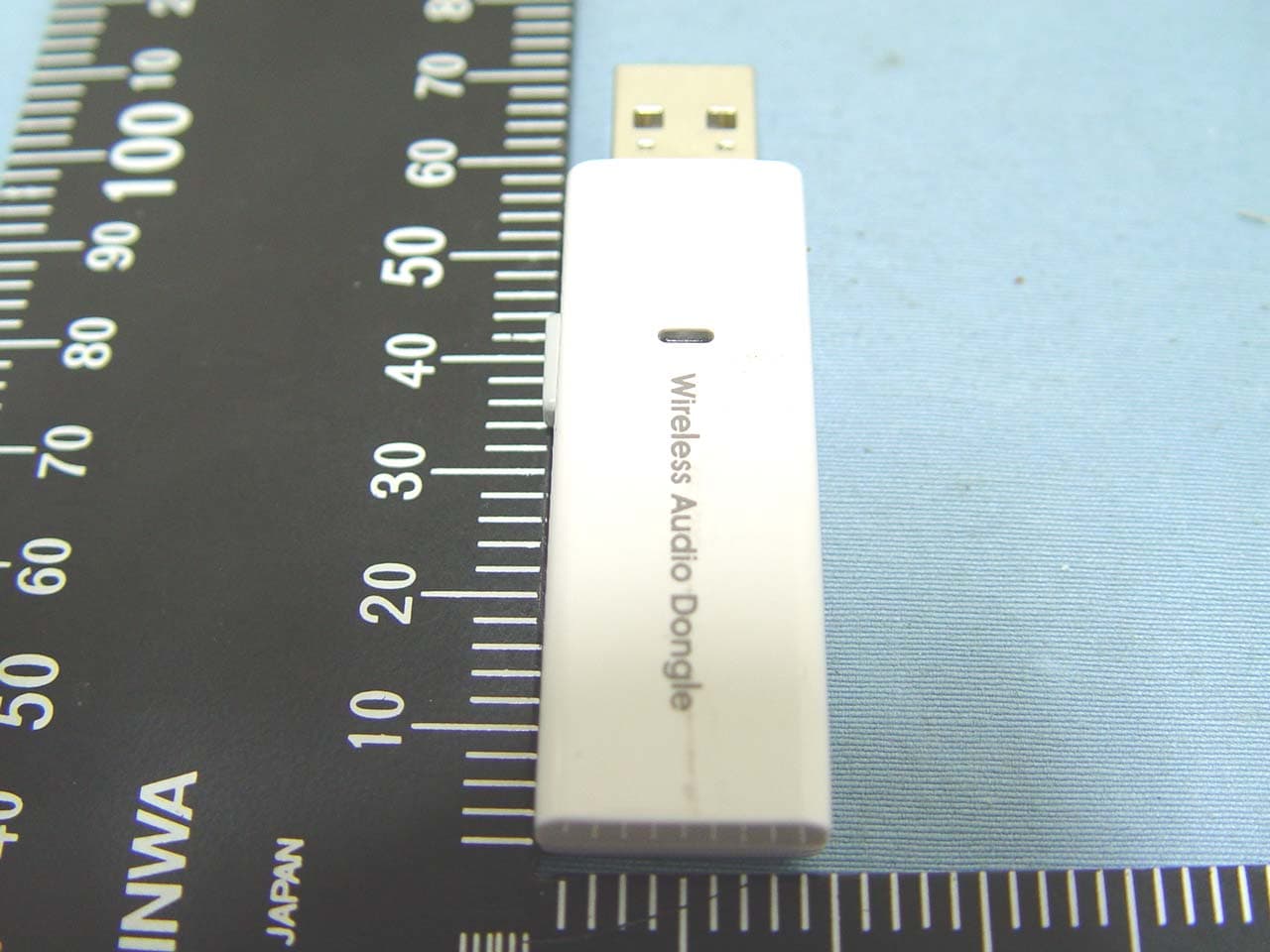
Click to zoom
Application Details
- Equipment Class
- DSS - Part 15 Spread Spectrum Transmitter
- Date of Grant
- Jan 28, 2010
- Application Purpose
- Original Equipment
- Date of Application
- Jan 28, 2010
- Equipment Note
- Wireless Audio Box
- Frequency Range
- 2406.00000000 - 2472.00000000
- Country
- Taiwan
Documents & Files
Document Text
Text extracted from the exhibit documents filed with the FCC. Open a document above to read the original.
Users Manual
WIRELESS AUDIO BOX User’s Manual ABOUT THIS MANUAL This manual is designed for use with the Wireless Audio Adapter. Information in this document has been carefully checked for accuracy; however, no guarantee is given to the correctness of the contents. The information in this document is subject to change without notice. The manufacturer does not make any representations or warranties (implied or otherwise) regarding the accuracy and completeness of this document and shall in no event be liable for any loss of profit or any commercial damage, including but not limited to special, incidental, consequential, or other damage. SAFETY INSTRUCTIONS Always read the safety instructions carefully: Keep this User’s Manual for future reference Keep this equipment away from humidity If any of the following situation arises, get the equipment checked by a service technician: • The equipment has been exposed to moisture. • The equipment has been dropped and damaged. • The equipment has obvious sign of breakage. •The equipment has not been working well or you cannot get it to work according to the User’s Manual. COPYRIGHT This document contains proprietary information protected by copyright. All right are reserved. No part of this manual may be reproduced by any mechanical, electronic or other means, in any form, without prior written permission of the manufacturer. i Table of Contents Table of Contents 1. Introduction .................................................................................................................... 1 Features ......................................................................................................................... 2 Package Contents.......................................................................................................... 2 System Requirements .................................................................................................... 2 2. Using the Adapter .......................................................................................................... 3 Hardware Connection..................................................................................................... 3 How to Use Your Wireless Audio Adapter....................................................................... 4 3. Specifications................................................................................................................. 5 4. Regulatory Compliance................................................................................................. 6 FCC Conditions.............................................................................................................. 6 CE .................................................................................................................................. 6 WEEE Information.......................................................................................................... 6 ii 1. Introduction 1. Introduction This Wireless Audio Adapter enables you wirelessly transmit music form your PC or Notebook site to the other listening room. Without messy wires, just simply connecting wireless audio dongle to your PC or Notebook for transmitting audio, and connecting the wireless audio box to your stereo’s speaker, you will enjoy the good quality of the sounds – offered by your stereo. You can also use the mobile strap to hang up the wireless audio box and take with as a MP3 player for private listening enjoyment though earphone. You are more flexible then ever before, since you don’t need to worry about the distance limitation by wired-cable. This Wireless Audio Adapter adopt the RF 2.4G wireless solutions and bundled with USB interface transmitter dongle and receiver box. The transmitter distance up to 45 meters and with Windows® 2000, XP and Vista™ and Mac OS X v10.x or later operation system support. 1 Features No more wires, and less cable clutter Proprietary 2.4GHz Wireless solution Easy system expansion with stereo sound support Plug and play, quick and convenient use, no driver / software installation. Low power consumption / Low audio noise Support 1-n Broadcasting Volume controlled through your computer or manually on the adapter Package Contents Wireless Audio Dongle x1 Wireless Audio Box x1 User’s Manual x1 AAA Battery x1 Mobile Strap x1 Power Adapter (Optional) x1 System Requirements The minimum requirements for the PC are: Intel Pentium III or AMD K6 500 CPU above At least 128MB RAM At least 50 MB hard disk space PC or Mac with one USB port : • • With one of the following operating systems Windows® 2000, XP and Vista™, Mac OS X v10.x or higher 2 2. Using the Adapter 2. Using the Adapter Hardware Connection 3 How to Use Your Wireless Audio Adapter Caution: DO NOT powered on the wireless audio box alone with battery insert and power adapter connected at the same time to avoid uncessery dangerous. No external driver installed under OS support of Win 2000, XP and Mac. Please follow the steps as below and complete the association process between Wireless Audio Dongle and Wireless Audio Box. 1. Plug the Wireless Audio Dongle into the USB port of PC or Mac, and you may find the LED start blinking for powered on indicator. 2. Powered on the Wireless Audio Box with battery insert or power adapter connected first, and then press the Wireless Audio Box PWR button over 3 seconds until the Wireless Audio Box LED start blinking for powered on indicator. 3. Press the Wireless Audio Dongle pairing bottom over 3 seconds first and then press the Wireless Audio Box Volume bottom over 3 seconds until you heard the beep sound form Wireless Audio Box to indictor the association successfully. 4. Now the association has been successfully, and you may start to use your audio adapter wirelessly. Note: The Wireless Audio Box will be automatically entry the power saving mode when no audio single receive after five minutes about, please re-push the PWR button for power on and keep use the Wireless Audi…
Text truncated - open the document above for the full version.
Cover Letter(s)
2.0
Cover Letter(s)
GOOD WAY TECHNOLOGY CO., LTD. Date:January 29, 2010 To Whom it may concern, FCC ID:SW8WA2200 This project only apply dongle(TX). Regards, Signature
External Photos
Compliance Certification Services Inc. Report No.: 91027203 Date of Issue: January 8, 2010 Page 2 Total Page: 11 Rev. 00
Internal Photos
Compliance Certification Services Inc. Report No.: 91027203 Date of Issue: January 8, 2010 Page 9 Rev. 00 Compliance Certification Services Inc. Report No.: 91027203 Date of Issue: January 8, 2010 Page 10 Rev. 00 Compliance Certification Services Inc. Report No.: 91027203 Date of Issue: January 8, 2010 Page 11 Rev. 00 Chip Antenna Compliance Certification Services Inc. Report No.: 91027203 Date of Issue: January 8, 2010 Page 12 Rev. 00 Compliance Certification Services Inc. Report No.: 91027203 Date of Issue: January 8, 2010 Page 13 Rev. 00
Test Report
Compliance Certification Services Inc. Report No.: 91027203-RP1 FCC ID: SW8WA2200 Date of Issue: January 28, 2010 Note: This report shall not be reproduced except in full, without the written approval of Compliance Certification Services Inc. This document may be altered or revised by Compliance Certification Services Inc. personnel only, and shall be noted in the revision section of the document. Page 1 Total Page: 46 Rev. 00 FCC 47 CFR PART 15 SUBPART C TEST REPORT For WIRELESS AUDIO BOX Model: WA2200 Trade Name: GOOD WAY Issued to GOOD WAY TECHNOLOGY CO., LTD. 3F, No. 135, Lane 235, Pau Chiao Rd., Hsin-Tien City, Taipei Hsien, Taiwan, R.O.C. Issued by Compliance Certification Services Inc. No. 11, Wu-Gong 6 th Rd., Wugu Industrial Park, Taipei Hsien 248, Taiwan (R.O.C.) http://www.ccsemc.com.tw [email protected] Compliance Certification Services Inc. Report No.: 91027203-RP1 FCC ID: SW8WA2200 Date of Issue: January 28, 2010 Page 2 Rev. 00 TABLE OF CONTENTS 1. TEST RESULT CERTIFICATION.................................................................................................3 2. EUT DESCRIPTION ........................................................................................................................4 3. TEST METHODOLOGY .................................................................................................................5 3.1 EUT CONFIGURATION.....................................................................................................................5 3.2 EUT EXERCISE.................................................................................................................................5 3.3 GENERAL TEST PROCEDURES..........................................................................................................5 3.4 FCC PART 15.205 RESTRICTED BANDS OF OPERATIONS......................................................6 3.5 DESCRIPTION OF TEST MODES........................................................................................................7 4. INSTRUMENT CALIBRATION.....................................................................................................8 4.1 MEASURING INSTRUMENT CALIBRATION...................................................................................8 4.2 MEASUREMENT EQUIPMENT USED ......................................................................................8 4.3 MEASUREMENT UNCERTAINTY ............................................................................................9 5. FACILITIES AND ACCREDITATIONS .....................................................................................10 5.1 FACILITIES ....................................................................................................................................10 5.2 EQUIPMENT...................................................................................................................................10 5.3 TABLE OF ACCREDITATIONS AND LISTINGS..................................................................................11 6. SETUP OF EQUIPMENT UNDER TEST ....................................................................................12 6.1 SETUP CONFIGURATION OF EUT....................................................................................................12 6.2 SUPPORT EQUIPMENT ............................................................................................................12 7. FCC PART 15.247 REQUIREMENTS..........................................................................................13 7.1 20 DB BANDWIDTH..................................................................................................................13 7.2 PEAK POWER.................................................................................................................................16 7.3 A VERAGE POWER.........................................................................................................................17 7.4 BAND EDGES MEASUREMENT .............................................................................................18 7.5 FREQUENCY SEPARATION ....................................................................................................23 7.6 NUMBER OF HOPPING FREQUENCY....................................................................................25 7.7 TIME OF OCCUPANCY (DWELL TIME) ................................................................................28 7.8 SPURIO US EMISSIONS .............................................................................................................30 7.9 POWERLINE CONDUCTED EMISSIONS............................................................................................40 APPENDIX I RADIO FREQUENCY EXPOSURE ............................................................................43 APPENDIX II PHOTOGRAPHS OF TEST SETUP ..........................................................................44 Compliance Certification Services Inc. Report No.: 91027203-RP1 FCC ID: SW8WA2200 Date of Issue: January 28, 2010 Page 3 Rev. 00 1. TEST RESULT CERTIFICATION Applicant: GOOD WAY TECHNOLOGY CO., LTD. 3F, No. 135, Lane 235, Pau Chiao Rd., Hsin-Tien City, Taipei Hsien, Taiwan, R.O.C. Equipment Under Test: WIRELESS AUDIO BOX Tr a d e N a m e : GOOD WAY Model: WA2200 Date of Test: November 21, 2009 ~ January 28, 2010 APPLICABLE STANDARDS STANDARD TEST RESULT FCC 47 CFR Part 15 Subpart C No non-compliance noted We hereby certify that: The above equipment was tested by Compliance Certification Services Inc. The test data, data evaluation, test procedures, and equipment configurations shown in this report were made in accordance with the procedures given in ANSI C63.4: 2003 and the energy emitted by the sample EUT tested as described in this report is in compliance with the requirements of FCC Rules Part 15.207, 15.209, 15.247. The test results of this report relate only to the tested sample EUT identifie…
Text truncated - open the document above for the full version.
Test Setup Photos
Compliance Certification Services Inc. Report No.: 91027203-RP1 FCC ID: SW8WA2200 Date of Issue: January 4, 2009 Page 43 Rev. 00 APPENDIX II PHOTOGRAPHS OF TEST SETUP CONDUCTED EMISSION SETUP PHOTO Compliance Certification Services Inc. Report No.: 91027203-RP1 FCC ID: SW8WA2200 Date of Issue: January 4, 2009 Page 44 Rev. 00 RADIATED EMISSION SETUP PHOTOS Compliance Certification Services Inc. Report No.: 91027203-RP1 FCC ID: SW8WA2200 Date of Issue: January 4, 2009 Page 45 Rev. 00 POWERLINE CONDUCTED EMISSIONS SETUP PHOTOS
Contact Information
Applicant
Alex Lee(Manager)
Technical Contact
Compliance Certification Services Inc.Celia Hsieh
No.11, Wu-gong 6th Rd., · Taipei Hsien · Taiwan
Test Firm
Compliance Certification Services Inc.Hank Lee
Technical Specifications
| # | Rule Parts | Frequency Range | Power Output |
|---|---|---|---|
| 1 | 15C | 2.41 GHz - 2.47 GHz | 7.02 mW |
Other Applications from Good Way Technology Co., Ltd.
SW8SD42000N1
Mar 17, 2024Human Presence Sensor
Equipment Class
DTS - Digital Transmission System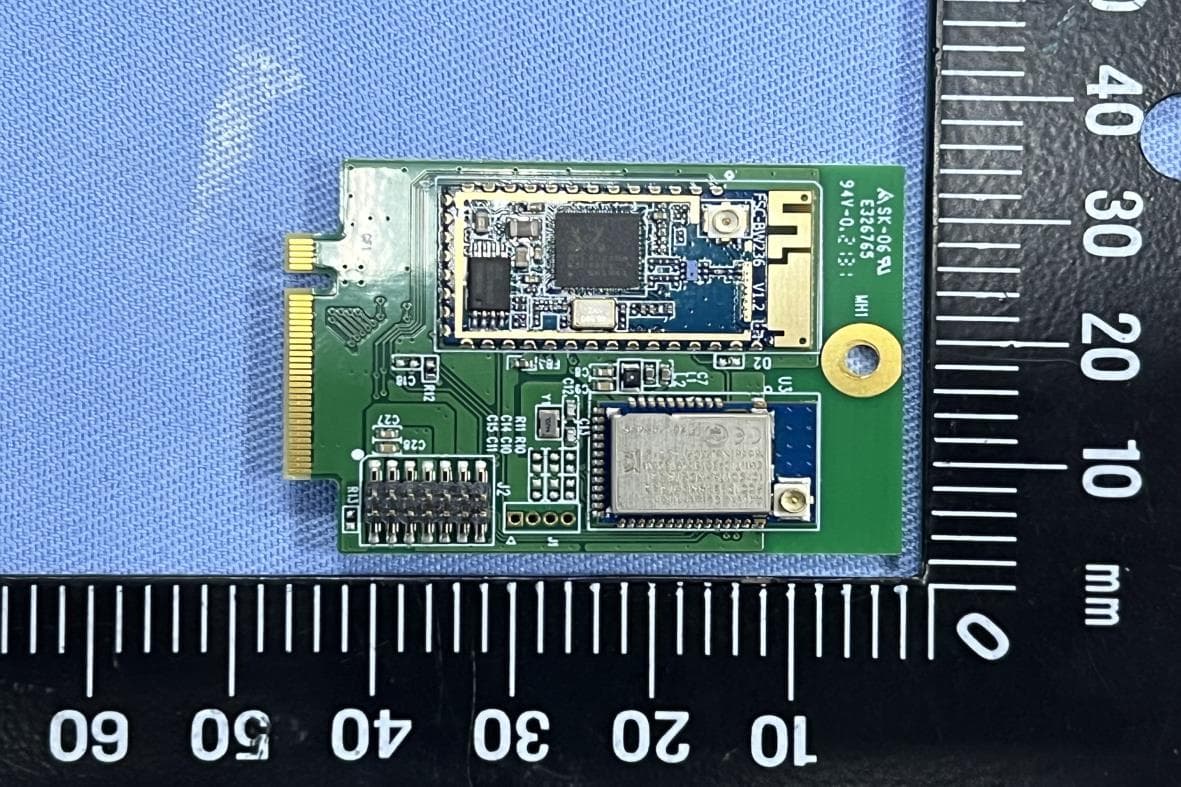
SW8TM51010
Jun 05, 2022Wi-Fi & BLE M.2 Wireless Module
Equipment Class
NII - Unlicensed National Information Infrastructure TX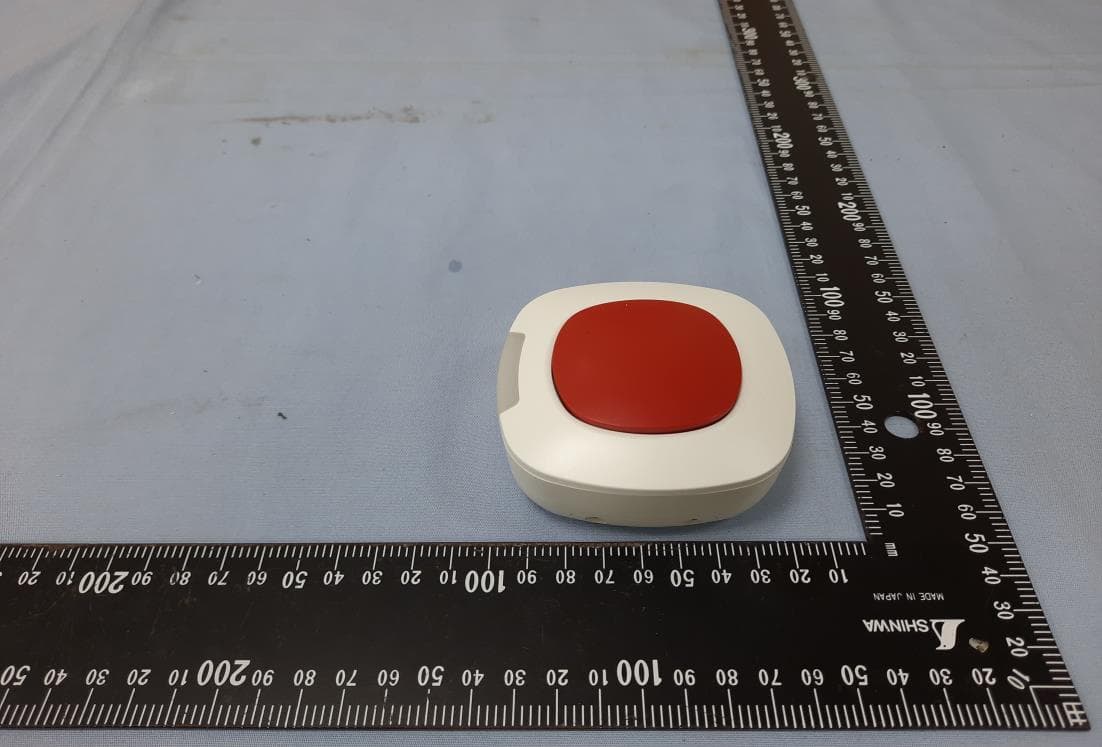
SW8TR1B100Z1S
Jul 12, 2020Scene Button
Equipment Class
DXX - Part 15 Low Power Communication Device Transmitter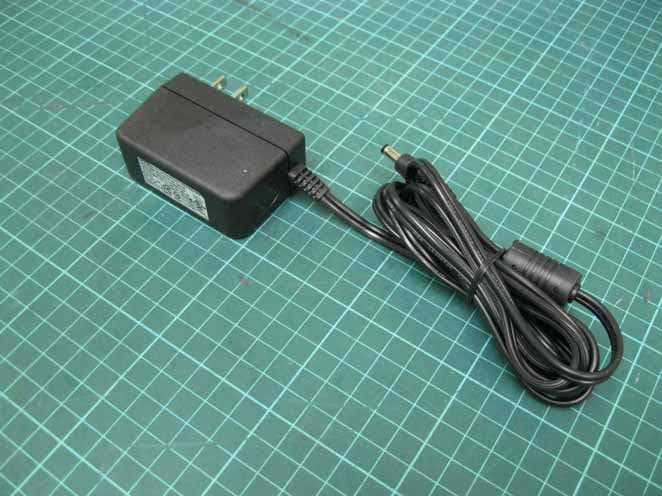
SW8ZGATE
Oct 08, 2014802.11b/g/n and Z-WAVE
Equipment Class
DXX - Part 15 Low Power Communication Device Transmitter
SW8-WD9012R1
Sep 18, 2014HP Wireless Streaming Connector
Equipment Class
DTS - Digital Transmission System