UCE211048AUMTS / GSM Cellular Mobile Radio with Bluetooth, WLAN and RFID
Panasonic Connect Co., Ltd.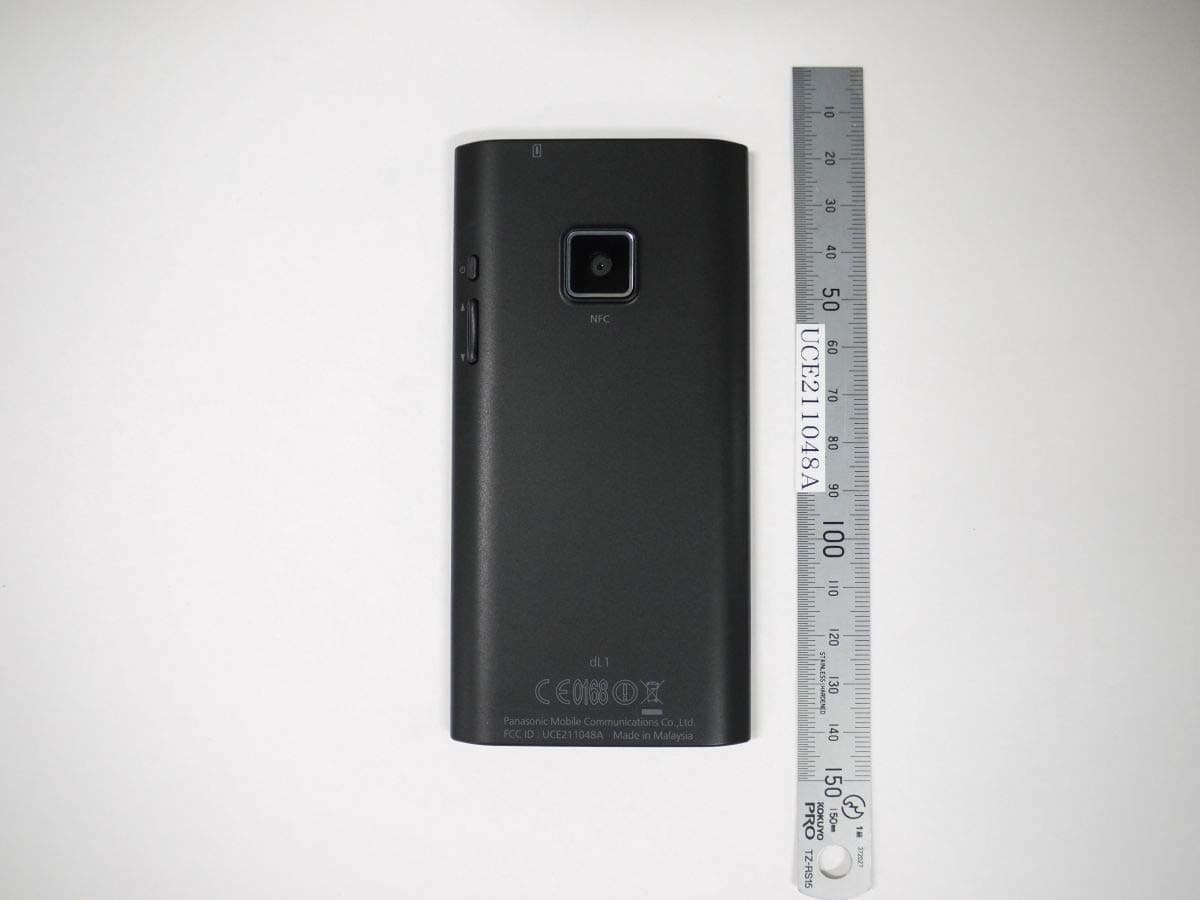
Click to zoom
Application Details
- Equipment Class
- DTS - Digital Transmission System
- Date of Grant
- Feb 14, 2012
- Application Purpose
- Original Equipment
- Date of Application
- Feb 14, 2012
- Equipment Note
- UMTS / GSM Cellular Mobile Radio with Bluetooth, WLAN and RFID
- Frequency Range
- 2412.00000000 - 2462.00000000
- Company
- Panasonic Connect Co., Ltd.
- Country
- Japan
Documents & Files
Document Text
Text extracted from the exhibit documents filed with the FCC. Open a document above to read the original.
Users Manual
User Guide Smartphone dL1 Model No.EB-3901 Thank you for purchasing a Panasonic smartphone. To ensure safe and proper operation of this product, please read the included Important Information before using this product. Table of Contents Introduction ..............................................................................................5 Getting started ..........................................................................................6 Inserting the SIM card .......................................................................................................6 Charging the battery .........................................................................................................6 Turning the phone on .......................................................................................................7 Unlocking the screen ........................................................................................................8 Configuring the phone for the first time .........................................................................8 Getting to know your phone ...................................................................9 Phone overview .................................................................................................................9 Front panel buttons ( ) .......................................................................................10 Using the touch panel screen ........................................................................................10 Switching between vertical and horizontal viewing modes ........................................12 Home screen ....................................................................................................................12 App List ............................................................................................................................13 Using apps .......................................................................................................................14 Status and notifications .................................................................................................15 Typing on your phone ....................................................................................................15 Customising your phone ................................................................................................17 eco mode .........................................................................................................................19 Stereo headset ................................................................................................................19 Connecting to networks ........................................................................21 Connecting to mobile networks .....................................................................................21 Connecting to Wi-Fi networks .......................................................................................22 Connecting to VPNs ........................................................................................................23 Creating a Wi-Fi hotspot .................................................................................................24 Calling .....................................................................................................25 Making emergency calls .................................................................................................25 Making calls .....................................................................................................................25 Using other features during a call .................................................................................25 Answering calls ...............................................................................................................26 Call log .............................................................................................................................26 Voicemail .........................................................................................................................27 Call forwarding ................................................................................................................27 Call waiting ......................................................................................................................28 Call barring ......................................................................................................................28 Conference calls .............................................................................................................29 Sending your caller information (Caller ID) ..................................................................29 Call reject .........................................................................................................................30 Fixed dialling ...................................................................................................................30 Phonebook ..............................................................................................31 Adding contacts to your phone .....................................................................................31 Managing your contacts .................................................................................................32 Sharing and backing up contacts ..................................................................................32 Email ........................................................................................................34 Setting up an email account ..........................................................................................34 2User Guide Table of Contents Using email ......................................................................................................................34 Using email accounts .............................................................…
Text truncated - open the document above for the full version.
Users Manual
Important Information Smartphone dL1 Model No. Thank you for purchasing a Panasonic smartphone. Please read this document before using the product and keep this document in a safe place for future reference. EB-3901 2 Table of Contents Introduction .............................................................. 3 For your safety ......................................................... 4 FCC notice .............................................................. 14 FCC RF exposure information .............................. 15 SAR (Specific Absorption Rates) ......................... 16 Disposal information ............................................. 17 Other information .................................................. 18 End-user licence .................................................... 19 Disclaimer............................................................... 20 Support information .............................................. 21 Specifications ........................................................ 22 Declaration of conformity ..................................... 23 Trademarks ............................................................ 23 Licences ................................................................. 24 Adobe ® Flash ® Player End User License Agreement .............................................................. 25 3 Introduction This product is designed for use in the following countries. Product documentation The following documentation is available for your phone. Important Information (this document) Provides information about how to use your phone safely. Quick Start Guide Briefly introduces you to your phone, explains how to use it for the first time, and provides information about frequently used features. User Guide (available for download) Introduces you to your phone, explains how to configure and customise it, and provides information and instructions on how to use many of your phone’s features. You can download the User Guide from the Panasonic web site. See http://panasonic.net/pmc/support/instructions/index.html for download information. Note: The illustrations shown in this document are for reference only and may differ from the appearance of the actual product. ATBECYCZDKEEFIFR DEGRHUIEITLVLTLU MTNLPLPTSKSIESSE GBISLINOCHBGROTR 4 For your safety Read the following carefully before using the product to ensure proper and safe operation. Failure to adhere to the following may cause severe injury, loss of life and/or property, or be illegal. Power connection • Use only the power source marked on the AC adaptor. Failure to do so may result in overheating which can cause a fire. • Using an AC adaptor other than the one supplied or one sold separately as an accessory may result in a fire. • Never touch the AC adaptor plug with wet hands, as this can cause electric shock. • Do not charge the product when it is wet, as this can cause electric shock or a short circuit. • Clean the AC adaptor regularly to remove any dust or other contaminants by disconnecting it from the power outlet, then wiping it with a dry cloth. • Insert the AC adaptor completely into the power outlet. Failure to do so may cause electric shock and excessive heat resulting in a fire. • When connecting the AC adaptor, do not allow conductive materials such as rings, bracelets, or keys to touch the WARNING Indicates a potential hazard that could result in serious injury or death. CAUTION Indicates a potential hazard that could result in minor injury, damage to the product or other equipment, or data loss. NOTICEIndicates useful information and usage tips. WARNING 5 plug, as this can cause a short circuit and cause the conductive material to overheat, resulting in burns. • Use the AC adaptor in a well-ventilated room (5°C - 40°C) and out of direct sunlight. • When disconnecting the AC adaptor from the power outlet, take hold of the AC adaptor to disconnect it, otherwise fire, burns, or electric shock may result. • Disconnect the AC adaptor from the power outlet if it emits smoke, an abnormal smell, or makes an unusual noise. • Disconnect the AC adaptor from the power outlet before cleaning the product or the AC adaptor. Do not use liquid or aerosol cleaners when cleaning; use a soft, dry cloth. Battery • This product uses a battery that is built-in and is not user- serviceable. Do not attempt to remove the battery yourself. The battery may only be replaced at an authorised service centre. • Using unspecified batteries may cause an explosion. Contact an authorised service centre if the battery needs to be replaced. • Do not charge the battery using methods other than those specified. If the battery is not charged using one of the specified methods, electrolyte leakage, generation of heat, ignition or rupture may result. • Should the electrolyte from the battery get into your eyes, do not rub your eyes. Immediately flush your eyes with clean water and see a doctor for medical treatment as soon as possible. Potentially explosive environments • Do not use the product where a potentially explosive atmosphere exists, such as fuelling areas, fuel storehouses, chemical plants, fuel or chemical transfer or storage facilities, spray paint booths, near fuel tanks, in 6 sumps, or in any location where aerosols, vapours, mists, gases, or dust exist, or when in a blasting area. • Do not use the product in areas where the atmosphere contains chemicals or particles that contain grain, dust, or metallic powders, as these can cause an explosion. • Turn off the product when directed by warning signs or instructions. Small children • Keep the product and all accessories out of reach of children. They could hurt themselves or others, or could accidentally damage the product. • The product contains small parts with sharp edges that may cause an injury or which could become detached and create a choking hazard. SIM card • Do not allow water or other liquids, foreign materials such as metal objects, or flammable …
Text truncated - open the document above for the full version.
ID Label/Location Info
■ ■ EB EB - - 3091 3091 _FCCID Location FCCID _FCCID Location FCCID : : UCE211048A (Rear View) <Top> <Bottom> Production Company Name Product/Trade Name
RF Exposure Info
TEST REPORT FROM RFI GLOBAL SERVICES LTD Test of: EB-3901 To: OET Bulletin 65 Supplement C: (2001-01) Test Report Serial No: RFI-SAR-RP85011JD03A V2.0 Version 2.0 supersedes all previous versions This Test Report Is Issued Under The Authority Of Chris Guy, Head of Global Approvals: pp Brian Watson (APPROVED SIGNATORY) Checked By: Richelieu Quoi (APPROVED SIGNATORY) Issue Date: 25 January 2012 Test Dates: 5 January To 18 January 2012 This report is issued in portable document format (PDF). It is only a valid copy of the report if it is being viewed in PDF format with the following security options not allowed: Changing the document, Selecting text and graphics, Adding or changing notes and form fields. This report may not be reproduced other than in full, except with the prior written approval of RFI Global Services Ltd. The results in this report apply only to the sample(s) tested. The Bluetooth® word mark and logos are owned by the Bluetooth SIG, Inc. and any use of such marks by RFI Global Services Ltd. is under license. Other trademarks and trade names are those of their respective owners. Test Report Serial No: RFI-SAR-RP85011JD03A V2.0 Version 2.0 Issue Date: 25 January 2012 Page: 2 of 132 RFI Global Services Ltd. This page has been left intentionally blank. Test Report Serial No: RFI-SAR-RP85011JD03A V2.0 Version 2.0 Issue Date: 25 January 2012 Page: 3 of 132 RFI Global Services Ltd. TABLE OF CONTENTS 1. Customer Information ...................................................................................................... 4 2. Equipment Under Test (EUT) ........................................................................................... 5 3. Test Specification, Methods and Procedures ................................................................ 9 4. Deviations from the Test Specification ......................................................................... 10 5. Operation and Configuration of the EUT during Testing ............................................ 11 6. Summary of Test Results ............................................................................................... 13 7. Measurements, Examinations and Derived Results .................................................... 15 8. Measurement Uncertainty .............................................................................................. 33 Appendix 1. Test Equipment Used .................................................................................... 40 Appendix 2. Measurement Methods .................................................................................. 43 Appendix 3. SAR Distribution Scans ................................................................................ 45 Appendix 4. Photographs .................................................................................................. 99 Appendix 5. Validation of System ................................................................................... 126 Appendix 6. Simulated Tissues ....................................................................................... 129 Appendix 7. DASY4 System Details ................................................................................ 130 Test Report Serial No: RFI-SAR-RP85011JD03A V2.0 Version 2.0 Issue Date: 25 January 2012 Page: 4 of 132 RFI Global Services Ltd. 1. Customer Information Company Name: Panasonic Mobile Comms Dev of Europe Ltd Address: Panasonic House, Willoughby Road, Bracknell, Berkshire, RG12 8FP, United Kingdom Test Report Serial No: RFI-SAR-RP85011JD03A V2.0 Version 2.0 Issue Date: 25 January 2012 Page: 5 of 132 RFI Global Services Ltd. 2. Equipment Under Test (EUT) 2.1. Identification of Equipment Under Test (EUT) Description: Mobile Handset Brand Name: Panasonic Model Name or Number: EB-3901 Serial Number: None Stated (Customer Reference C28) IMEI Number: 004401221201078 Hardware Version Number: Rev C Software Version Number: ACPU:eu-07-0181 CCPU:R1B_1_EC02_01_E02 Hardware Revision of GSM Module: Not Applicable Software Revision of GSM Module: Not Applicable FCC ID Number: UCE211048A Country of Manufacture: Malaysia Date of Receipt: 05 January 2012 Note(s): This sample was used to perform 2G and WLAN SAR evaluations only. The sample supports simultaneous transmission with the WWAN and WLAN antenna > 5 cm apart. Wireless Personal Hotspot is also supported and was evaluated as per KDB 941225 D06 "Hot Spot SAR v01" Description: Mobile Handset Brand Name: Panasonic Model Name or Number: EB-3901 Serial Number: None Stated (Customer Reference C30) IMEI Number: 004401221201094 Hardware Version Number: Rev C Software Version Number: ACPU:eu-07-0181 CCPU:R1B_1_EC02_01_E02 Hardware Revision of GSM Module: Not Applicable Software Revision of GSM Module: Not Applicable FCC ID Number: UCE211048A Country of Manufacture: Malaysia Date of Receipt: 05 January 2012 Note(s): This sample was used to perform 2G and WLAN conducted power measurements evaluation only. The sample supports simultaneous transmission with the WWAN and WLAN antenna > 5 cm apart. Wireless Personal Hotspot is also supported and was evaluated as per KDB 941225 D06 "Hot Spot SAR v01" Test Report Serial No: RFI-SAR-RP85011JD03A V2.0 Version 2.0 Issue Date: 25 January 2012 Page: 6 of 132 RFI Global Services Ltd. 2.2. Description of EUT The equipment under test was a Dual-Band GSM mobile handset operating in the GSM850, PCS1900 and Wi-Fi 2450 bands. The EUT has GPRS class 12, WiFi802.11b/g/n, Wireless Personal Hotspot Mode, Bluetooth and RFID capabilities. 2.3. Modifications Incorporated in the EUT EUT (IMEI: 004401221201078) was used to perform 2G and WLAN SAR evaluations only. EUT (IMEI: 004401221201094) was used for perform 2G and WLAN conducted power measurements only. Test Report Serial No: RFI-SAR-RP85011JD03A V2.0 Version 2.0 Issue Date: 25 January 2012 Page: 7 of 132 RFI Global Services Ltd. 2.4. Accessories The following accessories were supplied with the EUT during testing: Descript…
Text truncated - open the document above for the full version.
RF Exposure Info
Test Report Serial No: RFI-SAR-RP85011JD03A V2.0 Version 2.0 Issue Date: 25 January 2012 Page: 45 of 132 RFI Global Services Ltd. Appendix 3. SAR Distribution Scans This appendix contains SAR distribution scans which are not included in the total number of pages for this report. Scan Reference Number Title SCN/85011JD03/001 Touch Left GSM CH189 SCN/85011JD03/002 Tilt Left GSM CH189 SCN/85011JD03/003 Touch Right GSM CH189 SCN/85011JD03/004 Tilt Right GSM CH189 SCN/85011JD03/005 Touch Right GPRS CH189 SCN/85011JD03/006 Touch Right EGPRS CH189 SCN/85011JD03/007 Front of EUT Facing Phantom Hotspot Mode GPRS CH189 SCN/85011JD03/008 Rear of EUT Facing Phantom Hotspot Mode GPRS CH189 SCN/85011JD03/009 Left Hand Side of EUT Facing Phantom Hotspot Mode GPRS CH189 SCN/85011JD03/010 Right Hand Side of EUT Facing Phantom Hotspot Mode GPRS CH189 SCN/85011JD03/011 Bottom of EUT Facing Phantom Hotspot Mode GPRS CH189 SCN/85011JD03/012 Rear of EUT Facing Phantom Hotspot Mode EGPRS CH189 SCN/85011JD03/013 Rear of EUT Facing Phantom Hotspot Mode GSM CH189 SCN/85011JD03/014 Rear of EUT Facing Phantom Hotspot Mode with PHF GPRS CH189 SCN/85011JD03/015 Touch Left PCS CH660 SCN/85011JD03/016 Tilt Left PCS CH660 SCN/85011JD03/017 Touch Right PCS CH660 SCN/85011JD03/018 Tilt Right PCS CH660 SCN/85011JD03/019 Touch Right GPRS CH660 SCN/85011JD03/020 Touch Right EGPRS CH660 SCN/85011JD03/021 Front of EUT Facing Phantom Hotspot Mode GPRS CH660 SCN/85011JD03/022 Rear of EUT Facing Phantom Hotspot Mode GPRS CH660 SCN/85011JD03/023 Left Hand Side of EUT Facing Phantom Hotspot Mode GPRS CH660 SCN/85011JD03/024 Right Hand Side of EUT Facing Phantom Hotspot Mode GPRS CH660 SCN/85011JD03/025 Bottom of EUT Facing Phantom Hotspot Mode GPRS CH660 SCN/85011JD03/026 Rear of EUT Facing Phantom Hotspot Mode EGPRS CH660 SCN/85011JD03/027 Rear of EUT Facing Phantom Hotspot Mode PCS CH660 SCN/85011JD03/028 Rear of EUT Facing Phantom With PHF Hotspot Mode EGPRS CH660 SCN/85011JD03/029 Touch Left WLAN 802.11b 1Mbps CH6 SCN/85011JD03/030 Tilt Left WLAN 802.11b 1Mbps CH6 SCN/85011JD03/031 Touch Right WLAN 802.11b 1Mbps CH6 SCN/85011JD03/032 Tilt Right WLAN 802.11b 1Mbps CH6 SCN/85011JD03/033 Tilt Right WLAN 802.11g 6Mbps CH6 SCN/85011JD03/034 Tilt Right WLAN 802.11n 6.5Mbps CH6 Test Report Serial No: RFI-SAR-RP85011JD03A V2.0 Version 2.0 Issue Date: 25 January 2012 Page: 46 of 132 RFI Global Services Ltd. SAR Distribution Scans (Continued) Scan Reference Number Title SCN/85011JD03/035 Front of EUT Facing Phantom Hotspot Mode WLAN 802.11b 1Mbps CH6 SCN/85011JD03/036 Rear of EUT Facing Phantom Hotspot Mode WLAN 802.11b 1Mbps CH6 SCN/85011JD03/037 Left Hand Side of EUT Facing Phantom Hotspot Mode WLAN 802.11b 1Mbps CH6 SCN/85011JD03/038 Right Hand Side of EUT Facing Phantom Hotspot Mode WLAN 802.11b 1Mbps CH6 SCN/85011JD03/039 Top of EUT Facing Phantom Hotspot Mode WLAN 802.11b 1Mbps CH6 SCN/85011JD03/040 Rear of EUT Facing Phantom Hotspot Mode WLAN 802.11g 6Mbps CH6 SCN/85011JD03/041 Rear of EUT Facing Phantom Hotspot Mode WLAN 802.11n 6.5Mbps CH6 SCN/85011JD03/042 Rear of EUT Facing Phantom With PHF Hotspot Mode WLAN 802.11b 1Mbps CH6 SCN/85011JD03/043 System Performance Check 900MHz Head 05 01 12 SCN/85011JD03/044 System Performance Check 900MHz Head 06 01 12 SCN/85011JD03/045 System Performance Check 900MHz Body 09 01 12 SCN/85011JD03/046 System Performance Check 900MHz Body 10 01 12 SCN/85011JD03/047 System Performance Check 900MHz Body 11 01 12 SCN/85011JD03/048 System Performance Check 1900MHz Head 11 01 12 SCN/85011JD03/049 System Performance Check 1900MHz Body 13 01 12 SCN/85011JD03/050 System Performance Check 2450MHz Head 17 01 12 SCN/85011JD03/051 System Performance Check 2450MHz Body 17 01 12 SCN/85011JD03/052 System Performance Check 2450MHz Body 18 01 12 Test Report Serial No: RFI-SAR-RP85011JD03A V2.0 Version 2.0 Issue Date: 25 January 2012 Page: 47 of 132 RFI Global Services Ltd. SCN/85011JD03/001: Touch Left GSM CH189 Date 05/01/2012 DUT: Panasonic Mobile Comms Dev of Europe Ltd; Type: EU12BR5 (Sample C28); Serial: 004401221201078 0 dB = 0.204mW/g Communication System: 850 MHz; Frequency: 836.4 MHz;Duty Cycle: 1:8.3 Medium: 900 MHz HSL Medium parameters used (interpolated): f = 836.4 MHz; σ = 0.884 mho/m; ε r = 42.1; ρ = 1000 kg/m 3 Phantom section: Left Section DASY4 Configuration: - Probe: ET3DV6 - SN1528; ConvF(5.85, 5.85, 5.85); Calibrated: 18/07/2011 - Sensor-Surface: 4mm (Mechanical Surface Detection) - Electronics: DAE3 Sn450; Calibrated: 09/02/2011 - Phantom: SAM 12b; Type: SAM 4.0; Serial: TP:1207 - Measurement SW: DASY4, V4.7 Build 55; Postprocessing SW: SEMCAD, V1.8 Build 176 Touch Left - Middle/Area Scan (81x121x1): Measurement grid: dx=15mm, dy=15mm Maximum value of SAR (interpolated) = 0.204 mW/g Touch Left - Middle/Zoom Scan (5x5x7) (5x5x7)/Cube 0: Measurement grid: dx=8mm, dy=8mm, dz=5mm Reference Value = 4.96 V/m; Power Drift = 0.000 dB Peak SAR (extrapolated) = 0.236 W/kg SAR(1 g) = 0.192 mW/g; SAR(10 g) = 0.145 mW/g Maximum value of SAR (measured) = 0.204 mW/g Test Report Serial No: RFI-SAR-RP85011JD03A V2.0 Version 2.0 Issue Date: 25 January 2012 Page: 48 of 132 RFI Global Services Ltd. SCN/85011JD03/002: Tilt Left GSM CH189 Date 05/01/2012 DUT: Panasonic Mobile Comms Dev of Europe Ltd; Type: EU12BR5 (Sample C28); Serial: 004401221201078 0 dB = 0.118mW/g Communication System: 850 MHz; Frequency: 836.4 MHz;Duty Cycle: 1:8.3 Medium: 900 MHz HSL Medium parameters used (interpolated): f = 836.4 MHz; σ = 0.884 mho/m; ε r = 42.1; ρ = 1000 kg/m 3 Phantom section: Left Section DASY4 Configuration: - Probe: ET3DV6 - SN1528; ConvF(5.85, 5.85, 5.85); Calibrated: 18/07/2011 - Sensor-Surface: 4mm (Mechanical Surface Detection) - Electronics: DAE3 Sn450; Calibrated: 09/02/2011 - Phantom: SAM 12b; Type: SAM 4.0; Serial: TP:1207 - Measurement SW: DASY4, V4.7 Build 55; Postprocessing SW: SEMCAD, V1.8 Build 176 Tilt Left - Middle/Area Scan (81x121x1): Measurement grid: dx=15mm, dy=15mm Maximum value of SAR (interpolat…
Text truncated - open the document above for the full version.
RF Exposure Info
Test Report Serial No: RFI-SAR-RP85011JD03A V2.0 Version 2.0 Issue Date: 25 January 2012 Page: 126 of 132 RFI Global Services Ltd. Appendix 5. Validation of System Prior to the assessment, the system was verified in the flat region of the phantom. 900MHz, 1800 MHz, 1900MHz and 2450 MHz dipole were used. A forward power of 250 mW was applied to the dipole and the system was verified to a tolerance of ±5% for the 900MHz, 1800MHz, 1900MHz and 2450 MHz dipoles. The applicable verification normalised to 1 Watt. 900 Head Validation: Date: 05/01/2012 Validation Dipole and Serial Number: D900V2; SN: 124 Simulant Frequency (MHz) Room Temp Liquid Temp Parameters Target Value Measured Value Deviation (%) Limit (%) Head 900 23.0ºC 22.8ºC ε r 41.50 41.96 1.12 5.00 σ 0.97 0.93 -4.47 5.00 1g SAR 11.00 10.88 -1.09 5.00 10g SAR 7.01 7.12 1.57 5.00 900 Body Validations: Date: 09/01/2012 Validation Dipole and Serial Number: D900V2; SN: 124 Simulant Frequency (MHz) Room Temp Liquid Temp Parameters Target Value Measured Value Deviation (%) Limit (%) Body 900 22.0ºC 22.2ºC ε r 55.00 52.51 -4.52 5.00 σ 1.05 1.04 -0.75 5.00 1g SAR 11.10 10.60 -4.50 5.00 10g SAR 7.14 6.92 -3.08 5.00 Date: 10/01/2012 Validation Dipole and Serial Number: D900V2; SN: 124 Simulant Frequency (MHz) Room Temp Liquid Temp Parameters Target Value Measured Value Deviation (%) Limit (%) Body 900 22.0ºC 22.2ºC ε r 55.00 52.51 -4.52 5.00 σ 1.05 1.04 -0.75 5.00 1g SAR 11.10 11.04 -0.54 5.00 10g SAR 7.14 7.16 0.28 5.00 Test Report Serial No: RFI-SAR-RP85011JD03A V2.0 Version 2.0 Issue Date: 25 January 2012 Page: 127 of 132 RFI Global Services Ltd. 1900 Head Validation: Date: 11/01/2012 Validation Dipole and Serial Number: D1900V2; SN: 540 Simulant Frequency (MHz) Room Temp Liquid Temp Parameters Target Value Measured Value Deviation (%) Limit (%) Head 1900 23.0ºC 22.1ºC ε r 40.00 38.31 -4.22 5.00 σ 1.40 1.46 4.22 5.00 1g SAR 40.30 40.80 1.24 5.00 10g SAR 21.00 21.08 0.38 5.00 1900 Body Validation: Date: 12/01/2012 Validation Dipole and Serial Number: D1900V2; SN: 540 Simulant Frequency (MHz) Room Temp Liquid Temp Parameters Target Value Measured Value Deviation (%) Limit (%) Body 1900 24.0ºC 23.7ºC ε r 53.30 51.53 -3.33 5.00 σ 1.52 1.59 4.38 5.00 1g SAR 40.70 41.20 1.23 5.00 10g SAR 21.60 21.72 0.56 5.00 Date: 13/01/2012 Validation Dipole and Serial Number: D1900V2; SN: 540 Simulant Frequency (MHz) Room Temp Liquid Temp Parameters Target Value Measured Value Deviation (%) Limit (%) Body 1900 24.0ºC 23.7ºC ε r 53.30 51.53 -3.33 5.00 σ 1.52 1.59 4.38 5.00 1g SAR 40.70 40.80 0.25 5.00 10g SAR 21.60 21.32 -1.30 5.00 Test Report Serial No: RFI-SAR-RP85011JD03A V2.0 Version 2.0 Issue Date: 25 January 2012 Page: 128 of 132 RFI Global Services Ltd. 2450 Head Validation: Date: 17/01/2012 Validation Dipole and Serial Number: D2450V2; SN: 725 Simulant Frequency (MHz) Room Temp Liquid Temp Parameters Target Value Measured Value Deviation (%) Limit (%) Head 2450 24.0 ºC 23.0 ºC ε r 39.20 38.36 -2.15 5.00 σ 1.80 1.82 0.96 5.00 1g SAR 52.90 51.20 -3.21 5.00 10g SAR 24.70 23.60 -4.45 5.00 2450 Body Validation: Date: 17/01/2012 Validation Dipole and Serial Number: D2450V2; SN: 725 Simulant Frequency (MHz) Room Temp Liquid Temp Parameters Target Value Measured Value Deviation (%) Limit (%) Body 2450 23.0 ºC 22.3 ºC ε r 52.70 50.60 -3.99 5.00 σ 1.95 2.02 3.82 5.00 1g SAR 51.90 53.60 3.28 5.00 10g SAR 24.10 24.40 1.24 5.00 Date: 18/01/2012 Validation Dipole and Serial Number: D2450V2; SN: 725 Simulant Frequency (MHz) Room Temp Liquid Temp Parameters Target Value Measured Value Deviation (%) Limit (%) Body 2450 23.0 ºC 22.3 ºC ε r 52.70 50.60 -3.99 5.00 σ 1.95 2.02 3.82 5.00 1g SAR 51.90 53.20 2.50 5.00 10g SAR 24.10 24.32 0.91 5.00 Test Report Serial No: RFI-SAR-RP85011JD03A V2.0 Version 2.0 Issue Date: 25 January 2012 Page: 129 of 132 RFI Global Services Ltd. Appendix 6. Simulated Tissues The body mixture consists of water and glycol. Visual inspection is made to ensure air bubbles are not trapped during the mixing process. The mixture is calibrated to obtain proper dielectric constant (permittivity) and conductivity of the tissue. Ingredient Frequency 835/850/900 MHz Body De-Ionized Water 71.30 Polysorbate 20 (Tween 20) 28.00 Salt 0.70 Ingredient Frequency 1800/1900 MHz Head De-Ionized Water 55.40 Polysorbate 20 (Tween 20) 44.22 Salt 0.38 Ingredient Frequency 1800/1900 MHz Body De-Ionized Water 71.50 Polysorbate 20 (Tween 20) 28.00 Salt 0.50 Ingredient Frequency 2450 MHz Head De-Ionized Water 55.75 Polysorbate 20 (Tween 20) 45.25 Ingredient Frequency 2450 MHz Body De-Ionized Water 71.70 Polysorbate 20 (Tween 20) 28.00 Salt 0.30 Ingredient Frequency 835/850/900 MHz Head De-Ionized Water 52.87 Polysorbate 20 (Tween 20) 46.10 Salt 1.03 Test Report Serial No: RFI-SAR-RP85011JD03A V2.0 Version 2.0 Issue Date: 25 January 2012 Page: 130 of 132 RFI Global Services Ltd. Appendix 7. DASY4 System Details A.7.1. DASY4 SAR Measurement System RFI Global Services Ltd, SAR measurement facility utilises the Dosimetric Assessment System (DASY™) manufactured by Schmid & Partner Engineering AG (SPEAG™) of Zurich, Switzerland. The DASY4 system is comprised of the robot controller, computer, near-field probe, probe alignment sensor, and the SAM phantom containing brain or muscle equivalent material. The robot is a six-axis industrial robot performing precise movements to position the probe to the location (points) of maximum electromagnetic field (EMF). A cell controller system contains the power supply, robot controller; teach pendant (Joystick), and remote control. This is used to drive the robot motors. The Staubli robot is connected to the cell controller to allow software manipulation of the robot. The data acquisition electronics (DAE) performs signal amplification, signal multiplexing, AD-conversion, offset measurements, mecha…
Text truncated - open the document above for the full version.
Contact Information
Applicant
Taiichi Hamano(Mr)
Technical Contact
Panasonic Mobile Communications Europe LtdAndrew James
[email protected]44 1344 706774
Panasonic House · Bracknell · United Kingdom
Test Firm
UL VS LIMITEDSteven White
[email protected]01256312168
Technical Specifications
| # | Rule Parts | Frequency Range | Power Output |
|---|---|---|---|
| 1 | 15C | 2.41 GHz - 2.46 GHz | 140.00 mW |
Other Applications from Panasonic Connect Co., Ltd.
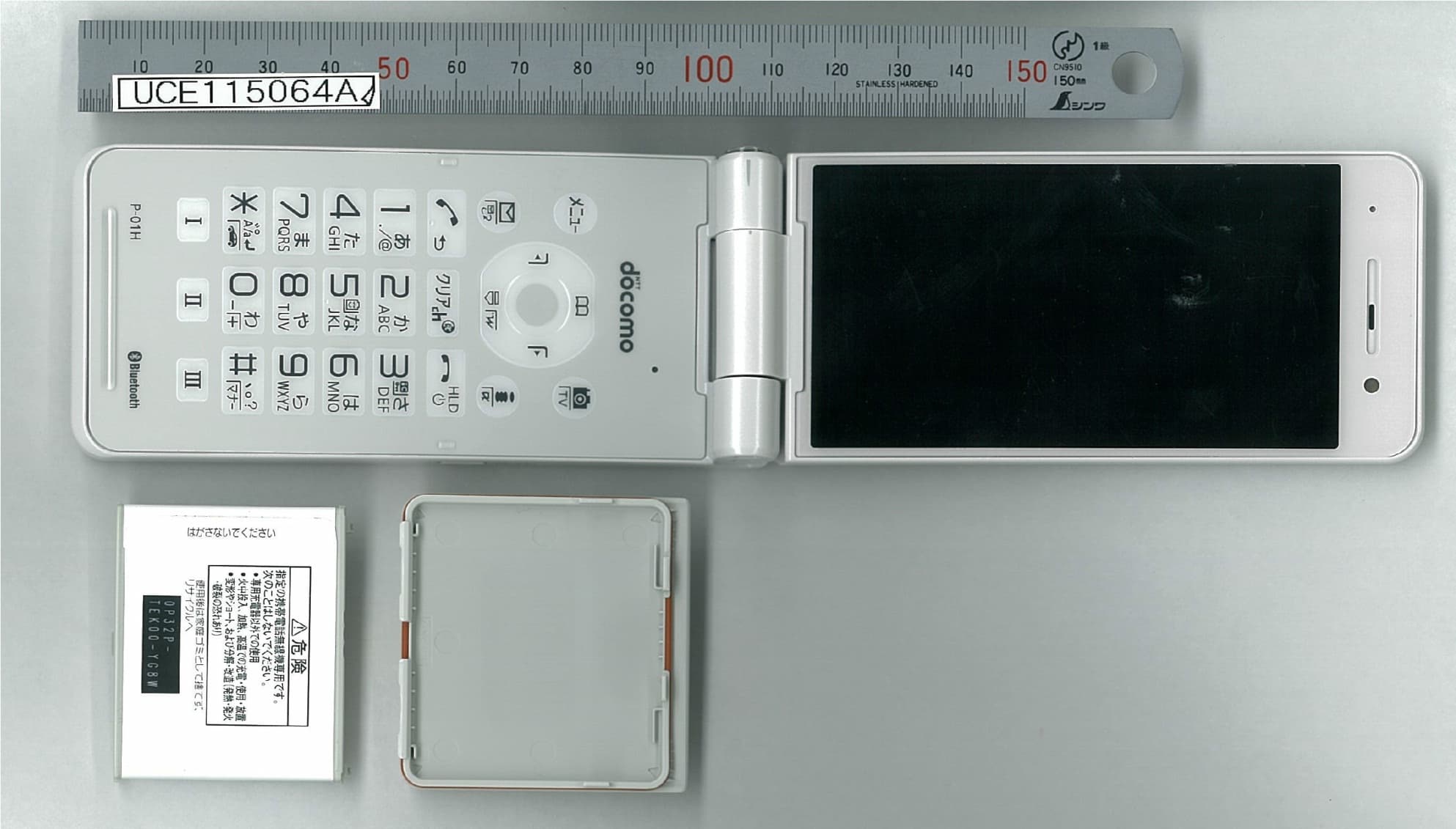
UCE115064A
Sep 29, 2015Single Mode UMTS Mobile Phone with Bluetooth and RFID
Equipment Class
DSS - Part 15 Spread Spectrum Transmitter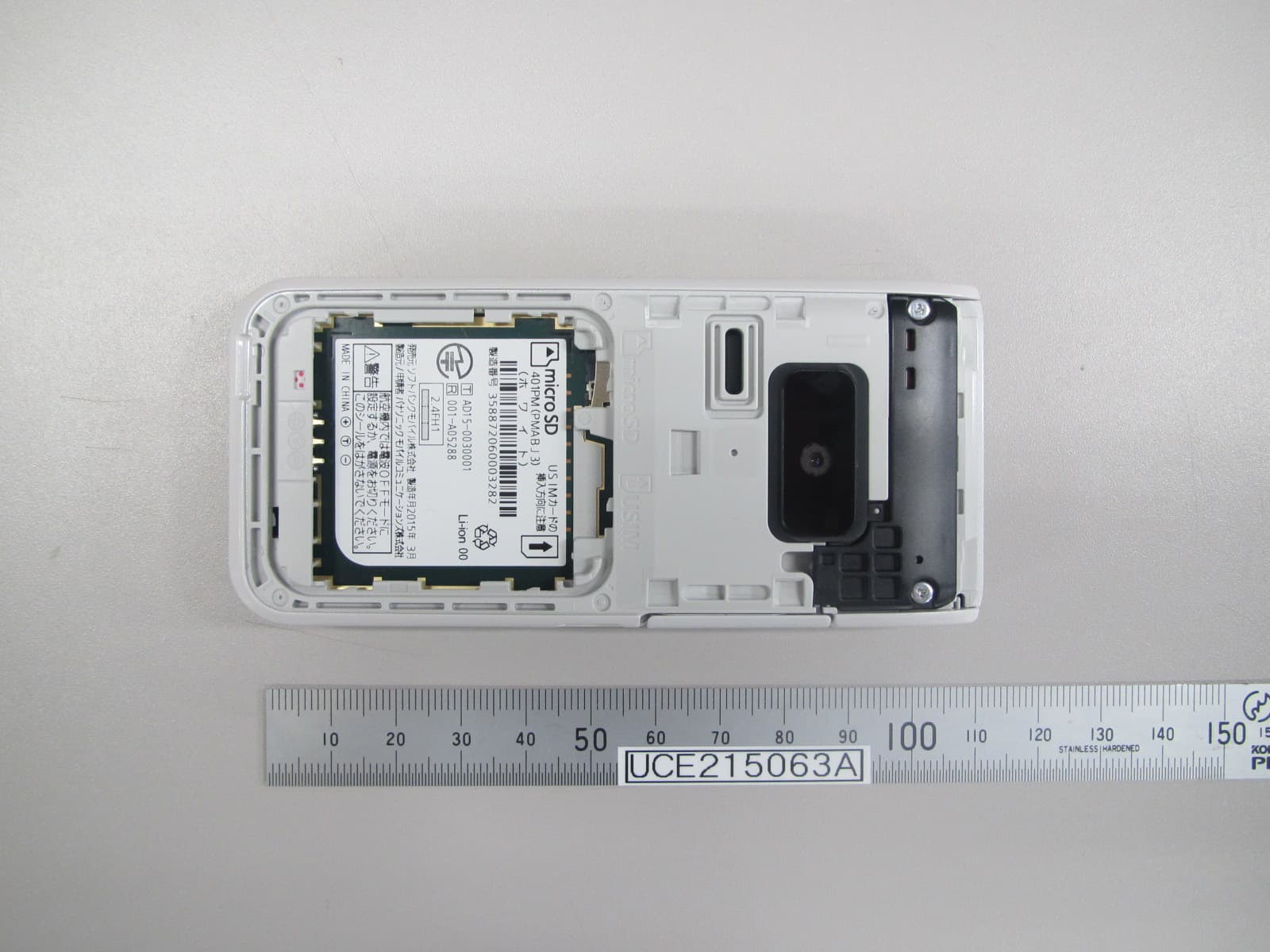
UCE215063A
Apr 09, 2015Dual Mode GSM/ UMTS Mobile Phone with Bluetooth
Equipment Class
DSS - Part 15 Spread Spectrum Transmitter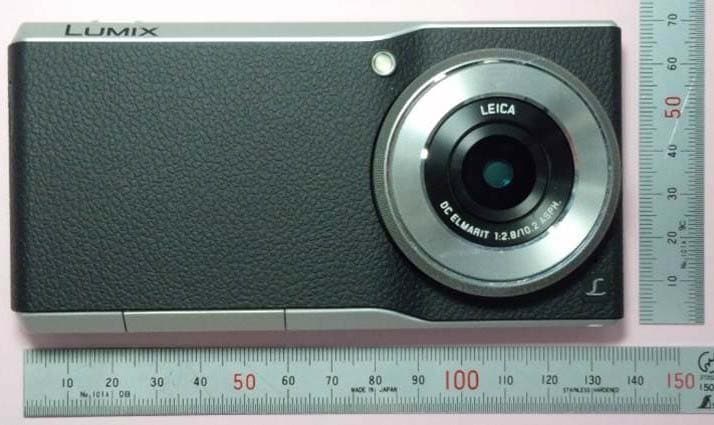
UCE314062A
Mar 19, 2015Digital Camera
Equipment Class
DXX - Part 15 Low Power Communication Device Transmitter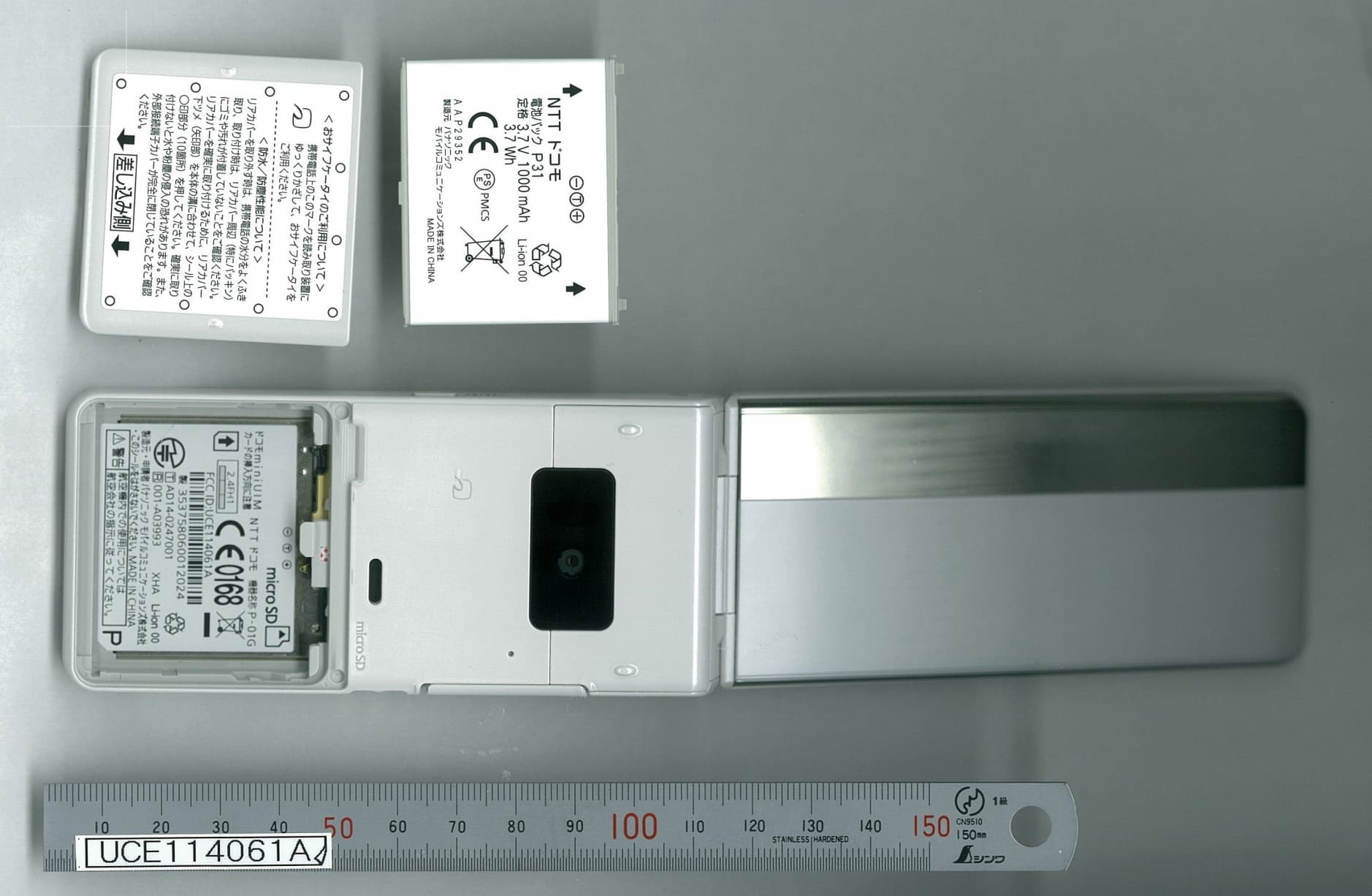
UCE114061A
Sep 11, 2014Single Mode UMTS Mobile Phone with Bluetooth and RFID
Equipment Class
DSS - Part 15 Spread Spectrum Transmitter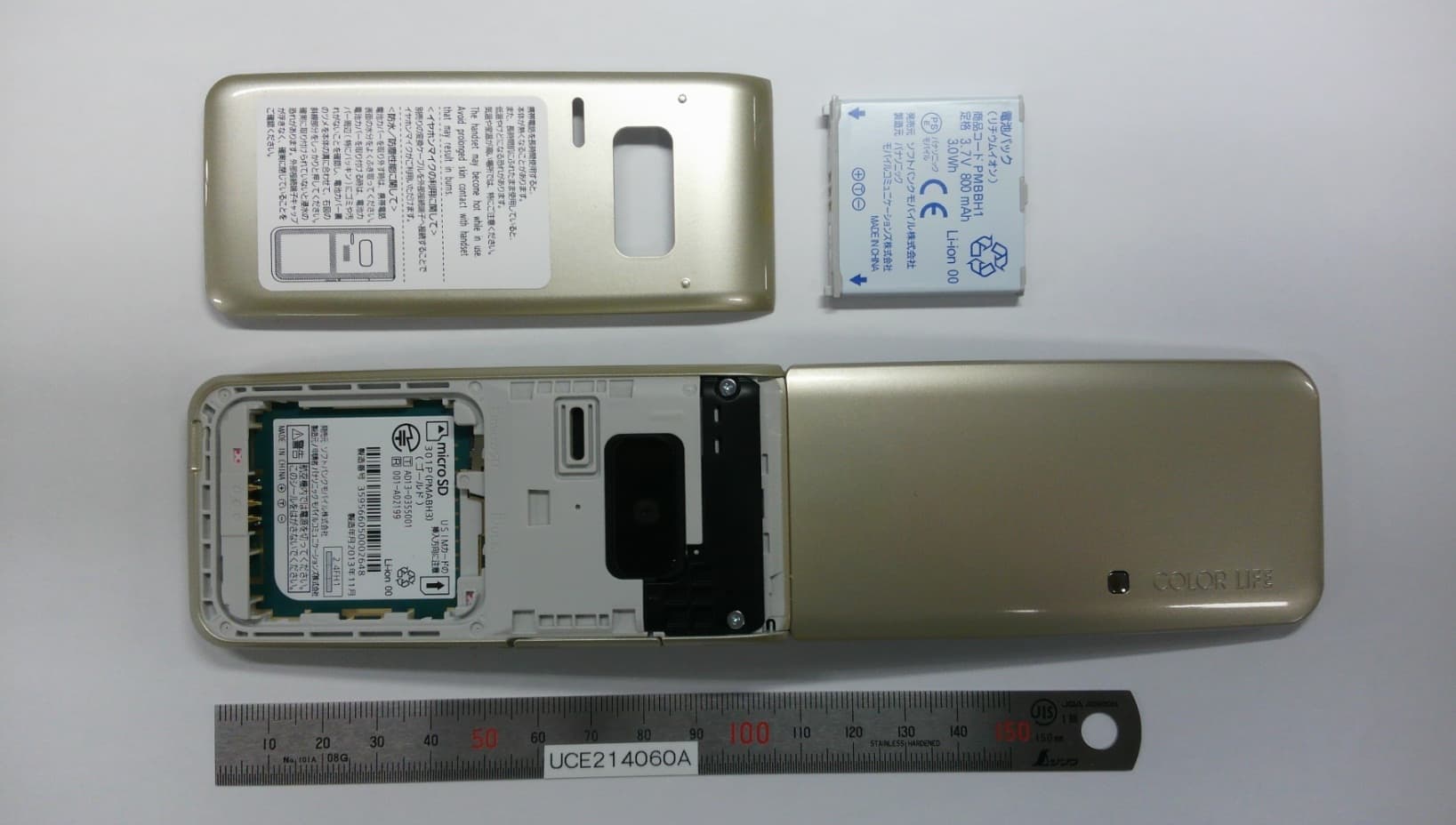
UCE214060A
Dec 17, 2013Dual Mode GSM/UMTS Mobile Phone with Bluetooth
Equipment Class
PCE - PCS Licensed Transmitter held to ear