V7TA3150Mbps Wireless Range Extender
SHENZHEN TENDA TECHNOLOGY CO., LTD.
Click to zoom
Application Details
- Equipment Class
- DTS - Digital Transmission System
- Date of Grant
- Jul 27, 2012
- Application Purpose
- Original Equipment
- Date of Application
- Jul 27, 2012
- Equipment Note
- 150Mbps Wireless Range Extender
- Frequency Range
- 2422.00000000 - 2452.00000000
- Country
- China
Documents & Files
Document Text
Text extracted from the exhibit documents filed with the FCC. Open a document above to read the original.
Users Manual
11N Wireless User Guide 150Mbps Wirless Range Extender A3 11N Wireless User Guide Copyright Statement is the registered trademark of Shenzhen Tenda Technology Co., Ltd. All the products and product names mentioned herein are the trademarks or registered trademarks of their respective holders. Copyright of the whole product as integration, including its accessories and software, belongs to Shenzhen Tenda Technology Co., Ltd. Without the permission of Shenzhen Tenda Technology Co., Ltd, any individual or party is not allowed to copy, plagiarize, reproduce or translate it into other languages. All the photos and product specifications mentioned in this manual are for references only. Upgrades of software and hardware may occur, and if there are changes, Tenda is not responsible for notifying in advance. If you would like to know more about our product information, please visit our website at www.tenda.cn. 11N Wireless User Guide Contents CHAPTER 1 PRODUCT INTRODUCTION ...................... 1 1.1 Package Contents .................................. 1 1.2 LED Indicators and Port Description .......... 1 CHAPTER 2 PRODUCT INSTALLATION ........................ 4 CHAPTER 3 HOW TO CONFIGURE TO ACCESS THE INTERNET ............................................................................. 6 3.1 How to Set the Network Configurations ..... 6 3.2 Log in to the Router ............................. 11 3.3 Fast Internet Access ............................. 12 3.4 Fast Encryption .................................... 13 CHAPTER 4 ADVANCED SETTINGS .............................. 14 4.1 System Status ..................................... 14 4.2 WAN Settings ...................................... 15 4.3 LAN Settings ....................................... 19 4.4 DNS Settings ....................................... 19 4.5 WAN Medium Type ............................... 20 4.6 Bandwidth Control ............................... 21 4.7 Traffic Statistics ................................... 24 CHAPTER 5 WLAN SETTINGS ....................................... 26 5.1 Wireless Basic Settings ......................... 26 5.2 Wireless Security Settings ..................... 30 5.2.1 WPS Settings .................................... 30 5.2.2 WPA- PSK ........................................ 31 5.2.3 WPA2- PSK ....................................... 31 5.3 Wireless Access Control ........................ 32 5.4 Connection Status ................................ 33 11N Wireless User Guide CHAPTER 6 DHCP SERVER ............................................. 34 6.1 DHCP Server ....................................... 34 6.2 DHCP Client List ................................... 34 CHAPTER 7 VIRTUAL SERVER ...................................... 36 7.1 Port Range Forwarding .......................... 36 7.2 DMZ Settings ...................................... 38 7.3 UPNP Settings ..................................... 38 CHAPTER 8 SECURITY SETTINGS ............................... 40 8.1 Client Filter Settings ............................. 40 8.2 MAC Address Filter ............................... 41 8.3 URL Filter Settings ............................... 43 8.4 Remote Web Management ..................... 44 CHAPTER 9 ROUTING SETTINGS ................................. 46 9.1 Routing Table ...................................... 46 9.2 Static Routing...................................... 46 CHAPTER 10 SYSTEM TOOLS ........................................ 48 10.1 T IME S ETTINGS ..................................... 48 10.2 DDNS ............................................... 48 10.3 Backup/Restore ................................. 49 10.4 Restore to Factory Default ................... 51 10.5 Upgrade ............................................ 51 10.6 Reboot the Router .............................. 52 10.7 Password Change ............................... 52 10.8 Syslog .............................................. 53 10.9 Log out ............................................. 53 APPENDIX 1 GLOSSARY .................................................. 54 APPENDIX 2 PRODUCT FEATURES .............................. 55 APPENDIX 3 FAQ ............................................................... 56 11N Wireless User Guide APPENDIX 4 CLEAR WIRELESS CONFIGURATION . 58 APPENDIX 5 REGULATORY INFORMATION ............. 60 11N Wireless User Guide 1 Chapter 1 Product Introduction Thank you for purchasing the Tenda Wireless N Broadband Router! This easy-to-use router provides simple configuration interface which enables you to configure it with ease. It is based on the latest IEEE802.11n standard, and is backward compatible with devices of IEEE802.11b/g standards. The Tenda wireless router,including router, wireless AP, four-port switch and firewall in one,provides powerful online monitor function and supports URL filter and MAC filter. With WDS function, it can repeat and amplify wireless signals so as to enlarge network coverage area. It truly supports UPnP and WMM to make your audio and video smoother. With QoS function, it can efficiently distribute the downloading rate for the clients. With super compatibility, the router can break the access limits in some areas so that multiple computers can share the Internet access. Additionally, it supports WISP function to access to the ISP’s wireless hotspots (this function applies only to some of the products). 1.1 Package Contents Please verify the following items after you open the package: ¾ One Wireless N Broadband Router ¾ One Quick Installation Guide ¾ One Power Adapter ¾ One Software CD If any of the listed items are missing or damaged, please contact the Tenda reseller for immediate replacement. 1.2 LED Indicators and Port Description Panel and LED indicators show: LED indicator description on the front panel 11N Wireless User Guide 2 Back panel port show (take W316R as an example) 11N Wireless User Guide 3 Back panel port description 11N Wireless User Guide 4 Chapter 2 Product Installation In t…
Text truncated - open the document above for the full version.
External Photos
EXHIBIT B - EUT EXTERNAL PHOTOGRAPHS EUT –All View EUT –Top View EUT – Bottom View EUT – Right Side View EUT – Left Side View EUT – Adapter View EUT – Adapter Label View
ID Label/Location Info
EXHIBIT A - FCC ID LABELING AND LOCATION FCC ID Label Proposed FCC ID Label Location The label shown shall be permanently affixed at a conspicuous location on the device and be readily visible to the user at the time purchase (Labeling requirements per 2.925) Label Here
Internal Photos
EXHIBIT C - EUT INTERNAL PHOTOGRAPHS EUT –Uncover View EUT –Cover off View EUT –Main Board Top View EUT –Main Board Bottom View
Operational Description
Circuit Description N3, A3 BCM5356 program. Power adapter in part by the 9V600mAh driven by the conversion of the 3.3V switching power supply chip to the minimum system power supply. The main chip integrates 1.2VLDO by the external MOS power tube-chip wireless kernel. Internal integration SWITCH through the filter circuit with a LAN OR WAN port to connect to Ethernet. The chip integrates the PA and LNA, RF switch to connect to an external matching circuit connected to the antenna from the RF switch, the main chip by controlling the RF switch to wireless communications. Machine power after the program moved into from FLASH memory to run the program control to integrate the various modules in the main chip to work.
Schematics
6 6 6 6 6 6 6 6 6 6 6 6 6 6 6 6 6 6 6 6 6 6
Test Report
Note: This test report is prepared for the customer shown above and for the equipment described herein. It may not be duplicated or used in part without prior written consent from Bay Area Compliance Laboratories Corp. This report must not be used by the customer to claim product certification, approval, or endorsement by NVLAP*, or any agency of the Federal Government. * This report contains data that are not covered by the NVLAP accreditation and are marked with an asterisk “★” (Rev.2) FCC PART 15.247 TEST REPORT For SHENZHEN TENDA TECHNOLOGY CO.,LTD. Tenda Industrial Park, No. 34-1, Shilong Rd., Shiyan Town, Bao'an District, Shenzhen, P.R.China Report Type: Original Report Product Type: 150Mbps Wireless Range Extender Test Engineer: Ares Liu Report Number: R1DG120710003-00A Report Date: 2012-07-25 Reviewed By: Ivan Cao EMC Engineer Test Laboratory: Bay Area Compliance Laboratories Corp. (Shenzhen) 6/F, the 3rd Phase of WanLi Industrial Building, ShiHua Road, FuTian Free Trade Zone Shenzhen, Guangdong, China Tel: +86-755-33320018 Fax: +86-755-33320008 www.baclcorp.com.cn FCC ID: V7TA3 Bay Area Compliance Laboratories Corp. (Shenzhen) Report No.: R1DG120710003-00A FCC Part 15.247 Page 2 of 61 TABLE OF CONTENTS GENERAL INFORMATION.......................................................................................................................................4 PRODUCT DESCRIPTION FOR EQUIPMENT UNDER TEST (EUT) .....................................................................................4 OBJECTIVE...................................................................................................................................................................4 RELATED SUBMITTAL(S)/GRANT(S).............................................................................................................................4 TEST METHODOLOGY..................................................................................................................................................4 TEST FACILITY.............................................................................................................................................................5 SYSTEM TEST CONFIGURATION ..........................................................................................................................6 DESCRIPTION OF TEST CONFIGURATION......................................................................................................................6 EUT EXERCISE SOFTWARE..........................................................................................................................................6 EQUIPMENT MODIFICATIONS.......................................................................................................................................6 SUPPORT EQUIPMENT...................................................................................................................................................7 EXTERNAL CABLE........................................................................................................................................................7 PRINTER.......................................................................................................................................................................7 BLOCK DIAGRAM OF TEST SETUP................................................................................................................................8 SUMMARY OF TEST RESULTS...............................................................................................................................9 FCC §15.247 (i) & §1.1307 (b) (1) & §2.1091- MAXIMUM PERMISSIBLE EXPOSURE (MPE)............................10 APPLICABLE STANDARD............................................................................................................................................10 FCC §15.203 - ANTENNA REQUIREMENT...........................................................................................................11 APPLICABLE STANDARD............................................................................................................................................11 ANTENNA CONNECTOR CONSTRUCTION....................................................................................................................11 FCC §15.207 (a) – AC LINE CONDUCTED EMISSIONS .....................................................................................12 APPLICABLE STANDARD............................................................................................................................................12 MEASUREMENT UNCERTAINTY..................................................................................................................................12 EUT SETUP................................................................................................................................................................12 EMI TEST RECEIVER SETUP.......................................................................................................................................13 TEST PROCEDURE......................................................................................................................................................13 TEST EQUIPMENT LIST AND DETAILS.........................................................................................................................13 TEST RESULTS SUMMARY..........................................................................................................................................13 TEST DATA................................................................................................................................................................13 FCC §15.209, §15.205 & §15.247(d) - SPURIOUS EMISSIONS.............................................................................16 APPLICABLE STANDARD...............................................…
Text truncated - open the document above for the full version.
Test Setup Photos
EXHIBIT D - TEST SETUP PHOTOGRAPHS Conducted Emissions - Front View Conducted Emissions – Rear View Radiated Emission -Front View Radiated Emission - Rear View Radiated Emission Above 1GHz-Front View Radiated Emission Above 1GHz-Rear View
Contact Information
Applicant
Shen Yue(Engineer)
Test Firm
Bay Area Compliance Laboratories Corp. (Dongguan)John Chan
[email protected]86-769-86858888
Technical Specifications
| # | Rule Parts | Frequency Range | Power Output |
|---|---|---|---|
| 4 | 15C | 2.42 GHz - 2.45 GHz | 18.88 mW |
Other Applications from SHENZHEN TENDA TECHNOLOGY CO., LTD.
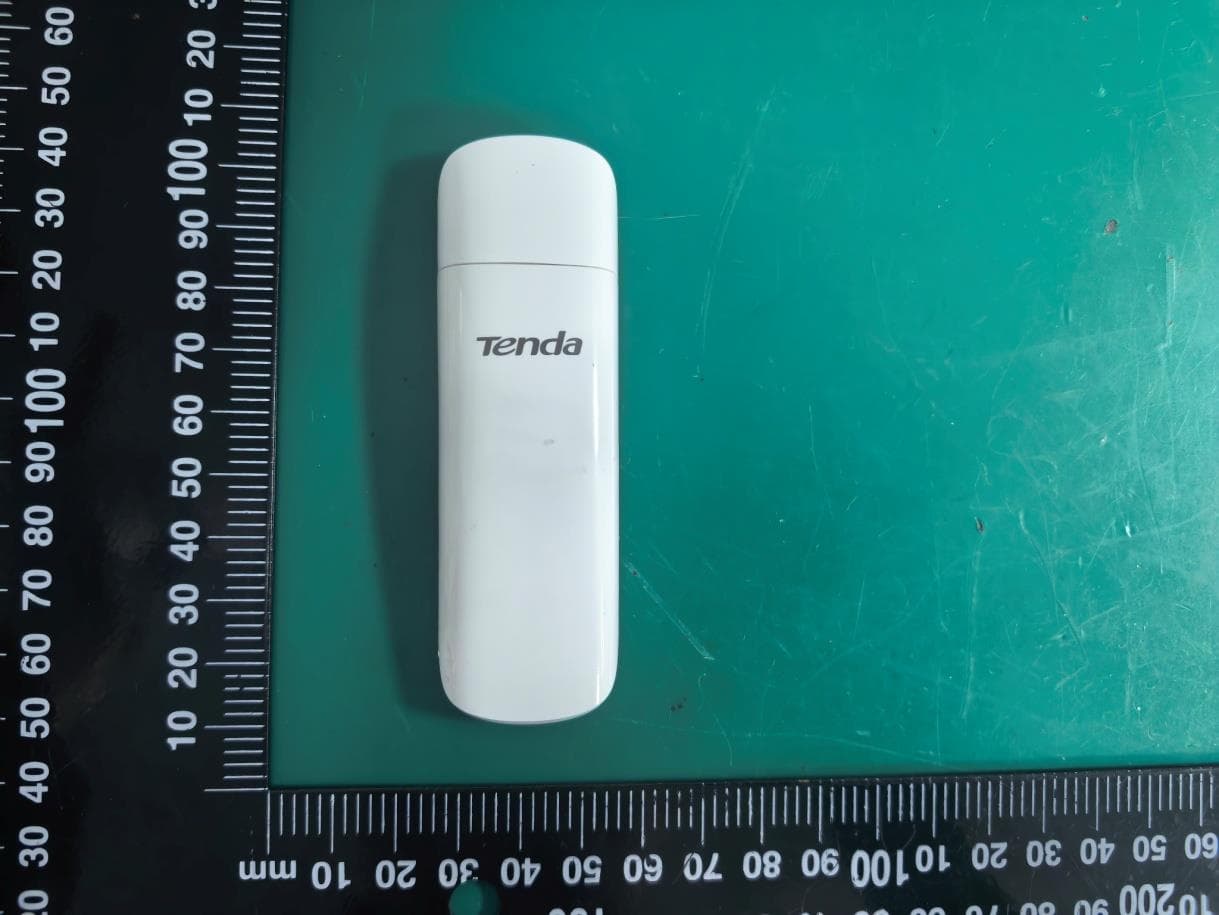
V7TU18V3
Aug 26, 2026AX1800 Wi-Fi 6 Dual-Band USB Adapter
Equipment Class
NII - Unlicensed National Information Infrastructure TX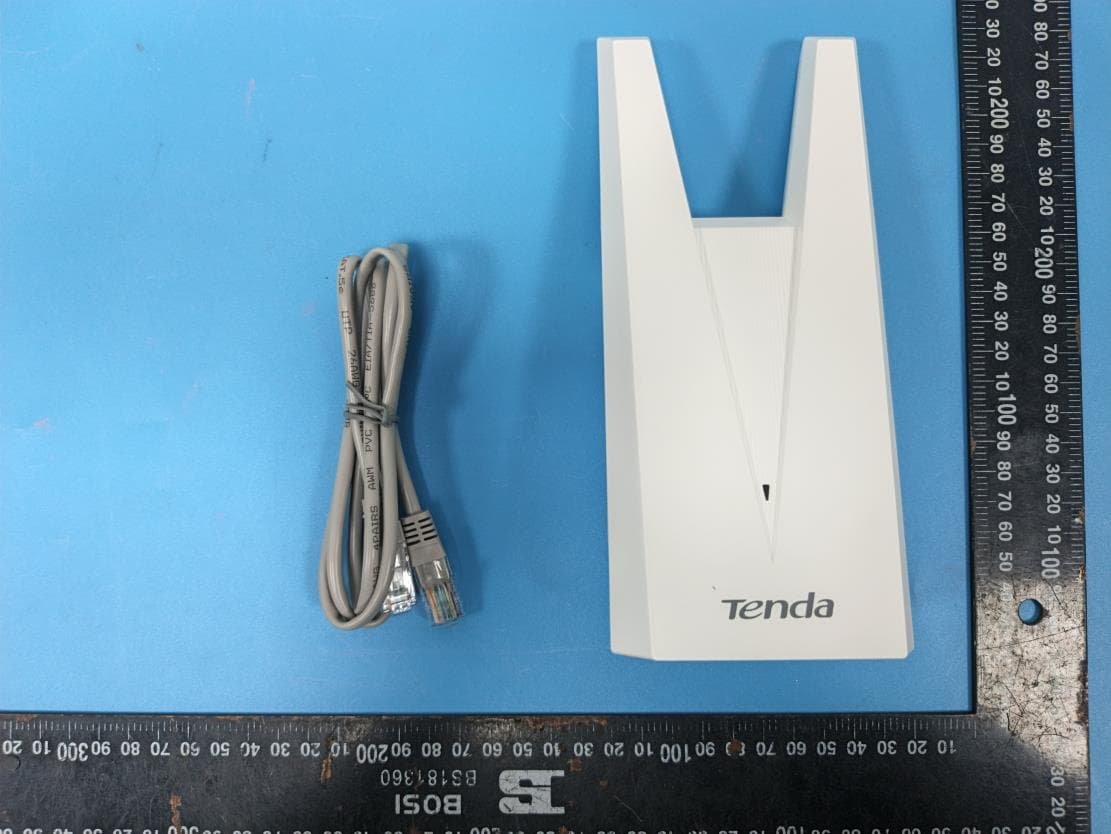
V7TA33V2
Aug 25, 2026AX3000 Dual-Band Gigabit Wi-Fi Range Extender, AX1800 Dual-Band Gigabit Wi-Fi Range Extender
Equipment Class
DTS - Digital Transmission System
V7TCH9V2
Jul 20, 20266MP Dual-lens Linkage Wi-Fi Pan/Tilt Camera
Equipment Class
DTS - Digital Transmission System
V7TCH3V21
Jul 14, 20263MP Wi-Fi Pan/Tilt Camera
Equipment Class
DTS - Digital Transmission System
V7TCP3P1
Jun 30, 20263MP Security Pan/Tilt Camera
Equipment Class
DTS - Digital Transmission System