V7TA8Wireless N150 Portable Router
SHENZHEN TENDA TECHNOLOGY CO., LTD.
Click to zoom
Application Details
- Equipment Class
- DTS - Digital Transmission System
- Date of Grant
- Dec 30, 2013
- Application Purpose
- Original Equipment
- Date of Application
- Dec 29, 2013
- Equipment Note
- Wireless N150 Portable Router
- Frequency Range
- 2412.00000000 - 2462.00000000
- Country
- China
Documents & Files
Document Text
Text extracted from the exhibit documents filed with the FCC. Open a document above to read the original.
Users Manual
Wireless N150/N300 Portable Router I Wireless N150/N300 Portable Router II Copyright Statement is the registered trademark of Shenzhen Tenda Technology Co., Ltd. All the products and product names mentioned herein are the trademarks or registered trademarks of their respective holders. Copyright of the whole product as integration, including its accessories and software, belongs to Shenzhen Tenda Technology Co., Ltd. No part of this publication can be reproduced, transmitted, transcribed, stored in a retrieval system, or translated into any language in any form or by any means without the prior written permission of Shenzhen Tenda Technology Co., Ltd. If you would like to know more about our product information, please visit our website at http://www.tendacn.com. Disclaimer Pictures, images and product specifications herein are for references only. To improve internal design, operational function, and/or reliability, Tenda reserves the right to make changes to the products described in this document without obligation to notify any person or organization of such revisions or changes. Tenda does not assume any liability that may occur due to the use or application of, the product or circuit layout(s) described herein. Every effort has been made in the preparation of this document to ensure accuracy of the contents, but all statements, information and recommendations in this document do not constitute the warranty of any kind, express or implied. Wireless N150/N300 Portable Router III Preface Thank you for choosing Tenda! Please read this user guide before you start! This user guide instructs you to install and configure your device. This user guide uses the following formats to highlight special messages: Icon Description Note: This format is used to highlight information of importance or special interest. Ignoring this type of note may result in ineffective configurations, loss of data or damage to device. Tip This format is used to highlight a procedure that will save time or resources. Knowledge Center Description of fields on the device GUI. Technical Support [email protected] YouTube: Tendasz1999 Hotline: 1-800-570-5892 (USA) (061) 1300787922 (Australia) (044)197-780-6119 (UK) (0852)36120883 (HongKong) (064) 800787922 (New Zealand) Website: http://www.tendacn.com Wireless N150/N300 Portable Router IV Contents Preface ......................................................................................................................................................... III Contents ..................................................................................................................................................... IV I Product Overview ........................................................................................................................................ 1 1 Package Content .............................................................................................................................................. 1 2 Getting to know your router ............................................................................................................................ 1 LED .................................................................................................................................................................. 1 Button & Interface .......................................................................................................................................... 2 Label ............................................................................................................................................................... 3 II Quick Internet Setup ................................................................................................................................... 4 1 Getting Prepared .............................................................................................................................................. 4 2 Install ................................................................................................................................................................ 4 3 Connect to Router ............................................................................................................................................ 6 3.1 Configure PC TCP/IP Settings .................................................................................................................... 6 3.2 Join Your Wireless Network ...................................................................................................................... 6 4 Auto‐detecting Internet Connection Type ..................................................................................................... 12 5 Internet Setup ................................................................................................................................................ 14 5.1 Web Login ............................................................................................................................................... 14 5.2 Manual Internet Setup& Wireless Security Setup .................................................................................. 15 6 Verify Internet Connectivity ........................................................................................................................... 27 III Features & Configurations ....................................................................................................................... 30 1 Advanced Settings .......................................................................................................................................... 30 1.1 Status ...................................................................................................................................................... 30 1.2. Internet Setup ...................................................................................................…
Text truncated - open the document above for the full version.
Users Manual
III Features &Connectivity 56 2.2 Wireless Security Click Wireless -> Wireless Security to enter the Wireless Security screen. Here you can define a security key to secure your wireless network against unauthorized accesses. Configuration Procedures: ① Select the wireless network (SSID) you wish to encrypt. ② Configure security mode, cipher type and security key. ③ Click OK to save your settings. Knowledge Center----------------------------------------------------------------------------------------------- 1. Open: Wireless speed can reach up to 54Mbps if WEP - Open is selected. 2. Shared: Wireless speed can reach up to 54Mbps if WEP - Shared is selected. 3. Default key: Select a key to be effective for the current WEP encryption. For example, if you select Key 1, wireless clients must join your wireless network using this Key 1. 4. WPA-PSK: WPA personal, support AES and TKIP cipher types. 5. WPA2-PSK: WPA2 personal, support AES, TKIP and TKIP+AES cipher types. 6. WPA/WPA2-PSK mixed: If selected, both WPA-PSK and WPA2-PSK secured wireless clients can join your wireless network. 7. AES: If selected, wireless speed can reach up to 300Mbps. 8. TKIP: If selected, wireless speed can reach up to 54Mbps. 9. TKIP+AES: If selected, both AES and TKIP secured wireless clients can join your wireless network. III Features &Connectivity 57 --------------------------------------------------------------------------------------------------------------------------------- 2.3 Wireless Access Control Specify a list of devices to "Permit" or "Forbid" a connection to your wireless network via the devices’ MAC Addresses. Click Wireless -> Wireless Access Control to enter the configuration screen. There are three options available: Disable, Forbid and Permit. A. If you want to allow all wireless clients to join your wireless network, select Disable. B. If you want to allow ONLY the specified wireless clients to join your wireless network, select Permit. C. If you want to disallow ONLY the specified wireless clients to join your wireless network, select Forbid. Wireless Access Control Application Example: To only allow your own notebook at the MAC address of C8:3A:35:CC:34:25 to join your wireless network Configuration Procedures: Select the wireless network (SSID) you wish to enable Access Control on. ① Select Permit. ② Enter the MAC address of the wireless device you want to restrict. Here in this example, enter C8:3A:35:CC:34:25. III Features &Connectivity 58 ③ Click Add to add the MAC address to the MAC address list. ④ Click OK to save your settings. Tip------------------------------------------------------------------------------------------------------------------------- 1. Up to 16 wireless MAC addresses can be configured. 2. If you don't want to configure the complex wireless security settings and want to disallow others to join your wireless network, you can configure a wireless access control rule to allow only your own wireless device. --------------------------------------------------------------------------------------------------------------------------------- 2.4 Wireless Clients Click Wireless -> Wireless Connection Status. Here you can see a list of wireless devices connected to the router. Tip------------------------------------------------------------------------------------------------------------------------- 1. The bandwidth here refers to the channel bandwidth instead of wireless connection rate. You can know whether there are unauthorized accesses to your wireless network by viewing the wireless client list. --------------------------------------------------------------------------------------------------------------------------------- 3 Bandwidth Control 3.1 Bandwidth Control If there are multiple PCs behind your router competing for limited bandwidth resource, then you can use this feature to specify a reasonable amount of bandwidth for each such PC, so that no one will be over stuffed or starved to death. Tip------------------------------------------------------------------------------------------------------------------------- 1. 1M=128KByte/s. 2. The volume of uplink traffic/downlink traffic should not be larger than that allowed on your III Features &Connectivity 59 router's WAN (Internet) port. You can ask your ISP to provide the volume of Internet traffic. --------------------------------------------------------------------------------------------------------------------------------- Bandwidth Control Application Example: You share a 4M-broadband service with your neighbor (at 192.168.2.100) who always downloads a large volume of data from Internet. Your Internet surfing experience is thus affected seriously. In this case, use this feature to set limits for the volume of Internet traffic he/she can get. For example, you can equally split the bandwidth, so your neighbor can only use up to 2M Internet traffic and you can happily enjoy 2M. Configuration Procedures: ① Enable Bandwidth Control: Check the Enable box to enable the Bandwidth Control feature. ② IP Address: Enter the last number of the IP address. Here in this example, enter 100 in both boxes. ③ Upload/Download: Select Download from the drop-down list. ④ Bandwidth Range: Set a limit to regulate download bandwidth of PCs on the LAN. Here in this example, enter 256 in both boxes. ⑤ Enable: Check to enable the current rule. ⑥ Add to List: Click to add current rule to the rule list. ⑦ Click OK to save your settings. III Features &Connectivity 60 3.2 Traffic Statistics Traffic Statistics meter allows you to monitor and view the volume of traffic used by LAN devices. Click QoS-> Traffic Statistics to enter the Statistics screen. Tip------------------------------------------------------------------------------------------------------------------------ If you suspect some PCs behind your router are consuming a large volume of bandwidth (downloading videos, etc) you can enable this Traffic Statistics meter feature to find out which …
Text truncated - open the document above for the full version.
Cover Letter(s)
CERTIFICATE OF COMPLIANCE Authorized under Declaration of Conformity according to 47 CFR, Part 2 and Part 15 of the FCC Rules. The product listed in follows was (were) tested in the Neutron EMC Laboratory to comply with the criteria limits Class B of conducted and radiated emissions of the Technical Standards FCC Part 15, Subpart B, established by the FCC, USA. Equipment Wireless N150 Portable Router Model Name A8 Brand Name Tenda Applicant SHENZHEN TENDA TECHNOLOGY CO.,LTD. Address Tenda Industrial Park, No. 34-1, Shilong Rd., Shiyan Town, Bao'an District, Shenzhen, P.R. China 518108 Standard(s) FCC Part 15, Subpart B: 2012 ANSI C63.4 -2009 Report(s) NEI-FCCE-1-1312C020 The test data, data evaluation, and equipment configuration contained in our test report(s) above was(were) obtained utilizing the test procedures, test instruments, test sites that has been accredited by the Authority of TAF according to the ISO-17025 quality assessment standard and technical standard(s). The test data contained in the referenced test report relate only to the EUT sample and item(s) tested. Andy Chiu Authorized Signatory Neutron Engineering Inc. B1, No.37, Lane 365, Yang Guang St., NeiHu District 114., Taipei, Taiwan TEL:+886-2-2657-3299 FAX:+886-2-2657-3331
External Photos
Project No.: 1312C020 Page 2 of 8 Neutron Engineering Inc. Project No.: 1312C020 Page 3 of 8 Neutron Engineering Inc.
ID Label/Location Info
label location
Internal Photos
Project No.: 1312C020 Page 4 of 8 Neutron Engineering Inc. Project No.: 1312C020 Page 5 of 8 Neutron Engineering Inc. Main Board Main Board Project No.: 1312C020 Page 6 of 8 Neutron Engineering Inc. RF Module antenna RF Module IC Project No.: 1312C020 Page 7 of 8 Neutron Engineering Inc. RF Module Crystal Project No.: 1312C020 Page 8 of 8 Neutron Engineering Inc.
RF Exposure Info
Neutron Engineering Inc. FCC RF EXPOSURE REPORT FCC ID: V7TA8 Project No. : 1312C020 Equipment : Wireless N150 Portable Router Model : A8 Applicant : SHENZHEN TENDA TECHNOLOGY CO.,LTD. Address : Tenda Industrial Park, No.34-1, Shilong Rd., Shiyan Town, Bao'an District, Shenzhen, P.R. China 518108 According: : FCC Guidelines for Human Exposure IEEE C95.1 Neutron Engineering Inc. No.3, Jinshagang 1st Road, ShiXia, Dalang Town, Dong Guan, China. TEL : (0769) 8318-3000 FAX : (0769) 8319-6000 Neutron Engineering Inc. MPE CALCULATION METHOD: Calculation Method of RF Safety Distance: where: S = power density P = power input to the antenna G = power gain of the antenna in the direction of interest relative to an isotropic radiator R = distance to the center of radiation of the antenna Table for Filed Antenna Ant. Brand Model Name Antenna Type Connector Gain (dBi) 1 N/A N/A Printed Antenna N/A 3 Neutron Engineering Inc. TEST RESULTS EUT: Wireless N150 Portable Router Model Name : A8 Temperature: 24 °C Relative Humidity: 60 % Pressure: 1016 hPa Test Voltage : AC 120V/60Hz Test Mode : TX B MODE /CH01, CH06, CH11 Antenna Gain (dBi) Antenna Gain (numeric) Peak Output Power (dBm) Peak Output Power (mW) Power Density (S) (mW/cm 2 ) Limit of Power Density (S) (mW/cm 2 ) Te s t Result 3 1.9953 17.05 50.6991 0.020134941 Complies 3 1.9953 15.75 37.5837 0.014926241 Complies 3 1.9953 15.49 35.3997 0.014058871 Complies EUT: Wireless N150 Portable Router Model Name : A8 Temperature: 24 °C Relative Humidity: 60 % Pressure: 1016 hPa Test Voltage : AC 120V/60Hz Test Mode : TX G MODE /CH01, CH06, CH11 Antenna Gain (dBi) Antenna Gain (numeric) Peak Output Power (dBm) Peak Output Power (mW) Power Density (S) (mW/cm 2 ) Limit of Power Density (S) (mW/cm 2 ) Te s t Result 3 1.9953 23.61 229.6149 0.091190661 Complies 3 1.9953 23.91 246.0368 0.097712551 Complies 3 1.9953 23.83 241.5461 0.095929101 Complies Neutron Engineering Inc. EUT: Wireless N150 Portable Router Model Name : A8 Temperature: 24 °C Relative Humidity: 60 % Pressure: 1016 hPa Test Voltage : AC 120V/60Hz Test Mode : TX N-20M MODE /CH01, CH06, CH11 Antenna Gain (dBi) Antenna Gain (numeric) Peak Output Power (dBm) Peak Output Power (mW) Power Density (S) (mW/cm 2 ) Limit of Power Density (S) (mW/cm 2 ) Te s t Result 3 1.9953 23.01 199.9862 0.079423751 Complies 3 1.9953 23.09 203.7042 0.080900341 Complies 3 1.9953 23.16 207.0141 0.082214871 Complies EUT: Wireless N150 Portable Router Model Name : A8 Temperature: 24 °C Relative Humidity: 60 % Pressure: 1016 hPa Test Voltage : AC 120V/60Hz Test Mode : TX N-40M MODE /CH03, CH06, CH09 Antenna Gain (dBi) Antenna Gain (numeric) Peak Output Power (dBm) Peak Output Power (mW) Power Density (S) (mW/cm 2 ) Limit of Power Density (S) (mW/cm 2 ) Te s t Result 3 1.9953 20 100.0000 0.039714621 Complies 3 1.9953 23.42 219.7860 0.087287161 Complies 3 1.9953 21.07 127.9381 0.050810141 Complies The calculated distance is 20 cm
Test Report
Neutron Engineering Inc. Report No.: NEI-FCCP-1-1312C020 Page 1 of 125 FCC Radio Test Report FCC ID: V7TA8 This report concerns (check one): Original Grant Class II Change Issued Date : Dec. 03, 2013 Project No. : 1312C020 Equipment : Wireless N150 Portable Router Model Name : A8 Applicant : SHENZHEN TENDA TECHNOLOGY CO.,LTD. Address : Tenda Industrial Park, No. 34-1, Shilong Rd., Shiyan Town, Bao'an District, Shenzhen, P.R.China 518108 Tested by: Neutron Engineering Inc. EMC Laboratory Date of Receipt: Dec. 02, 2013 Date of Test: Dec. 02, 2013 ~ Dec. 24, 2013 Testing Engineer : ( David Mao) Technical Manager : (Leo Hung) Authorized Signatory: (Steven Lu) Neutron Engineering Inc. No.3,Jinshagang 1st Road, ShiXia, Dalang Town, Dong Guan, China. TEL: 0769-8318-3000 FAX: 0769-8319-6000 Neutron Engineering Inc. Report No.: NEI-FCCP-1-1312C020 Page 2 of 125 Declaration Neutron represents to the client that testing is done in accordance with standard procedures as applicable and that test instruments used has been calibrated with the standards traceable to National Measurement Laboratory (NML) of R.O.C, or National Institute of Standards and Technology (NIST) of U.S.A. Neutron's reports apply only to the specific samples tested under conditions. It is manufacture’s responsibility to ensure that additional production units of this model are manufactured with the identical electrical and mechanical components. Neutronshall have no liability for any declarations, inferences o r generalizations drawn by the client or others from Neutron issued reports. Neutron’s reports must not be used by the client to claim product endorsement by the authorities or any agency of the Government. This report is the confidential property of the client. As a mutual protection to the clients, the public and Neutron-self, extracts from the test report shall not be reproduced except in full with Neutron’s authorized written approval. Neutron’s laboratory quality assurance procedures are in compliance with the ISO Guide 17025 requirements, and accredited by the conformity assessment authorities listed in this test report. Limitation For the use of the authority's logo is limited unless the Test Standard(s)/Scope(s)/Item(s) mentioned in this test report is (are) included in the conformity assessment authorities acceptance respective. Neutron Engineering Inc. Report No.: NEI-FCCP-1-1312C020 Page 3 of 125 Table of Contents Page 1 . CERTIFICATION 6 2 . SUMMARY OF TEST RESULTS 7 2.1 TEST FACILITY 8 2.2 MEASUREMENT UNCERTAINTY 8 3 . GENERAL INFORMATION 9 3.1 GENERAL DESCRIPTION OF EUT 9 3.2 DESCRIPTION OF TEST MODES 11 3.3 TABLE OF PARAMETERS OF TEXT SOFTWARE SETTING 12 3.4 BLOCK DIAGRAM SHOWING THE CONFIGURATION OF SYSTEM TESTED 13 3.5 DESCRIPTION OF SUPPORT UNITS 14 4 . EMC EMISSION TEST 15 4.1 CONDUCTED EMISSION MEASUREMENT 15 4.1.1 POWER LINE CONDUCTED EMISSION LIMITS 15 4.1.2 MEASUREMENT INSTRUMENTS LIST AND SETTING 15 4.1.3 TEST PROCEDURE 16 4.1.4 DEVIATION FROM TEST STANDARD 16 4.1.5 TEST SETUP 16 4.1.6 EUT OPERATING CONDITIONS 16 4.1.7 TEST RESULTS 17 4.2 RADIATED EMISSION MEASUREMENT 20 4.2.1 RADIATED EMISSION LIMITS 20 4.2.2 MEASUREMENT INSTRUMENTS LIST ANS SETTING 21 4.2.3 TEST PROCEDURE 21 4.2.4 DEVIATION FROM TEST STANDARD 21 4.2.5 TEST SETUP 22 4.2.6 EUT OPERATING CONDITIONS 23 4.2.7 TEST RESULTS (BETWEEN 30 – 1000 MHZ) 25 4.2.8 TEST RESULTS (ABOVE 1000 MHZ) 32 5 . BANDWIDTH TEST 80 5.1 APPLIED PROCEDURES / LIMIT 80 5.1.1 MEASUREMENT INSTRUMENTS LIST 80 5.1.2 TEST PROCEDURE 80 5.1.3 DEVIATION FROM STANDARD 80 5.1.4 TEST SETUP 80 5.1.5 EUT OPERATION CONDITIONS 80 5.1.6 TEST RESULTS 81 6 . MAXIMUM OUTPUT POWER TEST 89 Neutron Engineering Inc. Report No.: NEI-FCCP-1-1312C020 Page 4 of 125 Table of Contents Page 6.1 APPLIED PROCEDURES / LIMIT 89 6.1.1 MEASUREMENT INSTRUMENTS LIST 89 6.1.2 TEST PROCEDURE 89 6.1.3 DEVIATION FROM STANDARD 89 6.1.4 TEST SETUP 89 6.1.5 EUT OPERATION CONDITIONS 89 6.1.6 TEST RESULTS 90 7 . ANTENNA CONDUCTED SPURIOUS EMISSION 92 7.1 APPLIED PROCEDURES / LIMIT 92 7.1.1 MEASUREMENT INSTRUMENTS LIST 92 7.1.2 TEST PROCEDURE 92 7.1.3 DEVIATION FROM STANDARD 92 7.1.4 TEST SETUP 92 7.1.5 EUT OPERATION CONDITIONS 92 7.1.6 TEST RESULTS 93 8 . POWER SPECTRAL DENSITY TEST 113 8.1 APPLIED PROCEDURES / LIMIT 113 8.1.1 MEASUREMENT INSTRUMENTS LIST 113 8.1.2 TEST PROCEDURE 113 8.1.3 DEVIATION FROM STANDARD 113 8.1.4 TEST SETUP 113 8.1.5 EUT OPERATION CONDITIONS 113 8.1.6 TEST RESULTS 114 9 . EUT TEST PHOTO 122 Neutron Engineering Inc. Report No.: NEI-FCCP-1-1312C020 Page 5 of 125 REPORT ISSUED HISTORY Issued No. Description Issued Date NEI-FCCP-1-1312C020 Original Issue. Dec. 25, 2013 Neutron Engineering Inc. Report No.: NEI-FCCP-1-1312C020 Page 6 of 125 1. CERTIFICATION Equipment : Wireless N150 Portable Router Brand Name : Tenda Model Name : A8 Applicant : SHENZHEN TENDA TECHNOLOGY CO.,LTD. Manufacture : SHENZHEN TENDA TECHNOLOGY CO.,LTD. Address : Tenda Industrial Park, No. 34-1, Shilong Rd., Shiyan Town, Bao'an District, Shenzhen, P.R.China 518108 Date of Test : Dec. 02, 2013 ~ Dec. 24, 2013 Test Item : ENGINEERING SAMPLE Standard(s) : FCC Part15(2012), Subpart C(15.247) / ANSI C63.4-2009 The above equipment has been tested and found compliance with the requirement of the relative standards by Neutron Engineering Inc. EMC Laboratory. The test data, data evaluation, and equipment configuration contained in our test report (Ref No. NEI-FCCP-1-1312C020) were obtained utilizing the test procedures, test instruments, test sites that has been accredited by the Authority of TAF according to the ISO-17025 quality assessment standard and technical standard(s). Neutron Engineering Inc. Report No.: NEI-FCCP-1-1312C020 Page 7 of 125 2. SUMMARY OF TEST RESULTS Test procedures according to the technical standard(s): Applied Standard(s): FCC Part15 (15.247) , Subpart C Standard(s) Section Test Item Judgment Remark 15.207 Conducted Emission PASS 15.247(d) Antenna conducted Spurious Emission PASS 15.247(a)(2) 6dB Ban…
Text truncated - open the document above for the full version.
Test Setup Photos
Neutron Engineering Inc. Report No.: NEI-FCCP-1-1312C020 Page 122 of 125 9. EUT TEST PHOTO Conducted Measurement Photos Neutron Engineering Inc. Report No.: NEI-FCCP-1-1312C020 Page 123 of 125 Radiated Measurement Photos 9KHz~30MHz Neutron Engineering Inc. Report No.: NEI-FCCP-1-1312C020 Page 124 of 125 Radiated Measurement Photos 300MHz~1000MHz Neutron Engineering Inc. Report No.: NEI-FCCP-1-1312C020 Page 125 of 125 Radiated Measurement Photos Above 1000MHz
Contact Information
Applicant
Shen Yue(Engineer)
Technical Contact
Neutron Engineering, Inc.Steven Lu
[email protected]86-769-83183000
No.3 Jinshagang 1st Rd, Shixia, Dalang · China
Non-Technical Contact
Neutron Engineering, Inc.Steven Lu
[email protected]86-769-83183000
Test Firm
BTL Inc.Daisy Dai
Technical Specifications
| # | Rule Parts | Frequency Range | Power Output |
|---|---|---|---|
| 1 | 15C | 2.41 GHz - 2.46 GHz | 250.00 mW |
Other Applications from SHENZHEN TENDA TECHNOLOGY CO., LTD.
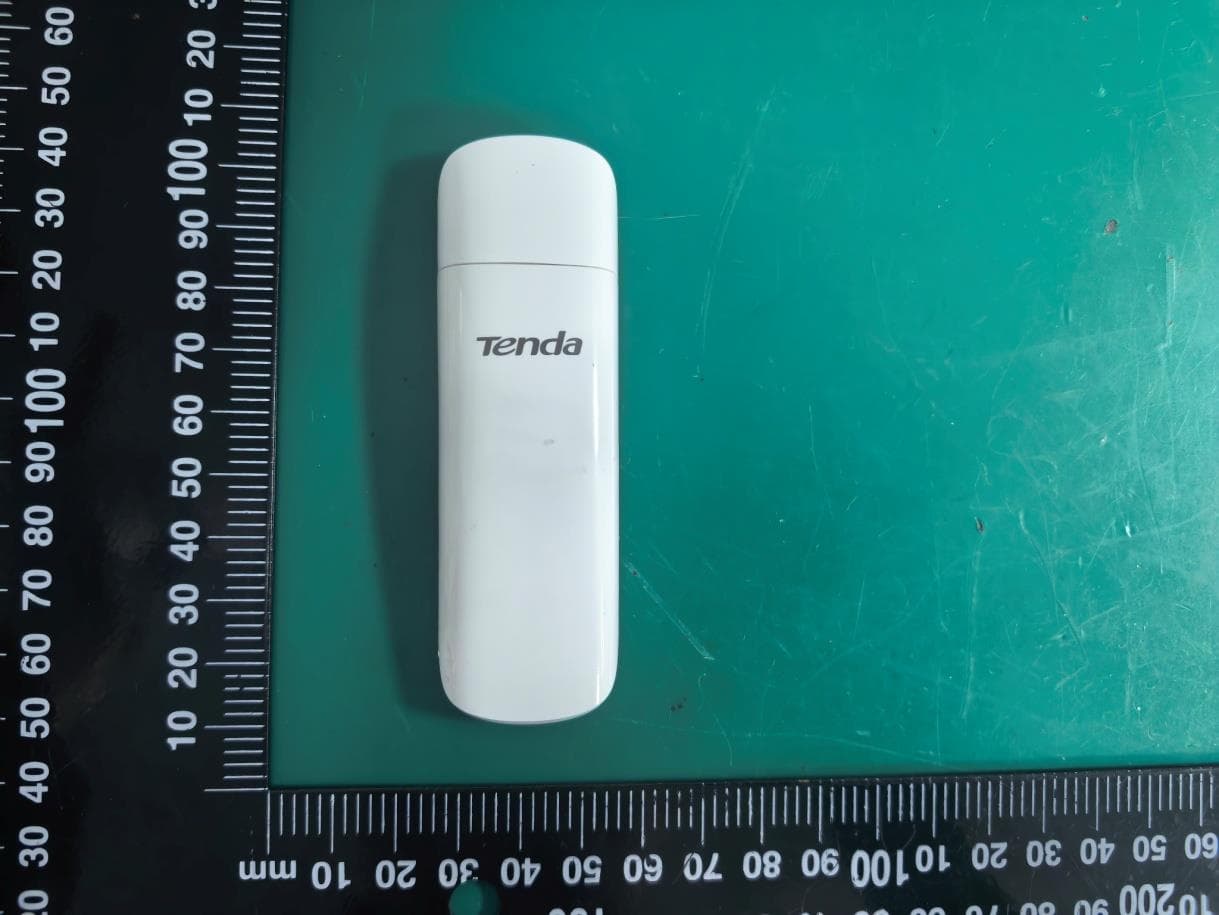
V7TU18V3
Aug 26, 2026AX1800 Wi-Fi 6 Dual-Band USB Adapter
Equipment Class
NII - Unlicensed National Information Infrastructure TX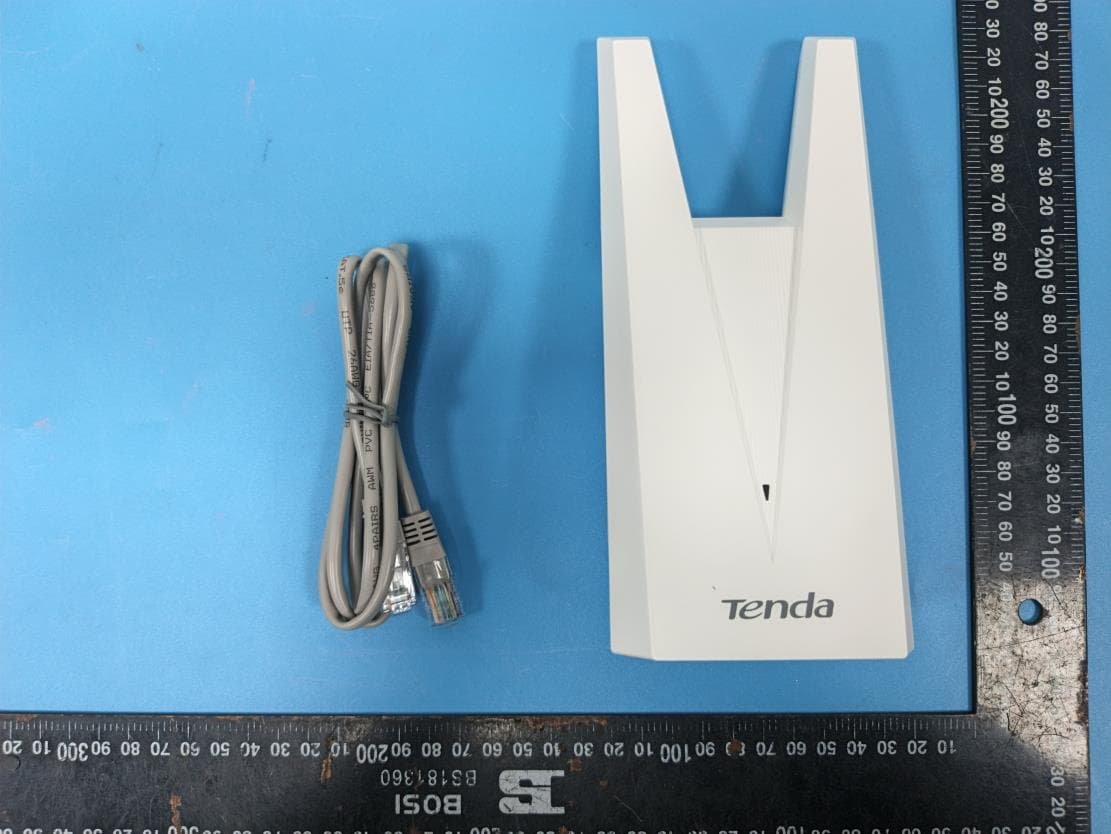
V7TA33V2
Aug 25, 2026AX3000 Dual-Band Gigabit Wi-Fi Range Extender, AX1800 Dual-Band Gigabit Wi-Fi Range Extender
Equipment Class
DTS - Digital Transmission System
V7TCH9V2
Jul 20, 20266MP Dual-lens Linkage Wi-Fi Pan/Tilt Camera
Equipment Class
DTS - Digital Transmission System
V7TCH3V21
Jul 14, 20263MP Wi-Fi Pan/Tilt Camera
Equipment Class
DTS - Digital Transmission System
V7TCP3P1
Jun 30, 20263MP Security Pan/Tilt Camera
Equipment Class
DTS - Digital Transmission System