V7TC50SIP-Camera
SHENZHEN TENDA TECHNOLOGY CO., LTD.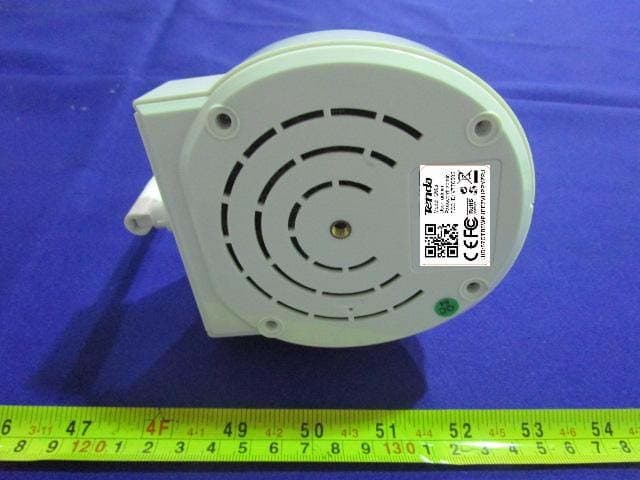
Click to zoom
Application Details
- Equipment Class
- DTS - Digital Transmission System
- Date of Grant
- May 13, 2015
- Application Purpose
- Original Equipment
- Date of Application
- May 13, 2015
- Equipment Note
- IP-Camera
- Frequency Range
- 2422.00000000 - 2452.00000000
- Country
- China
Documents & Files
Document Text
Text extracted from the exhibit documents filed with the FCC. Open a document above to read the original.
Users Manual
V2 www.tendacn.com SupereasyIPCamera 2 istheregisteredtrademarkofShenzhenTendaTechnologyCo., Ltd.Alltheproductsandproductnamesmentionedhereinarethetrademarksor registeredtrademarksoftheirrespectiveholders.Copyrightofthewholeproductas integration,includingitsaccessoriesandsoftware,belongstoShenzhenTenda TechnologyCo.,Ltd.WithoutpriorexpressedwrittenpermissionfromShenzhen TendaTechnologyCo.,Ltd,anyindividualorpartyisnotallowedtocopy,plagiarize, reproduce,ortranslateitintootherlanguages. Allphotosandproductspecificationsmentionedinthismanualareforreferences only.Upgradesofsoftwareandhardwaremayoccur;Tendareservestherightto revisethispublicationandtomakechangesinthecontenthereofwithoutobligationto notifyanypersonororganizationofsuchrevisionsorchanges.Ifyouwouldliketo knowmoreaboutourproductinformation,pleasevisitourwebsiteat http://www.tendacn.com SupereasyIPCamera 3 Contents 1.Productoverview............................................................................................................................6 1.1Packagelist............................................................................................................................6 1.2SystemRequirement.............................................................................................................7 1.3Introduction...........................................................................................................................7 1.4Features.................................................................................................................................7 1.5Hardwareoverview...............................................................................................................8 2.Installation.......................................................................................................................................9 2.1.Destopinstall.........................................................................................................................9 3.SmartphoneViewandInstall........................................................................................................10 3.1“CloudNeteye”downloadandinstall.................................................................................10 3.1.1iPhone.......................................................................................................................10 3.1.2Androidsmartphone................................................................................................10 3.2AddIPCamera....................................................................................................................10 3.2.1IOS...........................................................................................................................11 3.2.2Android....................................................................................................................11 3.3CloudNeteyeLiveView.....................................................................................................12 3.4IPCamerasettingandmanagement...................................................................................13 3.4.1Androidsmartphone................................................................................................13 3.4.1.1ModifyCamera.....................................................................................................14 3.4.1.2ViewEvent............................................................................................................15 3.4.2IPhone......................................................................................................................15 3.4.2.1Modifycamera......................................................................................................16 3.4.2.2Event:....................................................................................................................17 4.PCViewandInstall......................................................................................................................17 4.1Softwarefunctionspecification..........................................................................................17 SupereasyIPCamera 4 4.1.1Add/DeleteIPCamera.............................................................................................18 4.1.2Videodisplay...........................................................................................................18 4.1.3MainFunctions........................................................................................................19 4.1.3.1Systemsetting.......................................................................................................19 4.1.3.2Playback,BrowsesnapshotsandEventlist..........................................................21 4.1.3.3Software................................................................................................................23 4.1.4Windowsswitchingarea..........................................................................................23 4.1.5Devicesetting...........................................................................................................23 4.1.5.1EditCamera..........................................................................................................23 4.1.5.1.1ScheduleRecording...........................................................................................24 4.1.5.1.2Remotesetting...................................................................................................24 4.1.5.2Play/Stopallcamera.............................................................................................25 4.1.5.3Export/Importdevice,..........................................................................................25 5.WebViewandSetting..................................................................................................................26 5.1HowtologinWeb...................................................................…
Text truncated - open the document above for the full version.
External Photos
EXHIBIT B - EUT EXTERNAL PHOTOGRAPHS EUT – All View EUT – Top View EUT – Bottom View EUT – Side View EUT – Side View EUT – Side View EUT – Side View EUT – Port View EUT – Adapter Label View
ID Label/Location Info
EXHIBIT A - FCC ID LABELING AND LOCATION FCC ID Label Proposed FCC ID Label Location The label shown shall be permanently affixed at a conspicuous location on the device and be readily visible to the user at the time purchase (Labeling requirements per 2.925) Label Here
Internal Photos
EXHIBIT C - EUT INTERNAL PHOTOGRAPHS EUT –Uncover View EUT –Uncover View EUT –Uncover View EUT –Uncover View EUT –Uncover View EUT –Uncover View EUT –Main Board Top View Main Board Bottom View EUT –RF Module View EUT –LED Board Top View EUT –LED Board Bottom View EUT –Sensor Board Top View EUT –Sensor Board Bottom View
Test Report
Note: This test report is prepared for the customer shown above and for the device described herein. It may not be duplicated or used in part without prior written consent from Bay Area Compliance Laboratories Corp. (Dongguan). This report is valid only with a valid digital signature. The digital signature may be available only under the Adobe software above version 7.0. FCC PART 15.247 TEST REPORT For SHENZHEN TENDA TECHNOLOGY CO.,LTD. 6-8 Floor, Tower E3, No. 1001, Zhongshanyuan Road, Nanshan District, Shenzhen, China. 518052 FCC ID: V7TC50S Report Type: Original Report Product Type: IP-Camera Test En gineer: Lion Xiao Re port Number: RDG150424004-00A Re port Date: 2015-05-06 Reviewed By: Sula Huang RF Leader Test Laboratory: Bay Area Compliance Laboratories Corp. (Dongguan) No.69 Pulongcun, Puxinhu Industrial Zone, Tangxia, Dongguan, Guangdong, China Tel: +86-769-86858888 Fax: +86-769-86858891 www.baclcorp.com.cn Bay Area Compliance Laboratories Corp. (Dongguan) Report No.: RDG150424004-00A FCC Part 15.247 Page 2 of 51 TABLE OF CONTENTS GENERAL INFORMATION ....................................................................................................................................... 4 PRODUCT DESCRIPTION FOR EQUIPMENT UNDER TEST (EUT) ..................................................................................... 4 OBJECTIVE ................................................................................................................................................................... 4 RELATED SUBMITTAL(S)/GRANT(S) ............................................................................................................................. 4 TEST METHODOLOGY .................................................................................................................................................. 4 TEST FACILITY ............................................................................................................................................................. 4 SYSTEM TEST CONFIGURATION .......................................................................................................................... 5 DESCRIPTION OF TEST CONFIGURATION ...................................................................................................................... 5 EQUIPMENT MODIFICATIONS ....................................................................................................................................... 5 EUT EXERCISE SOFTWARE .......................................................................................................................................... 5 SUPPORT EQUIPMENT LIST AND DETAILS .................................................................................................................... 6 SUPPORT CABLE LIST AND DETAILS ............................................................................................................................ 6 CONFIGURATION OF TEST SETUP ................................................................................................................................. 6 SUMMARY OF TEST RESULTS ............................................................................................................................... 7 FCC §15.247 (i) & §1.1310 & §2.1091- MAXIMUM PERMISSIBLE EXPOSURE (MPE) ......................................... 8 APPLICABLE STANDARD .............................................................................................................................................. 8 FCC §15.203 - ANTENNA REQUIREMENT ............................................................................................................. 9 APPLICABLE STANDARD .............................................................................................................................................. 9 ANTENNA CONNECTOR CONSTRUCTION ...................................................................................................................... 9 FCC §15.207 (a) – AC LINE CONDUCTED EMISSIONS ..................................................................................... 10 APPLICABLE STANDARD ............................................................................................................................................ 10 MEASUREMENT UNCERTAINTY .................................................................................................................................. 10 EUT SETUP ................................................................................................................................................................ 10 EMI TEST RECEIVER SETUP ....................................................................................................................................... 11 TEST PROCEDURE ...................................................................................................................................................... 11 CORRECTED AMPLITUDE & MARGIN CALCULATION ................................................................................................. 11 TEST EQUIPMENT LIST AND DETAILS ......................................................................................................................... 12 TEST RESULTS SUMMARY .......................................................................................................................................... 12 TEST DATA ................................................................................................................................................................ 12 FCC §15.209, §15.205 & §15.247(d) - SPURIOUS EMISSIONS ............................................................................. 15 APPLICABLE STANDARD ............................................................................................................................................ 15 MEASUREMENT UNCERTAINTY .................................................…
Text truncated - open the document above for the full version.
Test Setup Photos
EXHIBIT D - TEST SETUP PHOTOGRAPHS Conducted Emissions – Front View Conducted Emissions - Side View Radiated Emissions –Front View (Below 1GHz) Radiated Emissions –Rear View (Below 1GHz) Radiated Emission –Front View (Above 1 GHz) Radiated Emission –Rear View (Above 1 GHz)
Contact Information
Applicant
Shen Yue(Engineer)
Test Firm
Bay Area Compliance Laboratories Corp. (Dongguan)John Chan
[email protected]86-769-86858888
Technical Specifications
| # | Rule Parts | Frequency Range | Power Output |
|---|---|---|---|
| 2 | 15C | 2.42 GHz - 2.45 GHz | 35.08 mW |
Other Applications from SHENZHEN TENDA TECHNOLOGY CO., LTD.
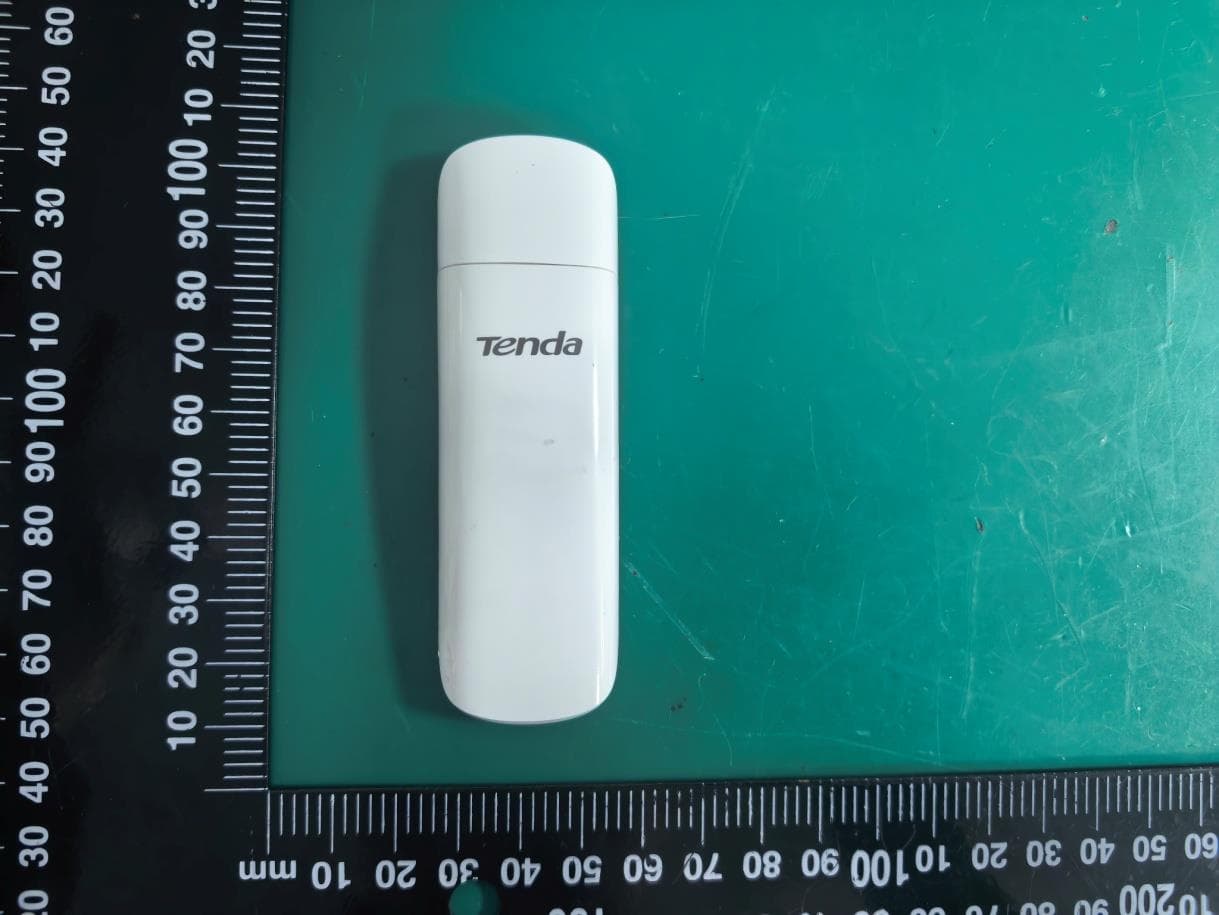
V7TU18V3
Aug 26, 2026AX1800 Wi-Fi 6 Dual-Band USB Adapter
Equipment Class
NII - Unlicensed National Information Infrastructure TX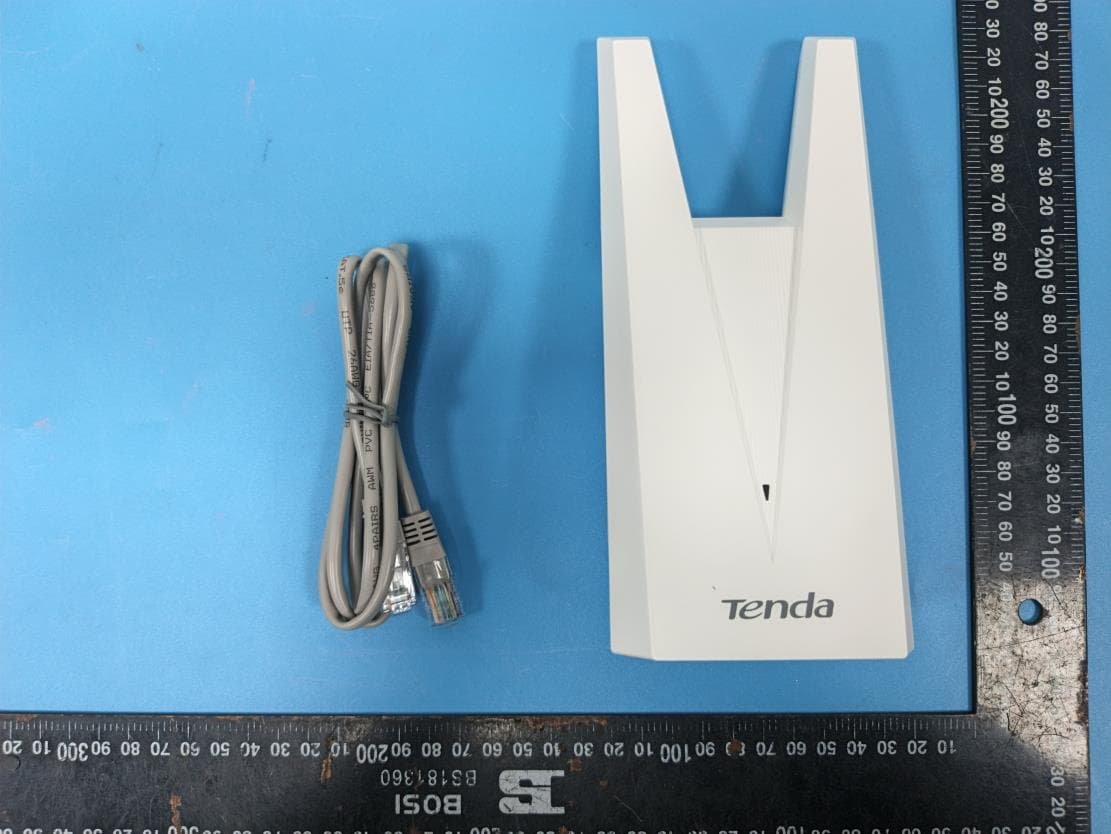
V7TA33V2
Aug 25, 2026AX3000 Dual-Band Gigabit Wi-Fi Range Extender, AX1800 Dual-Band Gigabit Wi-Fi Range Extender
Equipment Class
DTS - Digital Transmission System
V7TCH9V2
Jul 20, 20266MP Dual-lens Linkage Wi-Fi Pan/Tilt Camera
Equipment Class
DTS - Digital Transmission System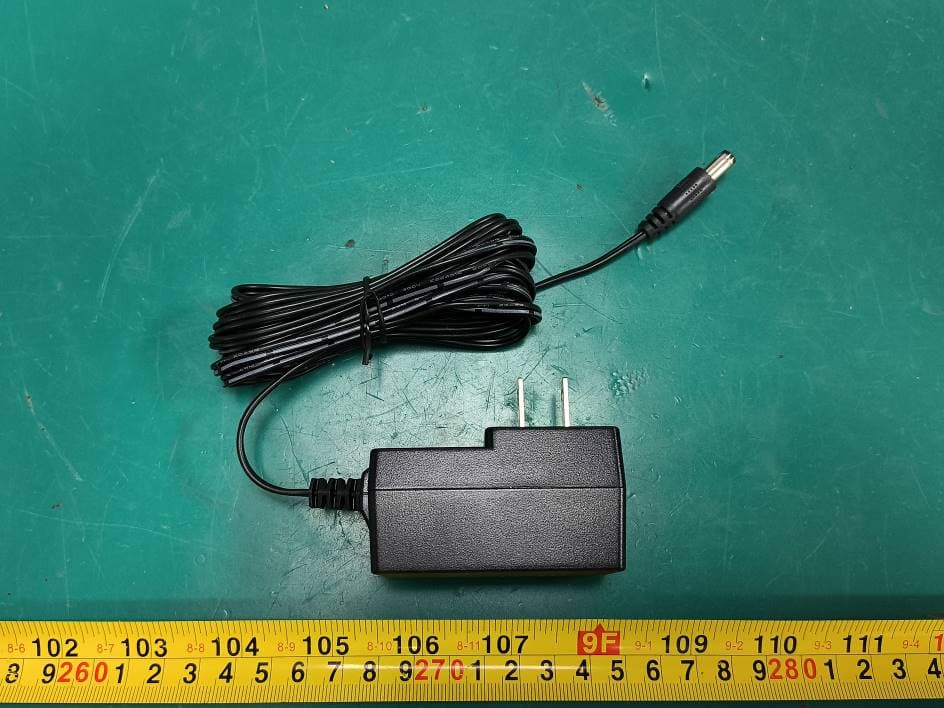
V7TCH3V21
Jul 14, 20263MP Wi-Fi Pan/Tilt Camera
Equipment Class
DTS - Digital Transmission System
V7TCP3P1
Jun 30, 20263MP Security Pan/Tilt Camera
Equipment Class
DTS - Digital Transmission System