V7TW1500AWireless N150 Outdoor Long Range AP/Router
SHENZHEN TENDA TECHNOLOGY CO., LTD.
Click to zoom
Application Details
- Equipment Class
- DTS - Digital Transmission System
- Date of Grant
- May 28, 2013
- Application Purpose
- Original Equipment
- Date of Application
- May 28, 2013
- Equipment Note
- Wireless N150 Outdoor Long Range AP/Router
- Frequency Range
- 2412.00000000 - 2462.00000000
- Country
- China
Documents & Files
Document Text
Text extracted from the exhibit documents filed with the FCC. Open a document above to read the original.
Users Manual
Wireless N150 Long Range AP/Router 0 Wireless N150 Outdoor Long Range AP/Router 1 Copyright Statement is the registered trademark of Shenzhen Tenda Technology Co., Ltd. All the products and product names mentioned herein are the trademarks or registered trademarks of their respective holders. Copyright of the whole product as integration, including its accessories and software, belongs to Shenzhen Tenda Technology Co., Ltd. Without prior expressed written permission from Shenzhen Tenda Technology Co., Ltd, any individual or party is not allowed to copy, plagiarize, reproduce, or translate it into other languages. All photos and product specifications mentioned in this manual are for references only. Upgrades of software and hardware may occur; Tenda reserves the right to revise this publication and to make changes in the content hereof without obligation to notify any person or organization of such revisions or changes. If you would like to know more about our product information, please visit our website at http://www.tendacn.com. Wireless N150 Outdoor Long Range AP/Router 2 Table of Contents Chapter 1 Product Overview .......................................... 5 1.1 Features ............................................................................... 5 1.2 Package Content .................................................................... 6 1.3 Panel Overview ...................................................................... 7 Chapter 2 Hardware Install .......................................... 10 2.1 Hardware Install .................................................................. 10 2.1.1 Connect device to a power source .................................. 10 2.1.2 Network Connection ..................................................... 10 2.2 Quick Setup ......................................................................... 13 2.2.1 AP Mode ..................................................................... 15 2.2.2 Router Mode ............................................................... 16 2.2.3 Universal Repeater Mode .............................................. 20 Chapter 3 Network Setup ............................................. 26 3.1 LAN Settings ....................................................................... 26 3.2. WAN Settings ...................................................................... 27 3.3 MAC Clone .......................................................................... 36 3.4. DHCP ................................................................................. 37 3.5 WAN Medium Type ............................................................... 39 Chapter 4 Wireless Settings ......................................... 42 4.1 Basic .................................................................................. 42 4.2 Security .............................................................................. 44 4.2.1 WPA-PSK .................................................................... 44 4.2.2 WPA2-PSK .................................................................. 46 4.2.3 WEP ........................................................................... 47 Wireless N150 Outdoor Long Range AP/Router 3 4.3 Advanced Settings ................................................................ 48 4.4 Access Control ..................................................................... 50 4.5 WDS Settings ...................................................................... 54 4.6 Optimum Position Setup ........................................................ 58 4.7 ConnectionStatus ................................................................. 60 Chapter5 Advanced Applications .................................. 61 5.1 Bandwidth Settings .............................................................. 61 5.2 Connection status ................................................................. 62 5.3 DDNS ................................................................................. 63 5.4 Virtual Server ...................................................................... 66 5.5 DMZ Host ............................................................................ 68 5.6 UPnP .................................................................................. 69 5.7 Routing Table ....................................................................... 70 5.8 Static Routing ...................................................................... 71 Chapter 6. Security Settings ......................................... 72 6.1 Mac Address Filter ................................................................ 72 6.2 Client Filter ......................................................................... 75 6.3 URL Filter ............................................................................ 78 6.4 Remote Web Management ..................................................... 80 Chapter 7 SNMP ............................................................ 82 Chapter 8 System tools ................................................. 83 8.1 Syslog ................................................................................ 83 8.2 Statistics ............................................................................. 84 8.3 Time & Date ........................................................................ 85 8.4 Change Password ................................................................. 86 8.5 Backup ................................................................................ 87 8.6 Restore ............................................................................... 88 8.7 Firmware Update .................................................................. 89 8.8 Restore to Factory Default ..................................................... 90 Wireless N150 Outdoor Long Range AP/Router 4 8.9 Reboot 91 Appendix 1 TCP/IP Settings ......................................... 92 Appendix 2: Glossary ..........................…
Text truncated - open the document above for the full version.
Users Manual
Wireless N150 Outdoor Long Range AP/Router 60 4.7 ConnectionStatus This section displays the info of connected wireless clients including MAC addresses and encryption info, etc. Wireless N150 Outdoor Long Range AP/Router 61 Chapter5 Advanced Applications The Advanced tab only works on router mode, it has the following 7 submenus: Bandwidth Settings, Connection Status, DDNS, Virtual Server, DMZ Host, UPnP, Routing Table and Static Routing. 5.1 Bandwidth Settings Bandwidth control is used for limit internal network speed. It supports IP address range configuration. Click Add and below screen will appear. \ Wireless N150 Outdoor Long Range AP/Router 62 Enable: Check/uncheck to enable/disable current entry. When disabled, corresponding entry will not take effect though existing in fact. IP Range: Enter a single IP or an IP range. Uplink Bandwidth: Max uplink traffic. Downlink Bandwidth: Max downlink traffic. Description: Briefly describe the current rule, the Max number of rule is 10. 5.2 Connection status Showing the current connection information, which is client IP address, MAC address and connection mode. Wireless N150 Outdoor Long Range AP/Router 63 5.3 DDNS Dynamic DNS or DDNS is a method of updating, in real time, a Domain Name System (DNS) to point to a changing IP address on the Internet. This is used to provide a persistent domain name for a resource that may change location on the network. 1、Mostly, broadband ISP (Internet service provider) only provide client with Dynamic IP address. While DDNS knows every change on IP address and Banding it with well-known name, so others users can use well-known name to communicate with the client. 2、DDNS can help you setup virtual server in your company or home. Service Provider: Select the DDNS service provider you are using, support no-ip.com, dyndns.com User Name: Enter the DDNS user name registered with your DDNS Wireless N150 Outdoor Long Range AP/Router 64 service provider. Password: Enter the DDNS Password registered with your DDNS service provider. Domain Name: Enter the DDNS domain name with your DDNS service provider. For example: If you have registered a DDNS service from no-ip.com for a web server on the host at 192.168.2.10 and get below info: User Name Tenda Password 123456 Domain Name tenda.zapto.org Wireless N150 Outdoor Long Range AP/Router 65 First set a mapping rule on Virtual Server interface (For details, see Virtual Server section) and then enter the registered user name, password and domain name as shown below: Then Click Save to save the settings. Simply input "http://tenda.zapto.org" in a launched web browser and your web server will be accessible. Wireless N150 Outdoor Long Range AP/Router 66 5.4 Virtual Server Defines the mapping between the service port range of WAN access and LAN server, all of the WAN ports used within the scope of access will be re-positioned to the LAN network server specified by IP address. Ext Port-Int Port: WAN service port. Internal LAN PC port corresponding mapped to an external port. Private IP: The IP address of a computer used as a server in LAN. Protocol: Includes TCP, UDP and Both. Select “Both” if you are not sure about which protocol to use. Enable: The corresponding entry takes effect only if you. checked this option. Delete: Clear all settings of this item. Common Service Port: The well-known protocol ports are listed Wireless N150 Outdoor Long Range AP/Router 67 in the drop-down list. Select one and select a sequence number in the ID drop-down list and then click “Add”, this port will be added automatically to the ID list. For other well-known service ports that are not listed, you can manually add them to the list. Add to: Add the selected well-known port to the policy ID. For Example: you can build a WEB server on your computer and set the router’s port range forwarding to enable your friends to access to your computer. Suppose that your WEB server or your computer’s static IP address is 192.168.2.100, and you wish your friends can access the server through the default port 80 and adopts TCP protocol. Wireless N150 Outdoor Long Range AP/Router 68 Notice: If you set the service port of the virtual server as 80, you must set the Web Management port on Remote Web Management screen to be any value except 80 such as 8080. Otherwise, there will be a conflict to disable the virtual server. 5.5 DMZ Host The DMZ Settings screen allows one local computer to be exposed to the Internet for use of a special-purpose service such as Internet gaming or videoconferencing. DMZ hosting forwards all the ports at the same time to one PC. DMZ Host IP: The IP address of the LAN computer you want to set as DMZ host. Enable: Check to enable the DMZ host. For example: Set the computer at the IP address of 192.168.2.10 as DMZ host to connect another host on the Internet for intercommunication. Wireless N150 Outdoor Long Range AP/Router 69 Notice: When the DMZ host is enabled, the firewall settings of the DMZ host will not function. 5.6 UPnP With the UPnP (Universal Plug and Play) function, the internal host can request the router to process some special port switching so as to enable the external host to visit the resources of the internal host. UPnP works in Windows XP, Windows ME or later (Note: Operational system needs to be integrated with or installed with DirectX 9.0) or in an environment with installed application software that supports UPnP. Enable UPnP: Click the checkbox to enable the UPnP. Wireless N150 Outdoor Long Range AP/Router 70 5.7 Routing Table This page shows the router’s core routing table. The main duty for a router is to look for a best path for every data packet, and transfer this data packet to a destination station. In order to fulfill this function, many transferring paths, i.e. routing table, are saved in the router, for choosing when needed. Wireless N150 Outdoor Long Range AP/Router 71 5.8 Static Routing This page is used to set the rou…
Text truncated - open the document above for the full version.
Cover Letter(s)
CERTIFICATE OF COMPLIANCE Ref No.: NEI-FCCE -1-1304C204 Date of Issue: May. 15, 2013 Authorized under Declaration of Conformity according to 47 CFR, Part 2 and Part 15 of the FCC Rules. The product listed in follows was (were) tested in the Neutron EMC Laboratory to comply with the criteria limits Class B of conducted and radiated emissions of the Technical Standards FCC Part 15, Subpart B, established by the FCC, USA. Equipment Wireless N150 Outdoor Long Range AP/Router Model Name W1500A Brand Name Tenda Applicant SHENZHEN TENDA TECHNOLOGY CO.,LTD. Address Tenda Industrial Park, No.34-1, Shilong Rd., Shiyan Town, Bao'an District, Shenzhen, P.R. China 518108 Standard(s) FCC Part 15, Subpart B: 2012 Class A ANSI C63.4 (2009) The test data, data evaluation, and equipment configuration contained in our test report (Ref No. NEI-FCCE -1-1304C204) were obtained utilizing the test procedures, test instruments, test sites that has been accredited by the Authority of TAF according to the ISO-17025 quality assessment standard and technical standard(s). The test data contained in the referenced test report relate only to the EUT sample and item(s) tested. Andy Chiu Authorized Signatory Neutron Engineering Inc. B1, No.37, Lane 365, Yang Guang St., NeiHu District 114., Taipei, Taiwan TEL:+886-2-2657-3299 FAX:+886-2-2657-3331
External Photos
Neutron Engineering Inc. Project No.: 1304C204 Page 2 of 12 Neutron Engineering Inc. Project No.: 1304C204 Page 3 of 12 Neutron Engineering Inc. Project No.: 1304C204 Page 4 of 12 Neutron Engineering Inc. Project No.: 1304C204 Page 5 of 12
Internal Photos
Neutron Engineering Inc. Project No.: 1304C204 Page 6 of 12 Neutron Engineering Inc. Project No.: 1304C204 Page 7 of 12 Neutron Engineering Inc. Project No.: 1304C204 Page 8 of 12 Neutron Engineering Inc. Project No.: 1304C204 Page 9 of 12 Neutron Engineering Inc. Project No.: 1304C204 Page 10 of 12 Neutron Engineering Inc. Project No.: 1304C204 Page 11 of 12 Neutron Engineering Inc. Project No.: 1304C204 Page 12 of 12
RF Exposure Info
Neutron Engineering Inc. FCC RF EXPOSURE REPORT FCC ID: V7TW1500A Project No. : 1304C204 Equipment : Wireless N150 Outdoor Long Range AP/Router Model : W1500A Applicant : SHENZHEN TENDA TECHNOLOGY CO.,LTD. Address : Tenda Industrial Park, No.34-1, Shilong Rd., Shiyan Town, Bao'an District, Shenzhen, P.R. China 518108 According: : FCC Guidelines for Human Exposure IEEE C95.1 Neutron Engineering Inc. No.3, Jinshagang 1st Road, ShiXia, Dalang Town, Dong Guan, China. TEL : (0769) 8318-3000 FAX : (0769) 8319-6000 Neutron Engineering Inc. MPE CALCULATION METHOD: Calculation Method of RF Safety Distance: where: S = power density P = power input to the antenna G = power gain of the antenna in the direction of interest relative to an isotropic radiator R = distance to the center of radiation of the antenna Table for Filed Antenna Ant. Brand Model Name Antenna Type Connector Gain (dBi) 1 N/A N/A Integral N/A 10 Neutron Engineering Inc. TEST RESULTS EUT: Wireless N150 Outdoor Long Range AP/Router Model Name : W1500A Temperature: 25 °C Relative Humidity: 58 % Pressure: 1010 hPa Test Voltage : AC 120V/60Hz Test Mode : TX B MODE /CH01, CH06, CH11 Antenna Gain (dBi) Antenna Gain (numeric) Peak Output Power (dBm) Peak Output Power (mW) Power Density (S) (mW/cm 2 ) Limit of Power Density (S) (mW/cm 2 ) Te s t Result 10 10.0000 12.77 18.9234 0.037666081 Complies 10 10.0000 12.94 19.6789 0.039169711 Complies 10 10.0000 12.87 19.3642 0.038543431 Complies EUT: Wireless N150 Outdoor Long Range AP/Router Model Name : W1500A Temperature: 25 °C Relative Humidity: 58 % Pressure: 1010 hPa Test Voltage : AC 120V/60Hz Test Mode : TX G MODE /CH01, CH06, CH11 Antenna Gain (dBi) Antenna Gain (numeric) Peak Output Power (dBm) Peak Output Power (mW) Power Density (S) (mW/cm 2 ) Limit of Power Density (S) (mW/cm 2 ) Te s t Result 10 10.0000 19.15 82.2243 0.163662951 Complies 10 10.0000 19.04 80.1678 0.159569681 Complies 10 10.0000 19.57 90.5733 0.180281171 Complies Neutron Engineering Inc. EUT: Wireless N150 Outdoor Long Range AP/Router Model Name : W1500A Temperature: 25 °C Relative Humidity: 58 % Pressure: 1010 hPa Test Voltage : AC 120V/60Hz Test Mode : TX N-20M MODE /CH01, CH06, CH11 Antenna Gain (dBi) Antenna Gain (numeric) Peak Output Power (dBm) Peak Output Power (mW) Power Density (S) (mW/cm 2 ) Limit of Power Density (S) (mW/cm 2 ) Te s t Result 10 10.0000 19.21 83.3681 0.165939731 Complies 10 10.0000 19.16 82.4138 0.164040231 Complies 10 10.0000 19.56 90.3649 0.179866541 Complies EUT: Wireless N150 Outdoor Long Range AP/Router Model Name : W1500A Temperature: 25 °C Relative Humidity: 58 % Pressure: 1010 hPa Test Voltage : AC 120V/60Hz Test Mode : TX N-40M MODE /CH03, CH06, CH09 Antenna Gain (dBi) Antenna Gain (numeric) Peak Output Power (dBm) Peak Output Power (mW) Power Density (S) (mW/cm 2 ) Limit of Power Density (S) (mW/cm 2 ) Te s t Result 10 10.0000 19.37 86.4968 0.172167181 Complies 10 10.0000 19.67 92.6830 0.184480461 Complies 10 10.0000 19.64 92.0450 0.183210501 Complies
Test Report
Neutron Engineering Inc. Report No.: NEI-FCCP-1-1304C204 Page 1 of 122 FCC Radio Test Report FCC ID: V7TW1500A This report concerns (check one) : Original Grant Class II Change Issued Date : May. 15, 2013 Project No. : 1304C204 Equipment : Wireless N150 Outdoor Long Range AP/Router Model Name : W1500A Applicant : SHENZHEN TENDA TECHNOLOGY CO.,LTD. Address : Tenda Industrial Park, No.34-1, Shilong Rd., Shiyan Town, Bao'an District, Shenzhen, P.R. China 518108 Tested by: Neutron Engineering Inc. EMC Laboratory Date of Receipt: Apr. 26, 2013 Date of Test: Apr. 26, 2013~ May. 14, 2013 Testing Engineer : (David Mao) Technical Manager : (Leo Hung) Authorized Signatory : (Steven Lu) Neutron Engineering Inc. No.3,Jinshagang 1st Road, ShiXia, Dalang Town, Dong Guan, China. TEL : (0769) 8318-3000 FAX : (0769) 8319-6000 Neutron Engineering Inc. Report No.: NEI-FCCP-1-1304C204 Page 2 of 122 Declaration Neutron represents to the client that testing is done in accordance with standard procedures as applicable and that test instruments used has been calibrated with the standards traceable to National Measurement Laboratory (NML) of R.O.C, or National Institute of Standards and Technology (NIST) of U.S.A. Neutron's reports apply only to the specific samples tested under conditions. It is manufacture’s responsibility to ensure that additional production units of this model are manufactured with the identical electrical and mechanical components. Neutron shall have no liability for any declarations, inferences o r generalizations drawn by the client or others from Neutron issued reports. Neutron’s reports must not be used by the client to claim product endorsement by the authorities or any agency of the Government. This report is the confidential property of the client. As a mutual protection to the clients, the public and Neutron-self, extracts from the test report shall not be reproduced except in full with Neutron’s authorized written approval. Neutron’s laboratory quality assurance procedures are in compliance with the ISO Guide 17025 requirements, and accredited by the conformity assessment authorities listed in this test report. Limitation For the use of the authority's logo is limited unless the Test Standard(s)/Scope(s)/Item(s) mentioned in this test report is (are) included in the conformity assessment authorities acceptance respective. Neutron Engineering Inc. Report No.: NEI-FCCP-1-1304C204 Page 3 of 122 Table of Contents Page 1 . CERTIFICATION 5 2 . SUMMARY OF TEST RESULTS 6 2.1 TEST FACILITY 7 2.2 MEASUREMENT UNCERTAINTY 7 3 . GENERAL INFORMATION 8 3.1 GENERAL DESCRIPTION OF EUT 8 3.2 DESCRIPTION OF TEST MODES 10 3.3 TABLE OF PARAMETERS OF TEXT SOFTWARE SETTING 11 3.4 BLOCK DIAGRAM SHOWING THE CONFIGURATION OF SYSTEM TESTED 12 3.5 DESCRIPTION OF SUPPORT UNITS 13 4 . EMC EMISSION TEST 14 4.1 CONDUCTED EMISSION MEASUREMENT 14 4.1.1 POWER LINE CONDUCTED EMISSION LIMITS 14 4.1.2 MEASUREMENT INSTRUMENTS LIST AND SETTING 14 4.1.3 TEST PROCEDURE 15 4.1.4 DEVIATION FROM TEST STANDARD 15 4.1.5 TEST SETUP 15 4.1.6 EUT OPERATING CONDITIONS 15 4.1.7 TEST RESULTS 16 4.2 RADIATED EMISSION MEASUREMENT 19 4.2.1 RADIATED EMISSION LIMITS 19 4.2.2 MEASUREMENT INSTRUMENTS LIST ANS SETTING 20 4.2.3 TEST PROCEDURE 21 4.2.4 DEVIATION FROM TEST STANDARD 21 4.2.5 TEST SETUP 22 4.2.6 EUT OPERATING CONDITIONS 23 4.2.7 TEST RESULTS (BETWEEN 30 – 1000 MHZ) 24 4.2.8 TEST RESULTS (ABOVE 1000 MHZ) 31 5 . BANDWIDTH TEST 79 5.1 APPLIED PROCEDURES / LIMIT 79 5.1.1 MEASUREMENT INSTRUMENTS LIST 79 5.1.2 TEST PROCEDURE 79 5.1.3 DEVIATION FROM STANDARD 79 5.1.4 TEST SETUP 79 5.1.5 EUT OPERATION CONDITIONS 79 5.1.6 TEST RESULTS 80 6 . MAXIMUM OUTPUT POWER TEST 88 Neutron Engineering Inc. Report No.: NEI-FCCP-1-1304C204 Page 4 of 122 Table of Contents Page 6.1 APPLIED PROCEDURES / LIMIT 88 6.1.1 MEASUREMENT INSTRUMENTS LIST 88 6.1.2 TEST PROCEDURE 88 6.1.3 DEVIATION FROM STANDARD 88 6.1.4 TEST SETUP 88 6.1.5 EUT OPERATION CONDITIONS 88 6.1.6 TEST RESULTS 89 7 . ANTENNA CONDUCTED SPURIOUS EMISSION 91 7.1 APPLIED PROCEDURES / LIMIT 91 7.1.1 MEASUREMENT INSTRUMENTS LIST 91 7.1.2 TEST PROCEDURE 91 7.1.3 DEVIATION FROM STANDARD 91 7.1.4 TEST SETUP 91 7.1.5 EUT OPERATION CONDITIONS 91 7.1.6 TEST RESULTS 92 8 . POWER SPECTRAL DENSITY TEST 112 8.1 APPLIED PROCEDURES / LIMIT 112 8.1.1 MEASUREMENT INSTRUMENTS LIST 112 8.1.2 TEST PROCEDURE 112 8.1.3 DEVIATION FROM STANDARD 112 8.1.4 TEST SETUP 112 8.1.5 EUT OPERATION CONDITIONS 112 8.1.6 TEST RESULTS 113 9 . EUT TEST PHOTO 121 Neutron Engineering Inc. Report No.: NEI-FCCP-1-1304C204 Page 5 of 122 1. CERTIFICATION Equipment : Wireless N150 Outdoor Long Range AP/Router Brand Name : Tenda Model Name : W1500A Applicant : SHENZHEN TENDA TECHNOLOGY CO.,LTD. Factory : SHENZHEN TENDA TECHNOLOGY CO.,LTD. Address : Tenda Industrial Park, No.34-1, Shilong Rd., Shiyan Town, Bao'an District, Shenzhen, P.R. China 518108 Date of Test : Apr. 26, 2013~ May. 14, 2013 Test Item : ENGINEERING SAMPLE Standards : FCC Part15, Subpart C(15.247) / ANSI C63.4-2009 The above equipment has been tested and found compliance with the requirement of the relative standards by Neutron Engineering Inc. EMC Laboratory. The test data, data evaluation, and equipment configuration contained in our test report (Ref No. NEI-FCCP-1-1304C204) were obtained utilizing the test procedures, test instruments, test sites that has been accredited by the Authority of TAF according to the ISO-17025 quality assessment standard and technical standard(s). Neutron Engineering Inc. Report No.: NEI-FCCP-1-1304C204 Page 6 of 122 2. SUMMARY OF TEST RESULTS Test procedures according to the technical standards: FCC Part15 (15.247) , Subpart C Standard Section Test Item Judgment Remark 15.207 Conducted Emission PASS 15.247(d) Antenna conducted Spurious EmissionPASS 15.247(a)(2) 6dB Bandwidth PASS 15.247(b)(3) Peak Output Power PASS 15.209/15.205 Radiated Spurious Emission PASS 15.247(e) Power Spectral Density PASS 15.203 Antenna Requirement PASS NOTE: (1)…
Text truncated - open the document above for the full version.
Test Setup Photos
Neutron Engineering Inc. Report No.: NEI-FCCP-1-1304C204 Page 121 of 122 9. EUT TEST PHOTO Conducted Measurement Photos Neutron Engineering Inc. Report No.: NEI-FCCP-1-1304C204 Page 122 of 122 Radiated Measurement Photos
Contact Information
Applicant
Shen Yue(Engineer)
Technical Contact
Neutron Engineering, Inc.Steven Lu
[email protected]86-769-83183000
No.3,Jinshagang 1st Rd, ShiXia, · China
Non-Technical Contact
Neutron Engineering, Inc.Cathy Wang
[email protected]86-769-83183000
Test Firm
BTL Inc.Daisy Dai
Technical Specifications
| # | Rule Parts | Frequency Range | Power Output |
|---|---|---|---|
| 1 | 15C | 2.41 GHz - 2.46 GHz | 93.00 mW |
Other Applications from SHENZHEN TENDA TECHNOLOGY CO., LTD.
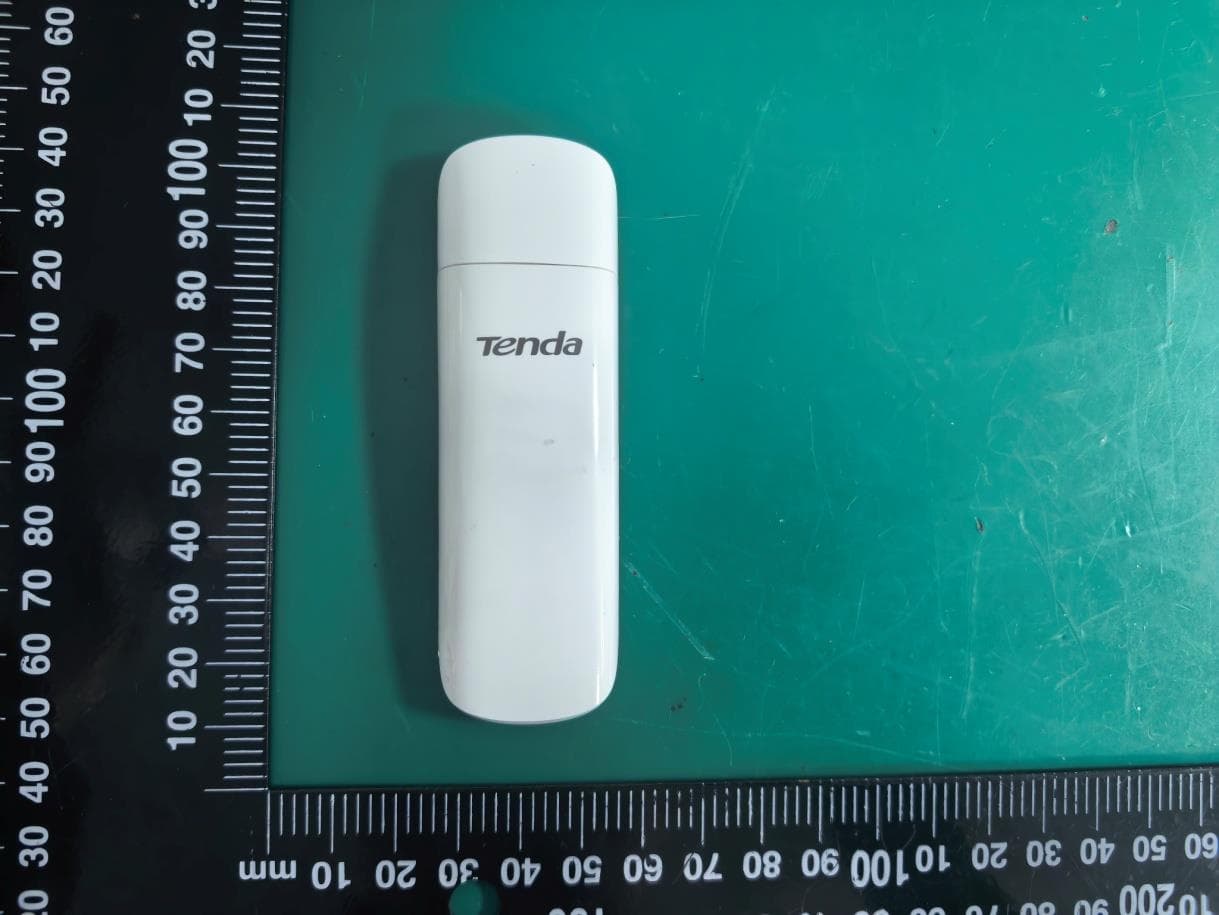
V7TU18V3
Aug 26, 2026AX1800 Wi-Fi 6 Dual-Band USB Adapter
Equipment Class
NII - Unlicensed National Information Infrastructure TX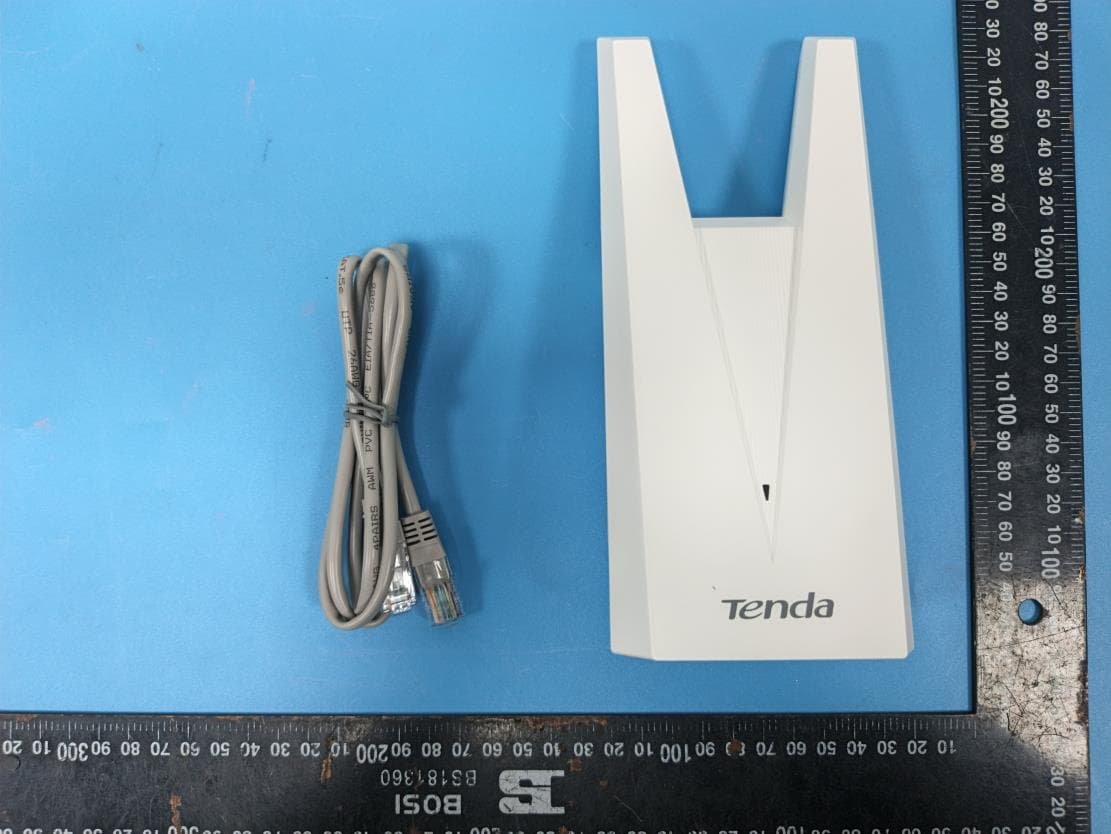
V7TA33V2
Aug 25, 2026AX3000 Dual-Band Gigabit Wi-Fi Range Extender, AX1800 Dual-Band Gigabit Wi-Fi Range Extender
Equipment Class
DTS - Digital Transmission System
V7TCH9V2
Jul 20, 20266MP Dual-lens Linkage Wi-Fi Pan/Tilt Camera
Equipment Class
DTS - Digital Transmission System
V7TCH3V21
Jul 14, 20263MP Wi-Fi Pan/Tilt Camera
Equipment Class
DTS - Digital Transmission System
V7TCP3P1
Jun 30, 20263MP Security Pan/Tilt Camera
Equipment Class
DTS - Digital Transmission System