VOB-P1761WTegra K1 Tablet
NVIDIA Corporation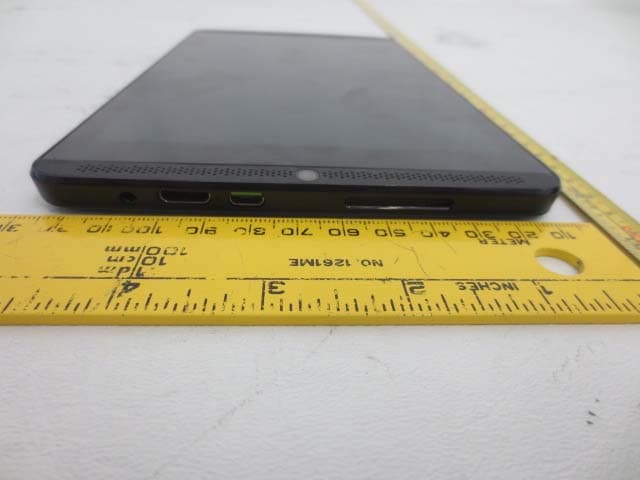
Click to zoom
Application Details
- Equipment Class
- DSS - Part 15 Spread Spectrum Transmitter
- Date of Grant
- Jun 15, 2014
- Application Purpose
- Original Equipment
- Date of Application
- Jun 15, 2014
- Equipment Note
- Tegra K1 Tablet
- Frequency Range
- 2402.00000000 - 2480.00000000
- Company
- NVIDIA Corporation
- Country
- United States
Documents & Files
Document Text
Text extracted from the exhibit documents filed with the FCC. Open a document above to read the original.
Users Manual
SHIELD Tablet User Guide Table of Contents Introduction ..................................................................................................................................... 1 NVIDIA Apps ............................................................................................................................. 1 DirectStylus Launcher ............................................................................................................ 1 NVIDIA Dabbler .................................................................................................................... 1 NVIDIA Lasso Capture .......................................................................................................... 1 NVIDIA TegraZone ................................................................................................................ 1 Additional Apps .......................................................................................................................... 2 Adobe Reader by Adobe ......................................................................................................... 2 Camera Awesome by SmugMug ............................................................................................ 2 ES File Explorer by ES APP Group ....................................................................................... 2 Evernote by Evernote Corporation ......................................................................................... 2 JusWrite by Plackal Tech........................................................................................................ 2 Write by Stylus Labs ............................................................................................................... 2 SHIELD Tablet with DirectStylus .............................................................................................. 3 Front View .............................................................................................................................. 3 Rear View ............................................................................................................................... 5 How to Charge Your SHIELD Device ....................................................................................... 7 How to Turn On Your Tablet ...................................................................................................... 8 How to Use the Touchscreen ...................................................................................................... 8 How to Complete NVIDIA Setup ............................................................................................... 8 How to Complete Android Setup ................................................................................................ 9 How to Turn Off Your Tablet ................................................................................................... 10 i Table of Contents How to Restart Your Tablet ...................................................................................................... 10 Manage Your Tablet ..................................................................................................................... 11 Navigation Overview ................................................................................................................ 11 How to Connect to Wi-Fi .......................................................................................................... 12 How to Connect Through Wi-Fi Protected Setup ..................................................................... 13 How to Scan for Available Wi-Fi Networks............................................................................. 14 How to Remove a Wi-Fi Network Connection......................................................................... 14 Stylus Behavior ......................................................................................................................... 15 How to Enable Access to Stylus-Only Mode ....................................................................... 15 How to Use Stylus-Only Mode ............................................................................................. 15 How to Optimize Palm Rejection for Your Writing Style .................................................... 16 How to Adjust the Stylus for Left-Handed Use .................................................................... 17 How to Show or Hide the Draw Cursor ................................................................................ 17 Stylus Apps ............................................................................................................................... 17 How to Use DirectStylus Launcher for Quick Access to Apps ............................................ 17 How to Open DirectStylus Launcher Automatically When the Stylus Is Removed ............ 18 How to Open an App Automatically When the Stylus Is Removed ..................................... 18 How to Prevent Apps from Opening Automatically When the Stylus Is Removed ............. 19 How to Open Settings ............................................................................................................... 19 Sounds ....................................................................................................................................... 20 How to Turn Touch Sounds On and Off ............................................................................... 20 Display ...................................................................................................................................... 20 How to Adjust Display Brightness ....................................................................................... 20 ii SHIELD Tablet User Guide How to Change the Wallpaper .............................................................................................. 21 How to Change the System Font Size...........…
Text truncated - open the document above for the full version.
External Photos
NVIDIA Corporation FCC ID: VOB-P1761W, IC: 7361A-P1761W Report Number: R1405121-247 DSS Page 67 of 73 FCC Part 15C & IC RSS-210 Test Report 17 Exhibit C - EUT Photographs 17.1 EUT – Front View 17.2 EUT – Rear View NVIDIA Corporation FCC ID: VOB-P1761W, IC: 7361A-P1761W Report Number: R1405121-247 DSS Page 68 of 73 FCC Part 15C & IC RSS-210 Test Report 17.3 EUT – Right Side View 17.4 EUT – Left Side View NVIDIA Corporation FCC ID: VOB-P1761W, IC: 7361A-P1761W Report Number: R1405121-247 DSS Page 69 of 73 FCC Part 15C & IC RSS-210 Test Report 17.5 EUT – Top View 17.6 EUT – Bottom View
Internal Photos
NVIDIA Corporation FCC ID: VOB-P1761W, IC: 7361A-P1761W Report Number: R1405121-247 DSS Page 70 of 73 FCC Part 15C & IC RSS-210 Test Report 17.7 EUT – Open Case View 17.8 EUT – Open Case View-camera removed NVIDIA Corporation FCC ID: VOB-P1761W, IC: 7361A-P1761W Report Number: R1405121-247 DSS Page 71 of 73 FCC Part 15C & IC RSS-210 Test Report 17.9 EUT – Open Case View- PCB Board removed 17.10 EUT – PCB Board top view NVIDIA Corporation FCC ID: VOB-P1761W, IC: 7361A-P1761W Report Number: R1405121-247 DSS Page 72 of 73 FCC Part 15C & IC RSS-210 Test Report 17.11 EUT – PCB Board back view 17.12 EUT – battery view NVIDIA Corporation FCC ID: VOB-P1761W, IC: 7361A-P1761W Report Number: R1405121-247 DSS Page 73 of 73 FCC Part 15C & IC RSS-210 Test Report 17.13 EUT – AC/DC Adapter --- END OF REPORT ---
Test Report
Note: This test report is prepared for the customer shown above and for the device described herein. It may not be duplicated or used in part without prior written consent from Bay Area Compliance Laboratories Corp. This report must not be used by the customer to claim product certification, approval, or endorsement by A2LA* or any agency of the Federal Government. * This report may contain data that are not covered by the A2LA accreditation and are marked with an asterisk “*” (Rev.3) FCC PART 15 SUBPART C IC RSS-210, ISSUE 8, DEC 2010 TEST AND MEASUREMENT REPORT For NVIDIA Corporation 2701 San Tomas Expressway, Santa Clara, CA 95050, USA Report Type: Original Report Product Type: 802.11a/b/g/n WLAN+BT Combo Radio Tablet PC Prepared By Cipher Chu Report Number R1405121-247 DSS Rev A Report Date 2014-07-11 Reviewed By Suhaila Khushzad Engineering Manager Bay Area Compliance Laboratories Corp. 1274 Anvilwood Avenue, Sunnyvale, CA 94089, USA Tel: (408) 732-9162 Fax: (408) 732-9164 FCC ID: VOB-P1761W IC: 7361A-P1761W NVIDIA Corporation FCC ID: VOB-P1761W, IC: 7361A-P1761W Report Number: R1405121-247 DSS Rev A Page 2 of 73 FCC Part 15C & IC RSS-210 Test Report TABLE OF CONTENTS 1 GENERAL DESCRIPTION ......................................................................................................................................... 6 1.1 PRODUCT DESCRIPTION FOR EQUIPMENT UNDER TEST (EUT) ................................................................................ 6 1.2 MECHANICAL DESCRIPTION OF EUT ....................................................................................................................... 6 1.3 OBJECTIVE ............................................................................................................................................................... 6 1.4 RELATED SUBMITTAL(S)/GRANT(S) ........................................................................................................................ 6 1.5 TEST METHODOLOGY .............................................................................................................................................. 6 1.6 MEASUREMENT UNCERTAINTY ............................................................................................................................... 6 1.7 TEST FACILITY ........................................................................................................................................................ 7 2 SYSTEM TEST CONFIGURATION .......................................................................................................................... 8 2.1 JUSTIFICATION ......................................................................................................................................................... 8 2.2 EUT EXERCISE SOFTWARE ...................................................................................................................................... 8 2.3 EQUIPMENT MODIFICATIONS ................................................................................................................................... 8 2.4 LOCAL SUPPORT EQUIPMENT .................................................................................................................................. 8 2.5 EUT INTERNAL CONFIGURATION DETAILS .............................................................................................................. 8 2.6 POWER SUPPLY AND LINE FILTERS .......................................................................................................................... 8 2.7 INTERFACE PORTS AND CABLING ............................................................................................................................ 8 3 SUMMARY OF TEST RESULTS ............................................................................................................................... 9 4 FCC §15.247(I), §2.1093 & IC RSS-102 – RF EXPOSURE ..................................................................................... 10 4.1 APPLICABLE STANDARD ........................................................................................................................................ 10 4.2 TEST RESULT ......................................................................................................................................................... 10 5 FCC §15.203 & IC RSS-GEN §7.1.2 – ANTENNA REQUIREMENTS ................................................................. 11 5.1 APPLICABLE STANDARD ........................................................................................................................................ 11 5.2 ANTENNA DESCRIPTION ........................................................................................................................................ 11 6 FCC §15.207 & IC RSS-GEN §7.2.4 - CONDUCTED EMISSIONS ...................................................................... 12 6.1 APPLICABLE STANDARDS ...................................................................................................................................... 12 6.2 TEST SETUP ........................................................................................................................................................... 12 6.3 TEST PROCEDURE .................................................................................................................................................. 12 6.4 TEST SETUP BLOCK DIAGRAM ............................................................................................................................... 13 6.5 CORRECTED AMPLITUDE & MARGIN CALCULATION ............................................................................................. 13 6.6 TEST EQUIPMENT LIST AND DETAILS .................................................................................................................... 14 6.7 TEST ENVIRONMENTAL CONDITIONS ......................…
Text truncated - open the document above for the full version.
Test Setup Photos
NVIDIA Corporation FCC ID: VOB-P1761W, IC: 7361A-P1761W Report Number: R1405121-247 DSS Page 64 of 73 FCC Part 15C & IC RSS-210 Test Report 16 Exhibit B - Test Setup Photographs 16.1 Radiated Emission below 1GHz Front View at 3 Meters 16.2 Radiated Emission below 1GHz Rear View at 3 Meters NVIDIA Corporation FCC ID: VOB-P1761W, IC: 7361A-P1761W Report Number: R1405121-247 DSS Page 65 of 73 FCC Part 15C & IC RSS-210 Test Report 16.3 Radiated Emission above 1GHz Front View at 3 Meters 16.4 Radiated Emission above 1GHz Rear View at 3 Meters NVIDIA Corporation FCC ID: VOB-P1761W, IC: 7361A-P1761W Report Number: R1405121-247 DSS Page 66 of 73 FCC Part 15C & IC RSS-210 Test Report 16.5 AC Line Conducted Emission Front View 16.6 AC Line Conducted Emission Side View
Contact Information
Applicant
Charles Jackson
Test Firm
Bay Area Compliance Laboratories Corp.Lisa Tang
Technical Specifications
| # | Rule Parts | Frequency Range | Power Output |
|---|---|---|---|
| 1 | 15C | 2.40 GHz - 2.48 GHz | 9.60 mW |
Other Applications from NVIDIA Corporation
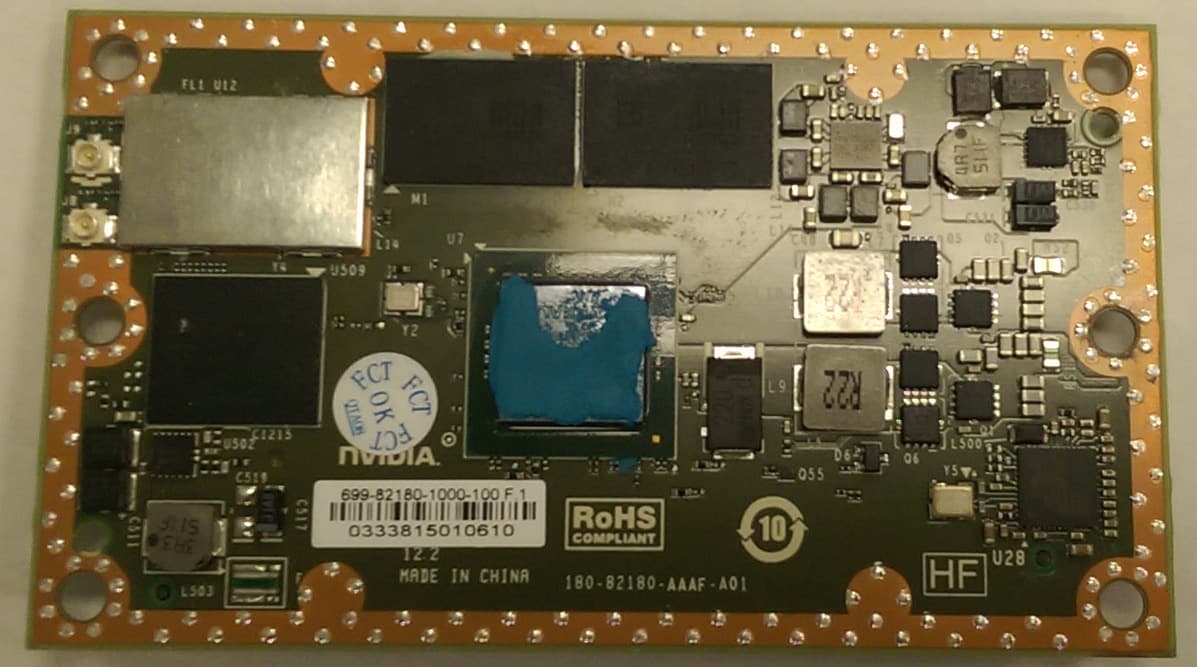
VOB-P2180
Nov 04, 2015WLAN 2X2 MIMO 802.11a/b/g/n/ac with Bluetooth
Equipment Class
DSS - Part 15 Spread Spectrum Transmitter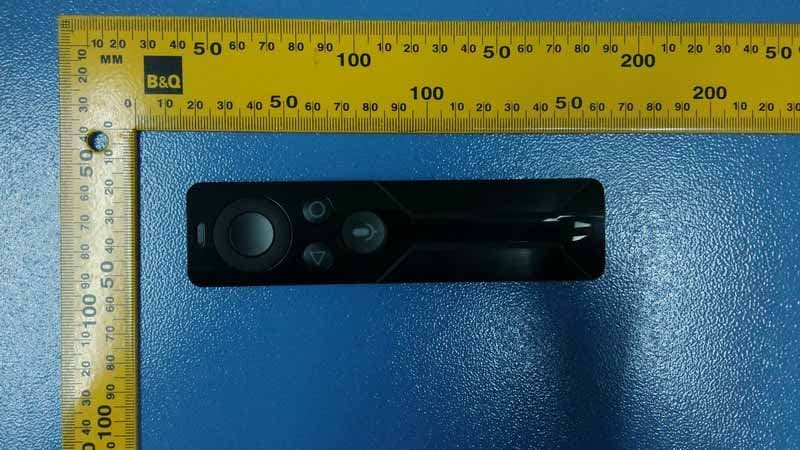
VOB-P2575
Apr 08, 2015Remote Control
Equipment Class
DSS - Part 15 Spread Spectrum Transmitter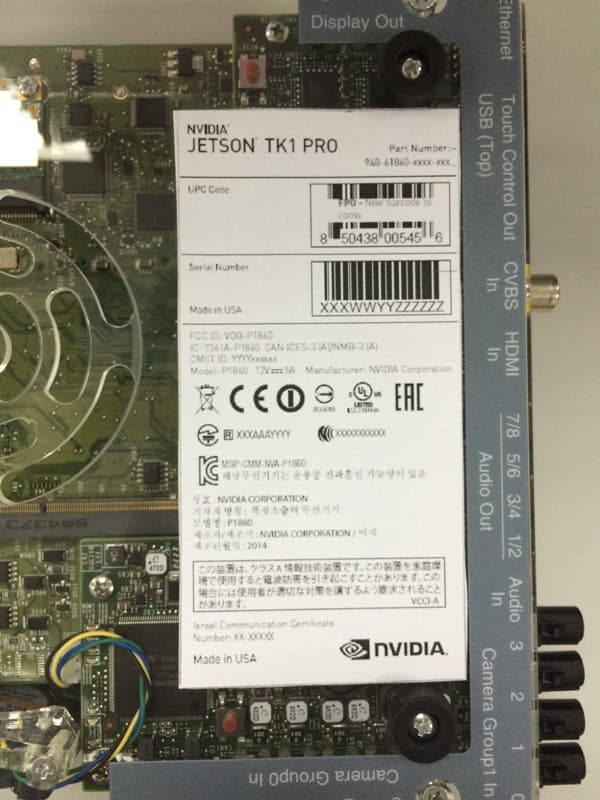
VOB-P1860
Apr 01, 2015Development Platform
Equipment Class
NII - Unlicensed National Information Infrastructure TX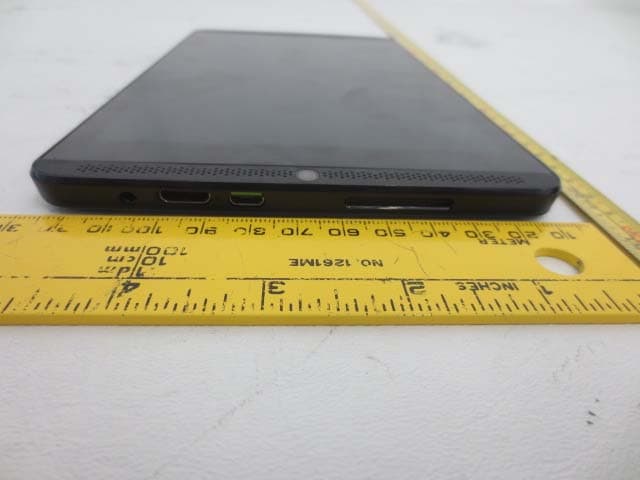
VOB-P1761WX
Mar 15, 2015Tablet
Equipment Class
DTS - Digital Transmission System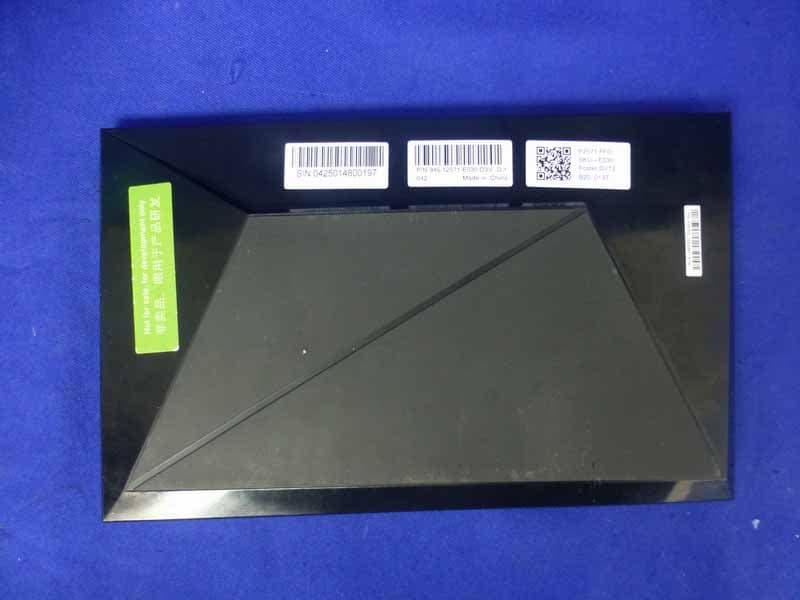
VOB-P2571
Mar 11, 2015Complex Set-Top Box
Equipment Class
DTS - Digital Transmission System