VOB-P1761WXTablet
NVIDIA Corporation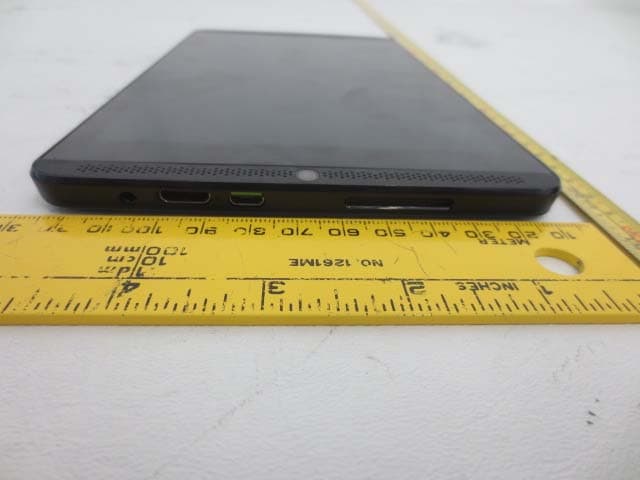
Click to zoom
Application Details
- Equipment Class
- DTS - Digital Transmission System
- Date of Grant
- Mar 15, 2015
- Application Purpose
- Original Equipment
- Date of Application
- Mar 15, 2015
- Equipment Note
- Tablet
- Frequency Range
- 2412.00000000 - 2462.00000000
- Company
- NVIDIA Corporation
- Country
- United States
Documents & Files
Document Text
Text extracted from the exhibit documents filed with the FCC. Open a document above to read the original.
Users Manual
Table of Contents 1. Introduction _________________________________________________________________________________ 7 ABOUT SHIELD TABLET 7 NVIDIA Apps 7 Additional Apps 7 ABOUT SHIELD TABLET 8 NVIDIA Apps 8 Additional Apps 8 How to Use This Guide 9 SHIELD Tablet Overview 9 SHIELD Tablet with DirectStylus 10 Get Started 14 How to Charge Your SHIELD Device 14 How to Turn On Your Tablet 14 How to Use the Touchscreen 14 How to Complete NVIDIA Setup 15 How to Complete Android Setup 15 How to Turn Off Your Tablet 16 How to Restart Your Tablet 16 2. Manage Your Tablet _________________________________________________________________________ 17 How to Navigate Your Tablet 17 Navigation Overview 17 How to Navigate Your Tablet 18 Navigation Overview 18 How to Connect to Wi-Fi 19 How to Connect to Wi-Fi 19 How to Scan for Available Wi-Fi Networks 19 How to Remove a Wi-Fi Network Connection 20 LTE Models 20 Setting up an lte connection 21 LTE settings 21 How to Use the Stylus 22 Stylus Behavior 22 Stylus Apps 24 How to Customize Your Device 25 How to Open Settings 25 Sounds 25 Display 25 How to Change the System Font Size 26 Power Saving 26 How to Organize Your Apps 27 Home Screen 27 Apps and Widgets 28 Folders 29 SD Card 29 How to Manage Notifications 29 How to Change the Notification Sound 29 How to View or Hide Notification Details 30 How to Clear a Notification 30 How to Use Quick Settings 30 How to Use the Google Keyboard 31 Copyright © 2014 NVIDIA Corporation Google Keyboard (Alphabet) 31 Google Keyboard (Numbers and Symbols) 32 How to Insert Emoticons or Emoji Characters 32 How to Enter Letter Accents and Variations 32 How to Use Gesture Typing 33 how to use handwriting recognition 33 How to Use Voice Typing 34 How to Use Voice Typing 34 How to Allow Offensive Words 35 How to Add Languages 35 How to Use Offline Voice Typing 35 How to View Device Status 36 System Bar Status Icons 36 How to View Device Status Details 36 How to Secure Your Device 36 How to Lock Your Tablet 36 How to Unlock Your Tablet 36 How to Set a Screen Lock 37 Screen Lock Options 37 How to Update Your Device 37 How to Install Updates 37 3. Play Games ________________________________________________________________________________ 39 How To Find Games and Gaming News 39 How to Open the SHIELD Hub 39 How to View Gaming News 39 How to View Your Installed Android Games 39 How to Play PC Games from Your SHIELD Device 39 How to Turn On or Turn Off SHIELD App Notifications 39 How to Shop for SHIELD Devices and Accessories 40 How To Find Games and Gaming News 40 How to Open the SHIELD Hub 40 How to View Gaming News 40 How to View Your Installed Android Games 40 How to Play PC Games from Your SHIELD Device 40 How to Turn On or Turn Off SHIELD App Notifications 41 How to Shop for SHIELD Devices and Accessories 41 How to Connect Your Controller to a SHIELD Device 41 How to Connect Your Controller 41 How to Reconnect the Controller 42 How to Troubleshoot Connection Problems 42 Use Your Tablet as a Game Console 43 How to Connect Your Device to an HDTV 43 How to Record and Share Your Gameplay 43 How to Record and Share Your Gameplay 44 How to Record Your Gameplay Without Sharing 44 How to Set the Video Quality 45 How to Find Your Gameplay Videos 45 How to Record Your Gameplay Automatically 45 How to Mute the Microphone for Gameplay Videos 47 How to Block Chat from Your Twitch Broadcast 47 How to View Recording and Broadcasting Status 48 How to Broadcast Your Gameplay to Twitch TV 49 How to Create a Twitch Account 49 How to Connect Your Tablet to Twitch 49 How to Broadcast Your Gameplay to Twitch 49 Copyright © 2014 NVIDIA Corporation How to Stop Broadcasting 50 How to Share Your Broadcast 50 How to Apply the Recommended Quality and Server Settings 50 How to Change the Twitch Server 51 How to Pause Broadcasting Automatically When You Switch Apps 51 4. GameStream _______________________________________________________________________________ 53 nvidia gamestream 53 System Requirements for GAMESTREAM 53 PC Games Supported by GameStream 54 how gamestream works 54 How to Configure GameStream PC 54 how to configure gamestreaM PC 55 Streaming non-GAMESTREAM ready games 57 Remote GAMESTREAM BETA 57 Wake on LAN / Remote Log-In 59 Advanced GAMESTREAM Features 59 GAMESTREAM for GeForce Notebooks 60 steam big picture 61 troubleshooting pc game streaming 61 General Troubleshooting Issues 61 bluetooth keyboard and mouse support 62 using gamestream in console mode 62 Setup Requirements 63 Configure GameStream for 1080p 63 geforce experience 64 5. shielD controller ____________________________________________________________________________ 65 Connect SHIELD controller to your SHIELD portable 65 SHIELD controller OVerview 65 how to turn on the controller 66 How to turn off the controller 66 6. gamepad mapper ___________________________________________________________________________ 67 creating your own gamepad mapper profile 67 7. Extend Your Tablet __________________________________________________________________________ 69 How to Use Bluetooth Accessories 69 Bluetooth Behavior 69 Bluetooth Accessories 69 How to Use Bluetooth Accessories 70 Bluetooth Behavior 70 Bluetooth Accessories 71 How to Use Headphones or Headsets 72 How to Add Storage with a MicroSD Card 72 How to Insert a MicroSD Card 72 How to Unmount and Eject a MicroSD Card 73 How to Move Content to a MicroSD Card 73 How to View MicroSD Card Storage 73 How to Install a Micro-SIM Card 73 How to Install a Micro-SIM Card 73 How to Remove a Micro-SIM Card 74 Copyright © 2014 NVIDIA Corporation 8. How to Use NVIDIA Lasso Capture _____________________________________________________________ 75 How to Enable Access to Lasso Capture 75 How to Open Lasso Capture 75 Captures 75 How to Capture a Screenshot of the Whole Screen 75 How to Capture a Rectangular Region 75 How to Capture a Free-Hand Region 76 How to Share a Capture 76 How to Save a Capture to PDF 76 How to Take a Full-Screen Screenshot Wi…
Text truncated - open the document above for the full version.
External Photos
NVIDIA Corporation FCC ID: VOB-P1761WX, IC: 7361A-P1761W Report Number: R1410015-247 Rev A Page 73 of 78 FCC Part 15C & IC RSS-210 Test Report 15 Exhibit C – EUT Photographs 15.1 EUT – Front View 15.2 EUT – Rear View NVIDIA Corporation FCC ID: VOB-P1761WX, IC: 7361A-P1761W Report Number: R1410015-247 Rev A Page 74 of 78 FCC Part 15C & IC RSS-210 Test Report 15.3 EUT – Right Side View 15.4 EUT – Left Side View NVIDIA Corporation FCC ID: VOB-P1761WX, IC: 7361A-P1761W Report Number: R1410015-247 Rev A Page 75 of 78 FCC Part 15C & IC RSS-210 Test Report 15.5 EUT – Top View 15.6 EUT – Bottom View
ID Label/Location Info
Electronic Label Exhibit FCC ID: VOB-P1761WX Page 1 of 2 The NVIDIA SHIELD Tablet, Model P1761W utilizes an Electronic Label, in-lieu of a physical label, to present required regulatory label information. This electronic label is programmed into the software image and installed at the factory. The user does not have the ability to access or modify the information. The information that will be displayed on the e-label and information that will remain in the user manual is shown below: Information on E-label on Product Packaging In On-Line Manual FCC ID number X X DoC logo X X 15.19 statement (“This device complies with part 15 of the FCC Rules. Operation is subject to the following two conditions: (1) This device may not cause harmful interference, and (2) this device must accept any interference received, including interference that may cause undesired operation.”) X Class B Digital Device user manual/compliance statements X Caution to the user that changes or modifications not expressly approved by the party responsible for compliance could void the user's authority to operate the equipment X An example of the e-label screen is provided below: Electronic Label Exhibit FCC ID: VOB-P1761WX Page 2 of 2 The electronic label is easily accessible to the user from the settings menu. Specific instructions on how to access the information is provided in the Legal/Compliance section of the user guide (see below). To meet importation, marketing and sales requirements, the UPC label on the packaging contains all applicable regulatory information. An example of the UPC label is provided below.
Internal Photos
NVIDIA Corporation FCC ID: VOB-P1761WX, IC: 7361A-P1761W Report Number: R1410015-247 Rev A Page 76 of 78 FCC Part 15C & IC RSS-210 Test Report 15.7 EUT – Open Case View 15.8 EUT – PCB Top View NVIDIA Corporation FCC ID: VOB-P1761WX, IC: 7361A-P1761W Report Number: R1410015-247 Rev A Page 77 of 78 FCC Part 15C & IC RSS-210 Test Report 15.9 EUT – PCB Back View 15.10 EUT – Battery View NVIDIA Corporation FCC ID: VOB-P1761WX, IC: 7361A-P1761W Report Number: R1410015-247 Rev A Page 78 of 78 FCC Part 15C & IC RSS-210 Test Report 15.11 EUT – AC/DC Adapter --- END OF REPORT ---
RF Exposure Info
Note: This test report is prepared for the customer shown above and for the device described herein. It may not be duplicated or used in part without prior written consent from Bay Area Compliance Laboratories Corp. This report must not be used by the customer to claim product certification, approval, or endorsement by A2LA* or any agency of the Federal Government. * This report may contain data that are not covered by the A2LA accreditation and are marked with an asterisk “*” (Rev.3) SAR EVALUATION REPORT For NVIDIA Corporation 2701 San Tomas Expressway, Santa Clara, CA 95050, USA FCC ID: VOB-P1761WX Report Type: Original Report Product Type: 802.11a/b/g/n WLAN+BT Combo Radio Tablet Prepared By: Simon Ma Report Number: R1410015-FCC SAR Report Date: 2014-12-09 Reviewed By: Bo Li RF Lead Bay Area Compliance Laboratories Corp. 1274 Anvilwood Avenue, Sunnyvale, CA 94089, USA Tel: (408) 732-9162 Fax: (408) 732 9164 NVIDIA Corporation FCC ID: VOB-P1761WX Report Number: R1410015-FCC SAR SAR Evaluation Report Page 2 of 111 Summary of Test Results Rule Part(s): FCC §2.1093 Test Procedure(s): IEEE 1528:2013, KDB 248227, KDB 447498, KDB 865664, KDB 616217, IEC 62209-2:2010 Device Category: Exposure Category: Portable Device General Population/Uncontrolled Exposure Device Type: Portable Device Modulation Type: CCK, OFDM, FHSS TX Frequency Range: 802.11b/g/n: 2412-2472 MHz 802.11a/n: 5180-5240 MHz, 5745-5825 MHz Bluetooth: 2402-2480 MHz BLE:2402-2480 MHz Maximum Conducted Power: Bluetooth: 9.84 dB m Bluetooth LE: 5.52 dBm 802.11b: 17.86 dBm 802.11g: 17.51 dBm 802.11n20: 17.84 dB m; 802.11n40: 17.55 dBm 2.4 GHz 802.11a: 15.20 dBm 802.11n20: 16.65 dBm; 802.11n40: 15.01 dBm 5.2 GHz 802.11a: 13.76 dBm 802.11n20: 15.94 dBm; 802.11n40: 14.67 dBm 5.8 GHz Antenna Type(s) Tested: Internal Antennas Body-Worn Accessories: None Face-Head Accessories: None Battery Type (s) Tested: Li-Ion: 3.8V/5200mAh Max. SAR Level (s) Measured: Level (W/Kg) Position Operational Mode 1.416 Back Side Touch 2.4 GHz Level (W/Kg) Position Operational Mode 1.559 Back Side Touch 5.2 GHz Level (W/Kg) Position Operational Mode 1.568 Back Side Touch 5.8 GHz Level (W/Kg) Position Operational Mode 1.732 (SPLSR=0.02) - Simultaneous NVIDIA Corporation FCC ID: VOB-P1761WX Report Number: R1410015-FCC SAR SAR Evaluation Report Page 3 of 111 TABLE OF CONTENTS 1 GENERAL DESCRIPTION ................................................................................................................................ 6 1.1 PRODUCT DESCRIPTION FOR EQUIPMENT UNDER TEST (EUT) ........................................................................ 6 1.2 EUT TECHNICAL SPECIFICATION .................................................................................................................... 6 2 TEST FACILITY .................................................................................................................................................. 7 3 REFERENCE, STANDARDS AND GUIDELINES .......................................................................................... 8 3.1 SAR LIMITS .................................................................................................................................................... 9 4 EQUIPMENT LIST AND CALIBRATION ..................................................................................................... 10 4.1 EQUIPMENT LIST & CALIBRATION INFO........................................................................................................ 10 5 SAR MEASUREMENT SYSTEM VERIFICATION ..................................................................................... 11 5.1 SYSTEM ACCURACY VERIFICATION .............................................................................................................. 11 5.2 SAR SYSTEM VERIFICATION SETUP AND PROCEDURE .................................................................................. 11 PROCEDURE: .............................................................................................................................................................. 11 5.3 LIQUID AND SYSTEM VALIDATION ................................................................................................................ 12 6 EUT TEST STRATEGY AND METHODOLOGY ......................................................................................... 13 6.1 TEST POSITIONS FOR BODY-WORN AND OTHER CONFIGURATIONS ................................................................. 13 6.2 SAR EVALUATION PROCEDURE .................................................................................................................... 13 6.3 TEST METHODOLOGY ................................................................................................................................... 14 7 DASY4 SAR EVALUATION PROCEDURE .................................................................................................. 15 7.1 POWER REFERENCE MEASUREMENT ............................................................................................................. 15 7.2 AREA SCAN ................................................................................................................................................... 15 7.3 ZOOM SCAN .................................................................................................................................................. 16 7.4 POWER DRIFT MEASUREMENT ....................................................................................................................... 16 7.5 Z-SCAN ......................................................................................................................................................... 16 8 DESCRIPTION OF TEST SYSTEM ................................................................................................................ 17 8.1 IEEE SCC-34/SC-2 P1528 RECOMMENDED TISSUE DIELECTRIC PARAMETERS ........................................... 1…
Text truncated - open the document above for the full version.
Test Report
Note: This test report is prepared for the customer shown above and for the device described herein. It may not be duplicated or used in part without prior written consent from Bay Area Compliance Laboratories Corp. This report must not be used by the customer to claim product certification, approval, or endorsement by A2LA*, NIST, or any agency of the Federal Government. * This report may contain data that are not covered by the A2LA accreditation and are marked with an asterisk “*” (Rev.2) FCC PART 15, SUBPART C IC RSS-210, ISSUE 8, DECEMBER 2010 TEST AND MEASUREMENT REPORT For NVIDIA Corporation 2701 San Tomas Expressway, Santa Clara, CA 95050, USA FCC ID: VOB-P1761WX IC: 7361A-P1761W Report Type: Original Report Product Type: 802.11a/b/g/n WLAN+BT Combo Radio Tablet PC Prepared By: Cipher Chu Test En gineer Report Number: R1410015-247 BT4.0 Report Date: 2015-03-04 Reviewed By: Suhaila Khushazad En gineering Manager Bay Area Compliance Laboratories Corp. 1274 Anvilwood Avenue, Sunnyvale, CA 94089, USA Tel: (408) 732-9162 Fax: (408) 732-9164 NVIDIA Corporation FCC ID: VOB-P1761WX, IC: 7361A-P1761W Report Number: R1410015-247 BT4.0 Page 2 of 19 FCC Part 15C & IC RSS-210 Test Report TABLE OF CONTENTS 1 General Description ..................................................................................................................................................... 4 1.1 Product Description for Equipment Under Test (EUT) ...................................................................................... 4 1.2 Mechanical Description of EUT ......................................................................................................................... 4 1.3 Objective ............................................................................................................................................................. 4 1.4 Related Submittal(s)/Grant(s) ............................................................................................................................. 4 1.5 Test Methodology ............................................................................................................................................... 4 1.6 Measurement Uncertainty ................................................................................................................................... 4 1.7 Test Facility ........................................................................................................................................................ 5 2 System Test Configuration.......................................................................................................................................... 6 2.1 Justification ......................................................................................................................................................... 6 2.2 EUT Exercise Software....................................................................................................................................... 6 2.3 Equipment Modifications.................................................................................................................................... 6 2.4 Local Support Equipment ................................................................................................................................... 6 2.5 EUT Internal Configuration Details .................................................................................................................... 6 2.6 Power Supply and Line Filters ............................................................................................................................ 6 2.7 Interface Ports and Cabling ................................................................................................................................. 7 3 Summary of Test Results ............................................................................................................................................ 8 4 Exhibit A – FCC & IC Equipment Labeling Requirements .................................................................................... 9 4.1 FCC ID Label Requirements .............................................................................................................................. 9 4.2 IC Label Requirements ....................................................................................................................................... 9 4.3 FCC ID & IC Label Contents and Location ...................................................................................................... 10 5 Exhibit B – Test Setup Photographs .......................................................................................................................... 11 5.1 Radiated Emission below 1 GHz Front View at 3 Meters ................................................................................ 11 5.2 Radiated Emission below 1 GHz Rear View at 3 Meters ................................................................................. 11 5.3 Radiated Emission above 1 GHz Front View at 3 Meters ................................................................................ 12 5.4 Radiated Emission above 1 GHz Rear View at 3 Meters ................................................................................. 12 5.5 AC Line Conducted Emission Front View ....................................................................................................... 13 5.6 AC Line Conducted Emission Side View ......................................................................................................... 13 6 Exhibit C – EUT Photographs .................................................................................................................................... 14 6.1 EUT – Front View ............................................................................................................................................ 14 6.2 EUT – Rea…
Text truncated - open the document above for the full version.
Test Report
Note: This test report is prepared for the customer shown above and for the device described herein. It may not be duplicated or used in part without prior written consent from Bay Area Compliance Laboratories Corp. This report must not be used by the customer to claim product certification, approval, or endorsement by A2LA*, NIST, or any agency of the Federal Government. * This report may contain data that are not covered by the A2LA accreditation and are marked with an asterisk “*” (Rev.2) FCC PART 15, SUBPART C IC RSS-210, ISSUE 8, DECEMBER 2010 TEST AND MEASUREMENT REPORT For NVIDIA Corporation 2701 San Tomas Expressway, Santa Clara, CA 95050, USA FCC ID: VOB-P1761WX IC: 7361A-P1761W Report Type: Original Report Product Type: 802.11a/b/g/n WLAN+BT combo radio Tablet Prepared By: Rui Zhou Report Number: R1410015-247 Rev A Report Date: 2014-12-08 Reviewed By: Bo Li RF Lead Bay Area Compliance Laboratories Corp. 1274 Anvilwood Avenue, Sunnyvale, CA 94089, USA Tel: (408) 732-9162 Fax: (408) 732-9164 NVIDIA Corporation FCC ID: VOB-P1761WX, IC: 7361A-P1761W Report Number: R1410015-247 Rev A Page 2 of 78 FCC Part 15C & IC RSS-210 Test Report TABLE OF CONTENTS 1 General Description ..................................................................................................................................................... 5 1.1 Product Description for Equipment Under Test (EUT) ...................................................................................... 5 1.2 Mechanical Description of EUT ......................................................................................................................... 5 1.3 Objective ............................................................................................................................................................. 5 1.4 Related Submittal(s)/Grant(s) ............................................................................................................................. 5 1.5 Test Methodology ............................................................................................................................................... 5 1.6 Measurement Uncertainty ................................................................................................................................... 5 1.7 Test Facility ........................................................................................................................................................ 6 2 System Test Configuration.......................................................................................................................................... 7 2.1 Justification ......................................................................................................................................................... 7 2.2 EUT Exercise Software....................................................................................................................................... 7 2.3 Special Equipment .............................................................................................................................................. 7 2.4 Equipment Modifications.................................................................................................................................... 7 2.5 Local Support Equipment ................................................................................................................................... 7 2.6 EUT Internal Configuration Details .................................................................................................................... 7 2.7 Power Supply and Line Filters ............................................................................................................................ 7 2.8 Interface Ports and Cabling ................................................................................................................................. 8 3 Summary of Test Results ............................................................................................................................................ 9 4 FCC §15.247 (i), §2.1093 & IC RSS-102 – RF Exposure .......................................................................................... 10 4.1 Applicable Standard .......................................................................................................................................... 10 4.2 Test Result ........................................................................................................................................................ 10 5 FCC §15.203 & IC RSS-Gen §7.1.2 – Antenna Requirements ................................................................................ 11 5.1 Applicable Standard .......................................................................................................................................... 11 5.2 Antenna Description ......................................................................................................................................... 11 6 FCC §15.207 & IC RSS-Gen §7.2.4 – AC Line Conducted Emissions .................................................................... 12 6.1 Applicable Standards ........................................................................................................................................ 12 6.2 Test Setup ......................................................................................................................................................... 12 6.3 Test Procedure .................................................................................................................................................. 12 6.4 Test Setup Block Diagram ................................................................................................................................ 13 6.5 Corrected Amplitude & Margin Calculation .........................................................…
Text truncated - open the document above for the full version.
Test Setup Photos
NVIDIA Corporation FCC ID: VOB-P1761WX, IC: 7361A-P1761W Report Number: R1410015-247 Rev A Page 70 of 78 FCC Part 15C & IC RSS-210 Test Report 14 Exhibit B – Test Setup Photographs 14.1 Radiated Emission below 1 GHz Front View at 3 Meters 14.2 Radiated Emission below 1 GHz Rear View at 3 Meters NVIDIA Corporation FCC ID: VOB-P1761WX, IC: 7361A-P1761W Report Number: R1410015-247 Rev A Page 71 of 78 FCC Part 15C & IC RSS-210 Test Report 14.3 Radiated Emission above 1 GHz Front View at 3 Meters 14.4 Radiated Emission above 1 GHz Rear View at 3 Meters NVIDIA Corporation FCC ID: VOB-P1761WX, IC: 7361A-P1761W Report Number: R1410015-247 Rev A Page 72 of 78 FCC Part 15C & IC RSS-210 Test Report 14.5 AC Line Conducted Emission Front View 14.6 AC Line Conducted Emission Side View
Test Setup Photos
NVIDIA Corporation FCC ID: VOB-P1761WX Report Number: R1410015-FCC SAR SAR Evaluation Report Page 104 of 111 17 Appendix G – Test Setup Photos 17.1 Tablet Back Side Touch to the Flat Phantom 17.2 Tablet Back Side Touch to the Flat Phantom NVIDIA Corporation FCC ID: VOB-P1761WX Report Number: R1410015-FCC SAR SAR Evaluation Report Page 105 of 111 17.3 Tablet Right Side Touch to the Flat Phantom (Antenna 1) 17.4 Tablet Bottom Side Touch to the Flat Phantom (Antenna 0) NVIDIA Corporation FCC ID: VOB-P1761WX Report Number: R1410015-FCC SAR SAR Evaluation Report Page 106 of 111 17.5 Tablet Left Side Touch to the Flat Phantom (Antenna 0)
Contact Information
Applicant
Charles Jackson
Test Firm
Bay Area Compliance Laboratories Corp.Lisa Tang
Technical Specifications
| # | Rule Parts | Frequency Range | Power Output |
|---|---|---|---|
| 2 | 15C | 2.41 GHz - 2.46 GHz | 239.90 mW |
Other Applications from NVIDIA Corporation
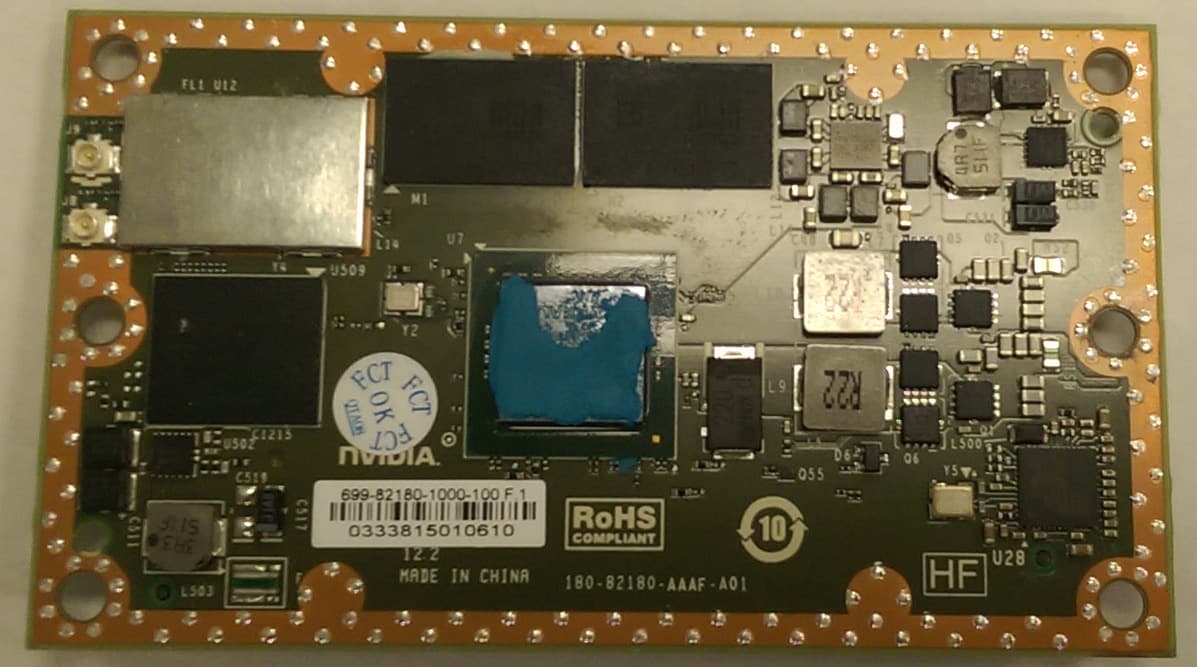
VOB-P2180
Nov 04, 2015WLAN 2X2 MIMO 802.11a/b/g/n/ac with Bluetooth
Equipment Class
DSS - Part 15 Spread Spectrum Transmitter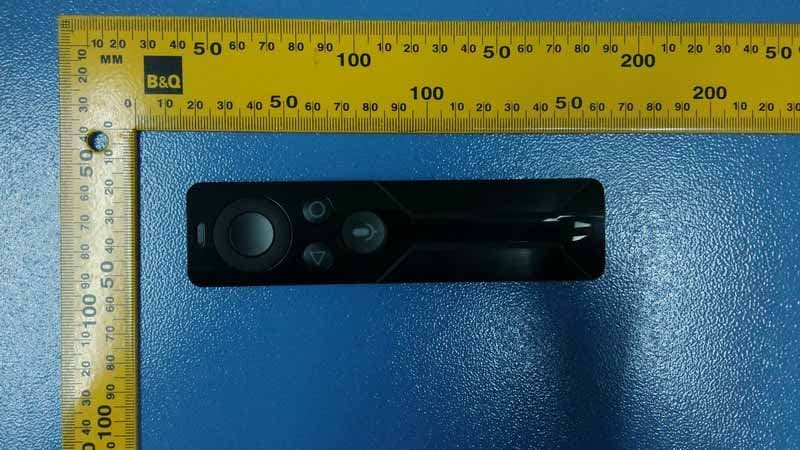
VOB-P2575
Apr 08, 2015Remote Control
Equipment Class
DSS - Part 15 Spread Spectrum Transmitter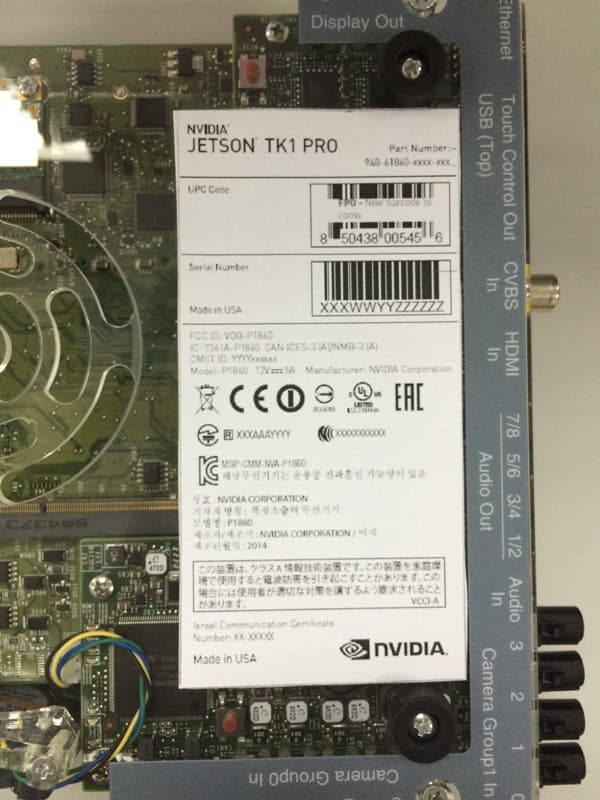
VOB-P1860
Apr 01, 2015Development Platform
Equipment Class
NII - Unlicensed National Information Infrastructure TX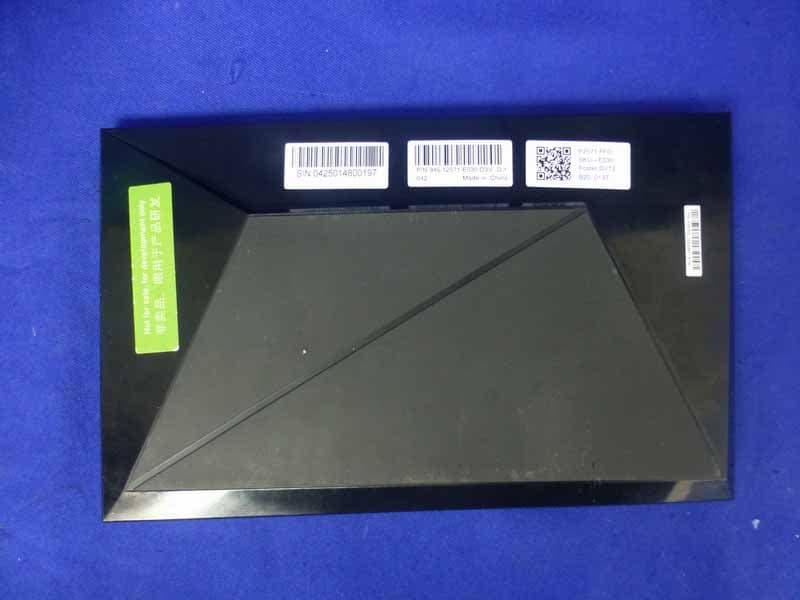
VOB-P2571
Mar 11, 2015Complex Set-Top Box
Equipment Class
DTS - Digital Transmission System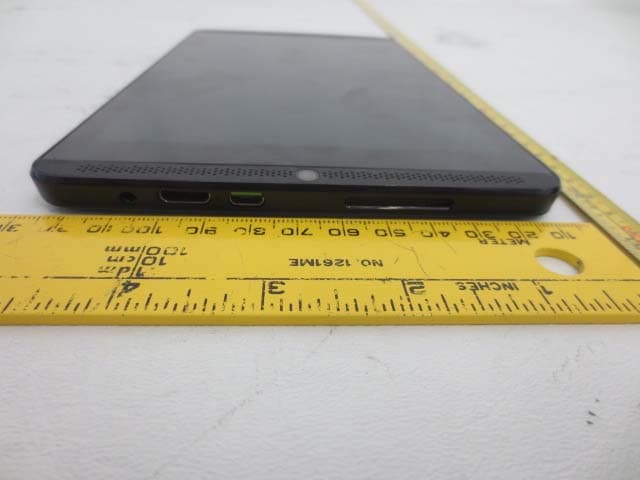
VOB-P1761W
Jun 15, 2014Tegra K1 Tablet
Equipment Class
DSS - Part 15 Spread Spectrum Transmitter