VOB-P703A3D Vision Pro Glasses
NVIDIA Corporation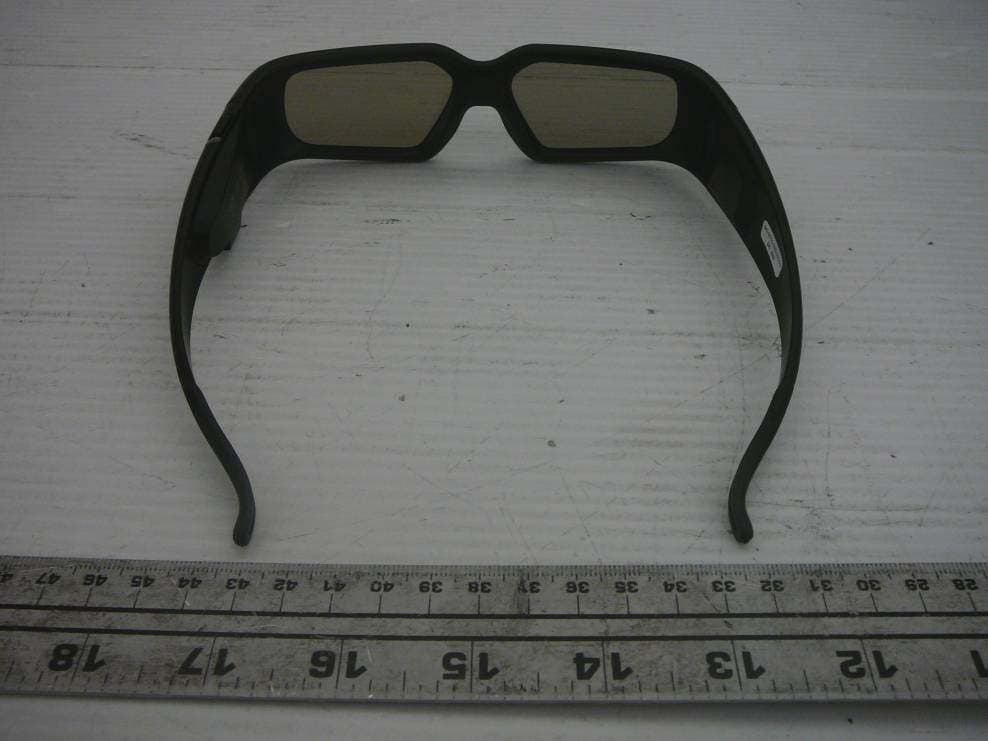
Click to zoom
Application Details
- Equipment Class
- DXT - Part 15 Low Power Transceiver, Rx Verified
- Date of Grant
- Nov 19, 2010
- Application Purpose
- Original Equipment
- Date of Application
- Nov 19, 2010
- Equipment Note
- 3D Vision Pro Glasses
- Frequency Range
- 2401.00000000 - 2479.00000000
- Company
- NVIDIA Corporation
- Country
- United States
Documents & Files
Document Text
Text extracted from the exhibit documents filed with the FCC. Open a document above to read the original.
Users Manual
User GUide User GUide 3d VisiON PrO ™ ii Table of ConTenTs iii CONteNts Table of Contents iii Welcome 1 about this Guide 1 system Requirements 2 safety Requirements 2 epilepsy 4 Unpacking equipment 5 equipment 5 3D Vision Pro Glasses 6 Charging the Glasses 6 Using the Glasses 7 Changing the nose Piece 7 3D Vision Pro Hub 8 Installation and setup 9 Installation 9 Connecting the Display 9 Installing the Drivers - Windows Vista and Window 7 12 Installing the Drivers - Windows XP 13 table Of CONteNts iv Table of ConTenTs Configure openGl stereo (Quadro only) 15 Configure DirectX stereo 16 working with 3D VIsion Pro 19 accessing the 3D Vision Pro Control Panel 19 Pairing Glasses to the Hub 20 Pairing with the Control Panel 20 Pairing with the buttons 21 DirectX 3D stereopscopic Driver 22 accessing the nVIDIa Control Panel 22 set Up DirectX stereoscopic 3D Driver 23 adjusting the Depth 23 stereoscopic 3D Display Type 24 Change 3D laser sight 24 set Keyboard shortcuts 26 Hide stereoscopic 3D effects When Game starts 29 Test stereoscopic 3D 29 advanced Information 32 Preset Configurations 32 setting Your own shortcut Keys 33 application Configuration Guidelines 34 Viewing Practices 34 Tips and Troubleshooting 36 stereoscopic 3D is not Working 36 Image is not Clear 37 eyestrain/Headache 38 Compliance and Certifications 40 Us federal Communications Commission Compliance 41 Canada Compliance 41 australia and new Zealand Compliance 41 european Union Compliance 42 Ul, CUl Compliance 42 Cb scheme 42 Important safety Information 44 Important safety Information 45 General Precautions 47 Precautions for Installation, Maintaining and servicing 49 Installation: 49 Maintaining and servicing: 49 Power Rating 49 Precaution for Communication Cable 50 1 WelCoMe WelCOme Congratulations on your purchase of nVIDIa ® 3D Vision Pro, a professioanl grade active shutter based stereoscopic solutioin. The glasses and hub that make up 3D Vision Pro are both designed to give years of reliable service. Note: It is important to register your nVIDIa product in order to receive nVIDIa Customer Care online and phone support. You can register at www.nvidia.com/3dvision/ register using the serial number found on the Welcome card in your package. About this Guide This guide discusses the installation and operation of the nVIDIa 3D Vision Pro hardware and software. There is a full section containing usage tips and troubleshooting guidelines. Please read through the safety precautions and recommended viewing guidelines given on pages 3 and 4 under safety Requirements. 01 2 nVIDIa 3D VIsIon UseR GUIDe System Requirements Visit www.nvidia.com/3dvpro for a full list of supported graphics boards, applications, and 3D Vision Ready displays or projectors. Safety Requirements Do not wear the wireless glasses in any situations that require unimpaired visual perception. Do not use the glasses as sunglasses. Under normal conditions, stereoscopic 3D viewing is safe for any duration that you would normally view your display. However, some people may experience discomfort. To minimise the potential for experiencing visual problems or any adverse symptoms: >>Take the stereoscopic 3D medical test to verify your ability so see stereoscopic 3D images. >>Maintain a distance no closer than 2 to 2.5 feet away from the display. Viewing from too close a distance can strain your eyes. >>Take regular breaks, at least 5 minutes after every hour of stereoscopic 3D viewing. >>start with the depth at the default of 15%. as you get more comfortable viewing stereoscopic 3D, you can increase the depth amount. >>If you experience any of the following symptoms: • nausea, dizziness, or queasiness, • headache, or eyestrain, • blurry vision, • double vision that lasts longer than a few seconds, Do not engage in any potentially hazardous activity (for example, driving a vehicle) until your symptoms have completely gone away. If symptoms persist, discontinue use and do not resume stereoscopic 3D viewing without discussing your symptoms with a doctor. 2 01 WelCoMe 3 4 nVIDIa 3D VIsIon UseR GUIDe Epilepsy WARNING! IF YOU OR ANY MEMBER OF YOUR FAMILY HAS A HISTORY OF EPILEPSY, CONSULT A DOCTOR BEFORE USING COMPUTER GAME PRODUCTS. a small percentage of the population may experience epileptic seizures when viewing certain types of tV images or video games that contain flashing patterns of light. the following people should consult a doctor before viewing in stereoscopic 3d: >Children under 5 years of age >anyone with a history of epilepsy, or who has a family member with a history of epilepsy >anyone who has ever experienced epileptic seizures or sensory disturbances triggered by flashing light effects. WARNING! SOME LIGHT PATTERNS MAY INDUCE SEIZURES IN PERSONS WITH NO PRIOR HISTORY OF EPILEPSY. DISCONTINUE STEREOSCOPIC 3D USE IF YOU EXPERIENCE ANY OF THE FOLLOWING SYMPTOMS WHILE VIEWING STEREOSCOPIC 3D IMAGES. >involuntary movements, eye or muscle twitching >muscle cramps >Nausea, dizziness, or queasiness >Convulsions >disorientation, confusion, or loss of awareness of your surroundings do not engage in any potentially hazardous activity (for example, driving a vehicle) until your symptoms have completely gone away. do not resume stereoscopic 3d viewing without discussing the symptoms with your doctor. 01 UnPaCKInG eQUIPMenT 5 UNPaCkiNG eqUiPmeNt Prior to unpacking your new nVIDIa 3D Vision Pro solution, it is a good idea to visit www.nvidia.com/3dvpro to download the current drivers you'll need during installtion. be sure to inspect each piece of equipment shipped in the packing box. If anything is missing or damaged, contact your reseller. Equipment The following parts and assemblies are included in the nVIDIa 3D Vision Pro boxes. 3D Vision Pro Glasses These glasses are used to view stereoscopic 3D content . The included Usb cable is used to charge the glasses. Connect the cable either to your computer or an external Usb power adator. The glasses come with various nose …
Text truncated - open the document above for the full version.
Cover Letter(s)
FCC Confidential Authorization 2010-09-16 FEDERAL COMMUNICATIONS COMMISSIONS Authorization and Evaluation Division 7435 Oakland Mills Road Columbia, MD 21046 Subject: Confidentiality Request regarding application for certification of FCC ID: VOB- P703A In accordance with Sections 0.457 and 0.459 of the Commission’s Rules, NVIDIA Corporation hereby requests long-term confidential treatment of information accompanying this application as outlined below: • Block Diagram • Schematics • Operation Description • Part list The above materials contain proprietary and confidential information not customarily released to the public. The public disclosure of these materials provides unjustified benefits to its competitors in the market. Sincerely, Henry Zeng NVIDIA Corporation 2701 San Tomas Expressway Santa Clara, CA 95050, USA
External Photos
NVIDIA Corporation FCC ID: VOB-P703A, IC: 7361A-P703A Report Number: R1009234-249 Page 39 of 42 FCC Part 15.249/RSS-210 Test Report 12 EXHIBIT C - EUT Photographs 12.1 EUT Front View 12.2 EUT Bottom View NVIDIA Corporation FCC ID: VOB-P703A, IC: 7361A-P703A Report Number: R1009234-249 Page 40 of 42 FCC Part 15.249/RSS-210 Test Report 12.3 EUT Side View
ID Label/Location Info
Note: P ar t is plastic with matte black paint Text, Symbols, and Logos: Process = Silkscreen Color = Pantone 425M Batt ery Door PROJECT: 3D Vision Pro DRAWN BY: Darren Burckhard SDM/Industrial Design DATE: 09.29.10 DOC: 326-0267-C00 REV: B NVIDIA CORPORATION 3D VISION PRO GLASSES I PHASE 1 REGIONS I BATTERY DOOR ARTWORK I GRAPHICS COLOR FCC ID: VOB-P703AIC: 7361A-P703A 19.0 mm 7.7 mm 6.2 mm 8.1 mm Batt ery Door PROJECT: 3D Vision Pro DRAWN BY: Darren Burckhard SDM/Industrial Design DATE: 09.29.10DOC: 326-0267-C00 REV: B NVIDIA CORPORATION 3D VISION PRO GLASSES I PHASE 1 REGIONS I BATTERY DOOR ARTWORK I GRAPHICS COLOR Notes: A - Silkscreen to be free of distortion. B - Scale = 1:1 C - Units = mm FCC ID: VOB-P703AIC: 7361A-P703A
Internal Photos
NVIDIA Corporation FCC ID: VOB-P703A, IC: 7361A-P703A Report Number: R1009234-249 Page 41 of 42 FCC Part 15.249/RSS-210 Test Report 12.4 EUT Cover off View 12.5 EUT PCB Board Top View NVIDIA Corporation FCC ID: VOB-P703A, IC: 7361A-P703A Report Number: R1009234-249 Page 42 of 42 FCC Part 15.249/RSS-210 Test Report 12.6 EUT PCB Board Bottom View ***** END OF REPORT *****
Test Report
Note: This test report is prepared for the customer shown above and for the device described herein. It may not be duplicated or used in part without prior written consent from Bay Area Compliance Laboratories Corp. This report must not be used by the customer to claim product certification, approval, or endorsement by NVLAP*, NIST, or any agency of the Federal Government. * This report may contain data that are not covered by the NVLAP accreditation and are marked with an asterisk “*” (Rev.2) FCC PART 15.249 IC RSS-210, ISSUE 7, JUNE 2007 TEST AND MEASUREMENT REPORT For NVIDIA Corporation 2701 San Tomas Expressway, Santa Clara, CA 95050, USA FCC ID: VOB-P703A IC: 7361A-P703A Model: P703 Report Type: Original Report Product Type: RF wireless 3D shutter glasses Test Engineer: Kevin Li Report Number: R1009234-249 Report Date: 2010-11-17 Reviewed By: Victor Zhang RF Lead Prepared By: (84) Bay Area Compliance Laboratories Corp. 1274 Anvilwood Avenue, Sunnyvale, CA 94089, USA Tel: (408) 732-9162 Fax: (408) 732-9164 NVIDIA Corporation FCC ID: VOB-P703A, IC: 7361A-P703A Report Number: R1009234-249 Page 2 of 42 FCC Part 15.249/RSS-210 Test Report TABLE OF CONTENTS 1 GENERAL INFORMATION ..................................................................................................................................... 5 1.1 PRODUCT DESCRIPTION FOR EQUIPMENT UNDER TEST (EUT) ............................................................................. 5 1.2 MECHANICAL DESCRIPTION OF EUT.................................................................................................................... 5 1.3 OBJECTIVE........................................................................................................................................................... 5 1.4 RELATED SUBMITTAL(S)/GRANT(S) ..................................................................................................................... 5 1.5 TEST METHODOLOGY........................................................................................................................................... 5 1.6 MEASUREMENT UNCERTAINTY............................................................................................................................ 5 1.7 TEST FACILITY..................................................................................................................................................... 6 2 SYSTEM TEST CONFIGURATION ........................................................................................................................ 7 2.1 JUSTIFICATION...................................................................................................................................................... 7 2.2 EUT EXERCISE SOFTWARE.................................................................................................................................. 7 2.3 SPECIAL ACCESSORIES......................................................................................................................................... 7 2.4 EQUIPMENT MODIFICATIONS................................................................................................................................7 2.5 LOCAL SUPPORT EQUIPMENT...............................................................................................................................7 2.6 INTERNAL PARTS LIST AND DETAILS................................................................................................................... 7 2.7 INTERFACE PORTS AND CABLING......................................................................................................................... 7 3 SUMMARY OF TEST RESULTS ............................................................................................................................. 8 4 FCC §15.203 & IC RSS-GEN §7.1.4 – ANTENNA REQUIREMENT ................................................................... 9 4.1 APPLICABLE STANDARD....................................................................................................................................... 9 4.2 ANTENNA CONNECTOR CONSTRUCTION............................................................................................................... 9 5 FCC §15.207 & IC RSS-GEN §7.2.2- AC POWER LINE CONDUCTED EMISSIONS ...................................... 10 5.1 APPLICABLE STANDARD..................................................................................................................................... 10 5.2 TEST SETUP........................................................................................................................................................ 10 5.3 TEST EQUIPMENT LIST AND DETAILS................................................................................................................. 10 5.4 TEST PROCEDURE............................................................................................................................................... 11 5.5 TEST ENVIRONMENTAL CONDITIONS................................................................................................................. 11 5.6 CORRECTED AMPLITUDE & MARGIN CALCULATION.......................................................................................... 11 5.7 SUMMARY OF TEST RESULTS............................................................................................................................. 11 5.8 CONDUCTED EMISSIONS TEST PLOTS AND DATA............................................................................................... 12 6 FCC §15.205, §15.209, §15.249 & IC RSS-210 §A2.9 - RADIATED EMISSIONS ................................................ 14 6.1 APPLICABLE STANDARD..................................................................................................................................... 14 6.2 TEST SETUP............................................................................…
Text truncated - open the document above for the full version.
Test Setup Photos
NVIDIA Corporation FCC ID: VOB-P703A, IC: 7361A-P703A Report Number: R1009234-249 Page 36 of 42 FCC Part 15.249/RSS-210 Test Report 11 EXHIBIT B – Test Setup Photographs 11.1 AC Line Conducted Emission- Front View 11.2 AC Line Conducted Emission- Side View NVIDIA Corporation FCC ID: VOB-P703A, IC: 7361A-P703A Report Number: R1009234-249 Page 37 of 42 FCC Part 15.249/RSS-210 Test Report 11.3 Radiated Emissions (Below 1 GHz) – Front View 11.4 Radiated Emissions (Below 1 GHz) – Rear View NVIDIA Corporation FCC ID: VOB-P703A, IC: 7361A-P703A Report Number: R1009234-249 Page 38 of 42 FCC Part 15.249/RSS-210 Test Report 11.5 Radiated Emissions (Above 1 GHz) – Front View 11.6 Radiated Emissions (Above 1 GHz) – Rear View
Contact Information
Applicant
Charles Jackson
Test Firm
Bay Area Compliance LaboratoryJohn Chan
Technical Specifications
| # | Rule Parts | Frequency Range | Power Output |
|---|---|---|---|
| 1 | 15C | 2.40 GHz - 2.48 GHz | - |
Other Applications from NVIDIA Corporation
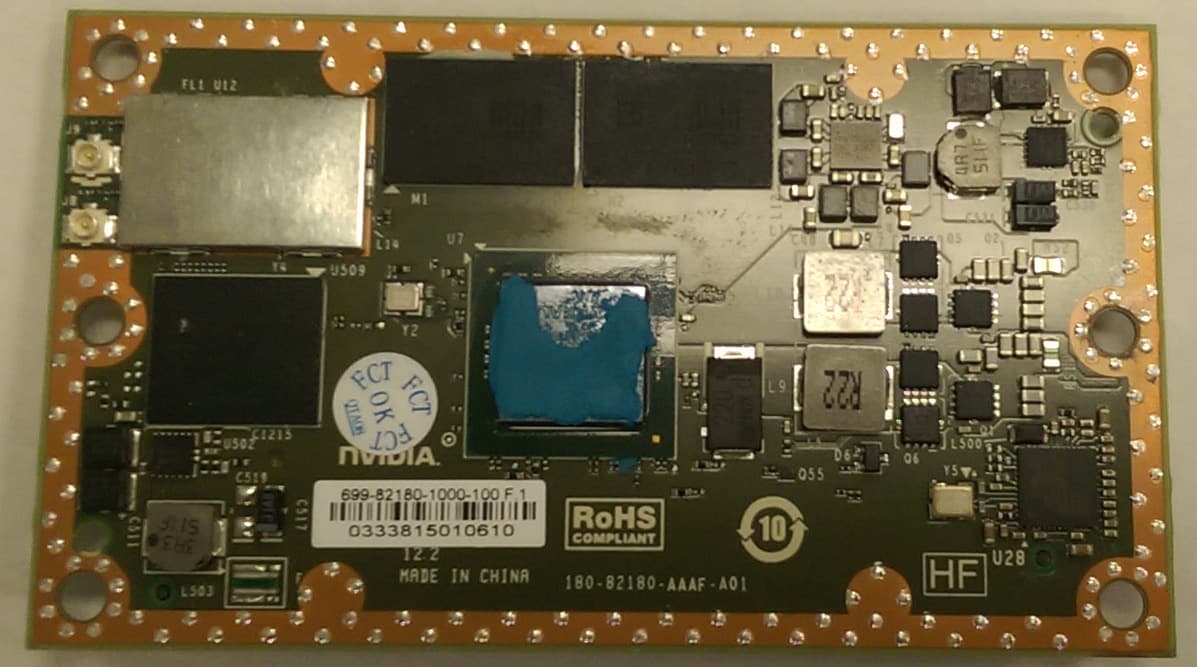
VOB-P2180
Nov 04, 2015WLAN 2X2 MIMO 802.11a/b/g/n/ac with Bluetooth
Equipment Class
DSS - Part 15 Spread Spectrum Transmitter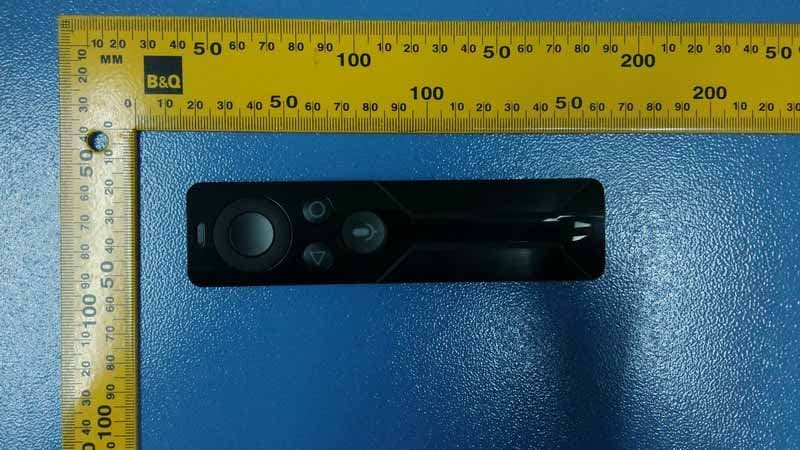
VOB-P2575
Apr 08, 2015Remote Control
Equipment Class
DSS - Part 15 Spread Spectrum Transmitter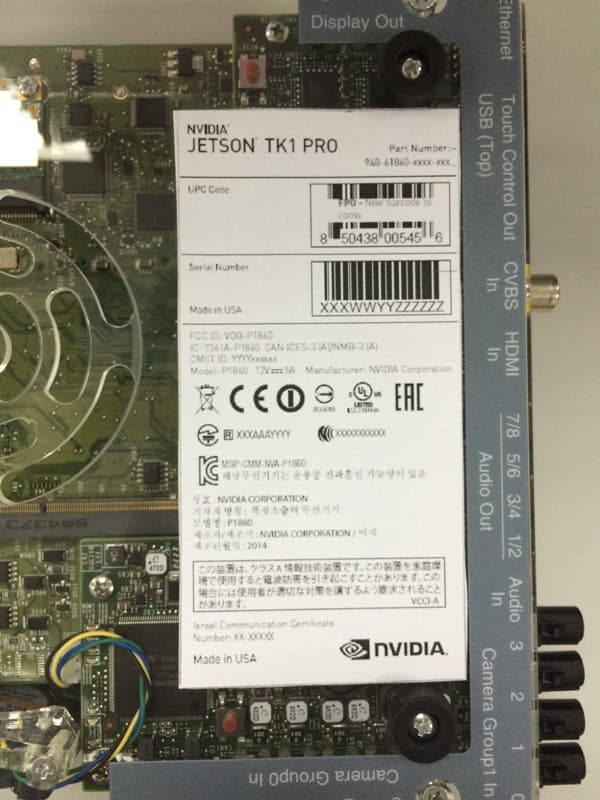
VOB-P1860
Apr 01, 2015Development Platform
Equipment Class
NII - Unlicensed National Information Infrastructure TX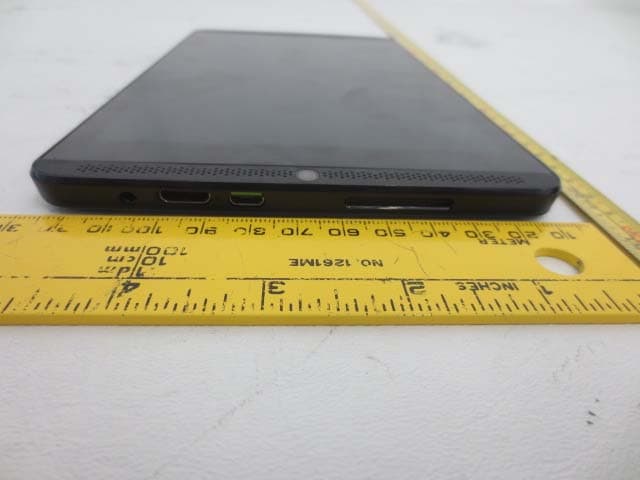
VOB-P1761WX
Mar 15, 2015Tablet
Equipment Class
DTS - Digital Transmission System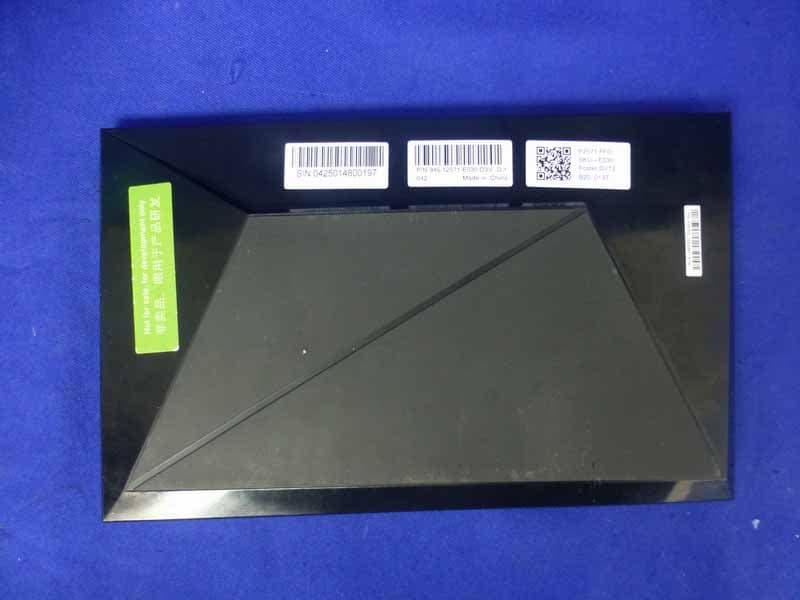
VOB-P2571
Mar 11, 2015Complex Set-Top Box
Equipment Class
DTS - Digital Transmission System