Z3AMC101Home Entertainment Center
ARCTIC (HK) Ltd.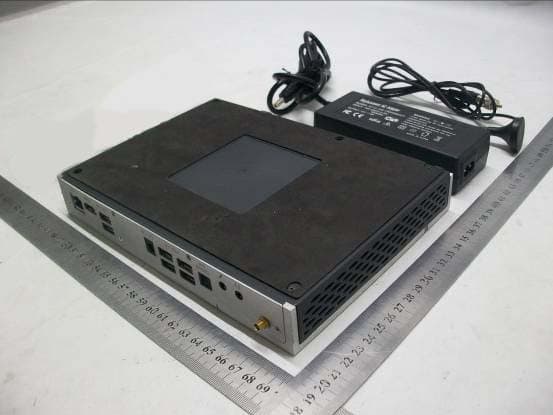
Click to zoom
Application Details
- Equipment Class
- JBP - Part 15 Class B Computing Device Peripheral
- Date of Grant
- Aug 26, 2012
- Application Purpose
- Original Equipment
- Date of Application
- Aug 26, 2012
- Equipment Note
- Home Entertainment Center
- Company
- ARCTIC (HK) Ltd.
- Country
- China
Documents & Files
Document Text
Text extracted from the exhibit documents filed with the FCC. Open a document above to read the original.
Users Manual
MC101Series User Manual For further information, please visit mc101series.arctic.ac 2 Safety Instructions Your MC101 is designed and tested to meet the latest standards of safety for information technology equipment. However, to ensure your safety, it is important that you read the following safety instructions. Setting up your system Care during use 1. Do not spill water or any other liquids on your system. 2. When the system is turned off, a small amount of electrical current still flows. Always unplug all power, modem, and network cables from the power outlets before cleaning the system. 3. If you encounter the following technical problems with the product, unplug the power cord: • The power cord or plug is damaged. • Liquid has been spilled into the system. • The system does not function properly even if you follow the operating instructions. • The system was dropped or the chassis is damaged. • The system performance changes. Warranty This ARCTIC product includes a 2-year limited warranty. For further information, please consult warranty.arctic.ac 1. Do not use this product near water or a heat source such as a radiator. 2. Do not block the air vents to this product or impede the airflow in anyway. 3. Do not use or expose this product around magnetic fields as magnetic interference may affect the performance of the product. 3 Table of Content Chapter 1 Introducing the MC101 1.1 Package Contents......................................................................................... 4 1.2 Front, Side and Rear View.............................................................................. 5 Chapter 2 Connecting the MC101 2.1 Connecting USB 3.0 / 2.0 Devices................................................................... 6 2.2 Connecting the Video Display.......................................................................... 6 2.3 Connecting the Network................................................................................. 6 2.4 Connecting the Speakers............................................................................... 7 2.5 Connecting the Power Cord............................................................................ 7 Chapter 3 Using the MC101 3.1 Enable Full Screen........................................................................................ 8 3.2 Play Movie Files ............................................................................................. 13 3.3 Play Blu-ray Disc in WMC ............................................................................... 16 3.4 Play Music Files........................................................................................... 18 3.4.1 WMC................................................................................................. 18 3.4.2 WMP................................................................................................. 18 3.5 Create Playlist.............................................................................................. 20 3.5.1 WMC................................................................................................. 20 3.5.2 WMP................................................................................................. 23 3.6 Add Radio Station......................................................................................... 24 3.6.1 WMC................................................................................................. 24 3.6.2 WMP................................................................................................. 25 3.7 Install Internet TV in WMC.............................................................................. 27 3.8 Scan TV Signal (TV tuner required).................................................................. 34 3.9 Migrate iTunes Library from another Computer................................................... 36 (users must first have iTunes installed on their system) Chapter 4 Upgrade and Recovery 4.1 Change Memory Module................................................................................ 37 4.2 Recovery Using the Recovery in Control Panel................................................... 42 4.3 Recovery Using the Advanced Boot Options...................................................... 46 Chapter 1 Introducing the MC101 4 1.1 Packaging Contents 1.2 Front, Side and Rear View MC101 x 1 TV Antenna x 1 AC Power Cable x 1 AC Power Adapter x 1 HDMI Cable x 1 Quick Start Guide x 1 Chapter 1 Introducing the MC101 5 Chapter 2 Connecting the MC101 6 2.1 Connecting USB 3.0 / 2.0 Devices *USB 3.0 devices will not achieve full speed if plugged in the rear panel USB 2.0 ports. 2.2 Connecting the Video Display 2.3 Connecting the Network Wireless Connection Wired Connection Projector Amplifier LCD/LED Monitor HDMI Cable Wired Network Cable / DSL Modem Internet Ethernet port HDD Enclosure Smartphon e Fax / Scanner USB Hub Keyboard USB flash drive Webcam Mouse Gamepad Bluetooth USB Dongle Wireless Router Cable / DSL Modem Internet Wireless Network Router Chapter 2 Connecting the MC101 7 2.4 Connecting the Speakers Analog connection - 2.0 and 2.1 systems Digital connection (Optical) - 5.1 and 7.1 systems Amplifier connection (HDMI) Note : your amplifier need to be HDMI pass-through 2.5 Connecting the Power Cord Audio output jack HDMI port TV / Monitor 2.1 System Optical Out (SPDIF) HDMI port TV / Monitor 5.1 /7.1 System HDMI port Amplifier TV / Monitor HDMI cable HDMI cable DC power jack Power cable Chapter 3 Using the MC101 8 3.1 Enable Full Screen In some case, when you connect the video display through HDMI cable, the displayed image does not fill up the full screen. This can be adjusted with the following steps: 1. Right click on the desktop and select “AMD VISION Engine Control Center” or select it from “Start Menu”. 2. Select “Desktops and Displays”. Chapter 3 Using the MC101 9 3. Select “My Digital Flat-Panels”. 4. Select “Properties (Digital Flat-Panel)”. Chapter 3 Using…
Text truncated - open the document above for the full version.
External Photos
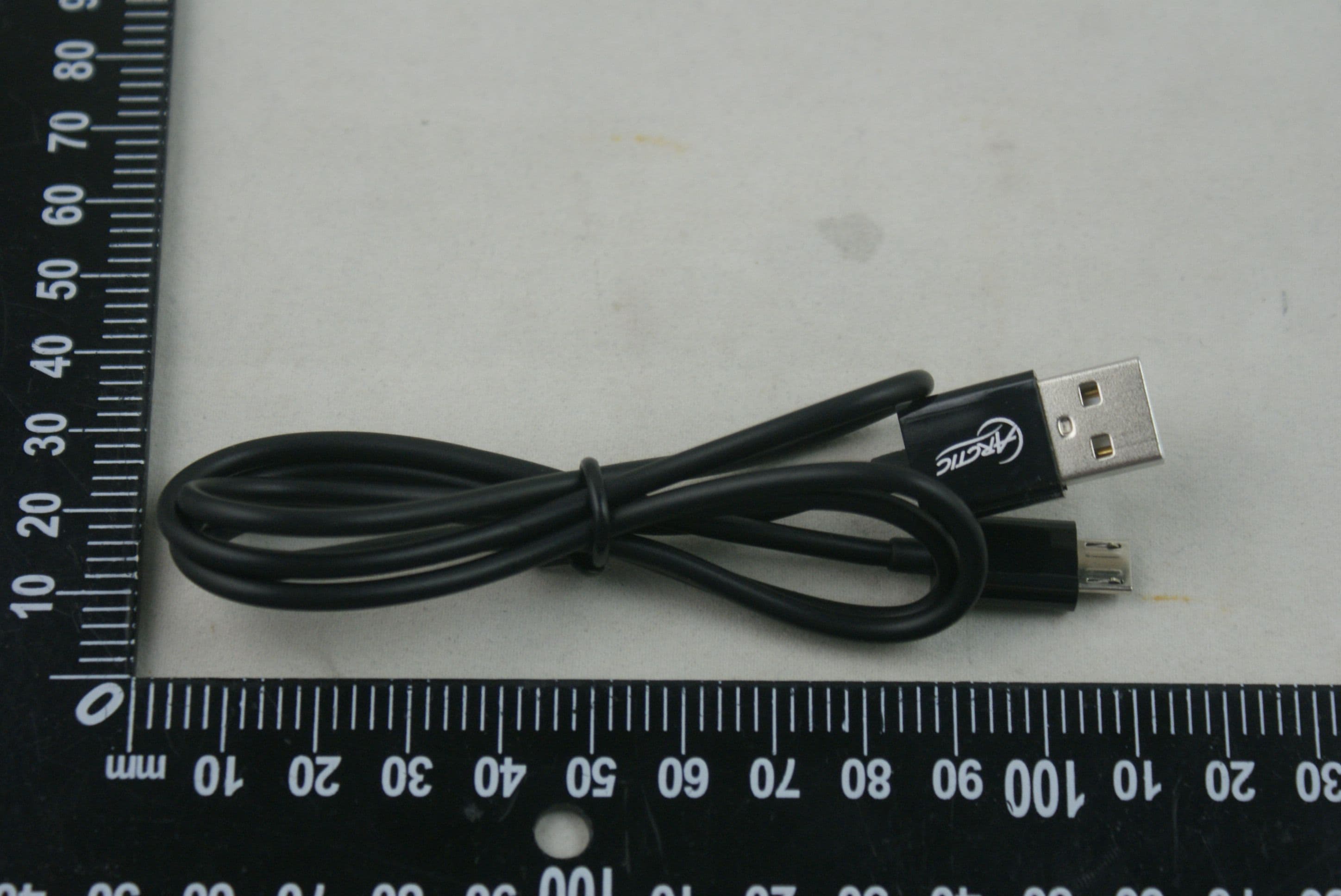
FRONT VIEW OF SAMPLE BACK VIEW OF SAMPLE LEFT VIEW OF SAMPLE RIGHT VIEW OF SAMPLE TOP VIEW OF SAMPLE BOTTOM VIEW OF SAMPLE PHOTO OF POWER SUPPLY PHOTO OF CABLE PHOTO OF THE ENTIRE SAMPLE-1 PHOTO OF THE ENTIRE SAMPLE-2
Internal Photos
Page 1 of 9 INTERNAL PHOTO OF SAMPLE – 1 INTERNAL PHOTO OF SAMPLE – 2 Page 2 of 9 INTERNAL PHOTO OF SAMPLE –3 INTERNAL PHOTO OF SAMPLE –4 Page 3 of 9 INTERNAL PHOTO OF SAMPLE –5 INTERNAL PHOTO OF SAMPLE –6 Page 4 of 9 INTERNAL PHOTO OF SAMPLE –7 INTERNAL PHOTO OF SAMPLE –8 Page 5 of 9 INTERNAL PHOTO OF SAMPLE –9 INTERNAL PHOTO OF SAMPLE –10 Page 6 of 9 INTERNAL PHOTO OF SAMPLE –11 INTERNAL PHOTO OF SAMPLE –12 Page 7 of 9 INTERNAL PHOTO OF SAMPLE –13 INTERNAL PHOTO OF SAMPLE –14 Page 8 of 9 INTERNAL PHOTO OF SAMPLE –15 INTERNAL PHOTO OF SAMPLE –16 Page 9 of 9 INTERNAL PHOTO OF SAMPLE –17 INTERNAL PHOTO OF SAMPLE –18
Test Report
FCC 47 CFR PART 15 SUBPART B TEST REPORT For Applicant: ARCTIC (HK) LTD Address: Unit 2703-04, Nina Tower 2, 8 Yeung Uk Road, Tsuen Wan, Hong Kong Product Name: MC101 Model Number: MC101 Brand Name: ARCTIC FCC ID: Z3AMC101 Report No.: MTE/DAL/D12070969 Date of Issue: Aug. 01, 2012 Issued by:Most Technology Service Co., Ltd. Address: No.5, Langshan 2nd Rd., North Hi-Tech Industrial park, Nanshan, Shenzhen, Guangdong, China Tel: 86-755-8617 0306 Fax : 86-755-8617 0310 The report consists 21 pages in total. It may be duplicated completely for legal use with the approval of the applicant. It should not be reproduced except in full, without the written approval of our laboratory. The client should not use it to claim product endorsement by MOST. The test results in the report only apply to the tested sample. The test report shall be invalid without all the signatures of testing engineers, reviewer and approver. FCC ID: Z3AMC101 Report No.: MTE/DAL/D12070969 Page 2 of 21 TABLE OF CONTENTS 1.VERIFICATION OF CONFORMITY.............................................................................................................. 3 2. GENERAL INFORMATION ............................................................................................................................ 4 2.1 PRODUCT INFORMATION .......................................................................................................................... 4 2.2 OBJECTIVE ................................................................................................................................................. 5 2.3 TEST STANDARDS AND RESULTS ............................................................................................................ 5 2.4 ENVIRONMENTAL CONDITIONS ............................................................................................................... 5 2.5 MEASUREMENT UNCERTAINTY ............................................................................................................... 5 3. TEST METHODOLOGY................................................................................................................................. 6 3. 1TEST FACILITY............................................................................................................................................ 6 3.2 GENERAL TEST PROCEDURES ................................................................................................................ 6 3.3 FCC PART 15.205 RESTRICTED BANDS OF OPERATIONS..................................................................... 7 4 SETUP OF EQUIPMENT UNDER TEST ........................................................................................................ 8 4.1 SETUP CONFIGURATION OF EUT............................................................................................................. 8 4.2 SUPPORT EQUIPMENT.............................................................................................................................. 8 4. 3 TEST EQUIPMENT LIST ............................................................................................................................ 9 5. 47 CFR PART 15B REQUIREMENTS....................................................................................................... 10 5.1 GENERAL INFORMATION......................................................................................................................... 10 6. LINE CONDUCTED EMISSION TEST ...................................................................................................... 11 6.1. LIMITS OF LINE CONDUCTED EMISSION TEST ....................................................................................11 6.2. BLOCK DIAGRAM OF TEST SETUP.........................................................................................................11 6.3. PRELIMINARY PROCEDURE OF LINE CONDUCTED EMISSION TEST ............................................... 12 6.4. FINAL PROCEDURE OF LINE CONDUCTED EMISSION TEST ............................................................. 12 6.5. TEST RESULT OF LINE CONDUCTED EMISSION TEST ....................................................................... 13 7. RADIATED EMISSION TEST.................................................................................................................... 15 7.1. LIMITS OF RADIATED DISTURBANCES AT 3M DISTANCES FOR CLASS B ........................................ 15 7.2 TEST DESCRIPTION................................................................................................................................. 16 7.3 TEST RESULT ........................................................................................................................................... 17 APPENDIX 1 .................................................................................................................................................... 20 PHOTOGRAPHS OF TEST SETUP ................................................................................................................ 20 FCC ID: Z3AMC101 Report No.: MTE/DAL/D12070969 Page 3 of 21 1.VERIFICATION OF CONFORMITY Equipment Under Test: MC101 Brand Name: ARCTIC Model Number: MC101 Series Number: N/A FCC ID: Z3AMC101 ARCTIC (HK) LTD Applicant: Unit 2703-04, Nina Tower 2, 8 Yeung Uk Road, Tsuen Wan, Hong Kong PC Partner Limited Manufacturer: 19/F, Shatin Galleria, 18-24 Shan Mei Street, Fo Tan, Shatin, N.T., Hong Kong Technical Standards: FCC Part 15 B File Number: MTE/DAL/D12070969 Date of test: Jul. 23. 2012 Deviation: None Condition of Test Sample: Normal The above equipment was tested by MOST for compliance with the requirements set forth in FCC Part 15 and the Technical Standards mentioned above. This said equipment in the configuration described in this report shows the maximum emission levels emanating from equipment and the level of the immunity endurance of the equipment are within the compliance req…
Text truncated - open the document above for the full version.
Test Setup Photos
CE TEST SETUP RE TEST SETUP SPURIOUS EMISSION TEST SETUP
Contact Information
Applicant
Vincent Andre(Consumer Electronics Director)
Test Firm
Most Technology Service Co., Ltd.Mark Wen
Technical Specifications
| # | Rule Parts | Frequency Range | Power Output |
|---|---|---|---|
| 1 | 15B | - | - |
Other Applications from ARCTIC (HK) Ltd.
Z3AP604BT
Dec 22, 2015Dynamic Bluetooth 4.0 Headphones
Equipment Class
DTS - Digital Transmission System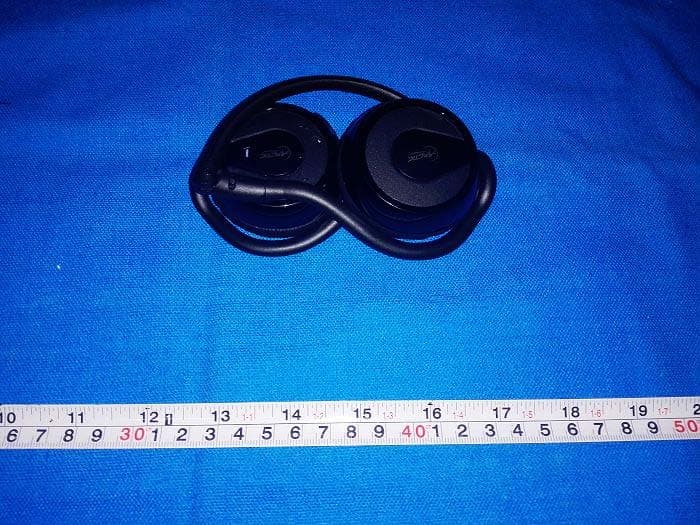
Z3AP324BT
Dec 06, 2014P324BT Bluetooth Headphones with Microphone
Equipment Class
DTS - Digital Transmission System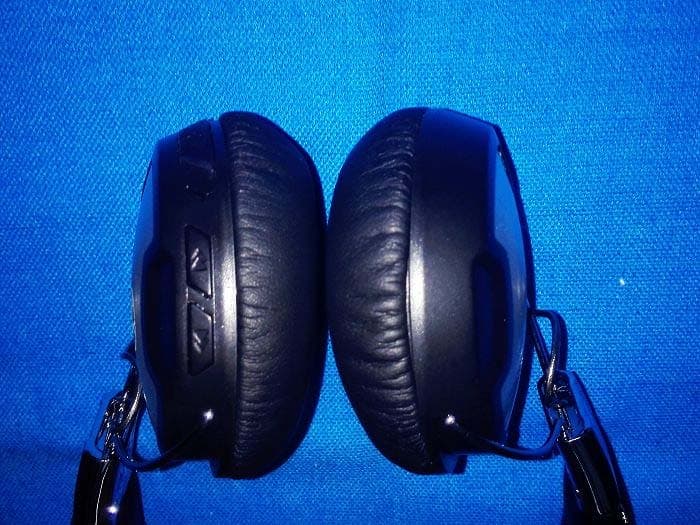
Z3AP614BT
Nov 28, 2014P614BT Bluetooth Headphones with Microphone
Equipment Class
DTS - Digital Transmission System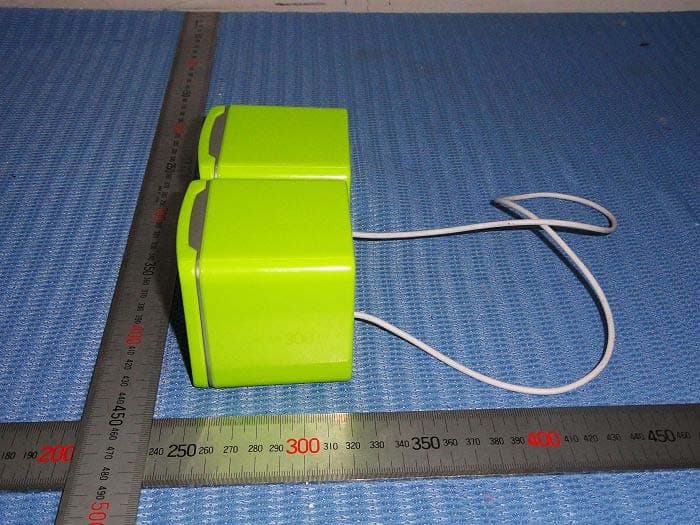
Z3AS111BT
May 09, 2014S111BT Bluetooth Speaker with embedded battery
Equipment Class
DSS - Part 15 Spread Spectrum Transmitter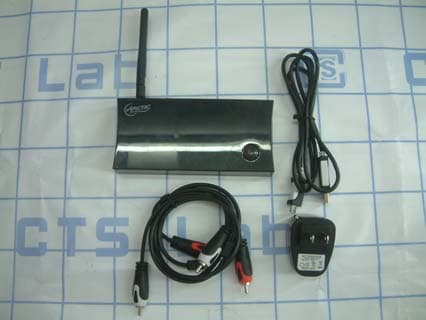
Z3AWA001
Oct 20, 2011Audio Relay
Equipment Class
JBP - Part 15 Class B Computing Device Peripheral