Z3AP614BTP614BT Bluetooth Headphones with Microphone
ARCTIC (HK) Ltd.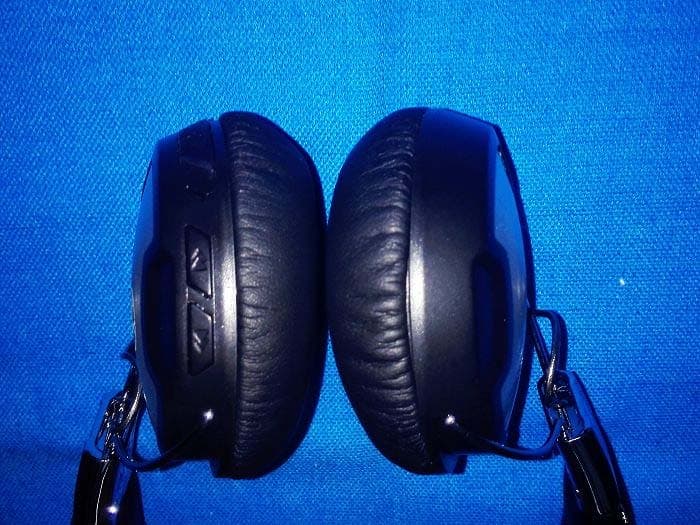
Click to zoom
Application Details
- Equipment Class
- DTS - Digital Transmission System
- Date of Grant
- Nov 28, 2014
- Application Purpose
- Original Equipment
- Date of Application
- Nov 28, 2014
- Equipment Note
- P614BT Bluetooth Headphones with Microphone
- Frequency Range
- 2402.00000000 - 2480.00000000
- Company
- ARCTIC (HK) Ltd.
- Country
- China
Documents & Files
Document Text
Text extracted from the exhibit documents filed with the FCC. Open a document above to read the original.
Users Manual
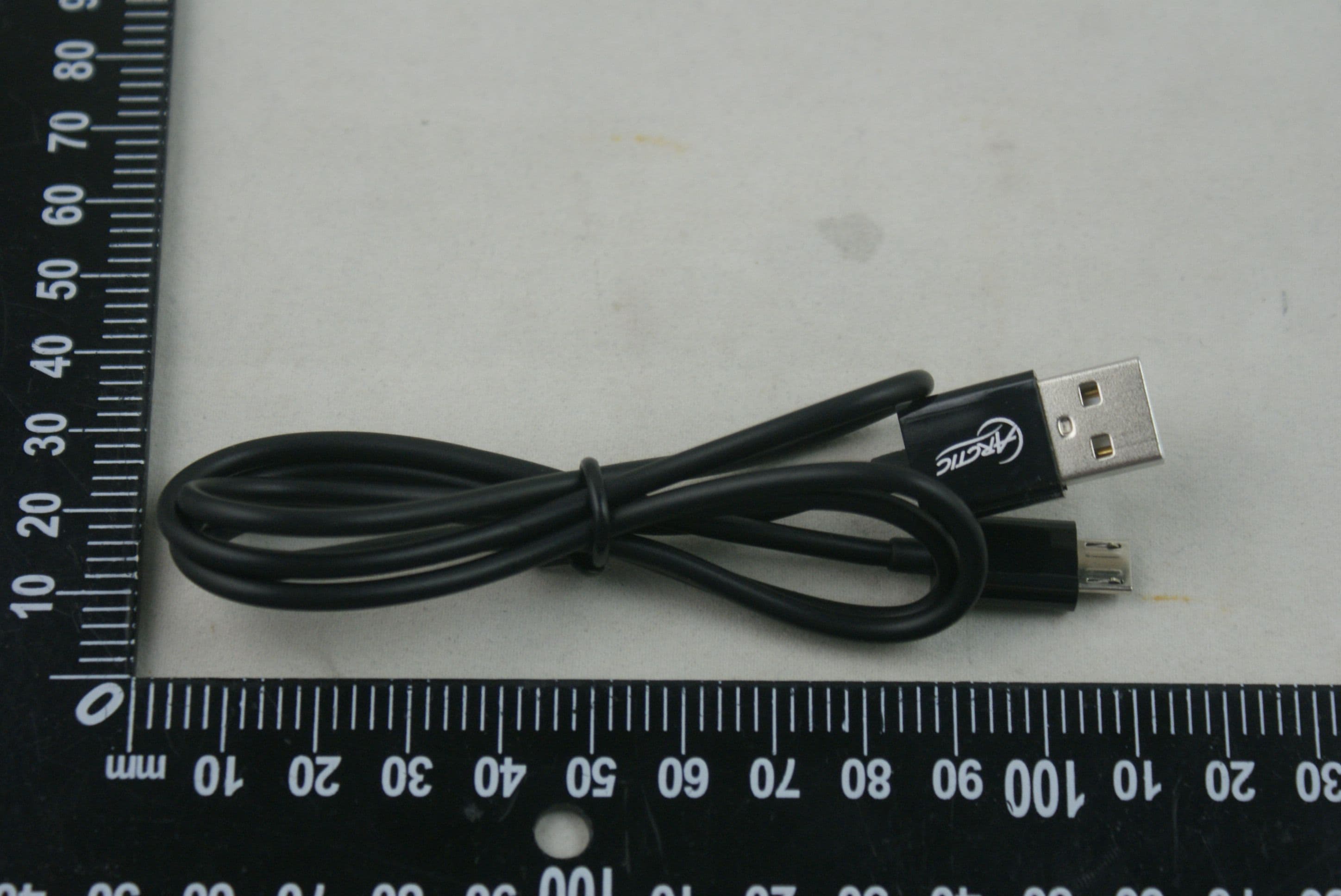
Micro USB Cable x 1 Packaging Contents P614 BT x 1 User Manual x 1 Travel Pouch x 1 User Manual P614 BT www.arctic.ac Dear Customer, Thank you for choosing the ARCTIC P614 BT. Based on the P402 BT, these on-ear headphones come with an even higher level of comfort and a far improved sound clarity. High end drivers and the most comfortable cushioning were incorporated to make the P614 BT an everyday essential. I hope you enjoy the P614 BT as much as I do and we at ARCTIC look forward to further enriching your life with our products. If you would like to share how you use ARCTIC's products please do so at https://www.facebook.com/ARCTIC.en ARCTIC is a fully carbon neutral company and your support helps us to compensate every kilogram of CO we produce. Thank You. 2 Sincerely, Magnus Huber ARCTIC CEO Function Diagram Switch On / Off multifunction button LED indicator Micro-USB charging / line in port 4 5 6 Microphone Previous track Next track 1 2 3 6 5 4 Switch the Headset On or Off Switch On Switch Off Press the multifunction button for 3 seconds until the blue LED lights up Press the multifunction button for 3 seconds until the red LED lights up The P614 BT can be charged while switched on or off. 1. Insert the micro USB cable into the P614 BT and the USB side into a power source. (We recommend the Home Charger 4500). 2. When the Blue light on constantly the P614 BT is fully charged. Charging the Headset Home Charger 4500 It is recommended to fully charge before initial use for better battery life Cautions Ÿ Wireless connections are affected by obstructions such as walls, human body and other devices. Ÿ Keep P614 BT dry, moisture may damage electronic components. Ÿ Exposure to high temperature will shorten the life and damage electronic components. Ÿ Opening / altering the P614 BT voids all product warranty. Ÿ Rough handling may damage inside electronic components. Like us on facebook www.facebook.com/ARCTIC.en © 2014 ARCTIC Switzerland AG. All Rights Reserved. No part of this manual including the products described in it, may be reproduced, transmitted, stored in a retrieval system, or translated into any language in any form or by any means, except documentation kept by the purchaser for backup purpose, without the express written permission of ARCTIC Switzerland AG. In no event shall ARCTIC its directors or employees be liable for any indirect damages, incidental or consequential damages arising from any defect or error in this manual or product. FCC ID Z3AP614B This device complies with Part 15 of the FCC Rules. Operation is subject to the following two conditions:(1) this device may not cause harmful interference, and (2) this device must accept any interference received, including interference that may cause undesired operation. © 2013 CSR plc and its group companies. The aptX mark and the aptX logo are trade marks of CSR plc or one of its group companies and may be registered in one or more jurisdictions The Bluetooth word mark and logos are registered trademarks owned by Bluetooth SIG, Inc., and any use of such marks by ARCTIC (HK) Ltd. is under license. Other trademarks and trade names are those of their respective owners. Playback Time Wearing Style Bluetooth Version Frequency Response Driver Size Impedance Microphone Sensitivity Battery 30 hours Supra-aural, On-ear V4.0 Class 2 20 Hz – 20 kHz 40 mm 32Ω -42dB +/- 3dB Rechargeable 850mAh Lithium-ion battery Specifications Weight 142 g support.arctic.ac/p614bt EN PL FR DE... Getting Connected The P614 BT allows you to pair with your mobile device in 2 different ways: Notes: Ÿ Pairing mode will last up to ten minutes or until a device is found, two tones will sound to let you know when pairing has stopped. Ÿ If you exceed the effective range of approx. 10M (33ft) the headphone will disconnect and will automatically reconnect if the speaker re-enters the effective range within ten minutes. A. Bluetooth Pairing Example: iOS Press Settings > Bluetooth and switch Bluetooth on > P614 BT > Pair Example: Android 4.0 Press Menu > Settings > Switch on Bluetooth > Bluetooth > Search for devices > P614 BT > Pair Click Settings Select Bluetooth Notes: Ÿ Pairing mode will last up to ten minutes or until a device is found, two tones will sound to let you know when pairing has stopped. Ÿ If you exceed the effective range of approx. 10M (33ft) the headphone will disconnect and will automatically reconnect if the speaker re-enters the effective range within ten minutes. Switch On Bluetooth Notes: Ÿ Pairing mode will last up to ten minutes or until a device is found, two tones will sound to let you know when pairing has stopped. Ÿ If you exceed the effective range of approx. 10M (33ft) the headphone will disconnect and will automatically reconnect if the speaker re-enters the effective range within ten minutes. Bluetooth is On Notes: Ÿ Pairing mode will last up to ten minutes or until a device is found, two tones will sound to let you know when pairing has stopped. Ÿ If you exceed the effective range of approx. 10M (33ft) the headphone will disconnect and will automatically reconnect if the speaker re-enters the effective range within ten minutes. Select P614 BT P614BT Notes: Ÿ Pairing mode will last up to ten minutes or until a device is found, two tones will sound to let you know when pairing has stopped. Ÿ If you exceed the effective range of approx. 10M (33ft) the headphone will disconnect and will automatically reconnect if the speaker re-enters the effective range within ten minutes. Now Connected P614BT ON Click Search for Devices ON Bluetooth is On OFF Switch On Bluetooth Click Settings ON Select P614 BT P614BT ON Now Connected P614BT 1. Switch on the P614 BT by Press the Multifunction Button for 3 seconds. 2. The P614 BT automatically enters pairing mode shown by the red and blue LED flash alternately. 3. Turn on Bluetooth on your phone and pair it with the headphone. 1. Switch on the P614 BT by Press the Multifunction Button for 3 seconds. 2…
Text truncated - open the document above for the full version.
Cover Letter(s)
DATE : Nov 10, 2014 Equipment Autorisation Division Federal Communications Commission 7435 Oakland Mills Road Columbia, MD 21046 FCC ID: Z3AP614BT Product Name: P614BT Bluetooth Headphones with Microphone Request for Confidentiality Pursuant to Sections 0.457 and 0.459 of the commissions rules, we hereby request that the following documents be held confidential: • Schematics • Block diagram • Operational Description These materials contain trade secrets and proprietary information and are not customarily released to the public. The public disclosure of this information might be harmful to the company and provide unjustified benefits to our competitors. Dated this Nov 10, 2014 Agency agreement expiration date: Usually Give 8 - 12 Months By: Vincent Andre Signature Printed Title: Consumer Electronics Director On behalf of : ARCTIC (HK) Ltd. Telephone: +852-3759-762
External Photos
Photo 1 Photo 2 Photo 3 Photo 4 Photo 5
ID Label/Location Info
FCC ID: Z3AP614BT
ID Label/Location Info
Label Location
Internal Photos
Photo 6 Photo 7 Photo 8 Photo 9 Photo 10 Photo 11
RF Exposure Info
RF Exposure Applicable Standard According to §1.1307(b)(5), systems operating under the provisions of this section shall be operated in a manner that ensure that the public is not exposed to radio frequency energy level in excess of the Commission’s guideline. This is a Portable device. The Section 4.3.1 and Appendix A of KDB447498 D01 V05 was used as the guidance. Calculation Result (Worse Case): [(max. power of channel, including tune-up tolerance, mW)/(min. test separation distance, mm)] · [√f(GHz)] =3.78/5 * 1.57= 1.19, this value is less than 3.0 for 1-g SAR and ≤ 7.5 for 10-g extremity SAR. The SAR measurement is not necessary.
Test Report
Shenzhen United Testing Technology Co., Ltd. Report No.: UNI-1411005-02 Page 1 of 43 FCC TEST REPORT Prepared For : ARCTIC (HK) Ltd Product Name: P614BT Bluetooth Headphones with Microphone Model : P614BT Prepared By : Shenzhen United Testing Technology Co., Ltd. 4F, Block B Unit 2, Jianxing Building, Chaguang Industry Area, Nanshan District, Shenzhen, China Tel: 86-755-86180996 Fax: 86-755-86180156 Test Date: November 01, 2014 to November 16, 2014 Date of Report : November 16, 2014 Report No.: UNI-1411005-02 Note: This report shall not be reproduced except in full, without the written approval of Shenzhen United Testing Technology Co., Ltd. This document may be altered or revised by Shenzhen United Testing Technology Co., Ltd. personnel only, and shall be noted in the revision section of the document. The test results in the report only apply to the tested sample Shenzhen United Testing Technology Co., Ltd. Report No.: UNI-1411005-02 Page 2 of 43 TABLE OF CONTENTS 1.0 TEST CERTIFICATION............................................................................... 3 2.0 Test Equipment......................................................................................... 4 3.0 Technical Details........................................................................................ 5 4.0 Test Lab Details......................................................................................... 5 5.0 Power Line Conducted Emission Test............................................................ 6 5.1 Schematics of the Test................................................................................ 6 5.2 Test Method and Test Procedure................................................................... 6 5.3 Configuration of the EUT............................................................................ 6 5.4 EUT Operating Condition............................................................................ 7 5.5 Conducted Emission Limit........................................................................... 7 5.6 Test Result................................................................................................ 7 6.0 Radiated Emission test............................................................................... 10 6.1 Test Method and Test Procedure.................................................................. 10 6.2 Configuration of the EUT............................................................................ 10 6.3 EUT Operation Condition............................................................................ 10 6.4 Radiated Emission Limit.............................................................................. 11 7.0 6dB Bandwidth Measurement Bandwidth......................................................... 19 8.0 Maximum Peak Output Power....................................................................... 24 9.0 Power Spectral Density Measurement........................................................... 26 10.0 Out of Band Measurement........................................................................... 31 11.0 Antenna Requirement................................................................................. 34 12.0 FCC Label................................................................................................ 35 13.0 Photo of Test Setup and EUT View................................................................ 36 Shenzhen United Testing Technology Co., Ltd. Report No.: UNI-1411005-02 Page 3 of 43 1 TEST CERTIFICATION Product: P614BT Bluetooth Headphones with Microphone Model: P614BT Applicant: ARCTIC (HK) Ltd Unit 2304 | Nina Tower 2 | 8 Yeung Uk Road | Hong Kong Factory:Cyber Blue(HK) Ltd 12th Floor, Guanghao International Building, Meilong Road, Longhua District, Shenzhen, China Trade Mark: Arctic Tested: November 01, 2014 to November 16, 2014 Test Voltage: DC3.7V Powered Li-Po Battery Operational Frequency Range: Bluetooth: 2402-2480MHz Modulation Type: Bluetooth LE: GFSK Number of Channel 40 Channels for Bluetooth Bluetooth Version: 4.0 Antenna: PCB antenna with Gain 2.0 dBi FCC ID: Z3AP614BT Applicable Standards:FCC Part 15.247 The test report was prepared by Shenzhen United Testing Technology Co., Ltd.and found compliance with the requirements set forth in the technical standards mentioned above. The results of testing in this report apply only to the product/system, which was tested. Other similar equipment will not necessarily produce the same results due to production tolerance and measurement uncertainties. Prepared by : Michael Su /Assistant Engineer Reviewer : Mike Yong/Supervisor Approved & Authorized Signer : Hoffer Lau/ Manager Shenzhen United Testing Technology Co., Ltd. Report No.: UNI-1411005-02 Page 4 of 43 2.0 Test Eqipment Item Test Equipment Manufacturer Model No. Cal.Date (mm-dd-yy) Cal.Due date (mm-dd-yy) 1 3m Semi- Anechoic Chamber ZhongYu Electron 9.2(L)*6.2(W)* 6.4(H)June. 30 2014 June. 29 2015 2 Control Room ZhongYu Electron 6.2(L)*2.5(W)* 2.4(H)N/A N/A 3 EMI Test Receiver Rohde & Schwarz ESU26 Jul. 03 2014 Jul. 02 2015 4 BiConiLog Antenna SCHWARZBECK MESS-ELEKTRONIK VULB9163 Feb. 25 2014 Feb. 24 2015 5 Double -ridged waveguide horn SCHWARZBECK MESS-ELEKTRONIK 9120D-829 June 29 2014 June 28 2015 6 Horn Antenna ETS-LINDGREN 3160 June. 30 2014 June. 29 2015 7 EMI Test Software AUDIX E3 N/A N/A 8 Amplifier(100kHz-3GHz)HP 8347A Jul. 03 2014 Jul. 02 2015 9 Amplifier(2GHz-20GHz) HP 8349B Jul. 03 2014 Jul. 02 2015 10 Amplifier (18-26GHz) Rohde & Schwarz AFS33-18002 650-30-8P-44 June. 30 2014 June. 29 2015 11 Band filter Amindeon 82346 June. 30 2014 June. 29 2015 12 Constant temperature and humidity box Oregon Scientific BA-888 May 11 2014 May 10 2015 13 D.C. Power Supply Instek PS-3030 May 11 2014 May 10 2015 14 Universal radio communication tester Rohde & Schwarz CMU200 May 11 2014 May 10 2015 15 Splitter Agilent 11636B May 11 2014 May 10 2015 16 EMI Test Receiver Rohde & Schwarz ESCS30 Jul. 03 2014 …
Text truncated - open the document above for the full version.
Test Setup Photos
Conducted Emissions Radiated Emissions
Contact Information
Applicant
Vincent Andre(Consumer Electronics Director)
Test Firm
Shenzhen CTL Testing Technology Co., Ltd.Tracy Qi
[email protected]86-755-89486194
Technical Specifications
| # | Rule Parts | Frequency Range | Power Output |
|---|---|---|---|
| 1 | 15C | 2.40 GHz - 2.48 GHz | 3.78 mW |
Other Applications from ARCTIC (HK) Ltd.
Z3AP604BT
Dec 22, 2015Dynamic Bluetooth 4.0 Headphones
Equipment Class
DTS - Digital Transmission System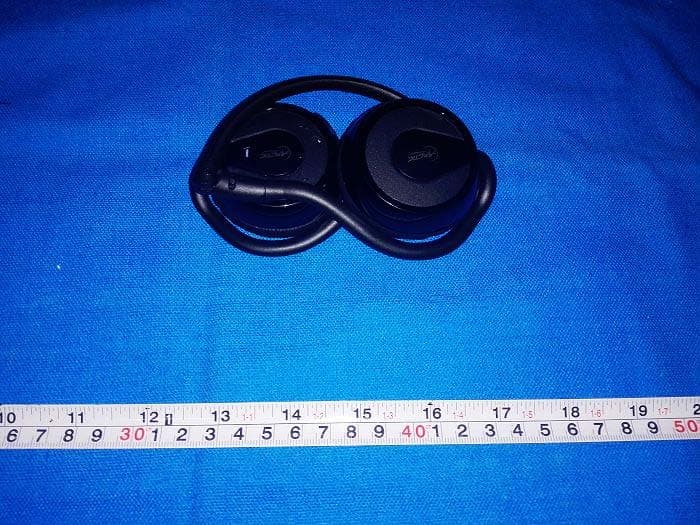
Z3AP324BT
Dec 06, 2014P324BT Bluetooth Headphones with Microphone
Equipment Class
DTS - Digital Transmission System
Z3AS111BT
May 09, 2014S111BT Bluetooth Speaker with embedded battery
Equipment Class
DSS - Part 15 Spread Spectrum Transmitter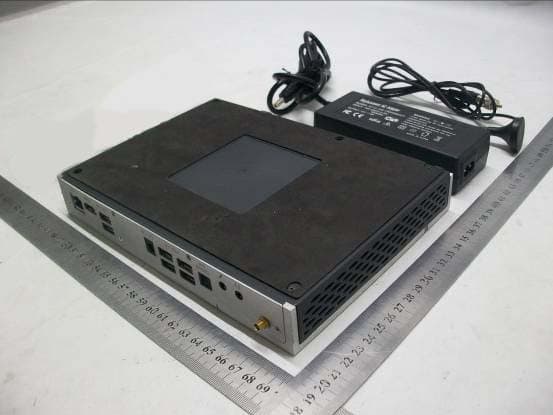
Z3AMC101
Aug 26, 2012Home Entertainment Center
Equipment Class
JBP - Part 15 Class B Computing Device Peripheral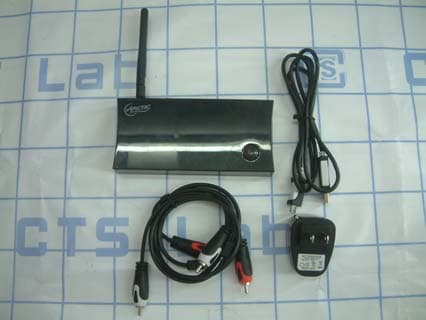
Z3AWA001
Oct 20, 2011Audio Relay
Equipment Class
JBP - Part 15 Class B Computing Device Peripheral