ZZN-ST100Smart bicycle trainer
4iiii Innovations Inc.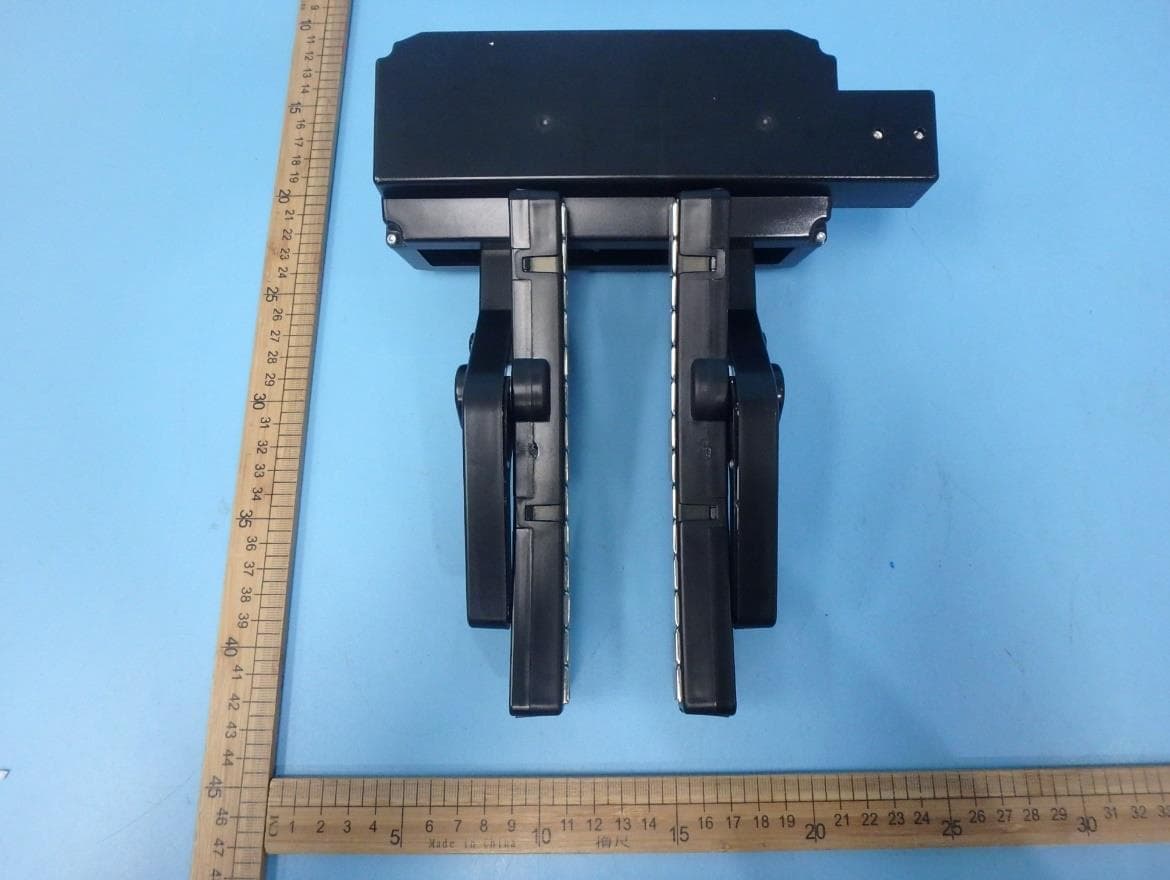
Click to zoom
Application Details
- Equipment Class
- DTS - Digital Transmission System
- Date of Grant
- Mar 09, 2020
- Application Purpose
- Original Equipment
- Date of Application
- Mar 09, 2020
- Equipment Note
- Smart bicycle trainer
- Frequency Range
- 2402.00000000 - 2480.00000000
- Company
- 4iiii Innovations Inc.
- Country
- Canada
Documents & Files
Document Text
Text extracted from the exhibit documents filed with the FCC. Open a document above to read the original.
Users Manual
Owner ’ s Manual TABLE OF CONTENTS Introduction 1.1 What’s in the box 1 1. 2 Trainer component diagram 2 Introduction to Smart Trainers 2 .1 Compatible devices 3 2.2 Compatible apps 4 2.3 Smart trainer modes 5 Getting Started 3 .1 Before installing the bike trainer 6 3.2 Installing the bike in the trainer: first time set-up 7 3.3 Activate the trainer 11 3.4 Calibration 12 3.5 Removing your bike 12 The 4iiii app 4 .1 Downloading the 4iiii app 13 4.2 Calibrating the trainer for a smaller wheel size 14 TABLE OF CONTENTS Other Apps 5 .1 Connecting other apps 15 Charging and Storing 6 .1 Charging 17 6.2 Viewing your battery level 18 6.3 Storage 19 6.4 Longterm storage 19 Troubleshooting 7.1 What is the status light indicating? 20 7. 2 Using the 4iiii app for troubleshooting 21 7. 3 Troubleshoot connection over ANT+ or Bluetooth® 22 7. 4 Alignment 24 Detailed Specifications 25 Safety Information 27 Warranty 29 Regulatory Compliance 31 Contact Information 32 1.1 What’s in the box? 1x Fliiiight Smart Trainer 1x Trainer skewer 3x Speed index 1x USB type C charging cable 1x Quick start guide 1 1 INTRODUCTION 1.2 Trainer component diagram Frame: 1. Frame 2. Legs 3. Adjustable foot 4. Knobs 5. Lock nuts 6. Threaded rods 7. Skewer cups Resistance Unit: 8. Electronics case 9. Caliper arms 10. Speed sensor 11. Anti-wear stickers 12 . Magnet array 13 . Status light 14 . Power switch 15 . Charging port 16 . Charging light 17. Mounting bolts 2 1 INTRODUCTION 1 3 2 4 6 7 5 17 8 9 10 11 12 13 14 15 16 2.1 Compatible devices In order to control your smart trainer, you’ll need a smart training app, running on a device such as a smartphone or laptop. You can run training apps on: • Smartphones • Tab l e t s • PCs • Macbook Computers • Laptops • Apple TVs Your device needs either Bluetooth Smart or A N T+ in order to communicate with the trainer. Smartphones, tablets and Macbook Computers have Bluetooth built in, whereas you’ll insert an ANT+ dongle in the USB port of a Windows PC or laptop to connect with it. Brand new to smart trainers? Get the complete orientation online at www.4iiii.com/support 3 2 INTRODUCTION TO SMART TRAINERS 2.2 Compatible apps Fliiiight has been tested to be compatible with: • TrainerRoad ( Mac, Windows, iOS, Android ) • Zwift ( Mac, Windows, iOS ) In order to be compatible, an app must be capable of sending smart trainer commands using one of two standard connection protocols: • ANT+ FE-C ( Fitness Equipment Controlled ) • Bluetooth Smart [BLE] FTMS ( Fitness Machine Service ) 4 2 INTRODUCTION TO SMART TRAINERS 2 INTRODUCTION TO SMART TRAINERS 2.3 Smart trainer modes There are three modes for smart trainer workouts. ERG ERG mode keeps you accountable to your interval workout, ensuring you hit your power targets by increasing resistance if you slow down, or easing up if you pedal faster. Always use your bike’s fastest gear (large front chainring). SIM SIM mode simulates an outdoor ride: tougher on the climbs than the downhills. Use your gears like you would outdoors. Resistance ( non-smart mode ) Fliiiight also has a non-smart mode, Resistance Mode. Use the 4iiii app to set the resistance level, then use your gears to adjust the difficulty. 5 2 INTRODUCTION TO SMART TRAINERS 3.1 Before installing the bike in the trainer 1. Check your wheel for compatibility, if you have not done so before purchasing. a. Run a strong magnet around the wheel rim. If the wheel is compatible, the magnet will not stick anywhere on the flat surface of the wheel rim. Ensure you check opposite the valve stem. Do not use the trainer with an incompatible wheel. Go to 4iiii.com/support for assistance. 2. Install the included trainer skewer in your bike’s rear wheel. a. In most cases, you do not need to remove your wheel to change the wheel skewer. Tip As long as it is properly installed, it is safe to leave your trainer skewer in your bike during outdoor rides. 6 2 INTRODUCTION TO SMART TRAINERS 3 GETTING STARTED 7 3.2 Installing the bike in the trainer: first time set-up 1. Install one speed index on a spoke. It does not matter which spoke. Slide the index towards the rim. DO NOT install the spare indexes. Doing so will will affect the functionality of the unit. 2. Open Fliiiight’s legs to full extension and place the trainer flat on the floor. 3. Rotate the magnet arrays so they are parallel with your wheel rim. 3 GETTING STARTED 1 8 3 GETTING STARTED 2 3 2 Front of Bike This Way 9 4. Turn the large plastic knobs counter clockwise to retract the threaded rods. Retract one completely and the other approximately ¾ of the way. It does not matter which one is open all the way. This will open up the skewer cups enough to place the bike, and make it easier to mount. 5. Back the rear wheel of the bike into the trainer frame. Aim the wheel between the magnet arrays. Tip If the magnet arrays are not far enough apart for easy installation, gently pull them open by hand while the trainer is off. Pull both sides simultaneously. 3 GETTING STARTED 5 44 10 6. Lift the tip of the trainer skewer into the closest skewer cup. The bike should be approximately centered. 7. Keeping the bike upright, tighten the other knob until both skewer cups firmly secure the trainer skewer. 8. Tighten the lock nuts against the frame. Final set-up 3 GETTING STARTED 67 88 3.3 Activating the trainer 1. Turn the power switch to “ON” ( #1 in the diagram ). The status light ( #2 in the diagram ) will be solid blue until paired with your app. 2. The magnet arrays will close on your wheel in order to center themselves. Keep the wheel still until they release. 3. Pedal to start your ride. Tips • The trainer will default to 36% resistance, until it receives a command from the app. • Don’t forget to turn the trainer off when not in use. 11 3 GETTING STARTED 2 1 3.4 Calibration Fliiiight is calibrated for a standard 700c road wheel or 29” MTB wheel. Use the 4iiii app to update the wheel rim circumference if you have a different wheel size ( Section 5.1 ). Y…
Text truncated - open the document above for the full version.
External Photos
Appendix Model: ST100
ID Label/Location Info
Label Label Location
Internal Photos
Appendix Model: ST100
RF Exposure Info
Report Number: 60.790.19.041.01R01 TÜV SÜD Certification and Testing (China) Co., Ltd. Shenzhen Branch Building 12&13, Zhiheng W isdomland Business Park, Nantou Checkpoint Road 2, Nanshan District, 518052 Shenzhen, CHINA Page37of37 Radiofrequency radiation exposure evaluation This exposure evaluation is intended forFCC ID: ZZN-ST100 According to KDB 447498 D01v06 section 4.3.1, For frequencies between 100 MHz to 6GHz and test separation distances ≤ 50 mm, the Numeric threshold is determined as: Step a) [(max. power of channel, including tune-up tolerance, mW) / (min. test separation distance, mm)] · [√f(GHz)] ≤ 3.0 for 1-g SAR >> The fundamental frequency of the EUT is 2402-2480MHz, the test separation distance is ≤ 50mm. (Manufacturer specified the separation distance is: 5mm) Step a) >> Numeric threshold (2402MHz), mW / 5mm * √2.402GHz ≤ 3.0 Numeric threshold (2402MHz) ≤ 9.678mW >> Numeric threshold (2440MHz), mW / 5mm * √2.440GHz ≤ 3.0 Numeric threshold (2440MHz) ≤ 9.602mW >> Numeric threshold (2480MHz), mW / 5mm * √2.480GHz ≤ 3.0 Numeric threshold (2480MHz) ≤ 9.525mW >> The power of EUT measured (2402MHz) is: -1.14dBm = 0.769mW The power of EUT measured (2440MHz) is: -1.18dBm = 0.762mW The power of EUT measured (2480MHz) is: -0.85dBm = 0.822mW Which is smaller than the Numeric threshold. Therefore, the device is exempt from stand-alone SAR test requirements. 9AppendixA-General Product Information
Test Report
Report Number: 60.790.19.041.01R01 TÜV SÜD Certification and Testing (China) Co., Ltd. Shenzhen Branch Building 12&13, Zhiheng Wisdomland Business Park, Nantou Checkpoint Road 2, Nanshan District, 518052 Shenzhen, CHINA Page 1 of 37 FCC - TEST REPORT Report Number:60.790.19.041.01R01Date of Issue:January 31, 2020 Model:ST100 Product Type:Smart bicycle trainer Applicant:4iiii Innovations Inc. Address:141 2nd Ave E, Cochrane AB, Canada Production Facility: Quasar Innotech Address: 3F, NO 10 JINGKE; 8TH ROAD, TAICHUNG CITY, NANTUN DIST. 40852 TAIWAN Test Result:PositiveNegative Total pages including Appendices : 37 TÜV SÜD Certification and Testing (China) Co., Ltd. Shenzhen Branch is a subcontractor to TÜV SÜD Product Service GmbH according to the principles outlined in ISO 17025. TÜV SÜD Certification and Testing (China) Co., Ltd. Shenzhen Branch reports apply only to the specific samples tested under stated test conditions. Construction of the actual test samples has been documented. It is the manufacturer's responsibility to assure that additional production units of this model are manufactured with identical electrical and mechanical components. The manufacturer/importer is responsible to the Competent Authorities in Europe for any modifications made to the production units which result in non-compliance to the relevant regulations. TÜV SÜD Certification and Testing (China) Co., Ltd. Shenzhen Branch shall have no liability for any deductions, inferences or generalizations drawn by the client or others from TÜV SÜD Certification and Testing (China) Co., Ltd. Shenzhen Branch issued reports. This report is the confidential property of the client. As a mutual protection to our clients, the public and ourselves, extracts from the test report shall not be reproduced except in full without our written approval Report Number: 60.790.19.041.01R01 TÜV SÜD Certification and Testing (China) Co., Ltd. Shenzhen Branch Building 12&13, Zhiheng Wisdomland Business Park, Nantou Checkpoint Road 2, Nanshan District, 518052 Shenzhen, CHINA Page 2 of 37 1 Table of Contents 1 Table of Contents.............................................................................................................2 2 Description of Equipment Under Test...............................................................................3 3 Summary of Test Standards.............................................................................................4 4 Details about the Test Laboratory....................................................................................5 4.1 Test Equipment Site List.....................................................................................................6 4.2 Measurement System Uncertainty......................................................................................7 5 Summary of Test Results.................................................................................................8 6 General Remarks.............................................................................................................9 7 Test Setups....................................................................................................................10 7.1 Radiated test setups 9kHz-30MHz....................................................................................10 7.2 Radiated test setups Below 1GHz....................................................................................10 7.3 Radiated test setups Above 1GHz....................................................................................10 7.4 AC Power Line Conducted Emission................................................................................11 7.5 Conducted RF test............................................................................................................11 8 Emission Test Results....................................................................................................12 8.1 Spurious Radiated Emission.............................................................................................12 8.2 Conducted Emission at AC Power line.............................................................................16 8.3 6dB & 99% Bandwidth......................................................................................................18 8.4 Peak Output Power...........................................................................................................21 8.5 Spurious Emissions at Antenna Terminals.......................................................................24 8.6 100kHz Bandwidth of band edges....................................................................................30 8.7 Power Spectral Density.....................................................................................................33 8.8 Antenna Requirement.......................................................................................................36 9 Appendix A - General Product Information.....................................................................37 Report Number: 60.790.19.041.01R01 TÜV SÜD Certification and Testing (China) Co., Ltd. Shenzhen Branch Building 12&13, Zhiheng Wisdomland Business Park, Nantou Checkpoint Road 2, Nanshan District, 518052 Shenzhen, CHINA Page 3 of 37 2 Description of Equipment Under Test Description of the Equipment Under Test Product: Smart bicycle trainer Model no.: ST100 FCC ID: ZZN-ST100 Rating:3.7V DC(Internal rechargeable bettery) 5 VDC (USB Type C input) Frequency: 2402MHz-2480MHz (Tx and Rx) Antenna gain: 0 dBi Number of operated channel: 40 Modulation: GFSK Auxiliary Equipment and Software Used during Test: DESCRIPTIONMANUFACTURERMODEL NO.REMARK Android Smart Phone Huawei--- OTA Control Auxiliary Software Used during Test: DESCRIPTIONSOFTWARE NAMEVERSIONREMARK RF Test Mode Software fouriiii-podcwtest.apk (Android APK) ---Provided by applicant Report Number: 60.790.19.041.01R01 TÜV SÜD Certification and Testing (China)…
Text truncated - open the document above for the full version.
Test Setup Photos
Appendix Radiated Emission Below 1GHz Radiated Emission Above 1GHz Conducted Emission
Contact Information
Applicant
Michael Mercer(Director of Engineering)
Test Firm
TUV SUD Cert & Testing (China) Co., Ltd.Harry Zhou
[email protected]86 755 3332 3281
Technical Specifications
| # | Rule Parts | Frequency Range | Power Output |
|---|---|---|---|
| 1 | 15C | 2.40 GHz - 2.48 GHz | 800.00 µW |
Other Applications from 4iiii Innovations Inc.
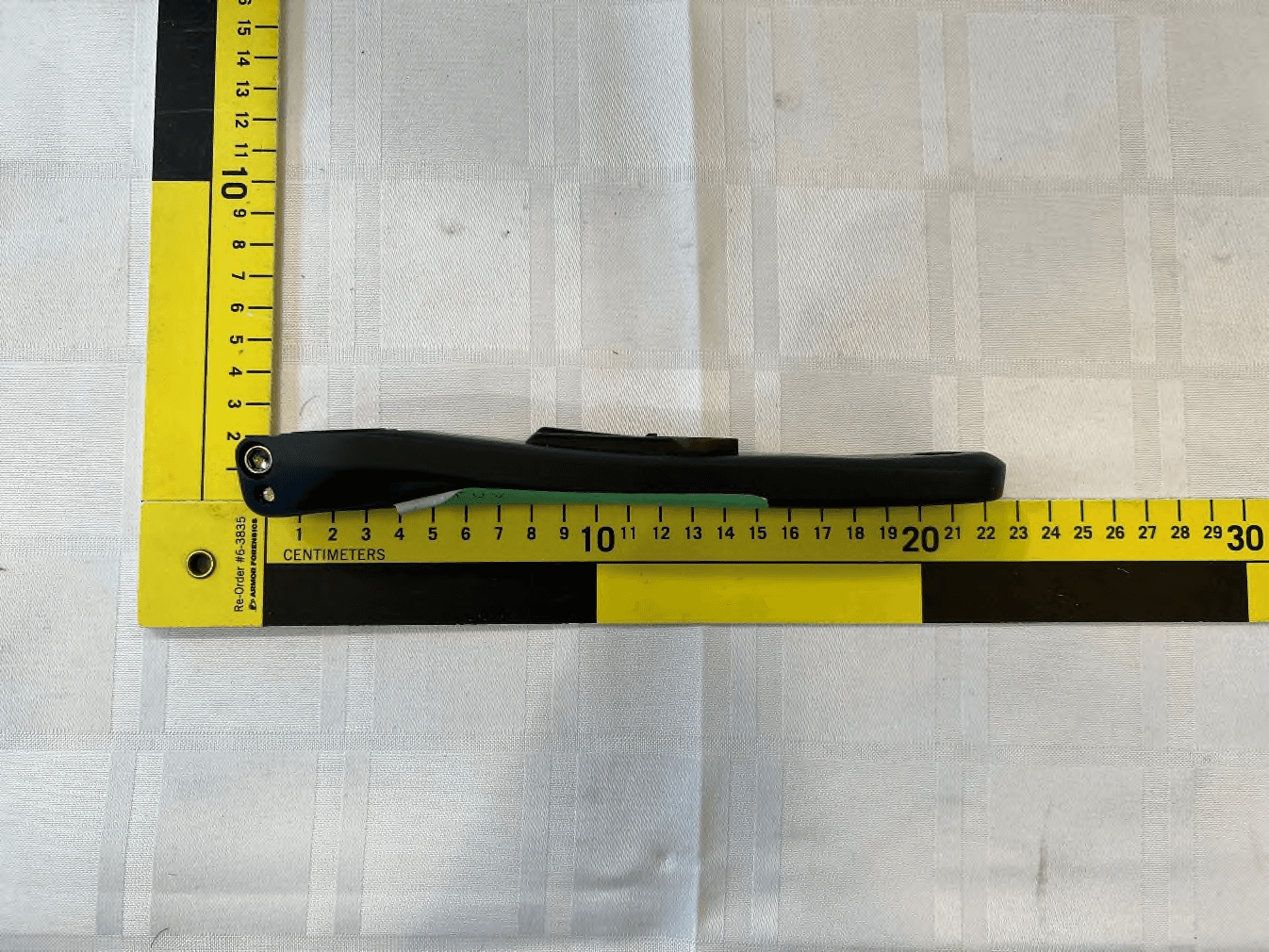
ZZNPM301
Jun 05, 2023Power meter with BLE and ANT+ for bicycle
Equipment Class
DTS - Digital Transmission System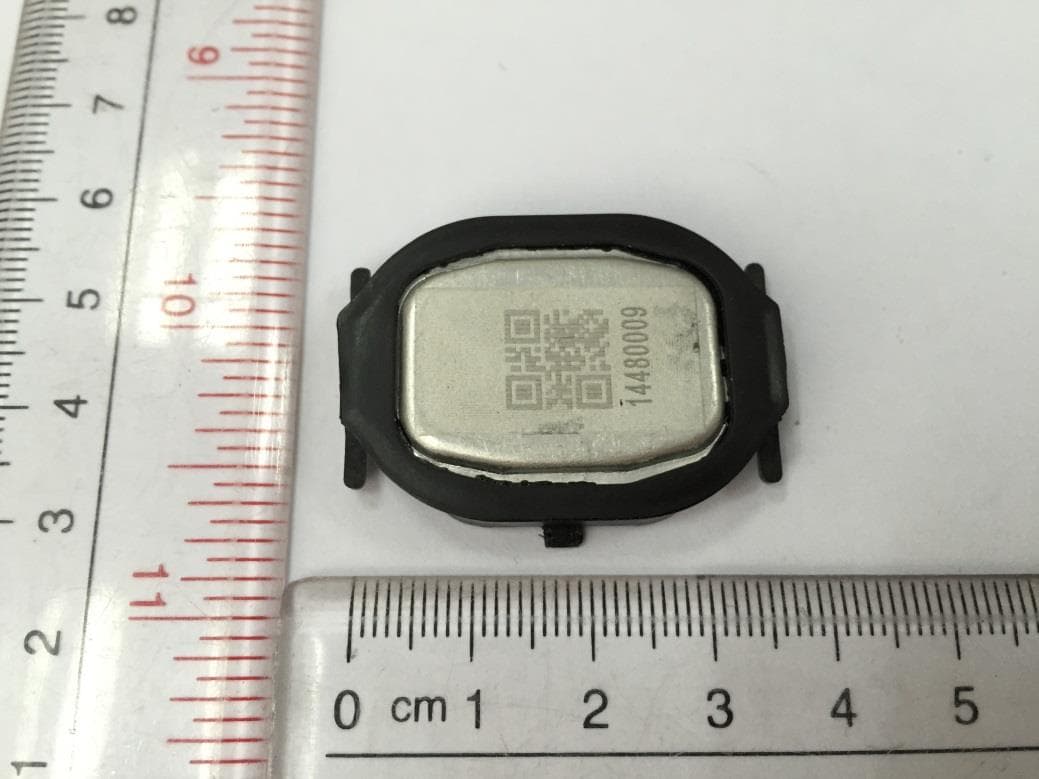
ZZNPM100
May 08, 2015Precision
Equipment Class
DXX - Part 15 Low Power Communication Device Transmitter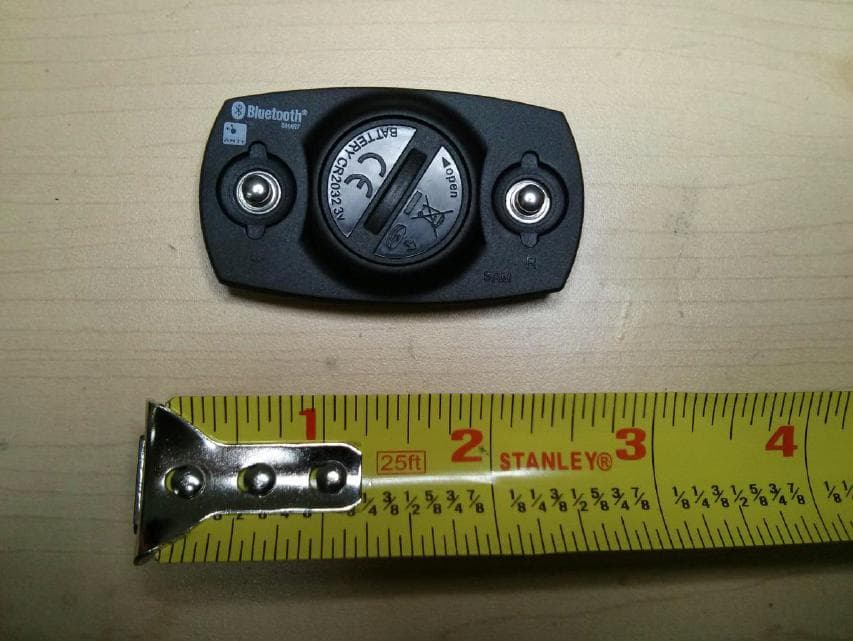
ZZNV100
Feb 10, 2013ZZNV100 ATHLETIC HEART RATE MONITOR ANT AND BTLE
Equipment Class
DXX - Part 15 Low Power Communication Device Transmitter
ZZNSP200
Dec 23, 2012ATHLETIC PARAMETER LED DISPLAY
Equipment Class
DXX - Part 15 Low Power Communication Device Transmitter
ZZNSP100
Nov 06, 2011ATHLETIC PARAMETER LED DISPLAY
Equipment Class
DXX - Part 15 Low Power Communication Device Transmitter