ZZNSP200ATHLETIC PARAMETER LED DISPLAY
4iiii Innovations Inc.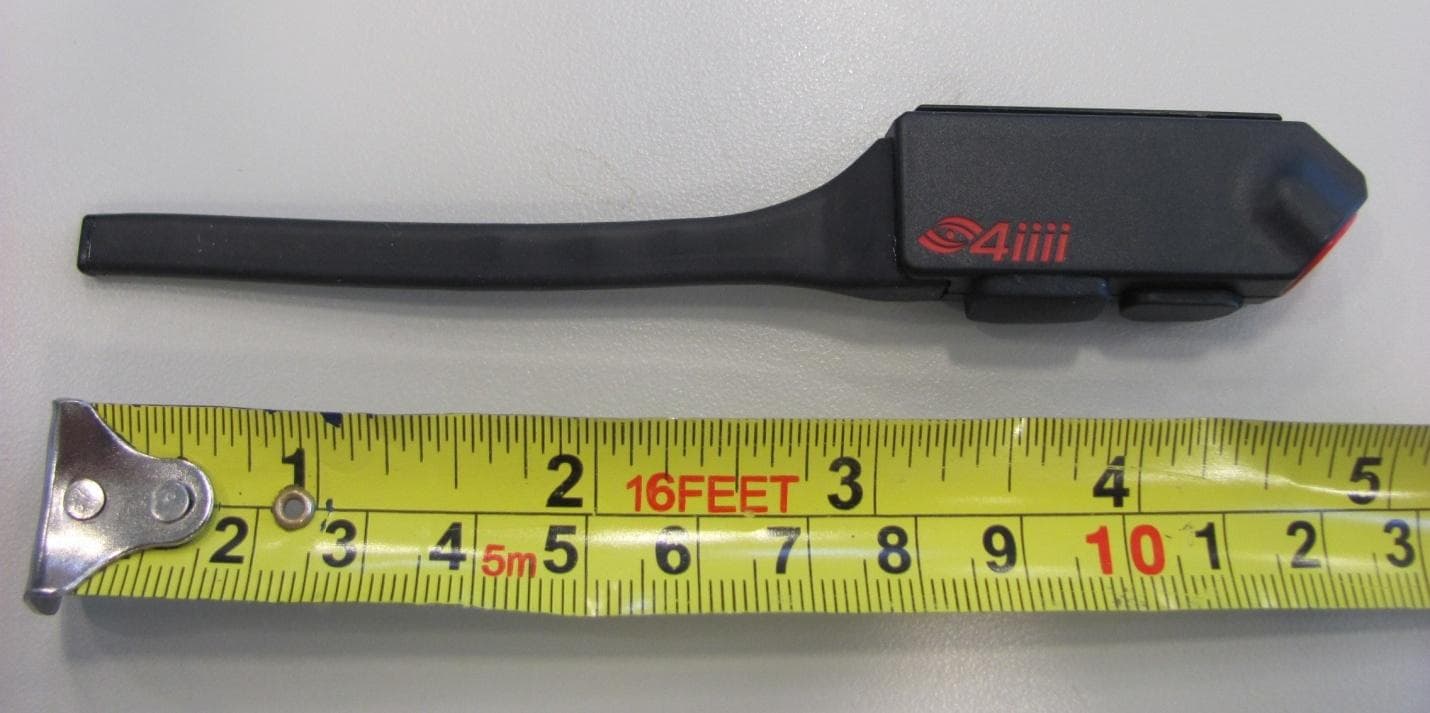
Click to zoom
Application Details
- Equipment Class
- DXX - Part 15 Low Power Communication Device Transmitter
- Date of Grant
- Dec 23, 2012
- Application Purpose
- Original Equipment
- Date of Application
- Dec 23, 2012
- Equipment Note
- ATHLETIC PARAMETER LED DISPLAY
- Frequency Range
- 2403.00000000 - 2480.00000000
- Company
- 4iiii Innovations Inc.
- Country
- Canada
Documents & Files
Document Text
Text extracted from the exhibit documents filed with the FCC. Open a document above to read the original.
Users Manual
Sportiiiis User Manual Version 1.03 (11-08-2012) Page 1 Table of Contents 1. Welcome to Sportiiiis 2. What’s in the Box 3. Getting to know Sportiiiis 4. Charging Sportiiiis 5. Personalize with the Sportiiiis Configuration Utility 6. Attach Sportiiiis to your Glasses 7. Pairing Sensors with Sportiiiis 8. Caring for Sportiiiis 9. Warranty and Support Sportiiiis User Manual Version 1.03 (11-08-2012) Page 2 Welcome to Sportiiiis! Thank you for purchasing Sportiiiis. Sportiiiis is a heads-up display that guides you to your target range (zone) during running, cycling, and many other sports - while allowing you to keep your eyes on the road and maintain form. It can pair with, and receive data from any ANT+ TM enabled heart rate strap, foot pod, power or speed/cadence sensor. When properly mounted to your glasses, the boom of the Sportiiiis unit will be in your peripheral vision, so that its LEDs can tell you whether you are below, above, or in your zone by their color and position. Through the Sportiiiis software for Windows or Mac, you can set up Sportiiiis and configure the zones for your individual needs. What’s in the Box? Heart Rate Strap (Included with model SP100HR) USB-USB micro Charge/sync cable (10) mini tie-wraps (2) mounting brackets Sportiiiis Unit 1 2 Sportiiiis User Manual Version 1.03 (11-08-2012) Page 3 Getting to Know Sportiiiis Multi-Function Button - The multi-function button is used to turn Sportiiiis on and off, as well as control a variety of other functions. It is activated by holding down the button until your unit announces the desired function. The table below describes the available button functions when Sportiiiis is powered off. Multi-Function Button Actions Press & Hold Button Continue Holding Button Release Button “Power” Proceed to Mode “Mode” Proceed to Pairing Changes Mode “Pairing” Proceed to Volume Pairs with available sensors “Volume” * (1 through 4) Move to next volume level Changes volume * To adjust volume, hold the button until Sportiiii announces “Volume” and then keep holding as the volume loops through 4 volume levels; release the button when the desired volume is attained TipTap - Sportiiiis contains an accelerometer, which allows it to respond to taps on the side of the unit. For best results, hold the unit with your middle finger and tap sharply with your index finger. You can adjust the sensitivity of TipTap in the Sportiiiis Configuration Utility. (See page 11 for more information) 1 Tap Audio Feedback of currently displayed sensor 2 Taps Switch to next paired sensor 3 Sportiiiis User Manual Version 1.03 (11-08-2012) Page 4 Charging Sportiiiis To charge Sportiiiis, uncover the micro-USB port on the bottom of the unit and plug in the included USB 2.0 Charge/Sync Cable. Plug the other end of the cable into one of your computer’s USB ports or a USB power adapter. While the unit is connected to a power source, the LEDs will indicate the level of charge. The LEDs will blink Red when the charge level is low then begin to “stream” to yellow as the charge level increases; when two LEDs are solid and green the unit is fully charged. Sportiiiis takes about 75 minutes to charge from a fully discharged state. While using Sportiiiis, several factors will affect its battery life. These include LED brightness, LED blink rate, and the volume and frequency of audio announcements. (To configure these parameters go to page 8) Sportiiiis battery life is approximately 8-9 hours under normal use. 4 Sportiiiis User Manual Version 1.03 (11-08-2012) Page 5 Personalize Sportiiiis with the Configuration Utility Download and Install Software Open a browser and go to: www.4iiii.com/support.html. Click on the “Downloads” tab and select the Application Installer for your operating system (Windows or Mac) Windows: As the installer downloads it will ask if you want to ”Run” or “Save” the file. Select “Run”. Follow the on screen prompts and when complete you’ll see a Sportiiiis icon on your desktop. Mac: Depending on your version of Mac OS X, the installation may launch after download, or you may have to launch it manually from your downloads folder. Once launched, follow the on screen prompts to complete the installation. The Sportiiiis application will be in your Applications folder. (You can drag the Sportiiiis application icon to your dock for easy access) Launch the Sportiiiis Software Application Connect Sportiiiis to your computer before launching the software Windows: click the icon on the desktop Mac: launch the program from the applications folder (or system dock if you have copied a shortcut there). Note: If a newer version of firmware is available for your Sportiiiis unit the “update Firmware” dialog box will appear. Click “Flash new firmware” to continue. Caution: do not disconnect Sportiiiis until the update is complete Software/Firmware Auto Updates By default, the Sportiiiis Configuration Utility will automatically check for software and firmware updates when the program launches. If an update is available it will be you will be notified when it is ready to download and install. 5 Sportiiiis User Manual Version 1.03 (11-08-2012) Page 6 The Sportiiiis Software Interface 1) Main Navigation Tabs – The software is divided into three sections Profile – personal data Zones – configuration of the LEDs Setup – hardware setup such as volume, brightness, etc. 2) Upload Status Button - whenever you make a change in the Sportiiiis Software Application, the Upload Status Button will indicate that it is “Ready to upload.” Click this button to save the changes to Sportiiiis. When the upload is complete, the Upload Status Button will indicate “OK to disconnect.” 3) Battery Status Indicator – indicates the approximate charge level of the battery in Sportiiiis. Sportiiiis User Manual Version 1.03 (11-08-2012) Page 7 The Profile Tab Enter your name, a “nickname” for your Sportiiiis unit, your email address, height, weight, year of birth, and gender in the Profile scr…
Text truncated - open the document above for the full version.
Cover Letter(s)
4iiii Innovations Inc 228 River Ave. Cochrane, Alberta Canada T4C 2C1 Fax 403.800.3097 Fax 403.800.3097 www.4iii.com Nov 22, 2012 Federal Communications Commission Authorization and Evaluation Division Confidentiality Request regarding application for certification of FCC ID: ZZNSP200 Pursuant to Sections 0.457 and 0.459 of the Commission’s Rules, we hereby request confidential treatment of information accompanying this application as outlined below: Exhibit Type File Name Schematics ZZNSP200 Schem.pdf Parts List ZZNSP200 PartsLst.pdf Block diagrams ZZNSP200 BlockDia.Pdf The above materials contain trade secrets and proprietary information not customarily released to the public. The public disclosure of these materials may be harmful to the applicant and provide unjustified benefits to its competitors. The applicant understands that pursuant to Section 0.457 of the Rules, disclosure of this application and all accompanying documentation will not be made before the date of the Grant for this application. Sincerely, ________________________________________ Kip Fyfe, CEO, 4iiii Innovations Inc.
Operational Description
ZZNSP200 Operation Description FCC ID: ZZNSP200 IC ID: 9896A-SP200 Model #: SP200 Background SPORTiiiis is a zone-based head’s up display system for triathletes. It employs an array of bicolour or tricolour LEDs in the proximity of the eye to display zones. The system also has a speaker to annunciate metrics and other functions. The user has three methods of providing input to the device. Tapping either side of the main module, touching the button, and communicating via the 4iiii software program. The system shall support any foot-pod, heart-rate monitor, bike speed/cadence sensor, bike power sensor and any other ANT+ sensor. The system will be used on the body in indoor and outdoor environments. It will also be subjected to sweat. Environmental Operating temperature: -10C to + 50C Storage temperature: -20C to + 70C Electrical Operating Battery life: 8h minimum. 12h-16h desired. Standby battery life: 1 month minimum. 3 months desired at full battery. Shipping mode battery life: 1 year Micro-B USB connector. Charging: 5V wall adapter or USB port @78.5mA. (4.85V-5.25V) Approximately 1.5h charge time. There will be no charging adapter provided. The user shall use their desktop or laptop computer, or their own 5V USB wall wart/adapter. RF communi cation 2457MHz (ANT+), with support for full 2.4GHz ISM Band (2403MHz-2481MHz) for ANT FS and other functions as this communication shall use dynamic frequency selection when the particular channel is too crowded. 10m expected RF range. SPORTiiiis transmit communication has a primary channel at 2450MHz (like ANT FS) and employs dynamic frequency selection if the current channel used is crowded. It will switch to any of the following frequencies: 2450, 2403, 2407, 2415, 2420, 2425, 2429, 2434, 2440, 2445, 2449, 2454, 2460, 2465, 2470, 2475, 2480. Gaussian Frequency Shift Keying (GFSK) modulation, 140usec transmission window, 144byte transmission packet, 300usec receive channel open window. Single antenna configuration for Receive and Transmit. Wire antenna. The unit can support up to 8 independent communication channels open at a time. This is defined as having several sensors/devices communicating with the SPORTiiiis module at different time periods on the same channel. Only one sensor/device can be communicated (Rx or Tx) at a time. LED: The LED package shall be bicolour (RG) or tricolour (RGB) with preference to 4 pads (common cathode). The lens shall be diffused type. The brightness depends on the overmould material opacity and thickness. Overall, the LEDs must be visible when looking at the sun through sunglasses. The LEDs must also be visible in sunlight on regular glasses as well. The current estimation for minimum luminous intensity is 30mcd green and 60mcd for red and blue. Accelerometer function: The accelerometer shall be able to detect single taps, double taps and triple taps from the left or right faces of the module. The accelerometer may not require calibration, but requires verification after ultrasonic welding. Optical sensor function: The optical sensor shall have enough dynamic range to detect variations in ambient light. For example when going in and out of tree-shade. The system takes this feedback and adjusts the LED brightness accordingly. Flash memory: The flash memory will mostly be used to hold voice clips. A 16Mb Flash memory chip will be employed and shall allow for more than 24h of datalogging capability. Speaker: 10mm speaker with SPL greater than 90dB across the vocal range (50Hz-5kHz). Speaker max thickness 5mm, and have lead wires exiting the back of the speaker body. Colours: The product colours shall be non-metallic, RoHS compliant process black and Red Pantone 485C for logo and other markings. For small text, process white may be used. The boom shall be semi-transparent, tinted black. The opacity of the boom shall be enough to hide the internal components but not to compromise the LED brightness. Highlights on the device shall be in Red Pantone 485C, which includes: the speaker ring and button cover. All other parts shall be process black. Main module constru ction One module half houses the battery. The other module half houses the PCB. All dimensions minimized as much as possible. Note: the PCB must be fixed to the mechanics. The two module halves shall be ultrasonically welded together. A glue shall be used to complete the seal around the weld-line, speaker, USB cover and boom base. Sunglass attach ment The attachment shall use standard 0.1” tie-wraps to clasp onto frame arms, shall not scratch or mark sunglasses, and be solid and not have any play/movement. Packaging The contents stored within the packaging shall include: main unit, HRM soft strap, USB cable (0.5m), manual, tie-wraps (x10), attachment part(s), and potentially a foot pod or bike speed/cadence sensor.
Test Report
LAB REGISTRATION #6844A-2 FCC REGISTRATION #612361 Testing Laboratory Certificate #2555.01 Page 1 of 38 Report issue date: 11/28/2012 GEMC File #:GEMC-FCC-21129R1 © Global EMC Inc. This test report shall not be reproduced except in full, without written approval of Global EMC Inc. This report is based on GEMC Template “FCC 15 247 Rev2.” Global EMC Inc. Labs EMC & RF Test Report As per RSS 210 Issue 8:2010 & FCC Part 15 Subpart C:2011 Unlicensed Intentional Radiators on the 4iiii Innovations Sport-iiiis SP200 Raymond Lee Au Project Engineer Global EMC Inc. 180 Brodie Drive, Unit 2 Richmond Hill, ON, L4B 3K8 Canada Ph: (905) 883-8189 Ph: (905) 883-3919 Testing produced for See Appendix A for full customer & EUT details. Client 4iiii Innovations Inc. Product SP200 Standard(s) RSS 210 Issue 8:2010 / FCC Part 15 Subpart C 15:2011 Page 2 of 38 Report issue date: 11/28/2012 GEMC File #: GEMC-FCC-21129R1 © Global EMC Inc. This test report shall not be reproduced except in full, without written approval of Global EMC Inc. Table of Contents Table of Contents ................................................................................................................... 2 Report Scope .......................................................................................................................... 3 Summary ................................................................................................................................ 4 Test Results Summary ....................................................................................................... 5 Justifications, Descriptions, or Deviations......................................................................... 6 Applicable Standards, Specifications and Methods ........................................................... 7 Sample calculation(s) ......................................................................................................... 8 Document Revision Status ................................................................................................. 8 Definitions and Acronyms ..................................................................................................... 9 Testing Facility .................................................................................................................... 10 Calibrations and Accreditations ....................................................................................... 10 Testing Environmental Conditions and Dates ................................................................. 11 Detailed Test Results Section .............................................................................................. 12 Radiated Emissions .......................................................................................................... 13 Appendix A – EUT Summary .............................................................................................. 32 Appendix B – EUT and Test Setup Photographs................................................................. 33 Client 4iiii Innovations Inc. Product SP200 Standard(s) RSS 210 Issue 8:2010 / FCC Part 15 Subpart C 15:2011 Page 3 of 38 Report issue date: 11/28/2012 GEMC File #: GEMC-FCC-21129R1 © Global EMC Inc. This test report shall not be reproduced except in full, without written approval of Global EMC Inc. Report Scope This report addresses the EMC verification testing and test results of the 4iiii Innovations Sport iiiis SP200, herein referred to as EUT (Equipment Under Test) performed at Global EMC Labs. The EUT was tested for compliance against the following standards: RSS 210 Issue 8:2010 / FCC Part 15 Subpart C 15:2011 Test procedures, results, justifications, and engineering considerations, if any, follow later in this report. The results contained in this report relate only to the item(s) tested. This report does not imply product endorsement by A2LA or any other accreditation agency, any government, or Global EMC Inc. Opinions/interpretations expressed in this report, if any, are outside the scope of Global EMC Inc accreditation. Any opinions expressed do not necessarily reflect the opinions of Global EMC Inc, unless otherwise stated. Client 4iiii Innovations Inc. Product SP200 Standard(s) RSS 210 Issue 8:2010 / FCC Part 15 Subpart C 15:2011 Page 4 of 38 Report issue date: 11/28/2012 GEMC File #: GEMC-FCC-21129R1 © Global EMC Inc. This test report shall not be reproduced except in full, without written approval of Global EMC Inc. Summary The results contained in this report relate only to the item(s) tested. EUT FCC Certification #, FCC ID: ZZNSP200 EUT Industry Canada Certification #, IC: 9896A-SP200 EUT Passed all tests performed. Yes (see test results summary) Tests conducted by Raymond Lee Au Client 4iiii Innovations Inc. Product SP200 Standard(s) RSS 210 Issue 8:2010 / FCC Part 15 Subpart C 15:2011 Page 5 of 38 Report issue date: 11/28/2012 GEMC File #: GEMC-FCC-21129R1 © Global EMC Inc. This test report shall not be reproduced except in full, without written approval of Global EMC Inc. Test Results Summary Standard/Method Description Class/Limit Result FCC 15.203 Antenna Requirement Unique Pass See Justification FCC 15.205 RSS 210 (Table 1) Restricted Bands for intentional operation QuasiPeak Average Pass FCC 15.207 RSS 210 Power Line Conducted Emissions QuasiPeak Average Pass See Justifications FCC 15.209 RSS-210 (Table 2) Spurious Radiated emissions QuasiPeak Average Pass FCC 15.249(a) RSS-210 A2.9(a) Fundamental/Harmonic limits Peak Average Pass Overall Result PASS Client 4iiii Innovations Inc. Product SP200 Standard(s) RSS 210 Issue 8:2010 / FCC Part 15 Subpart C 15:2011 Page 6 of 38 Report issue date: 11/28/2012 GEMC File #: GEMC-FCC-21129R1 © Global EMC Inc. This test report shall not be reproduced except in full, without written approval of Global EMC Inc. All tests were performed by Raymond Lee Au. If the product as tested or otherwise complies with the specification,…
Text truncated - open the document above for the full version.
Test Setup Photos
Radiated Emissions Photo 1 Radiated Emissions Photo 2 Radiated Emissions Photo 3
Contact Information
Applicant
Michael Mercer(Director of Engineering)
Test Firm
TUV SUD CANADA (Gormley)William (Mac) Elliott
[email protected]813-284-2736
Technical Specifications
| # | Rule Parts | Frequency Range | Power Output |
|---|---|---|---|
| 1 | 15C | 2.40 GHz - 2.48 GHz | - |
Other Applications from 4iiii Innovations Inc.
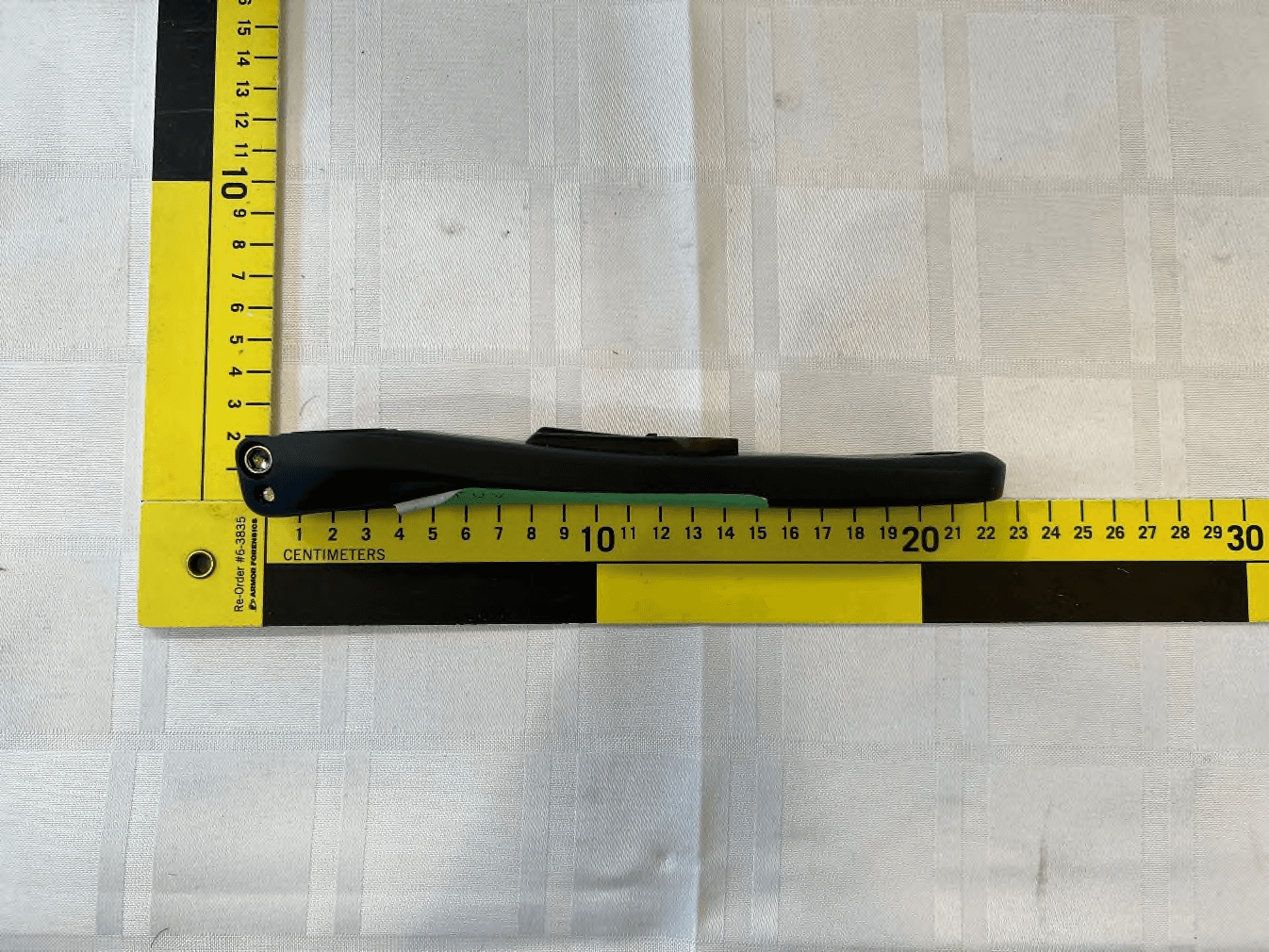
ZZNPM301
Jun 05, 2023Power meter with BLE and ANT+ for bicycle
Equipment Class
DTS - Digital Transmission System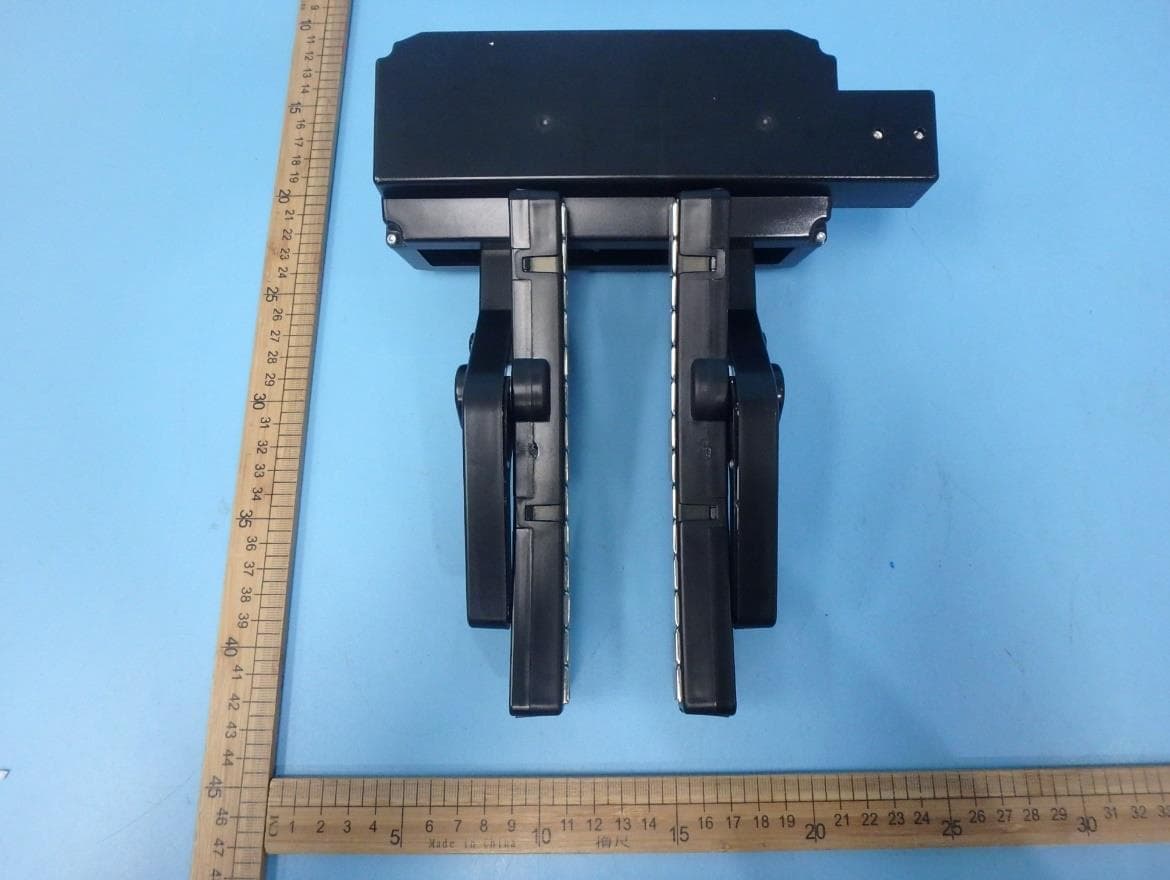
ZZN-ST100
Mar 09, 2020Smart bicycle trainer
Equipment Class
DTS - Digital Transmission System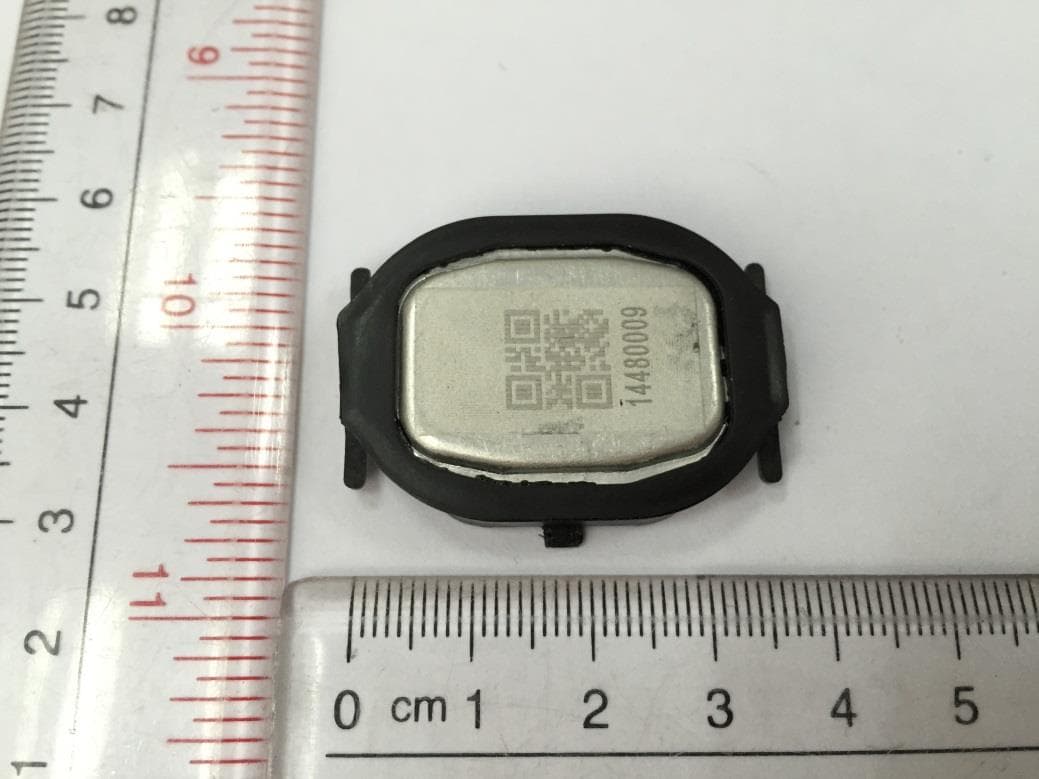
ZZNPM100
May 08, 2015Precision
Equipment Class
DXX - Part 15 Low Power Communication Device Transmitter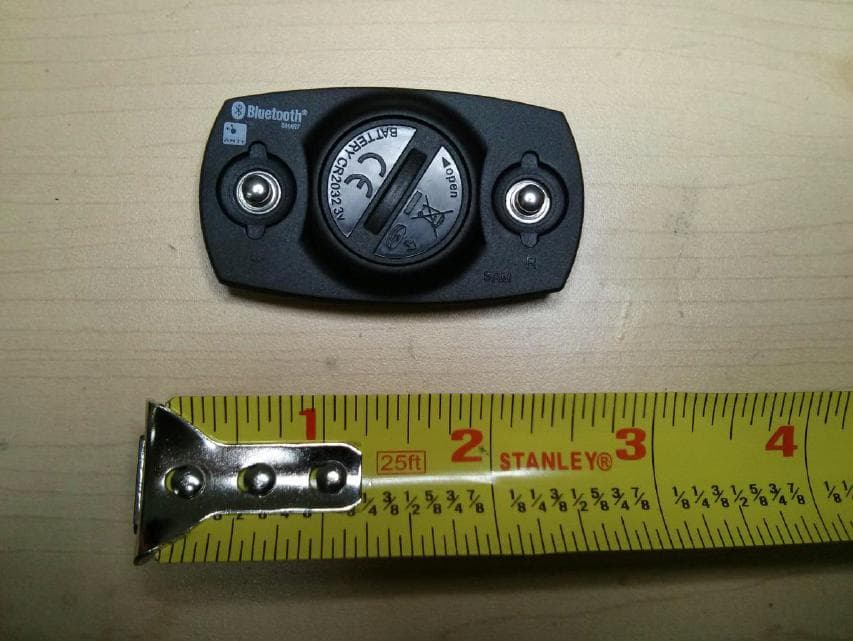
ZZNV100
Feb 10, 2013ZZNV100 ATHLETIC HEART RATE MONITOR ANT AND BTLE
Equipment Class
DXX - Part 15 Low Power Communication Device Transmitter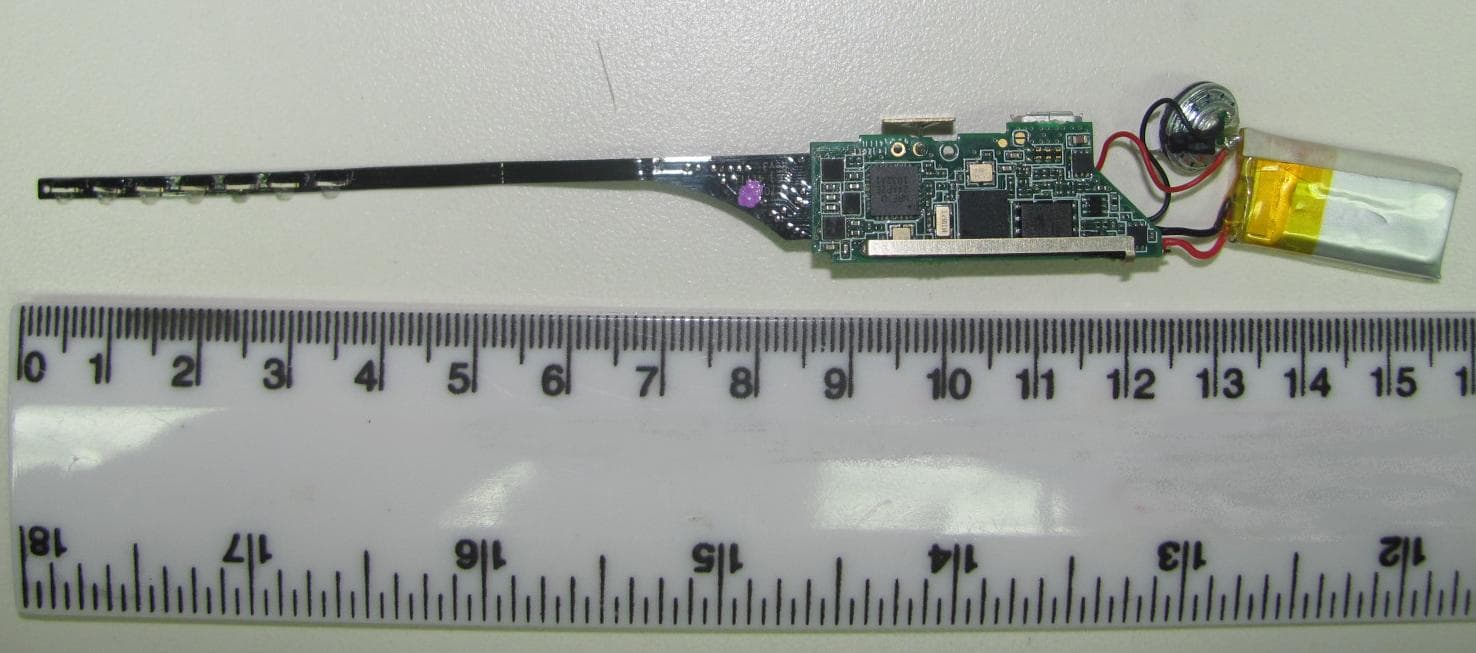
ZZNSP100
Nov 06, 2011ATHLETIC PARAMETER LED DISPLAY
Equipment Class
DXX - Part 15 Low Power Communication Device Transmitter